
IMAGEByteDance · from 18 credits / image
ByteDance's multi-reference image model
Seedream 4.5 — AI Image Generator
Up to 10 references. 2K or 4K. Text-to-image and edits.
Write a prompt, or give Seedream 4.5 up to 10 images and tell it how to combine them. It is the Seedream to pick when one reference is not enough, and its 4K tier costs only 3 credits more than 2K.

- 1K–4K
Combine what you already have
Ten references, one image
Add a product shot, a face, a room and a color swatch, then say what each one is for. Seedream 4.5 takes up to 10 reference images in one edit, so a brief that needs a specific product in a specific place with a specific look can be one generation instead of a chain of edits.
Edit in plain language
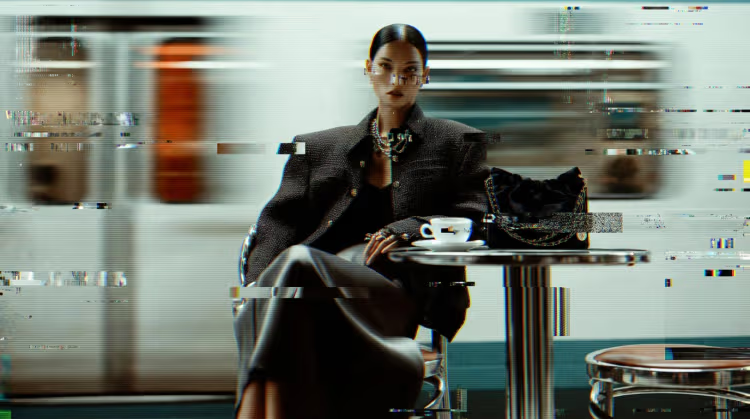
Upload an image and describe the change: swap the background, restyle the outfit, relight the scene, change one object. Say what must stay the same and Seedream keeps it. This is image to image without masks or layers.
4K for 3 more credits
A 2K image costs 32 credits and a 4K image costs 35. That small step makes Seedream 4.5 a good default when you need print size, a large crop or a hero banner, where many models double their price for 4K.
Seedream 4.5
Up to 10 references. 2K or 4K. Text-to-image and edits.
Made for layered briefs
Product in context. Drop in the packshot and a location photo. Ask for the product on the shelf, in the hand or on the table, lit to match the room.
Campaign keyframes. Hold one model, one outfit and one palette across a set by reusing the same references and seed, then change only the setting.

Ads with copy. Short headlines and labels render well enough for drafts and social posts. Quote the exact words and say where they go.
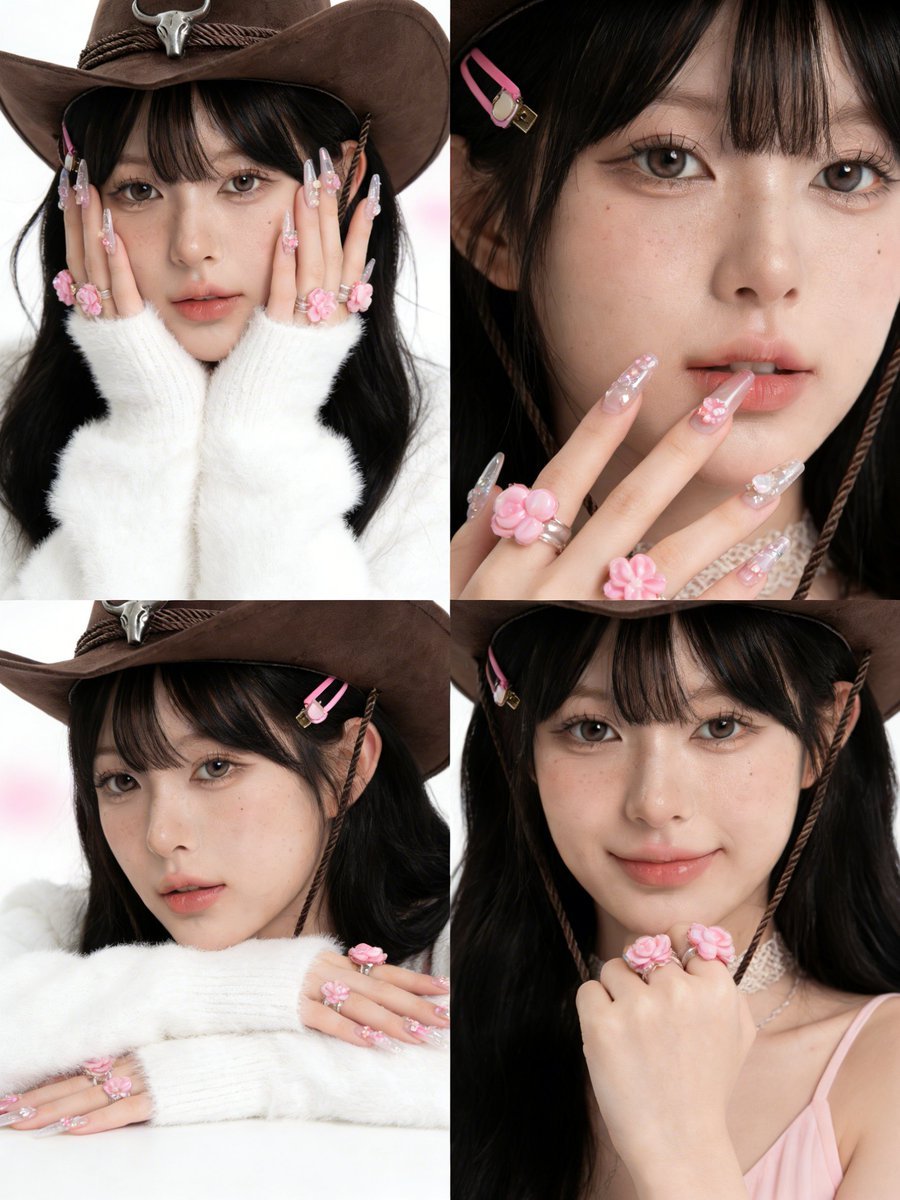
Moodboards that become images. Feed a board of five or six references and ask for a single frame that blends their color, texture and framing.
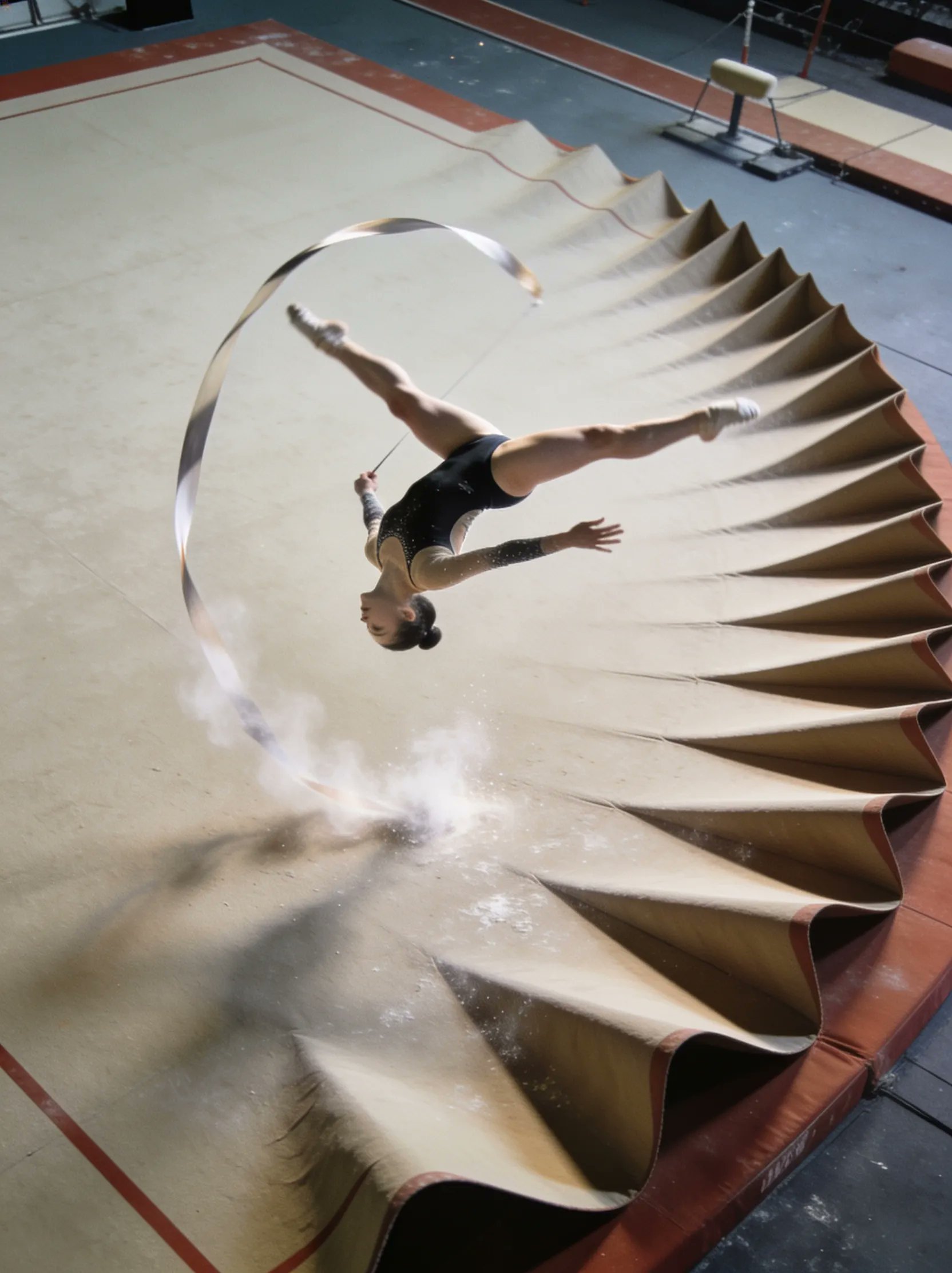
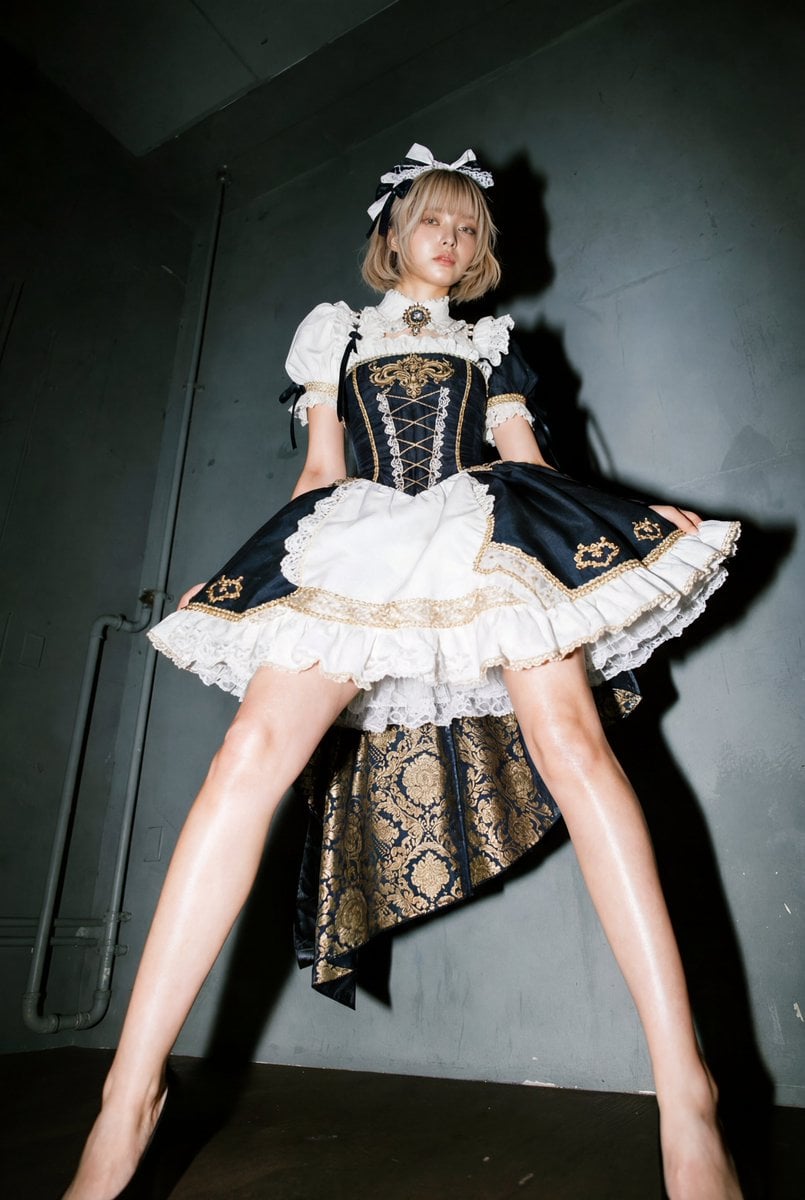
Surreal and editorial scenes. Impossible sets, sculptural materials and staged sports shots hold together at 4K, so the detail survives a crop.

Why pick Seedream 4.5
- 10 refsReference imagesUp to 10 images per edit, the most of any Seedream on PicX.
- 4KTop resolutionUp to about 16 megapixels, 4096 px on the long side.
- 35Credits at 4KOnly 3 more than the 32-credit 2K tier.
- EditImage to imageChange backgrounds, styling, objects or light with a sentence.
- 9Aspect optionsAuto plus 1:1, 4:3, 3:4, 3:2, 2:3, 16:9, 9:16 and 21:9.
- SeedRepeatable runsSame seed and prompt give a similar image for controlled variations.
What Seedream 4.5 costs
Billed per image, at the resolution you pick. The same prices the generator shows before you run it.
- 1K18credits / imageOn Starter≈ 200 images / mo
- 2K32credits / imageOn Starter≈ 112 images / mo
- 4K35credits / imageOn Starter≈ 102 images / mo
Every model on every planCredits never expireSee plans
Pay for Seedream 4.5 with crypto
Buy credits with Bitcoin, USDT, USDC, ETH, Solana and more — no card, nothing auto-renews, packs from $5, and 15% extra credits on crypto payments.
Seedream 4.5, 5 Lite or 5 Pro
Three ByteDance models with different jobs. Credit costs are in the pricing table below.
How to use Seedream 4.5 in 3 steps
- 1
Add references or skip them
Start from text alone, or attach up to 10 images: product, person, place, style.
- 2
Give each image a job
Write the prompt and say which reference sets the product, the face, the scene or the palette.
- 3
Pick 2K or 4K and generate
Choose the aspect ratio and resolution, run it, then change one thing at a time.
Seedream 4.5 prompts to copy
Real prompts and what they made. Copy one, or open it in the generator with the model already picked.
Fantasy portrait
A woman in a flowing blue gown playing a silver flute while sitting in a shallow forest pool, a grand piano half-submerged behind her, glowing water lilies and fireflies, deep teal and gold palette, cinematic wide shot, fine detail in fabric and water

Lettered interior
A young man in a yellow hoodie and purple trousers relaxing in a mid-century armchair in a bright art-filled room, stacks of books and a globe, a colorful hand-painted mural on the wall that reads "HOME IS WHERE THE ART IS", natural daylight, 3:2
Color-matched pair
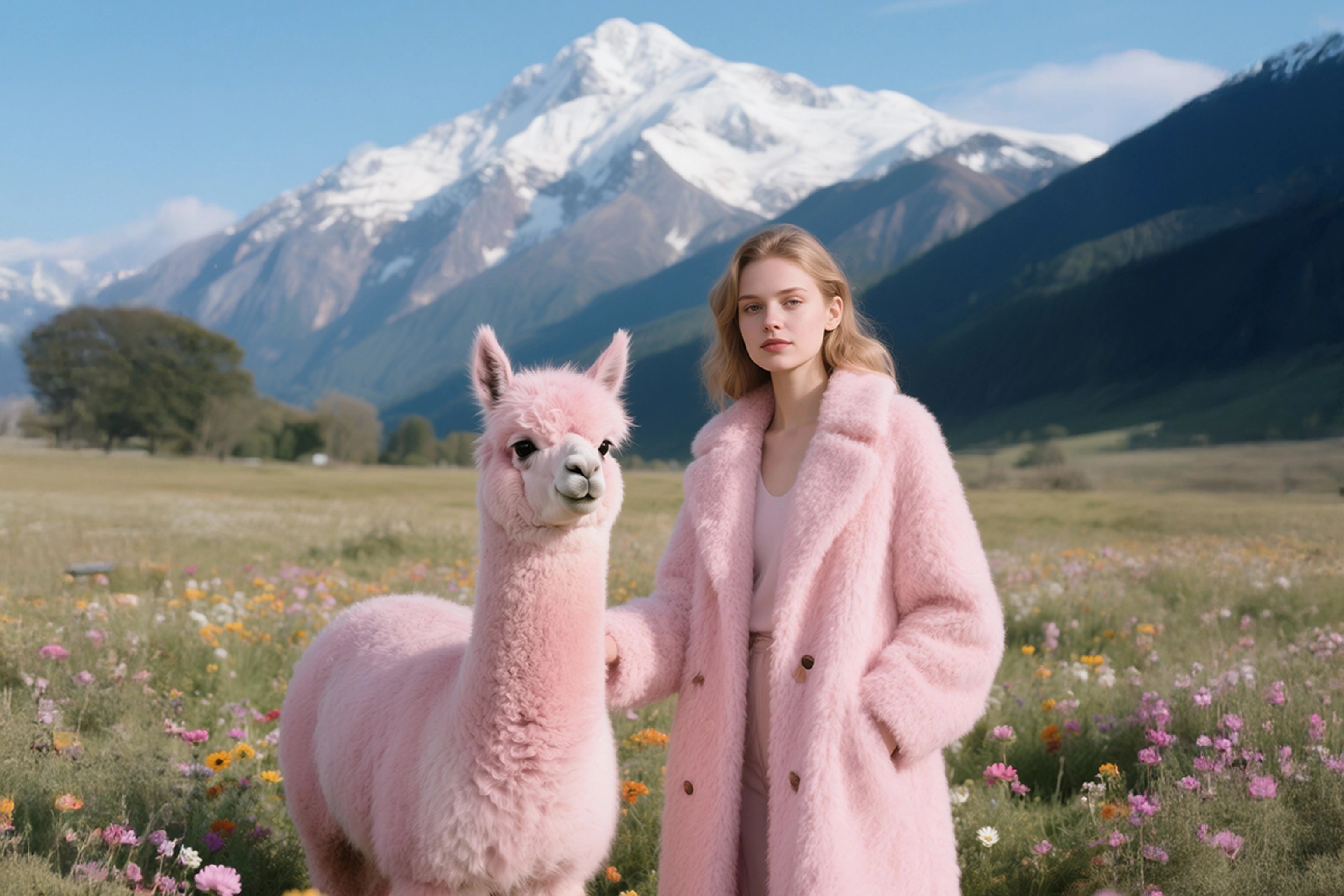
A woman in a fluffy pastel pink coat standing next to a pink alpaca in an alpine meadow full of wildflowers, snow-capped mountain behind, bright clear day, fashion editorial, 16:9
Cute wildlife macro
A fluffy sea otter pup with big round eyes floating in a clear rock pool, holding a small orange sea urchin, golden kelp around it, waves breaking in the background, macro lens, crisp water droplets
Templates to start from
Browse all templates







Seedream 4.5 questions
What is Seedream 4.5?
Seedream 4.5 is a ByteDance AI image model in PicX Studio for text-to-image creation, image editing, and combining multiple visual references into one composition.
What can I create with Seedream 4.5?
Use it for product concepts, campaign scenes, social graphics, styled product edits, visual moodboards, illustrations, and reference-led compositions.
Can I use a reference image?
Yes. Add one reference image to edit it, or up to 10 to combine products, people, places and styles. Tell the model what each image is for.
How do I get better results?
Start with a clear subject, then add the setting, framing, lighting, palette, and style. Refine one important choice per variation.
Does Seedream 4.5 support high-resolution output?
Yes. Choose 2K (about 4 megapixels) for 32 credits or 4K (about 16 megapixels, up to 4096 px on the long side) for 35 credits per image.
Is Seedream 4.5 free?
Your first image on PicX Studio is free after you sign up, no card needed, and you can use it on Seedream 4.5. After that each image costs 32 credits at 2K or 35 at 4K.
Does Seedream 4.5 do image to image?
Yes. Upload an image and describe what to change and what to keep. It handles backgrounds, outfits, lighting, objects and full restyles without masks.
Can I get the same result twice?
Seedream 4.5 has a seed setting. The same seed with the same prompt and references gives a similar image, which helps when you build a consistent set.
Seedream 4.5 or Seedream 5?
Seedream 5 Lite is cheaper and fast but has no seed control. Seedream 5 Pro is text-to-image only, with lettering in 14 languages. Seedream 4.5 is the one for multi-reference work, seed control and 4K at close to its 2K price.
How do I write Seedream 4.5 prompts?
Lead with the finished image: what it is for and what is in it. Then add setting, framing, light, palette and materials. Keep it in plain sentences, not a tag list. Seedream reads long prompts well, so a 60 to 100 word brief is fine, but every clause should describe something visible. If an element keeps disappearing, move it earlier in the prompt. For text in the image, put the exact words in quotes and say where they sit, for example "a headline across the top third". Change one thing between runs so you can see what each word does.
How do I use multiple reference images in Seedream 4.5?
Seedream 4.5 accepts up to 10 images in one edit. The model does best when you tell it what each image is for. Write it out: "Use image 1 for the bottle, image 2 for the kitchen, image 3 for the lighting and color." References that disagree, such as two different faces for one person, pull the result in two directions, so drop the weaker one. For product work, a clean packshot on a plain background is the most reliable input. For people, a sharp front-facing photo holds identity better than a stylized one.
How do I write a good image to image edit prompt for Seedream 4.5?
Attach one image and describe the change. Good edit prompts have two halves: what to change and what to keep. "Replace the grey wall with warm wood paneling, keep the person, pose and clothing the same" works better than "make it cozier". Edits work for backgrounds, outfits, lighting, weather, time of day and adding or removing objects. For a series, reuse the same seed with the same prompt and change only the instruction you care about, so the rest of the frame stays close.
Which aspect ratios does Seedream 4.5 support, and should I pick 2K or 4K?
PicX offers Seedream 4.5 at 2K for 32 credits and 4K for 35 credits per image. 2K targets about 4 megapixels, around 2048 by 2048 for a square. 4K targets about 16 megapixels with up to 4096 pixels on the long side. Aspect ratios are auto, 1:1, 4:3, 3:4, 3:2, 2:3, 16:9, 9:16 and 21:9. Because 4K is only 3 credits more, use it whenever the image might be cropped, printed or used as a large banner. Use 2K for quick tests.
How does Seedream 4.5 compare to Nano Banana?
Both edit from references and both handle text-to-image. Seedream 4.5 takes up to 10 references and reaches 4K for 35 credits, which makes it the lower-cost route to large images of the two. Nano Banana 2 is quick and strong at following edit instructions and costs 35 credits at 1K and 105 at 4K. If your brief is many references and a big file, start with Seedream 4.5. If it is fast conversational edits on one image, try Nano Banana 2. On PicX you can run the same prompt on both from one credit balance and compare.

Bring your references to Seedream 4.5
Up to 10 images in, one composed image out, at 2K or 4K. Your first image is free.