
IMAGEAlibaba (Tongyi-MAI) · from 5 credits / image
Photoreal images from an open 6B model
Z-Image Turbo
Text to image. English and Chinese text. Five aspect ratios.
Z-Image Turbo is the distilled, 8-step version of Alibaba Tongyi-MAI's open Z-Image model. It is tuned for photoreal pictures and legible bilingual text, and it is one of the lowest-cost image models on PicX Studio.
- 1K
Eight steps, photoreal output
Distilled for speed
Tongyi-MAI distilled Turbo down to 8 sampling steps, against 50 for the full Z-Image model, so a finished picture comes back quickly and trying several ideas in a row stays cheap.
Built for photorealism
The maker's headline claim for Turbo is realistic light, texture and faces. Product shots, interiors and street scenes are where it does its best work.
Write what you want, not what to avoid
Turbo runs without classifier-free guidance, so it has no negative prompt. Describe the subject, style and light you want in plain sentences instead.
Z-Image Turbo
Text to image. English and Chinese text. Five aspect ratios.
Where Z-Image Turbo earns its place
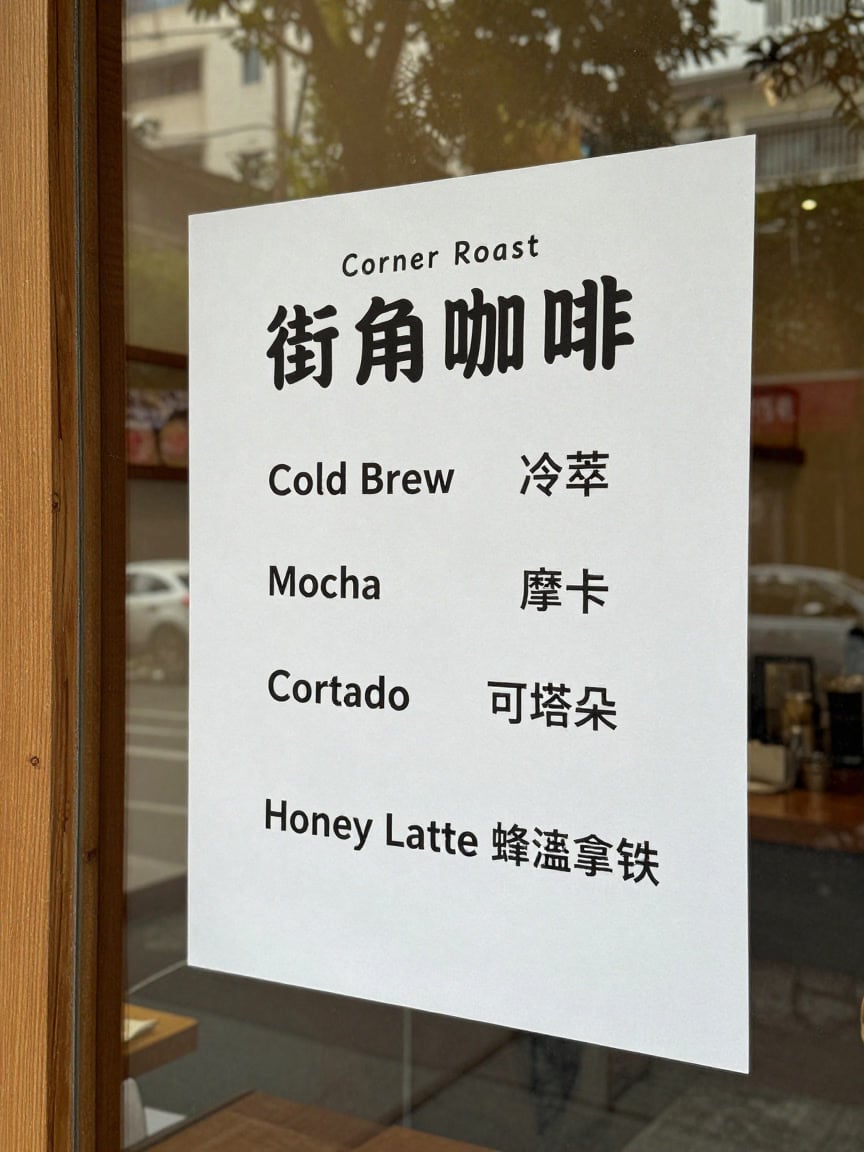
Bilingual menus and signs Spell out English or Chinese wording in quotes for menus, posters and shop signs.
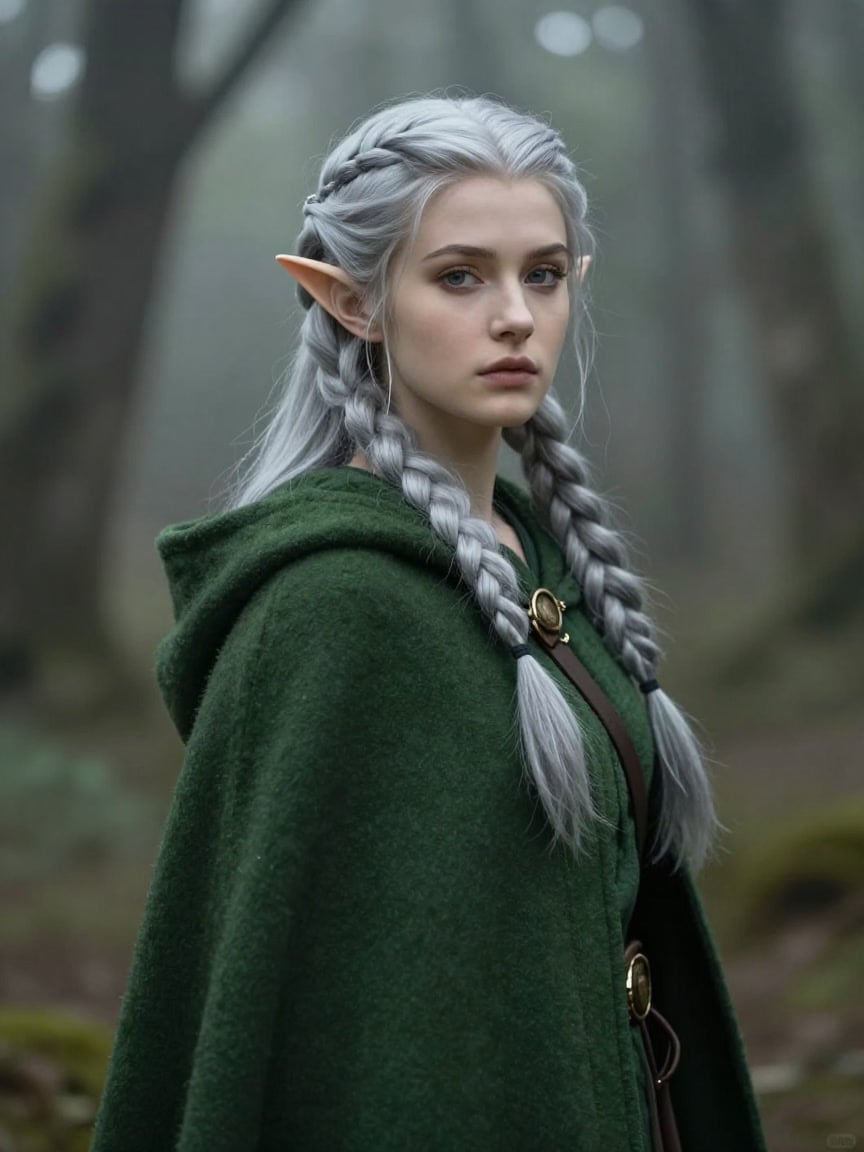
Painterly portraits Realistic faces with a light painted finish for characters and covers.
Product mock-ups Clean studio shots to test packaging or listing ideas before a real shoot.
High-volume drafts Fast, low-cost frames for mood boards and storyboards.
Why pick Z-Image Turbo
- 6BParametersCompact, yet the maker puts its realism on par with models ten times its size.
- 8 stepsDistilled samplingAgainst 50 for the base model.
- EN + 中文Text in imagesEnglish and Chinese lettering.
- Apache 2.0Open weightsHosted here, so you need no GPU.
- Low costPer imageOne of the cheapest models on PicX.
- 5 ratios1:1, 4:3, 3:4, 16:9, 9:16Square, landscape and vertical.
What Z-Image Turbo costs
Billed per image, at the resolution you pick. The same prices the generator shows before you run it.
- 1K5credits / imageOn Starter≈ 720 images / mo
Every model on every planCredits never expireSee plans
Pay for Z-Image Turbo with crypto
Buy credits with Bitcoin, USDT, USDC, ETH, Solana and more — no card, nothing auto-renews, packs from $5, and 15% extra credits on crypto payments.
Z-Image Turbo vs FLUX 3 Klein
Both are small, open-weight image models on PicX. Z-Image Turbo is the cheaper, text-only choice. FLUX 3 Klein adds editing, references and higher resolutions.
Z-Image-Edit and the full Z-Image base model are Tongyi-MAI releases, not Turbo, and are not available on PicX yet. Live credit prices are in the pricing table.
How to use Z-Image Turbo in 3 steps
- 1
Describe the picture
Write the subject, setting, light and camera in plain sentences, up to 1,000 characters. Put any words that should appear in the image in quotes, in English or Chinese.
- 2
Pick an aspect ratio
Choose 1:1, 4:3, 3:4, 16:9 or 9:16. Z-Image Turbo is text to image only, so there is no reference image to upload.
- 3
Generate and vary the wording
Generate, then change the wording to explore. Tongyi-MAI rates Turbo's variety as low, so re-running the same prompt tends to give similar pictures.
Z-Image Turbo prompts to copy
Real prompts and what they made. Copy one, or open it in the generator with the model already picked.
Rainy Tokyo alley
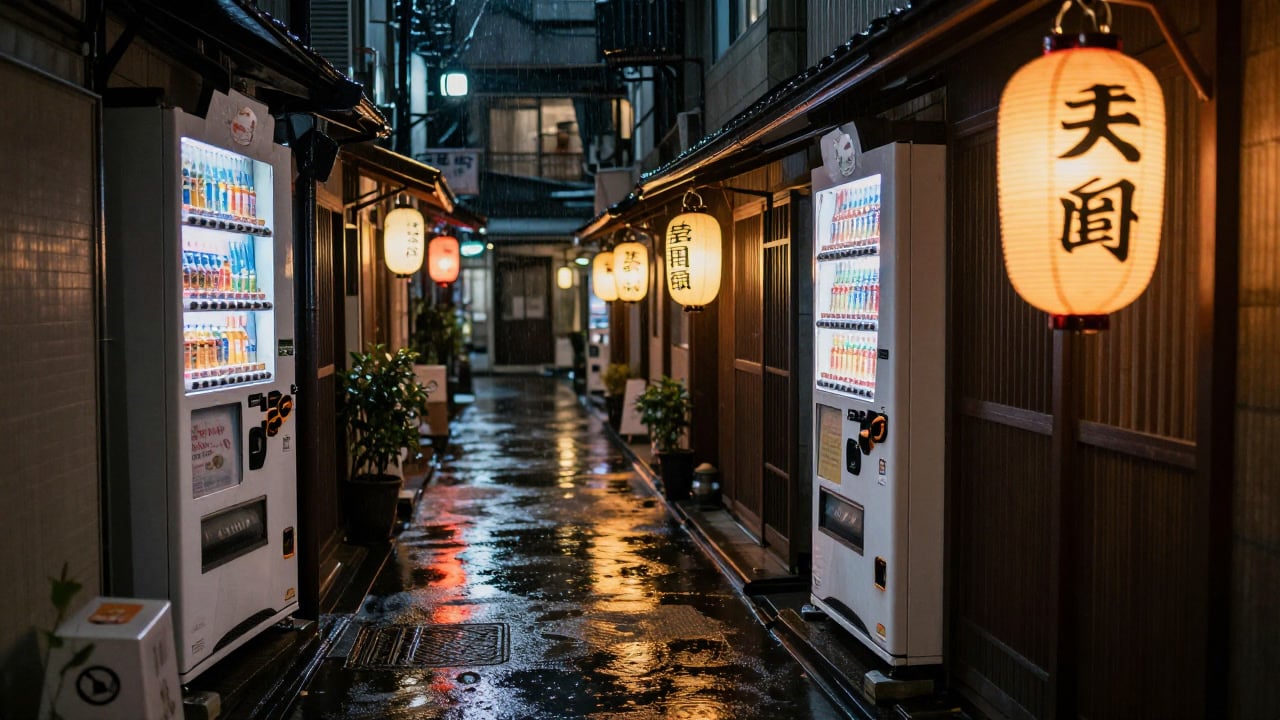
A narrow Tokyo alley at night in the rain, glowing lanterns, a vending machine, reflections on wet pavement, cinematic photo
Sneaker studio shot
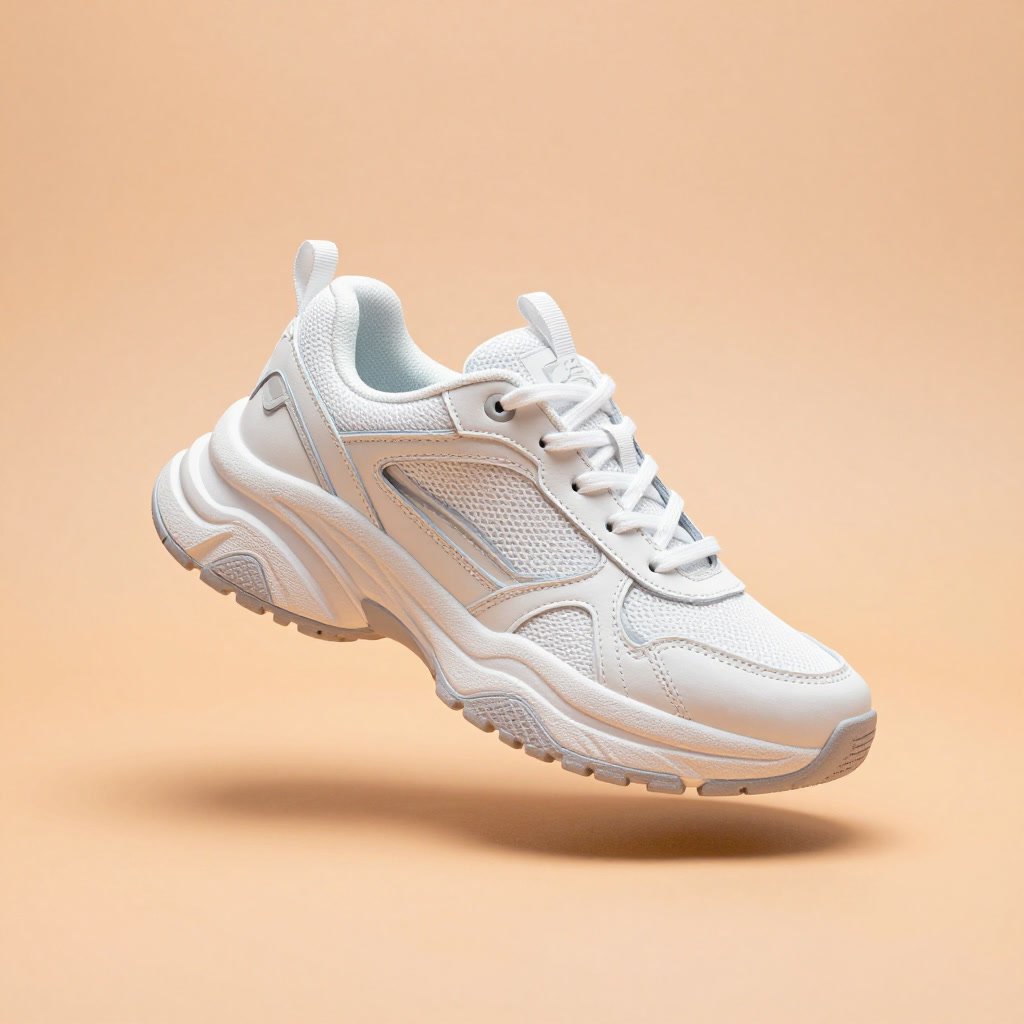
A chunky white sneaker floating above a pastel orange background with soft shadow, clean commercial product photo
Cute robot mascot
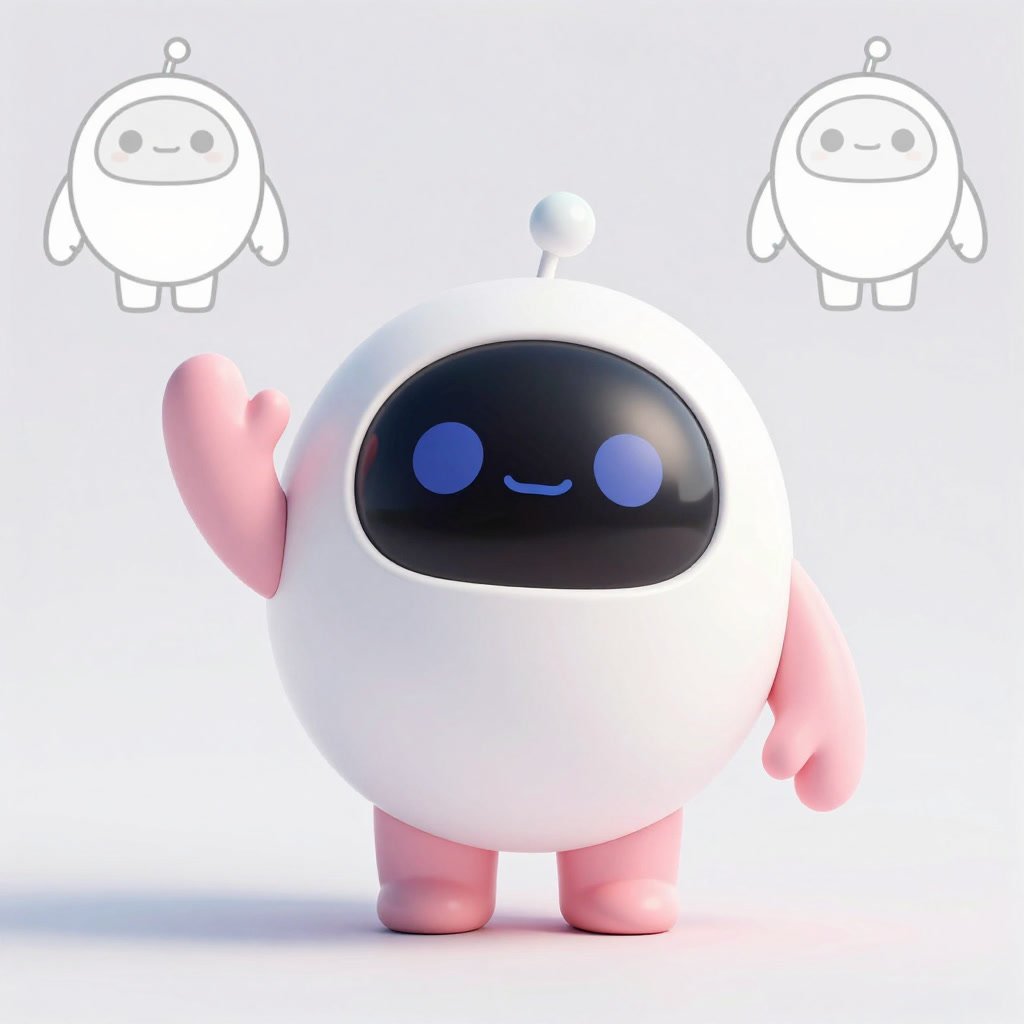
A cute round robot mascot waving, glossy 3D render, pastel colours, soft studio lighting, character design sheet
Bilingual coffee menu
Printed paper menu taped inside a coffee shop window, headed 'Corner Roast 街角咖啡' and listing 'Cold Brew 冷萃', 'Mocha 摩卡', 'Cortado 可塔朵' and 'Honey Latte 蜂蜜拿铁' in neat bilingual type, morning street reflected in the glass, photo
Templates to start from
Browse all templates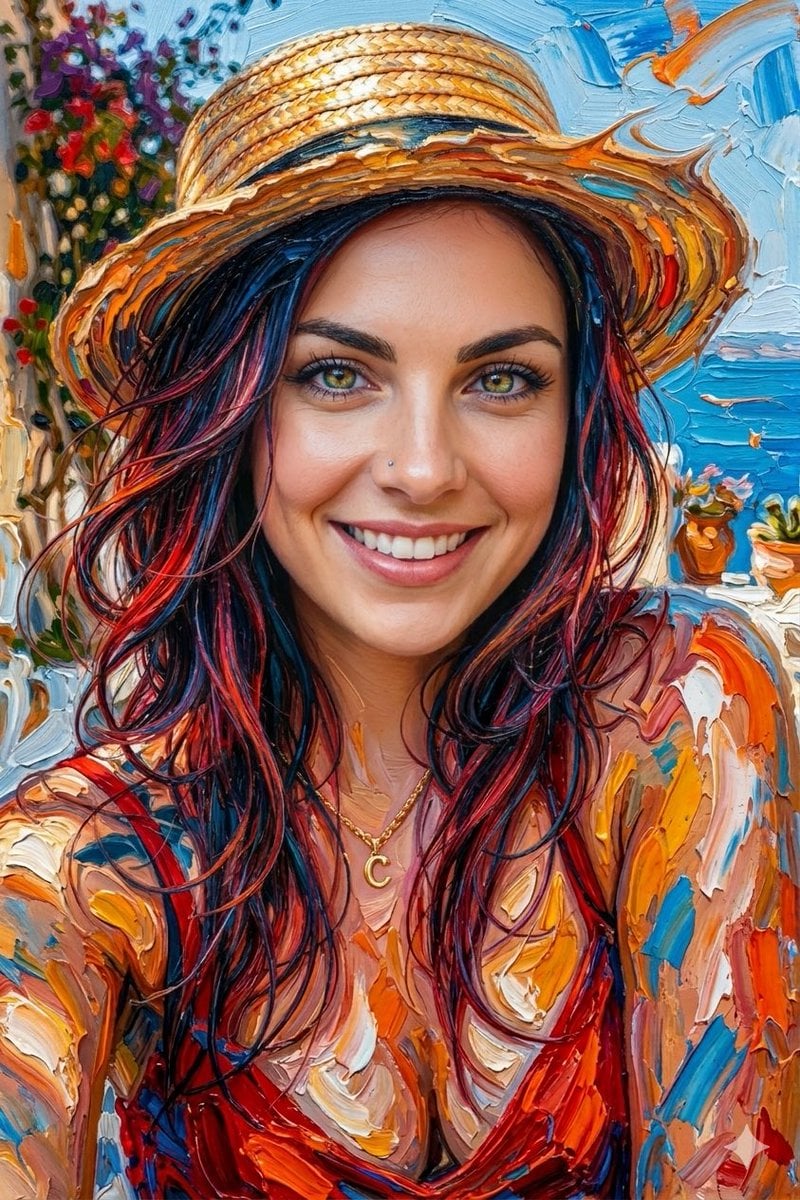







Z-Image Turbo questions
What is Z-Image Turbo?
Z-Image Turbo is a 6-billion-parameter text-to-image model from Alibaba's Tongyi-MAI lab, released with open weights under Apache 2.0 in November 2025. It is a distilled version of Z-Image that needs only 8 sampling steps, and it is tuned for photoreal images and English and Chinese text.
Can I use Z-Image Turbo online without a GPU or ComfyUI?
Yes. Running the weights yourself needs a GPU with about 16 GB of VRAM and a setup such as ComfyUI or Diffusers. PicX Studio runs the model in the cloud, so you type a prompt in the browser and generate.
How do I write prompts for Z-Image Turbo?
Describe the scene in plain sentences: subject, setting, light, camera or art style. Keep it under 1,000 characters. Put any text that should appear in the image in quotes. To get different results, change the wording rather than re-running the same prompt, because Turbo gives similar pictures for the same prompt.
Does Z-Image Turbo use negative prompts?
No. Turbo is distilled to run without classifier-free guidance, so a negative prompt has no effect, and PicX does not show one for this model. Say what you want instead, for example 'clean empty background' rather than 'no clutter'.
Can Z-Image Turbo put text in images?
Yes. Tongyi-MAI highlights accurate English and Chinese text rendering, including small lettering on posters. Short, quoted phrases work best, such as a title and a few menu items.
Does Z-Image Turbo do image to image or editing?
Not on PicX. Here Z-Image Turbo is text to image only. Tongyi-MAI has announced a separate Z-Image-Edit model, which is not available on PicX yet. To edit a photo on PicX, use FLUX 3 Klein or Qwen Image Edit.
Can I use LoRAs with Z-Image Turbo on PicX?
No. LoRAs and custom checkpoints need a local or self-hosted setup. PicX runs the standard Z-Image Turbo model at about 1 megapixel.
Is Z-Image Turbo free?
The weights are open and free to run yourself. On PicX Studio it uses a small number of credits per image; new accounts get one free image after sign-up, made with Nano Banana 2.
Z-Image Turbo vs FLUX Klein: which should I use?
Pick Z-Image Turbo for the cheapest photoreal text-to-image renders and for Chinese text. Pick FLUX 3 Klein when you need to edit a photo, use up to 10 references, or render at 2K or 4K.

Make photoreal images with Z-Image Turbo
Open, fast and low cost, with English and Chinese text.