
VIDEOBlack Forest Labs · from 65 credits / sec
Black Forest Labs, now in video
FLUX 3 — AI Video Generation
Text, image or keyframes. 5 to 20 seconds. 720p or 1080p. Audio.
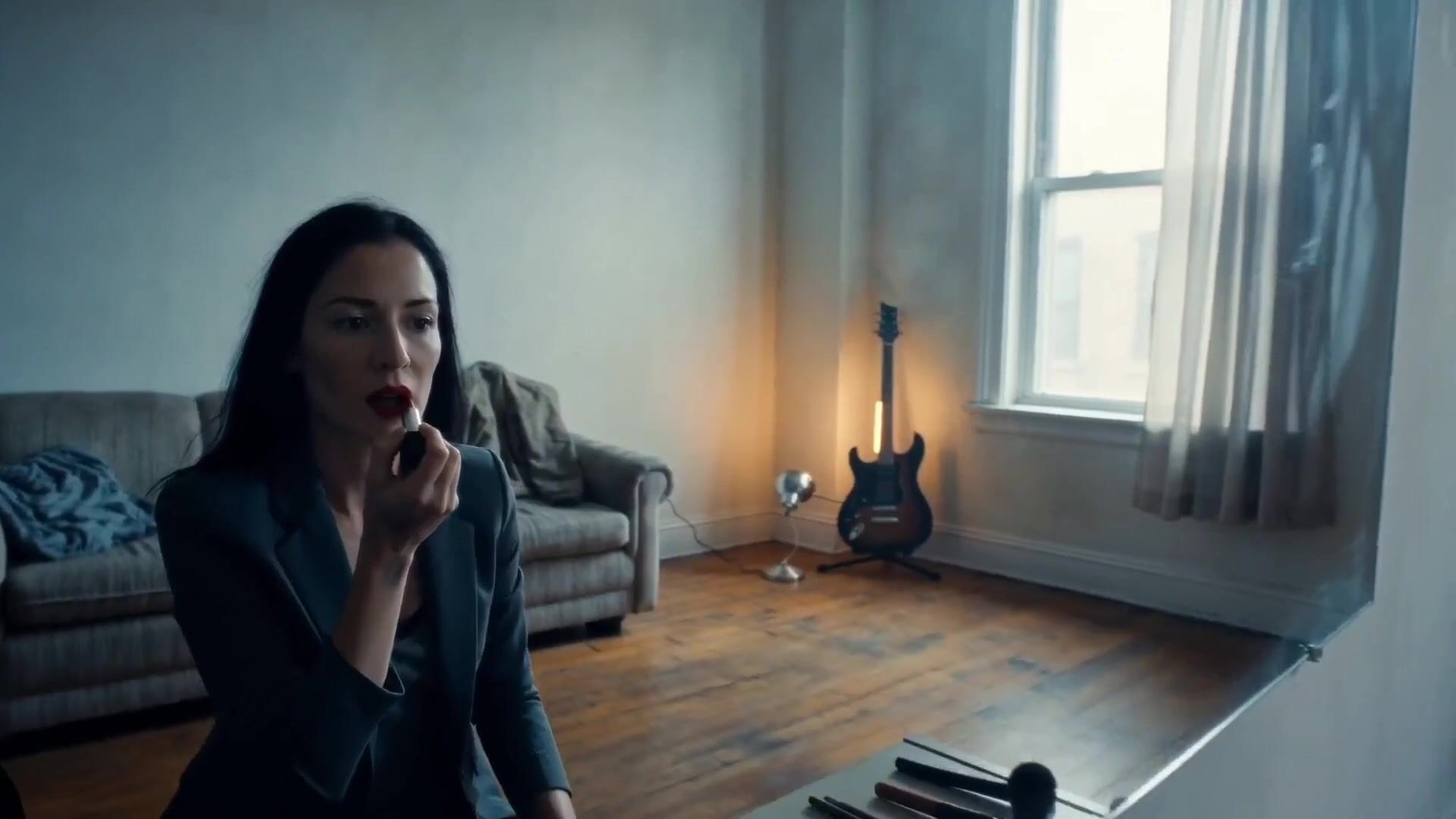
FLUX.3 is the video model from the team behind the FLUX image models. Start from a prompt, a still or a first and last frame, and get a 5 to 20 second clip with native audio, then extend it.
- 5–20s
- 720p–1080p
- Sound on or off
- Text · Image · Start & end frames · Extend
Decide where it starts and ends

First frame, last frame, motion in between
Give FLUX.3 two images and it builds the shot that connects them. You decide exactly how a scene opens and closes, so a product reveal lands on your packshot and a transition ends on the frame the next clip starts with.
Twenty seconds in one take
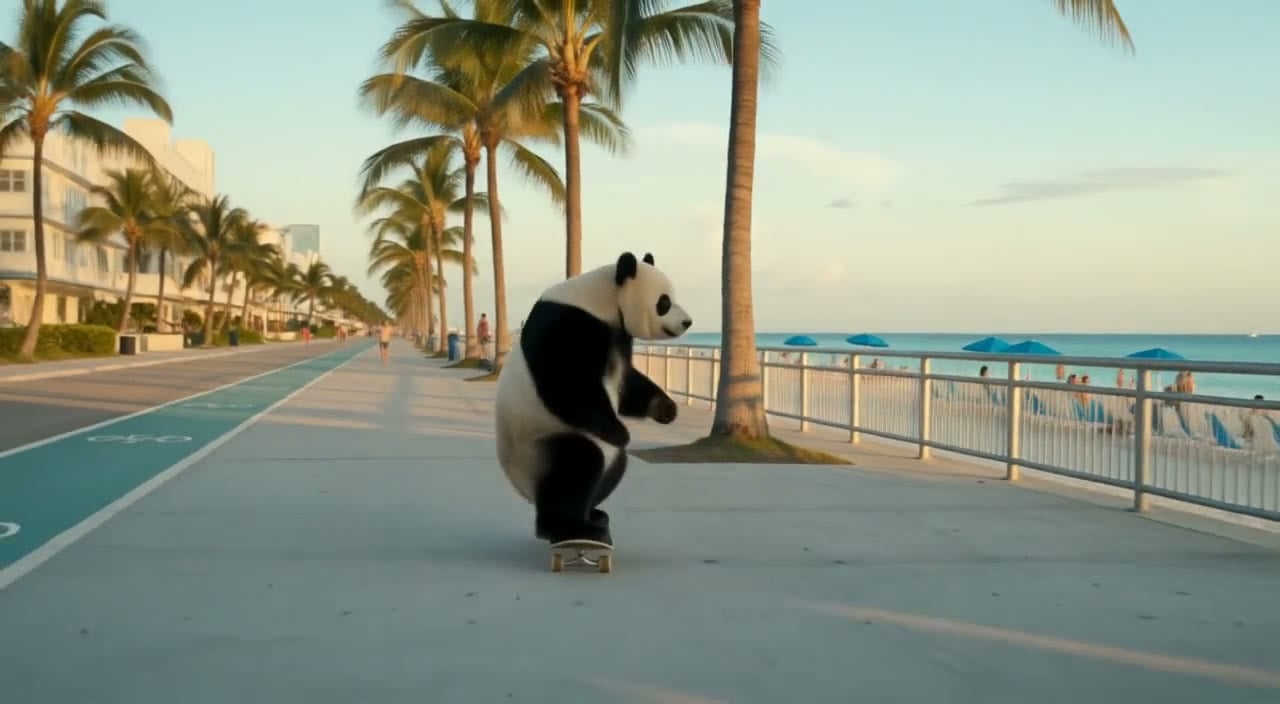
Clips run anywhere from 5 to 20 seconds, so a full product moment, a slow reveal or a short scene with dialogue fits in one generation. Fewer cuts means fewer places for faces, light and props to change between shots.
Extend past the last frame
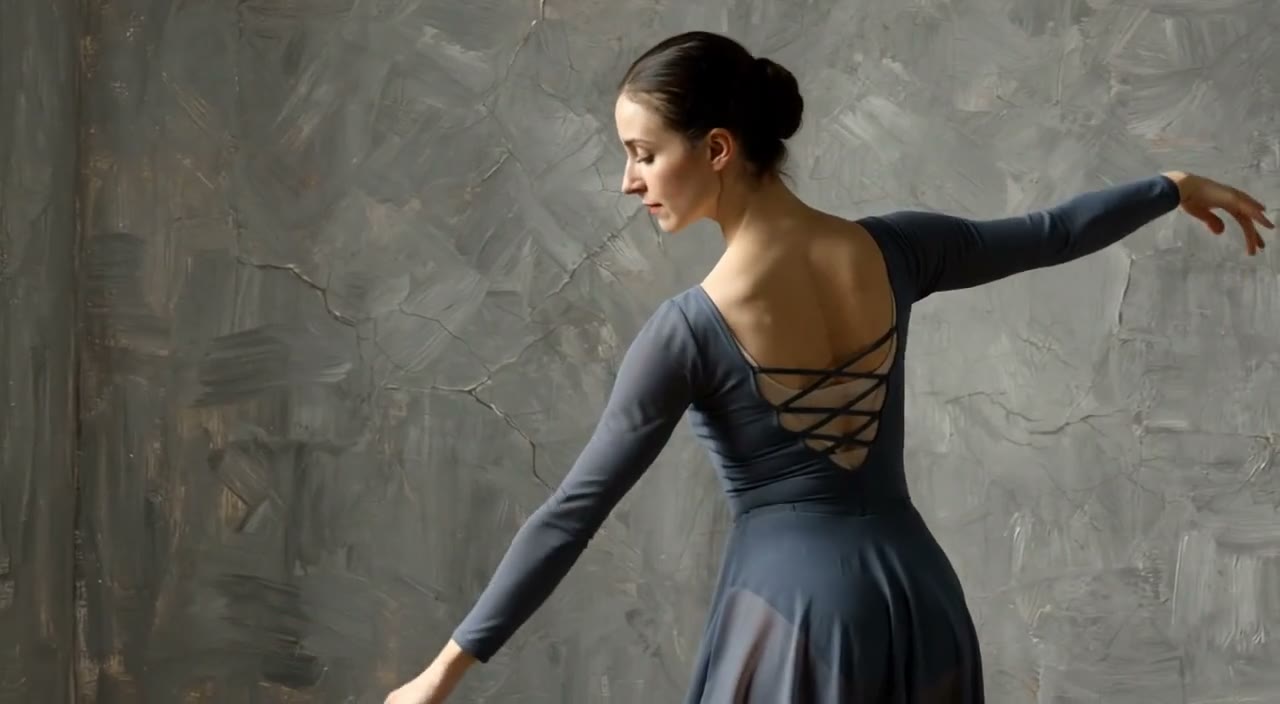
FLUX.3 Extend picks up where a clip ends and adds another 5 to 20 seconds. Use it to let a scene breathe, add an ending, or join two generations into one continuous shot.
FLUX.3
Text, image or keyframes. 5 to 20 seconds. 720p or 1080p. Audio.
Made for the work you ship
Try a new model early. If you already create with FLUX images, FLUX.3 brings the same team's take to video with synchronized audio. Explore a few directions quickly, then refine the concept you like.
Videos with a cinematic touch. Great videos rely on natural motion, timing and sound. With clips up to 20 seconds and built-in audio, you can review pacing, emotion and storytelling in one generation.
High-impact marketing videos. Generate several campaign concepts, compare approaches and keep the strongest. A last frame on your product or logo makes every version end on brand.
Everyday photos into video. Upload a product image or an everyday photo and FLUX.3 turns it into a clip with sound for your website, online store or social channels.


What FLUX.3 brings
- 20sPer generationPick any length from 5 to 20 seconds, one second at a time.
- 2 framesKeyframe controlSet a first and a last frame and FLUX.3 fills in the motion.
- +20sExtendFLUX.3 Extend continues a finished clip by another 5 to 20 seconds.
- AudioSame price on or offNative audio costs nothing extra. Turn it off when you will add your own music.
- 1080pOr 720p720p is 65 credits a second, 1080p is 98.
- 3 ways inText, image, framesStart from a prompt alone, animate one still, or connect two.
What FLUX.3 costs
Billed per second of video, at the resolution you pick. The same prices the generator shows before you run it.
FLUX.3
- 720p65credits / sec5s clip 325 creditsOn Starter≈ 11 clips / mo
- 1080p98credits / sec5s clip 490 creditsOn Starter≈ 7 clips / mo
FLUX.3 Extend
- 720p157credits / sec5s clip 785 creditsOn Starter≈ 4 clips / mo
- 1080p179credits / sec5s clip 895 creditsOn Starter≈ 4 clips / mo
Every model on every planCredits never expireSee plans
FLUX.3 next to its peers
How FLUX.3 compares with two other video models on PicX Studio. Per-second credit costs are in the pricing table on this page.
How to use FLUX.3 in 3 steps
- 1
Choose FLUX.3
Open the studio and select FLUX.3 from the model picker.
- 2
Add direction
Write your prompt, then optionally add one image, or a first and a last frame for more control over the shot.
- 3
Set quality and generate
Choose 5 to 20 seconds and 720p or 1080p, then review and download your clip, or extend it.
FLUX.3 prompts to copy
Real prompts and what they made. Copy one, or open it in the generator with the model already picked.
Rainy night ramen
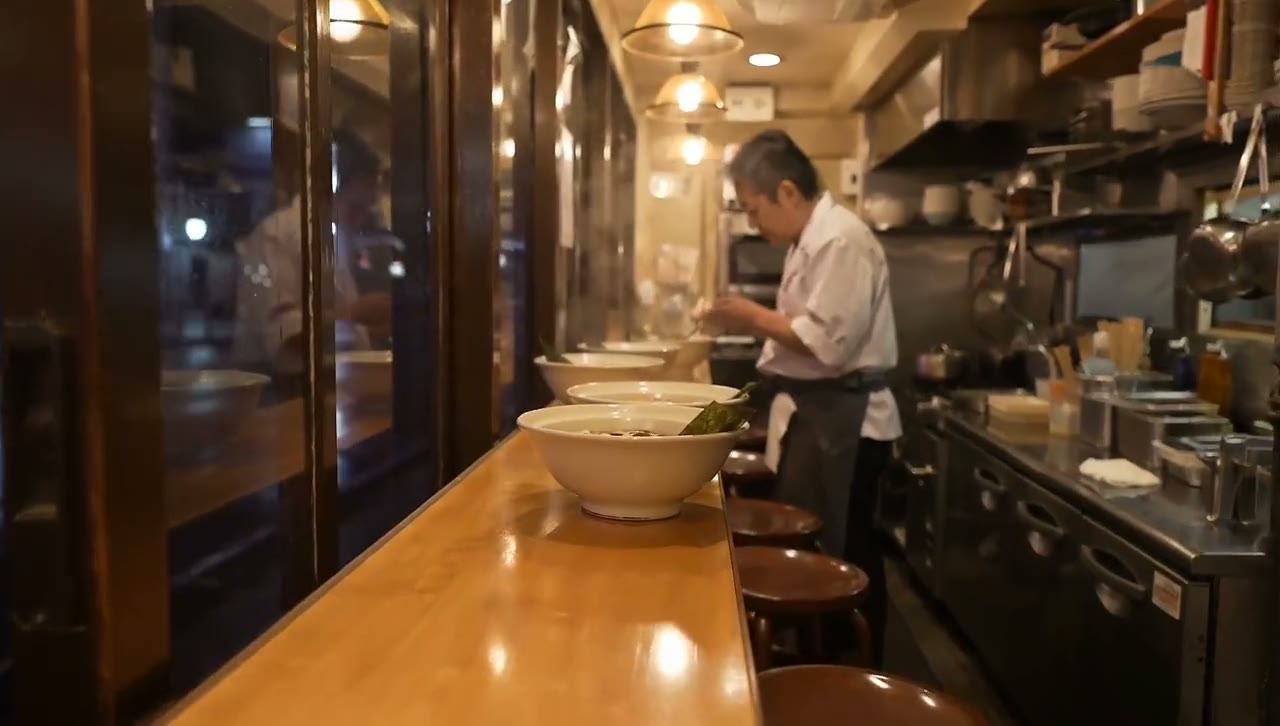
A cozy ramen shop on a rainy Tokyo night: steam rising from the broth, neon reflections in the window puddles, the cook working calmly. The camera drifts slowly past the counter. Rain patter and quiet kitchen sounds.
Fireworks finale
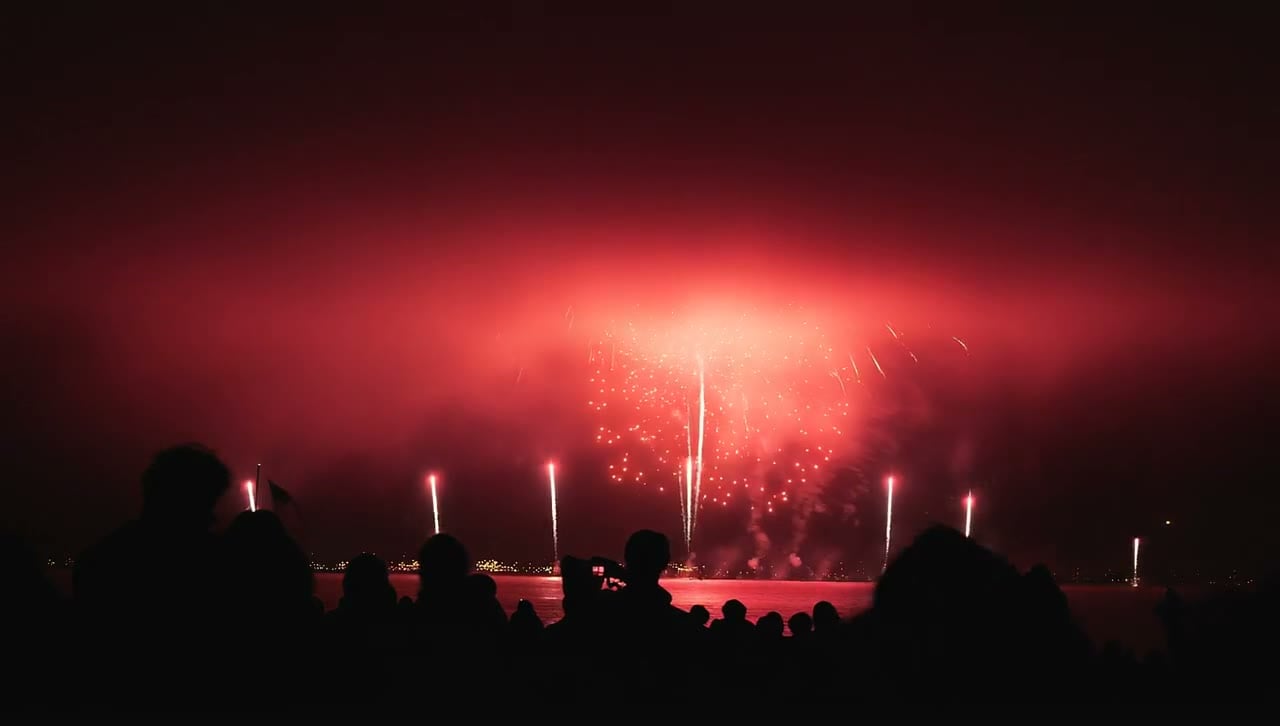
A fourth of July fireworks display concludes with a dazzling finale of red, white and blue fireworks.
Cheetah close-up
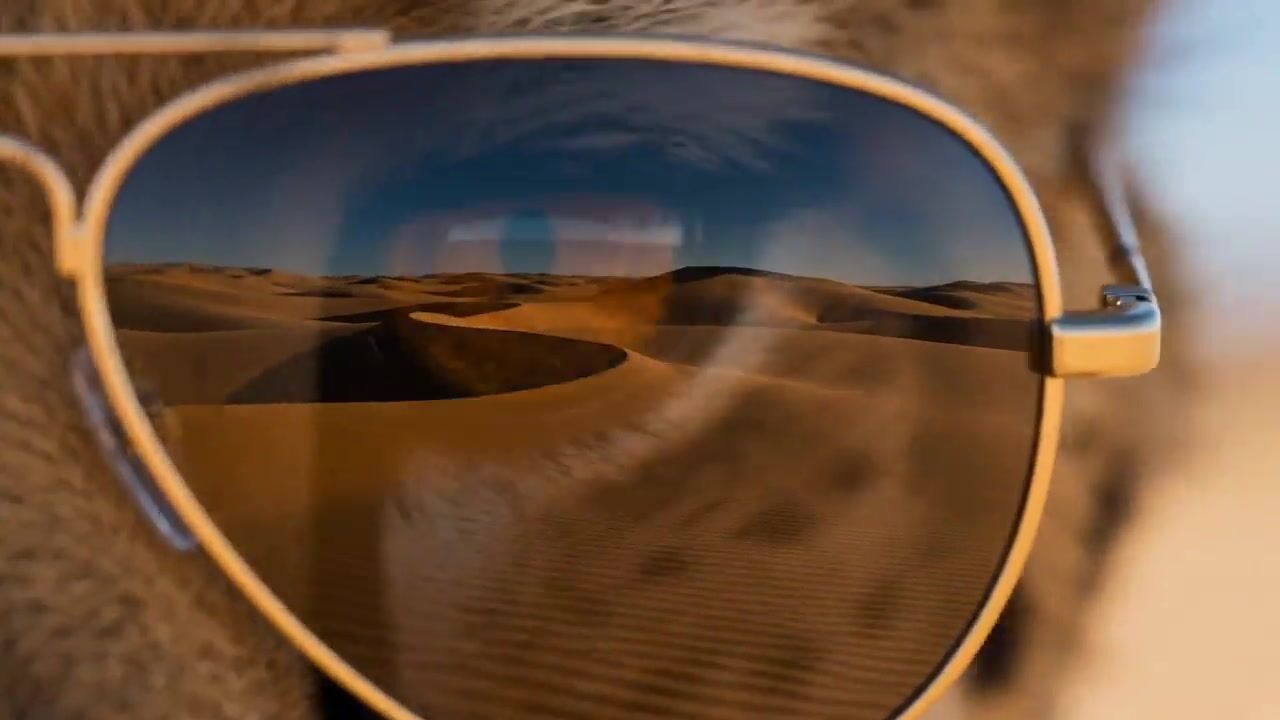
Extreme close-up of a cheetah wearing gold aviator sunglasses, a desert road reflected in the lenses, it slowly turns its head toward camera, hot wind and distant engine noise, playful ad style.
Templates to start from
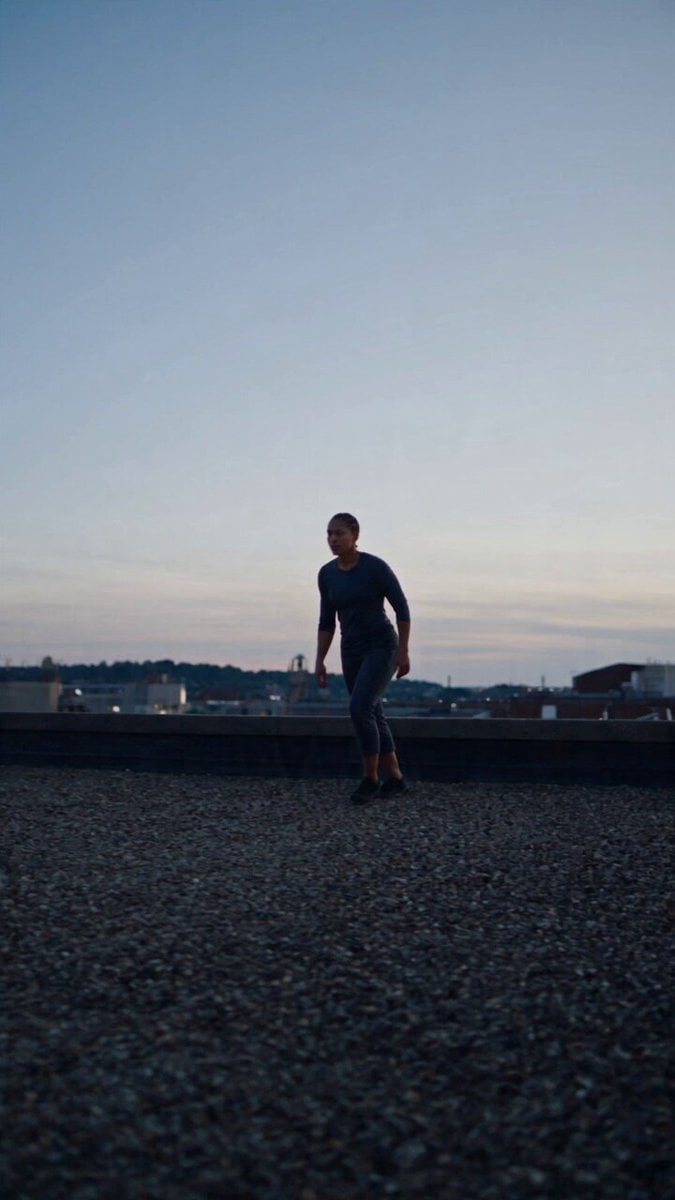
Browse all templates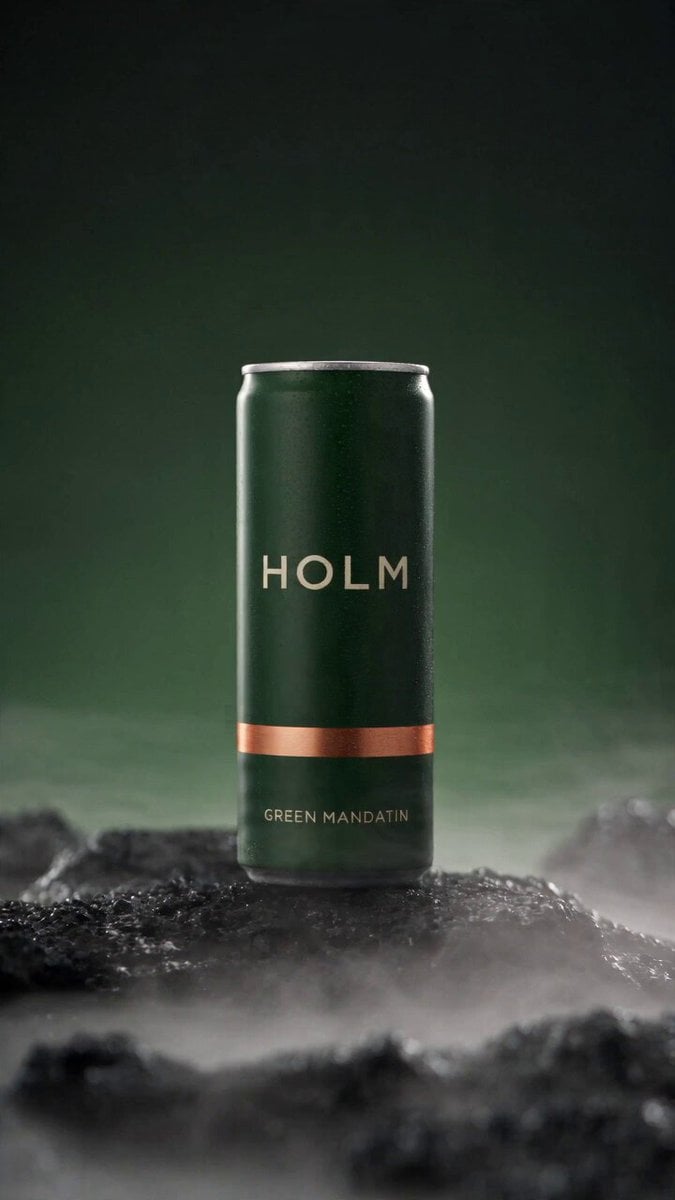 Rooftop Parkour Motion Control
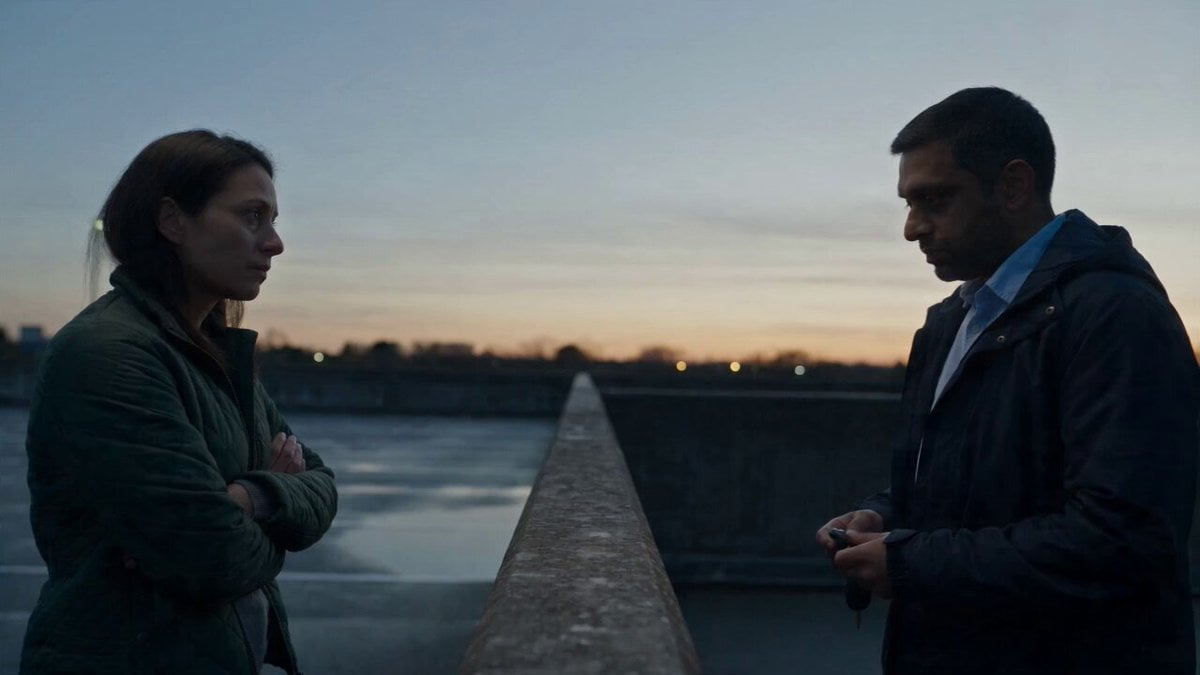 Hospital Car Park Dialogue Lip Sync
 Product Ad Drink Can 110° Orbit
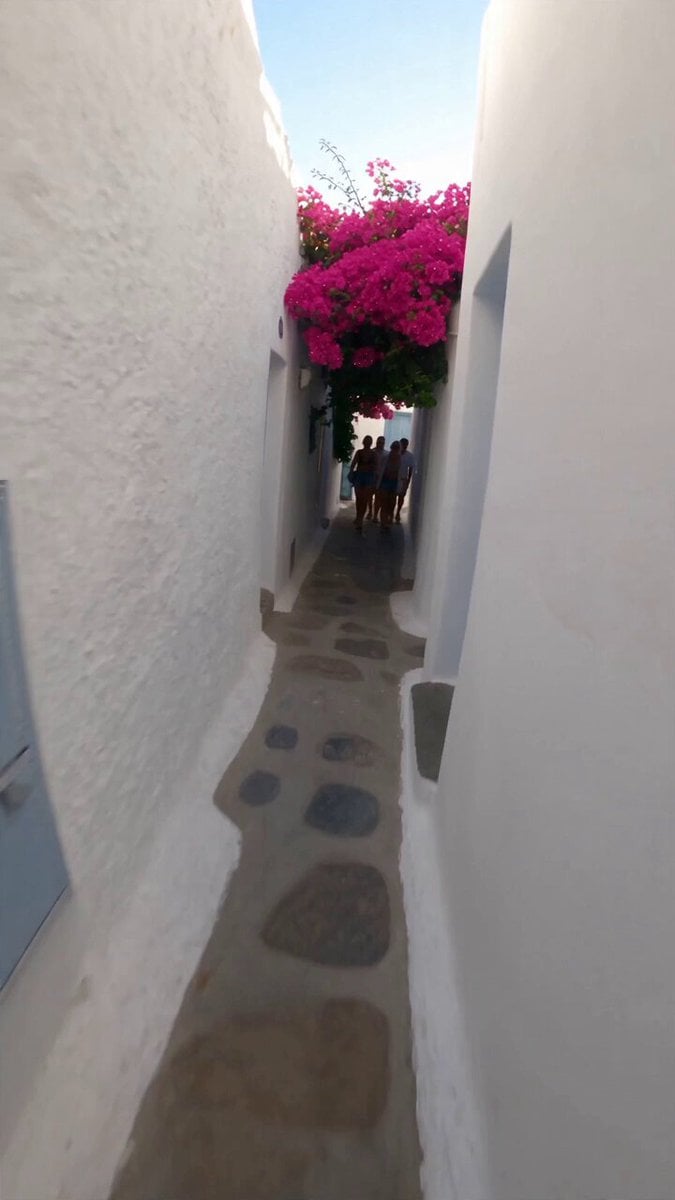 Selfie Travel Vlog Mykonos
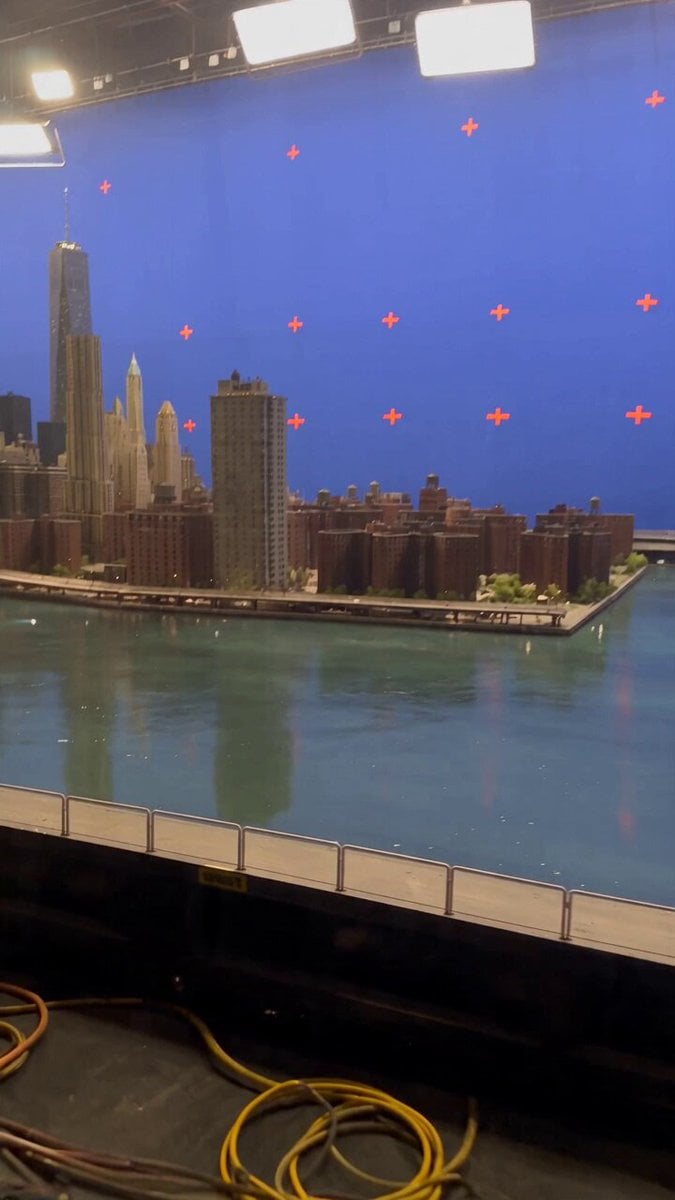 Miniature City Flood Soundstage
- Miniature City Flood Soundstage
 Forgotten 1980s High School Documentary Seedance
 RX-7 to Mech Transformation Cyberpunk
 MiniMax H3 Character Introduction
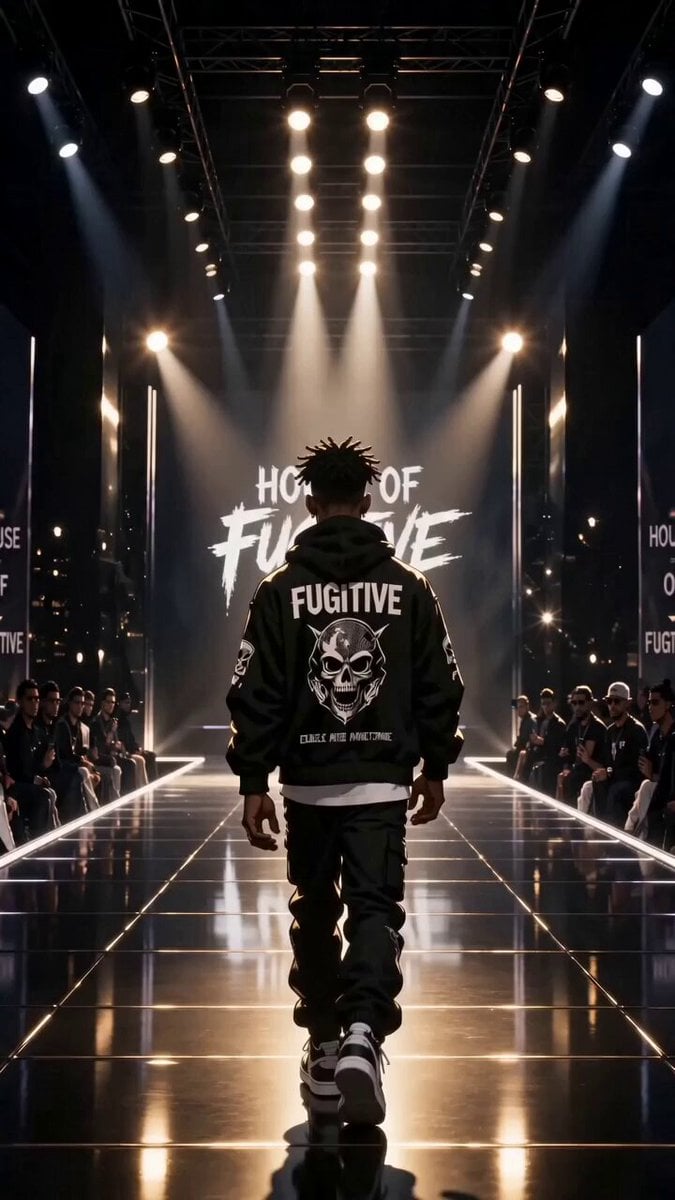 Luxury Streetwear Fashion Runway Film
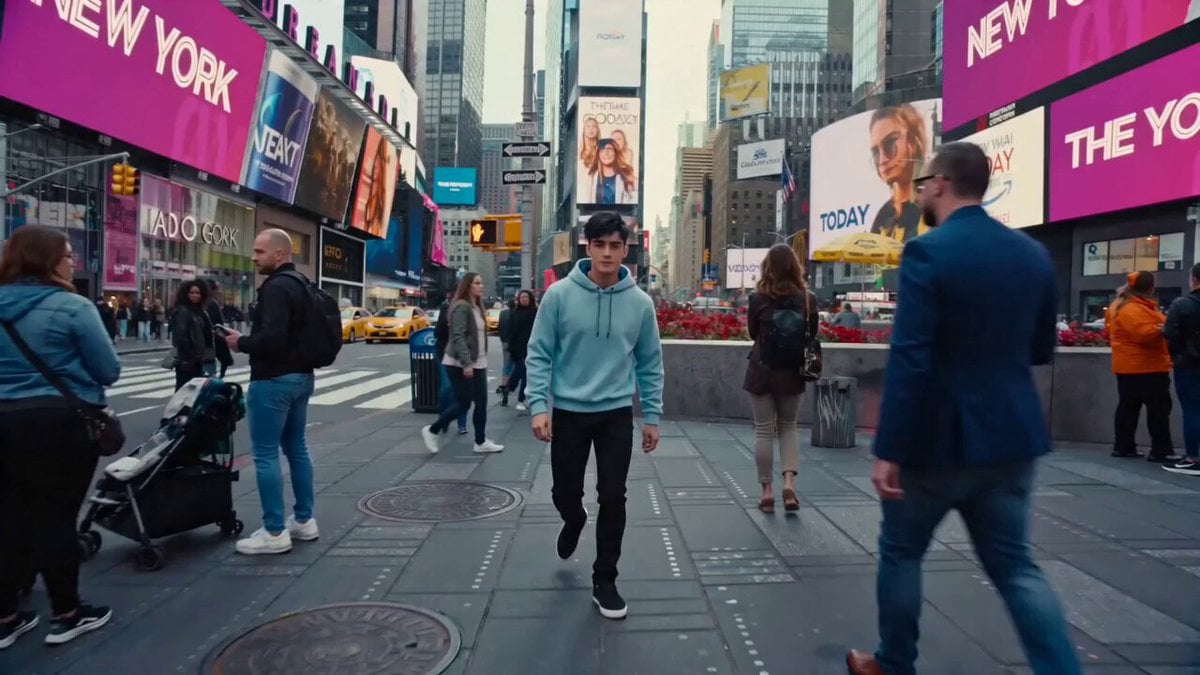 Cinematic Times Square Confidence Walk
 Cinematic Cave Exploration Multi-Shot Sequence
FLUX.3 questions
What is FLUX 3?
FLUX 3 is Black Forest Labs' video model on PicX Studio. It supports text-to-video, image-to-video, and first-and-last-frame video creation with native audio.
What can I use as input?
Start with text alone, add an image to animate it, or use a first and last frame to guide the beginning and end of a shot.
How long can a FLUX 3 video be?
FLUX 3 supports video durations from 5 to 20 seconds.
Which resolutions are available?
Choose 720p for faster iterations or 1080p when you need a higher-resolution final output. 720p costs 65 credits a second and 1080p costs 98.
Does FLUX 3 generate audio?
Yes. FLUX 3 supports native audio generation as part of the video workflow. You can turn it off, and the price stays the same either way.
Can I continue a completed video?
Yes. PicX Studio also offers FLUX 3 Extend for continuing an existing clip beyond its final frame, by 5 to 20 seconds at 157 credits a second (720p) or 179 (1080p).
Is FLUX.3 an image model or a video model?
On PicX Studio, FLUX.3 is a video model. Black Forest Labs is best known for its FLUX image models; for stills here, use an image model such as Nano Banana Pro or Seedream, then animate the result with FLUX.3.
How much does a FLUX.3 video cost?
65 credits per second at 720p and 98 at 1080p. A 5 second 720p clip is 325 credits; a 20 second 1080p clip is 1,960 credits.
Can I try FLUX.3 for free?
Your first image is free after you sign up, no card needed. Video models, including FLUX.3, need a plan or a one-time credit pack. Credits never expire.
How do I create a FLUX.3 video?
Select FLUX.3 and write a concise prompt that names the subject, action, setting and camera motion. Attach one image to animate it, or a first and last frame pair to control the start and end. Choose a duration from 5 to 20 seconds and 720p or 1080p, decide whether you want sound, then generate. Review the clip, download it, or send it to FLUX.3 Extend to keep going.
How does first and last frame to video work in FLUX.3?
Keyframe mode takes two images: the frame the clip opens on and the frame it ends on. FLUX.3 works out the motion between them, guided by your prompt. It suits product reveals that must end on a packshot, before-and-after shots, and transitions between scenes. Use two images with the same aspect ratio and similar lighting, and describe the movement that links them, such as "the camera orbits left as the box opens".
How do I make a 20 second clip with FLUX.3?
Longer clips need a prompt with a shape. Describe a beginning, a middle and an end, for example an establishing view, a move toward the subject and a final reveal, instead of one static action. Name one camera path for the whole clip. If the second half drifts, shorten the clip and use FLUX.3 Extend for the rest, so you can steer each part separately.
When should I use FLUX.3 Extend instead of a new generation?
FLUX.3 Extend takes a finished video and continues it beyond its final frame by 5 to 20 seconds, at 720p or 1080p. Describe what happens next in the prompt. Extend costs more per second than a fresh generation, 157 credits a second at 720p and 179 at 1080p, so use it when continuity matters: the same shot, the same light, no cut.
Should I turn audio on or off in FLUX.3?
FLUX.3 can generate dialogue, effects and ambience with the picture. On PicX Studio the price is the same with or without sound, so leave it on to judge pacing and mood, and turn it off only when you will lay your own music or voice-over on top. Describe the sound you want in the prompt: footsteps, wind, a crowd, a short line of dialogue.

Direct the shot. Generate the motion.
Create 5–20 second FLUX 3 videos from text, images, or keyframes, with 720p, 1080p, and native audio on the same PicX Studio workflow.