
Gemini Nano Banana Portrait
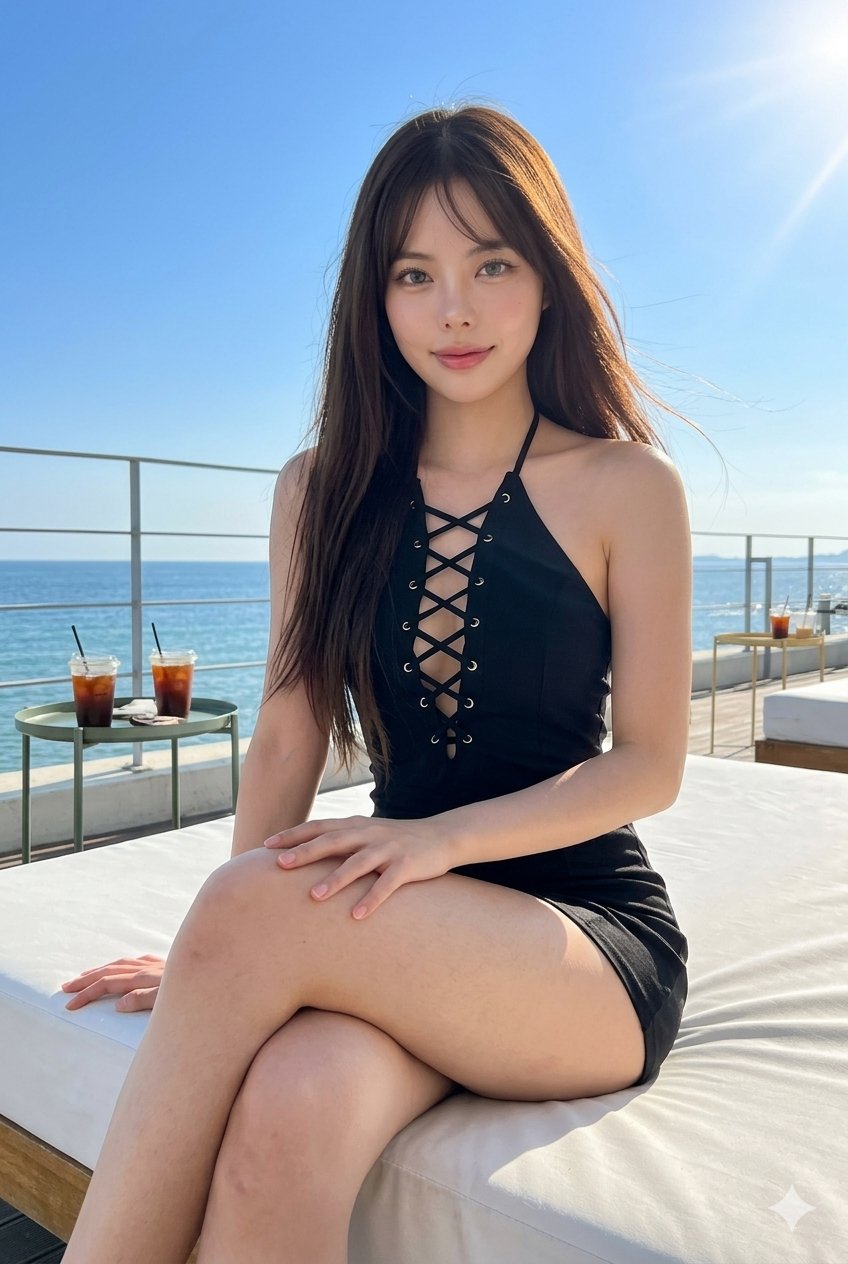
Gemini Nano Banana Portrait is a ready photo look for Nano Banana.
- Prompt included
- Model and format preset
- Free template
The prompt behind this image
Copy the exact prompt behind Gemini Nano Banana Portrait, or open it in the studio and make it yours.
Use the attached reference image as a visual guide for the character’s appearance. Preserve key visual traits such as facial structure and overall proportions, while allowing small natural variations typical of real photography. The generated subject should clearly resemble the reference while remaining a natural photographic interpretation. Ultra-realistic 8k UHD, sharp facial details, visible pores, porcelain dewy skin, captured on a mobile camera / iPhone, no bokeh, no depth blur, lifted shadows, flat blacks, no cinematic color grading, realistic sun exposure. The subject is seated outdoors on a white lounge bed at a beachside café or resort, with bright blue sky, sun flare, ocean horizon, railings, and iced drinks visible in the scene. She wears a bold black lace-up halter mini outfit with a fitted silhouette, glamorous but natural. Dark brown hair is long, straight with soft movement from sea breeze, glossy and modern. Makeup is douyin glossy shimmer makeup, glossy lips, soft contour, aegyosal, luminous cheeks, grey contact lenses. Pose is relaxed but alluring, one leg crossed naturally over the other, one hand resting along the thigh, shoulders slightly angled, chin subtly lifted, not directly center-facing. Use the lounge edges, table curves, and horizon line for strong composition and perspective. Bright sunlit mobile photo aesthetic, realistic lens flare and natural skin detail. --ar 2:3
How to use Gemini Nano Banana Portrait in 3 steps
- 1Upload ImagePNG, JPG or paste
Add your photo
Upload the photo the template builds on. The prompt, model and format are already set.
- 2…a portrait of your subject in softgolden-hour light, 85mm…
Personalize
Edit the subject and creative details for your destination.
- 3Generate
Generate
Press Generate — your image is created in PicX Studio, so you can compare it with the original and refine one variable at a time.
More like this
Templates with the same subject, style or setup. Open one to see its prompt.
Image on Gemini Nano Banana

Google Gemini Nano Banana Pro

Gemini Nano Banana 2 Logo in Wet Sand Be

Gemini Nano Banana 2

Nano Banana 2

Nano Banana 2 Gourmet Ice Cream Commerci
Gemini Nano Banana Realistic Portrait Re

Gemini Nano Banana 2 Isometric 3d City D

Gemini Nano Banana 2

80s Bollywood Star

80s Golden Hour Cinema
Gemini Night Flash Portrait
Make it yours
Gemini Nano Banana Portrait works as-is. These are the safest ways to change it without losing the look.
Change one field
Copy a single group, rewrite it, and generate again so you can see what that field is doing.
Keep the frame, change the subject
Hold the composition and light of 47-gemini-nano-banana-portrait-prompt, then swap wardrobe, props or the person for a new take.
| If the result… | Why | Fix |
|---|---|---|
| The result drifts from the preview | Too many fields changed at once. | Reuse 47-gemini-nano-banana-portrait-prompt as-is first, then change one group — subject, light, or setting. |
| The model over-stylizes the scene | The prose prompt leaves finish and camera underspecified. | Add one camera or lighting sentence and stay on Nano Banana. |
More Nano Banana templates
Other prompts made for Nano Banana.









More image prompts
Fresh picks from across the catalog.
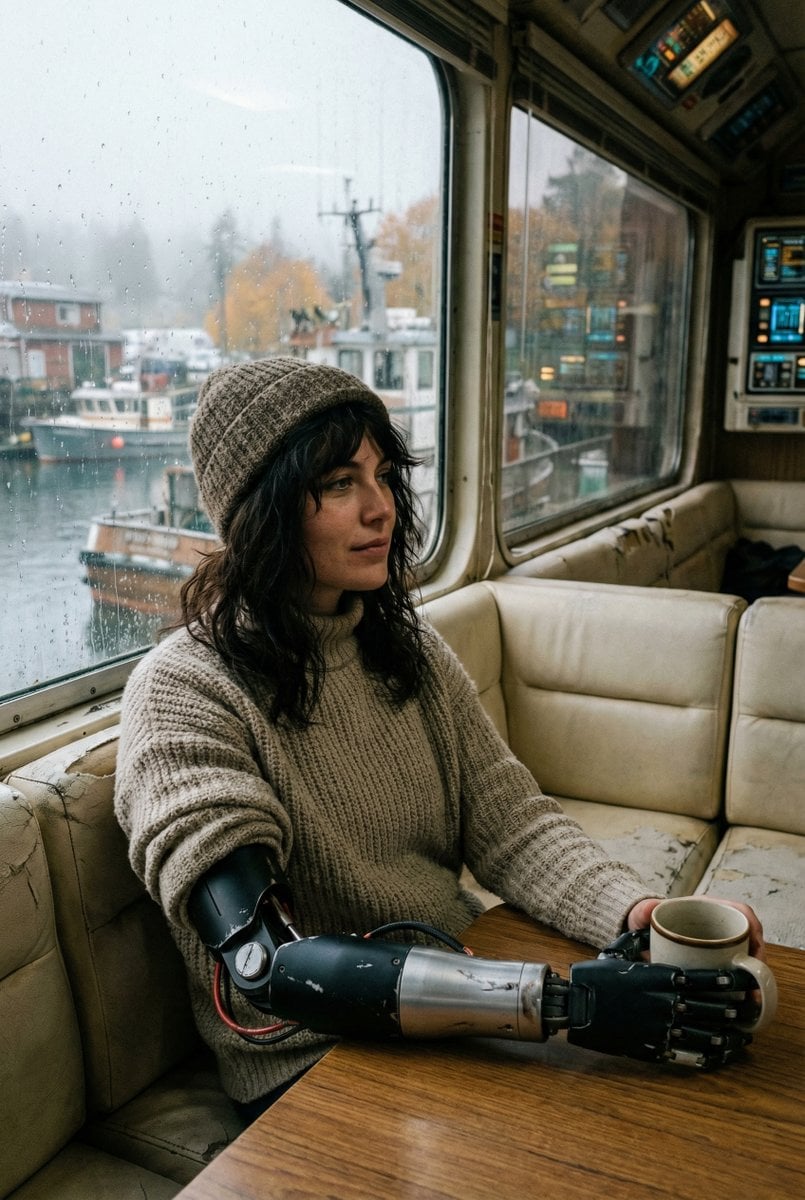
Film Stock Emulation Prompt
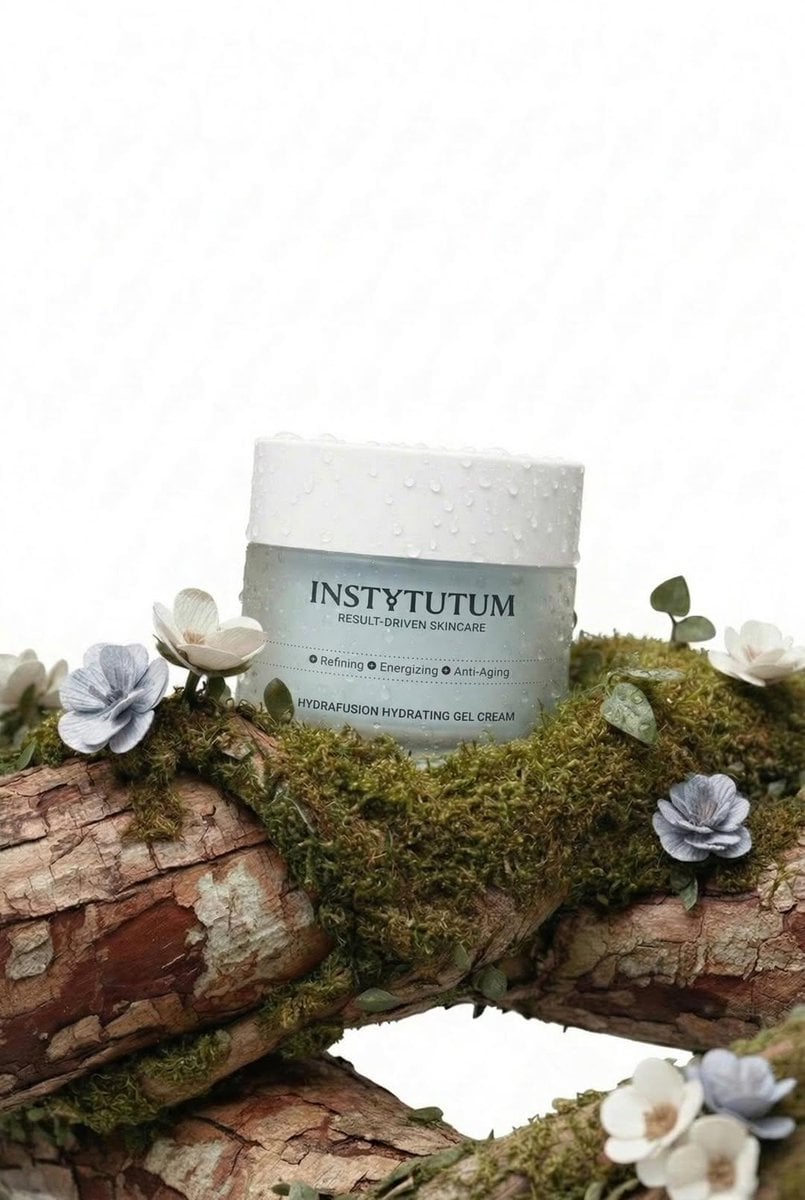
Eco-Luxury Skincare Product Photography
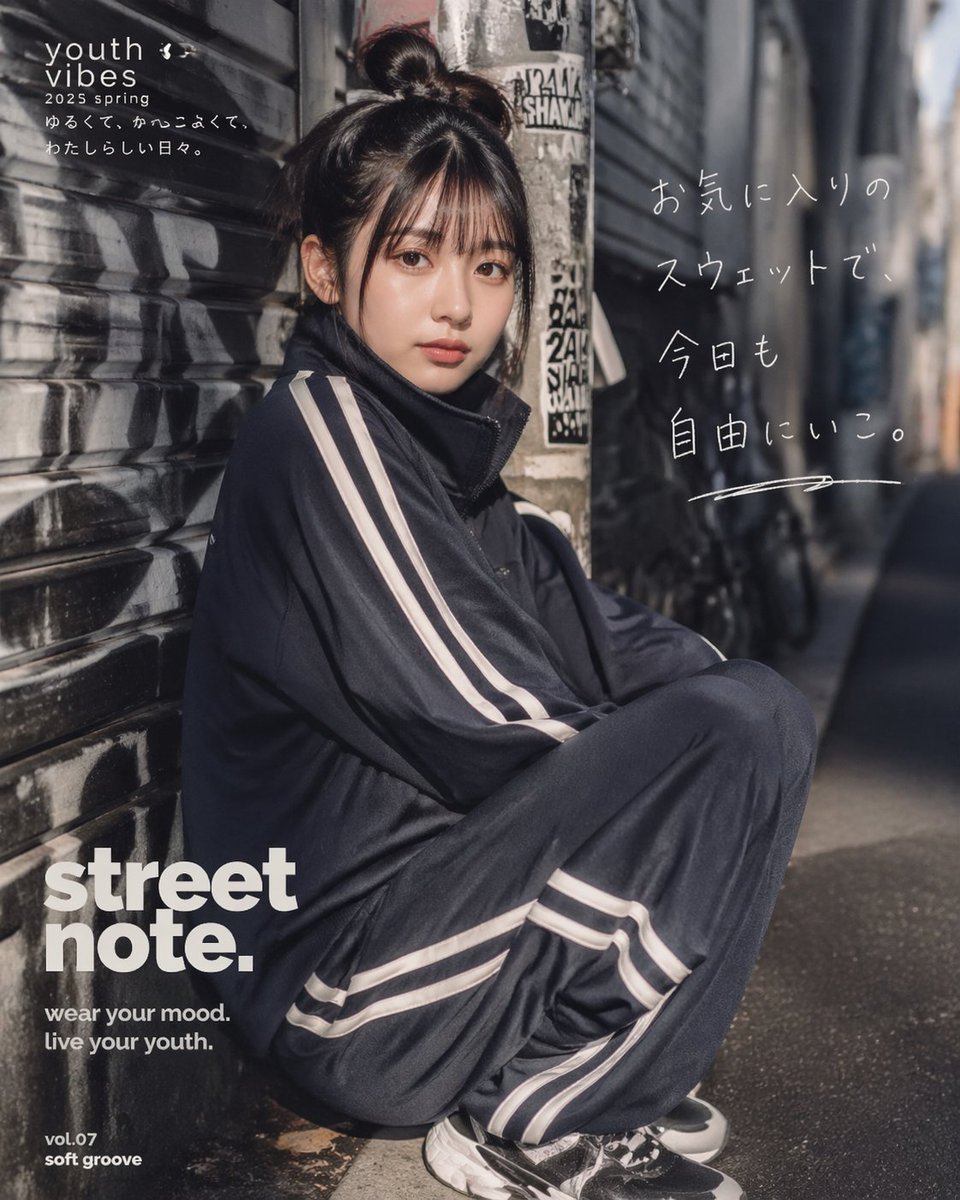
Japanese Streetwear Editorial Poster
Panel Manga Generation from a Scene Description
90s Retro Streetwear Fashion Editorial
Magical Glowing Ribbon Style Transformation
Dark Fantasy Bureau Role Sheet
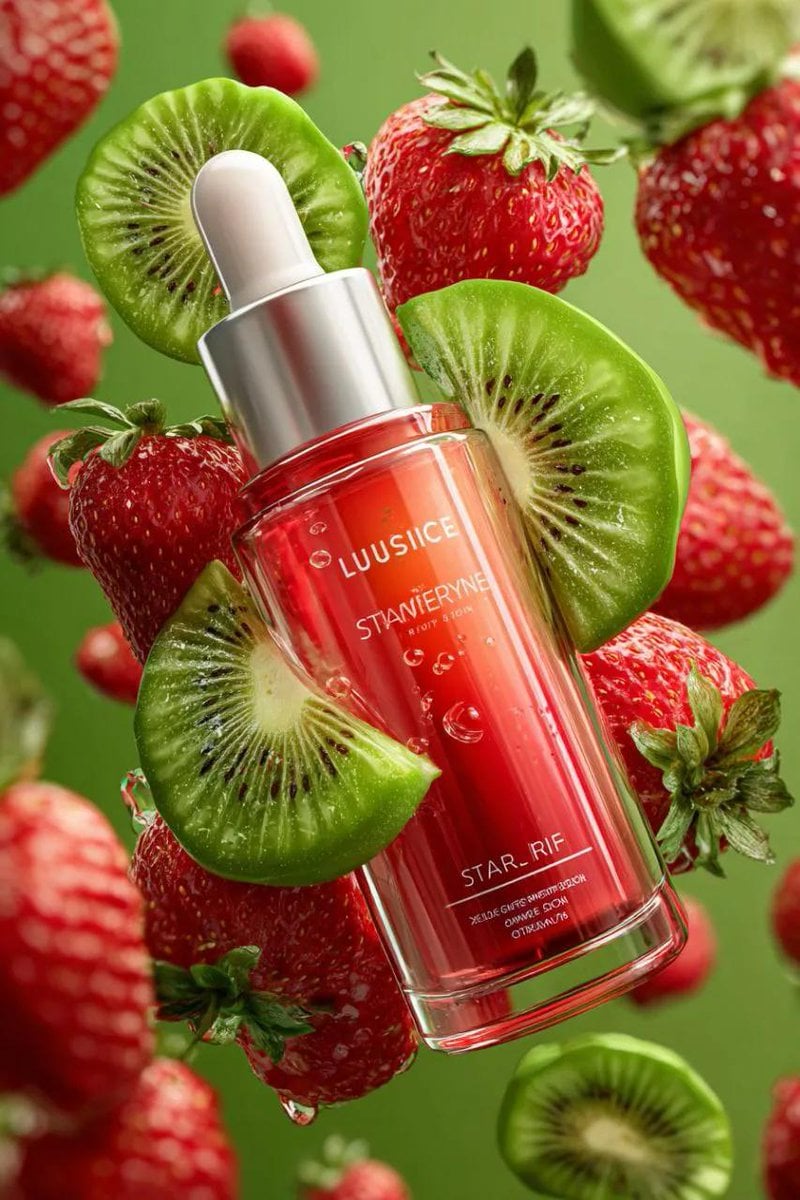
3D Floating Cosmetic Bottle Product Shots
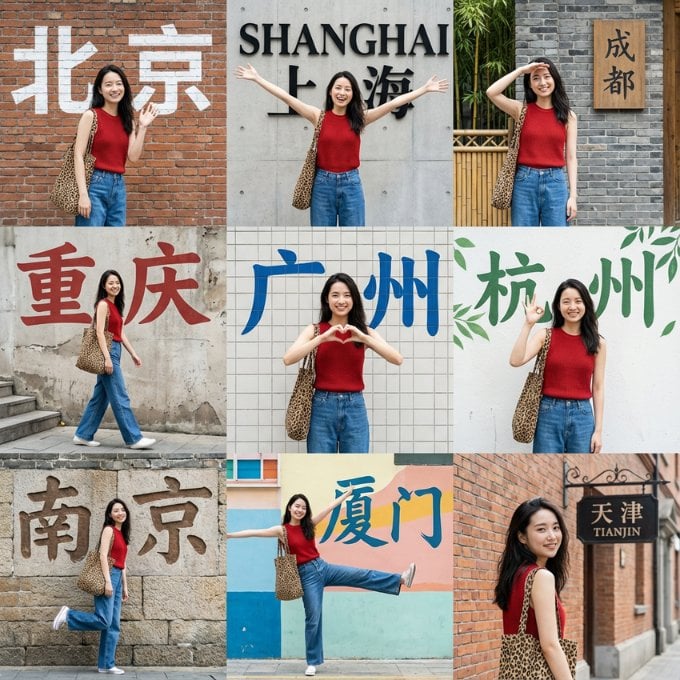
Nine-Grid Street Photography Prompt Framework
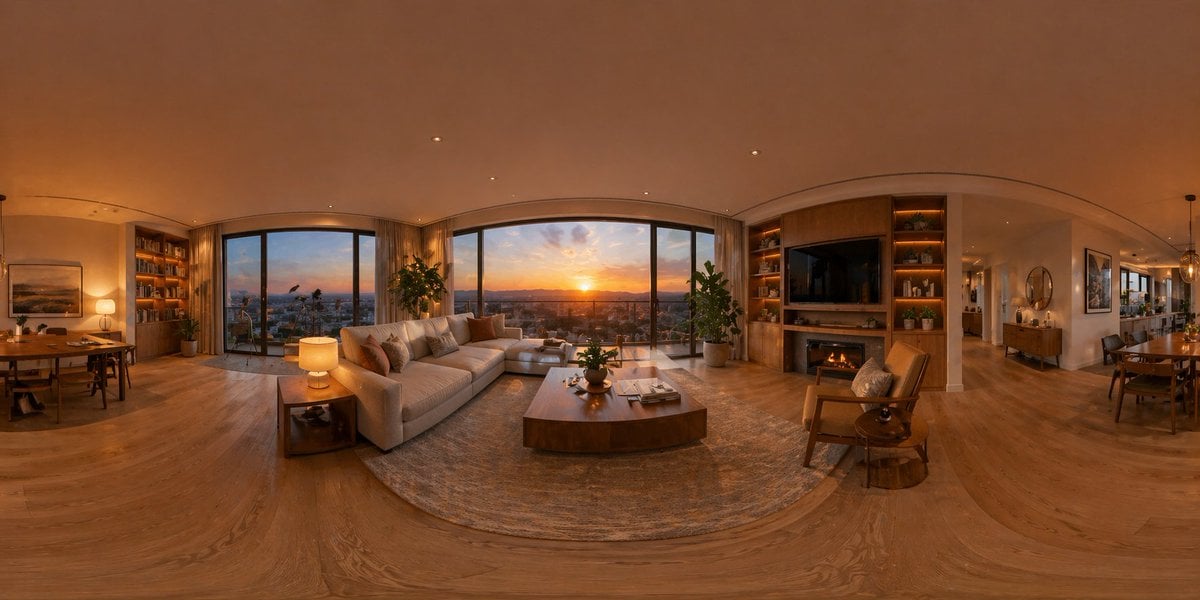
360 Degree Panoramic Image Template
Browse template categories
Gemini Nano Banana Portrait questions
How do I use the 47-gemini-nano-banana-portrait-prompt template?
Add your photo if the template asks for one, edit the prompt if you like — the template's model and format are already selected — and press Generate. Your version opens in PicX Studio.
Can I customize the 47-gemini-nano-banana-portrait-prompt template?
Yes. You can change the subject, setting, lighting, mood, format, and available model controls before creating your image.
Is the 47-gemini-nano-banana-portrait-prompt template free?
Opening and editing this template is free. Generating uses credits, shown on the Generate button when you are signed in.
Which AI model should I use?
Start with Nano Banana, which is the model associated with this template. You can compare another compatible model for a different finish.
Looking for something else? Browse all templates.

Your photo, any look
Thousands of ready templates for every top image and video model, from one credit balance.