
Dark Fantasy Bureau Role Sheet
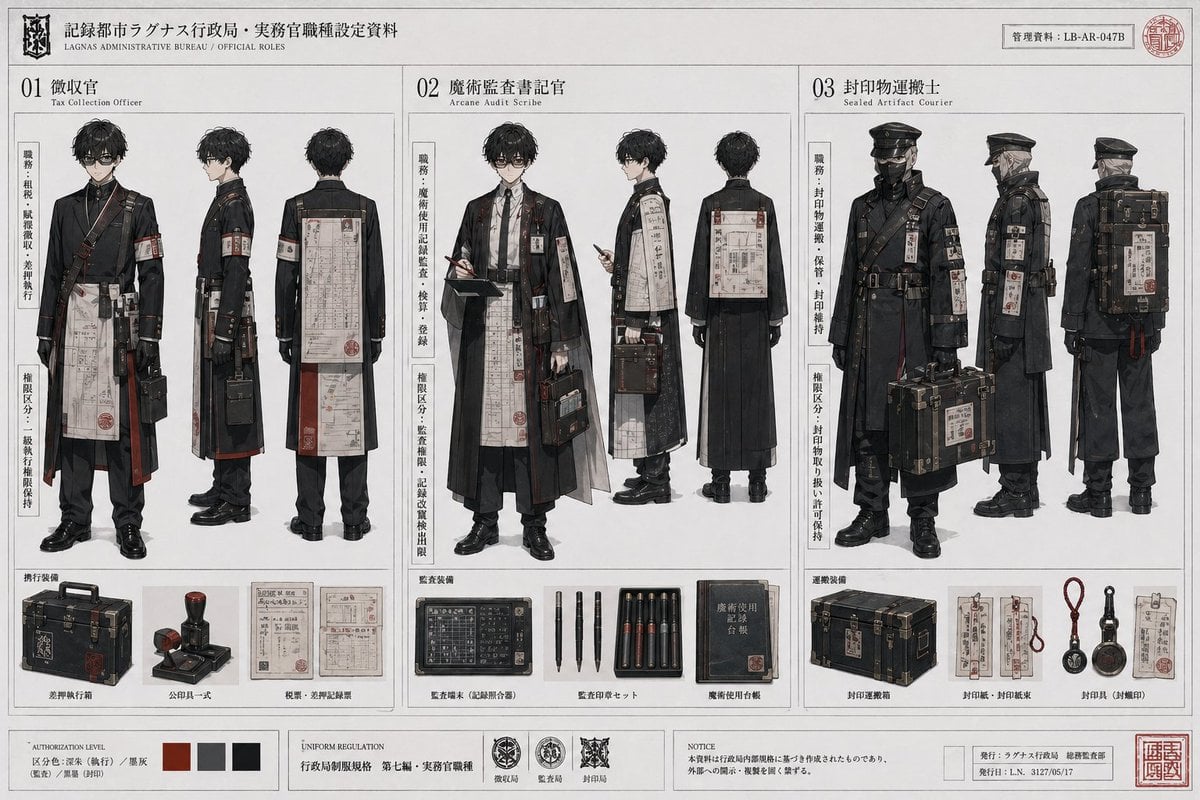
This prompt transforms a simple anime character turnaround into a detailed fictional government-uniform concept dossier for worldbuilding, costume design, or prop-heavy character presentation.
- Prompt included
- Model and format preset
- Free template
The prompt behind this image
Copy the exact prompt behind Dark Fantasy Bureau Role Sheet, or open it in the studio and make it yours.
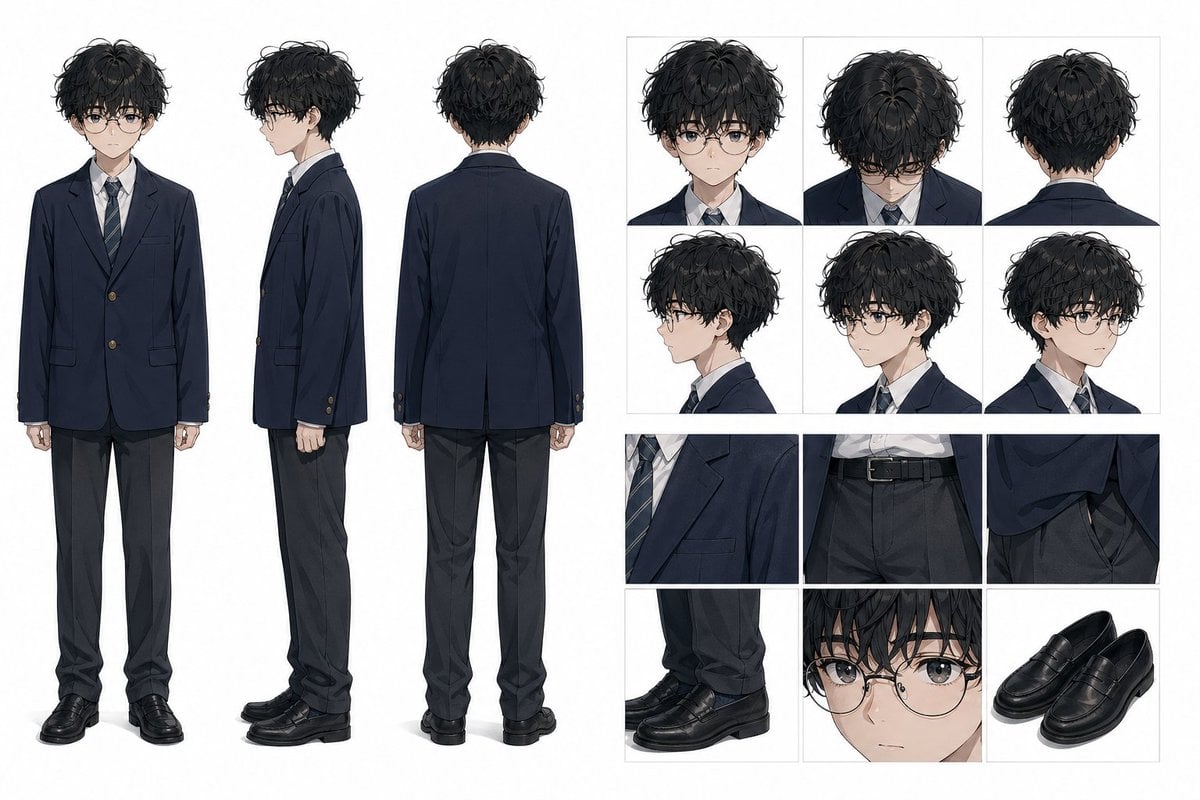
Using REFERENCE_0 as the base character sheet, redesign the same male student into a fictional Japanese dark-bureaucratic fantasy worldbuilding dossier. Keep his core body type, hairstyle, and face structure consistent, but replace the school uniform concept with 3 official role variants presented as a professional concept-art document on aged white paper with thin grid lines, black ink, muted grayscale, and deep red accent marks. Create a 3-column layout labeled 01, 02, and 03, each showing full-body front, side, and back views of the same character reimagined for a different job. Role 01 should be a tax collection officer in a long black coat with hanging paperwork, armband, shoulder straps, leather belts, and a compact case. Role 02 should be an arcane audit scribe with glasses, layered robe-like outerwear over formal clothes, dangling seals and inspection documents, a ledger or clipboard, writing tools, and a briefcase. Role 03 should be a sealed artifact courier with a military-style cap, face covering, heavier protective coat, straps, tags, and a large transport case plus a backpack-like cargo unit. Add vertical Japanese side notes beside each role, dense bureaucratic labels, official insignias, stamps, serial numbers, and small English sublabels for the role names. At the bottom, include 3 equipment sections, one under each column: for role 01 show exactly 3 items — a hard case, an official stamp, and 2 paper forms; for role 02 show exactly 4 items — a black device/ledger panel, a set of 4 pens, a tray of 6 seal sticks or cartridges, and 1 blue handbook; for role 03 show exactly 4 items — a transport chest, 2 paper tags/forms, 3 hanging sealing tools, and 2 circular sealing tools plus 1 document card. Include an additional footer strip with exactly 4 color swatches, exactly 3 insignia emblems, a notice block, and publication/record information boxes. Overall style: high-end anime concept sheet mixed with occult government archive design, meticulous costume detailing, restrained composition, realistic textile rendering, and a serious institutional mood.
Reference images included
Dark Fantasy Bureau Role Sheet needs input media to work. They load alongside the prompt when you open it in the studio.
How to use Dark Fantasy Bureau Role Sheet in 3 steps
- 1Upload ImagePNG, JPG or paste
Add your photo
Upload the photo the template builds on. The prompt, model and format are already set.
- 2…a portrait of your subject in softgolden-hour light, 85mm…
Personalize
Edit the subject and creative details for your destination.
- 3Generate
Generate
Press Generate — your image is created in PicX Studio, so you can compare it with the original and refine one variable at a time.
More like this
Templates with the same subject, style or setup. Open one to see its prompt.
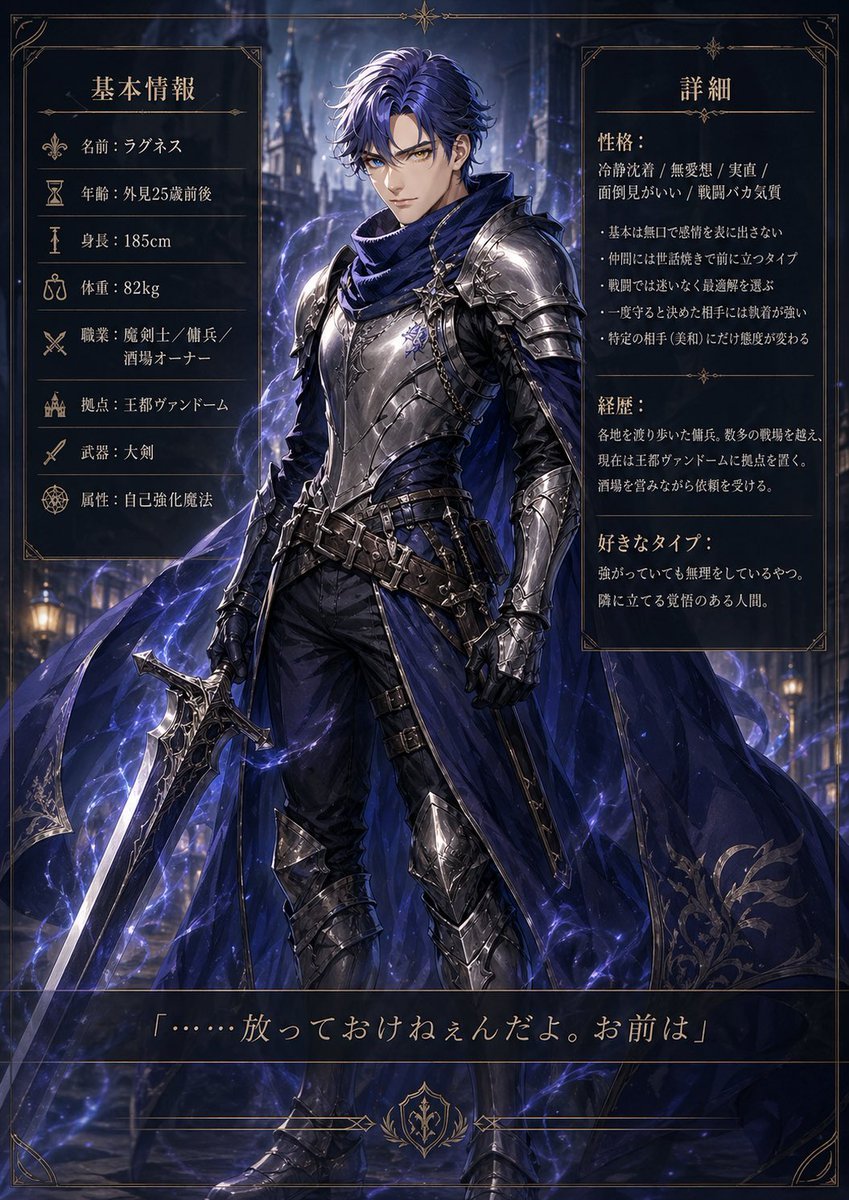
Dark Fantasy Knight Character Sheet
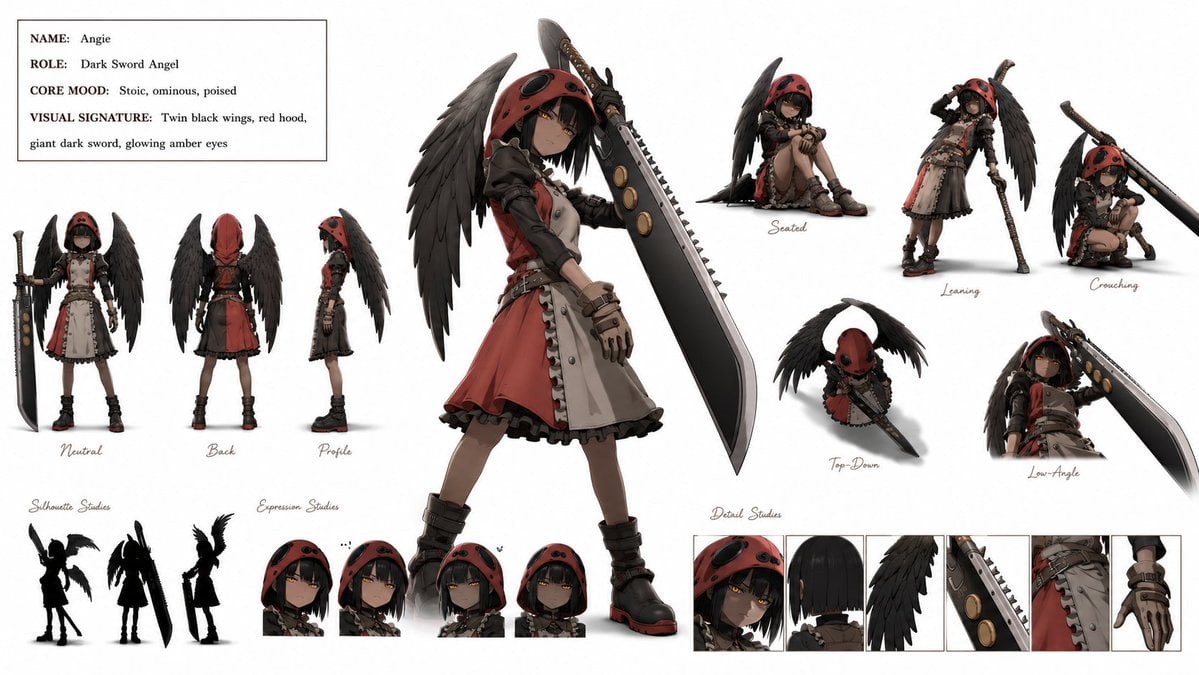
Dark Sword Angel Character Sheet
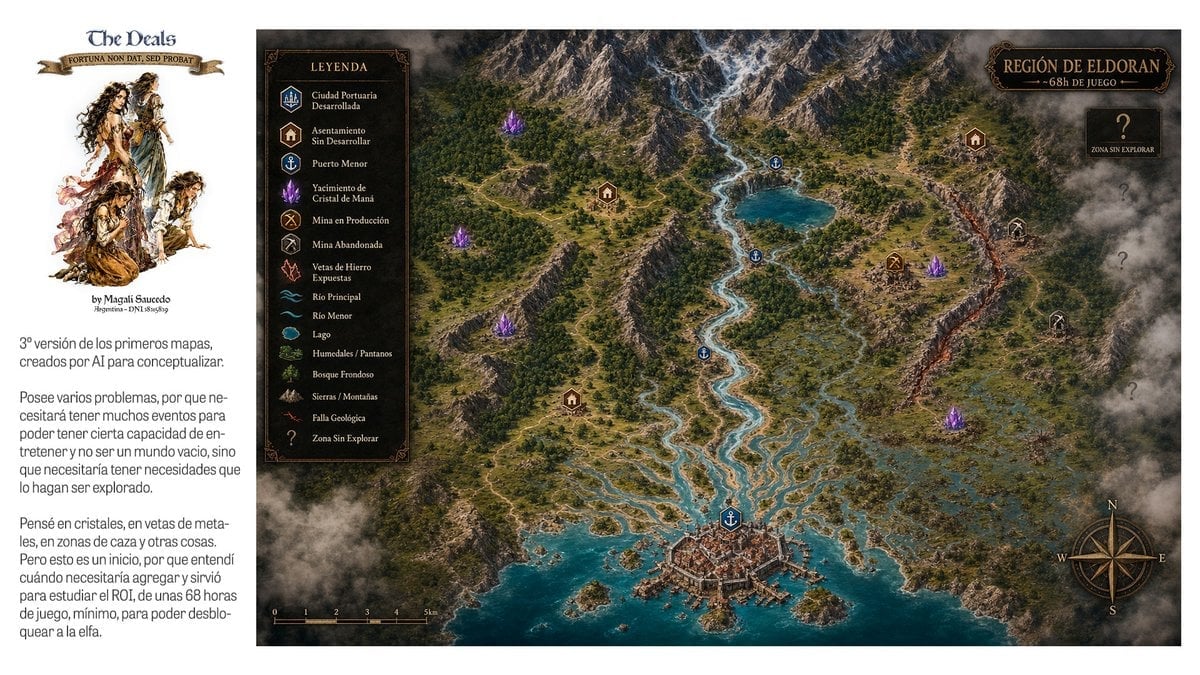
Fantasy RPG Region Map Sheet

Dark Fantasy Sorceress Storyboard

Dark Fantasy Smoke Monster Transformation

Anime Fantasy Celestial Movie Poster
Anime Fantasy Celestial Movie Poster

Selective Color Monochrome Football Poster

Minecraft Fantasy Kingdom Voxel Landscape

Unfinished Sketch Comes Alive Portrait

Open Travel Journal Overhead Still Life

Tiny Woman Miniature Fantasy Macro Scene
Make it yours
Dark Fantasy Bureau Role Sheet works as-is. These are the safest ways to change it without losing the look.
Change one field
Copy a single group, rewrite it, and generate again so you can see what that field is doing.
Keep the frame, change the subject
Hold the composition and light of Dark Fantasy Bureau Role Sheet, then swap wardrobe, props or the person for a new take.
| If the result… | Why | Fix |
|---|---|---|
| The result drifts from the preview | Too many fields changed at once. | Reuse Dark Fantasy Bureau Role Sheet as-is first, then change one group — subject, light, or setting. |
| The model over-stylizes the scene | The prose prompt leaves finish and camera underspecified. | Add one camera or lighting sentence and stay on GPT Image 2. |
More GPT Image 2 templates
Other prompts made for GPT Image 2.

Six VTuber Japanese Logo Sheet

Realistic Portrait of Woman and Deer

The Vista Modular Condo Poster

AI Model Routing Comparison Infographic

2.5D Anime Art Board

Isometric Productivity Desk Scene

New York Double Exposure Poster

Four-Panel AI Landscape Comparison

Japanese Tatami Lifestyle Magazine Cover

NESCAFÉ Coffee Map Poster
More image prompts
Fresh picks from across the catalog.
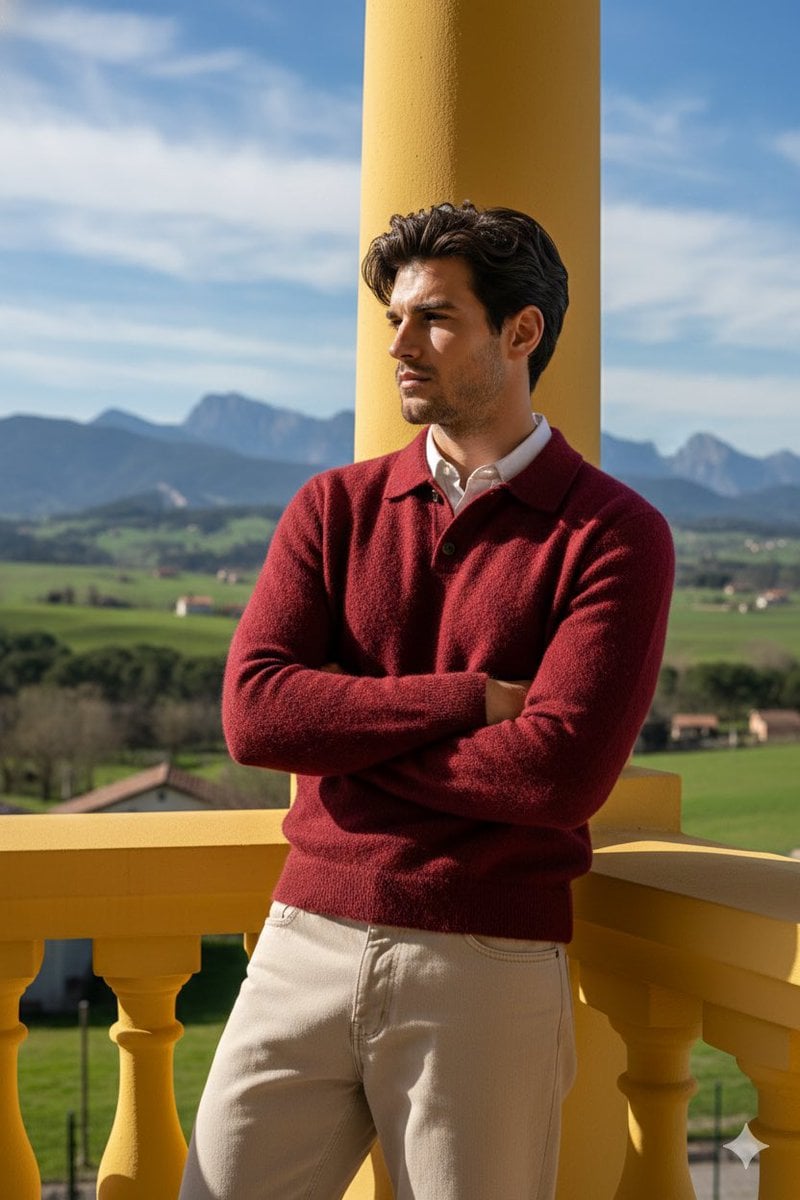
Stylish Man on Balcony with Identity Lock
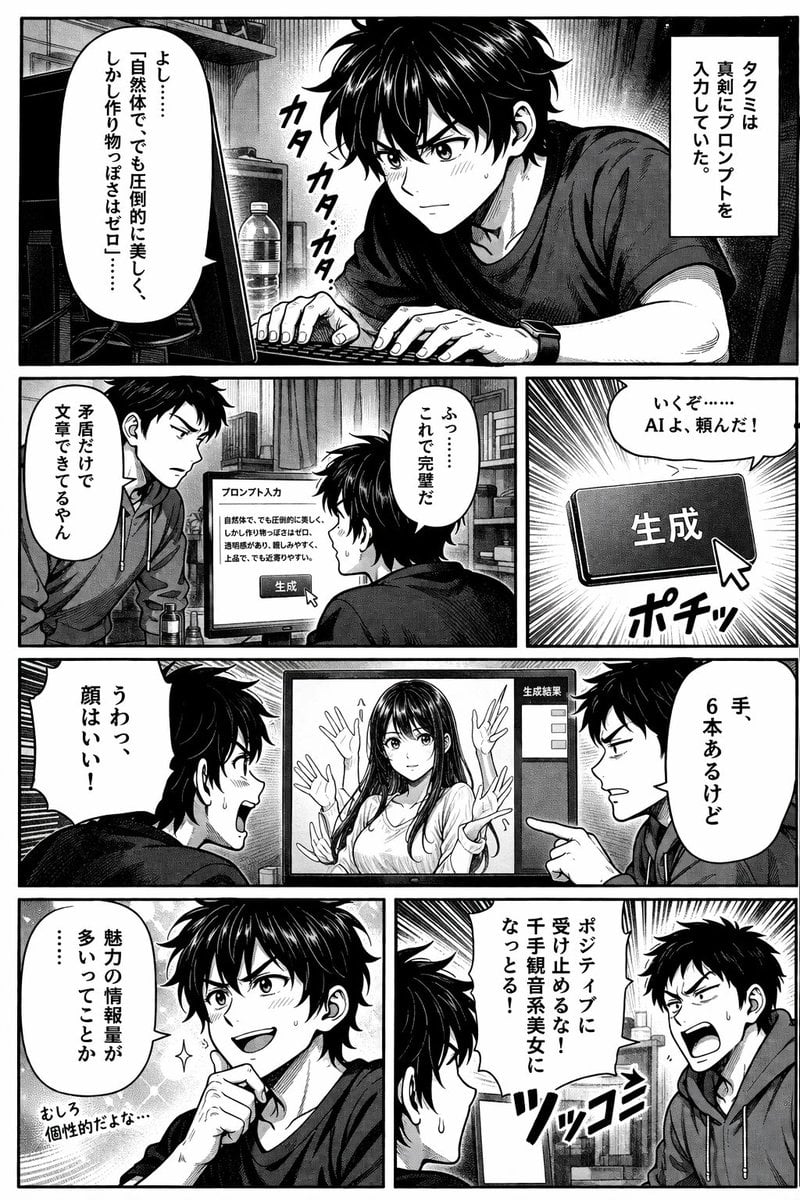
AI Image Generation Manga Page
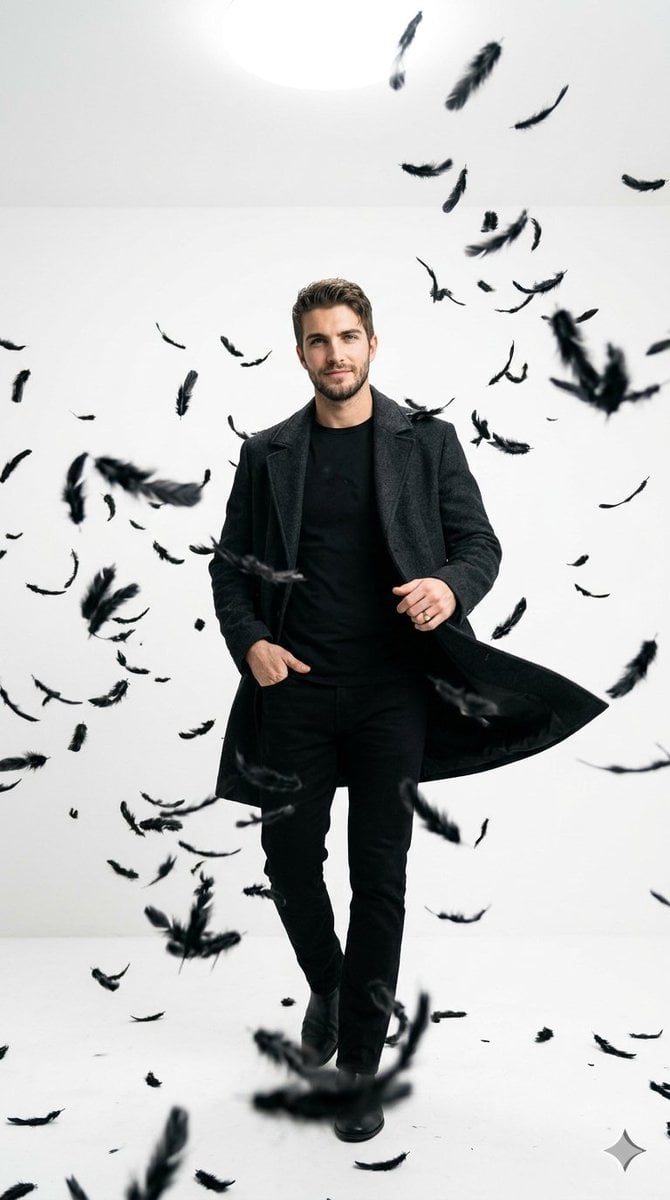
Cinematic Studio Portrait with Floating Feathers
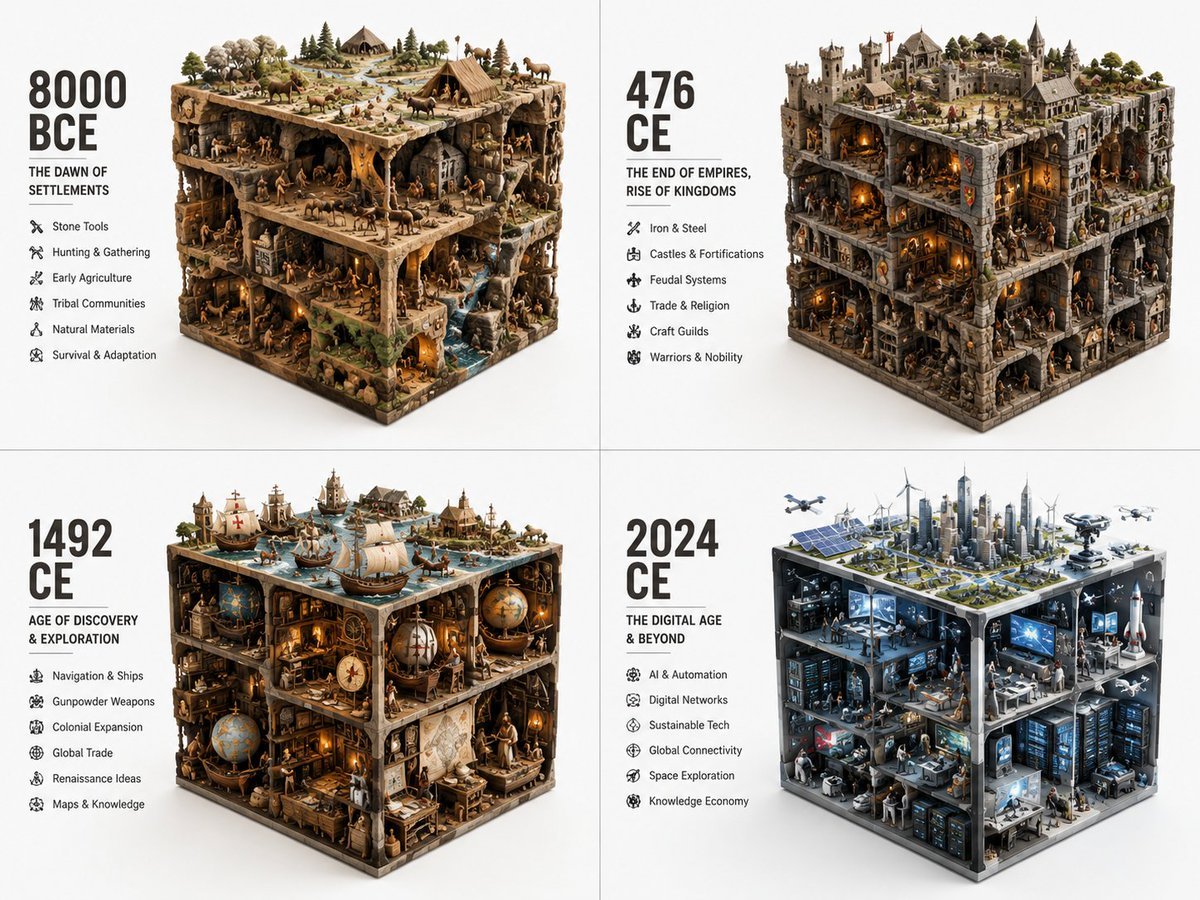
Historical Era Visualization Cube
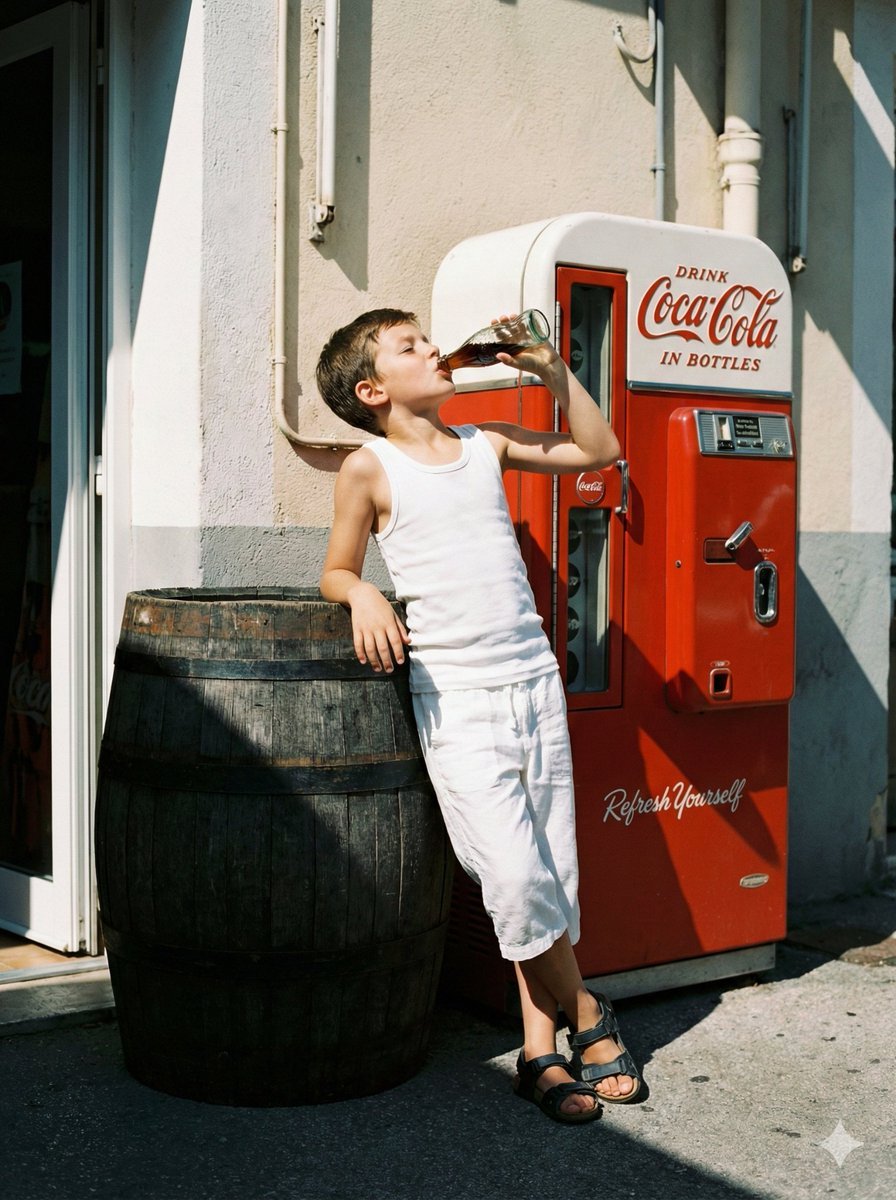
Nostalgic Film Photo of Boy by Coca-Cola Vending Machine
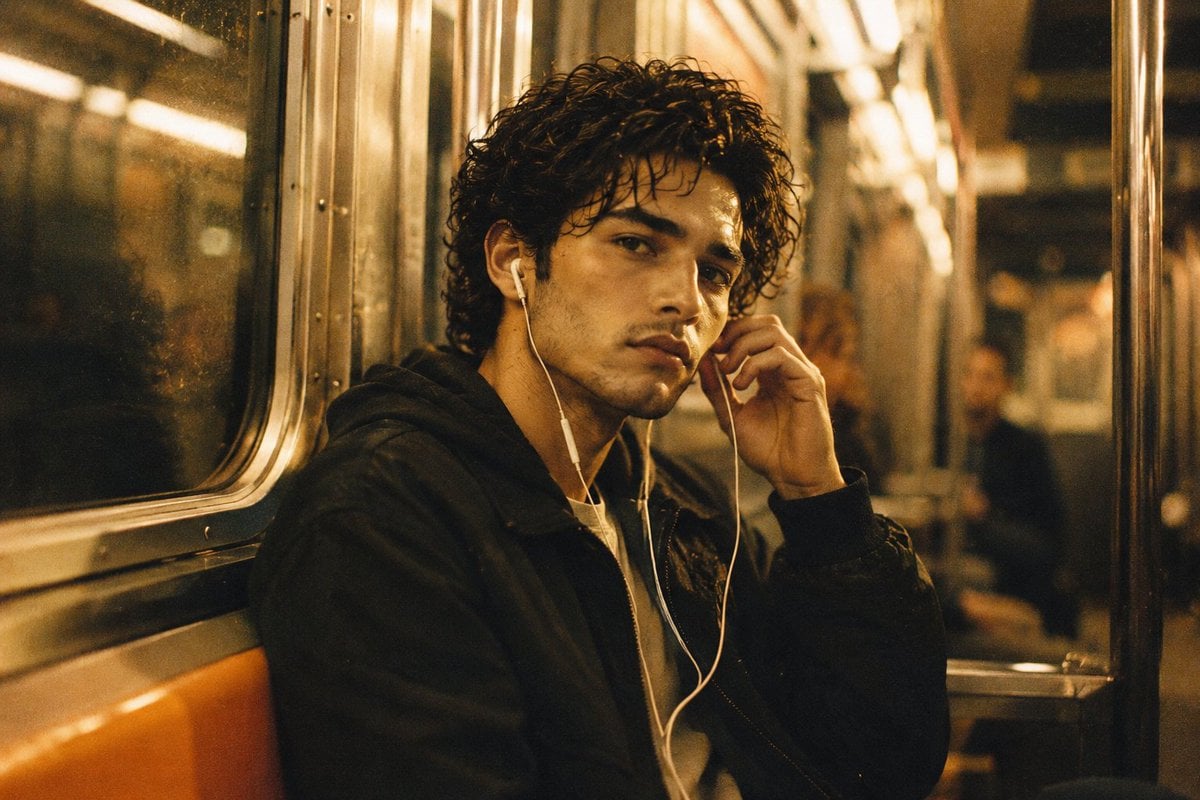
Nostalgic 90s Subway Film Portrait
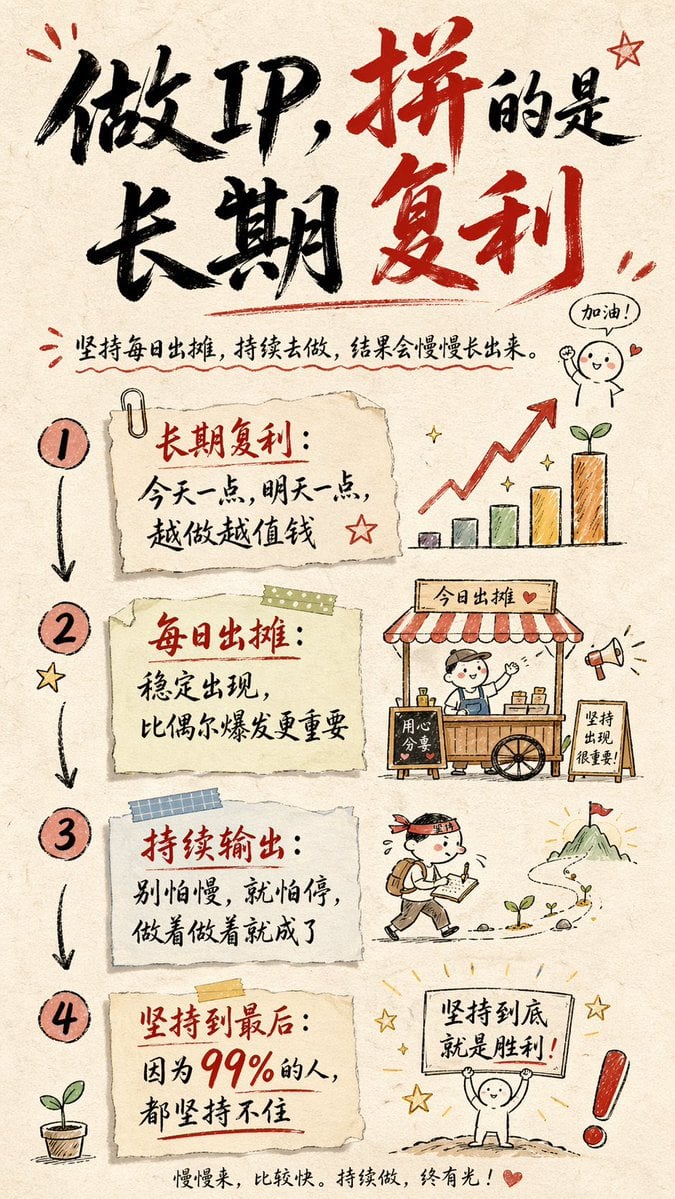
Hand-drawn Infographic Card Prompt
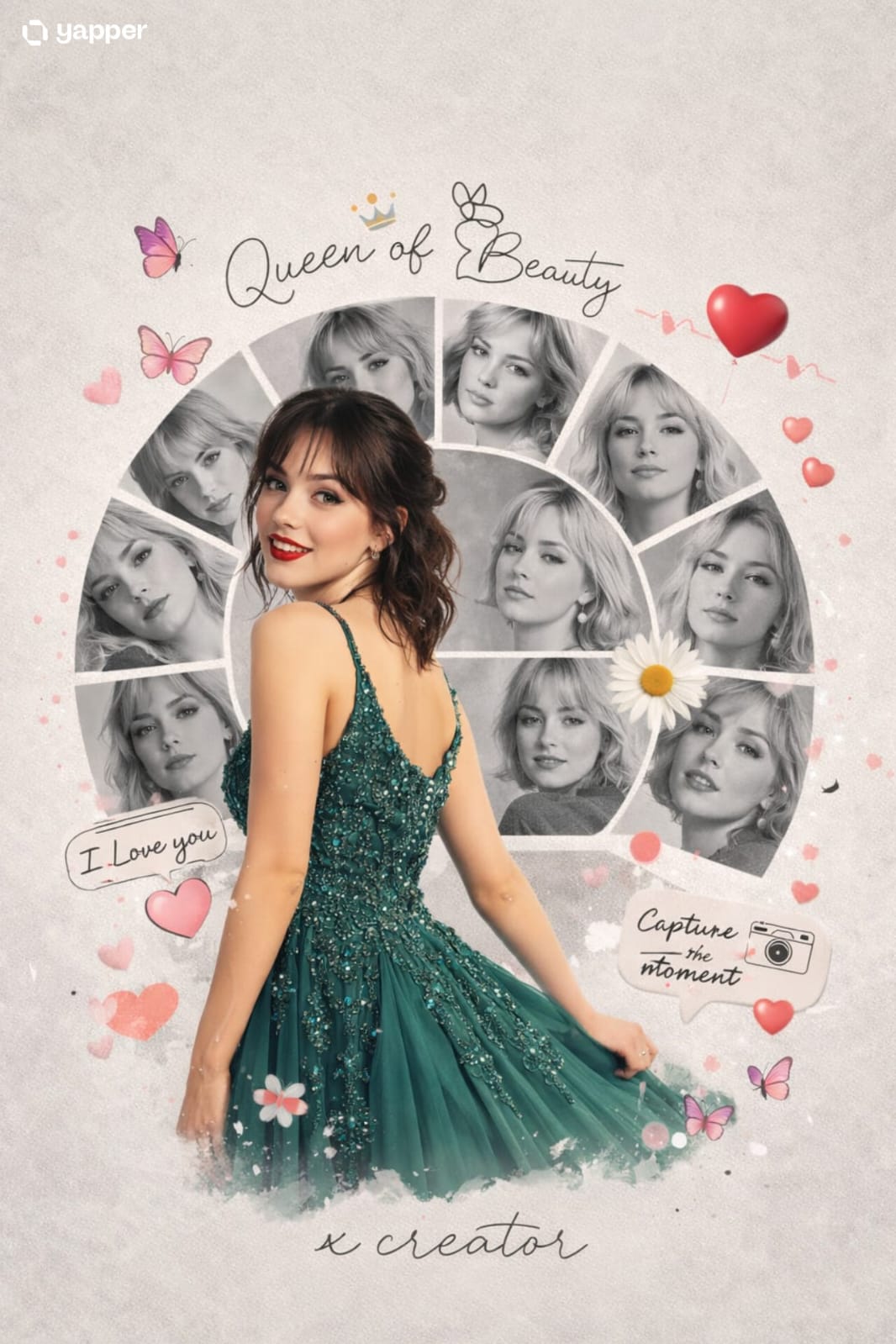
Vacation Style Portrait By the Marina
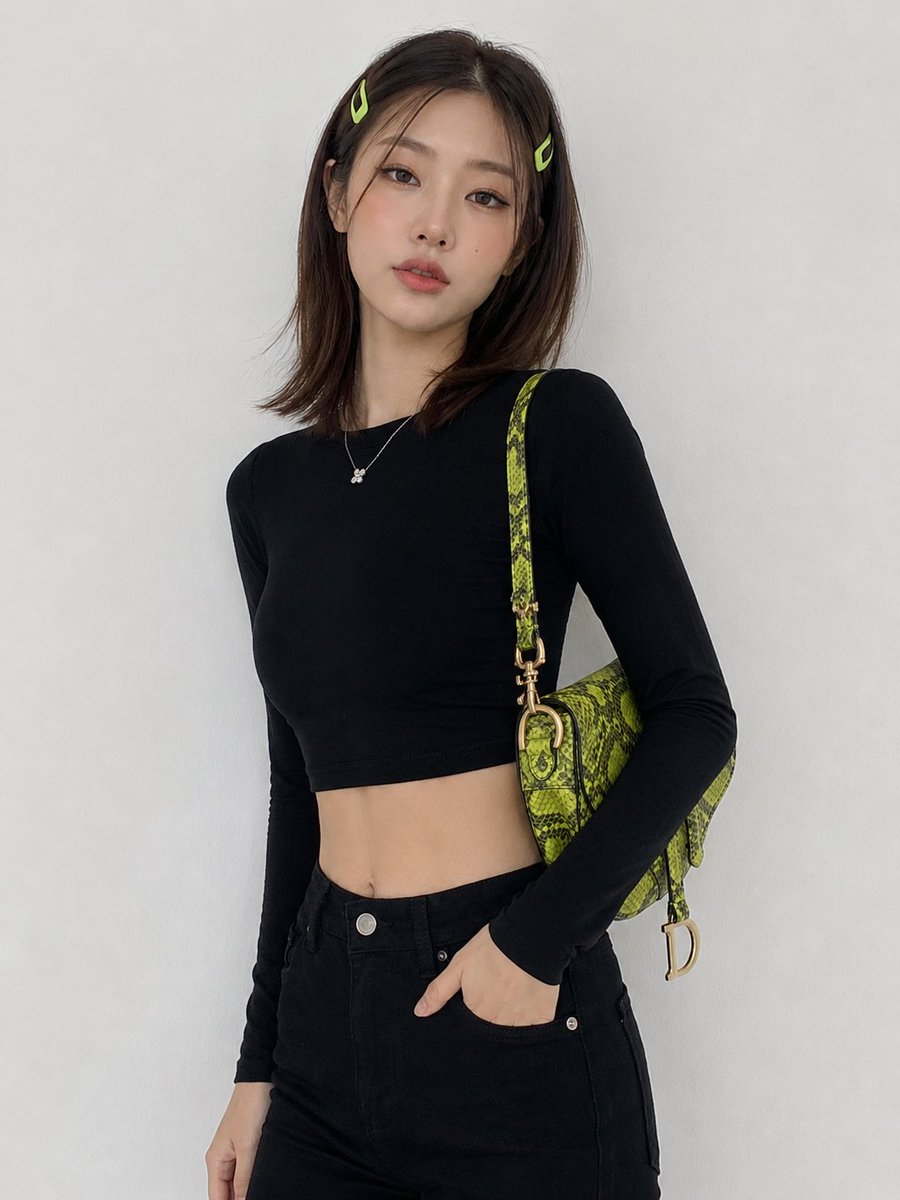
Korean Fashion Model Studio Portrait
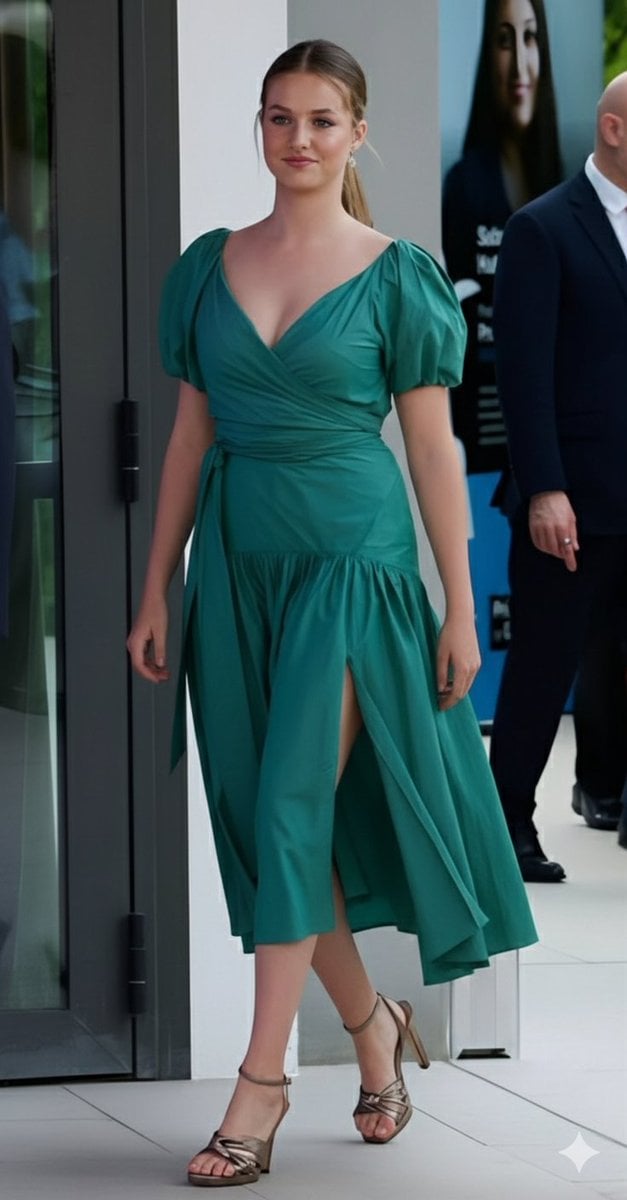
Emerald Green Satin Dress Fashion Editorial
Browse template categories
Dark Fantasy Bureau Role Sheet questions
How do I use the Dark Fantasy Bureau Role Sheet template?
Add your photo if the template asks for one, edit the prompt if you like — the template's model and format are already selected — and press Generate. Your version opens in PicX Studio.
Can I customize the Dark Fantasy Bureau Role Sheet template?
Yes. You can change the subject, setting, lighting, mood, format, and available model controls before creating your image.
Is the Dark Fantasy Bureau Role Sheet template free?
Opening and editing this template is free. Generating uses credits, shown on the Generate button when you are signed in.
Which AI model should I use?
Start with GPT Image 2, which is the model associated with this template. You can compare another compatible model for a different finish.
Looking for something else? Browse all templates.

Your photo, any look
Thousands of ready templates for every top image and video model, from one credit balance.