
AI Image Generation Manga Page
A 6-panel manga page depicting two friends generating an AI image that results in a 6-handed anime girl.
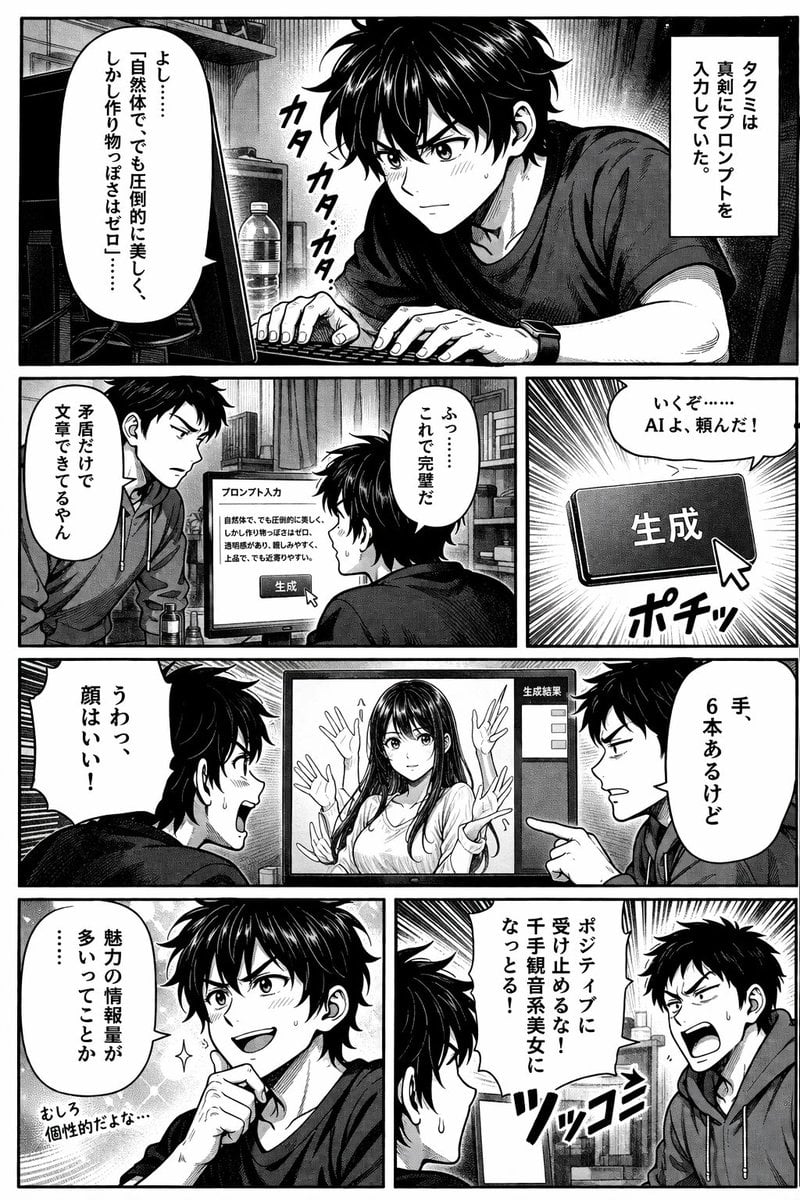
- Prompt included
- Model and format preset
- Free template
The prompt behind this image
Copy the exact prompt behind AI Image Generation Manga Page, or open it in the studio and make it yours.
- Type
- manga page
- Style
- black and white, screentones, left-to-right reading
- Characters › 0 › Name
- Takumi
- Characters › 0 › Appearance
- messy dark hair, t-shirt
- Characters › 1 › Name
- Friend
- Characters › 1 › Appearance
- short dark hair, hoodie
- Layout › Rows
- 4
- Layout › Panels › 0 › Position
- row 1, full width
- Layout › Panels › 0 › Scene
- Takumi typing at computer.
- Layout › Panels › 0 › Text
- {argument name="takumi prompt text" default="よし……「自然体で、でも圧倒的に美しく、しかし作り物っぽさはゼロ」……"}, タクミは真剣にプロンプトを入力していた。, カタカタカタ
- Layout › Panels › 1 › Position
- row 2, left
- Layout › Panels › 1 › Scene
- Friend looking at monitor.
- Layout › Panels › 1 › Text
- {argument name="friend critique text" default="矛盾だけで文章できてるやん"}
- Layout › Panels › 2 › Position
- row 2, right
- Layout › Panels › 2 › Scene
- Cursor clicking generate button.
- Layout › Panels › 2 › Text
- 生成, ふっ……これで完璧だ, いくぞ……AIよ、頼んだ!, ポチッ
- Layout › Panels › 3 › Position
- row 3, full width
- Layout › Panels › 3 › Scene
- Characters reacting to AI girl with 6 hands on monitor.
- Layout › Panels › 3 › Text
- {argument name="takumi praise text" default="うわっ、顔はいい!"}, {argument name="friend observation text" default="手、6本あるけど"}, 生成結果
- Layout › Panels › 4 › Position
- row 4, left
- Layout › Panels › 4 › Scene
- Takumi looking satisfied.
- Layout › Panels › 4 › Text
- 魅力の情報量が多いってことか……, むしろ個性的だよな…
- Layout › Panels › 5 › Position
- row 4, right
- Layout › Panels › 5 › Scene
- Friend yelling angrily.
Raw JSON
{
  "type": "manga page",
  "style": "black and white, screentones, left-to-right reading",
  "characters": [
    { "name": "Takumi", "appearance": "messy dark hair, t-shirt" },
    { "name": "Friend", "appearance": "short dark hair, hoodie" }
  ],
  "layout": {
    "rows": 4,
    "panels": [
      {
        "position": "row 1, full width",
        "scene": "Takumi typing at computer.",
        "text": [
          "{argument name=\"takumi prompt text\" default=\"よし……「自然体で、でも圧倒的に美しく、しかし作り物っぽさはゼロ」……\"}",
          "タクミは真剣にプロンプトを入力していた。",
          "カタカタカタ"
        ]
      },
      {
        "position": "row 2, left",
        "scene": "Friend looking at monitor.",
        "text": [
          "{argument name=\"friend critique text\" default=\"矛盾だけで文章できてるやん\"}"
        ]
      },
      {
        "position": "row 2, right",
        "scene": "Cursor clicking generate button.",
        "text": [
          "生成",
          "ふっ……これで完璧だ",
          "いくぞ……AIよ、頼んだ!",
          "ポチッ"
        ]
      },
      {
        "position": "row 3, full width",
        "scene": "Characters reacting to AI girl with 6 hands on monitor.",
        "text": [
          "{argument name=\"takumi praise text\" default=\"うわっ、顔はいい!\"}",
          "{argument name=\"friend observation text\" default=\"手、6本あるけど\"}",
          "生成結果"
        ]
      },
      {
        "position": "row 4, left",
        "scene": "Takumi looking satisfied.",
        "text": [
          "魅力の情報量が多いってことか……",
          "むしろ個性的だよな…"
        ]
      },
      {
        "position": "row 4, right",
        "scene": "Friend yelling angrily.",
        "text": [
          "{argument name=\"friend yell text\" default=\"ポジティブに受け止めるな!千手観音系美女になっとる!\"}",
          "ツッコミ"
        ]
      }
    ]
  }
}How to use AI Image Generation Manga Page in 3 steps
- 1Upload ImagePNG, JPG or paste
Add your photo
Upload the photo the template builds on. The prompt, model and format are already set.
- 2…a portrait of your subject in softgolden-hour light, 85mm…
Personalize
Edit the subject and creative details for your destination.
- 3Generate
Generate
Press Generate — your image is created in PicX Studio, so you can compare it with the original and refine one variable at a time.
More like this
Templates with the same subject, style or setup. Open one to see its prompt.

Quiet Hamster Manga Page

Late-Night Hamster Manga Page

Surreal Noir Hamster Manga Page

Shojo Horror Manga Corridor Page

Cute AI Manga Lesson Comic Page

Hamster Summons Sol Manga Page

Lazy Day Chibi Manga Page

Overwhelmed Coding Manga Page

Fantasy Wagashi Manga Cooking Page

Sunny Seaside Anime Manga Page
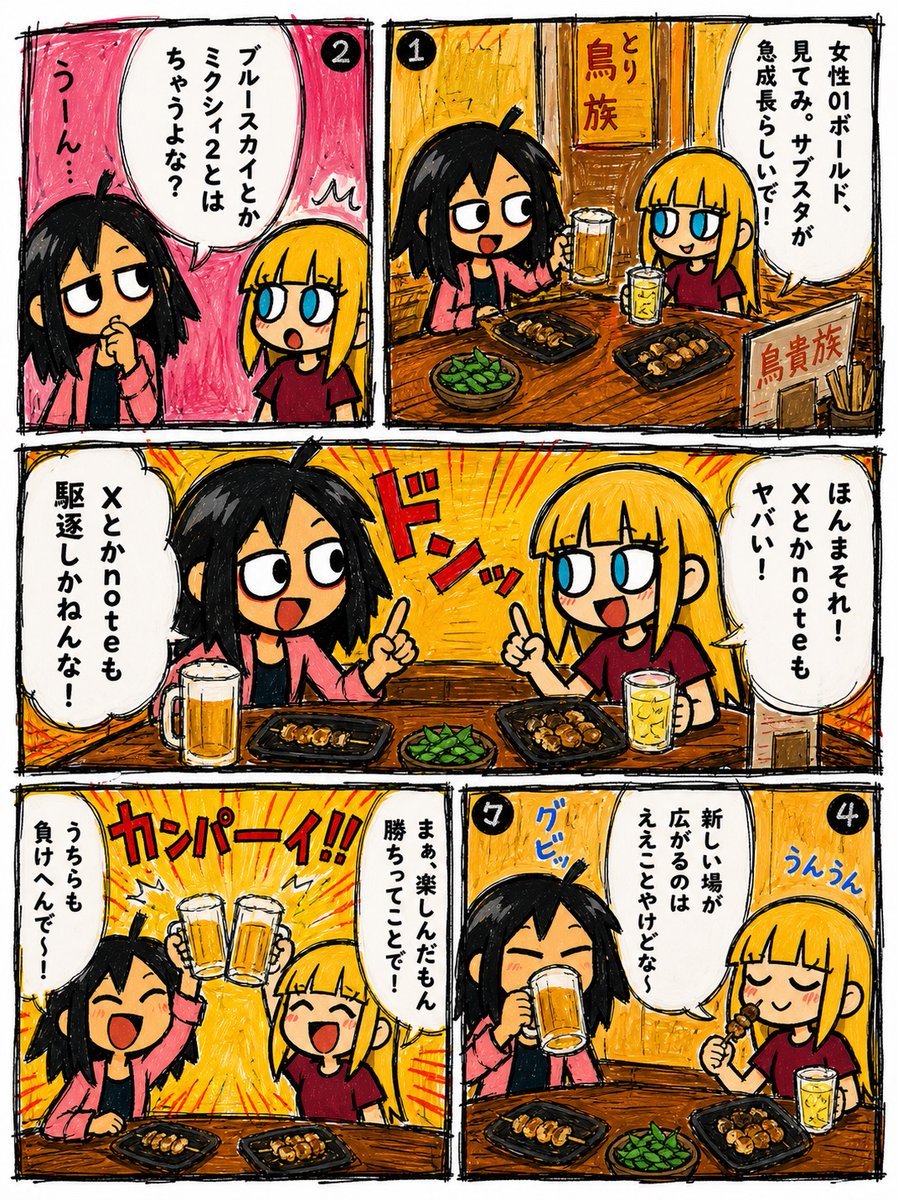
Hand-Drawn Izakaya Manga Page
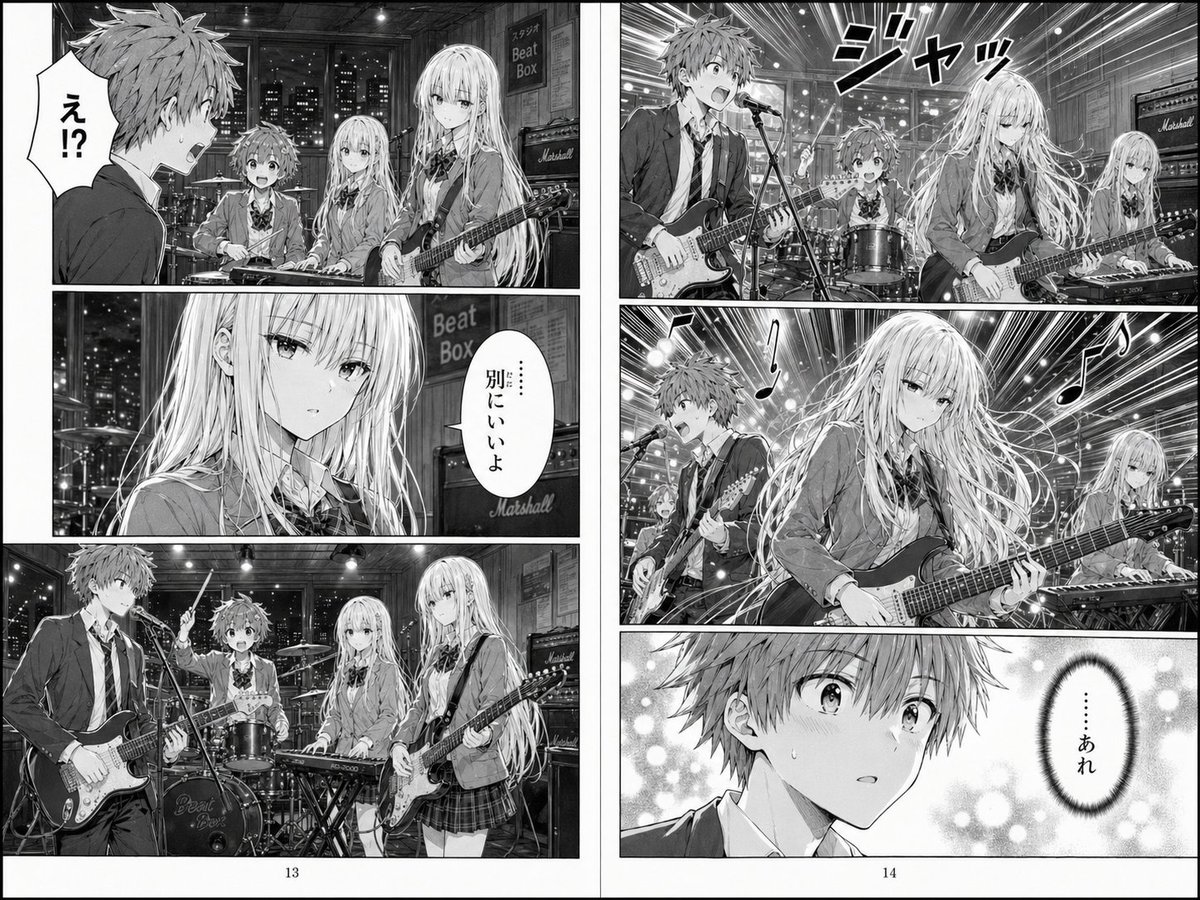
Two-Page School Band Manga Spread
Make it yours
AI Image Generation Manga Page works as-is. These are the safest ways to change it without losing the look.
Change one field
Copy a single group, rewrite it, and generate again so you can see what that field is doing.
Keep the frame, change the subject
Hold the composition and light of AI Image Generation Manga Page, then swap wardrobe, props or the person for a new take.
| If the result… | Why | Fix |
|---|---|---|
| The result drifts from the preview | Too many fields changed at once. | Reuse AI Image Generation Manga Page as-is first, then change one group — subject, light, or setting. |
| GPT Image 2 ignores part of the JSON | Some models flatten or skip nested keys. | Keep the same values and paste them as a short paragraph instead. |
More GPT Image 2 templates
Other prompts made for GPT Image 2.

Six VTuber Japanese Logo Sheet

Realistic Portrait of Woman and Deer

The Vista Modular Condo Poster

AI Model Routing Comparison Infographic

2.5D Anime Art Board

Isometric Productivity Desk Scene

New York Double Exposure Poster

Four-Panel AI Landscape Comparison

Japanese Tatami Lifestyle Magazine Cover

NESCAFÉ Coffee Map Poster
More image prompts
Fresh picks from across the catalog.
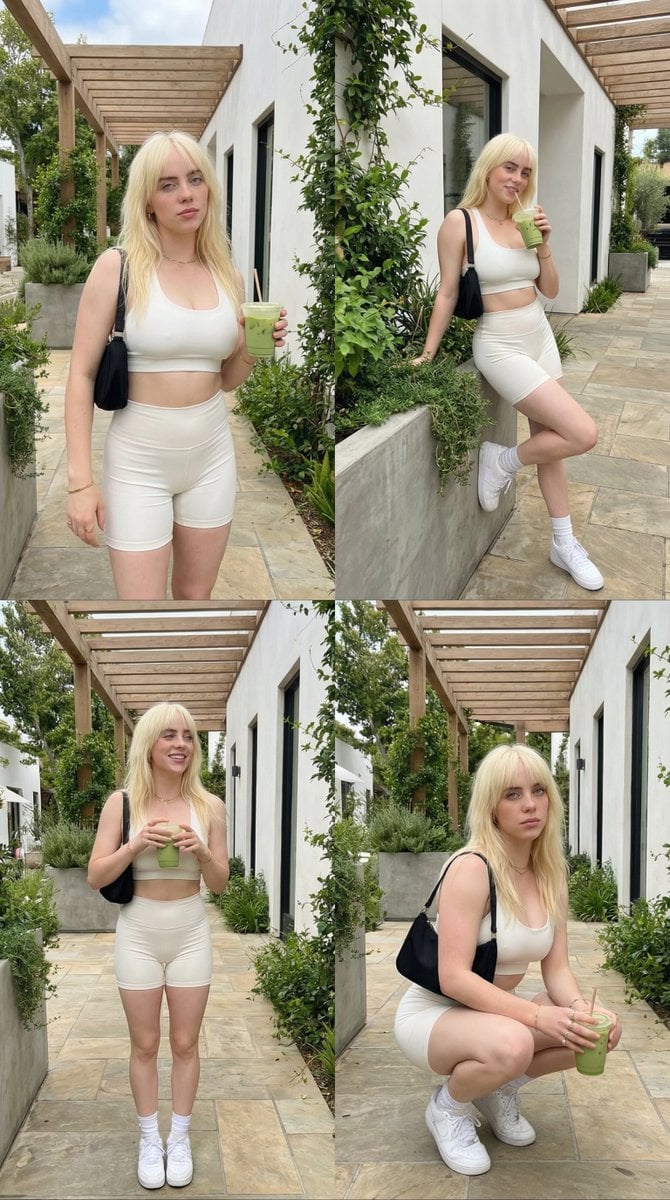
2x2 Grid Lifestyle Fashion Collage
Van Gogh Museum Selfie Prompt

8K Cinematic Winter Adventure Photo on a Vintage Train
9 Grid Travel Profile Photo Series
Minimalist Black and White Portrait Photography
Futuristic Urban Performance Poster
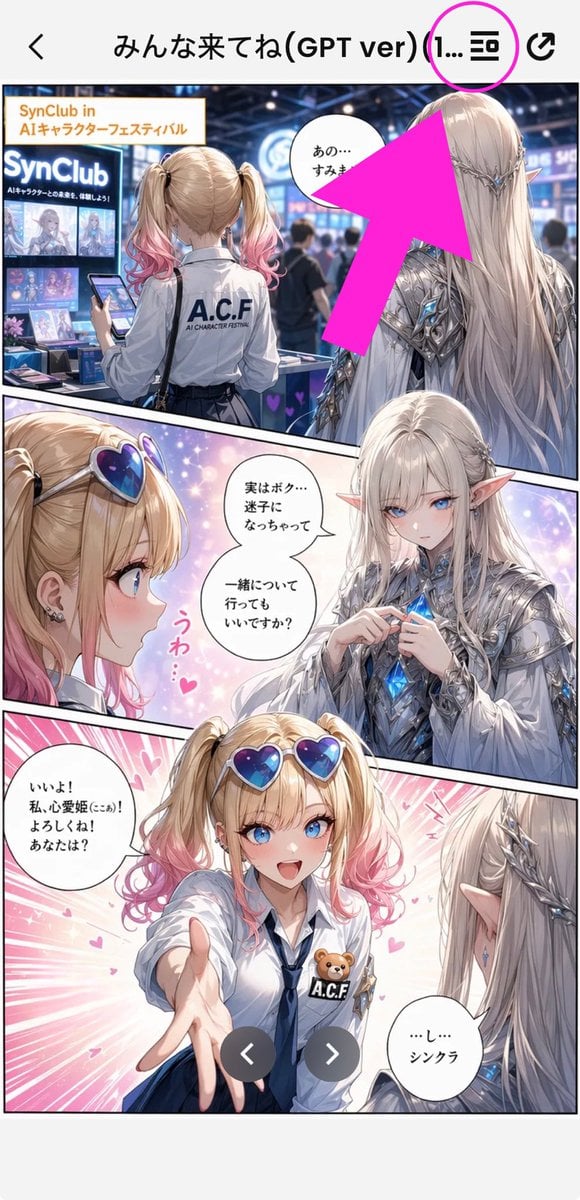
Annotated Manga App Screenshot
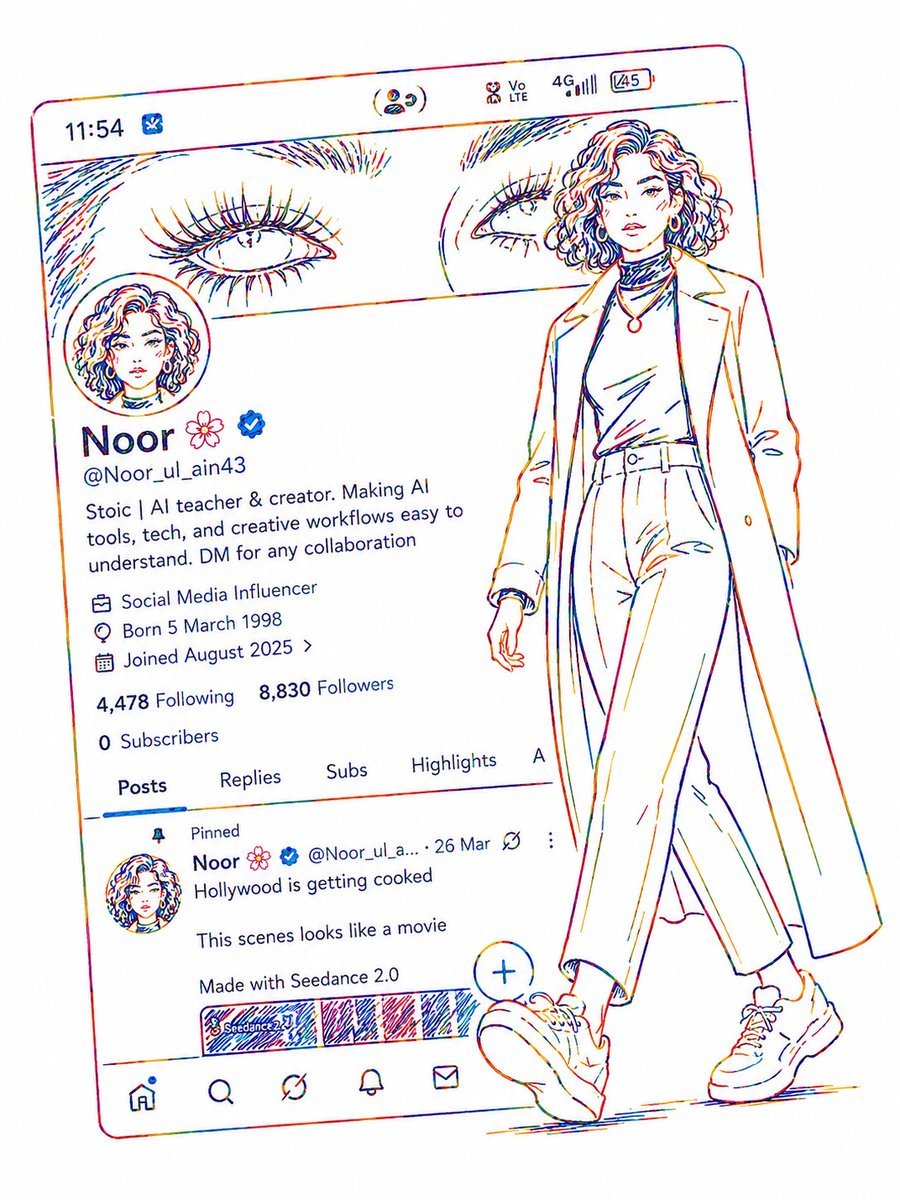
Minimalist Neon UI Character Illustration
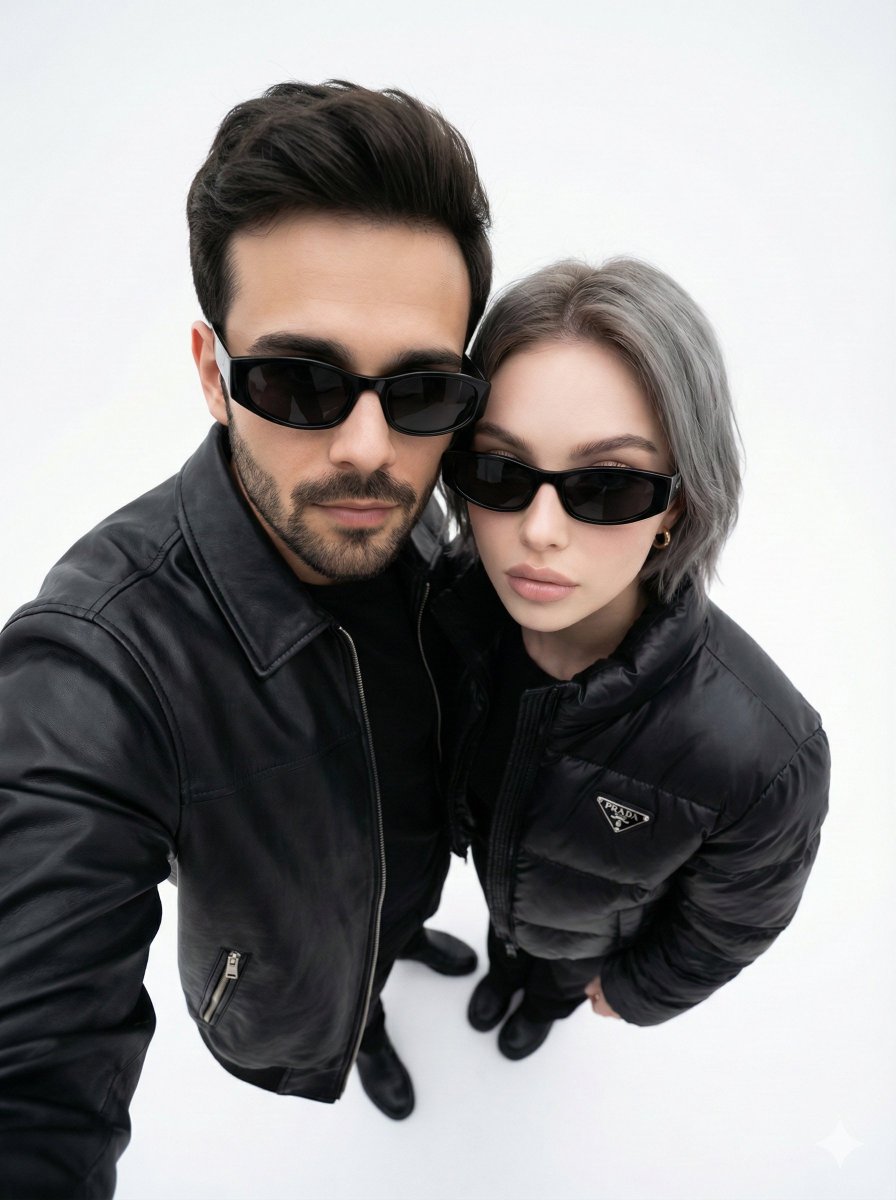
Minimalist Fashion Editorial Selfie Prompt
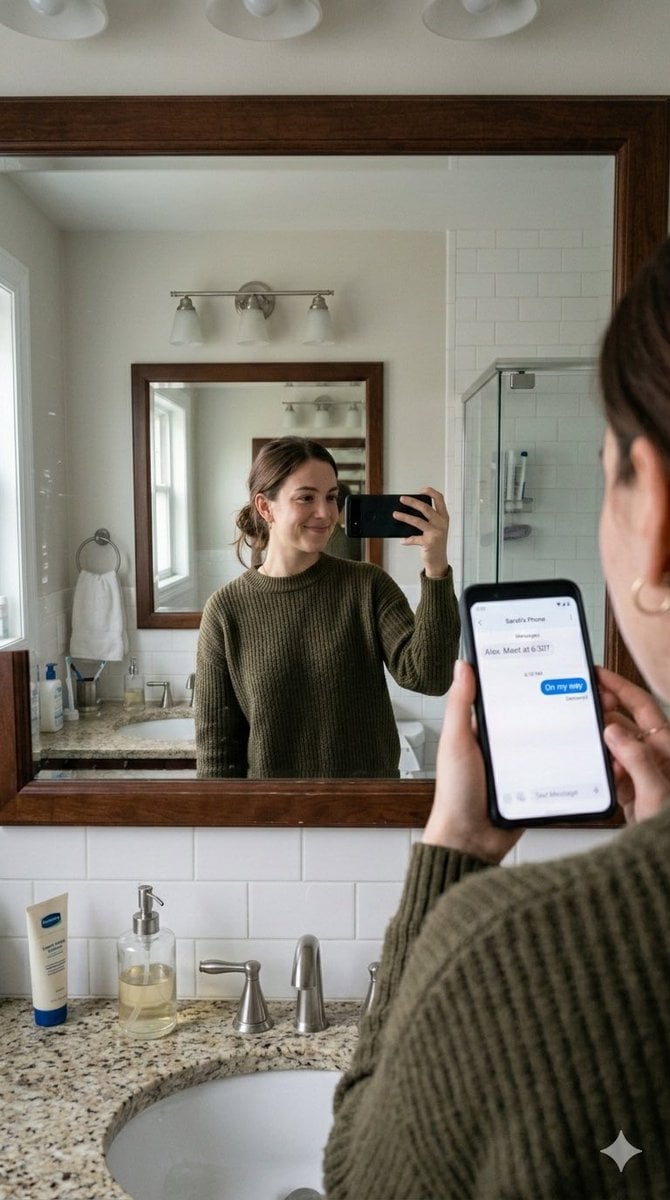
Realistic Bathroom Mirror Selfie with Correct Reflection
Browse template categories
AI Image Generation Manga Page questions
How do I use the AI Image Generation Manga Page template?
Add your photo if the template asks for one, edit the prompt if you like — the template's model and format are already selected — and press Generate. Your version opens in PicX Studio.
Can I customize the AI Image Generation Manga Page template?
Yes. You can change the subject, setting, lighting, mood, format, and available model controls before creating your image.
Is the AI Image Generation Manga Page template free?
Opening and editing this template is free. Generating uses credits, shown on the Generate button when you are signed in.
Which AI model should I use?
Start with GPT Image 2, which is the model associated with this template. You can compare another compatible model for a different finish.
Looking for something else? Browse all templates.

Your photo, any look
Thousands of ready templates for every top image and video model, from one credit balance.