
Van Gogh Museum Selfie Prompt
A highly detailed prompt for generating a photorealistic, candid smartphone selfie of Vincent van Gogh inside a quiet art museum.
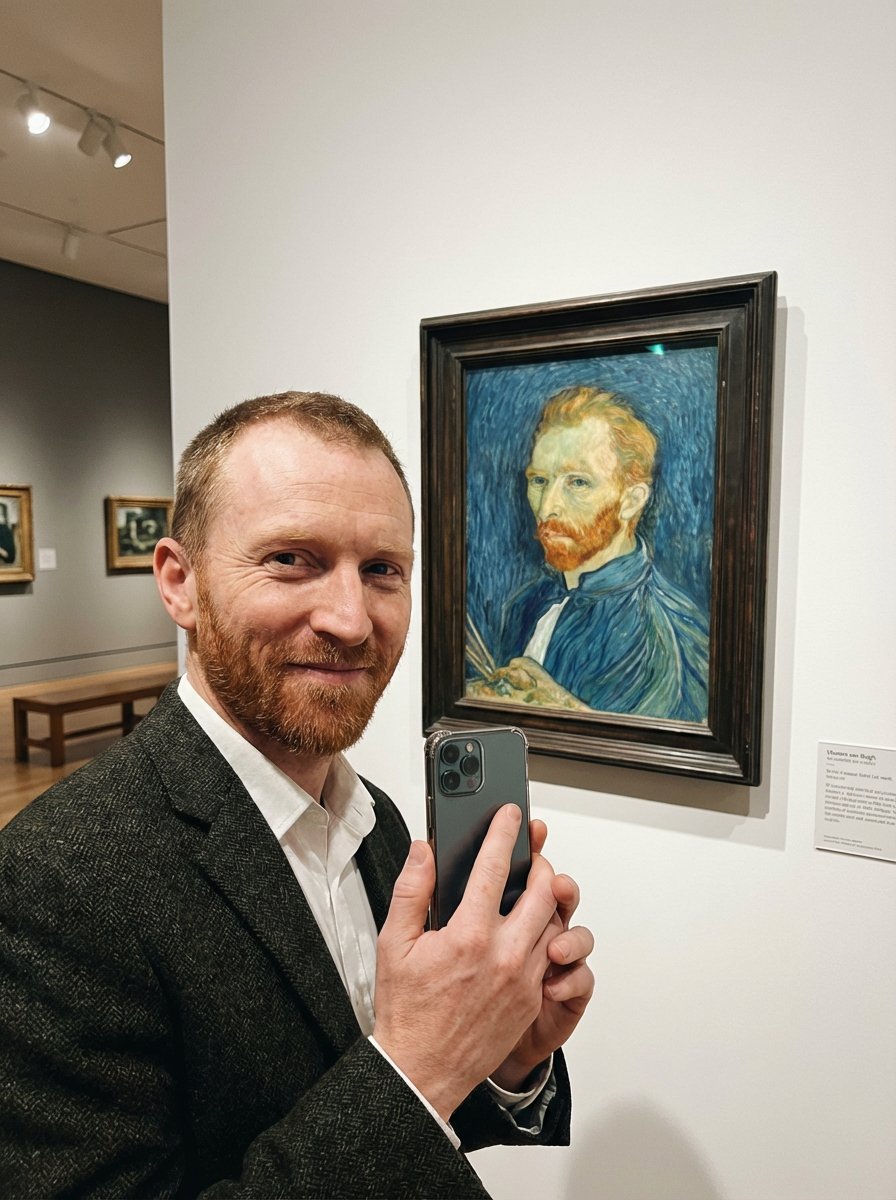
- Prompt included
- Model and format preset
- Free template
The prompt behind this image
Copy the exact prompt behind Van Gogh Museum Selfie Prompt, or open it in the studio and make it yours.
Model-ready prompt (use your uploaded image as reference for the framed painting): A candid smartphone selfie photo taken inside a quiet art museum gallery. Vincent van Gogh stands in the foreground at arm’s length holding a modern phone toward the camera, smiling warmly with bright eyes. He is positioned so that, right beside him on the wall, there’s a framed display of his own famous self-portrait (match the look/colors/brushwork of the reference image), clearly visible and recognizable behind glass. The museum setting includes a clean white wall, subtle placard label near the frame, soft ambient gallery lighting, and gentle reflections on the frame’s protective glass. Composition: vertical selfie framing, slightly wide-angle, his face close to lens, the framed painting fully in shot over his shoulder; natural perspective distortion typical of phone selfies. Wardrobe/appearance: 19th-century attire (simple jacket/coat), short reddish beard, neatly combed hair; expression friendly and proud. Lighting: soft diffused museum track lights, even exposure, mild highlight on face, realistic shadow falloff. Style: photorealistic modern phone photo with film grain, slight halation, subtle color noise, gentle vignette; crisp but not overly sharp, authentic candid moment. Camera cues: iPhone-like wide lens (≈24–26mm equivalent), f/1.8 look, shallow-to-moderate depth of field, slight motion micro-blur, realistic skin texture, accurate museum reflections. Optional negative prompt: painting/illustration look, heavy stylization, cartoon, warped face, extra fingers, deformed hands, duplicated phone, text artifacts, unreadable signage, watermark, logo, over-sharpening, HDR haloing, extreme blur, low-res, uncanny eyes, incorrect museum context ar 3:4
How to use Van Gogh Museum Selfie Prompt in 3 steps
- 1Upload ImagePNG, JPG or paste
Add your photo
Upload the photo the template builds on. The prompt, model and format are already set.
- 2…a portrait of your subject in softgolden-hour light, 85mm…
Personalize
Edit the subject and creative details for your destination.
- 3Generate
Generate
Press Generate — your image is created in PicX Studio, so you can compare it with the original and refine one variable at a time.
More like this
Templates with the same subject, style or setup. Open one to see its prompt.

Rooftop Fisheye — Cat-Ear Balaclava at Golden Hour

Felt & Knit 3D Character — Photo-Exact Face, Pixar-Quality Plush Figurine

Eid al-Adha Cute Chaos — Fisheye Selfie with Farm Selfie, Mosque & Animals

Cat Photobomb Selfie — 0.5x Wide Angle Café Chaos

Gen Z Triple Selfie Collage — Y2K Flash Photography

Surreal Cat Astronaut — Humanoid Face Freefall
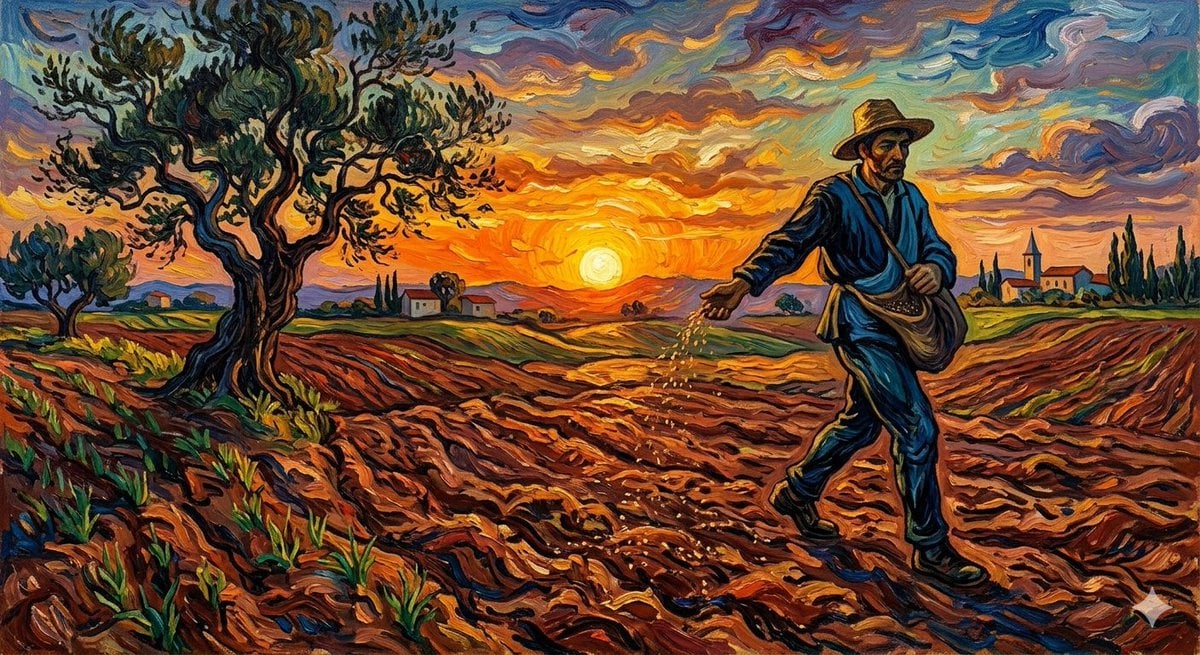
Van Gogh Sower Style Generation

Photoreal Village Lanterns Minecraft Scene

Photoreal Snow Biome Name Tag UI

Photoreal Selfie Minecraft Block World

Photoreal Selfie Minecraft Village Ghast UI

Low Angle Floor Selfie With Upside Down Cat
Make it yours
Van Gogh Museum Selfie Prompt works as-is. These are the safest ways to change it without losing the look.
Change one field
Copy a single group, rewrite it, and generate again so you can see what that field is doing.
Keep the frame, change the subject
Hold the composition and light of Van Gogh Museum Selfie Prompt, then swap wardrobe, props or the person for a new take.
| If the result… | Why | Fix |
|---|---|---|
| The result drifts from the preview | Too many fields changed at once. | Reuse Van Gogh Museum Selfie Prompt as-is first, then change one group — subject, light, or setting. |
| The model over-stylizes the scene | The prose prompt leaves finish and camera underspecified. | Add one camera or lighting sentence and stay on Nano Banana 2. |
More Nano Banana 2 templates
Other prompts made for Nano Banana 2.

Photorealistic Leaf Shaped Like a Dragon

K-Pop Idol Portrait Grid for Rapid Selection

Poetic Rain Forest Portrait During Golden Hour

Urban Street Portrait with Cartoon Inner Self Duo

Candid Nighttime Photo with Cat Prompt

High-Concept 3D Diorama Generation Prompt

Cinematic Futuristic Studio Portrait Template

Skincare Editorial Photography Collage Prompt

Hyper-Realistic Commercial Product Photography (Splash Effect)

Hyper-Realistic Nightclub Portrait Prompt
More image prompts
Fresh picks from across the catalog.
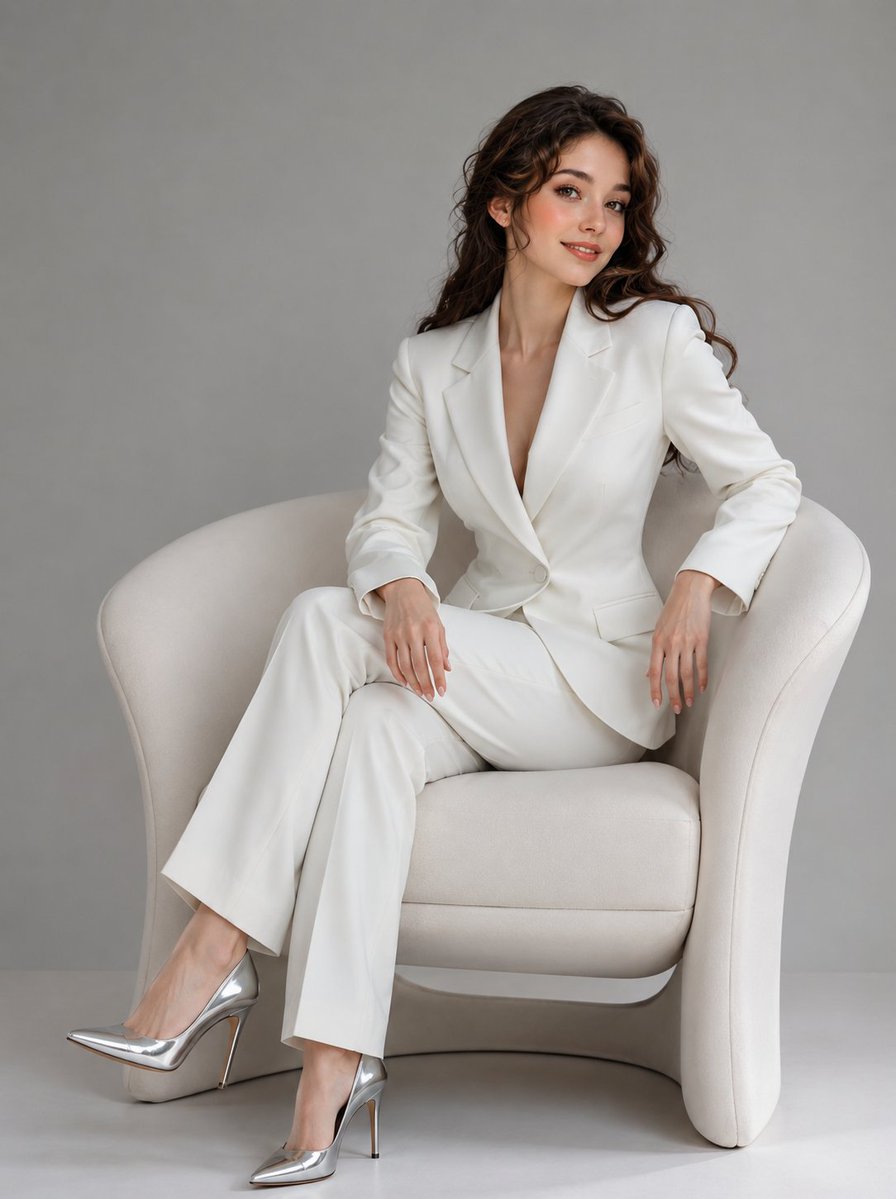
Korean Beauty Fashion Editorial

KAWAISALES Ad Design
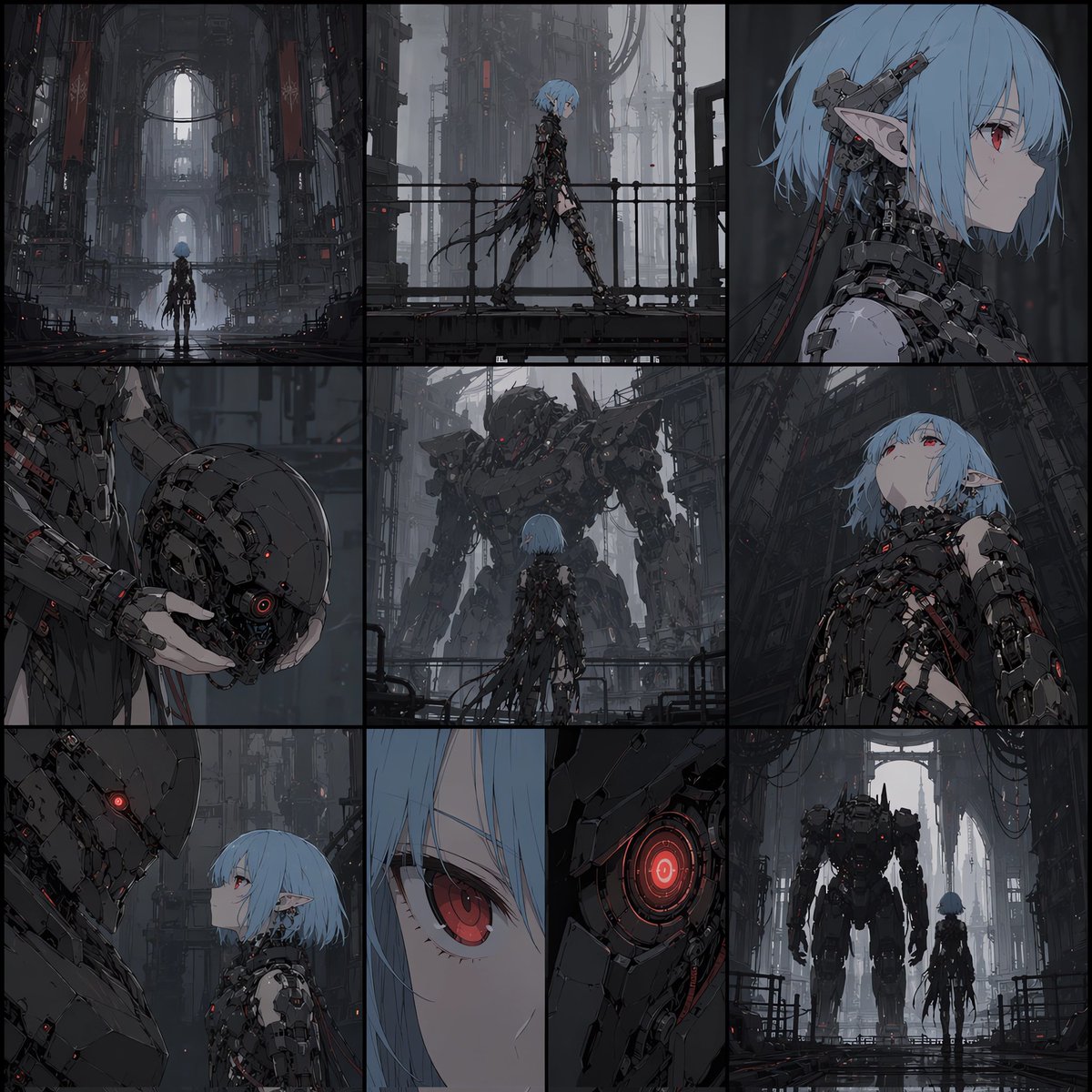
Cyberpunk Android Elf Storyboard
Ultra-Realistic Golden Hour City Street Portrait (Face Lock)
Blurred Face Japanese Alley Portrait
Vintage Newspaper Food Scene Prompt (JSON)
AI Influencer Mirror Selfie Pose Prompt
Accidental iPhone Snapshot Aesthetic
Panel Manga Prompt: A Day's Meals
Editorial Lifestyle Portrait Prompt for Upscale Bar Scene
Browse template categories
Van Gogh Museum Selfie Prompt questions
How do I use the Van Gogh Museum Selfie Prompt template?
Add your photo if the template asks for one, edit the prompt if you like — the template's model and format are already selected — and press Generate. Your version opens in PicX Studio.
Can I customize the Van Gogh Museum Selfie Prompt template?
Yes. You can change the subject, setting, lighting, mood, format, and available model controls before creating your image.
Is the Van Gogh Museum Selfie Prompt template free?
Opening and editing this template is free. Generating uses credits, shown on the Generate button when you are signed in.
Which AI model should I use?
Start with Nano Banana 2, which is the model associated with this template. You can compare another compatible model for a different finish.
Looking for something else? Browse all templates.

Your photo, any look
Thousands of ready templates for every top image and video model, from one credit balance.