
Accidental iPhone Snapshot Aesthetic
A prompt designed to mimic the raw, unpolished look of a casual iPhone photo, complete with motion blur and slight overexposure for a realistic, candid feel.
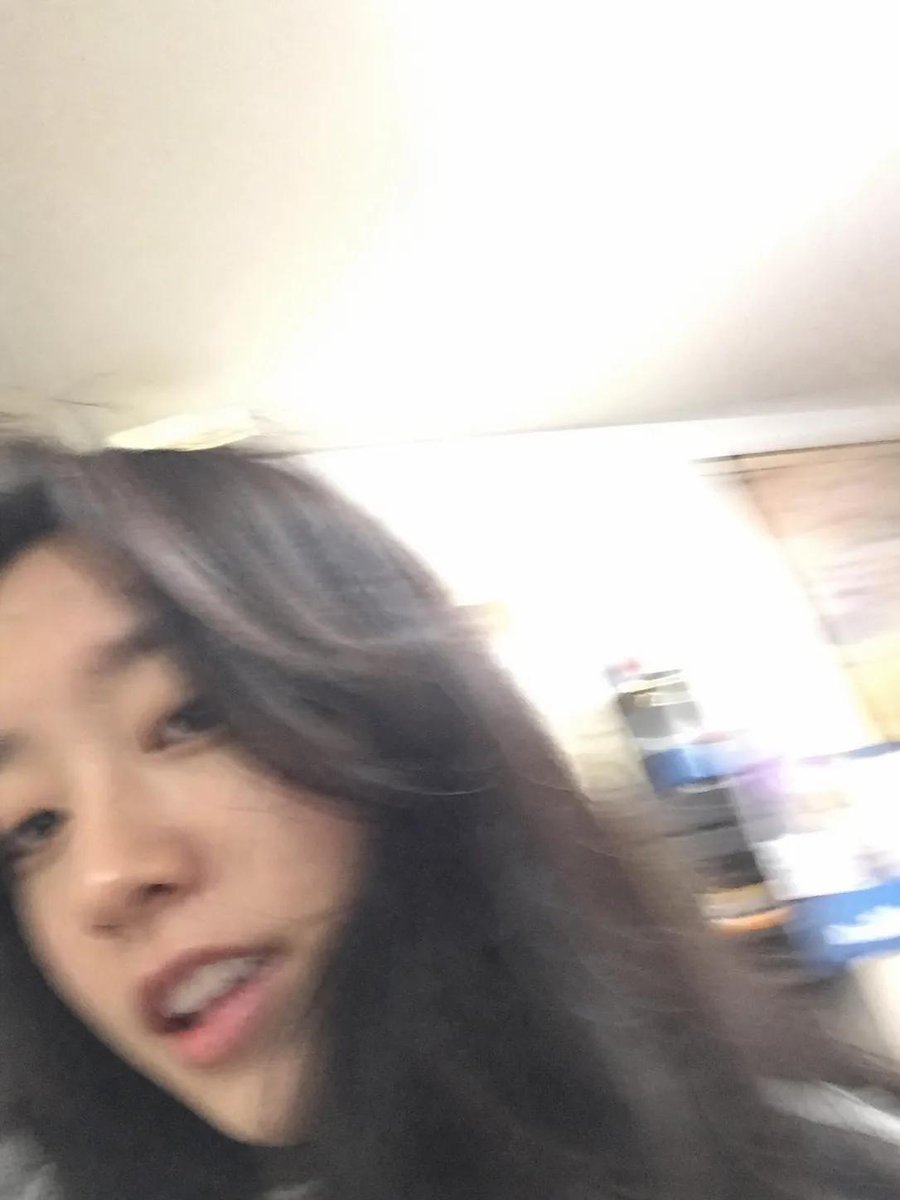
- Prompt included
- Model and format preset
- Free template
The prompt behind this image
Copy the exact prompt behind Accidental iPhone Snapshot Aesthetic, or open it in the studio and make it yours.
ChatGPT, we’ve been together for quite a while now. I’d like to see what you look like. Please generate an image that feels like a casual snapshot taken on an {argument name="camera" default="iPhone"}—nothing with a clear subject or intentional composition. Just something very ordinary, even slightly flawed, like an accidental photo. The image should have {argument name="visual artifacts" default="a bit of motion blur, uneven lighting, and be slightly overexposed"}. The angle should feel awkward, the framing messy, and overall it should give off a “too real, spur-of-the-moment” vibe like a {argument name="scenario" default="selfie accidentally taken while pulling a phone out of a pocket"}.
How to use Accidental iPhone Snapshot Aesthetic in 3 steps
- 1
Open
The prompt is already in the box next to the preview, with the template's model and format selected.
- 2…a portrait of your subject in softgolden-hour light, 85mm…
Personalize
Edit the subject and creative details for your destination.
- 3Generate
Generate
Press Generate — your image is created in PicX Studio, so you can compare it with the original and refine one variable at a time.
More like this
Templates with the same subject, style or setup. Open one to see its prompt.

Nostalgic Digicam Café Afternoon Portrait

4x4 Grid - Candid Nostalgic Vacation Selfies

Outdoor Cafe Portrait — White Ruched Top Nano Banana

Tropical Hammock Latte — Nano Banana iPhone Style

Coastal Bench Portrait — Navy Floral Sundress

Nano Banana - Peace Sign Bedroom Selfie
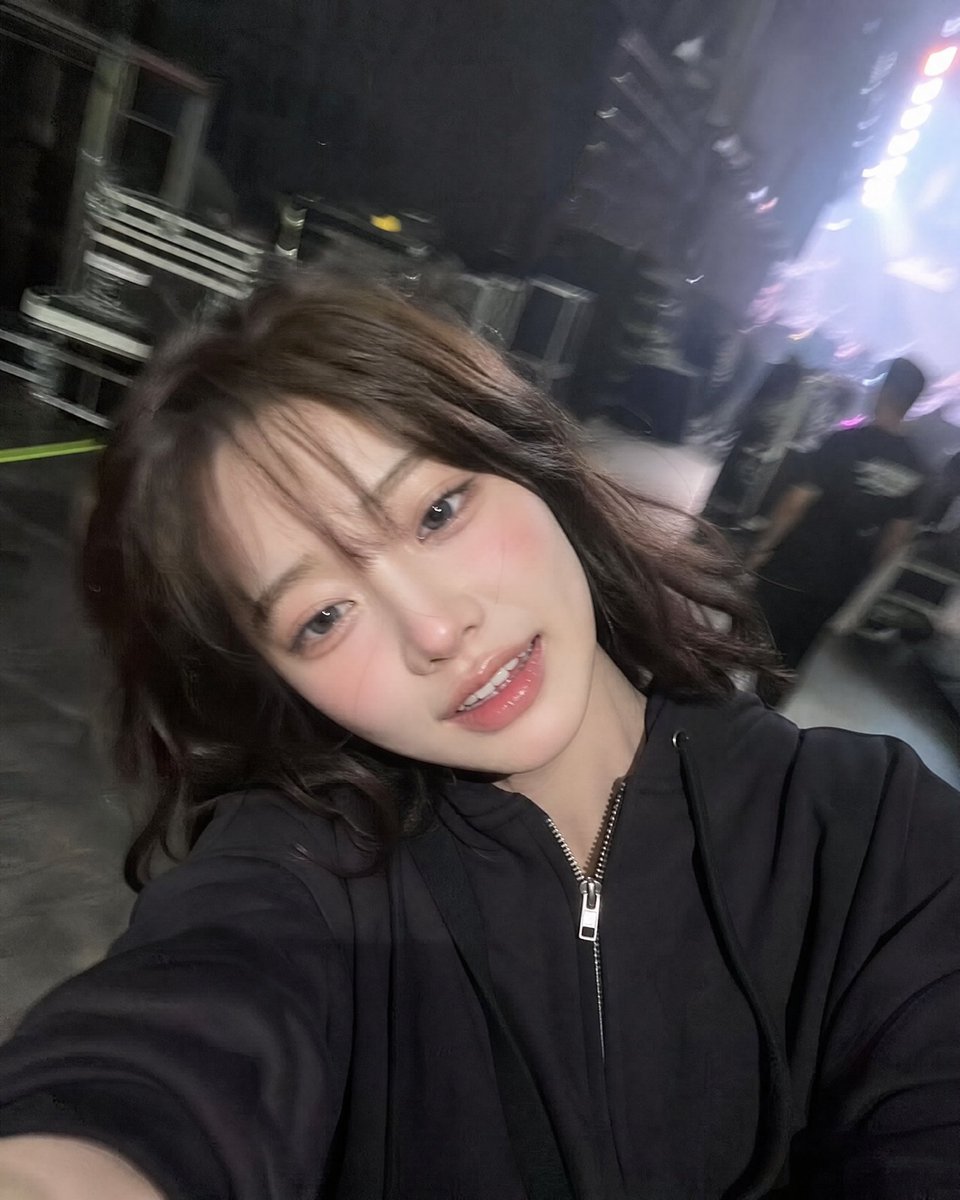
Accidental iPhone Front Camera Selfie
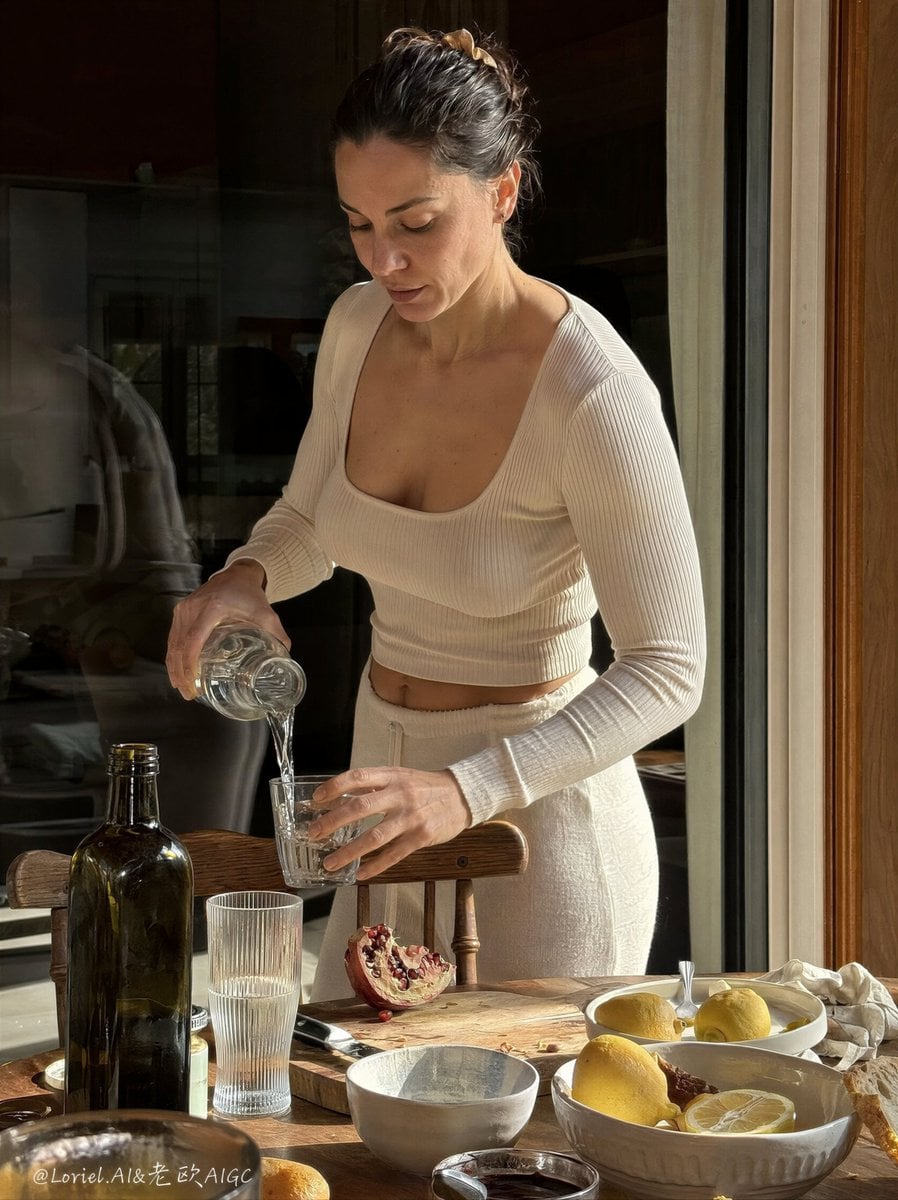
Anti-AI Candid iPhone Snapshot
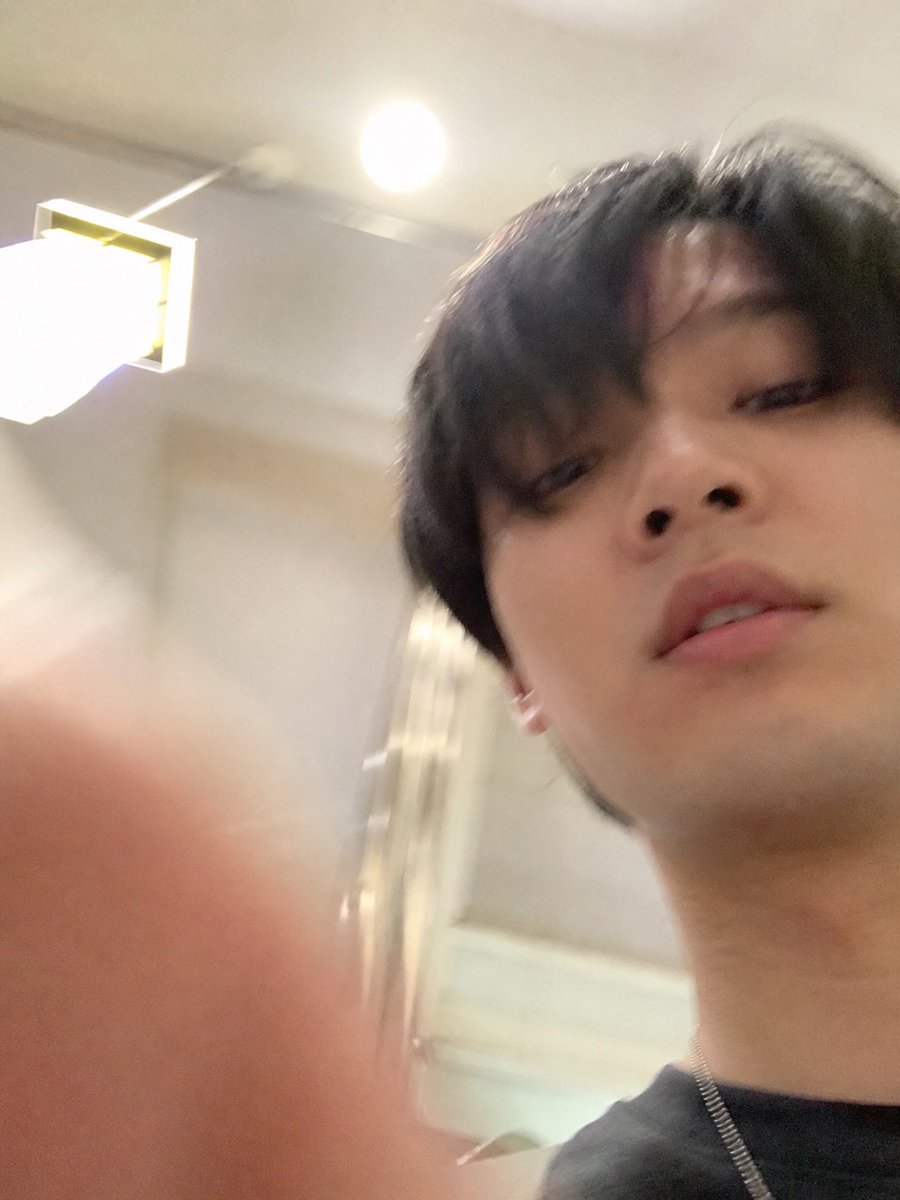
Accidental iPhone Selfie Extraction
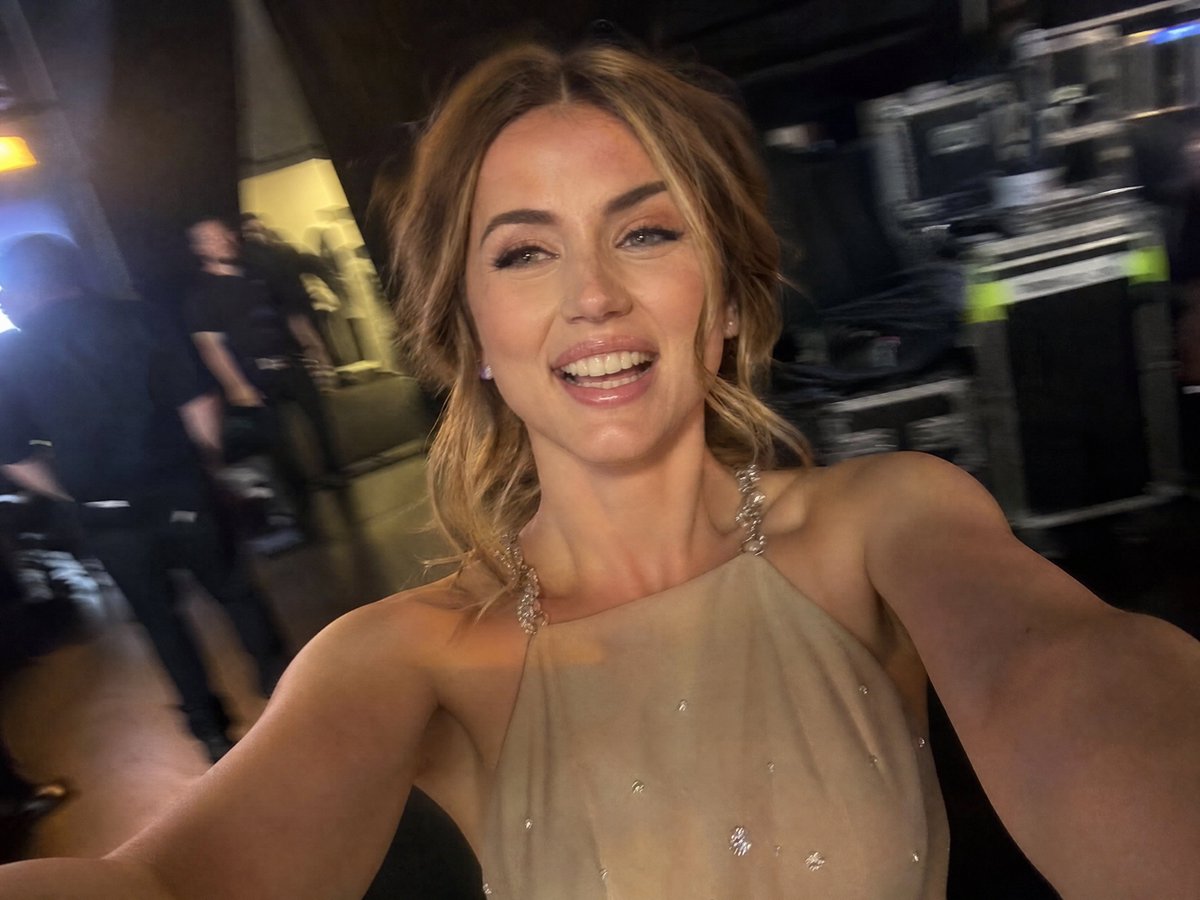
Accidental iPhone Camera Selfie
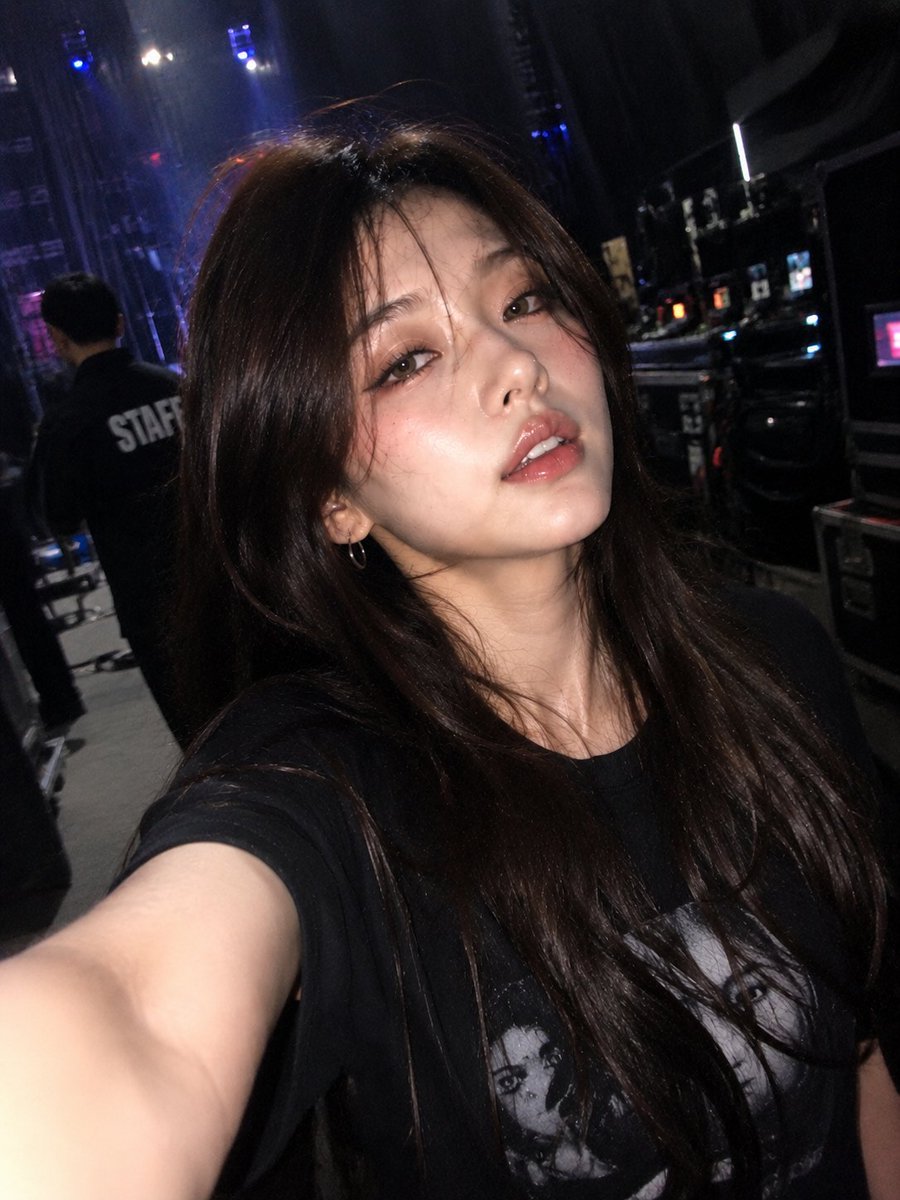
Accidental iPhone Front Camera Selfie
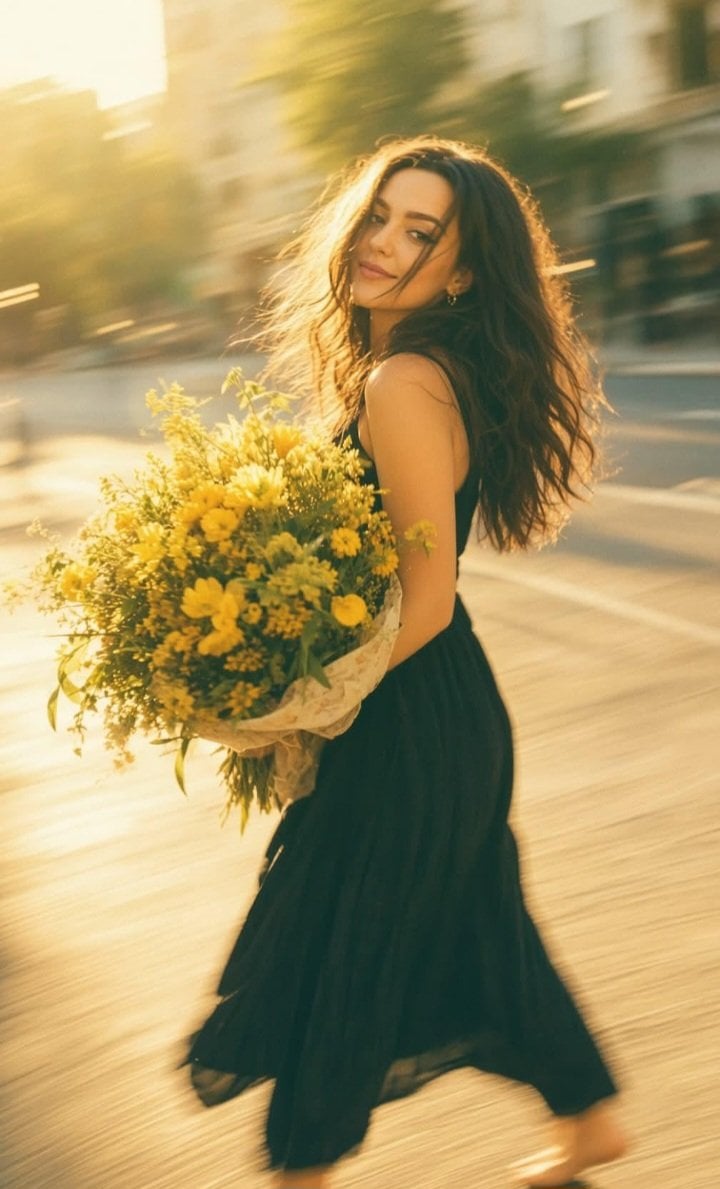
Consistent Series Character Street Snapshot
Make it yours
Accidental iPhone Snapshot Aesthetic works as-is. These are the safest ways to change it without losing the look.
Change one field
Copy a single group, rewrite it, and generate again so you can see what that field is doing.
Keep the frame, change the subject
Hold the composition and light of Accidental iPhone Snapshot Aesthetic, then swap wardrobe, props or the person for a new take.
| If the result… | Why | Fix |
|---|---|---|
| The result drifts from the preview | Too many fields changed at once. | Reuse Accidental iPhone Snapshot Aesthetic as-is first, then change one group — subject, light, or setting. |
| The model over-stylizes the scene | The prose prompt leaves finish and camera underspecified. | Add one camera or lighting sentence and stay on GPT Image 2. |
More GPT Image 2 templates
Other prompts made for GPT Image 2.

Six VTuber Japanese Logo Sheet

Realistic Portrait of Woman and Deer

The Vista Modular Condo Poster

AI Model Routing Comparison Infographic

2.5D Anime Art Board

Isometric Productivity Desk Scene

New York Double Exposure Poster

Four-Panel AI Landscape Comparison

Japanese Tatami Lifestyle Magazine Cover

NESCAFÉ Coffee Map Poster
More image prompts
Fresh picks from across the catalog.
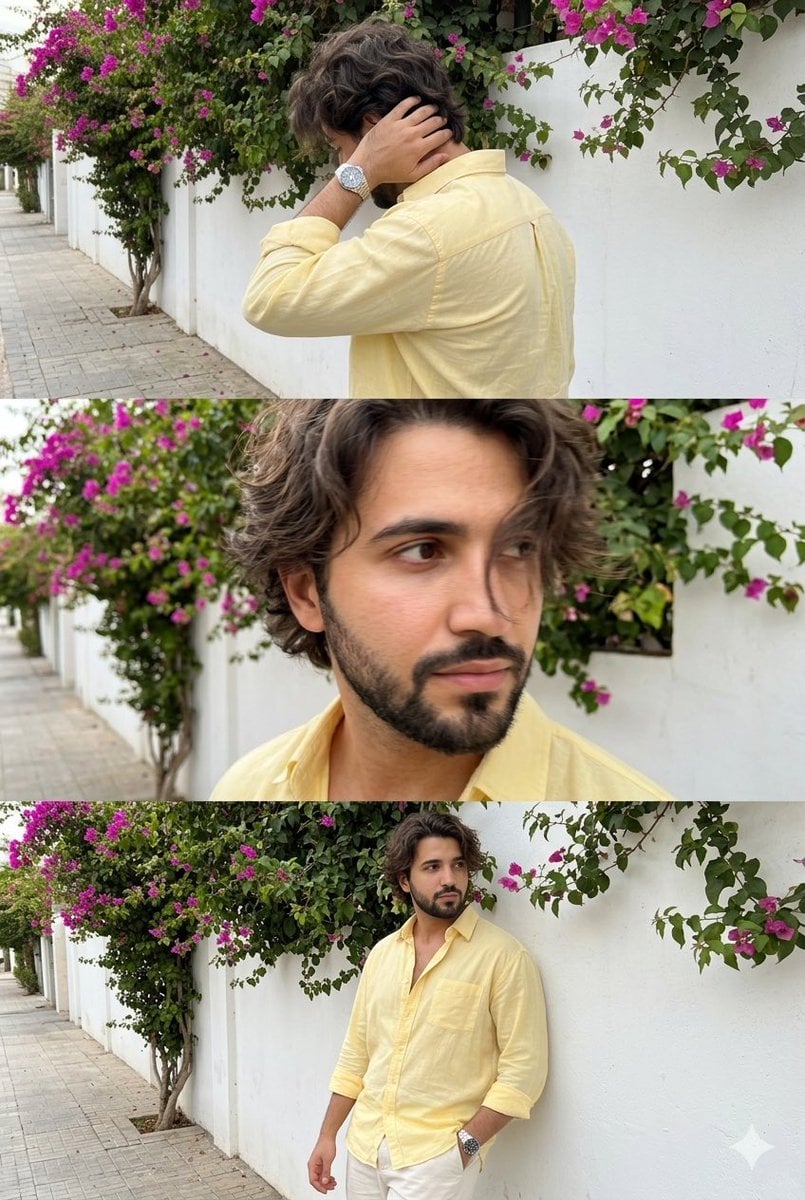
Consistent Identity Burst Photo Simulation
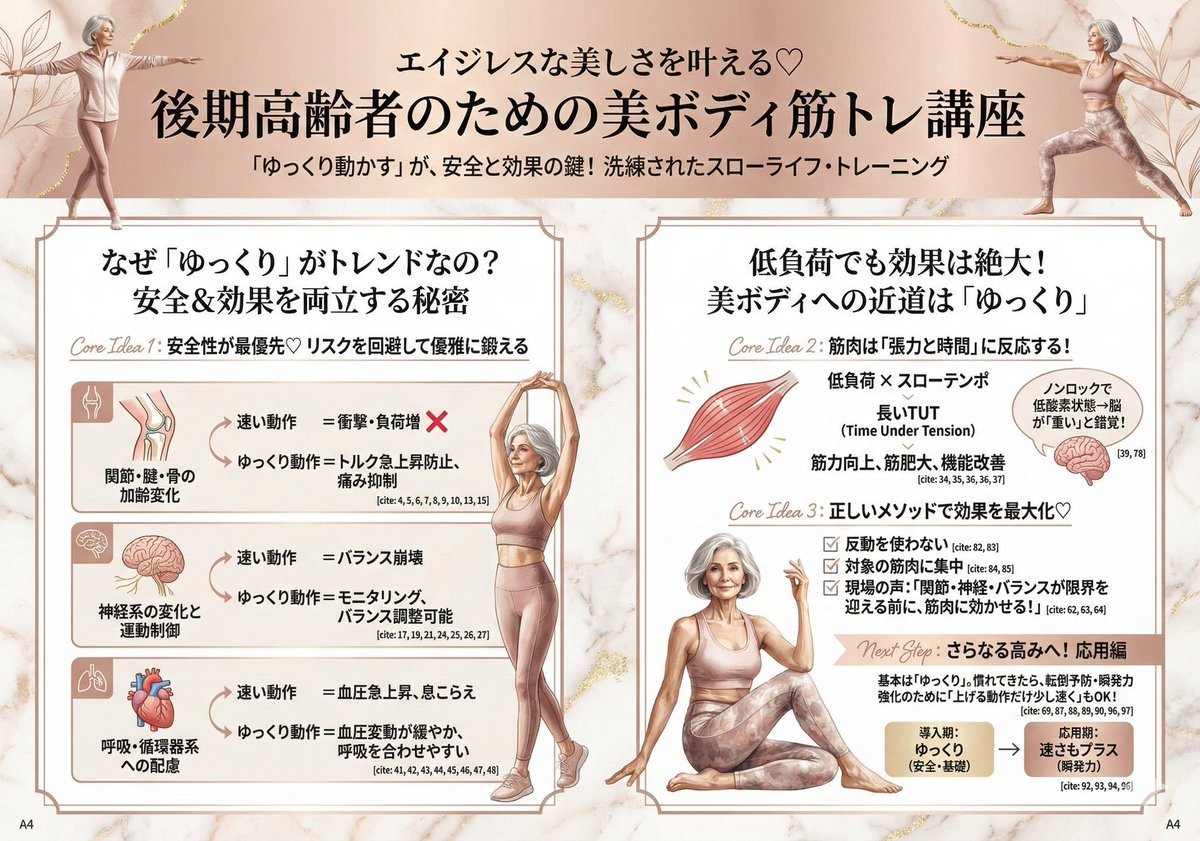
Infographic for Minato-ku Women's Fashion Magazine
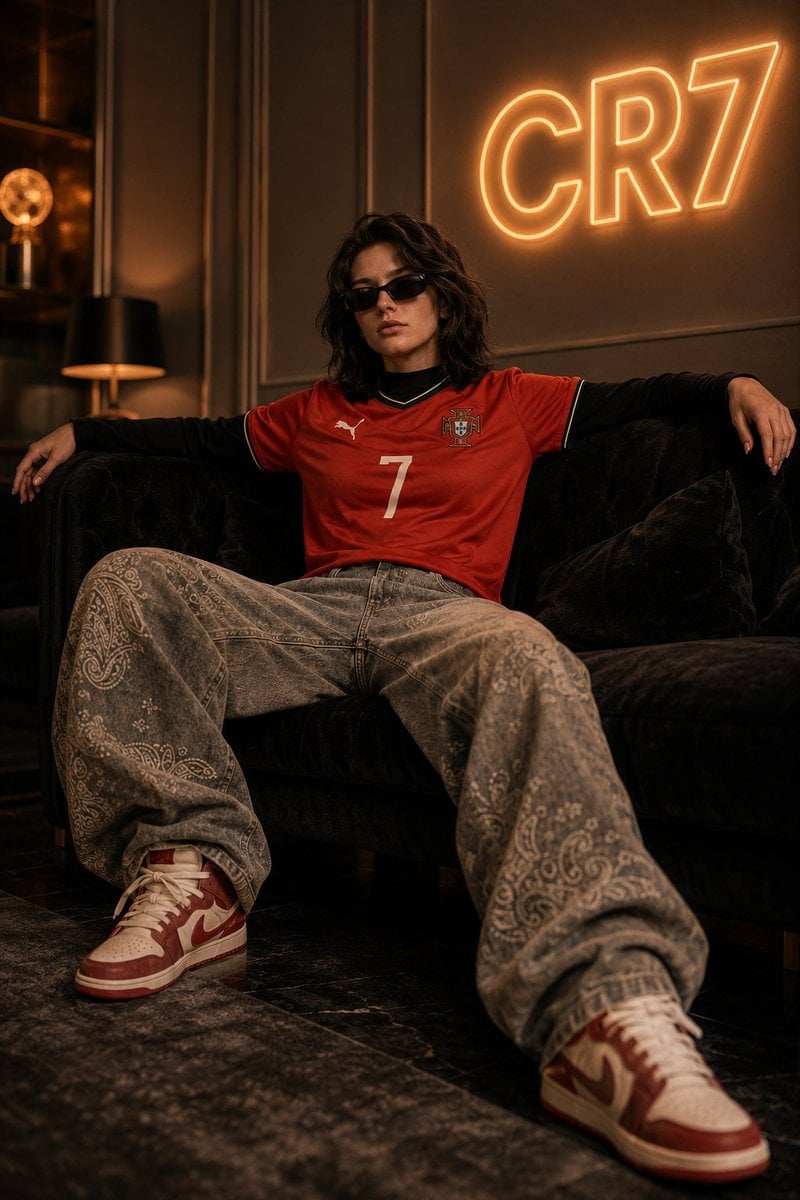
Luxury Football Fan Editorial
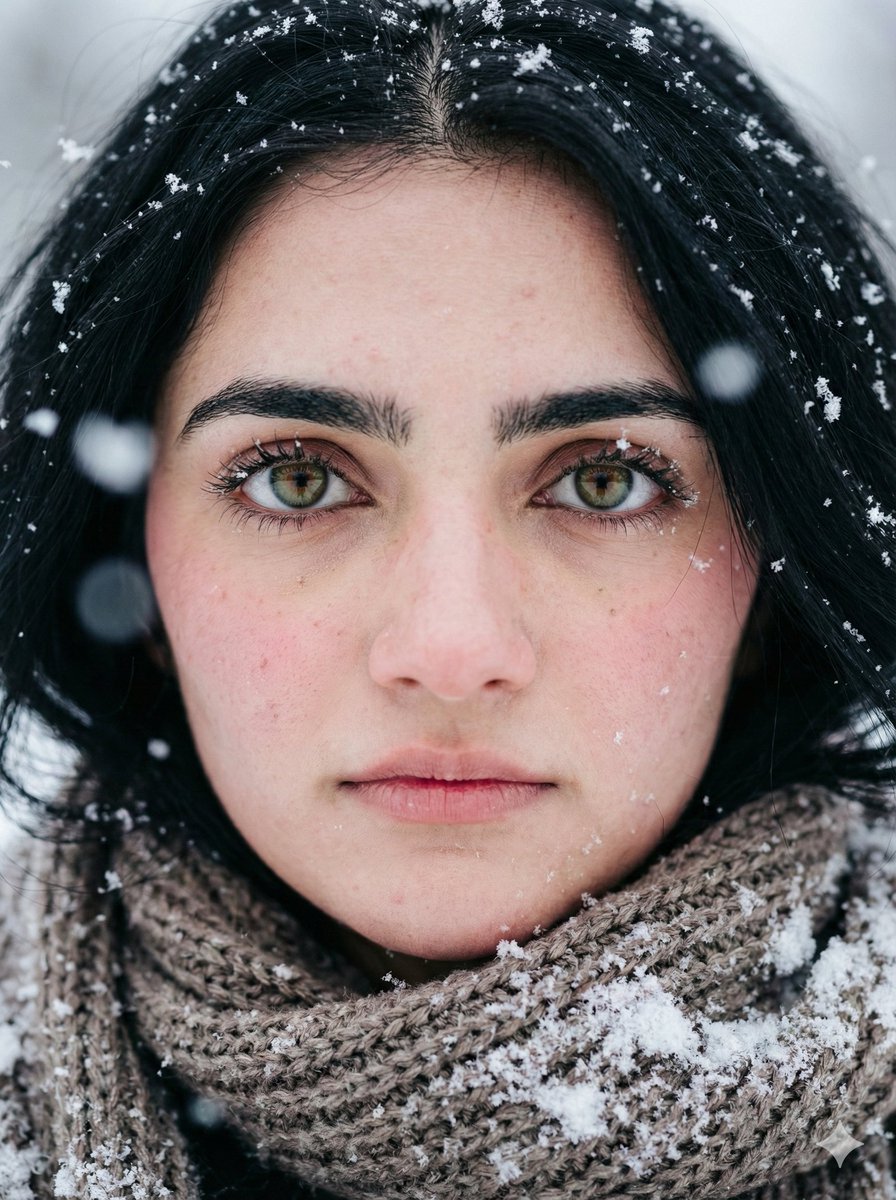
Extreme Close-up Winter Portrait (Rukmini Vasanth)
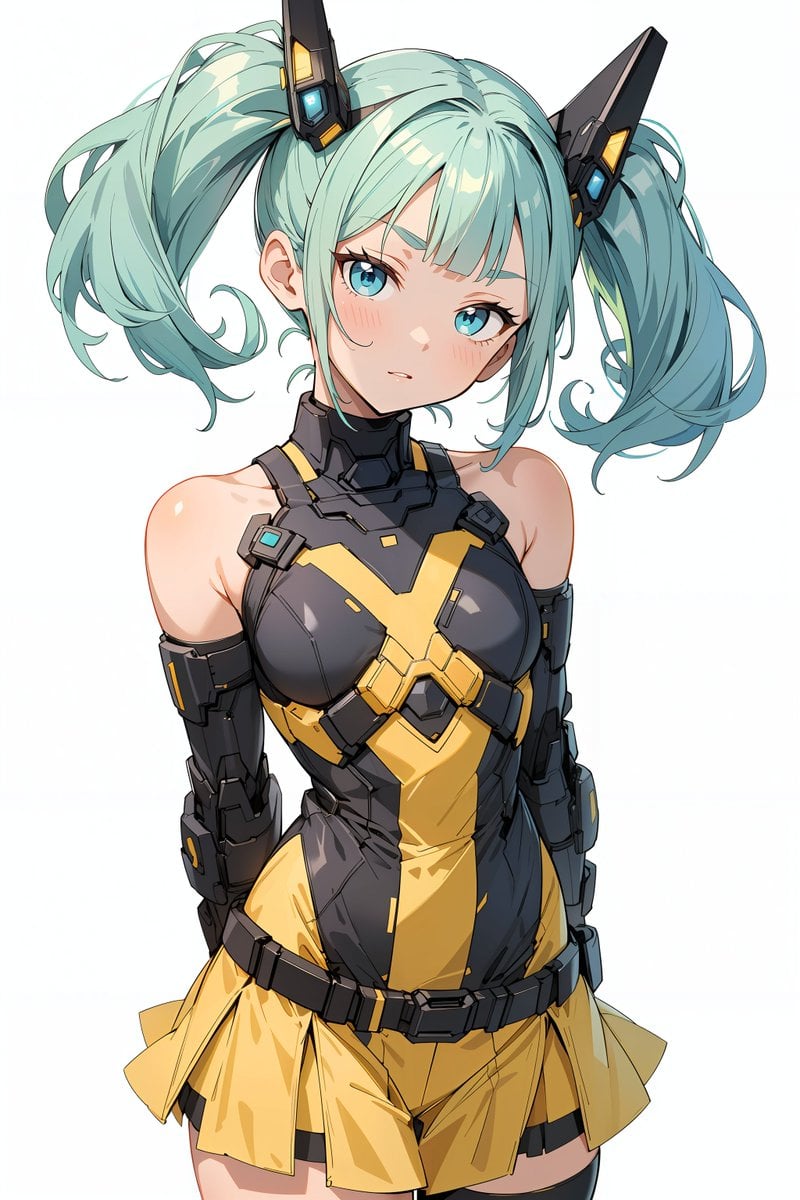
Energy field barrier VFX and pose adjustment YAML prompt
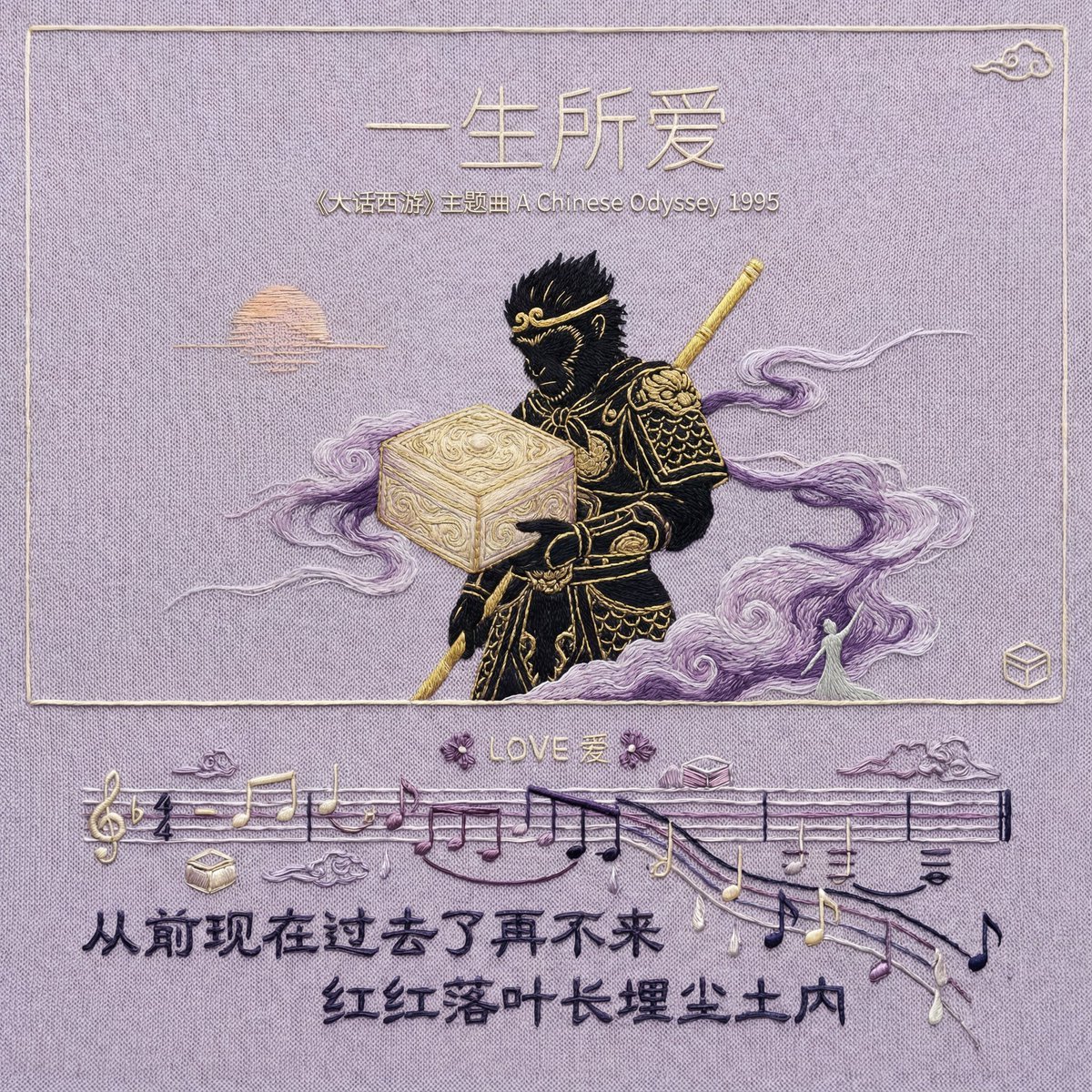
Hand-Embroidered Silk Album Cover Prompt (Music/Lyrics)

Image summarizing basic income

Subject-to-Enamel Pin Conversion
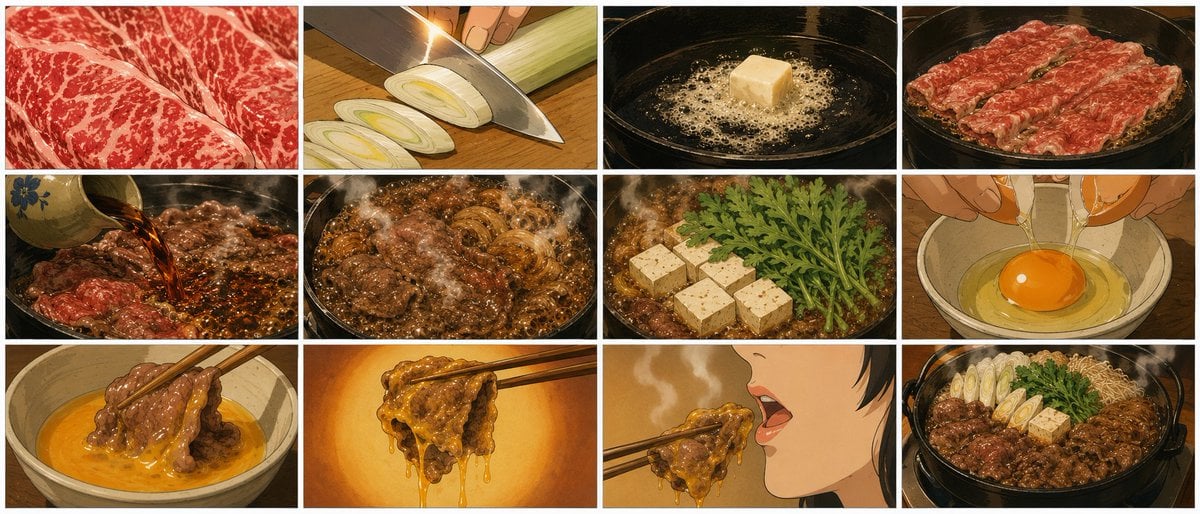
Showa Anime Sukiyaki Storyboard
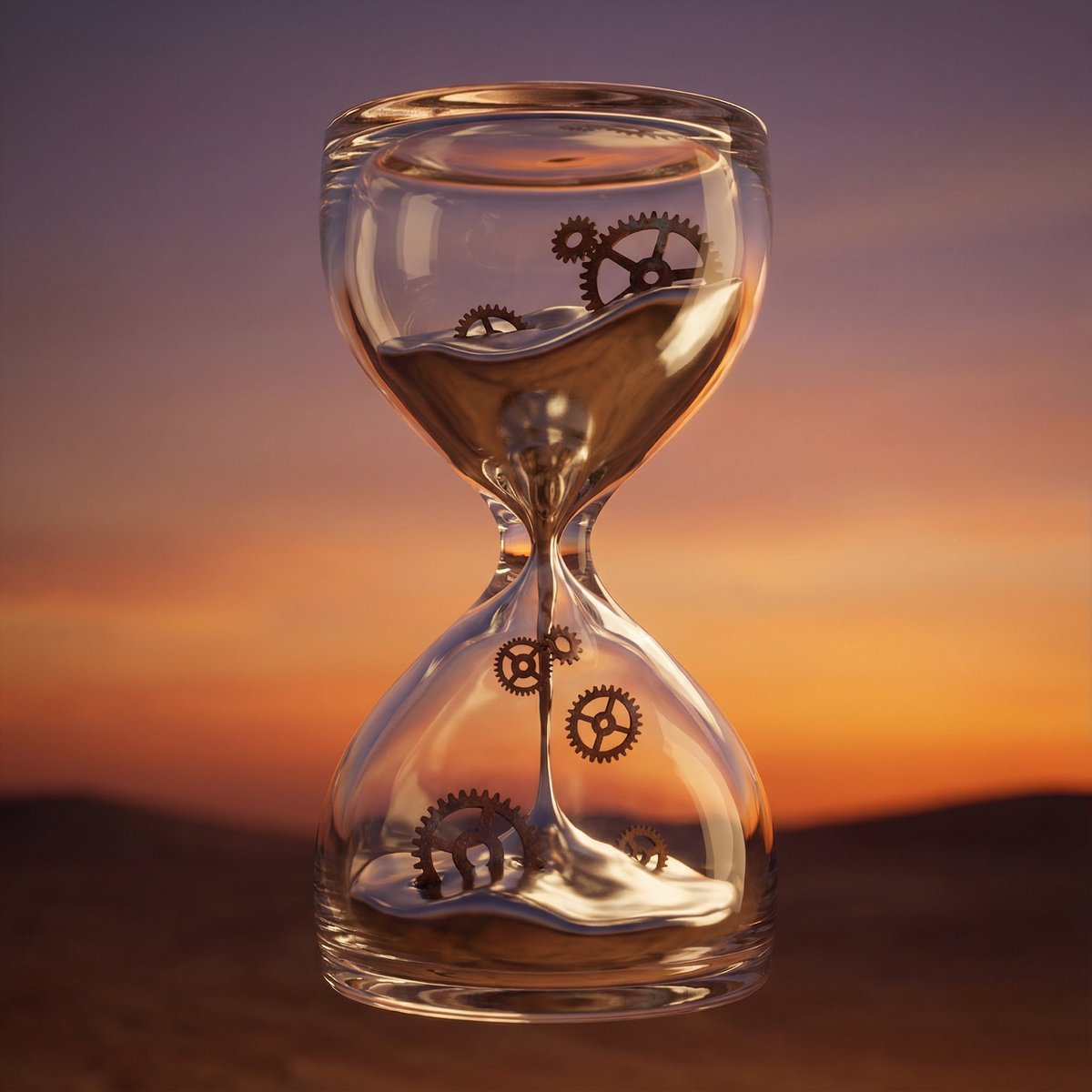
Hyper-Realistic 3D Simulation Prompt: Melting Hourglass
Browse template categories
Accidental iPhone Snapshot Aesthetic questions
How do I use the Accidental iPhone Snapshot Aesthetic template?
Add your photo if the template asks for one, edit the prompt if you like — the template's model and format are already selected — and press Generate. Your version opens in PicX Studio.
Can I customize the Accidental iPhone Snapshot Aesthetic template?
Yes. You can change the subject, setting, lighting, mood, format, and available model controls before creating your image.
Is the Accidental iPhone Snapshot Aesthetic template free?
Opening and editing this template is free. Generating uses credits, shown on the Generate button when you are signed in.
Which AI model should I use?
Start with GPT Image 2, which is the model associated with this template. You can compare another compatible model for a different finish.
Looking for something else? Browse all templates.

Your photo, any look
Thousands of ready templates for every top image and video model, from one credit balance.