
Showa Anime Sukiyaki Storyboard
Generates a 12-panel widescreen storyboard sheet for a nostalgic Japanese anime-style sukiyaki cooking short.
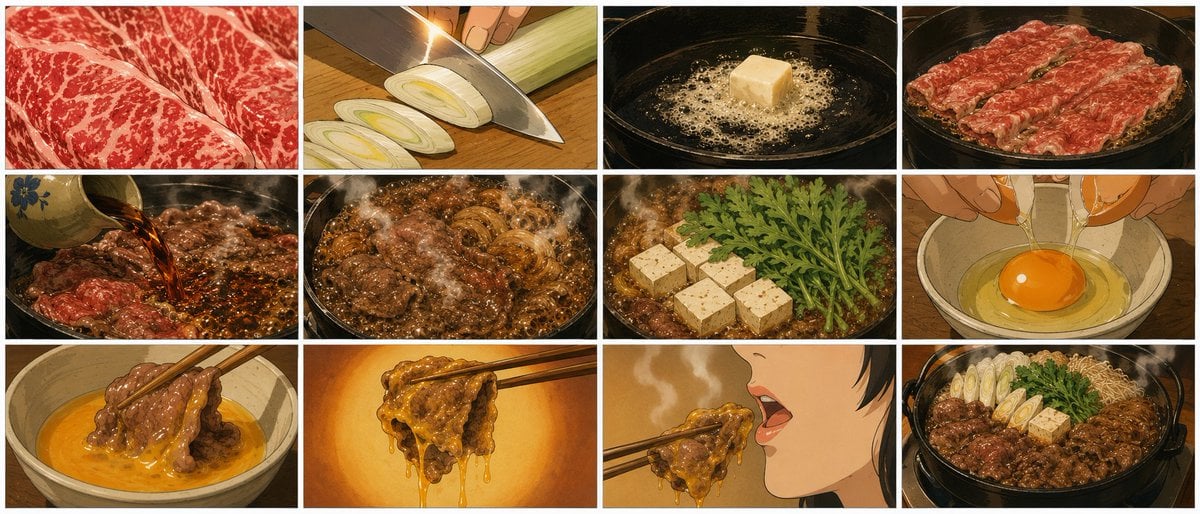
- Prompt included
- Model and format preset
- Free template
The prompt behind this image
Copy the exact prompt behind Showa Anime Sukiyaki Storyboard, or open it in the studio and make it yours.
Goal: Create a single storyboard sheet for a short cooking video about {argument name="dish" default="Japanese sukiyaki"}, drawn in a nostalgic Showa-era Japanese anime style with warm cel-shaded colors, hand-painted food texture, cinematic close-ups, steam, glossy sauce, and appetizing motion. Canvas: Extra-wide 21:9 aspect ratio, clean white background, one image containing exactly 12 storyboard panels arranged in a 4-column by 3-row grid. Separate every panel with thin light-gray borders and narrow white gutters. No captions, no panel numbers, no watermark. Visual style: 1970s–1980s Japanese TV anime food animation, detailed but painterly linework, warm amber kitchen lighting, dramatic close-up compositions, visible steam and bubbling liquid, rich browns and reds, realistic marbled beef texture, soft film-grain feel. Panel layout and contents, exactly 12 panels: 1. Extreme close-up of thinly sliced marbled beef, vivid red meat with white fat veins filling the entire frame. 2. Close-up of a knife slicing a long white leek on a wooden cutting board, several oval leek slices visible, hand holding the leek. 3. Close-up of a cube of butter melting and foaming in a black iron sukiyaki pan. 4. Thin slices of marbled beef spread across the hot black pan, beginning to sear and sizzle. 5. A small sauce pot pouring dark sukiyaki sauce over beef in the pan, sauce bubbling around the meat. 6. Beef and sliced onions simmering vigorously in glossy brown sauce, heavy steam rising. 7. Tofu cubes and green chrysanthemum leaves added into the pan beside simmering beef and onions. 8. Hands cracking a raw egg into a beige ceramic bowl, bright orange yolk centered in clear egg white. 9. Chopsticks dipping cooked beef into the raw egg mixture in the bowl, golden egg coating the meat. 10. Chopsticks lifting a dripping piece of beef coated in glossy egg against a warm orange background. 11. Side close-up of a person with short dark hair opening their mouth to eat the beef from chopsticks; only the lower face and mouth are visible, steam drifting. 12. Final overhead three-quarter shot of the completed sukiyaki hot pot: beef, leeks, tofu, greens, onions, and noodles arranged in a black pot, steaming generously. Constraints: Keep all 12 panels clearly separated and in the correct reading order from left to right, top to bottom. Maintain a consistent anime look across panels, use food close-ups rather than wide kitchen shots, and avoid adding any text inside the image.
How to use Showa Anime Sukiyaki Storyboard in 3 steps
- 1Upload ImagePNG, JPG or paste
Add your photo
Upload the photo the template builds on. The prompt, model and format are already set.
- 2…a portrait of your subject in softgolden-hour light, 85mm…
Personalize
Edit the subject and creative details for your destination.
- 3Generate
Generate
Press Generate — your image is created in PicX Studio, so you can compare it with the original and refine one variable at a time.
More like this
Templates with the same subject, style or setup. Open one to see its prompt.












Make it yours
Showa Anime Sukiyaki Storyboard works as-is. These are the safest ways to change it without losing the look.
Change one field
Copy a single group, rewrite it, and generate again so you can see what that field is doing.
Keep the frame, change the subject
Hold the composition and light of Showa Anime Sukiyaki Storyboard, then swap wardrobe, props or the person for a new take.
| If the result… | Why | Fix |
|---|---|---|
| The result drifts from the preview | Too many fields changed at once. | Reuse Showa Anime Sukiyaki Storyboard as-is first, then change one group — subject, light, or setting. |
| The model over-stylizes the scene | The prose prompt leaves finish and camera underspecified. | Add one camera or lighting sentence and stay on GPT Image 2. |
More GPT Image 2 templates
Other prompts made for GPT Image 2.

Six VTuber Japanese Logo Sheet

Realistic Portrait of Woman and Deer

The Vista Modular Condo Poster

AI Model Routing Comparison Infographic

2.5D Anime Art Board

Isometric Productivity Desk Scene

New York Double Exposure Poster

Four-Panel AI Landscape Comparison

Japanese Tatami Lifestyle Magazine Cover

NESCAFÉ Coffee Map Poster
More image prompts
Fresh picks from across the catalog.
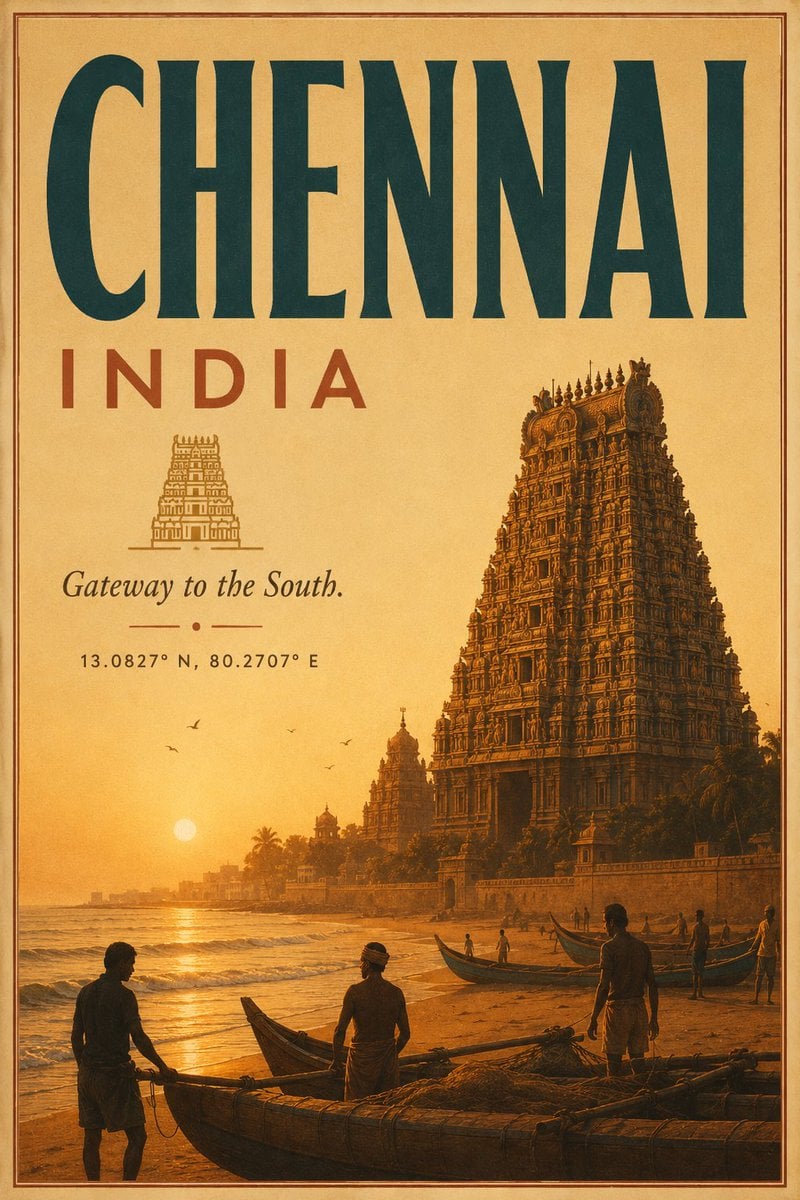
Vintage Chennai Travel Poster
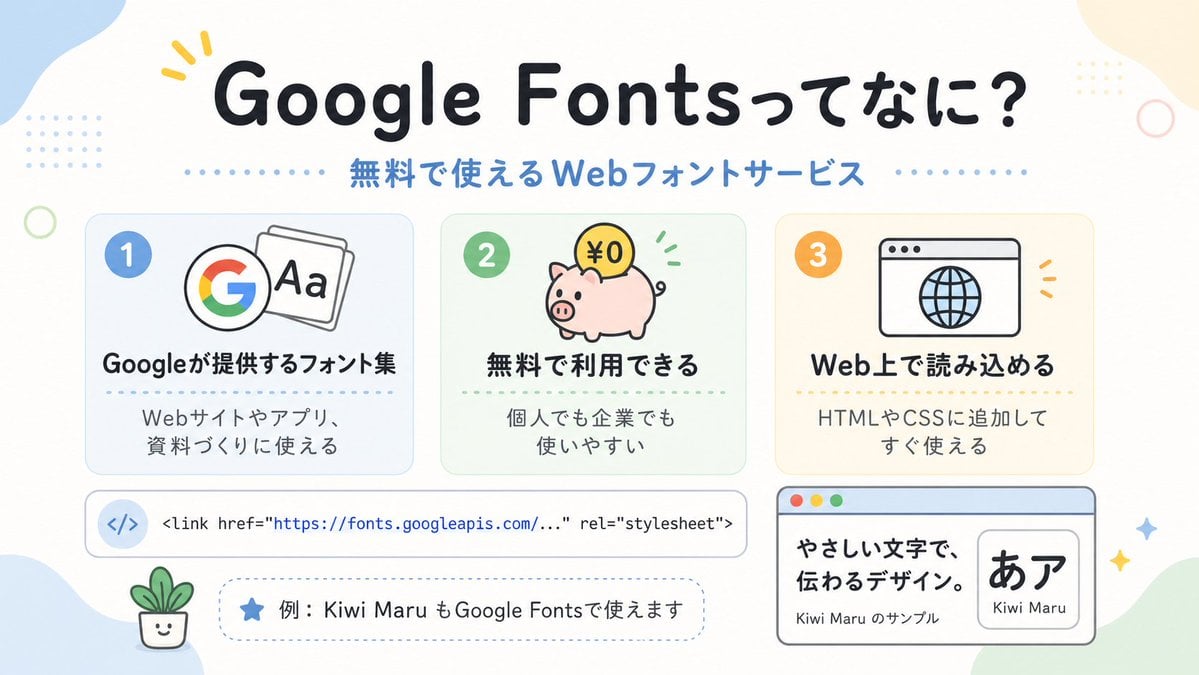
Cute Google Fonts Japanese Infographic

Deconstructed Food Photography Series in Levitation
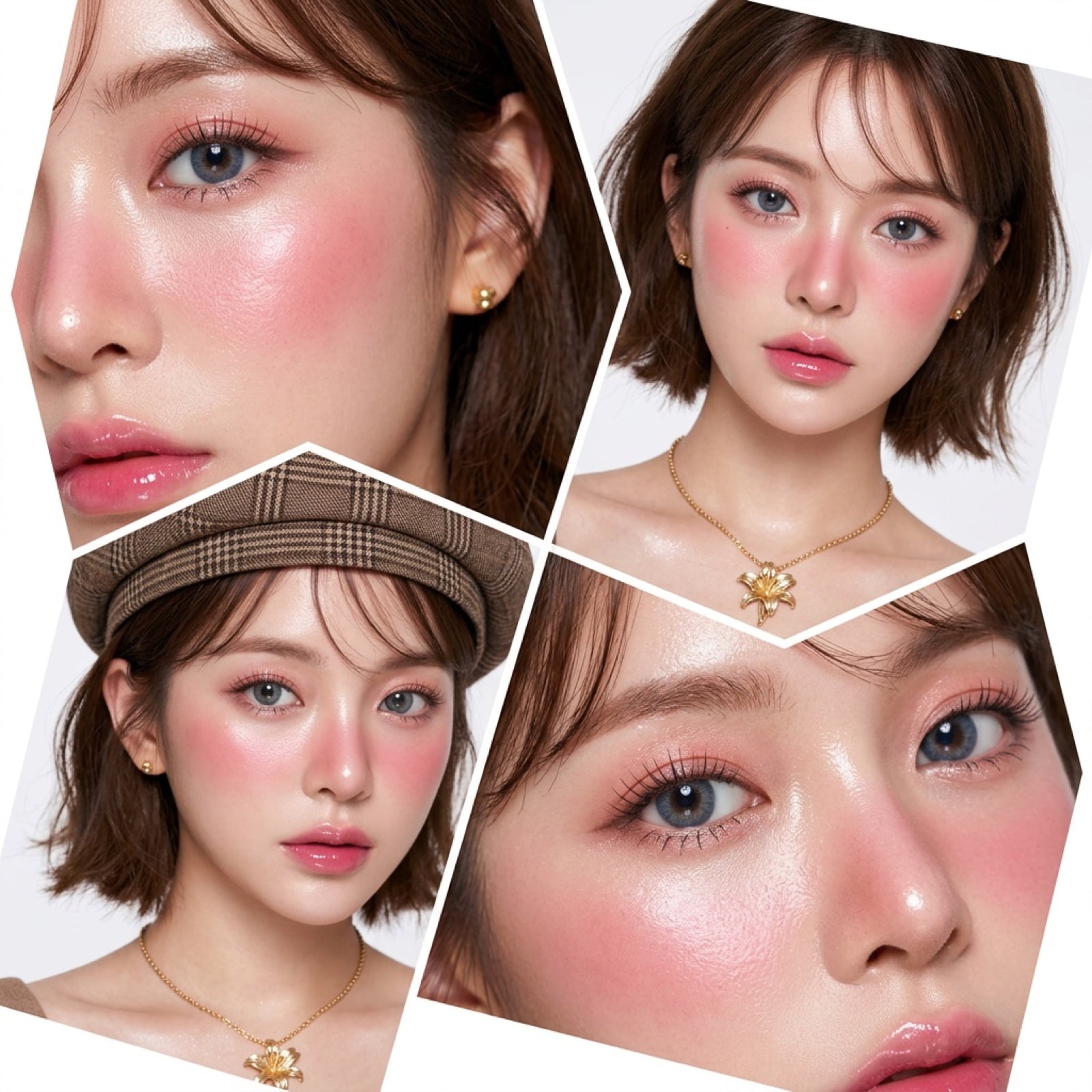
Panel Korean Beauty Editorial Collage Prompt (Glass Skin)
Black New Chinese Fashion Cover
Wingman Character Fighting Pose Generation
untitled
Dreamy Cinematic Portrait with Wild Bouquet in Golden Hour
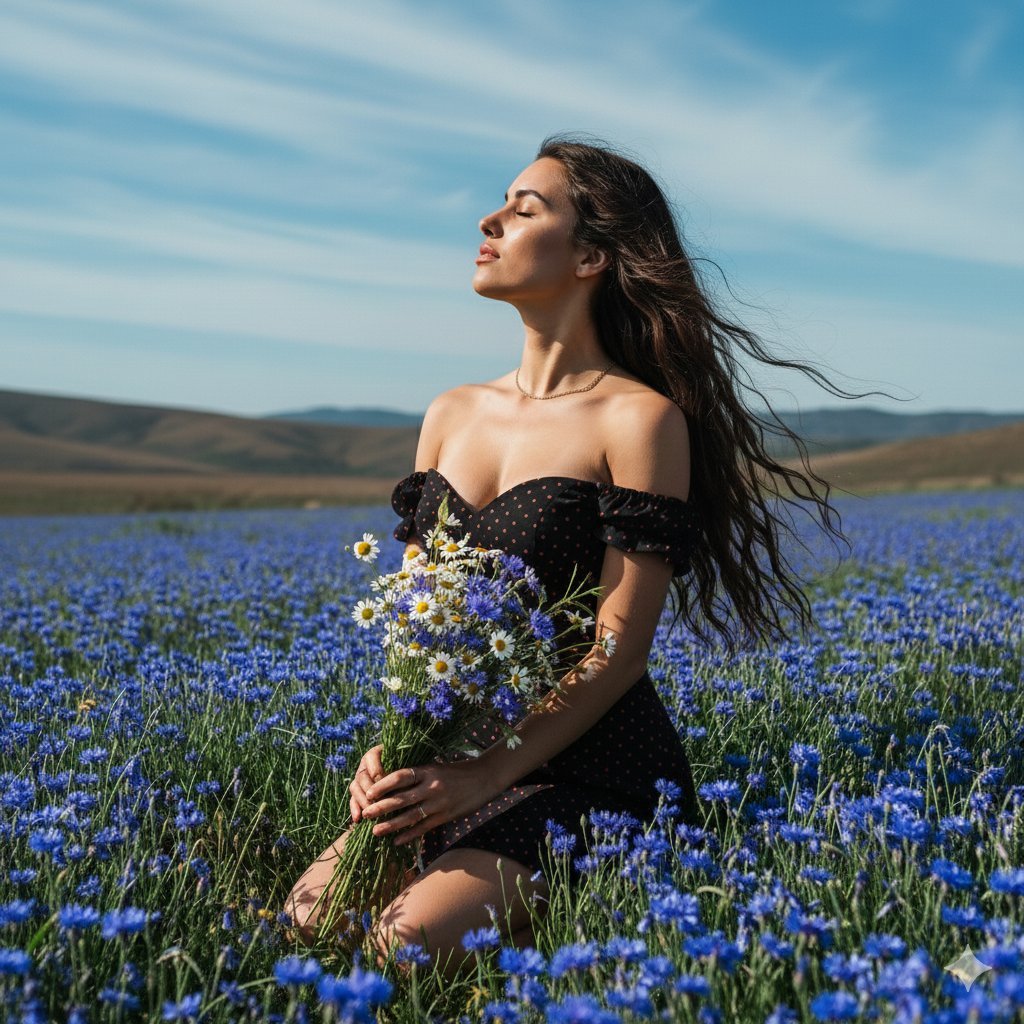
Serene Portrait of a Woman Kneeling in a Wildflower Field
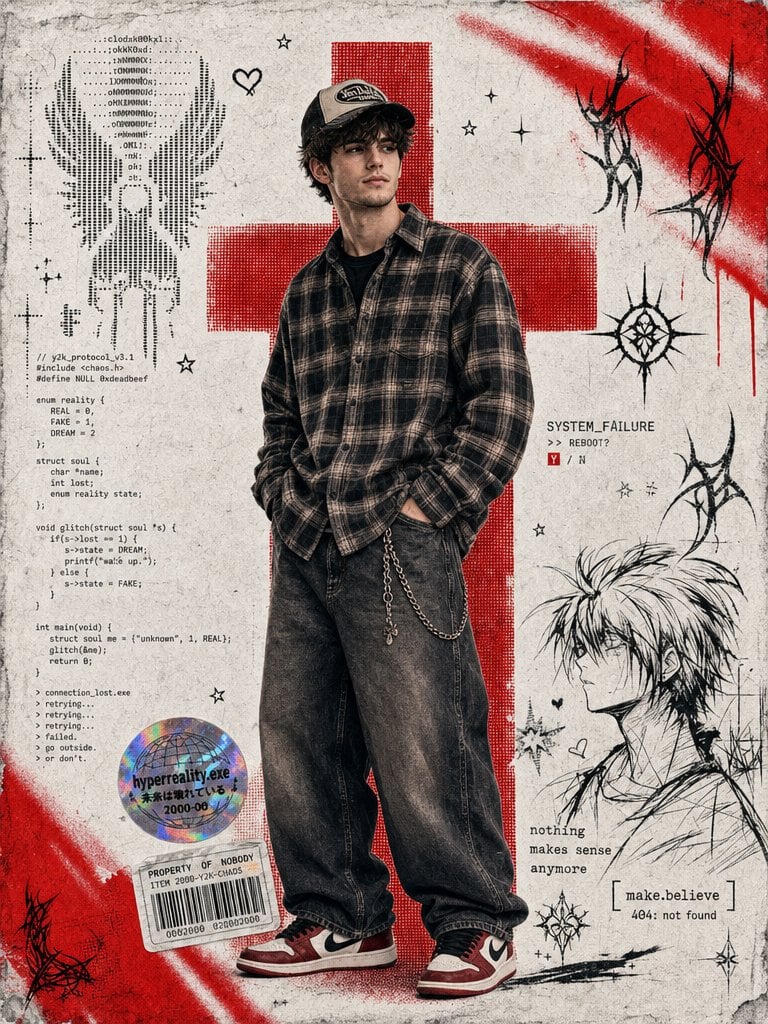
Y2K Cyber-Grunge Collage Poster
Browse template categories
Showa Anime Sukiyaki Storyboard questions
How do I use the Showa Anime Sukiyaki Storyboard template?
Add your photo if the template asks for one, edit the prompt if you like — the template's model and format are already selected — and press Generate. Your version opens in PicX Studio.
Can I customize the Showa Anime Sukiyaki Storyboard template?
Yes. You can change the subject, setting, lighting, mood, format, and available model controls before creating your image.
Is the Showa Anime Sukiyaki Storyboard template free?
Opening and editing this template is free. Generating uses credits, shown on the Generate button when you are signed in.
Which AI model should I use?
Start with GPT Image 2, which is the model associated with this template. You can compare another compatible model for a different finish.
Looking for something else? Browse all templates.

Your photo, any look
Thousands of ready templates for every top image and video model, from one credit balance.