
Y2K Cyber-Grunge Collage Poster
A complex streetwear aesthetic poster featuring digital collage elements, ASCII art, halftone graphics, and red airbrush paint.
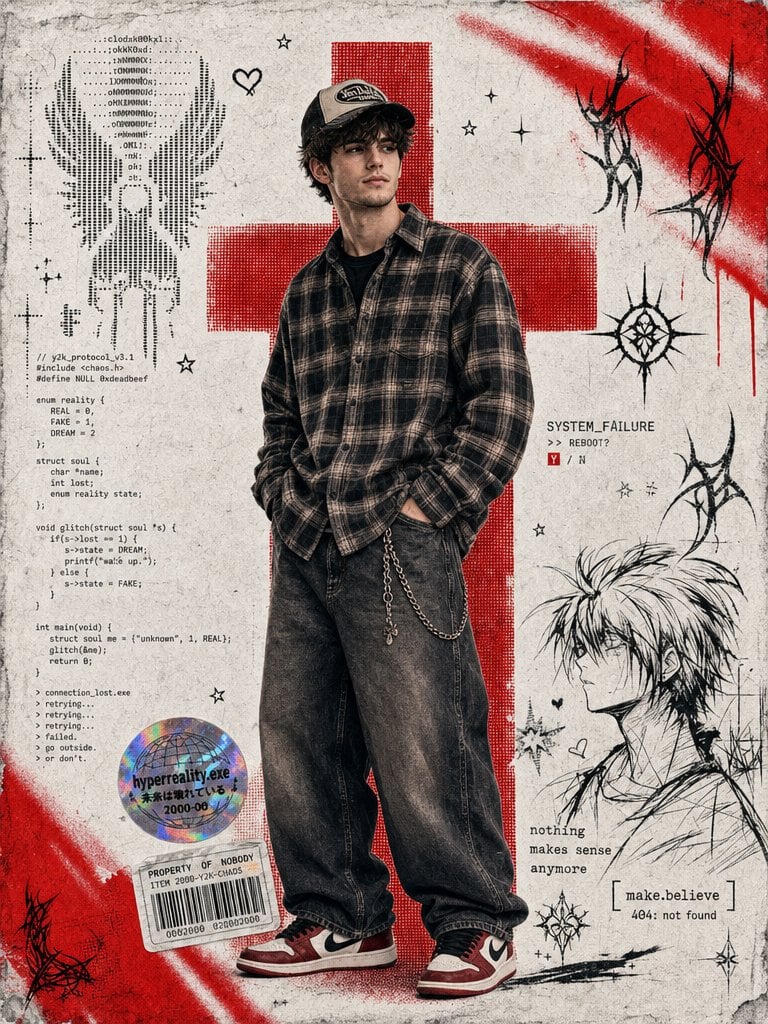
- Prompt included
- Model and format preset
- Free template
The prompt behind this image
Copy the exact prompt behind Y2K Cyber-Grunge Collage Poster, or open it in the studio and make it yours.
Create a vertical {argument name="poster type" default="mixed-media digital collage poster"} in a Y2K cyber-grunge and streetwear aesthetic. The background is a textured, grainy white paper. In the center stands a {argument name="subject" default="young man wearing a loose plaid shirt, oversized wide leg baggy jeans, air Jordan 1s, and a trucker hat"}, with one hand in their pocket. His face is slightly positioned to the left. Behind him is a large, bold {argument name="graphic" default="red halftone cross graphic"}. Add vibrant red airbrush spray paint streaks to the top right and bottom left corners. On the left side of the figure, include a vertical block of ASCII art and computer code. Near the figure's legs, place a holographic sticker and a rectangular barcode sticker. In the bottom right corner, include a rough black ink line-art sketch of an anime-style character alongside small distressed text. Scatter small minimalist stars, hearts, and black cyber-sigilism tribal lines throughout the background. The overall vibe should be edgy, distressed, and reminiscent of a 2000s digital scrapbook.
How to use Y2K Cyber-Grunge Collage Poster in 3 steps
- 1
Open
The prompt is already in the box next to the preview, with the template's model and format selected.
- 2…a portrait of your subject in softgolden-hour light, 85mm…
Personalize
Edit the subject and creative details for your destination.
- 3Generate
Generate
Press Generate — your image is created in PicX Studio, so you can compare it with the original and refine one variable at a time.
More like this
Templates with the same subject, style or setup. Open one to see its prompt.

Urban Fashion Editorial Collage Streetwear Poster

Urban Fashion Editorial Collage Poster

Usa Cinematic Hyperreal Collage Poster
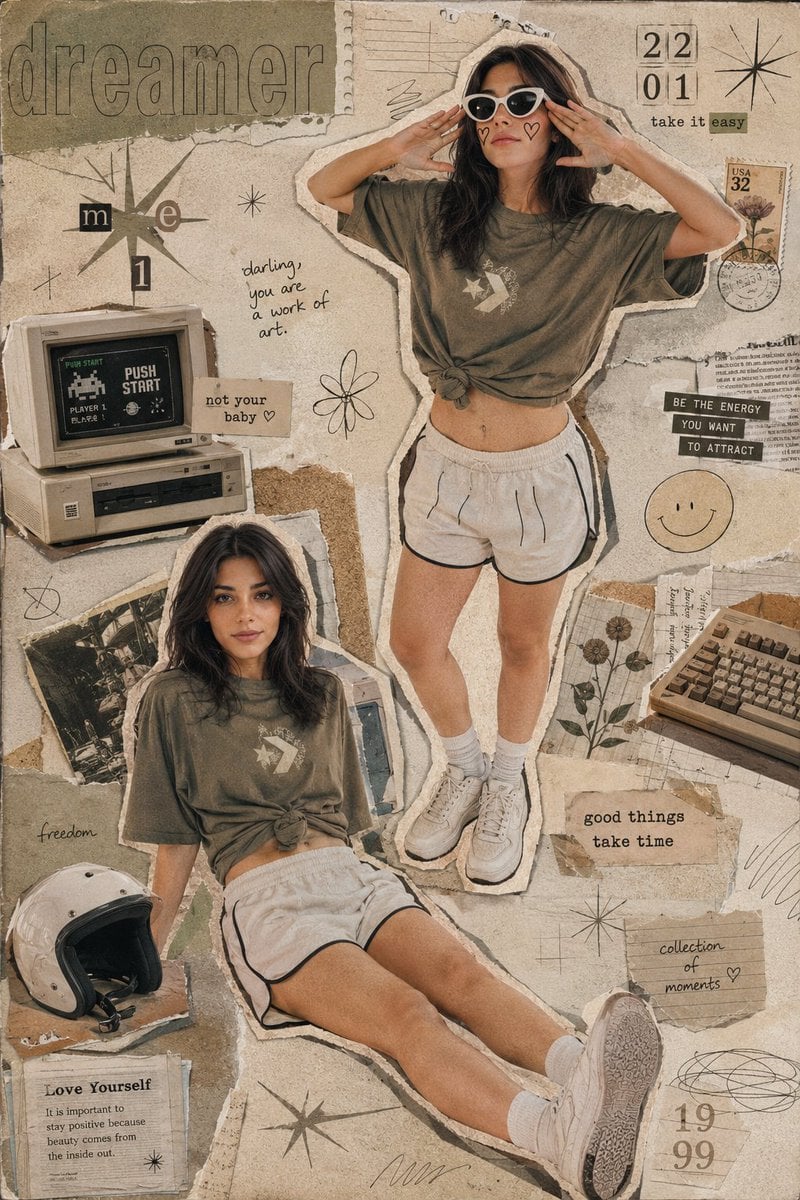
Y2K Retro Scrapbook Collage Poster

Neon Glitch Cyber Symbiote Music Poster
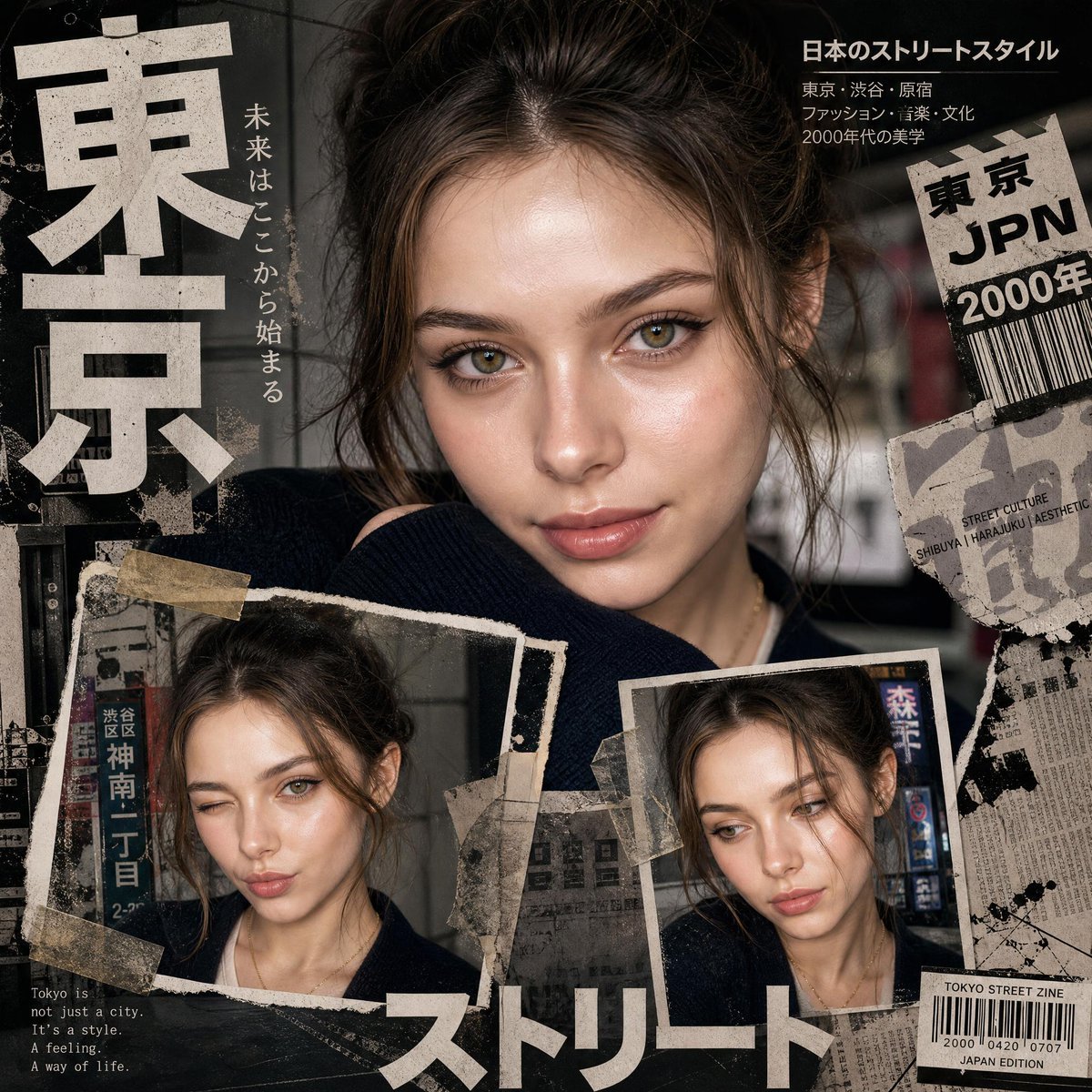
Y2K Japanese editorial collage poster
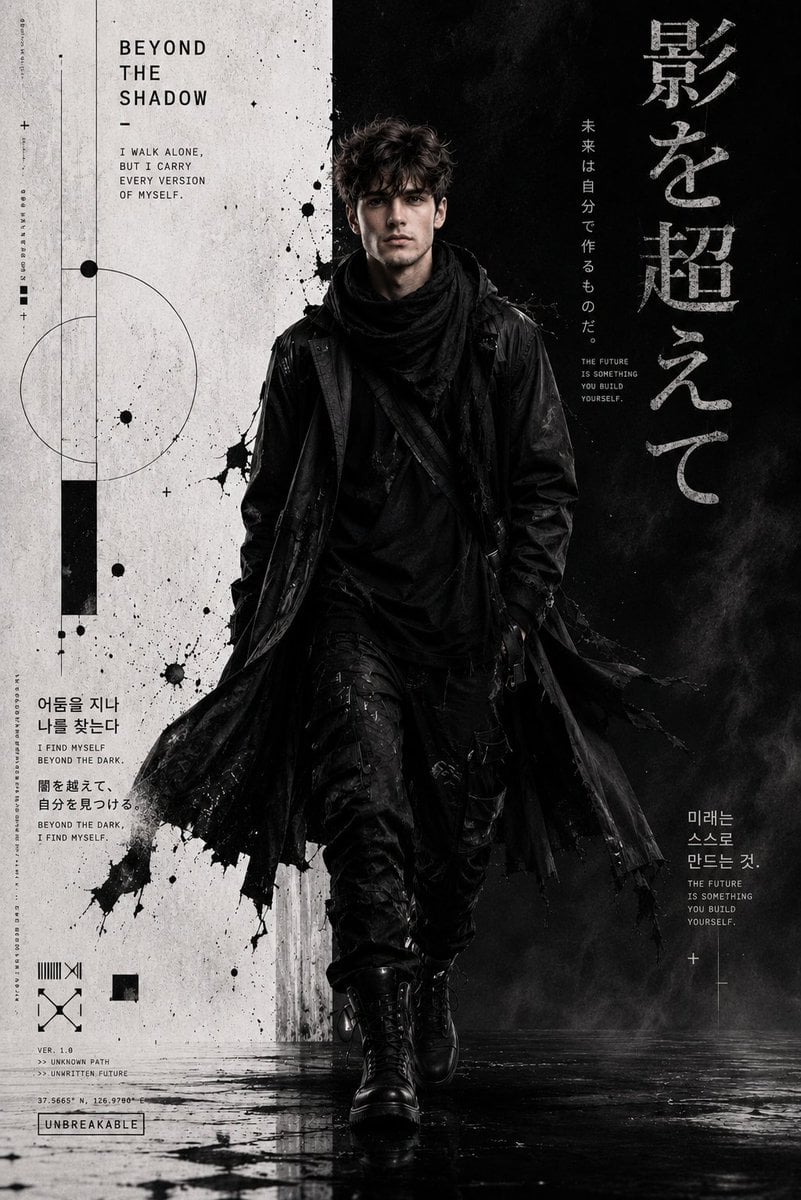
Cyber-Grunge Techwear Fashion Poster

Japan Travel Brochure Poster
Punk Zine Grunge Poster
Dark Cyber-Goth Angel Poster

Six-Panel Retro Japanese Poster Collage
Y2K Portrait Collage from Face Reference
Make it yours
Y2K Cyber-Grunge Collage Poster works as-is. These are the safest ways to change it without losing the look.
Change one field
Copy a single group, rewrite it, and generate again so you can see what that field is doing.
Keep the frame, change the subject
Hold the composition and light of Y2K Cyber-Grunge Collage Poster, then swap wardrobe, props or the person for a new take.
| If the result… | Why | Fix |
|---|---|---|
| The result drifts from the preview | Too many fields changed at once. | Reuse Y2K Cyber-Grunge Collage Poster as-is first, then change one group — subject, light, or setting. |
| The model over-stylizes the scene | The prose prompt leaves finish and camera underspecified. | Add one camera or lighting sentence and stay on GPT Image 2. |
More GPT Image 2 templates
Other prompts made for GPT Image 2.

Six VTuber Japanese Logo Sheet

Realistic Portrait of Woman and Deer

The Vista Modular Condo Poster

AI Model Routing Comparison Infographic

2.5D Anime Art Board

Isometric Productivity Desk Scene

New York Double Exposure Poster

Four-Panel AI Landscape Comparison

Japanese Tatami Lifestyle Magazine Cover

NESCAFÉ Coffee Map Poster
More image prompts
Fresh picks from across the catalog.
Mount Fuji Train Wallpaper
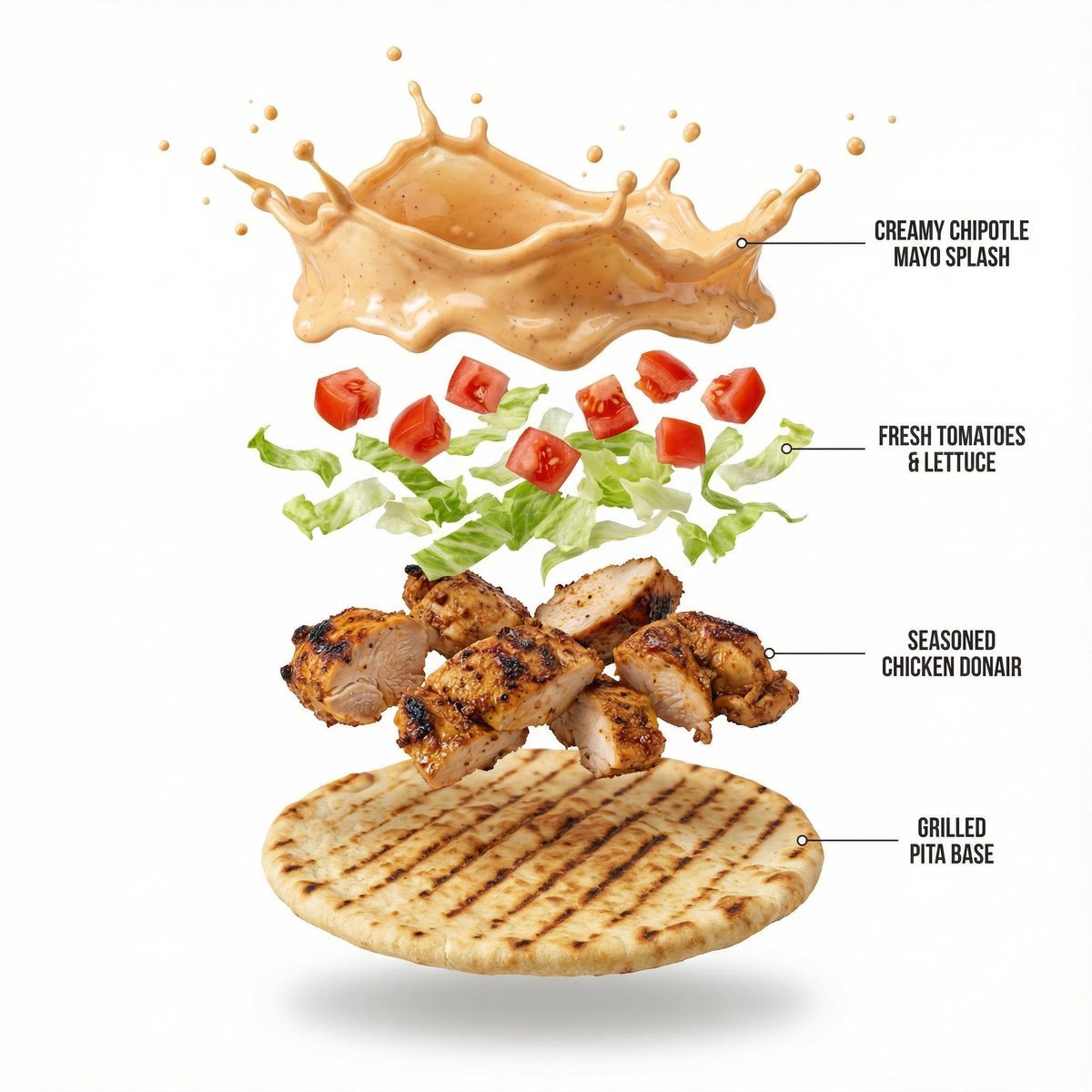
Shawarma Product Photography and Exploded Infographic
Multi-AI Workflow: Niji Journey, Seedream, Nano Banana Pro, and Grok Imagine
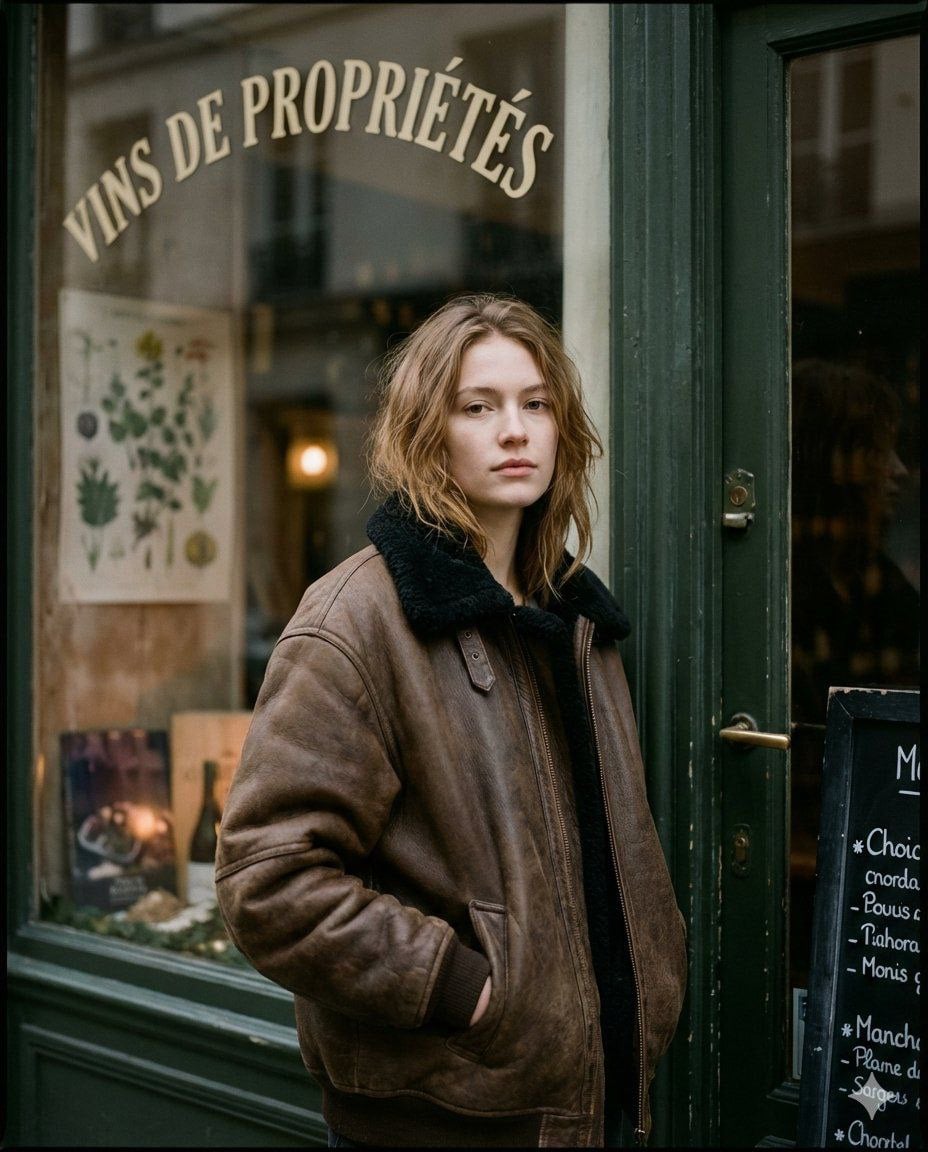
Moody Paris Street Editorial Portrait

Chinese AI Retirement Planning Infographic
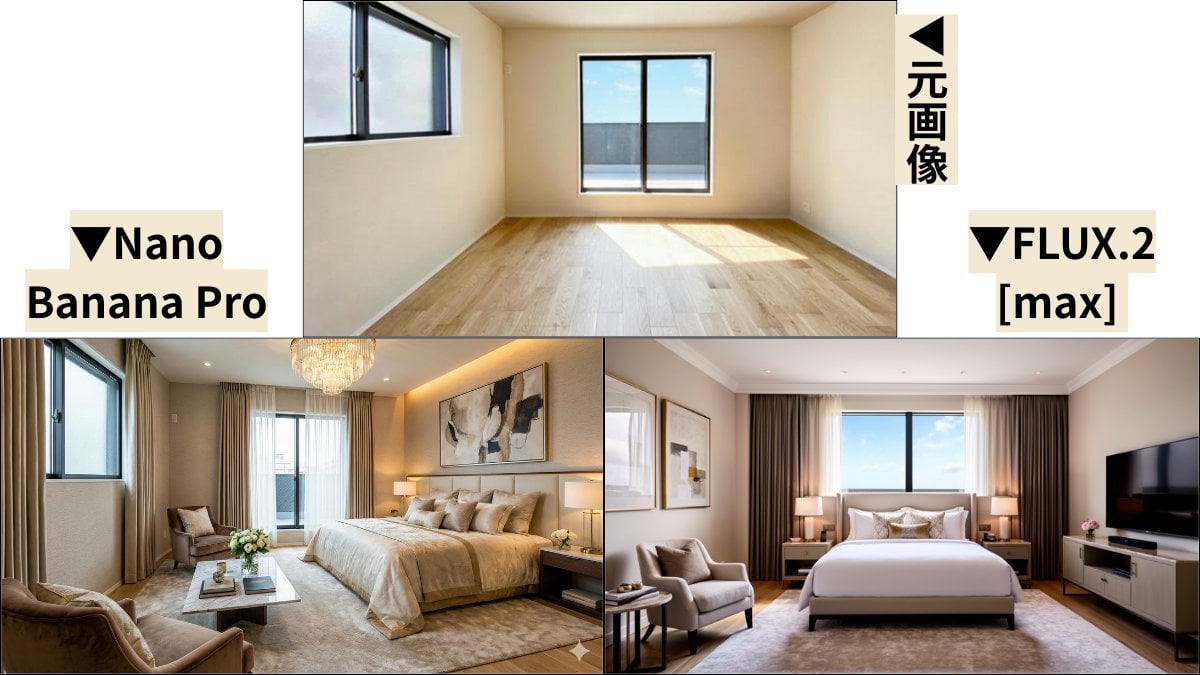
Room Transformation to Five-Star Hotel Suite
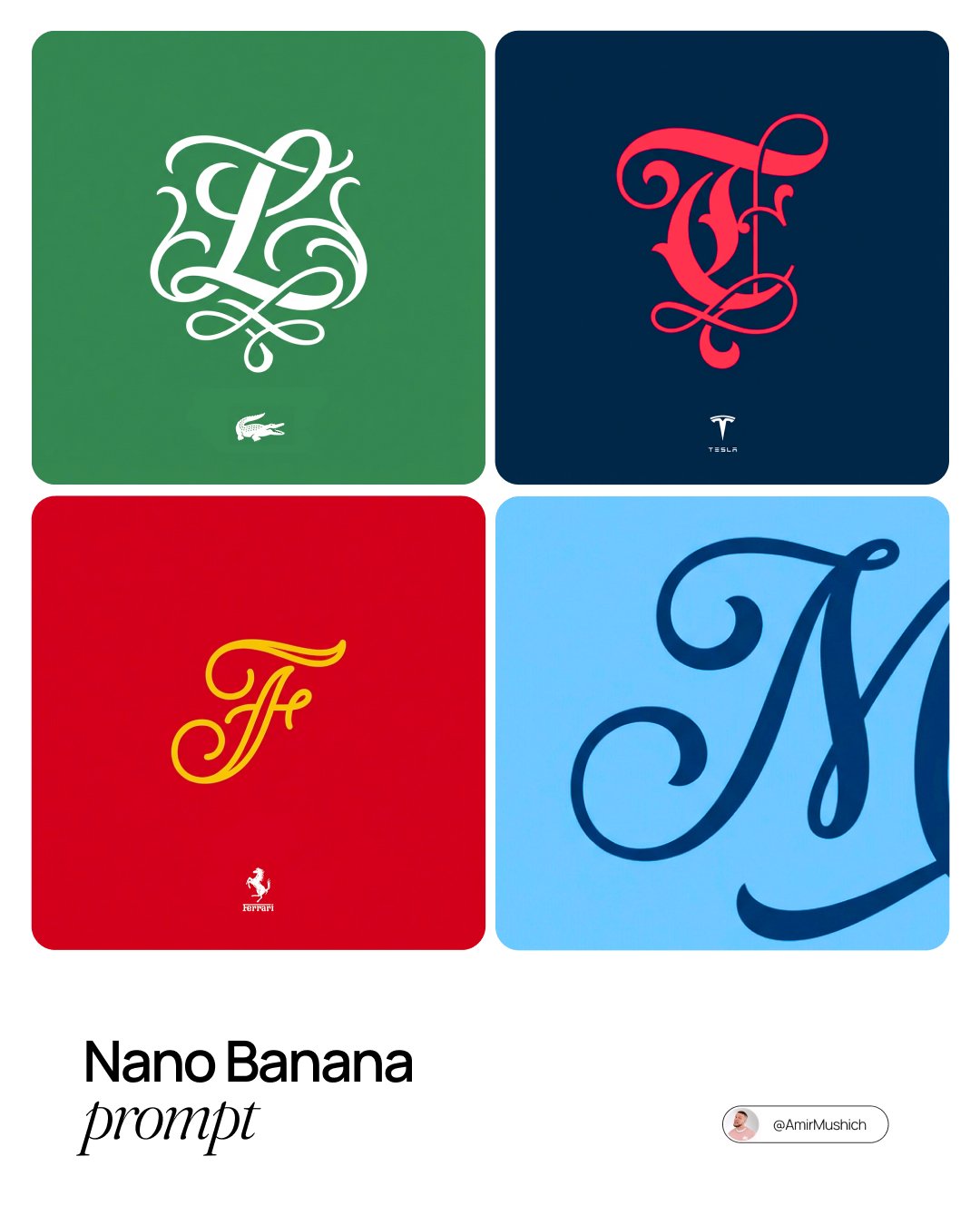
Turn Any Logo Into a Calligraphic Monogr
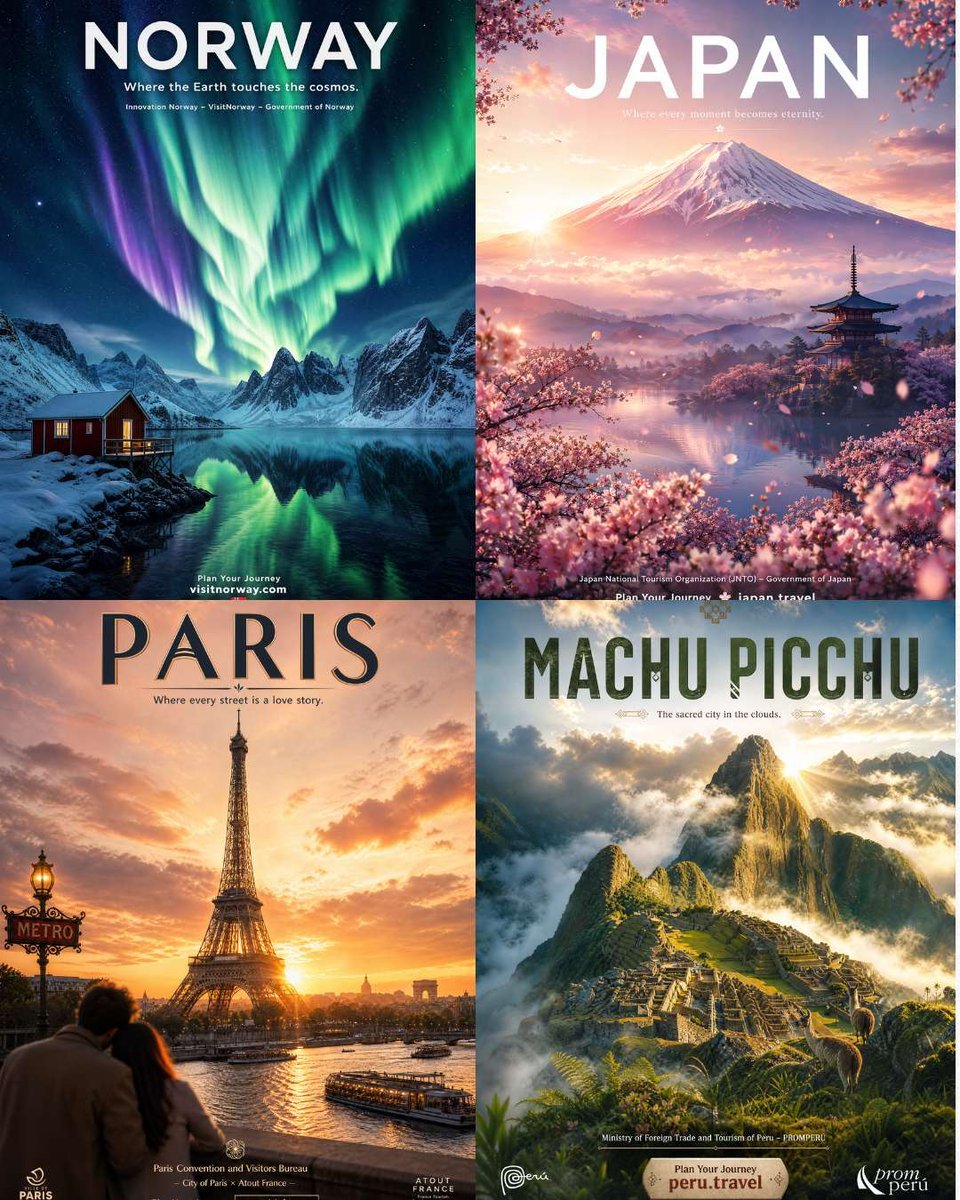
Four Destination Tourism Poster Grid
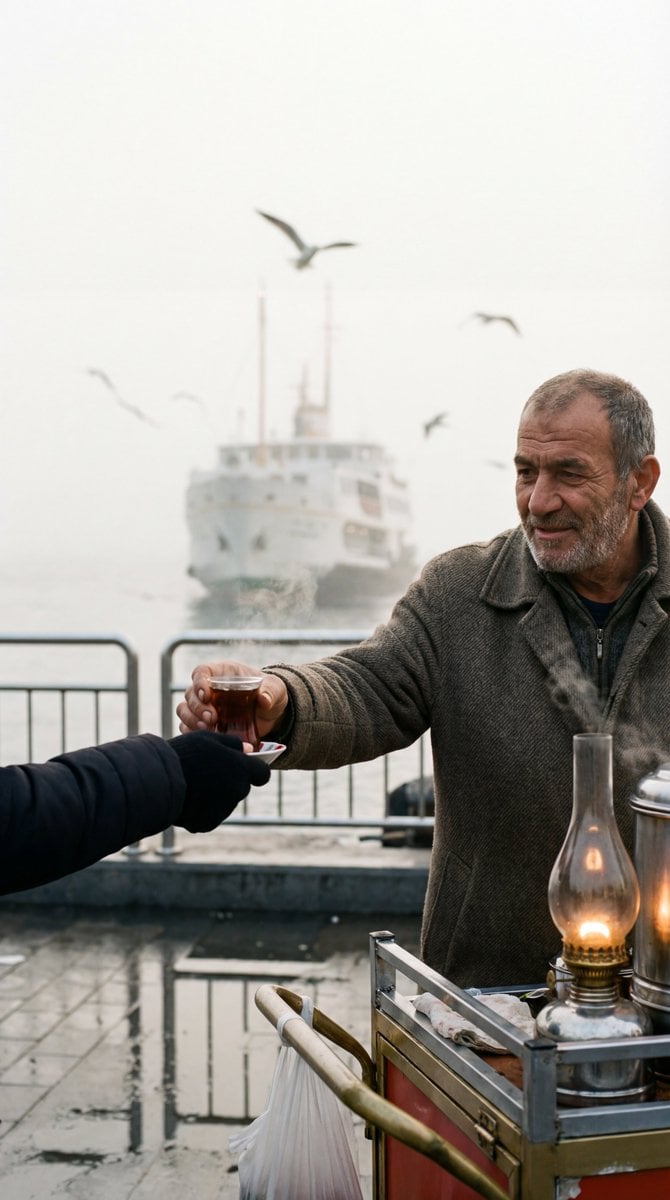
Cinematic Street Photography Film Still Prompt
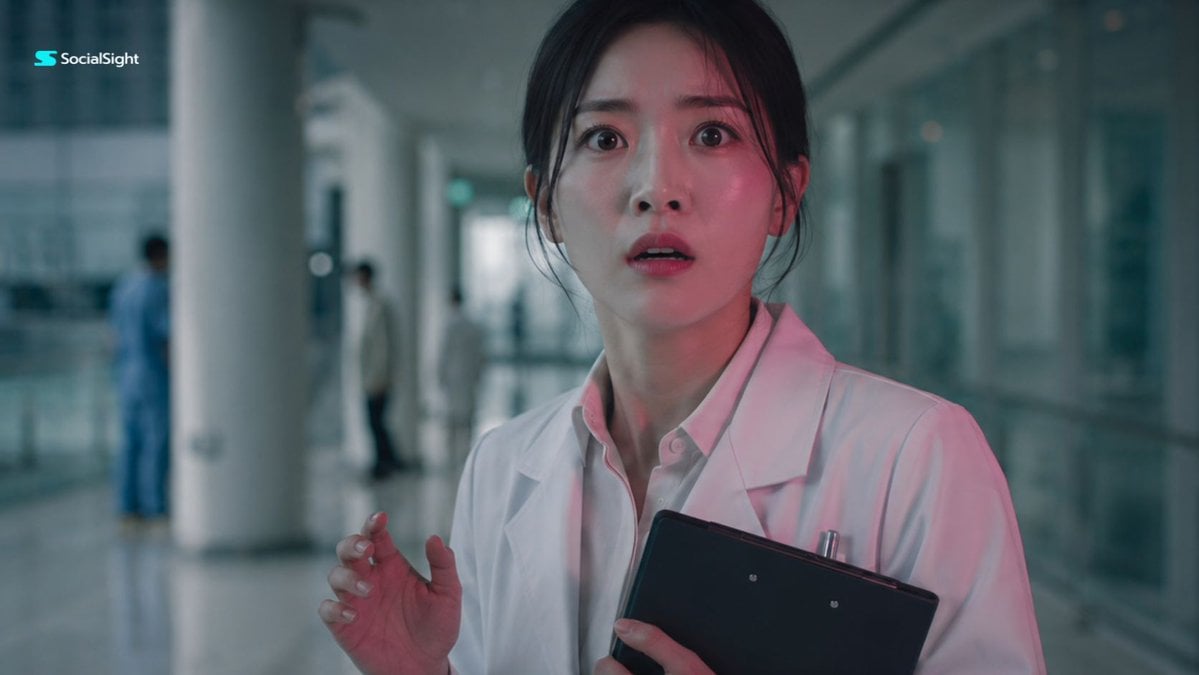
Shocked Doctor Hospital Still
Browse template categories
Y2K Cyber-Grunge Collage Poster questions
How do I use the Y2K Cyber-Grunge Collage Poster template?
Add your photo if the template asks for one, edit the prompt if you like — the template's model and format are already selected — and press Generate. Your version opens in PicX Studio.
Can I customize the Y2K Cyber-Grunge Collage Poster template?
Yes. You can change the subject, setting, lighting, mood, format, and available model controls before creating your image.
Is the Y2K Cyber-Grunge Collage Poster template free?
Opening and editing this template is free. Generating uses credits, shown on the Generate button when you are signed in.
Which AI model should I use?
Start with GPT Image 2, which is the model associated with this template. You can compare another compatible model for a different finish.
Looking for something else? Browse all templates.

Your photo, any look
Thousands of ready templates for every top image and video model, from one credit balance.