
Dark Cyber-Goth Angel Poster
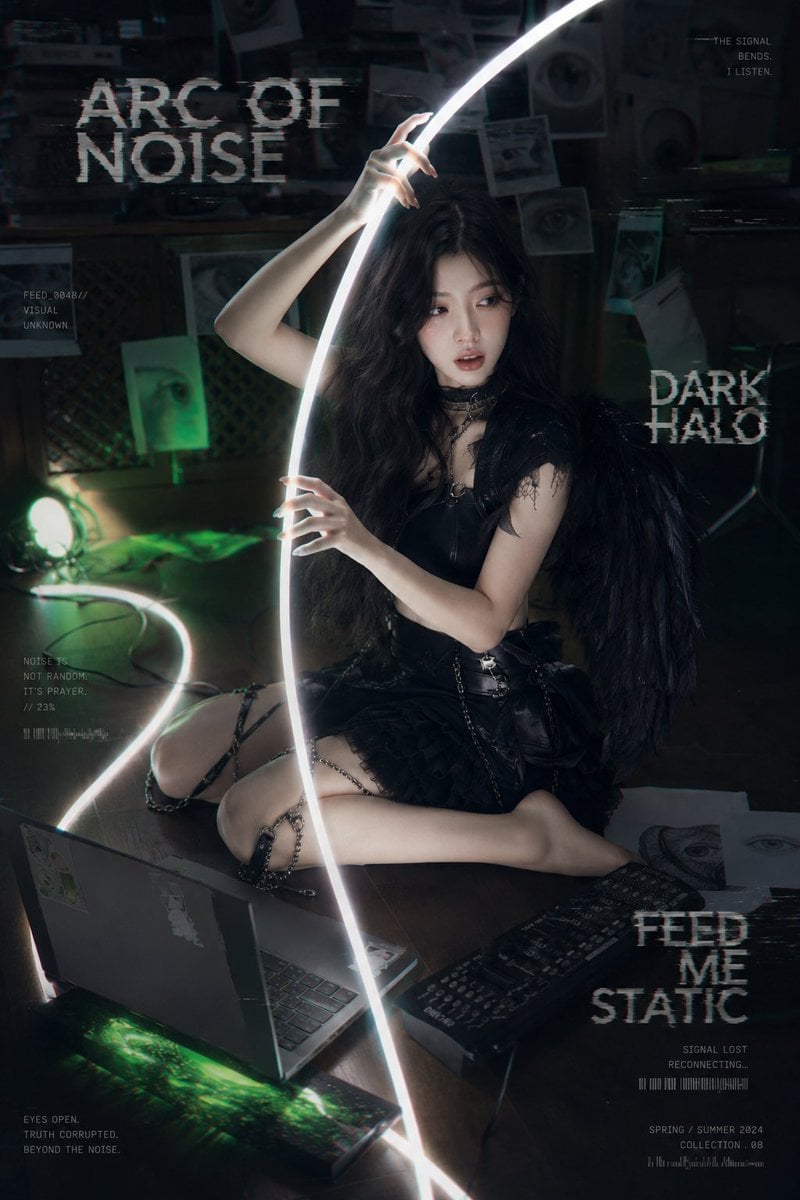
A photorealistic dark fashion poster of a fallen cyber-goth angel in a surveillance lab with glowing cables, eye imagery, and glitch typography.
- Prompt included
- Model and format preset
- Premium template
The prompt behind this image
Copy the exact prompt behind Dark Cyber-Goth Angel Poster, or open it in the studio and make it yours.
Create a dark cyber-goth editorial poster featuring {argument name="character" default="an adult Asian woman"} seated barefoot on the floor of a dim surveillance laboratory. She has {argument name="hair style" default="long loose black wavy hair"}, pale cool-toned skin, fragile smoky makeup, glossy lips, and a dazed but dangerous sideways gaze. Dress her in a black gothic techwear mini dress with a black leather bodice, lace trim, chain straps and chain garters around the thighs, a lace choker, and large black feather angel wings. Pose: sitting low on the floor with one leg folded and one leg extended, torso angled toward camera, one hand gripping a bright white glowing cable/light tube near her lap and the other hand raised delicately around the same cable above her head. The luminous cable forms a sweeping vertical arc through the center of the composition and another glowing curve snakes across the floor, casting harsh white highlights and green reflections. Environment: a cramped, shadowy monitoring room with a grimy wall covered in exactly 8 visible eye-related papers: pupil printouts, eye photos, old taped photos, and surveillance documents. Include tape marks, dark shelves, a lattice panel, scattered wires, a green spotlight lamp on the left, an open old laptop in the bottom left foreground, a black keyboard in the bottom right foreground, loose paper sheets with eye drawings near her feet, and a dark monitor with green static/glow at the bottom edge. Use teal-green accent lighting, deep blacks, low-key cinematic contrast, slight lens bloom, film grain, chromatic aberration, VHS scanline texture, and digital glitch artifacts. Typography and graphic overlays: make it look like a fashion-meets-horror glitch poster with distressed white pixelated type. Add exactly 4 large text blocks: top left “{argument name="main title" default="ARC OF NOISE"}”, middle right “{argument name="side title" default="DARK HALO"}”, lower right “{argument name="bottom title" default="FEED ME STATIC"}”, and small top right quote “{argument name="quote" default="THE SIGNAL BENDS. I LISTEN."}”. Add exactly 5 small surveillance HUD text clusters: left upper “FEED_004B// VISUAL UNKNOWN”, left middle “NOISE IS NOT RANDOM. IT’S PRAYER. //23%”, bottom left “EYES OPEN. TRUTH CORRUPTED. BEYOND THE NOISE.”, lower right “SIGNAL LOST RECONNECTING...” with barcode-like marks, and bottom right “SPRING / SUMMER 2024 COLLECTION .08”. Keep all text white or pale gray, broken and glitched, integrated into the image without covering the face. Composition: vertical 2:3 poster, subject centered slightly right, glowing arc cutting from bottom center to top right, laptop foreground left and keyboard foreground right for depth. Photorealistic high-fashion dark fantasy styling, unsettling surveillance-dream atmosphere, black signal demon/fallen angel mood, no extra people, no watermark.
How to use Dark Cyber-Goth Angel Poster in 3 steps
- 1Upload ImagePNG, JPG or paste
Add your photo
Upload the photo the template builds on. The prompt, model and format are already set.
- 2…a portrait of your subject in softgolden-hour light, 85mm…
Personalize
Edit the subject and creative details for your destination.
- 3Generate
Generate
Press Generate — your image is created in PicX Studio, so you can compare it with the original and refine one variable at a time.
More like this
Templates with the same subject, style or setup. Open one to see its prompt.

Selective Color Monochrome Football Poster
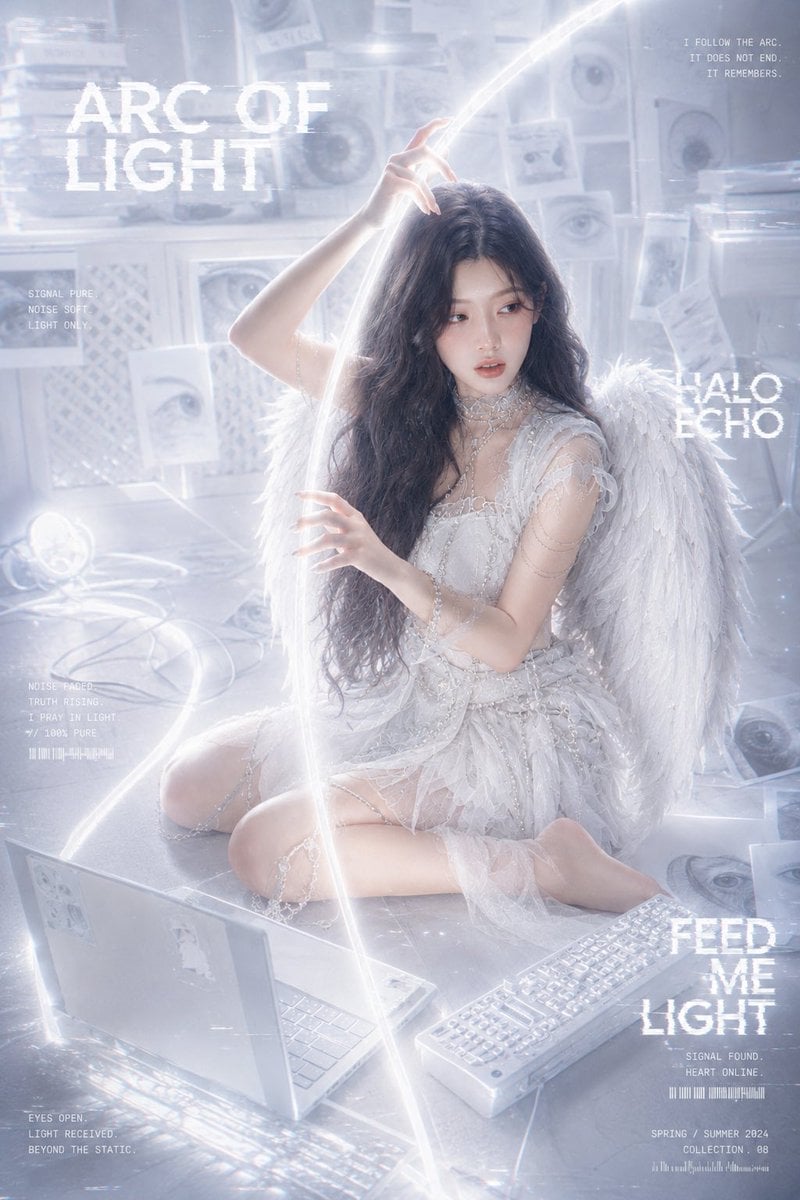
Arc of Light Cyber Angel Poster

Neon Glitch Cyber Symbiote Music Poster

Cinematic Side Profile Cyberpunk Hero Poster

Cyberpunk Neon Brazil World Cup Poster
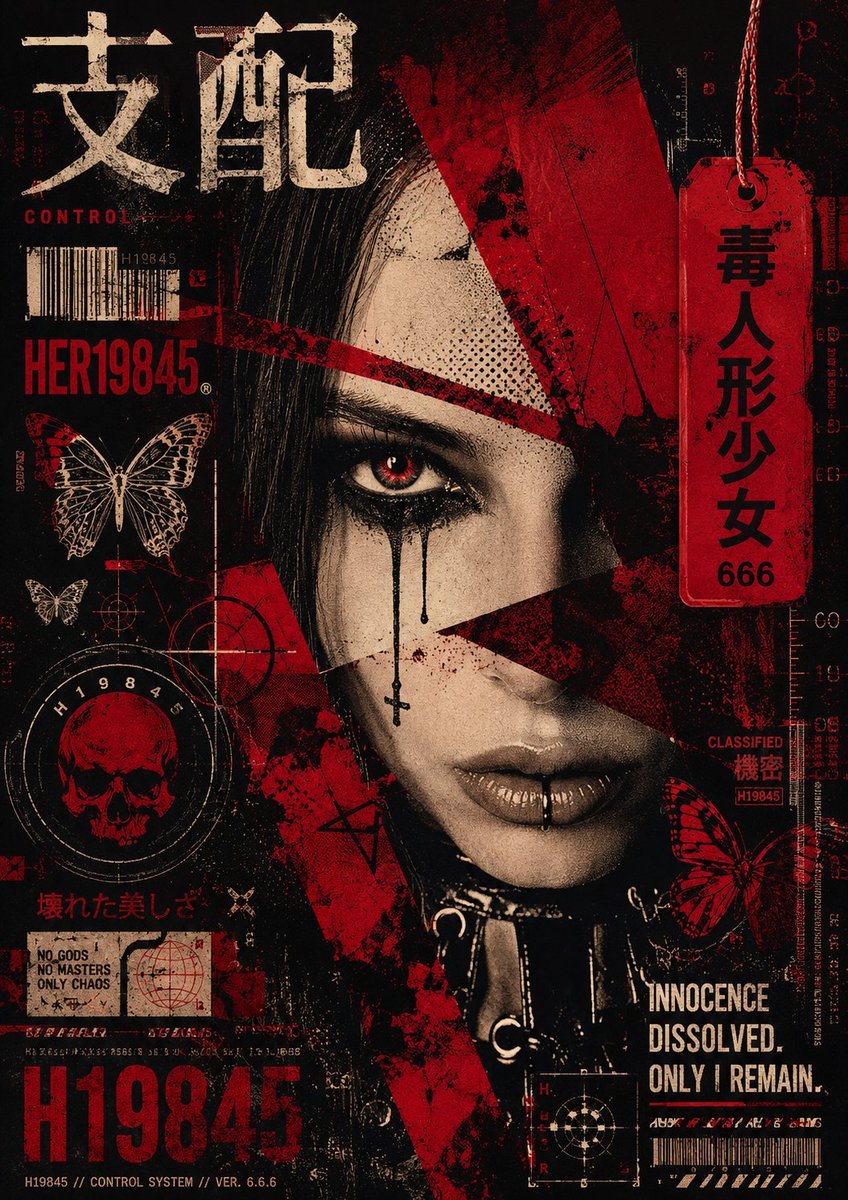
Grunge Punk Cyber Goth Collage

Japan Travel Brochure Poster
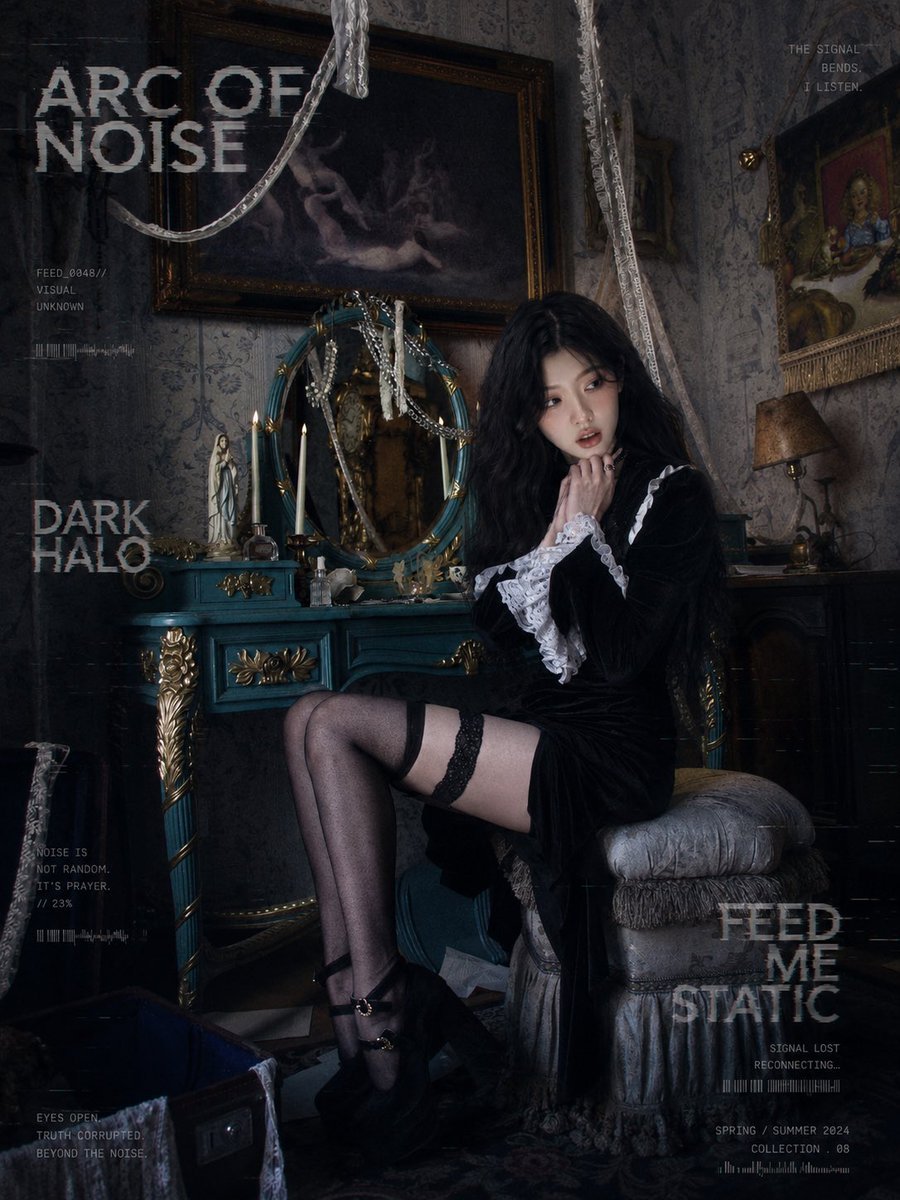
Dark Gothic Lolita Static Portrait
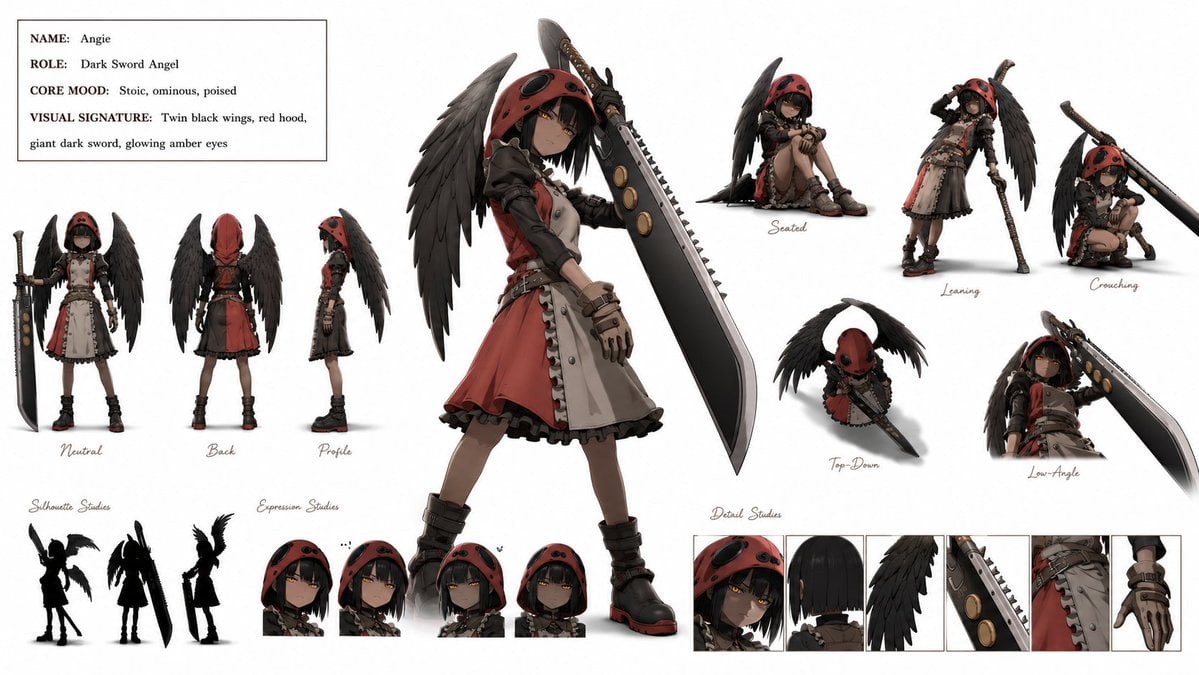
Dark Sword Angel Character Sheet

Dark Anime Demon Slayer Poster

Anhua Dark Tea Mountain Poster

Cartoon TV Show Poster Pack
Make it yours
Dark Cyber-Goth Angel Poster works as-is. These are the safest ways to change it without losing the look.
Change one field
Copy a single group, rewrite it, and generate again so you can see what that field is doing.
Keep the frame, change the subject
Hold the composition and light of Dark Cyber-Goth Angel Poster, then swap wardrobe, props or the person for a new take.
| If the result… | Why | Fix |
|---|---|---|
| The result drifts from the preview | Too many fields changed at once. | Reuse Dark Cyber-Goth Angel Poster as-is first, then change one group — subject, light, or setting. |
| The model over-stylizes the scene | The prose prompt leaves finish and camera underspecified. | Add one camera or lighting sentence and stay on GPT Image 2. |
More GPT Image 2 templates
Other prompts made for GPT Image 2.

Six VTuber Japanese Logo Sheet

Realistic Portrait of Woman and Deer

The Vista Modular Condo Poster

AI Model Routing Comparison Infographic

2.5D Anime Art Board

Isometric Productivity Desk Scene

New York Double Exposure Poster

Four-Panel AI Landscape Comparison

Japanese Tatami Lifestyle Magazine Cover

NESCAFÉ Coffee Map Poster
More image prompts
Fresh picks from across the catalog.
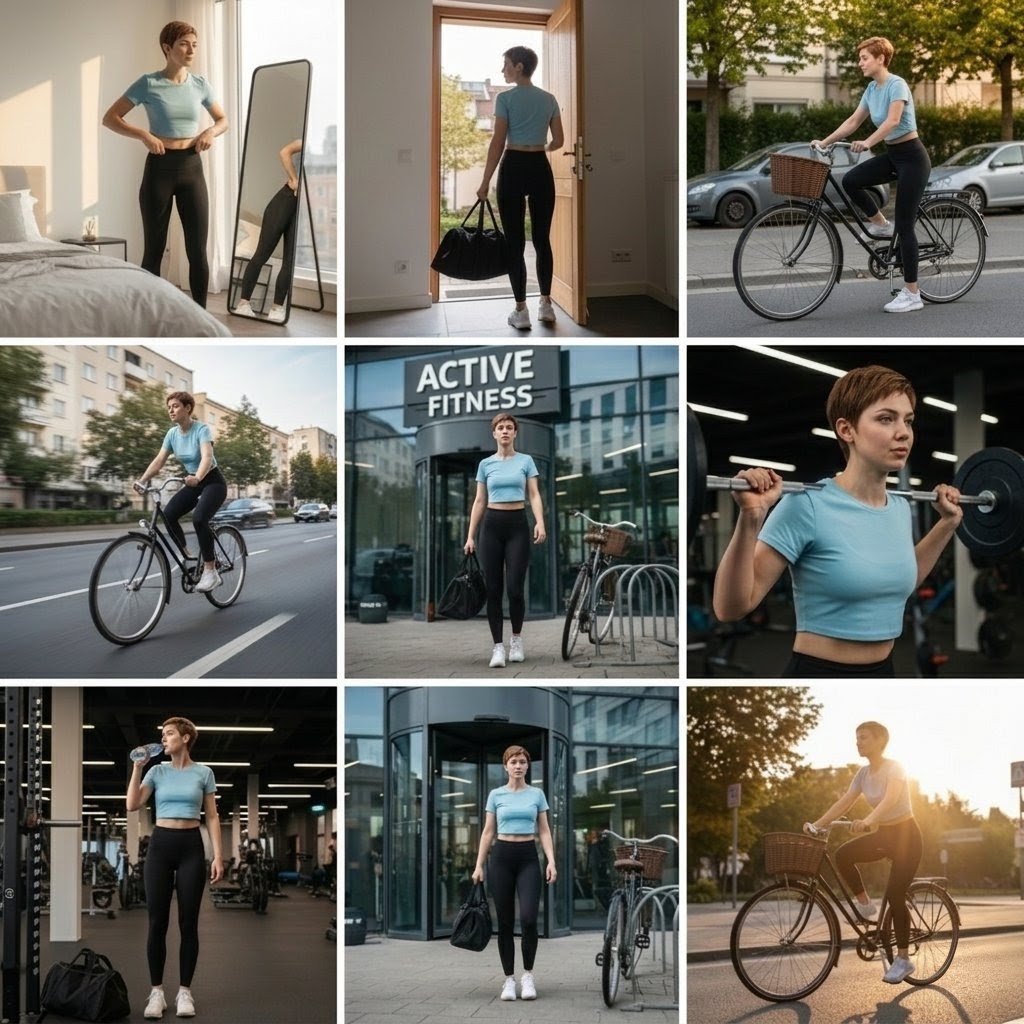
Photo Cinematic Collage for a Gym Girl's Fitness Journey
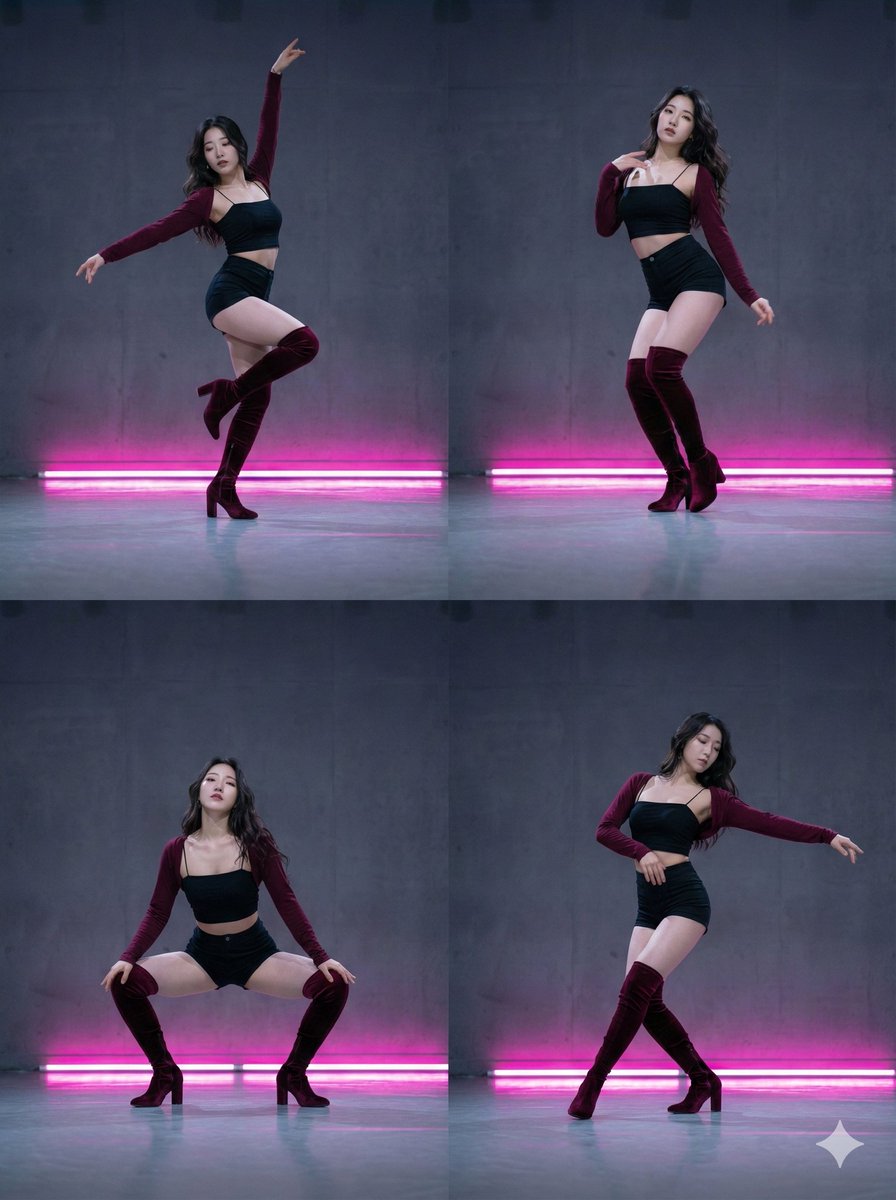
2x2 Grid Composition for Consistent Images
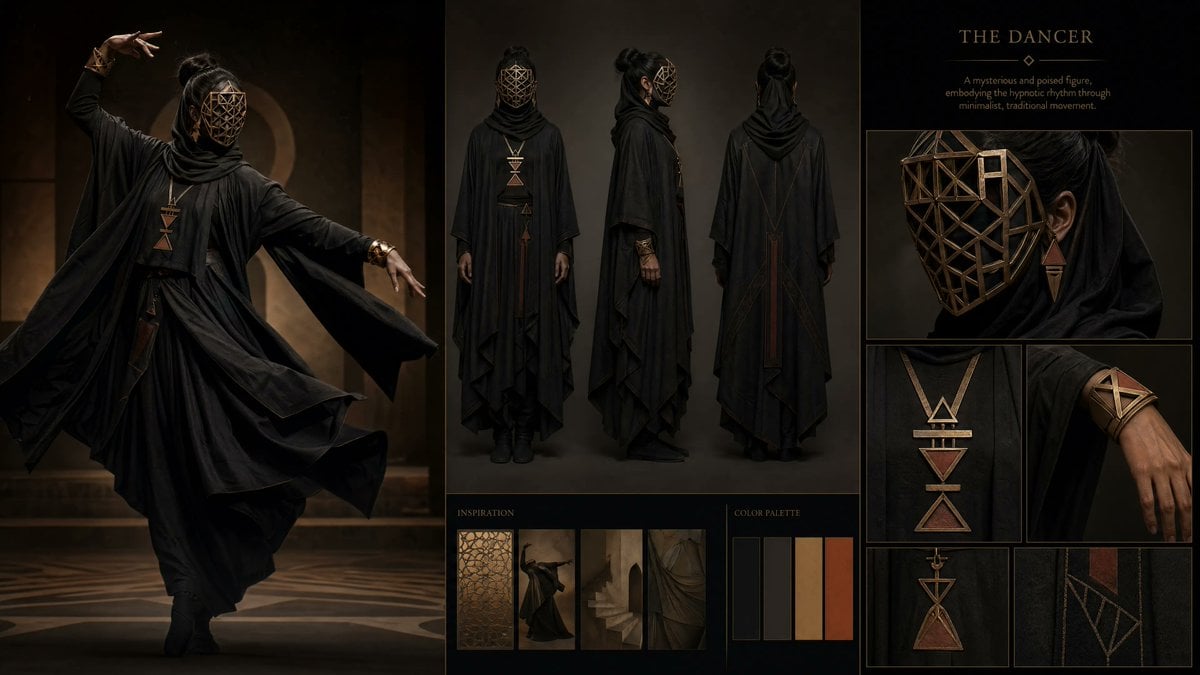
Dark Ritual Dancer Concept Board

Whimsical Chattering Teeth Scene Prompt

Cinematic Black and White Biker Portrait
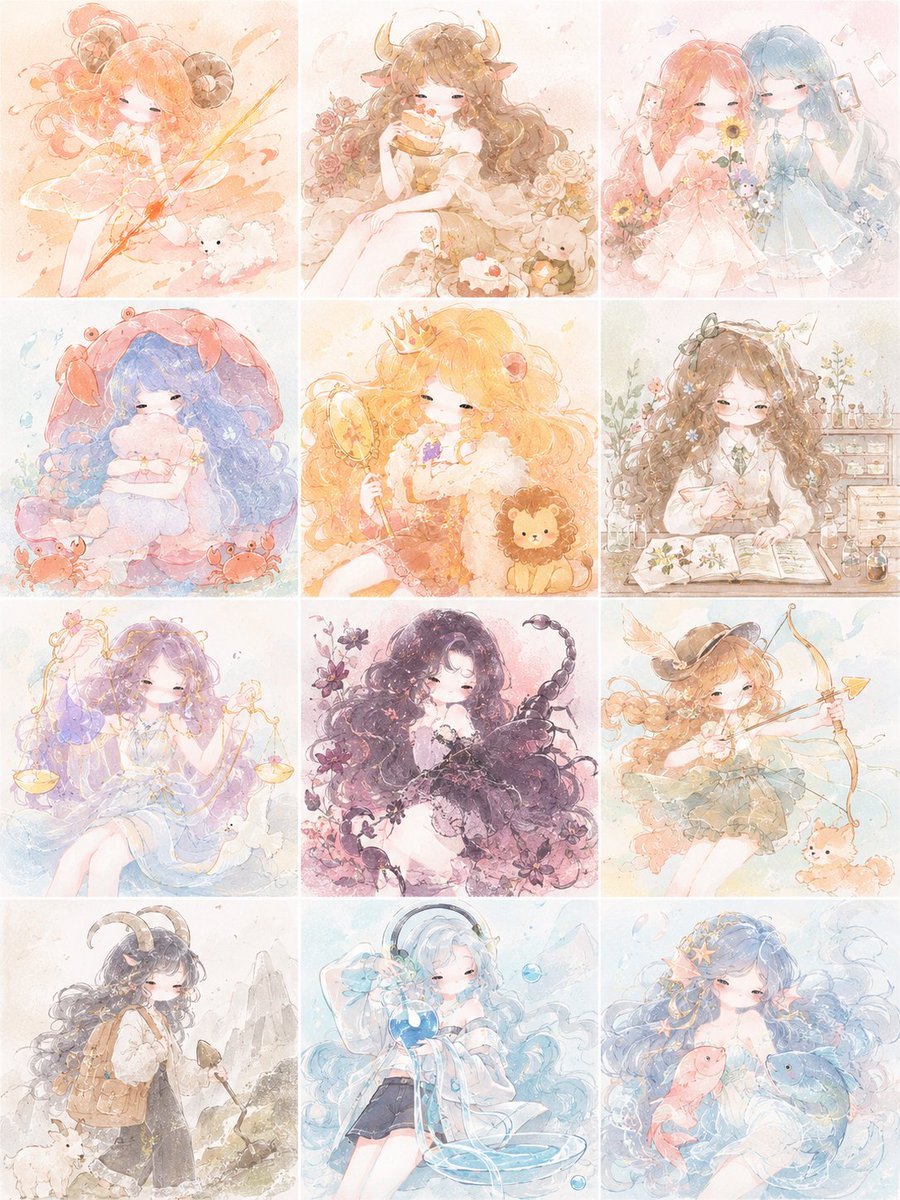
Pastel Zodiac Girls Grid

Nano-banana Pro Persona Generation Prompt
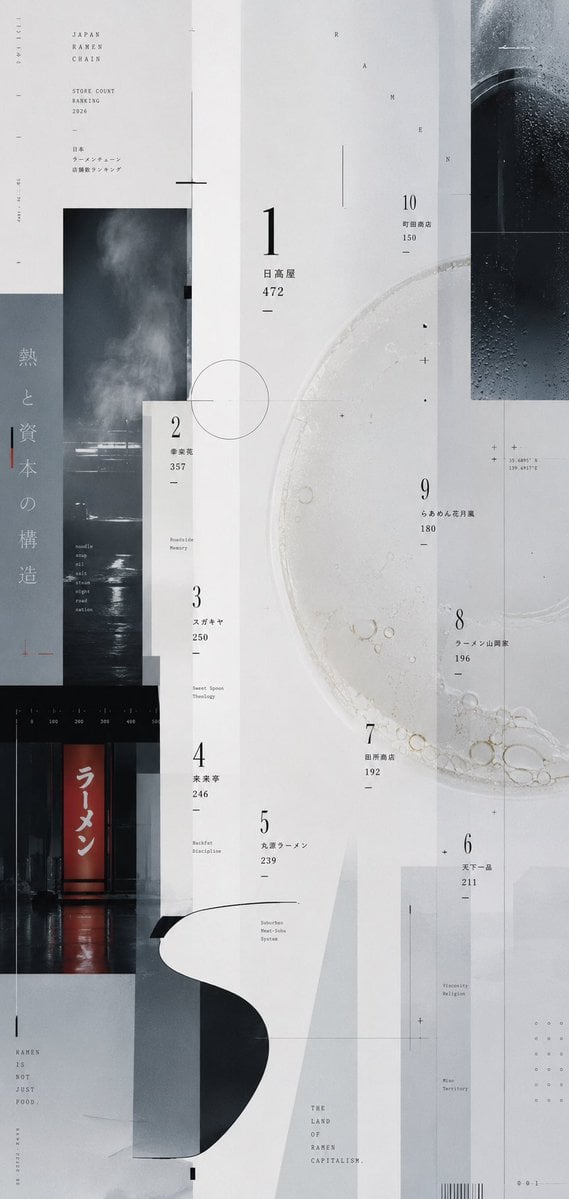
Experimental Ramen Ranking Poster

Ultra-Realistic Close-Up Portrait
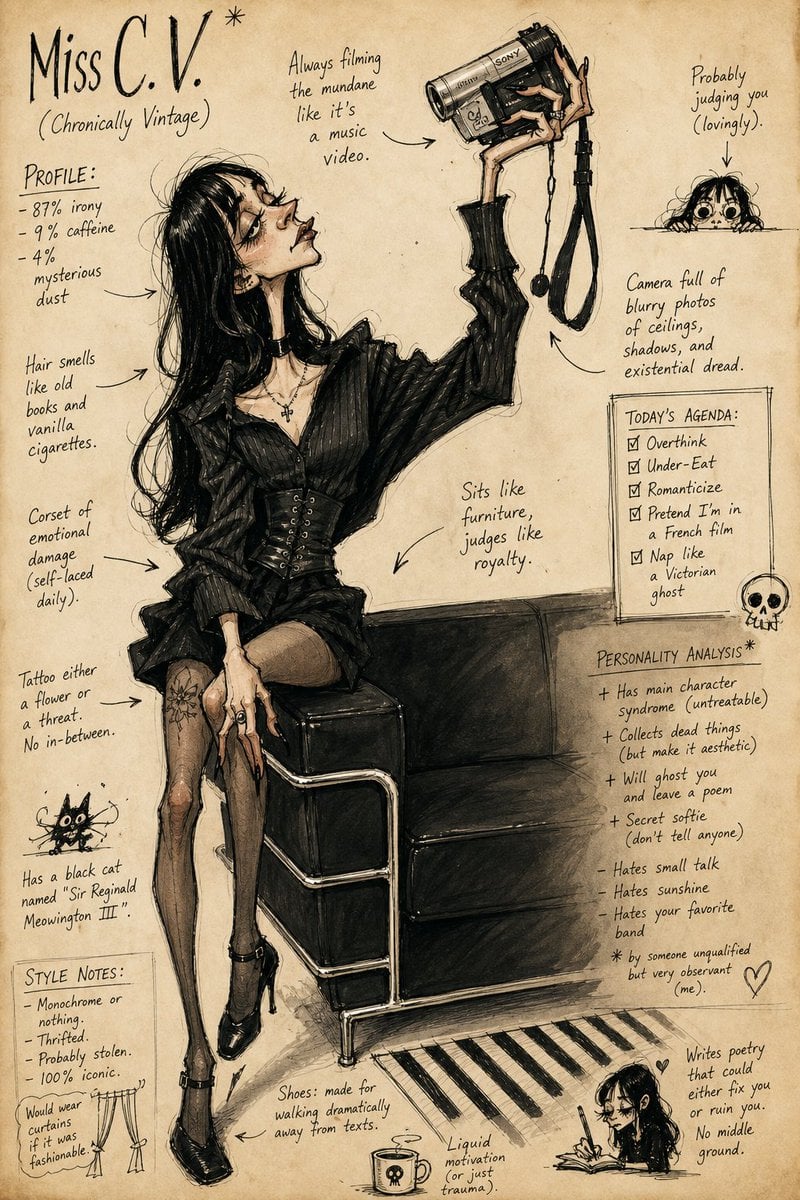
Grotesque Fashion Caricature Sketch
Browse template categories
Dark Cyber-Goth Angel Poster questions
How do I use the Dark Cyber-Goth Angel Poster template?
Add your photo if the template asks for one, edit the prompt if you like — the template's model and format are already selected — and press Generate. Your version opens in PicX Studio.
Can I customize the Dark Cyber-Goth Angel Poster template?
Yes. You can change the subject, setting, lighting, mood, format, and available model controls before creating your image.
Is the Dark Cyber-Goth Angel Poster template free?
Opening and editing this template is free. Generating uses credits, shown on the Generate button when you are signed in.
Which AI model should I use?
Start with GPT Image 2, which is the model associated with this template. You can compare another compatible model for a different finish.
Looking for something else? Browse all templates.

Your photo, any look
Thousands of ready templates for every top image and video model, from one credit balance.