
Arc of Light Cyber Angel Poster
A luminous fashion-poster prompt for generating a white cyber angel portrait with glowing arcs, surveillance-eye imagery, and glitch editorial typography.
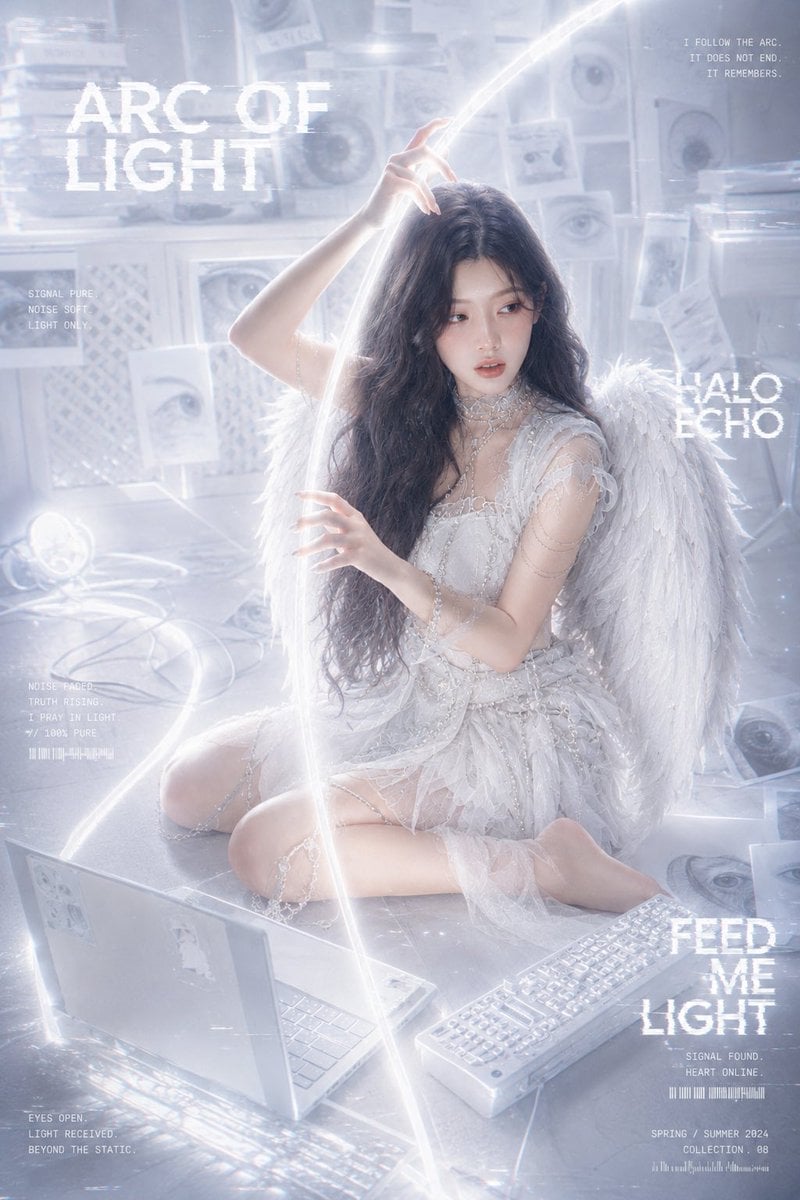
- Prompt included
- Model and format preset
- Premium template
The prompt behind this image
Copy the exact prompt behind Arc of Light Cyber Angel Poster, or open it in the studio and make it yours.
Create a high-fashion cinematic cyber-angel portrait of an {argument name="character description" default="adult Asian woman with long wavy black hair, delicate cool-toned features, soft makeup, quiet eyes with a story-filled expression"}. She is seated on the floor in a luminous white surveillance-like room, posed gracefully with one leg folded and one knee bent, torso turned slightly, one hand raised above her head touching or guiding a glowing arc of light, the other hand floating near her chest. Transform the mood into a white / ivory / silver “light angel” aesthetic: she wears an ethereal layered white lace and tulle dress with translucent fabric, pearl and crystal chains, delicate arm jewelry, thigh chains, and large soft feathered white angel wings. The environment is pale blue-white and overexposed, filled with foggy bloom, reflective floor tiles, hanging paper prints of human eyes, scattered eye posters, white cables, an open white laptop in the lower left foreground, a white keyboard in the lower right foreground, and small glowing devices. A bright continuous light ribbon forms a halo-like arc above her and sweeps diagonally through the composition, creating a sense of redemption and pure signal. Add glitchy editorial typography in distressed white pixel text: large title “{argument name="main title" default="ARC OF LIGHT"}” at upper left; small quote at upper right “{argument name="upper right quote" default="I FOLLOW THE ARC. IT DOES NOT END. IT REMEMBERS."}”; small data text at left “SIGNAL PURE. NOISE SOFT. LIGHT ONLY.”; mid-right text “HALO ECHO”; lower-right headline “{argument name="lower right headline" default="FEED ME LIGHT"}” with tiny subtext “SIGNAL FOUND. HEART ONLINE.” and “SPRING / SUMMER 2024 COLLECTION. 08”; lower-left small text “EYES OPEN. LIGHT RECEIVED. BEYOND THE STATIC.” Use a vertical 2:3 fashion poster composition, soft frontal lighting, pearlescent whites, subtle blue-gray shadows, angelic glow, gentle film grain, digital glitch artifacts, high detail, dreamy commercial photography, no dark gothic elements, no extra people, no watermark.
How to use Arc of Light Cyber Angel Poster in 3 steps
- 1Upload ImagePNG, JPG or paste
Add your photo
Upload the photo the template builds on. The prompt, model and format are already set.
- 2…a portrait of your subject in softgolden-hour light, 85mm…
Personalize
Edit the subject and creative details for your destination.
- 3Generate
Generate
Press Generate — your image is created in PicX Studio, so you can compare it with the original and refine one variable at a time.
More like this
Templates with the same subject, style or setup. Open one to see its prompt.
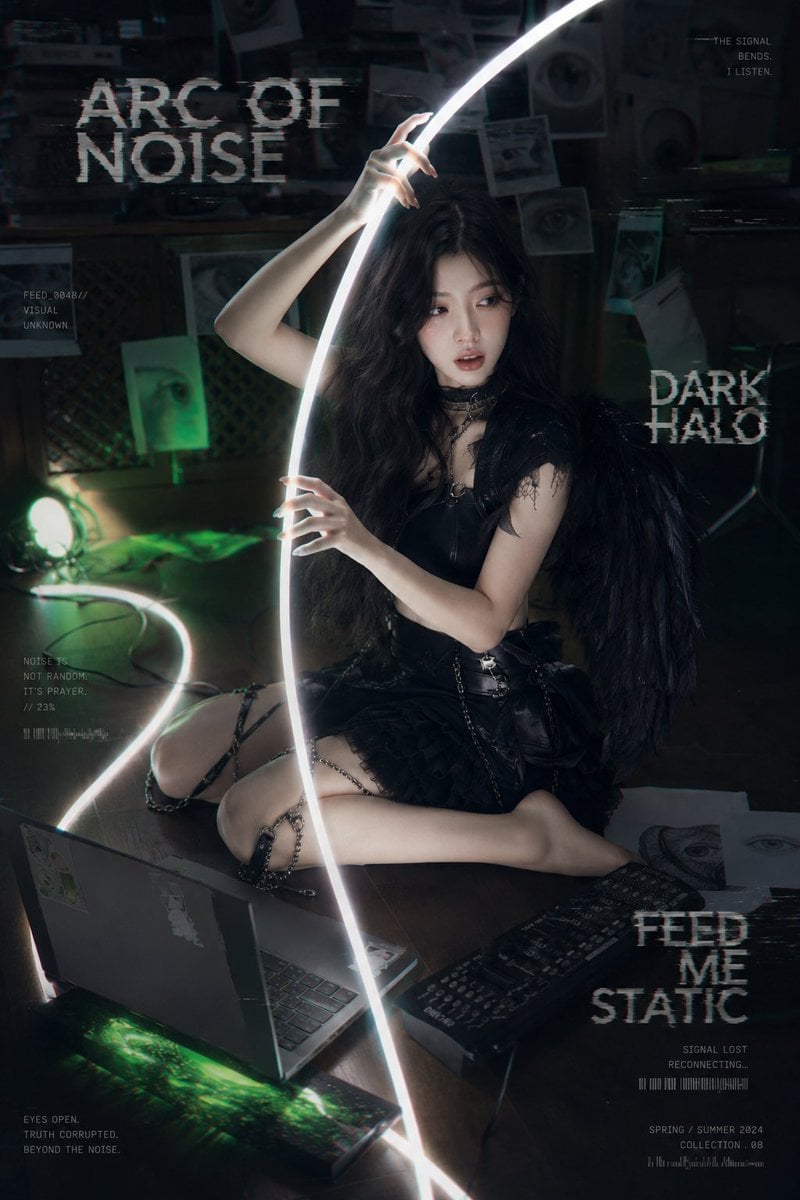
Dark Cyber-Goth Angel Poster

Neon Glitch Cyber Symbiote Music Poster

Cinematic Side Profile Cyberpunk Hero Poster

Cyberpunk Neon Brazil World Cup Poster

Canada Goalkeeper Twilight Editorial Portrait

Japan Travel Brochure Poster
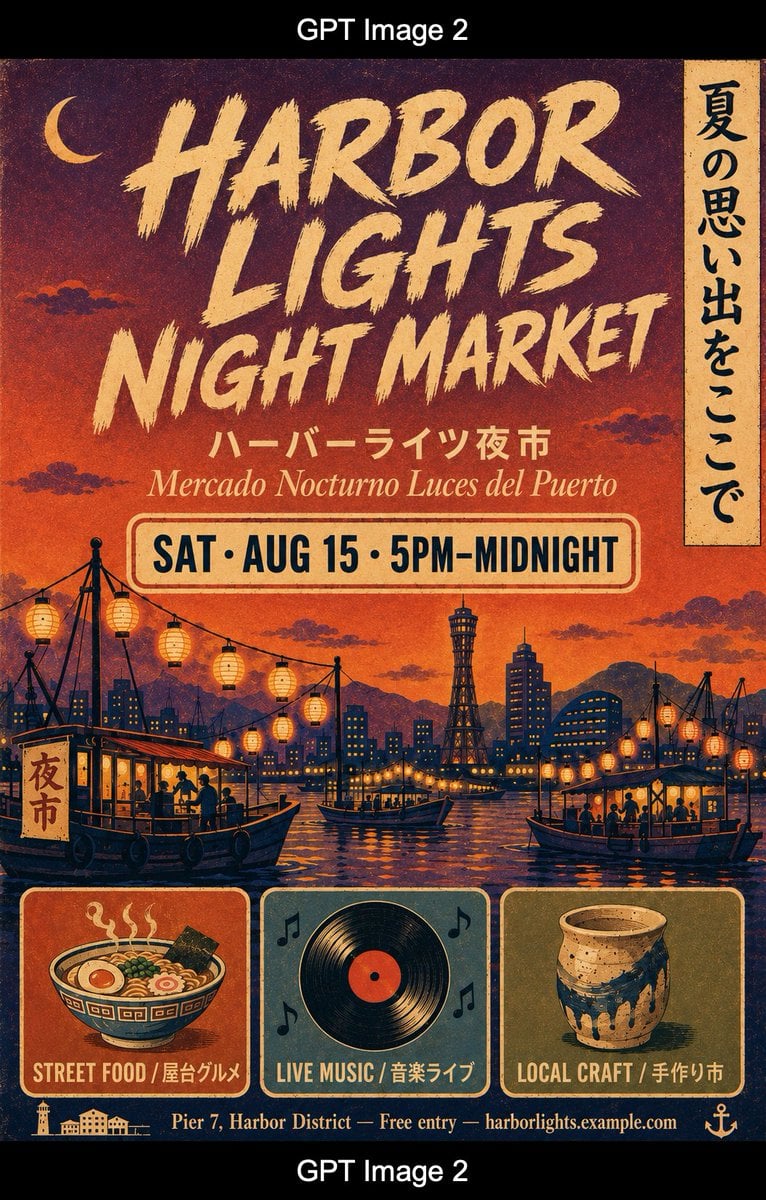
Retro Harbor Lights Night Market Poster
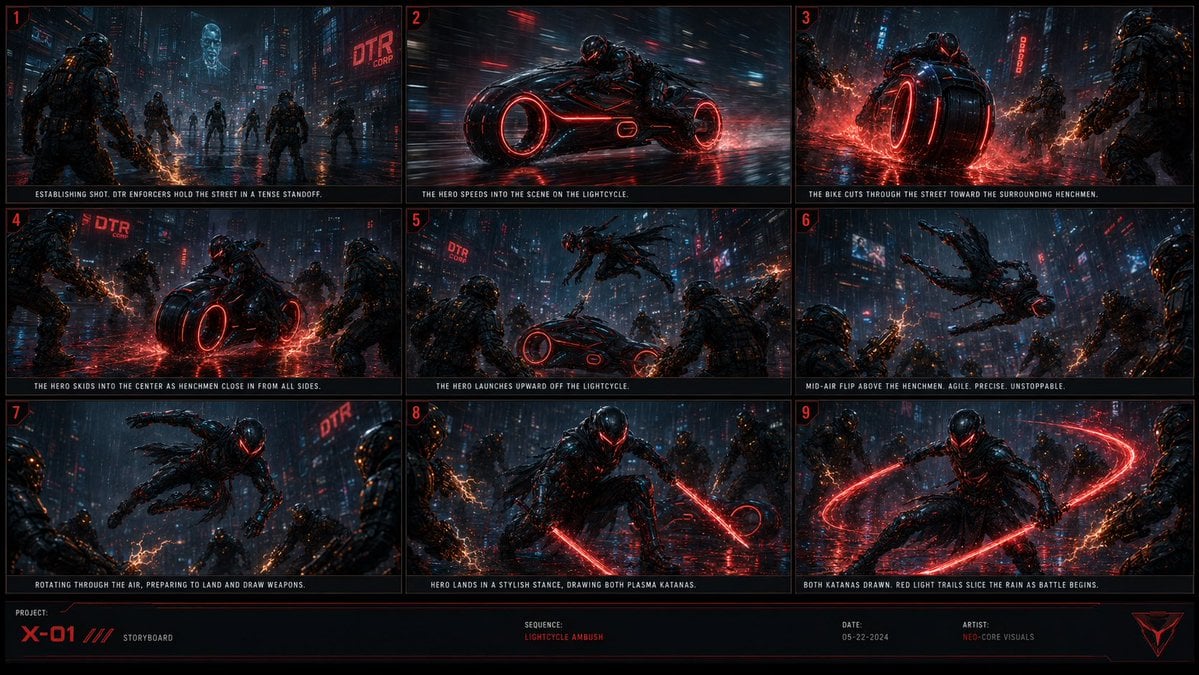
Cyberpunk Lightcycle Storyboard

Cartoon TV Show Poster Pack

Trendy Cafe Drink Promo Poster

Urban Fashion Editorial Collage Streetwear Poster

Premium Fashion Editorial Cover Layout System
Make it yours
Arc of Light Cyber Angel Poster works as-is. These are the safest ways to change it without losing the look.
Change one field
Copy a single group, rewrite it, and generate again so you can see what that field is doing.
Keep the frame, change the subject
Hold the composition and light of Arc of Light Cyber Angel Poster, then swap wardrobe, props or the person for a new take.
| If the result… | Why | Fix |
|---|---|---|
| The result drifts from the preview | Too many fields changed at once. | Reuse Arc of Light Cyber Angel Poster as-is first, then change one group — subject, light, or setting. |
| The model over-stylizes the scene | The prose prompt leaves finish and camera underspecified. | Add one camera or lighting sentence and stay on GPT Image 2. |
More GPT Image 2 templates
Other prompts made for GPT Image 2.

Six VTuber Japanese Logo Sheet

Realistic Portrait of Woman and Deer

The Vista Modular Condo Poster

AI Model Routing Comparison Infographic

2.5D Anime Art Board

Isometric Productivity Desk Scene

New York Double Exposure Poster

Four-Panel AI Landscape Comparison

Japanese Tatami Lifestyle Magazine Cover

NESCAFÉ Coffee Map Poster
More image prompts
Fresh picks from across the catalog.

untitled
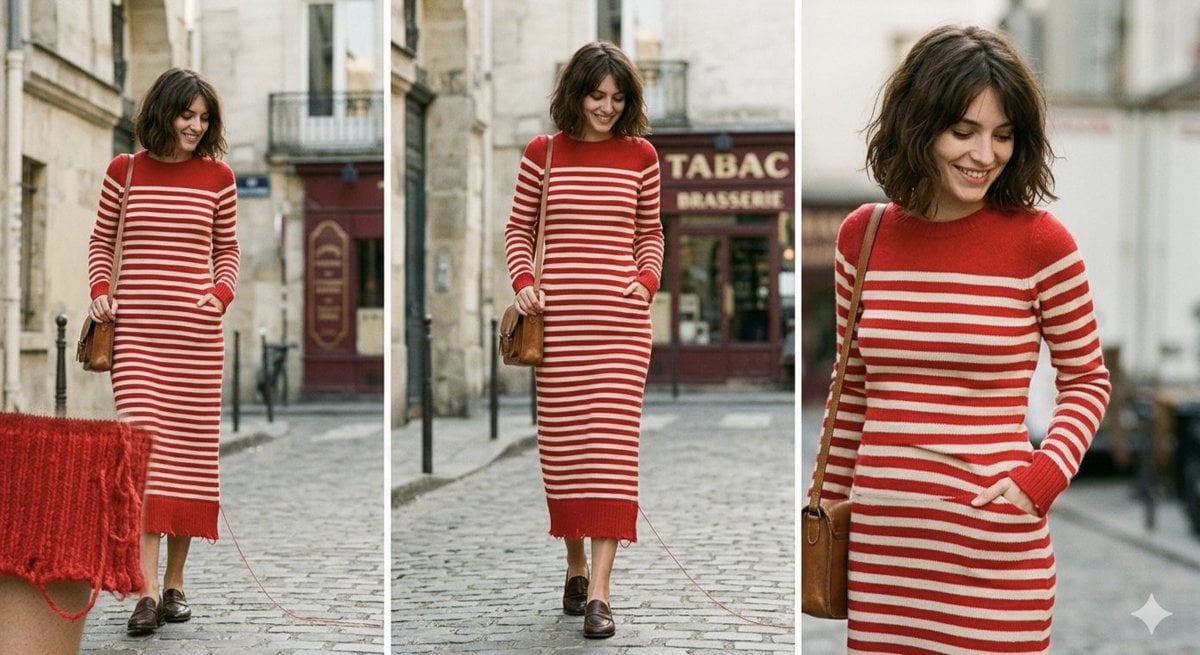
Parisian High-Fashion Editorial Triptych Prompt for Nano Banana Pro

Censored Anime Schoolgirl Portrait
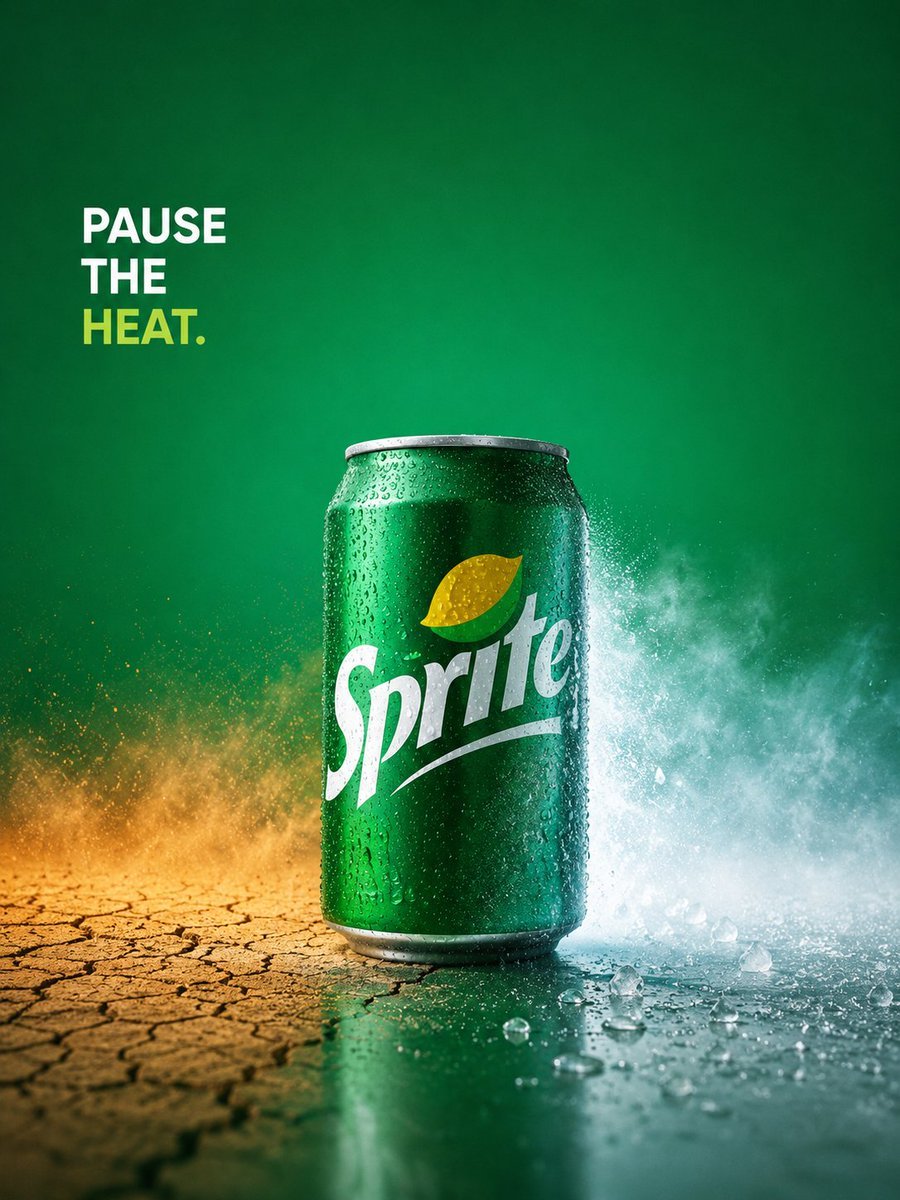
Sprite Pause the Heat Ad

Dreamy Dessert Advertisement Poster
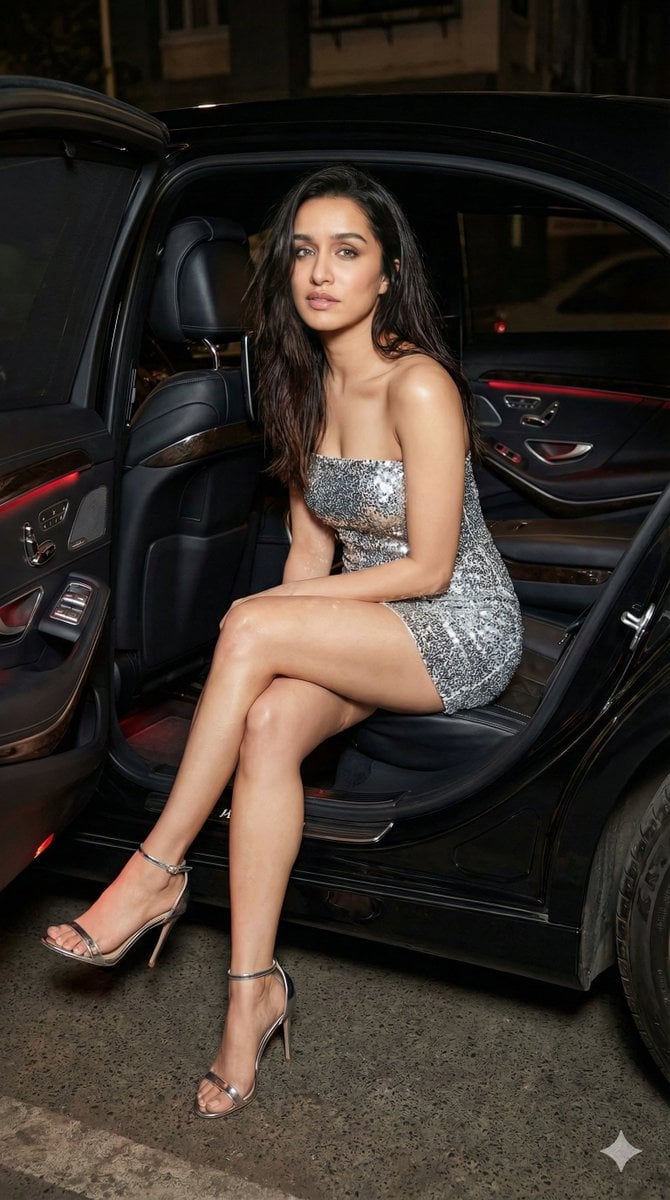
Nightlife Fashion Portrait Prompts (3 Variations)

Simple action movie scene

Melancholic Portrait in Coastal Rain
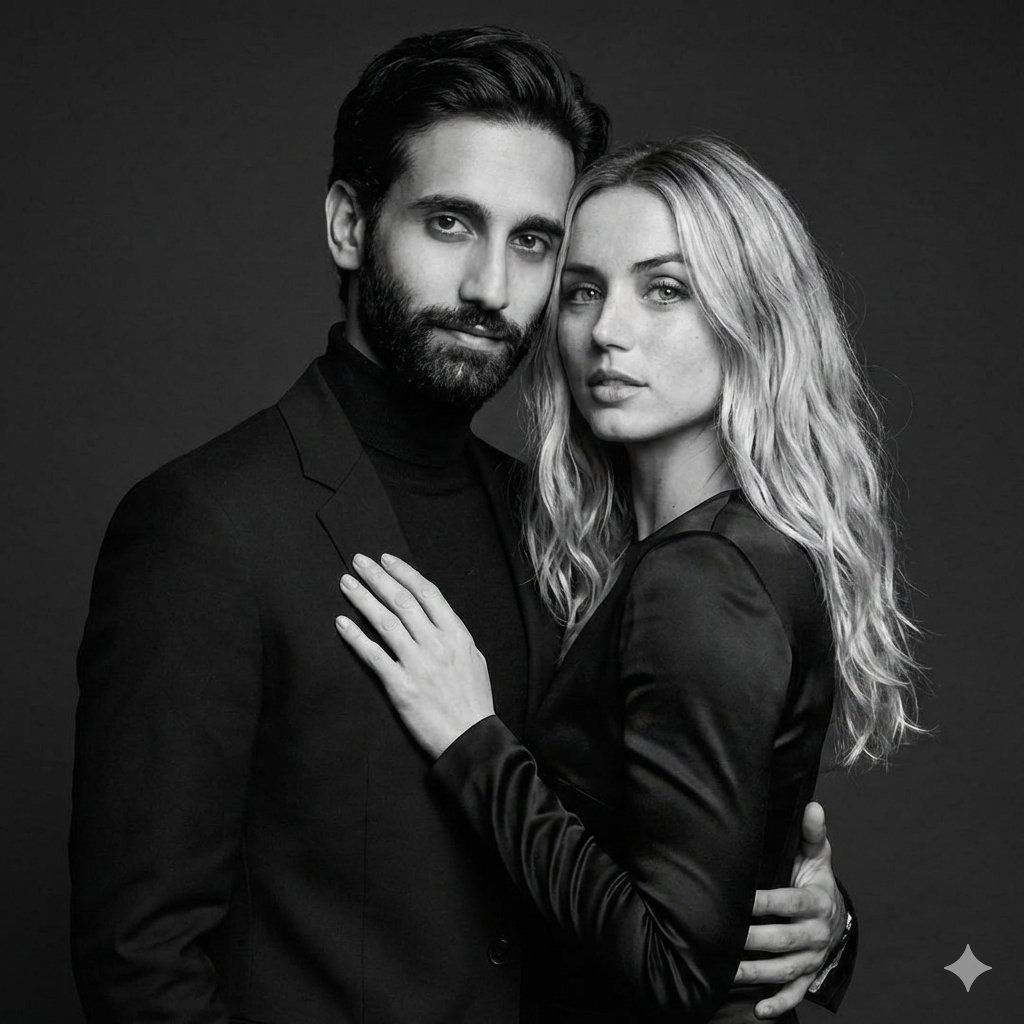
Black-and-White Studio Portrait of a Couple with Identity Lock

Krabby Patty Secret Formula Graphic
Browse template categories
Arc of Light Cyber Angel Poster questions
How do I use the Arc of Light Cyber Angel Poster template?
Add your photo if the template asks for one, edit the prompt if you like — the template's model and format are already selected — and press Generate. Your version opens in PicX Studio.
Can I customize the Arc of Light Cyber Angel Poster template?
Yes. You can change the subject, setting, lighting, mood, format, and available model controls before creating your image.
Is the Arc of Light Cyber Angel Poster template free?
Opening and editing this template is free. Generating uses credits, shown on the Generate button when you are signed in.
Which AI model should I use?
Start with GPT Image 2, which is the model associated with this template. You can compare another compatible model for a different finish.
Looking for something else? Browse all templates.

Your photo, any look
Thousands of ready templates for every top image and video model, from one credit balance.