
Retro Harbor Lights Night Market Poster
A detailed prompt for generating a vintage Japanese-inspired vertical night market event poster with harbor skyline, lantern boats, and three illustrated feature cards.
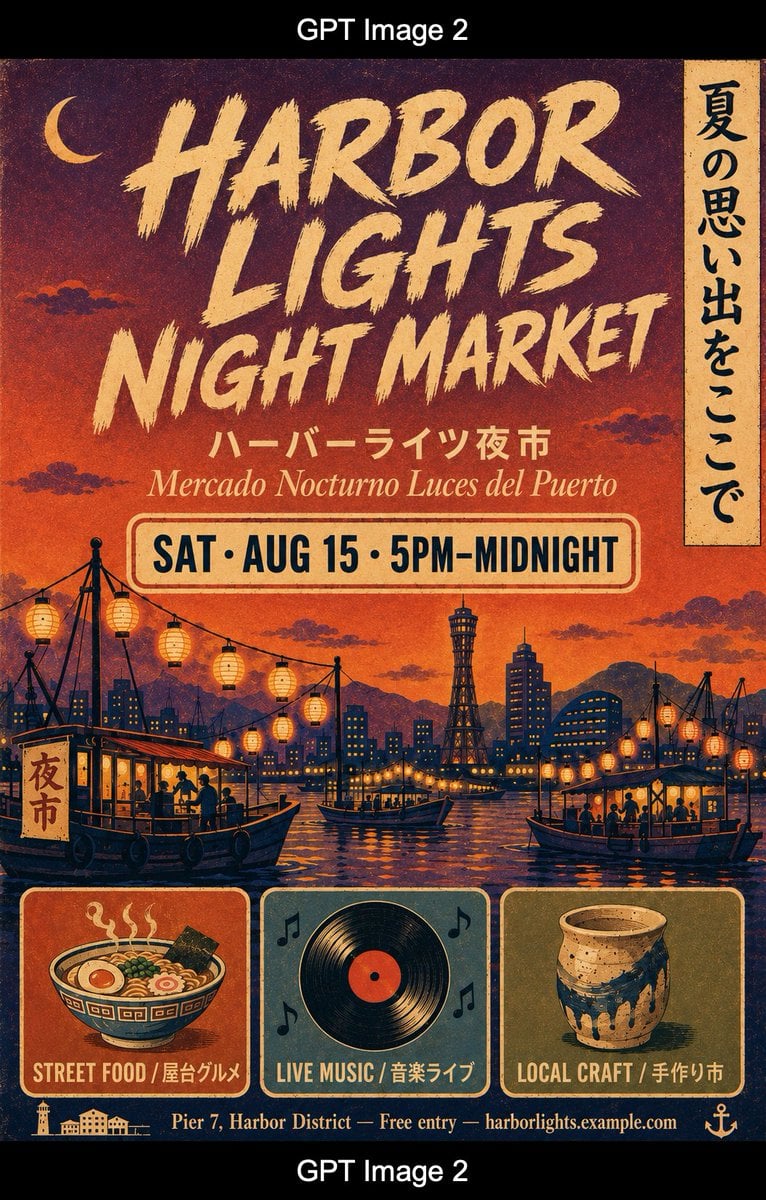
- Prompt included
- Model and format preset
- Premium template
The prompt behind this image
Copy the exact prompt behind Retro Harbor Lights Night Market Poster, or open it in the studio and make it yours.
Goal: Create a vertical A2 event poster for {argument name="event name" default="Harbor Lights Night Market"} in a retro 1970s Japanese travel-poster style. Canvas: Tall vertical poster, warm sunset-to-night palette, deep orange at the horizon fading into plum purple and dark indigo at the top, with heavy grainy risograph texture, aged paper speckles, slightly distressed ink, and cream-colored borders/details. Layout: At the top, show a small crescent moon on the left and a large bold hand-painted brush headline centered across three lines reading “HARBOR / LIGHTS / NIGHT MARKET” in rough cream lettering. On the upper right edge, add one narrow vertical cream banner with black Japanese calligraphy reading 「夏の思い出をここで」. Beneath the title, add a smaller Japanese subtitle “ハーバーライツ夜市” and an italic Spanish subtitle “Mercado Nocturno Luces del Puerto”. Below that, place a rounded rectangular date plaque with a cream fill and red outline reading “{argument name="date and time" default="SAT · AUG 15 · 5PM–MIDNIGHT"}” in tall navy condensed type. Main illustration: Fill the middle with a flat illustrated harbor night market scene. Include a dark navy skyline with many small yellow-lit windows, distant purple mountains, a tower resembling a harbor observation tower near the center, water with orange and gold reflections, and multiple strings of glowing paper lanterns hanging between poles and boats. Show exactly 2 large foreground boats: one on the lower left with a vertical sign reading 「夜市」 and silhouetted people eating or shopping, and one on the lower right with seated silhouettes under lanterns. Add smaller boats in the middle distance, cranes or mast-like poles, and scattered stylized clouds. Bottom feature cards: Along the bottom, create exactly 3 rounded rectangular illustrated cards with cream borders. Card 1 shows a steaming ramen bowl with egg, seaweed, noodles, and greens, labeled “STREET FOOD / 屋台グルメ”. Card 2 shows a black vinyl record with orange center and four small music-note icons around it, labeled “LIVE MUSIC / 音楽ライブ”. Card 3 shows a handmade ceramic cup or vase with blue glaze drips, labeled “LOCAL CRAFT / 手作り市”. Footer: Add a narrow dark navy footer strip with tiny harbor icons on the left, the line “{argument name="footer details" default="Pier 7, Harbor District — Free entry — harborlights.example.com"}” centered in cream, and a small anchor icon on the right. Visual style: Vintage Japanese tourism poster, screen-printed texture, limited color palette of burnt orange, ochre cream, navy, teal, plum, and black, imperfect registration, distressed edges, bold poster typography, nostalgic summer night atmosphere. Constraints: Keep all text legible and spelled exactly as specified. Use exactly 1 vertical calligraphy banner, exactly 3 bottom feature cards, and exactly 2 large foreground boats. No modern UI elements, no photorealism, no extra logos or watermarks.
How to use Retro Harbor Lights Night Market Poster in 3 steps
- 1Upload ImagePNG, JPG or paste
Add your photo
Upload the photo the template builds on. The prompt, model and format are already set.
- 2…a portrait of your subject in softgolden-hour light, 85mm…
Personalize
Edit the subject and creative details for your destination.
- 3Generate
Generate
Press Generate — your image is created in PicX Studio, so you can compare it with the original and refine one variable at a time.
More like this
Templates with the same subject, style or setup. Open one to see its prompt.











Make it yours
Retro Harbor Lights Night Market Poster works as-is. These are the safest ways to change it without losing the look.
Change one field
Copy a single group, rewrite it, and generate again so you can see what that field is doing.
Keep the frame, change the subject
Hold the composition and light of Retro Harbor Lights Night Market Poster, then swap wardrobe, props or the person for a new take.
| If the result… | Why | Fix |
|---|---|---|
| The result drifts from the preview | Too many fields changed at once. | Reuse Retro Harbor Lights Night Market Poster as-is first, then change one group — subject, light, or setting. |
| The model over-stylizes the scene | The prose prompt leaves finish and camera underspecified. | Add one camera or lighting sentence and stay on GPT Image 2. |
More GPT Image 2 templates
Other prompts made for GPT Image 2.

Six VTuber Japanese Logo Sheet

Realistic Portrait of Woman and Deer

The Vista Modular Condo Poster

AI Model Routing Comparison Infographic

2.5D Anime Art Board

Isometric Productivity Desk Scene

New York Double Exposure Poster

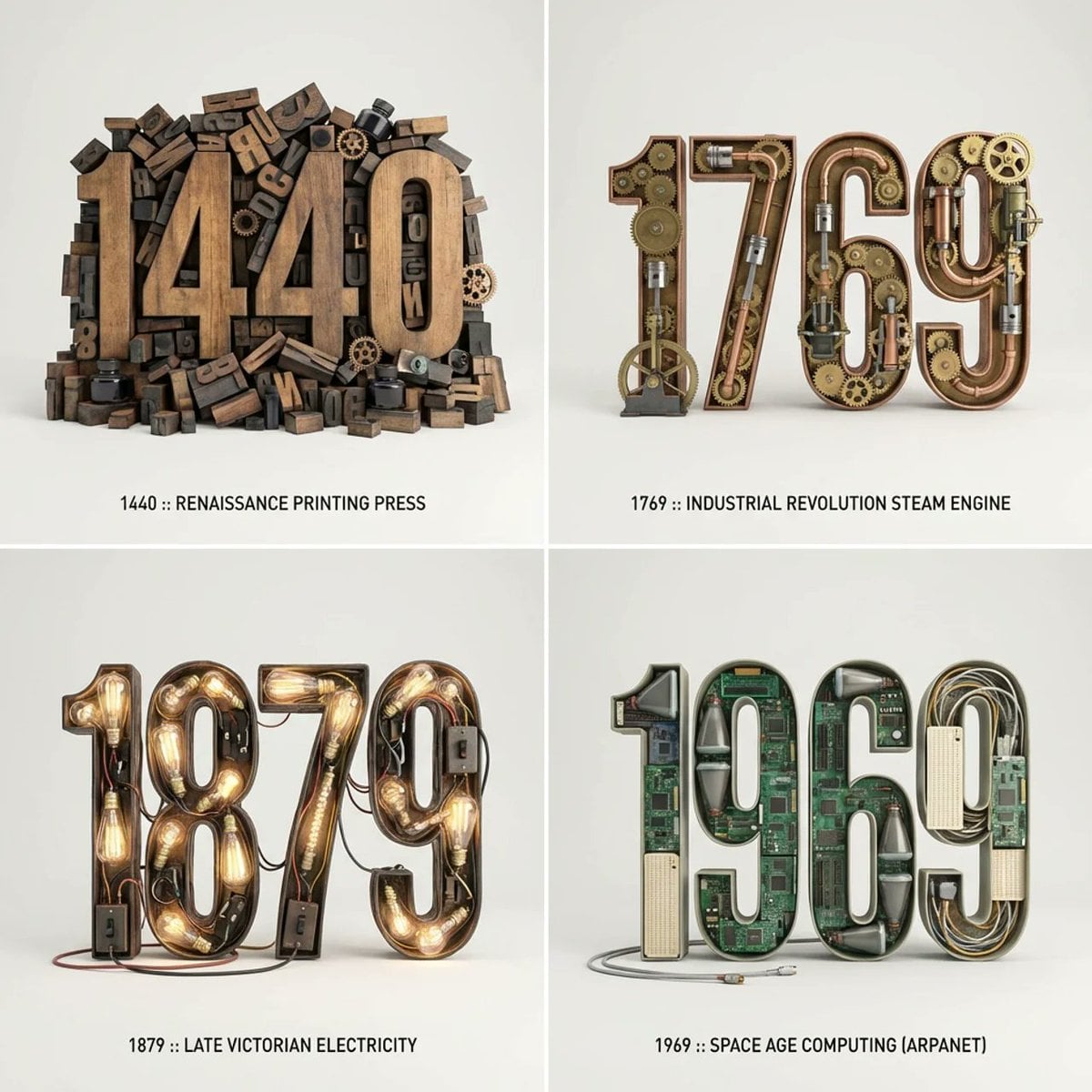
Four-Panel AI Landscape Comparison

Japanese Tatami Lifestyle Magazine Cover

NESCAFÉ Coffee Map Poster
More image prompts
Fresh picks from across the catalog.
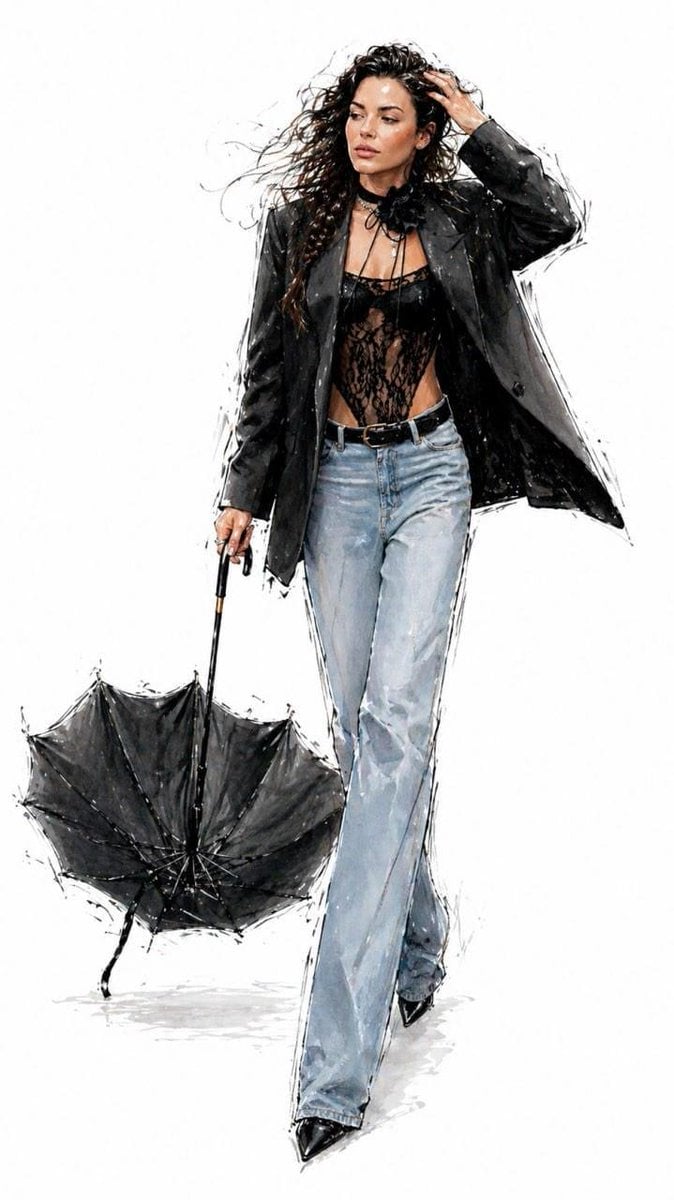
Minimalist Fashion Runway Illustration
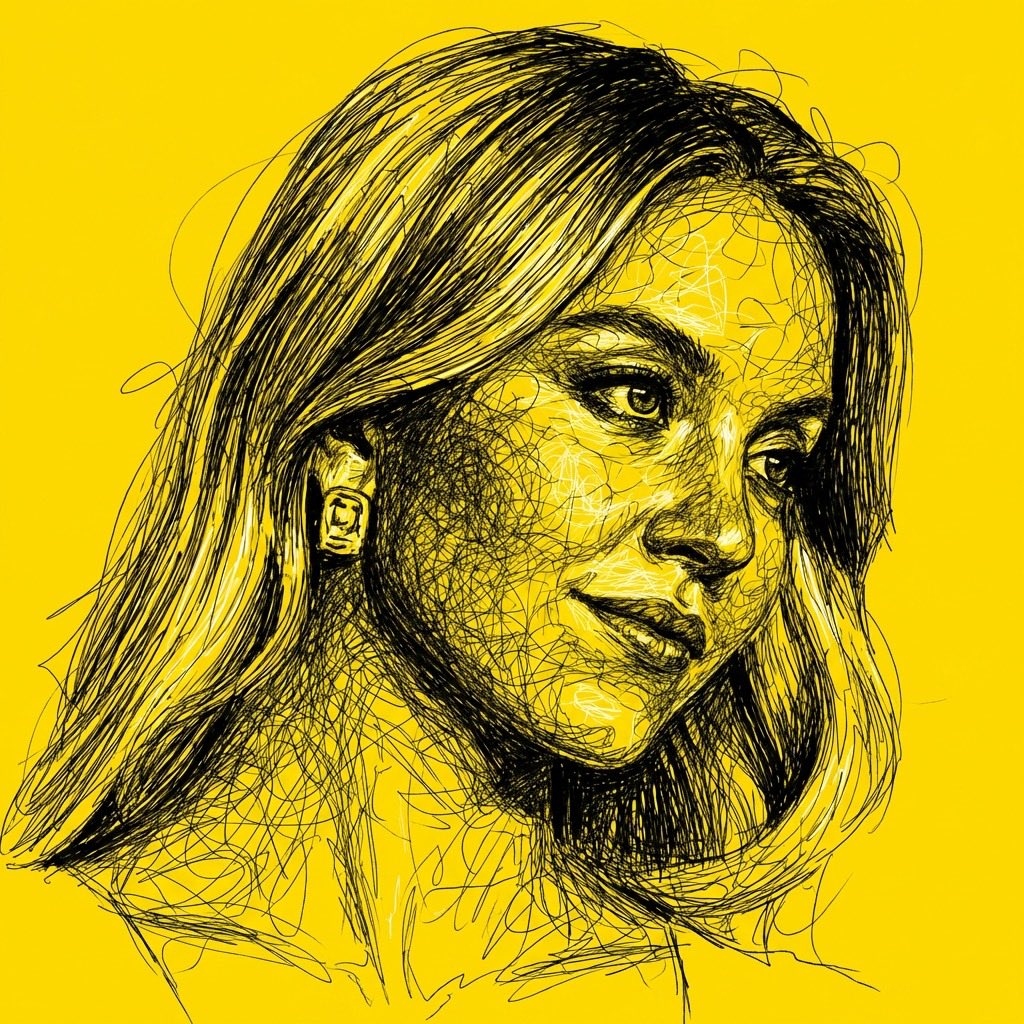
High Contrast Scribble Art Portrait
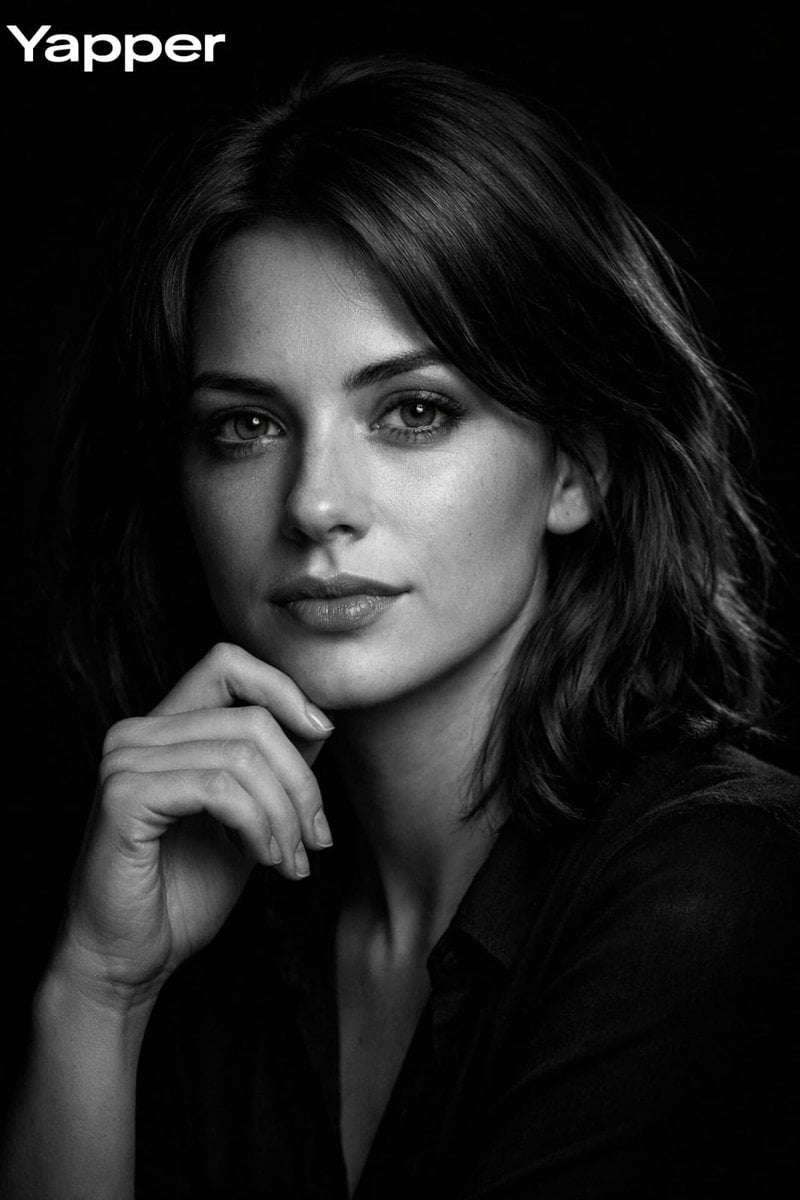
High-Contrast Black-and-White Cinematic Portrait
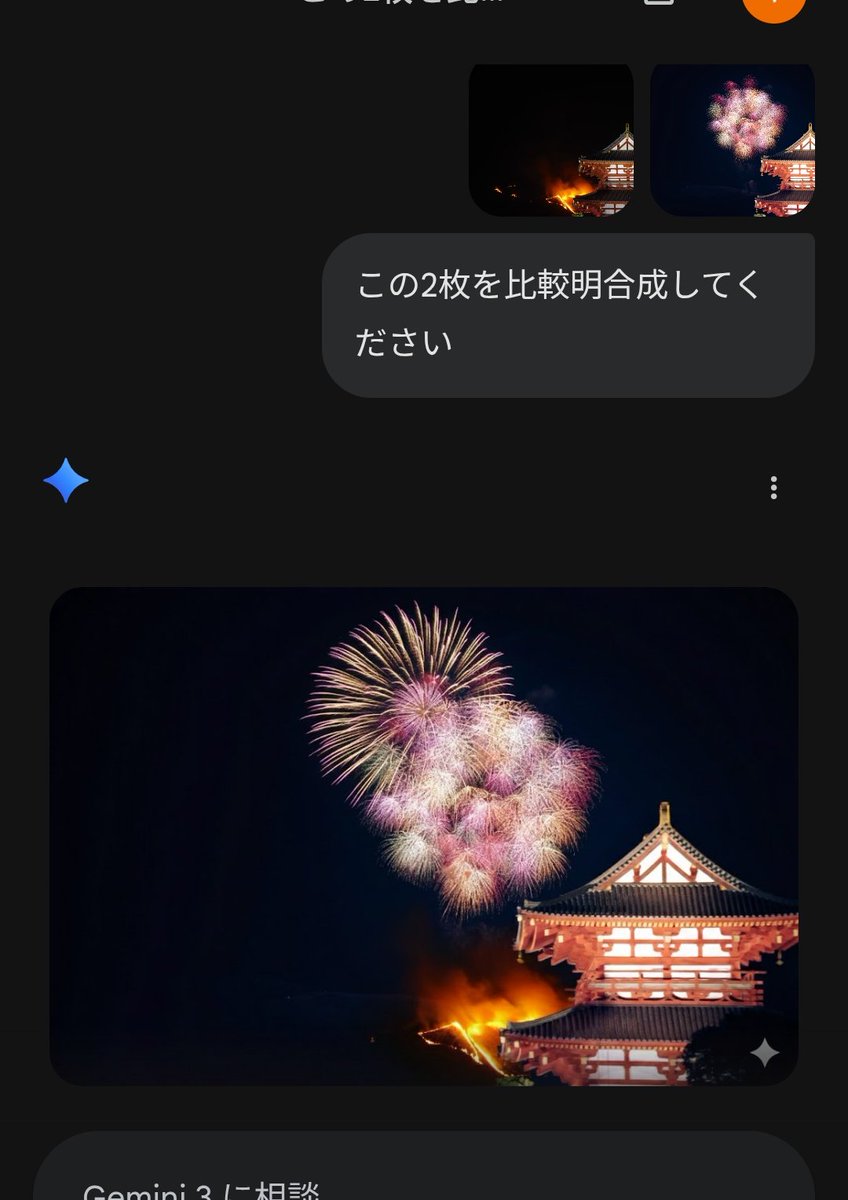
Instructional Prompt for Strict Image Generation
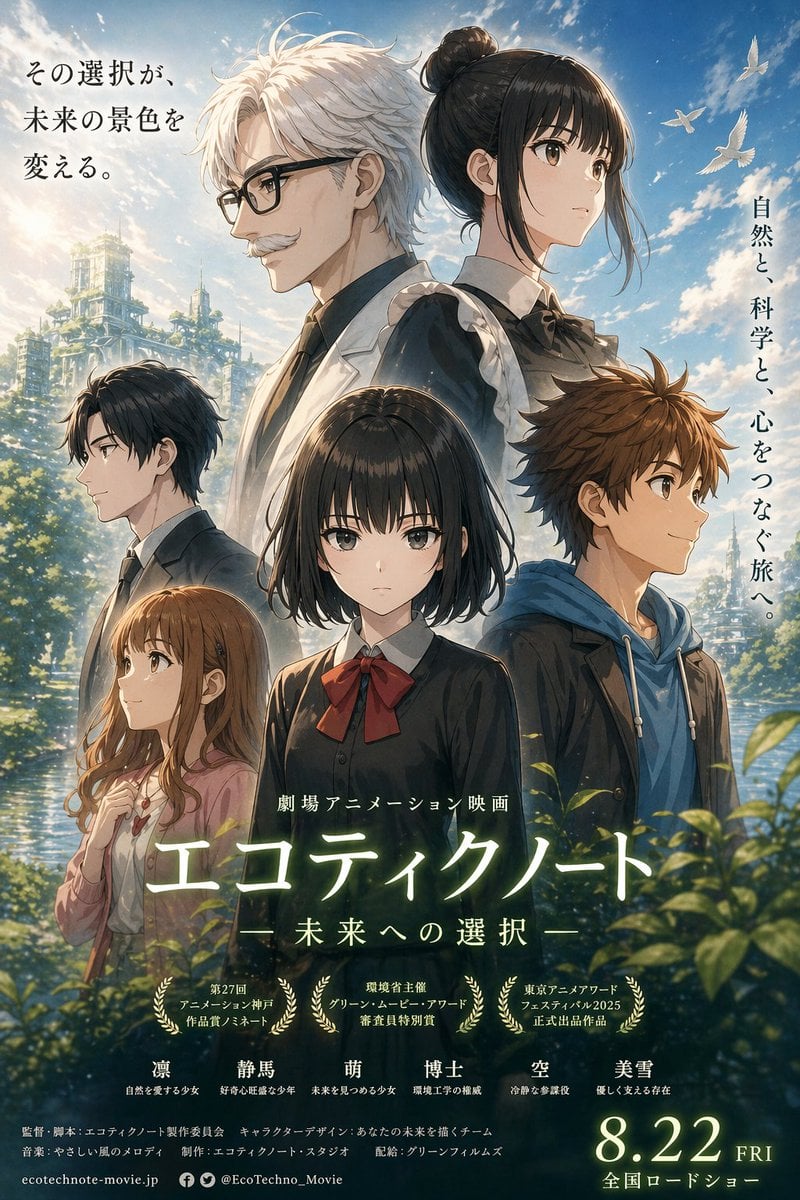
Anime Ensemble Movie Poster
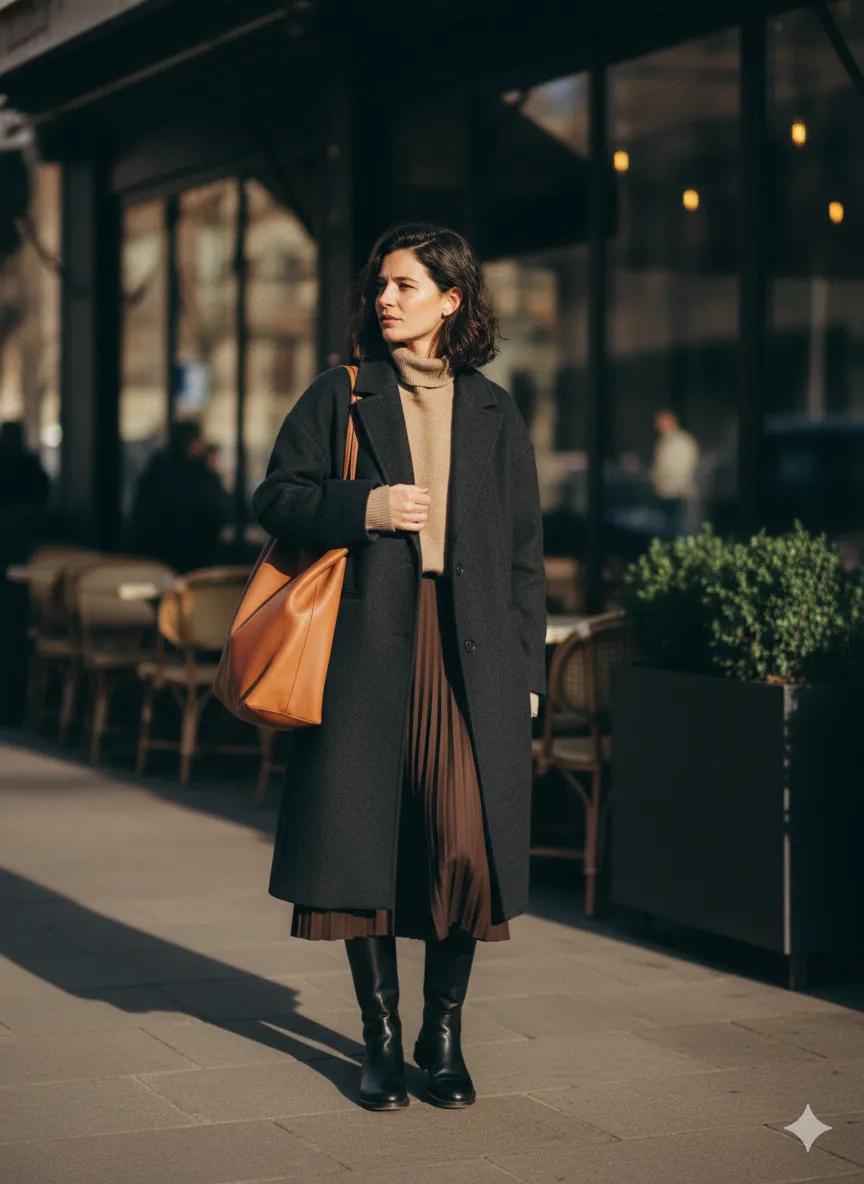
Scott Schuman Style Street Photography Portrait

High-Fidelity Mirror Selfie with Valentine's Roses and Identity Lock
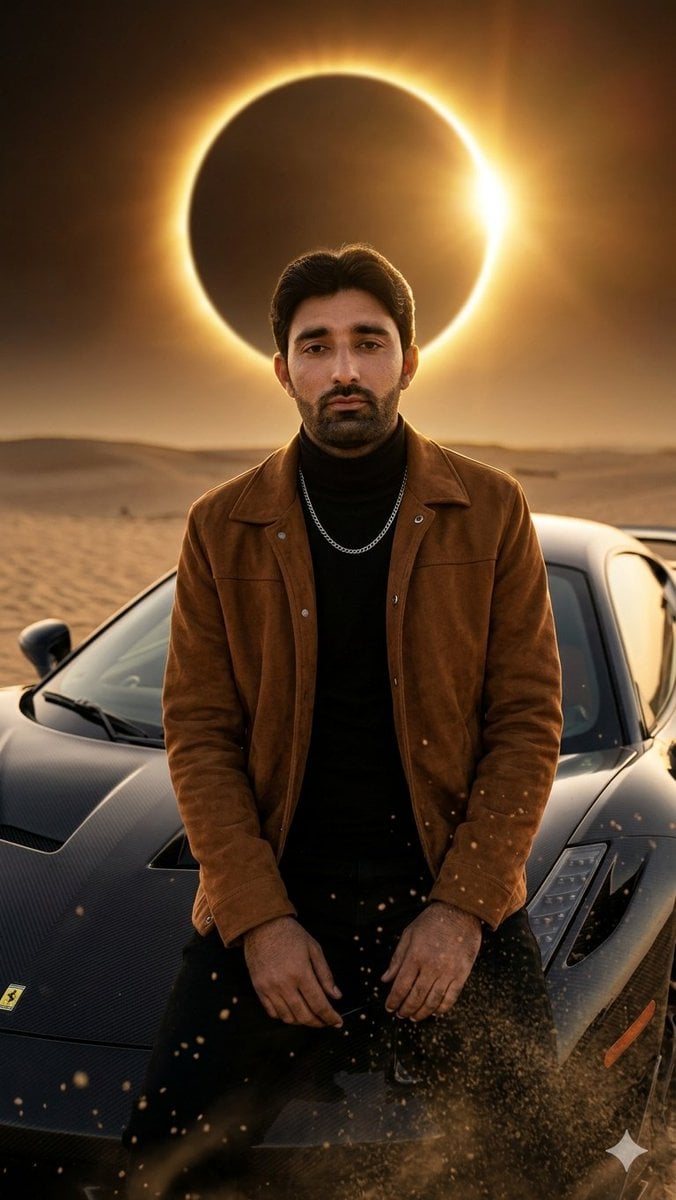
Desert Eclipse Sports Car Portrait
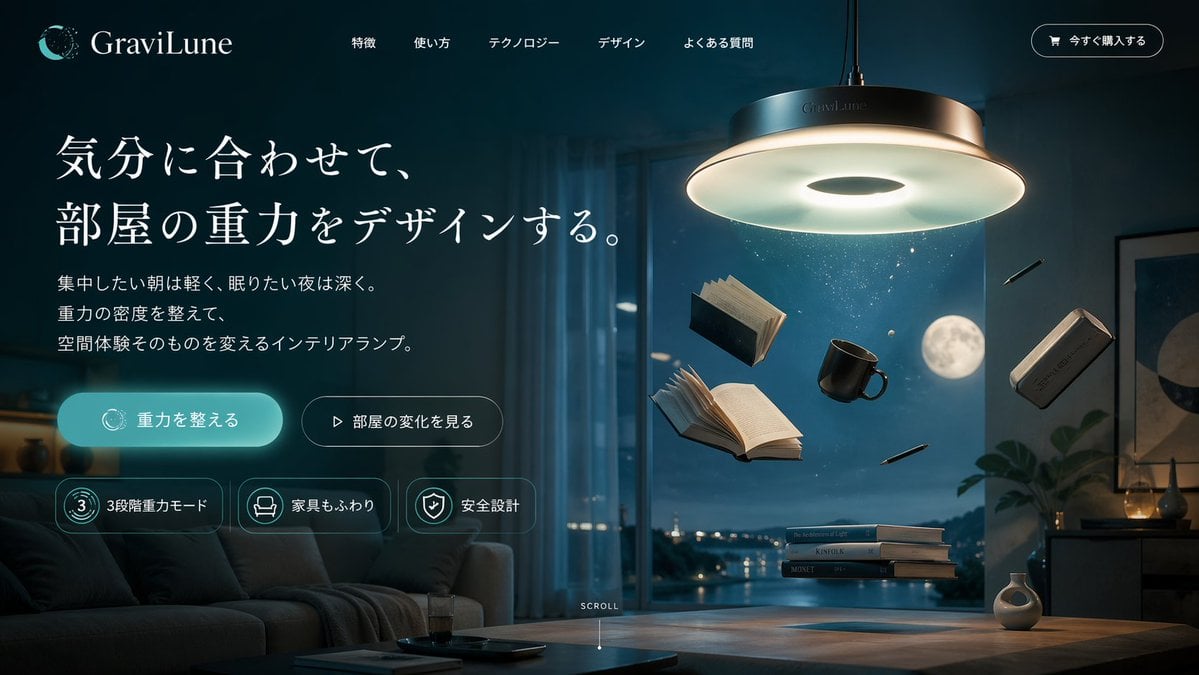
Anti-Gravity Lamp Landing Page Mockup
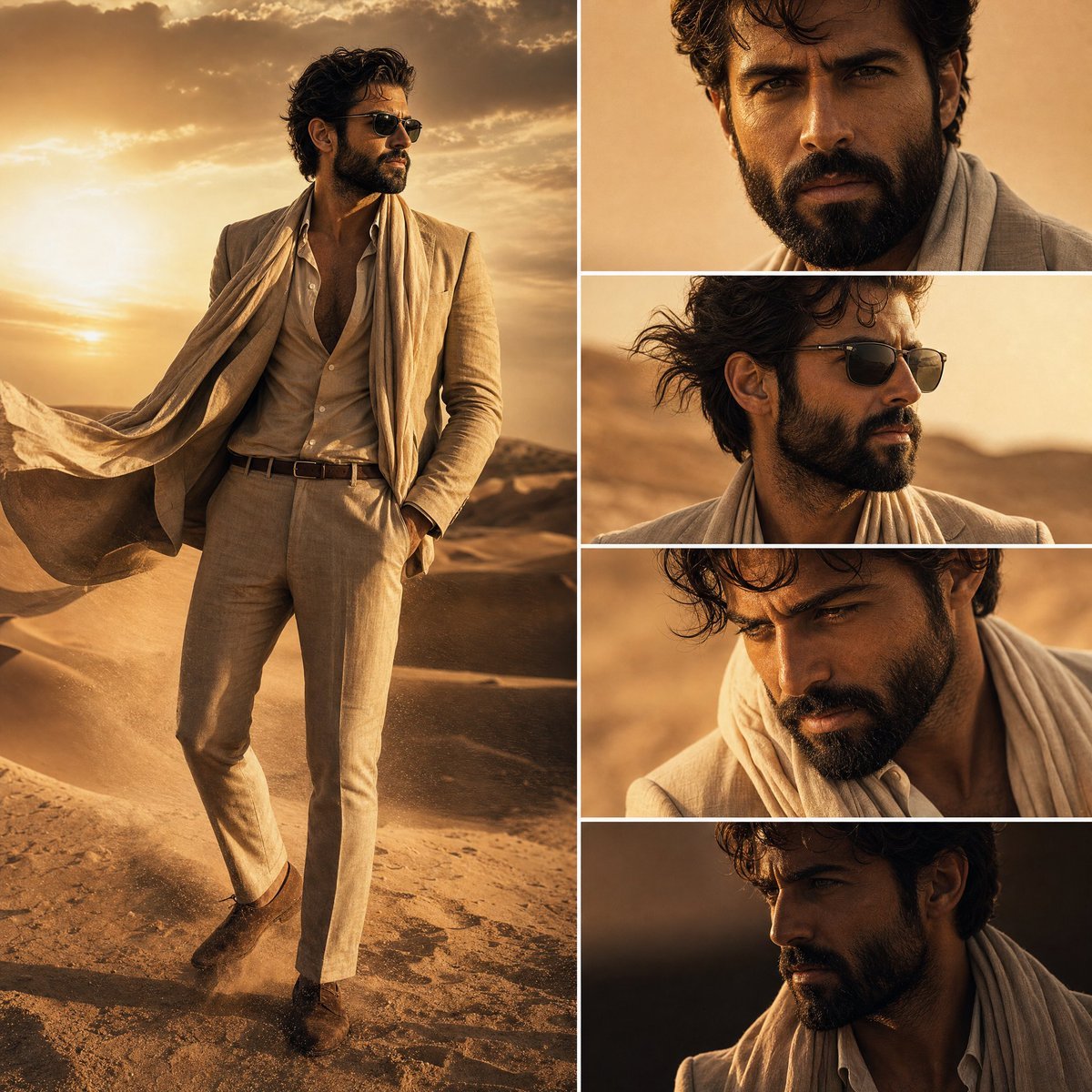
Desert Fashion Editorial Collage
Browse template categories
Retro Harbor Lights Night Market Poster questions
How do I use the Retro Harbor Lights Night Market Poster template?
Add your photo if the template asks for one, edit the prompt if you like — the template's model and format are already selected — and press Generate. Your version opens in PicX Studio.
Can I customize the Retro Harbor Lights Night Market Poster template?
Yes. You can change the subject, setting, lighting, mood, format, and available model controls before creating your image.
Is the Retro Harbor Lights Night Market Poster template free?
Opening and editing this template is free. Generating uses credits, shown on the Generate button when you are signed in.
Which AI model should I use?
Start with GPT Image 2, which is the model associated with this template. You can compare another compatible model for a different finish.
Looking for something else? Browse all templates.

Your photo, any look
Thousands of ready templates for every top image and video model, from one credit balance.