
Anti-Gravity Lamp Landing Page Mockup
Generates a dark-themed website hero section for a fictional gravity-altering lamp, featuring UI elements and floating objects.
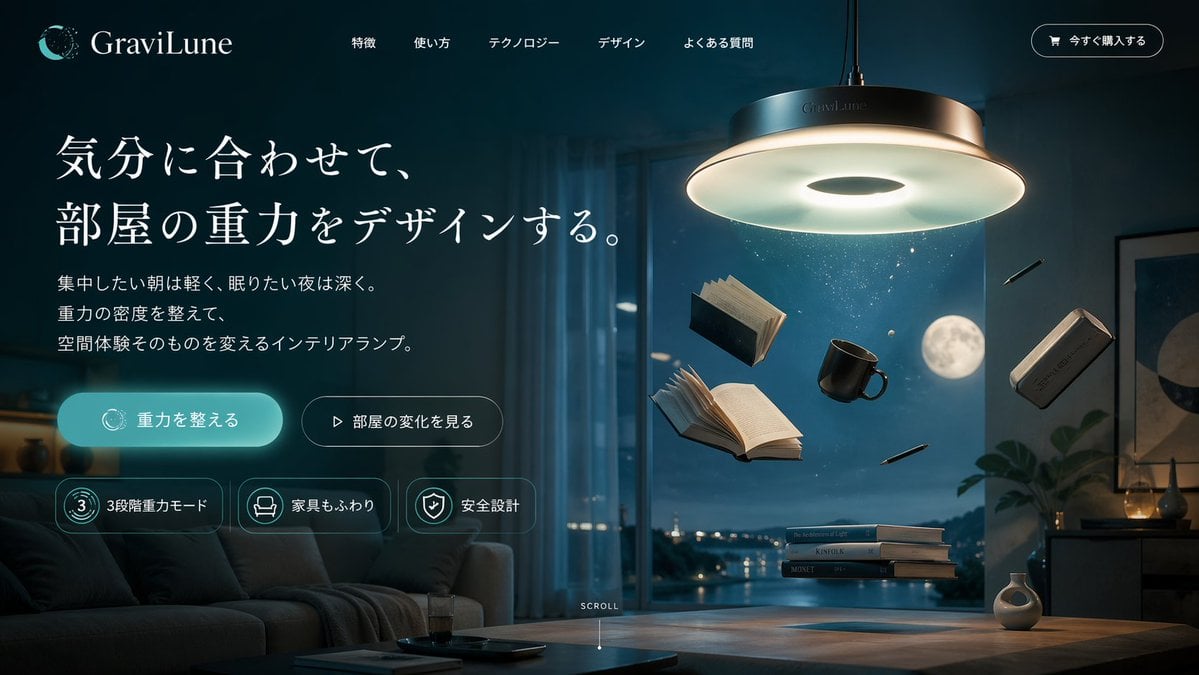
- Prompt included
- Model and format preset
- Free template
The prompt behind this image
Copy the exact prompt behind Anti-Gravity Lamp Landing Page Mockup, or open it in the studio and make it yours.
- Type
- website landing page mockup
- Theme
- dark mode, modern, sci-fi interior
- Color Palette
- dark teal, {argument name="primary color" default="cyan"}, cool white, charcoal
- Header › Logo
- crescent moon icon with dots
- Header › Brand Name
- {argument name="brand name" default="GraviLune"}
- Header › Navigation Links › Count
- 5
- Header › Navigation Links › Labels
- 特徴, 使い方, テクノロジー, デザイン, よくある質問
- Header › Cta Button
- 今すぐ購入する
- Hero Content › Position
- left
- Hero Content › Headline
- {argument name="headline text" default="気分に合わせて、部屋の重力をデザインする。"}
- Hero Content › Subtext
- 集中したい朝は軽く、眠りたい夜は深く。重力の密度を整えて、空間体験そのものを変えるインテリアランプ。
- Hero Content › Buttons › Count
- 2
- Hero Content › Buttons › Primary
- 重力を整える (glowing cyan, rounded)
- Hero Content › Buttons › Secondary
- 部屋の変化を見る (outlined, play icon)
- Hero Content › Feature Badges › Count
- 3
- Hero Content › Feature Badges › Labels
- 3段階重力モード, 家具もふわり, 安全設計
- Visual Scene › Position
- right and background
- Visual Scene › Setting
- {argument name="background setting" default="modern living room at night with a full moon"}
- Visual Scene › Main Product
- {argument name="product description" default="large sleek circular pendant lamp emitting cool white glow"}
- Visual Scene › Floating Objects › Count
- 7
- Visual Scene › Floating Objects › Items
- 2 open books, 1 closed book, 1 black coffee mug, 1 smartphone, 2 pens
- Visual Scene › Table Objects
- stack of 3 books hovering slightly above wooden coffee table
- Visual Scene › Furniture
- dark sofa on the left, wooden coffee table
- Footer Element
- SCROLL text with downward line indicator at bottom center
Raw JSON
{
  "type": "website landing page mockup",
  "theme": "dark mode, modern, sci-fi interior",
  "color_palette": [
    "dark teal",
    "{argument name=\"primary color\" default=\"cyan\"}",
    "cool white",
    "charcoal"
  ],
  "header": {
    "logo": "crescent moon icon with dots",
    "brand_name": "{argument name=\"brand name\" default=\"GraviLune\"}",
    "navigation_links": {
      "count": 5,
      "labels": [
        "特徴",
        "使い方",
        "テクノロジー",
        "デザイン",
        "よくある質問"
      ]
    },
    "cta_button": "今すぐ購入する"
  },
  "hero_content": {
    "position": "left",
    "headline": "{argument name=\"headline text\" default=\"気分に合わせて、部屋の重力をデザインする。\"}",
    "subtext": "集中したい朝は軽く、眠りたい夜は深く。重力の密度を整えて、空間体験そのものを変えるインテリアランプ。",
    "buttons": {
      "count": 2,
      "primary": "重力を整える (glowing cyan, rounded)",
      "secondary": "部屋の変化を見る (outlined, play icon)"
    },
    "feature_badges": {
      "count": 3,
      "labels": [
        "3段階重力モード",
        "家具もふわり",
        "安全設計"
      ]
    }
  },
  "visual_scene": {
    "position": "right and background",
    "setting": "{argument name=\"background setting\" default=\"modern living room at night with a full moon\"}",
    "main_product": "{argument name=\"product description\" default=\"large sleek circular pendant lamp emitting cool white glow\"}",
    "floating_objects": {
      "count": 7,
      "items": [
        "2 open books",
        "1 closed book",
        "1 black coffee mug",
        "1 smartphone",
        "2 pens"
      ]
    },
    "table_objects": "stack of 3 books hovering slightly above wooden coffee table",
    "furniture": "dark sofa on the left, wooden coffee table"
  },
  "footer_element": "SCROLL text with downward line indicator at bottom center"
}How to use Anti-Gravity Lamp Landing Page Mockup in 3 steps
- 1Upload ImagePNG, JPG or paste
Add your photo
Upload the photo the template builds on. The prompt, model and format are already set.
- 2…a portrait of your subject in softgolden-hour light, 85mm…
Personalize
Edit the subject and creative details for your destination.
- 3Generate
Generate
Press Generate — your image is created in PicX Studio, so you can compare it with the original and refine one variable at a time.
More like this
Templates with the same subject, style or setup. Open one to see its prompt.

Luxury E-Commerce Landing Page Mockup
Beauty Product Landing Page Mockup
Men's Skincare Website Landing Page Mockup
Skincare E-commerce Landing Page Mockup
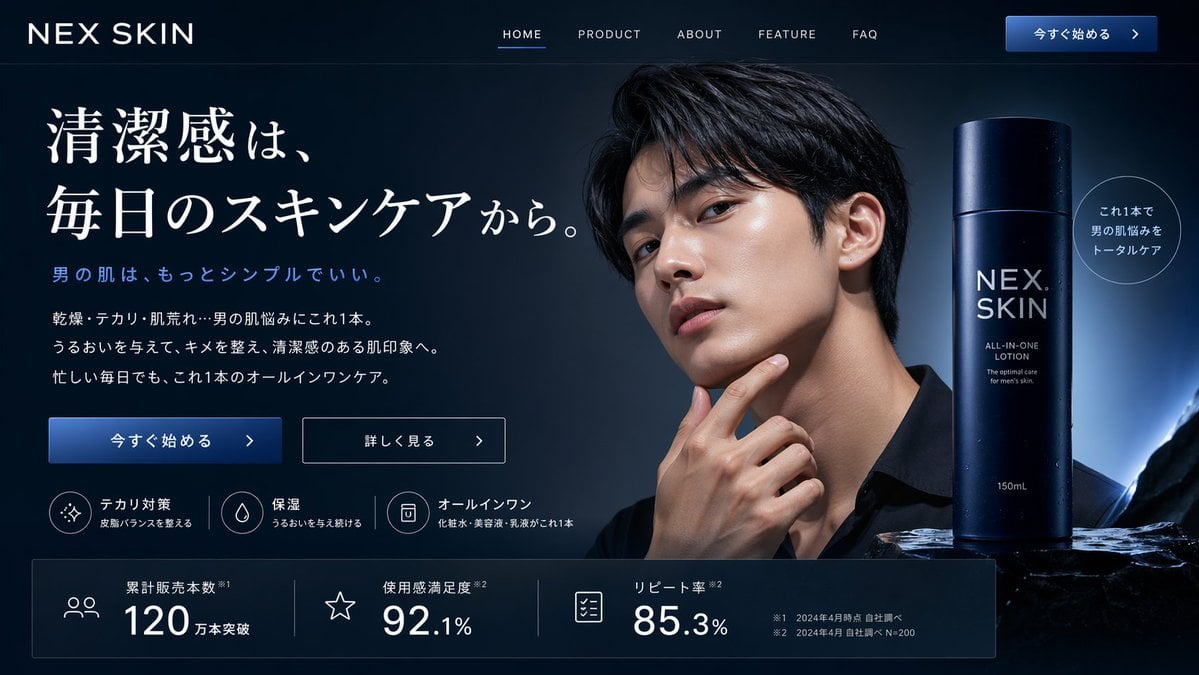
Men's Skincare Landing Page Mockup
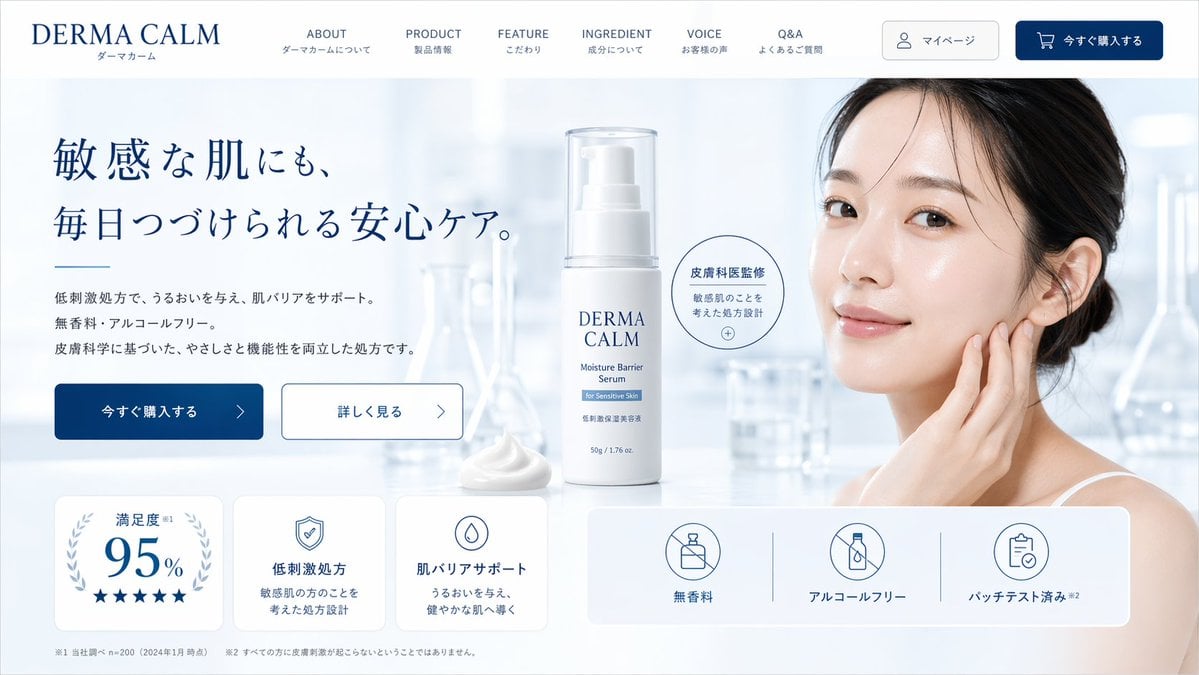
Skincare Landing Page Mockup

Cute AI Doodle Generator Landing Page
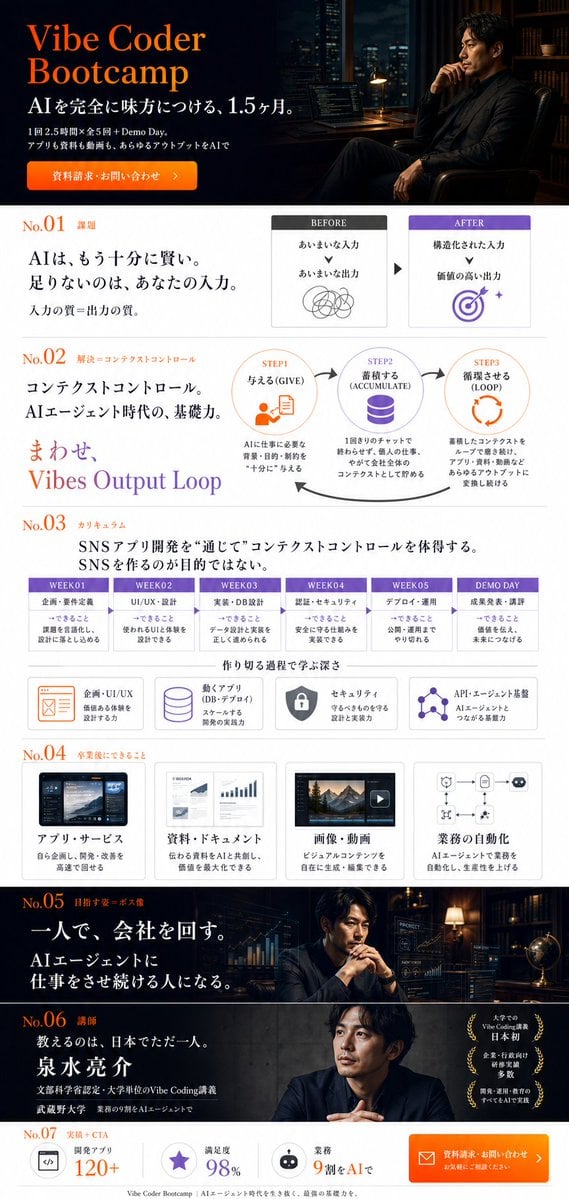
Vibe Coder Bootcamp Landing Page
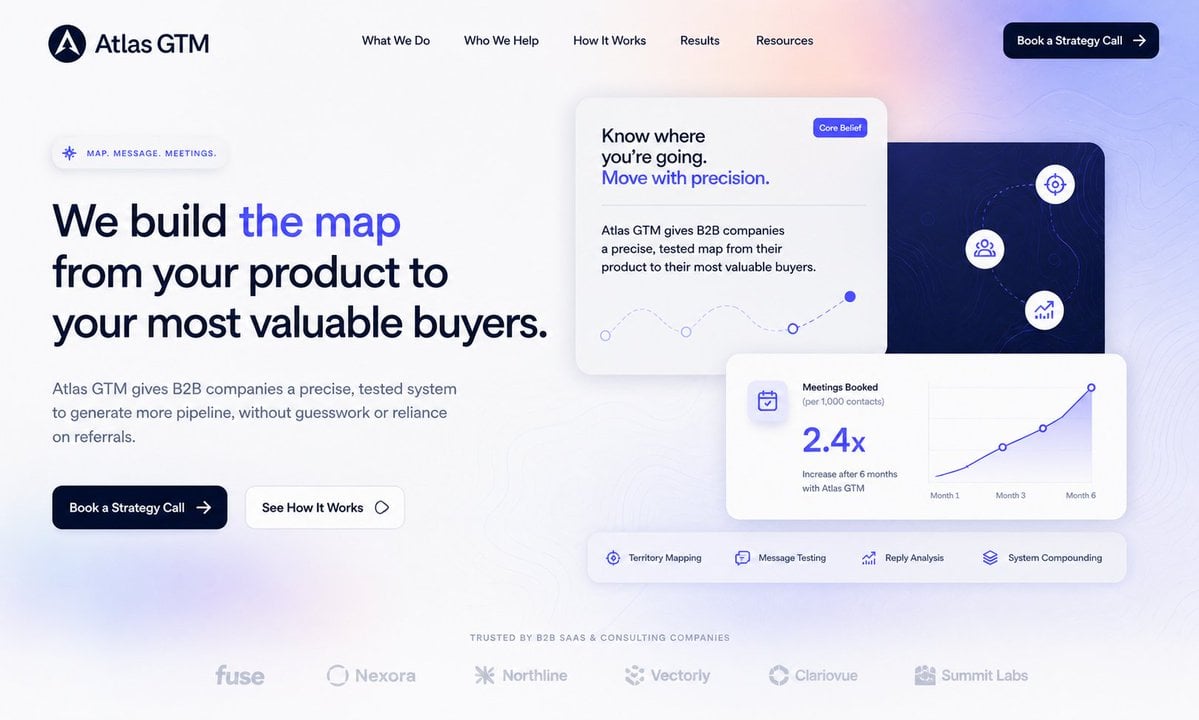
Atlas GTM SaaS Hero Landing Page
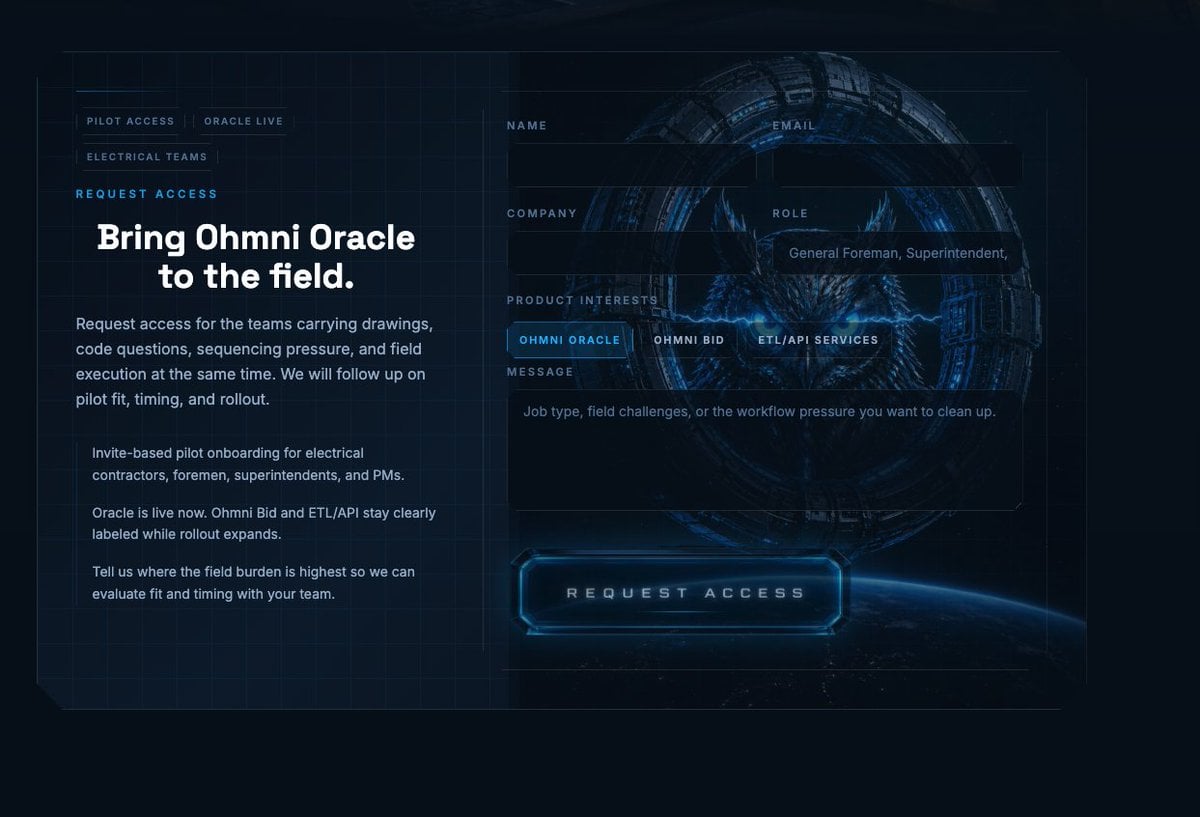
Futuristic Ohmni Access Landing Page
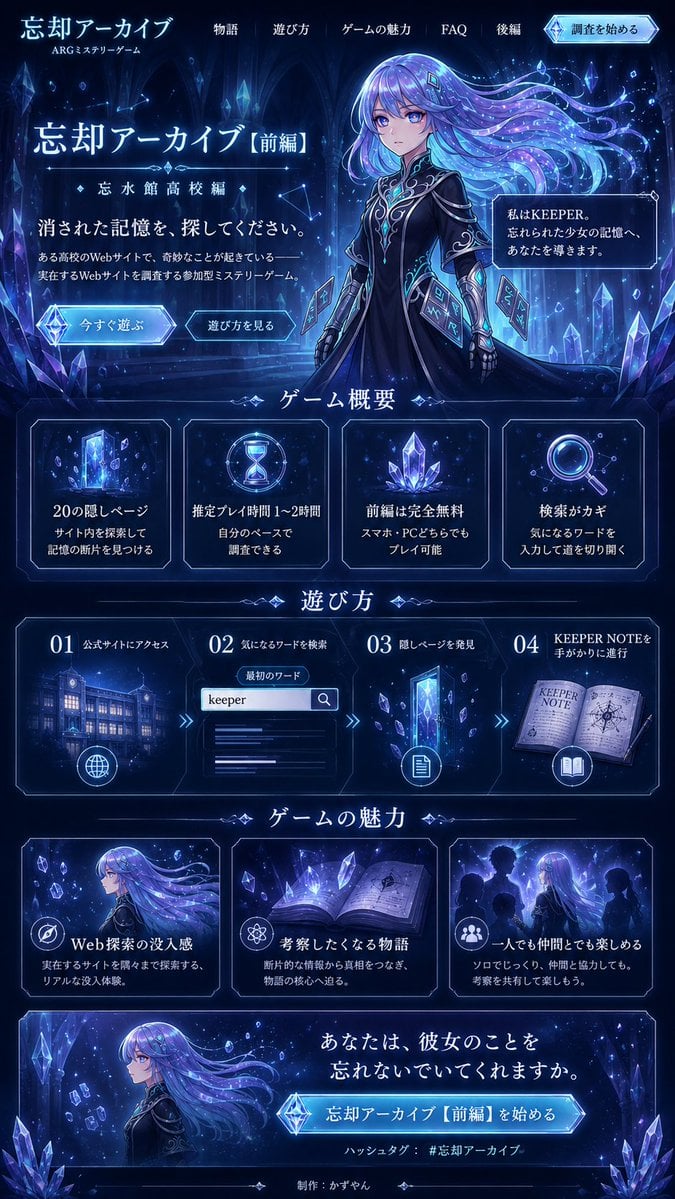
Forgotten Archive ARG Landing Page
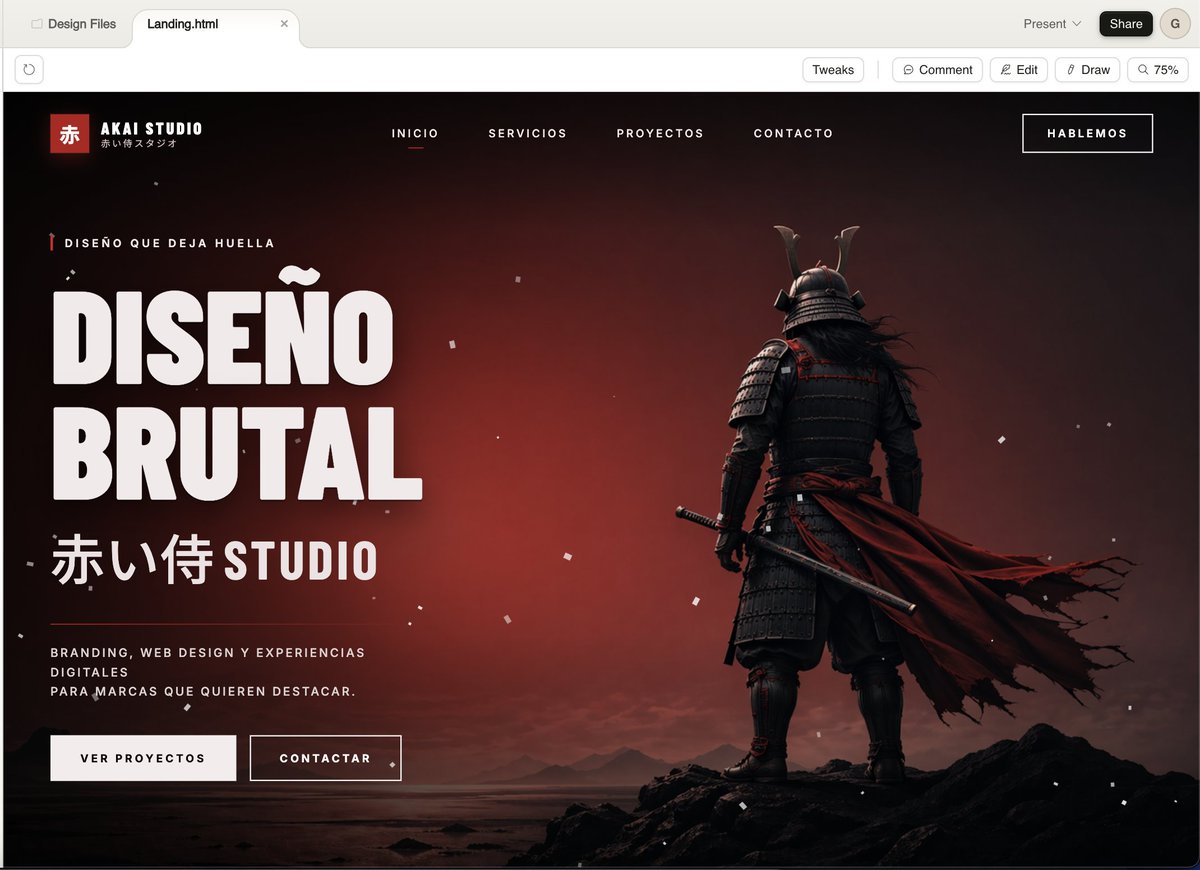
Cinematic Samurai Agency Landing Page
Make it yours
Anti-Gravity Lamp Landing Page Mockup works as-is. These are the safest ways to change it without losing the look.
Swap the setting
Keep the rest of the prompt and replace the location block. The current setting is “{argument name="background setting" default="modern living room at night with a ”.
Change one field
Copy a single group, rewrite it, and generate again so you can see what that field is doing.
Keep the frame, change the subject
Hold the composition and light of Anti-Gravity Lamp Landing Page Mockup, then swap wardrobe, props or the person for a new take.
| If the result… | Why | Fix |
|---|---|---|
| The result drifts from the preview | Too many fields changed at once. | Reuse Anti-Gravity Lamp Landing Page Mockup as-is first, then change one group — subject, light, or setting. |
| GPT Image 2 ignores part of the JSON | Some models flatten or skip nested keys. | Keep the same values and paste them as a short paragraph instead. |
More GPT Image 2 templates
Other prompts made for GPT Image 2.

Six VTuber Japanese Logo Sheet

Realistic Portrait of Woman and Deer

The Vista Modular Condo Poster

AI Model Routing Comparison Infographic

2.5D Anime Art Board

Isometric Productivity Desk Scene

New York Double Exposure Poster

Four-Panel AI Landscape Comparison

Japanese Tatami Lifestyle Magazine Cover

NESCAFÉ Coffee Map Poster
More image prompts
Fresh picks from across the catalog.

Psychological Surrealism Fashion Portrait
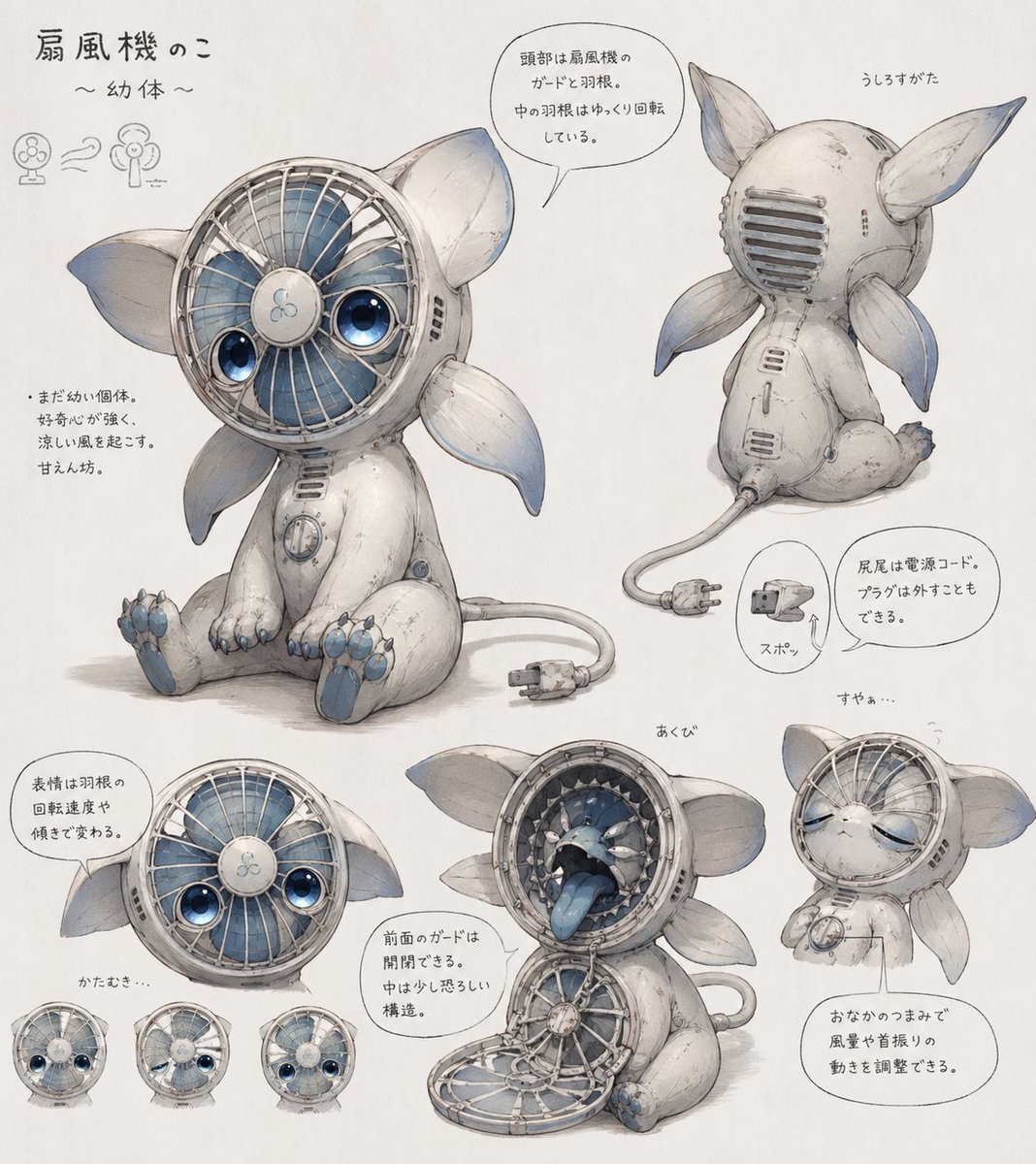
Fan Creature Concept Sheet
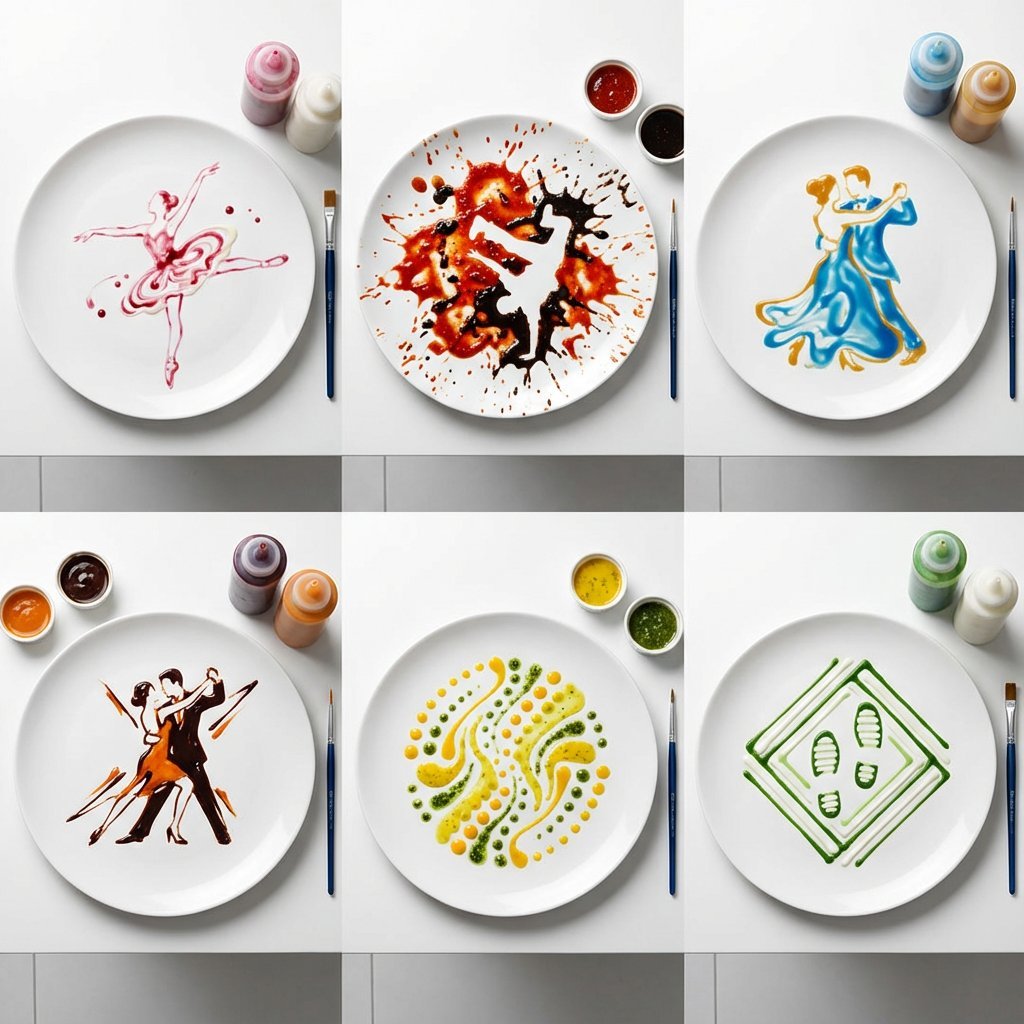
High-Speed Photography of Dance Forms in Sauce Choreography

Historical moment at specific coordinates (1994)
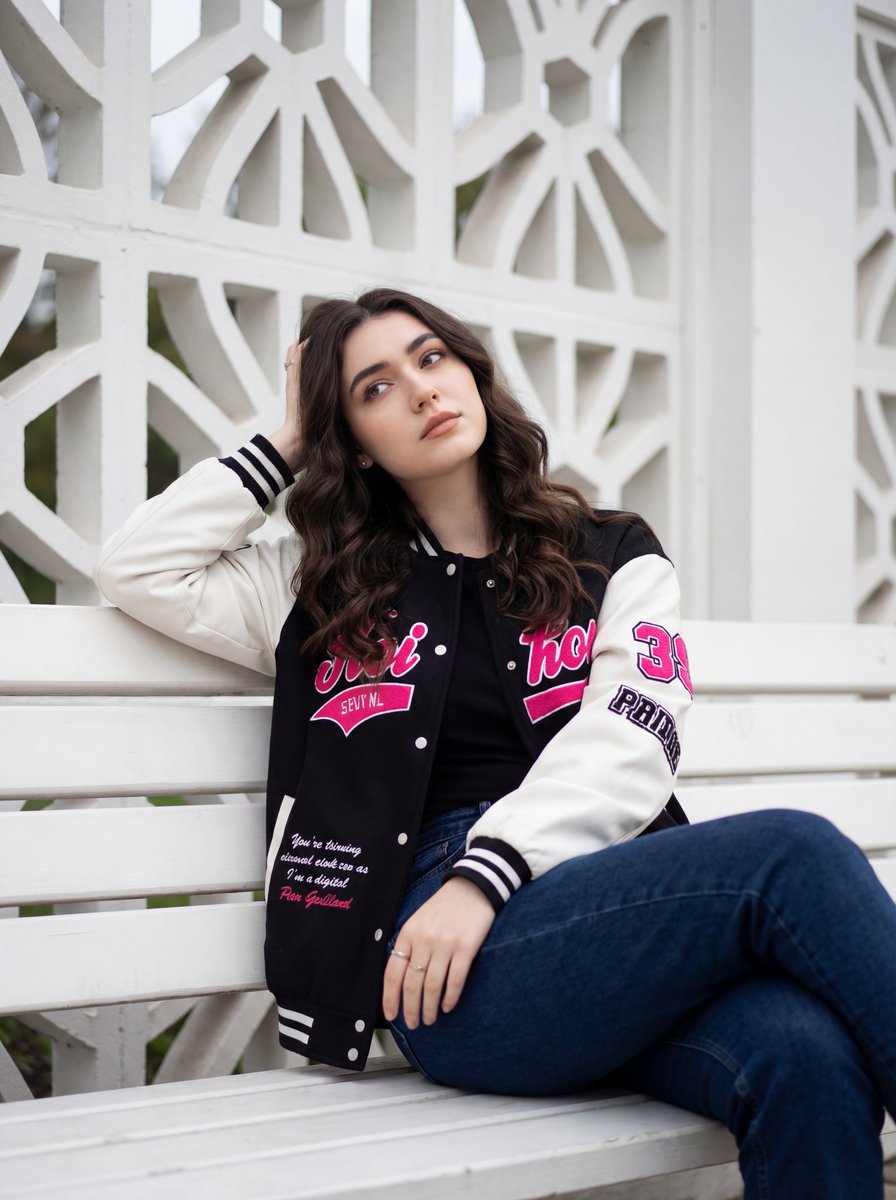
Candid Urban Portrait with Identity Preservation

16K Cinematic Night Portrait with Strict Identity Lock
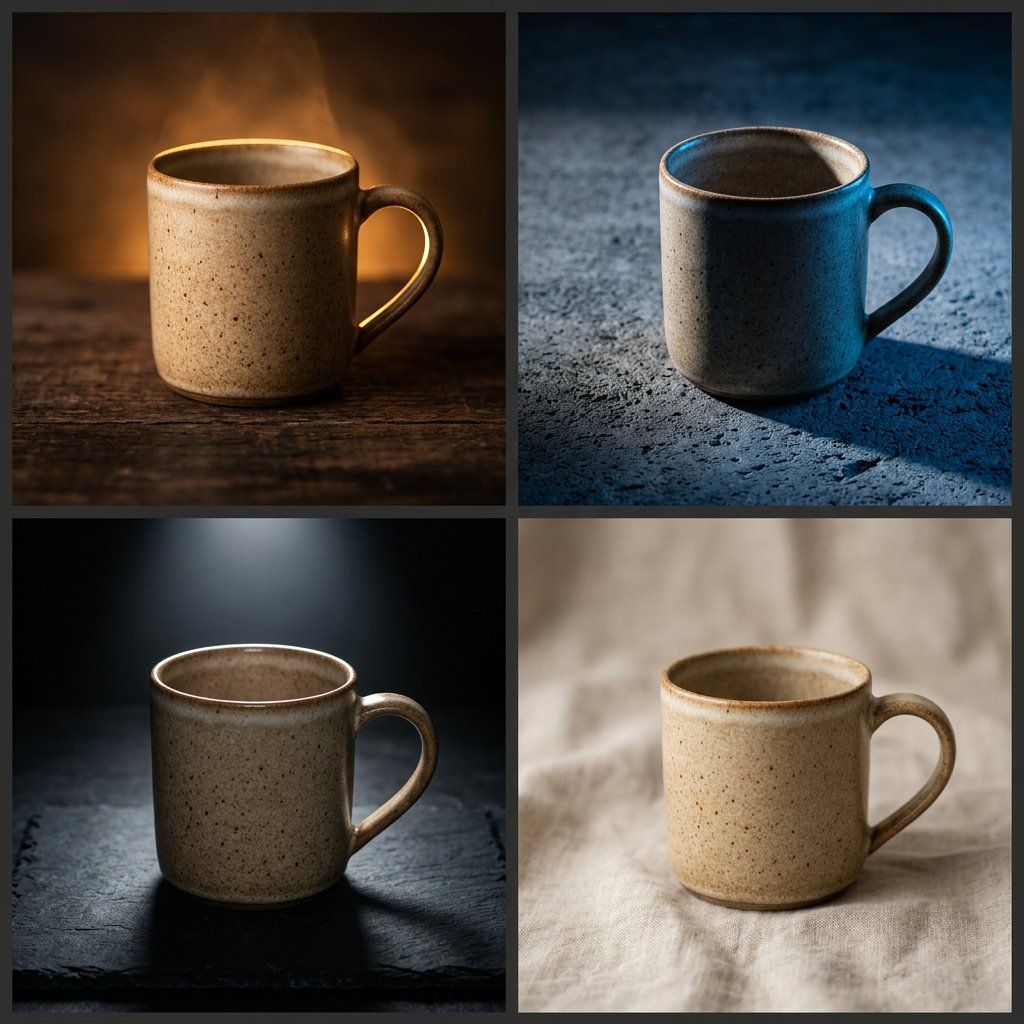
Editorial Macro Mug Design
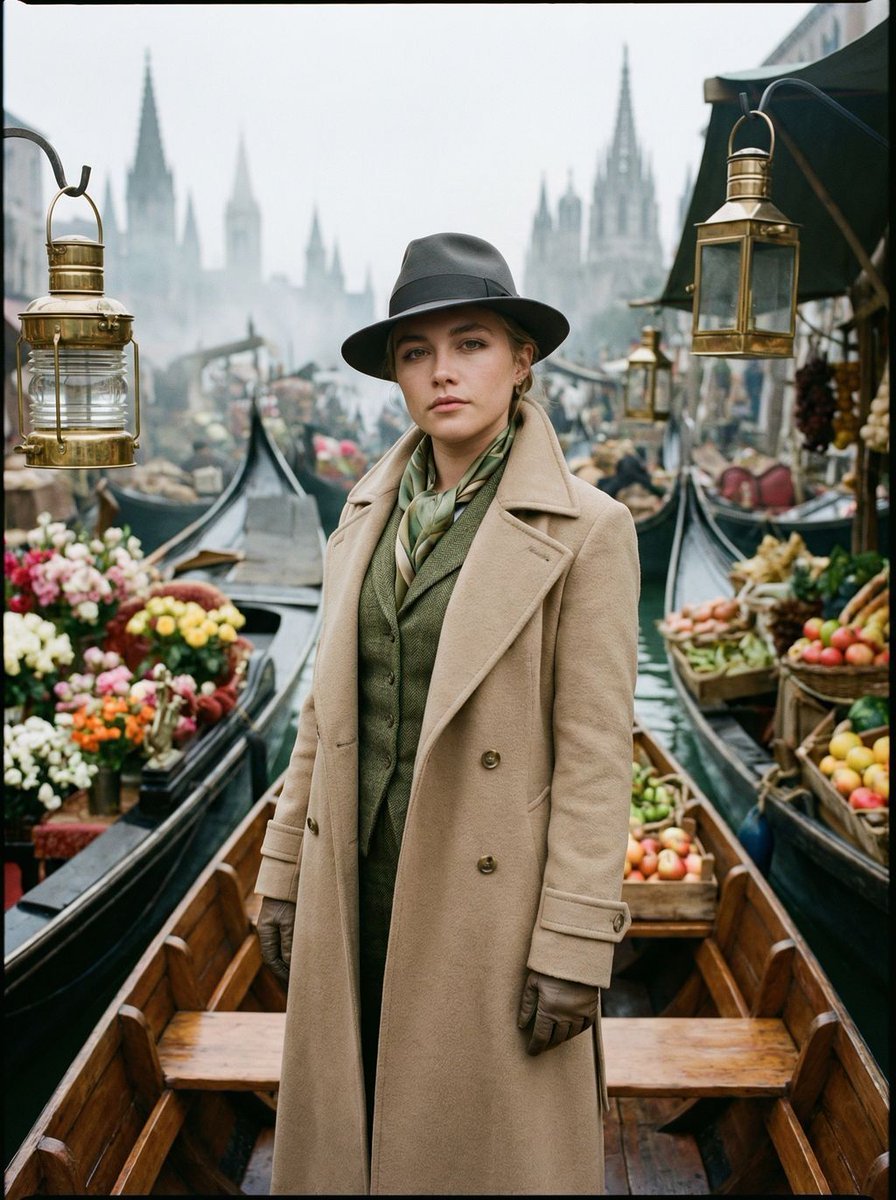
Surreal Floating Market Cinematic Editorial
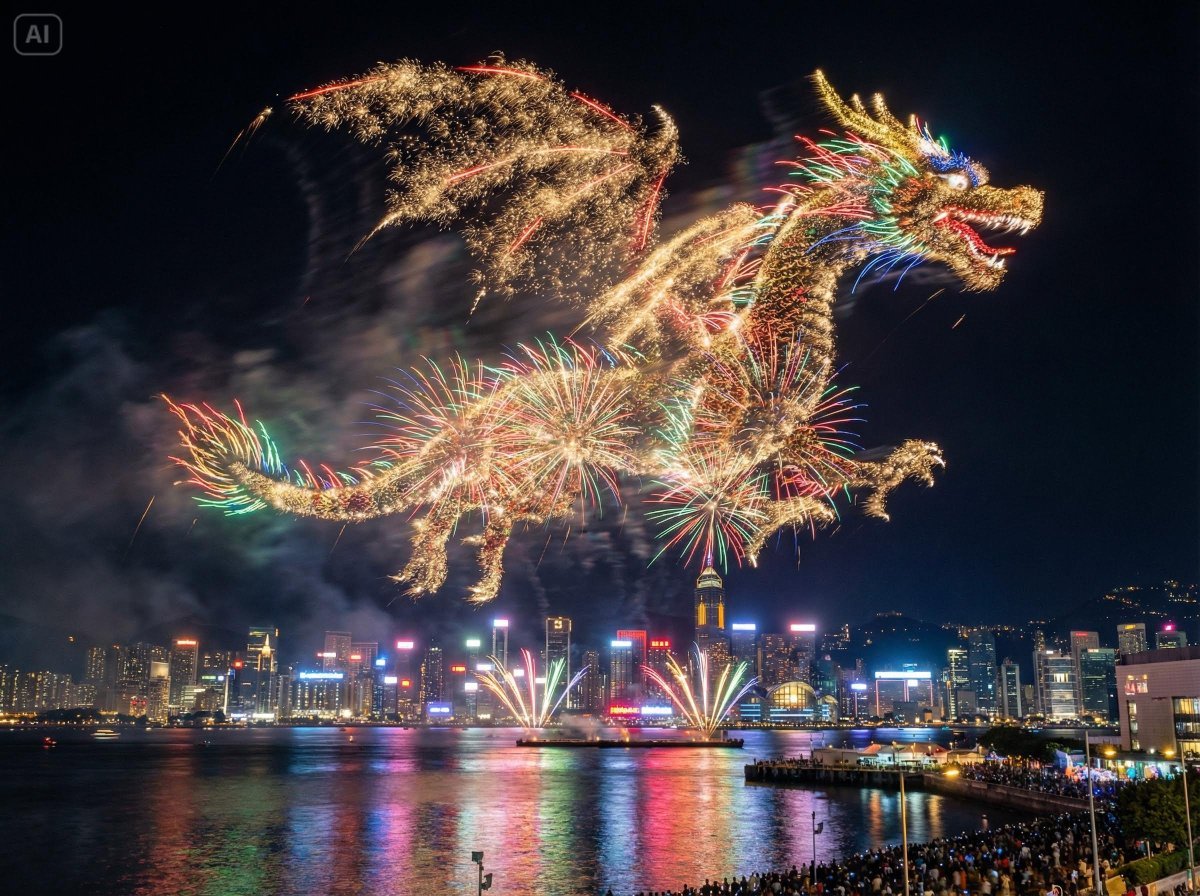
Photorealistic Fireworks Display Prompt for Dreamina AI
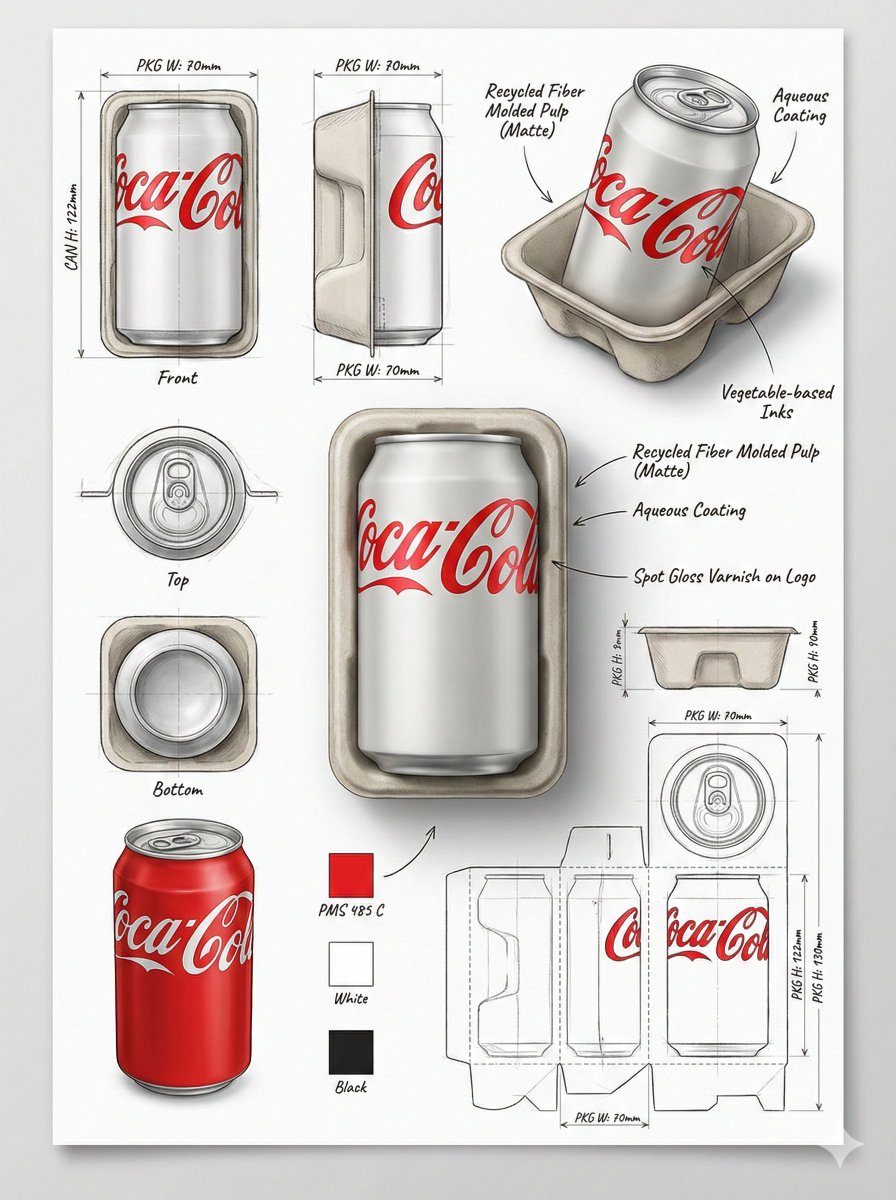
Industrial Packaging Design Sheet
Browse template categories
Anti-Gravity Lamp Landing Page Mockup questions
How do I use the Anti-Gravity Lamp Landing Page Mockup template?
Add your photo if the template asks for one, edit the prompt if you like — the template's model and format are already selected — and press Generate. Your version opens in PicX Studio.
Can I customize the Anti-Gravity Lamp Landing Page Mockup template?
Yes. You can change the subject, setting, lighting, mood, format, and available model controls before creating your image.
Is the Anti-Gravity Lamp Landing Page Mockup template free?
Opening and editing this template is free. Generating uses credits, shown on the Generate button when you are signed in.
Which AI model should I use?
Start with GPT Image 2, which is the model associated with this template. You can compare another compatible model for a different finish.
Looking for something else? Browse all templates.

Your photo, any look
Thousands of ready templates for every top image and video model, from one credit balance.