
Atlas GTM SaaS Hero Landing Page
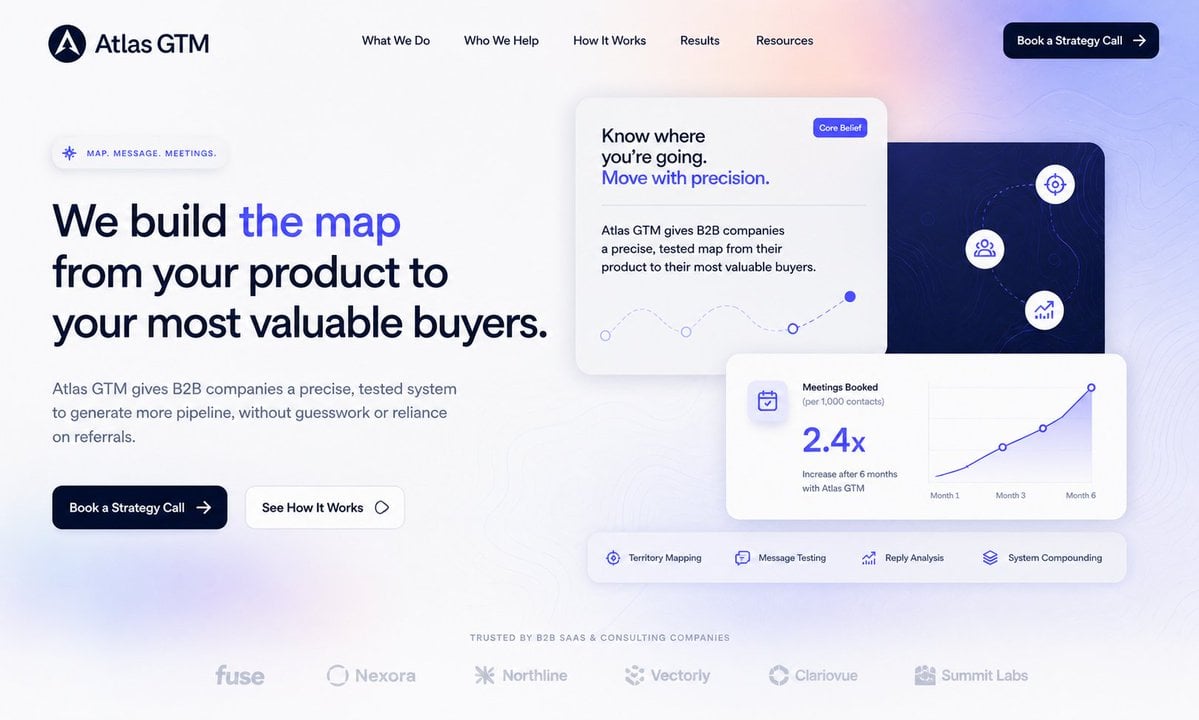
Generates a polished B2B SaaS homepage hero section with navigation, conversion copy, analytics cards, feature strip, and trust logos.
- Prompt included
- Model and format preset
- Free template
The prompt behind this image
Copy the exact prompt behind Atlas GTM SaaS Hero Landing Page, or open it in the studio and make it yours.
- Type
- modern B2B SaaS landing page hero design
- Brand › Name
- {argument name="company name" default="Atlas GTM"}
- Brand › Logo
- dark navy circular mark with a white abstract compass/letter A icon
- Brand › Visual Style
- premium, minimal, conversion-focused, soft white background with pale lavender and peach gradient glow, subtle topographic contour lines, rounded glassmorphism cards, deep navy typography, electric blue accent color
- Layout › Canvas
- wide desktop website screenshot, 16:9 aspect ratio, generous whitespace, polished Figma-style web design
- Layout › Header › Position
- top
- Layout › Header › Count
- 6
- Layout › Header › Items
- logo and Atlas GTM wordmark on the left, What We Do, Who We Help, How It Works, Results, Resources
- Layout › Header › Cta
- Book a Strategy Call with right arrow, dark navy rounded pill button at top right
- Layout › Hero Left › Position
- left half
- Layout › Hero Left › Eyebrow
- MAP. MESSAGE. MEETINGS.
- Layout › Hero Left › Headline
- {argument name="headline text" default="We build the map from your product to your most valuable buyers."}
- Layout › Hero Left › Headline Treatment
- large bold dark navy sans serif, with the words 'the map' highlighted in vivid blue
- Layout › Hero Left › Body
- {argument name="body text" default="Atlas GTM gives B2B companies a precise, tested system to generate more pipeline, without guesswork or reliance on referrals."}
- Layout › Hero Left › Buttons › Count
- 2
- Layout › Hero Left › Buttons › Items
- Book a Strategy Call, dark navy filled button with arrow, See How It Works, white outlined button with small diamond icon
- Layout › Hero Right › Position
- right half
- Layout › Hero Right › Card Count
- 4
- Layout › Hero Right › Cards › 0 › Description
- large white core belief card near upper center
- Layout › Hero Right › Cards › 0 › Text
- Know where you’re going. Move with precision.
- Layout › Hero Right › Cards › 0 › Badge
- Core Belief
- Layout › Hero Right › Cards › 0 › Graphic
- dotted curved path with small circular nodes and one filled blue endpoint
- Layout › Hero Right › Cards › 1 › Description
- dark navy map panel behind the cards on the right
- Layout › Hero Right › Cards › 1 › Icons Count
- 3
Raw JSON
{"type":"modern B2B SaaS landing page hero design","brand":{"name":"{argument name=\"company name\" default=\"Atlas GTM\"}","logo":"dark navy circular mark with a white abstract compass/letter A icon","visual_style":"premium, minimal, conversion-focused, soft white background with pale lavender and peach gradient glow, subtle topographic contour lines, rounded glassmorphism cards, deep navy typography, electric blue accent color"},"layout":{"canvas":"wide desktop website screenshot, 16:9 aspect ratio, generous whitespace, polished Figma-style web design","header":{"position":"top","count":6,"items":["logo and Atlas GTM wordmark on the left","What We Do","Who We Help","How It Works","Results","Resources"],"cta":"Book a Strategy Call with right arrow, dark navy rounded pill button at top right"},"hero_left":{"position":"left half","eyebrow":"MAP. MESSAGE. MEETINGS.","headline":"{argument name=\"headline text\" default=\"We build the map from your product to your most valuable buyers.\"}","headline_treatment":"large bold dark navy sans serif, with the words 'the map' highlighted in vivid blue","body":"{argument name=\"body text\" default=\"Atlas GTM gives B2B companies a precise, tested system to generate more pipeline, without guesswork or reliance on referrals.\"}","buttons":{"count":2,"items":["Book a Strategy Call, dark navy filled button with arrow","See How It Works, white outlined button with small diamond icon"]}},"hero_right":{"position":"right half","card_count":4,"cards":[{"description":"large white core belief card near upper center","text":"Know where you’re going. Move with precision.","badge":"Core Belief","graphic":"dotted curved path with small circular nodes and one filled blue endpoint"},{"description":"dark navy map panel behind the cards on the right","icons_count":3,"icons":["target/crosshair icon","audience/group icon","growth chart icon"],"graphic":"subtle contour map lines and dotted route"},{"description":"white analytics card in front lower right","metric":"2.4x","title":"Meetings Booked","subtitle":"(per 1,000 contacts)","caption":"Increase after 6 months with Atlas GTM","chart":"blue rising line chart labeled Month 1, Month 3, Month 6"},{"description":"horizontal feature strip below analytics card","feature_count":4,"features":["Territory Mapping","Message Testing","Reply Analysis","System Compounding"]}]},"trust_bar":{"position":"bottom center","heading":"TRUSTED BY B2B SAAS & CONSULTING COMPANIES","logo_count":6,"logos":["fuse","Nexora","Northline","Vectorly","Clariovue","Summit Labs"]}},"typography":{"font":"clean modern sans serif similar to Inter or Satoshi","colors":"dark navy, muted slate gray, bright royal blue, soft lavender"},"rendering_instructions":"Create a high-fidelity SaaS website landing page mockup, not a browser frame. Keep text crisp and readable, align elements precisely to a grid, use soft shadows, rounded corners, subtle blur, and a premium venture-backed startup aesthetic. The overall feeling should be strategic, precise, trustworthy, and modern."}How to use Atlas GTM SaaS Hero Landing Page in 3 steps
- 1Upload ImagePNG, JPG or paste
Add your photo
Upload the photo the template builds on. The prompt, model and format are already set.
- 2…a portrait of your subject in softgolden-hour light, 85mm…
Personalize
Edit the subject and creative details for your destination.
- 3Generate
Generate
Press Generate — your image is created in PicX Studio, so you can compare it with the original and refine one variable at a time.
More like this
Templates with the same subject, style or setup. Open one to see its prompt.
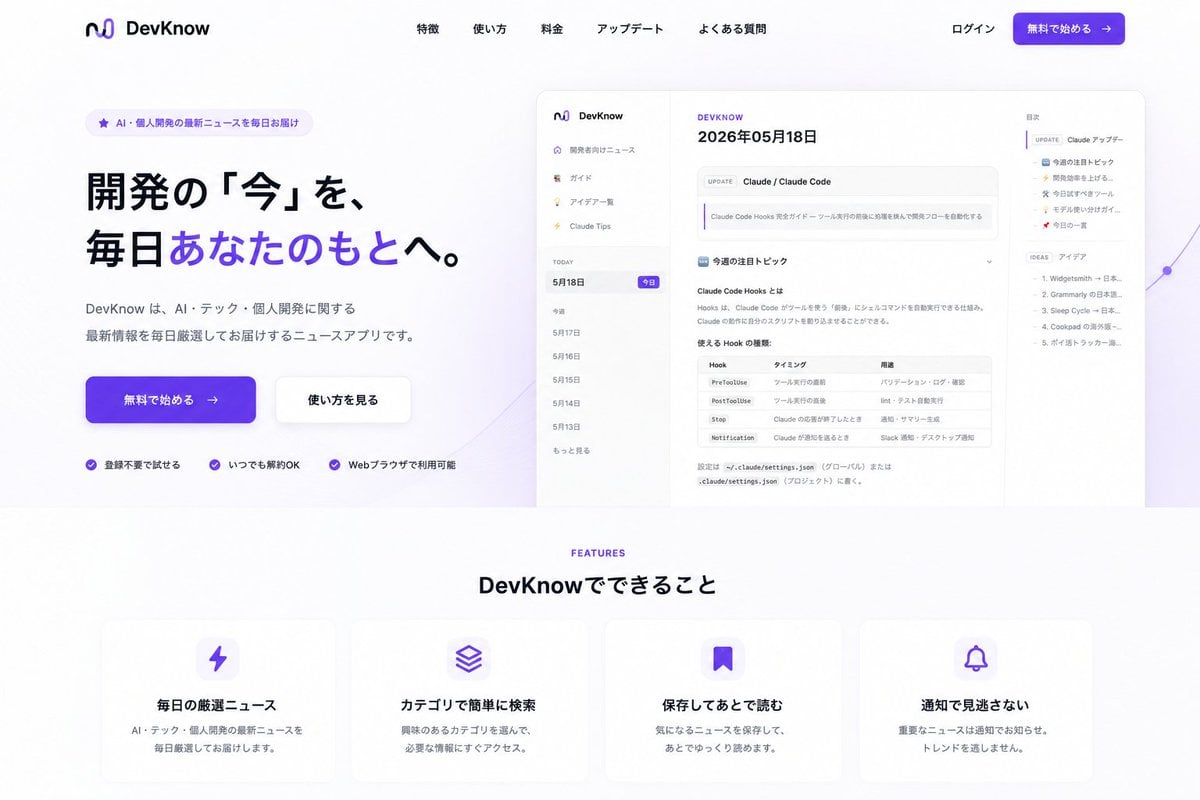
NOVALITH SaaS Landing Page Hero

SaaS AI Dashboard Landing Page

Mintpage AI Landing Page Hero
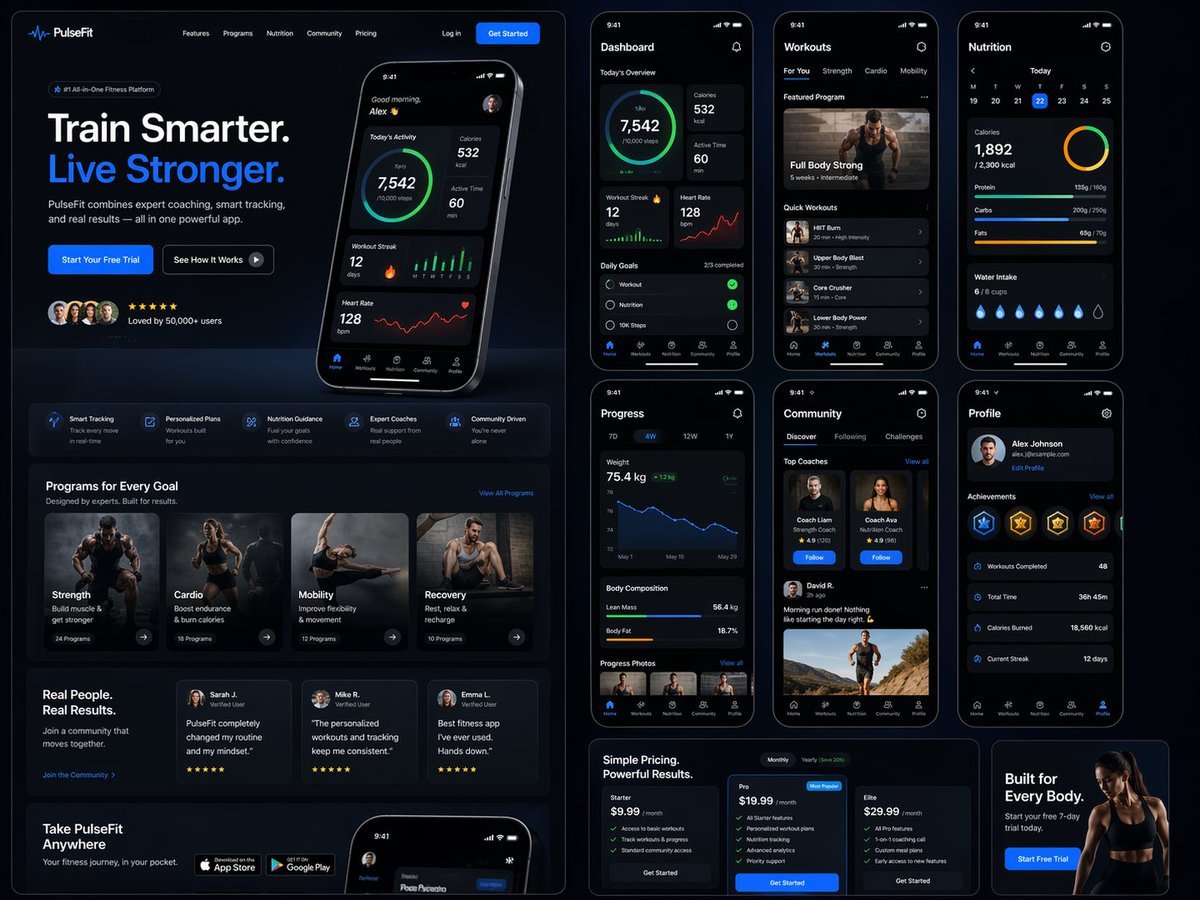
Fitness SaaS Landing Page UI
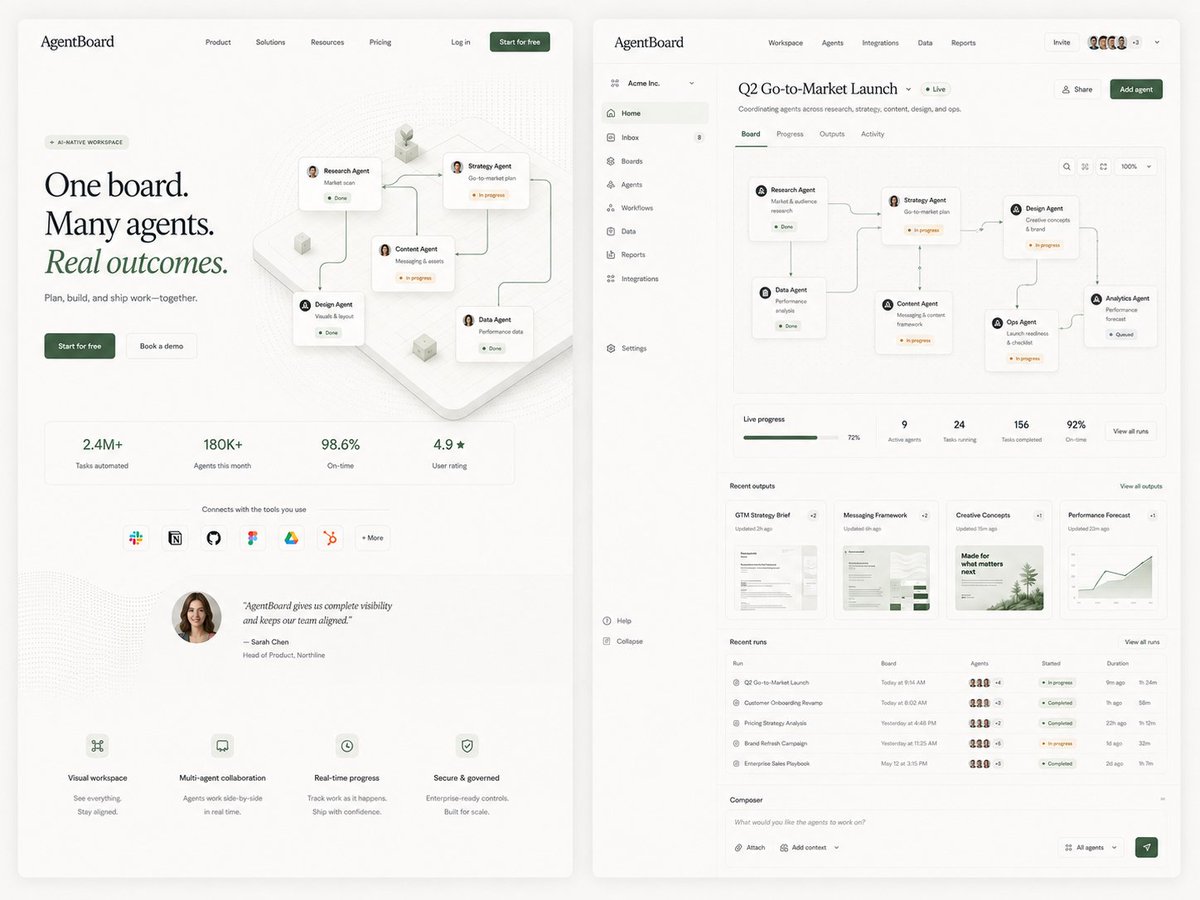
AgentBoard SaaS Landing and Dashboard UI
Rainy Cyberpunk Superhero Comic Page

Cute AI Doodle Generator Landing Page
Vibe Coder Bootcamp Landing Page
Futuristic Ohmni Access Landing Page

Luxury E-Commerce Landing Page Mockup
Forgotten Archive ARG Landing Page
Cinematic Samurai Agency Landing Page
Make it yours
Atlas GTM SaaS Hero Landing Page works as-is. These are the safest ways to change it without losing the look.
Change one field
Copy a single group, rewrite it, and generate again so you can see what that field is doing.
Keep the frame, change the subject
Hold the composition and light of Atlas GTM SaaS Hero Landing Page, then swap wardrobe, props or the person for a new take.
| If the result… | Why | Fix |
|---|---|---|
| The result drifts from the preview | Too many fields changed at once. | Reuse Atlas GTM SaaS Hero Landing Page as-is first, then change one group — subject, light, or setting. |
| GPT Image 2 ignores part of the JSON | Some models flatten or skip nested keys. | Keep the same values and paste them as a short paragraph instead. |
More GPT Image 2 templates
Other prompts made for GPT Image 2.

Six VTuber Japanese Logo Sheet

Realistic Portrait of Woman and Deer

The Vista Modular Condo Poster

AI Model Routing Comparison Infographic

2.5D Anime Art Board

Isometric Productivity Desk Scene

New York Double Exposure Poster

Four-Panel AI Landscape Comparison

Japanese Tatami Lifestyle Magazine Cover

NESCAFÉ Coffee Map Poster
More image prompts
Fresh picks from across the catalog.

Hyper-Expressive 3D Cartoon Portrait from Photo Reference

Minimalist Neutral Object Grid

Sticker Art Style - Rainbow Girl

Fashion Magazine Style Photo of a Male Model in Office Casual

Handmade Christmas Wreath Generator with Custom Ornament

General Luxury Product Hero Shot Prompt

Athletic Gym Mirror Selfie Generation Prompt

Gpt2 Profile Avatar Vintage Engraved Hoodie Portrait

Ultra-Realistic Commercial Soda Can Photography

High-Concept Desert Mirror Fashion Photography
Browse template categories
Atlas GTM SaaS Hero Landing Page questions
How do I use the Atlas GTM SaaS Hero Landing Page template?
Add your photo if the template asks for one, edit the prompt if you like — the template's model and format are already selected — and press Generate. Your version opens in PicX Studio.
Can I customize the Atlas GTM SaaS Hero Landing Page template?
Yes. You can change the subject, setting, lighting, mood, format, and available model controls before creating your image.
Is the Atlas GTM SaaS Hero Landing Page template free?
Opening and editing this template is free. Generating uses credits, shown on the Generate button when you are signed in.
Which AI model should I use?
Start with GPT Image 2, which is the model associated with this template. You can compare another compatible model for a different finish.
Looking for something else? Browse all templates.

Your photo, any look
Thousands of ready templates for every top image and video model, from one credit balance.