
Fitness SaaS Landing Page UI
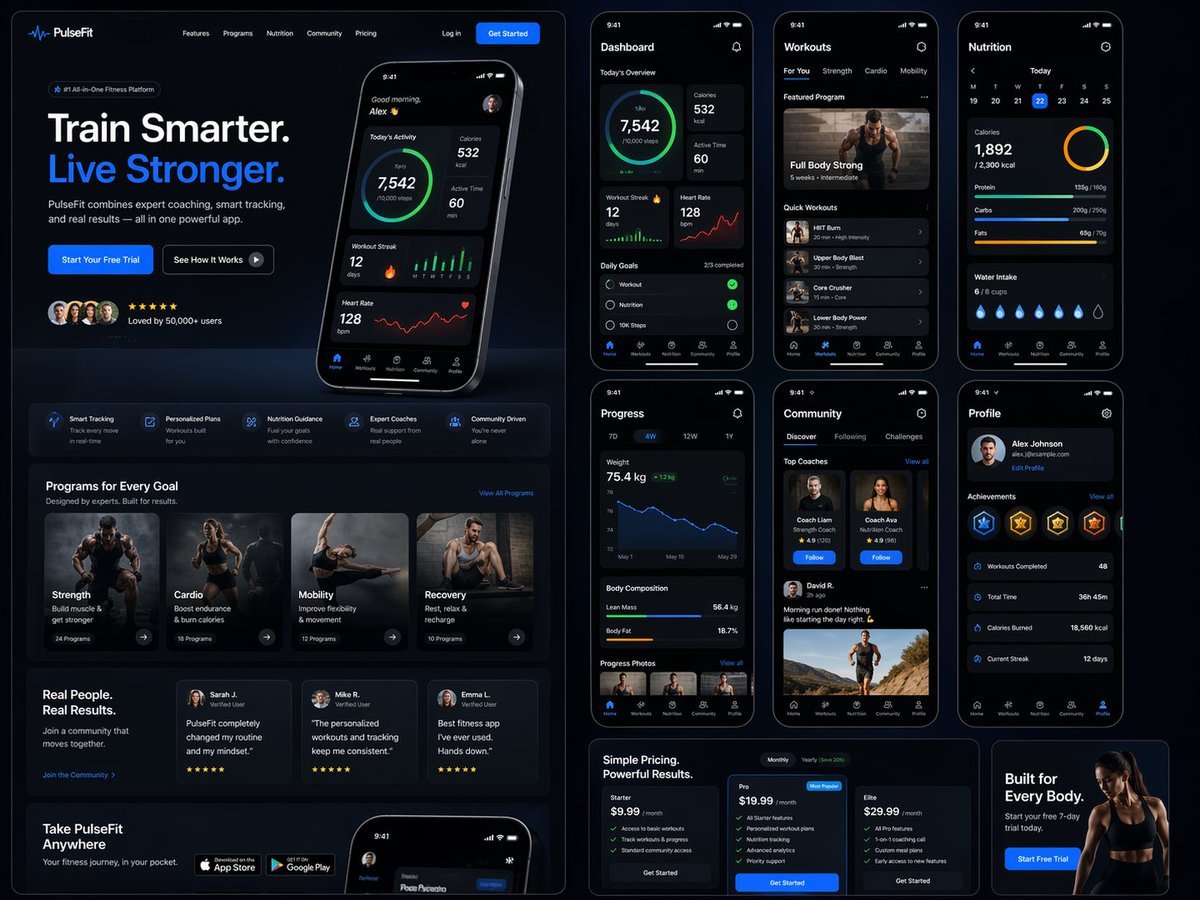
A massive, detailed prompt for generating a complete web and mobile UI/UX design for a premium fitness brand, including dashboards and various interface sections.
- Prompt included
- Model and format preset
- Free template
The prompt behind this image
Copy the exact prompt behind Fitness SaaS Landing Page UI, or open it in the studio and make it yours.
Design a modern, high-end {argument name="app type" default="fitness app"} landing page and product UI for a brand called {argument name="brand name" default="PulseFit"}. Create a clean web design mockup that looks like a real SaaS fitness platform and mobile companion app. The design should feel premium, motivating, and easy to use, with a polished UI/UX style similar to top-tier health and wellness apps. Include: - A hero section with bold headline, short subheadline, strong call-to-action button, and app preview - Dashboard UI showing daily activity, calories burned, workout streak, heart rate, step count, and progress rings - Workout program cards for strength, cardio, mobility, and recovery - Nutrition tracking section with macro breakdown and water intake - Progress charts and analytics widgets - Trainer/community section with profile cards and testimonials - Pricing section and download/app store callout - Mobile app screens shown alongside the web design for a cohesive product ecosystem Style direction: - Sleek, minimal, modern interface - Premium fitness brand aesthetic - Smooth spacing, strong hierarchy, rounded cards, soft shadows - Dark mode UI with energetic accent colors like electric blue, neon green, or vibrant orange - Crisp typography, realistic charts, polished buttons, beautiful onboarding feel - Highly detailed, dribbble-worthy, startup-quality product design - Realistic UX case study presentation, not a cartoon or illustration Composition: - Full website homepage mockup - Multiple UI sections visible in one polished presentation - Slight perspective or straight-on product showcase - Clean background with subtle gradients and professional lighting - Ultra-detailed, sharp text rendering, visually balanced layout Output: A stunning, realistic UI/UX design concept for a fitness app website and dashboard that looks ready for development. Make it look like a real Figma product design presentation for a premium startup.
How to use Fitness SaaS Landing Page UI in 3 steps
- 1
Open
The prompt is already in the box next to the preview, with the template's model and format selected.
- 2…a portrait of your subject in softgolden-hour light, 85mm…
Personalize
Edit the subject and creative details for your destination.
- 3Generate
Generate
Press Generate — your image is created in PicX Studio, so you can compare it with the original and refine one variable at a time.
More like this
Templates with the same subject, style or setup. Open one to see its prompt.
Atlas GTM SaaS Hero Landing Page
NOVALITH SaaS Landing Page Hero

SaaS AI Dashboard Landing Page
AgentBoard SaaS Landing and Dashboard UI

Cute AI Doodle Generator Landing Page
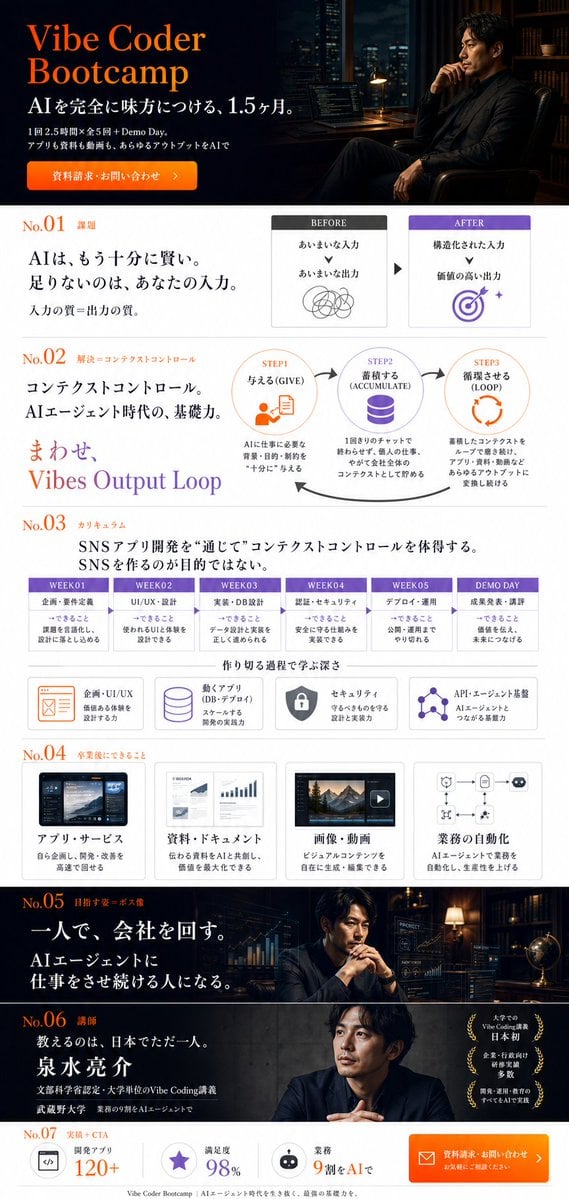
Vibe Coder Bootcamp Landing Page
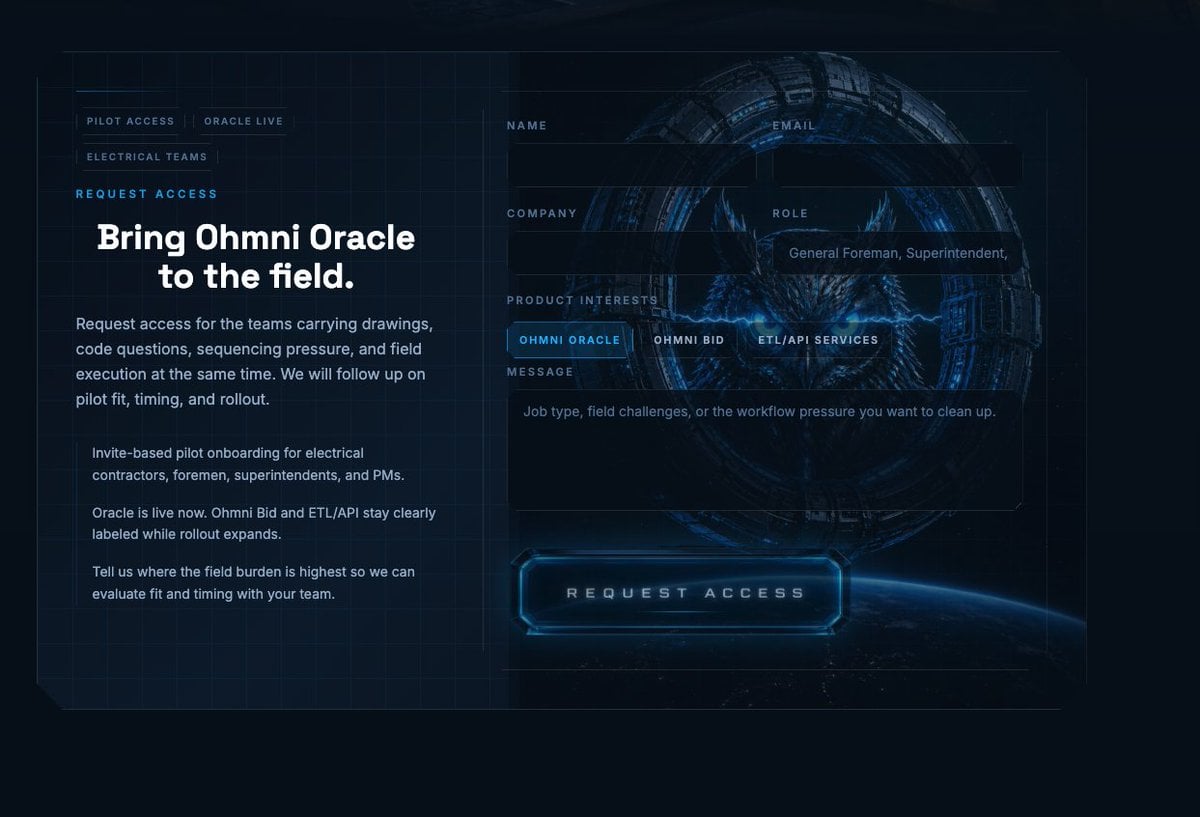
Futuristic Ohmni Access Landing Page

Luxury E-Commerce Landing Page Mockup
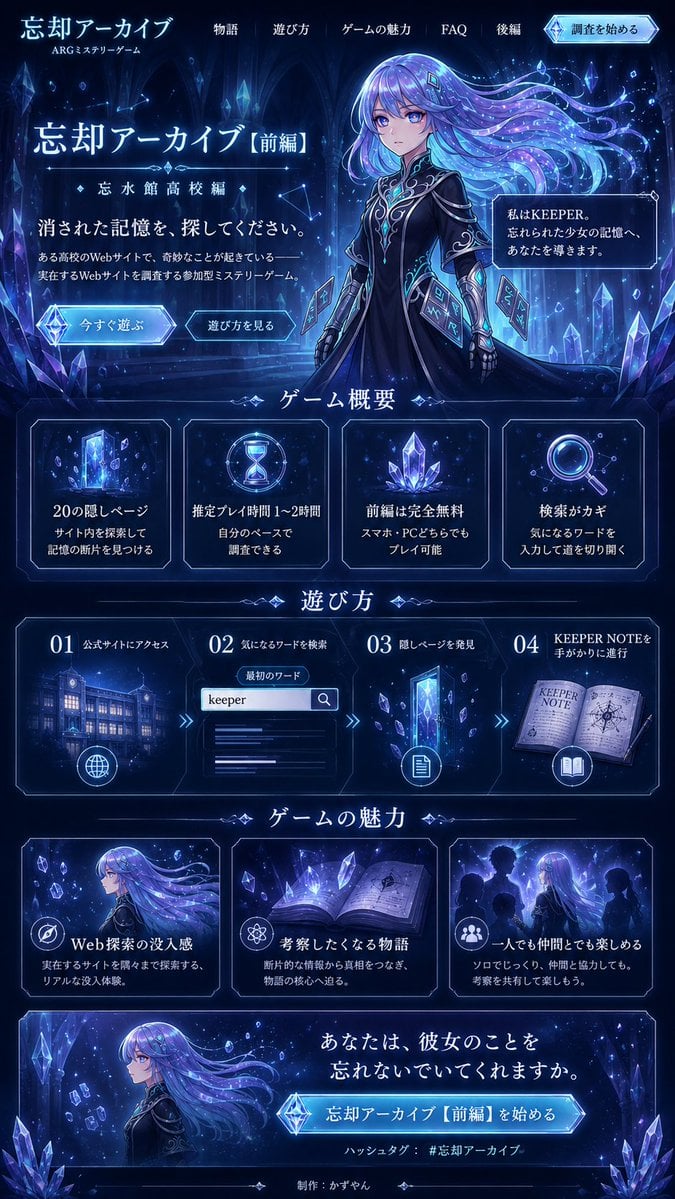
Forgotten Archive ARG Landing Page
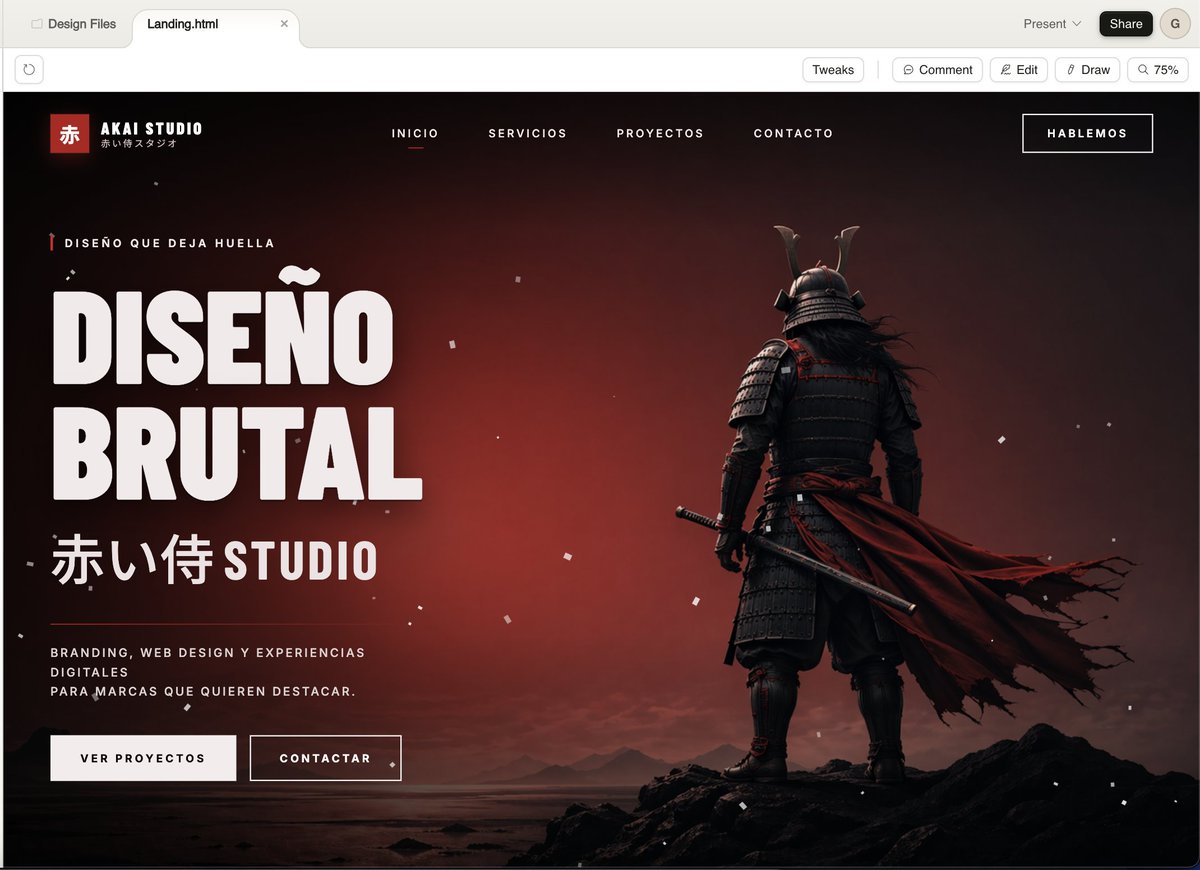
Cinematic Samurai Agency Landing Page
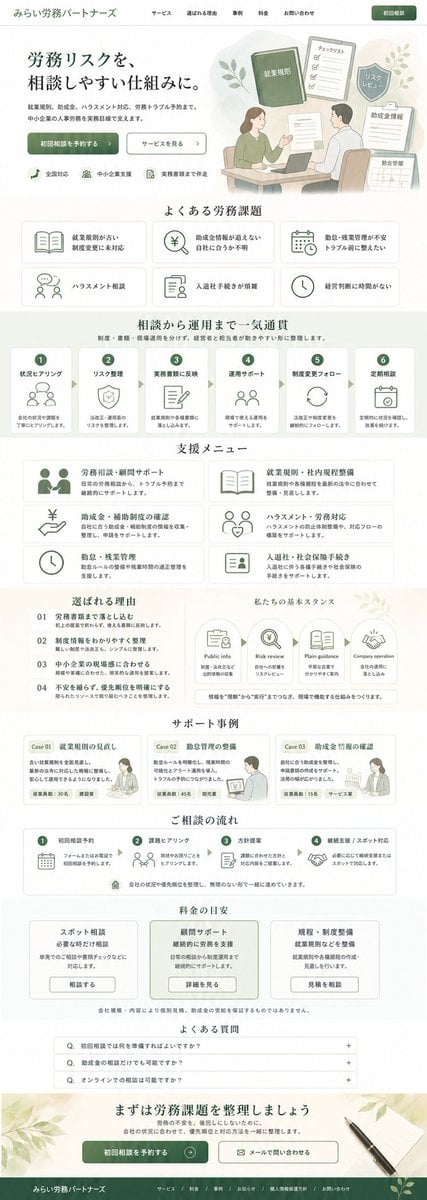
ASCII Layout Landing Page Generator
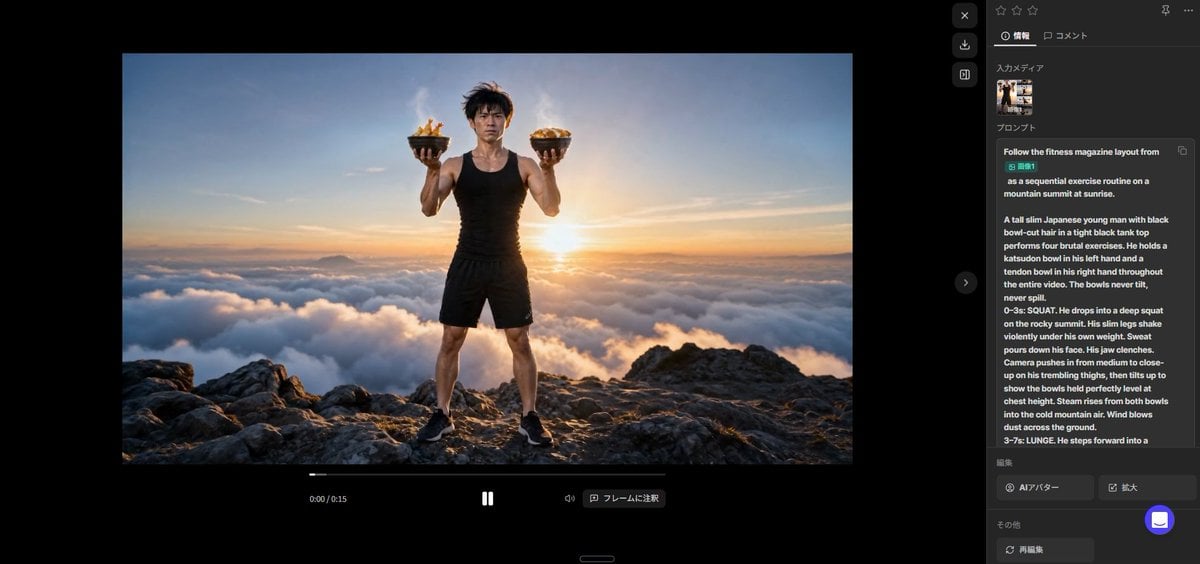
Fitness Magazine Page Motion Sheet
Make it yours
Fitness SaaS Landing Page UI works as-is. These are the safest ways to change it without losing the look.
Change one field
Copy a single group, rewrite it, and generate again so you can see what that field is doing.
Keep the frame, change the subject
Hold the composition and light of Fitness SaaS Landing Page UI, then swap wardrobe, props or the person for a new take.
| If the result… | Why | Fix |
|---|---|---|
| The result drifts from the preview | Too many fields changed at once. | Reuse Fitness SaaS Landing Page UI as-is first, then change one group — subject, light, or setting. |
| The model over-stylizes the scene | The prose prompt leaves finish and camera underspecified. | Add one camera or lighting sentence and stay on GPT Image 2. |
More GPT Image 2 templates
Other prompts made for GPT Image 2.

Six VTuber Japanese Logo Sheet

Realistic Portrait of Woman and Deer

The Vista Modular Condo Poster

AI Model Routing Comparison Infographic

2.5D Anime Art Board

Isometric Productivity Desk Scene

New York Double Exposure Poster

Four-Panel AI Landscape Comparison

Japanese Tatami Lifestyle Magazine Cover

NESCAFÉ Coffee Map Poster
More image prompts
Fresh picks from across the catalog.

Anime Tunnel Driving Cockpit Scene
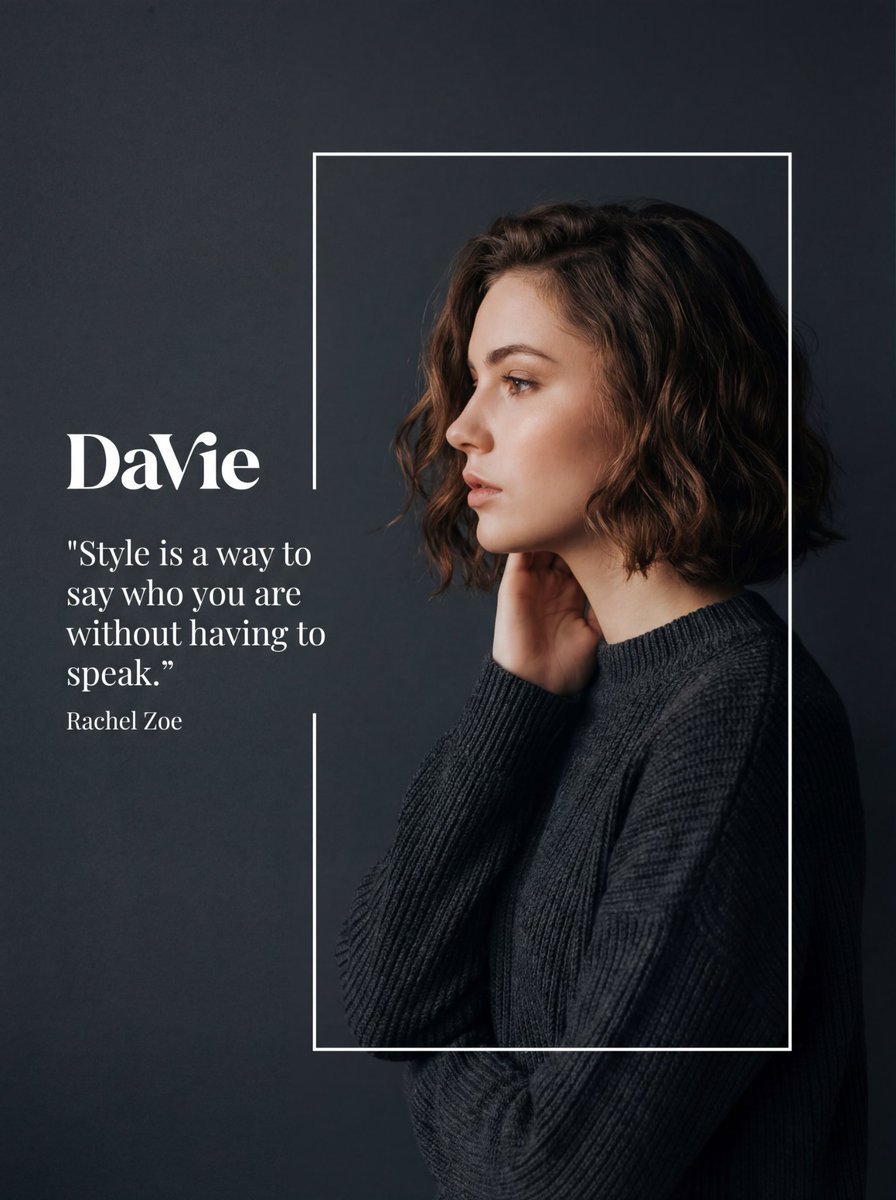
Fashion Editorial Portrait with Graphic Overlay Prompt

2027 BMW iM3 Launch Poster
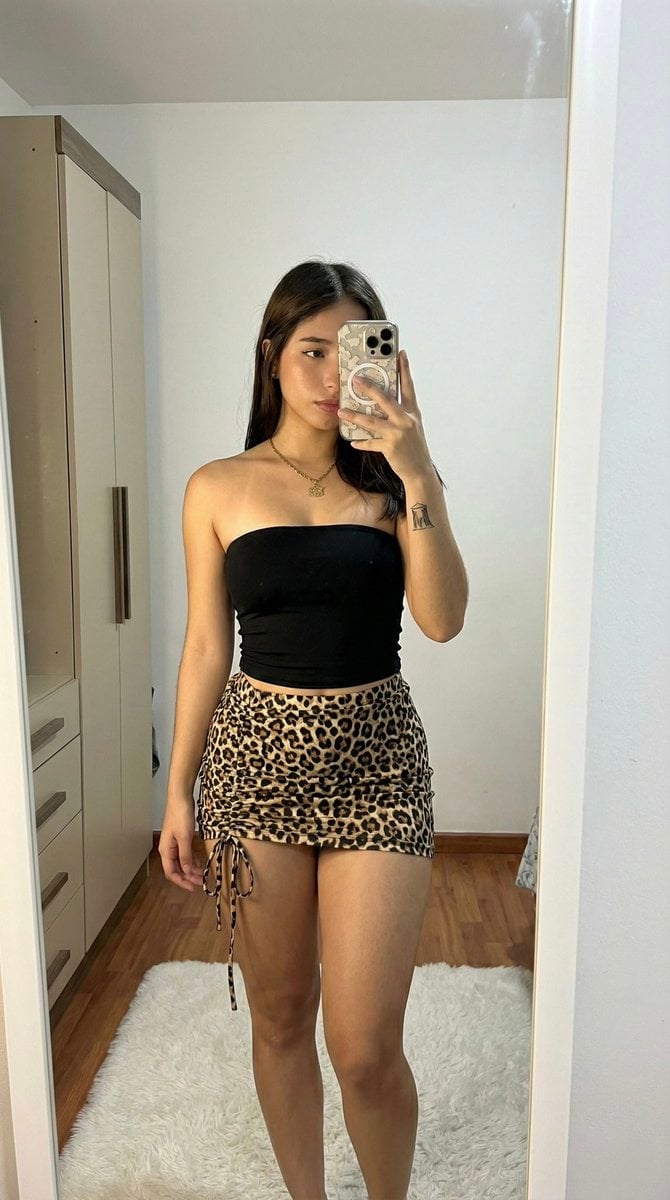
Raw High-Contrast Mirror Selfie (iPhone Ultra-Wide)

Claymation Style Portrait
Girl in Daisy Meadow Portrait
Luxury Fashion Campaign Prompts (2 Prompts)

Cinematic 3D Illustration of a Boy Emerging from a Sketchbook

Fictional Music CD Jacket

Pink Gothic Floral Fantasy Portrait
Browse template categories
Fitness SaaS Landing Page UI questions
How do I use the Fitness SaaS Landing Page UI template?
Add your photo if the template asks for one, edit the prompt if you like — the template's model and format are already selected — and press Generate. Your version opens in PicX Studio.
Can I customize the Fitness SaaS Landing Page UI template?
Yes. You can change the subject, setting, lighting, mood, format, and available model controls before creating your image.
Is the Fitness SaaS Landing Page UI template free?
Opening and editing this template is free. Generating uses credits, shown on the Generate button when you are signed in.
Which AI model should I use?
Start with GPT Image 2, which is the model associated with this template. You can compare another compatible model for a different finish.
Looking for something else? Browse all templates.

Your photo, any look
Thousands of ready templates for every top image and video model, from one credit balance.