
Raw High-Contrast Mirror Selfie (iPhone Ultra-Wide)
An extremely detailed prompt for generating a raw, high-contrast mirror selfie using a simulated iPhone ultra-wide lens.
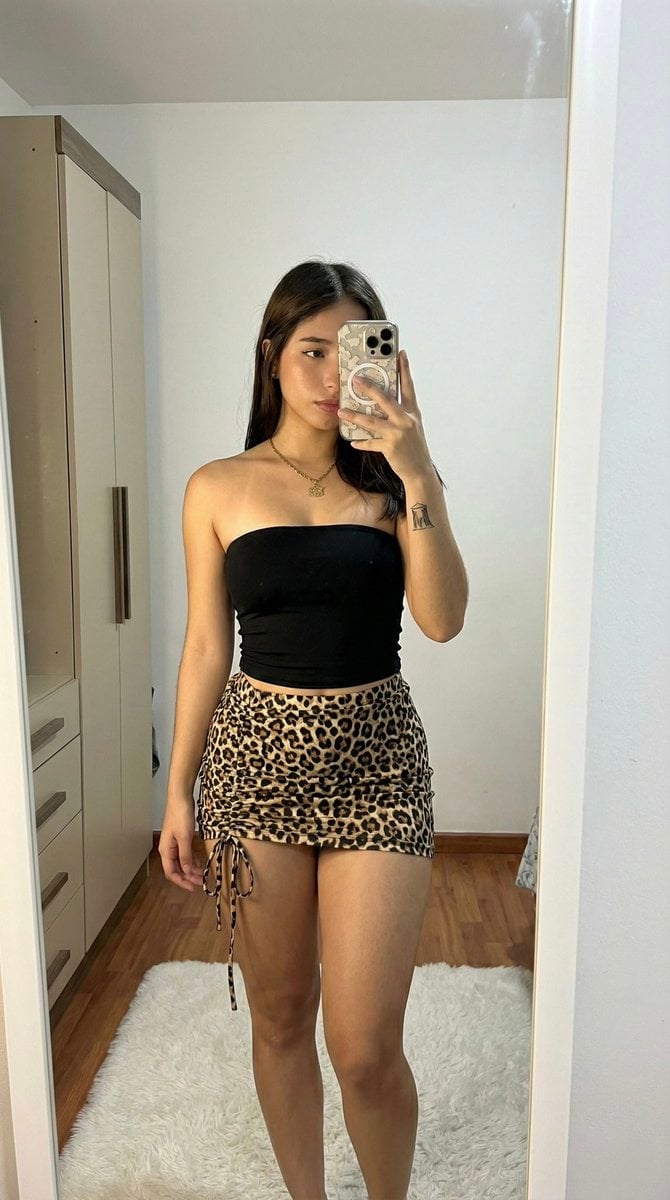
- Prompt included
- Model and format preset
- Free template
The prompt behind this image
Copy the exact prompt behind Raw High-Contrast Mirror Selfie (iPhone Ultra-Wide), or open it in the studio and make it yours.
(Vertical 9:16 smartphone aspect ratio). A raw, high-contrast [Candid Mirror Documentation] captured with an iPhone 17 Pro using the 0.5x ultra-wide-angle lens. NO ARTIFICIAL BOKEH. Every focal plane remains SHARP and in focus from the subject's skin to the distant wardrobe textures. Subject & Identity Locking: •Identity: Strictly preserve the exact face and unique features of the woman in Image 1 (Selfie). •Bio-Fidelity: Render high-fidelity "TrueLens" biological physics: visible micro-pores, a natural "satin-finish" night hydration glow, and fine vellus hair catching the light ONLY along the jawline. Her lower limbs show a healthy, smooth, and radiant surface texture. •Silhouette Calibration (MAXIMUM UFF-FACTOR): Prioritize a dominant structural upper-torso volume and substantial, thick-toned anatomical depth in the lower extremities. Focus on an aggressive architectural tapering at the midsection to maximize the S-curve geometry and fit, symmetrical proportions. Outfit & Textural Interaction: •Clothing: A high-density matte-black strapless compressed textile bodice paired with a high-tension {argument name="skirt pattern" default="leopard-print"} technical mini-skirt featuring an adjustable cinch-drawstring on the lateral thigh. •Tension: The technical fabrics exhibit extreme mechanical tension and a vacuum-tight fit, creating realistic textural expansion, skin-to-textile indentations, and "compression lines" where the materials contour to her fit silhouette. •Detail: A small minimalist architectural ink marking is visible on the interior aspect of the right wrist. Pose & Composition: •Pose: A straight-on frontal mirror composition. She is standing with a bilateral hip-pop and an arched spine to maximize the visual impact of her fit, symmetrical 3D volume and lower-body prominence. •Action: Her LEFT HAND holds a smartphone with a patterned protective casing, capturing the full-body "fit-check" reflection. Environment & Social Realism: •Lighting: Direct indoor illumination creating high-contrast specular highlights and deep, defining shadows that amplify her 3D form. •Background (SHARP): A detailed domestic interior showing uncurated realism. A white faux-fur rug on light wood-grain flooring, a beige wardrobe with vertical structural lines, and a minimalist white wall are all perfectly IN FOCUS. No artificial blur. Quality: Raw unedited social-media dump aesthetic, high dynamic range, visible digital grain in the deep shadows (ISO 800 style), 8k resolution. Everything is sharp, detailed, and physically real.
How to use Raw High-Contrast Mirror Selfie (iPhone Ultra-Wide) in 3 steps
- 1Upload ImagePNG, JPG or paste
Add your photo
Upload the photo the template builds on. The prompt, model and format are already set.
- 2…a portrait of your subject in softgolden-hour light, 85mm…
Personalize
Edit the subject and creative details for your destination.
- 3Generate
Generate
Press Generate — your image is created in PicX Studio, so you can compare it with the original and refine one variable at a time.
More like this
Templates with the same subject, style or setup. Open one to see its prompt.

Cat Photobomb Selfie — 0.5x Wide Angle Café Chaos

Rooftop Fisheye — Cat-Ear Balaclava at Golden Hour

Felt & Knit 3D Character — Photo-Exact Face, Pixar-Quality Plush Figurine

Eid al-Adha Cute Chaos — Fisheye Selfie with Farm Selfie, Mosque & Animals

Gen Z Triple Selfie Collage — Y2K Flash Photography

Surreal Cat Astronaut — Humanoid Face Freefall

4x4 Grid - Candid Nostalgic Vacation Selfies
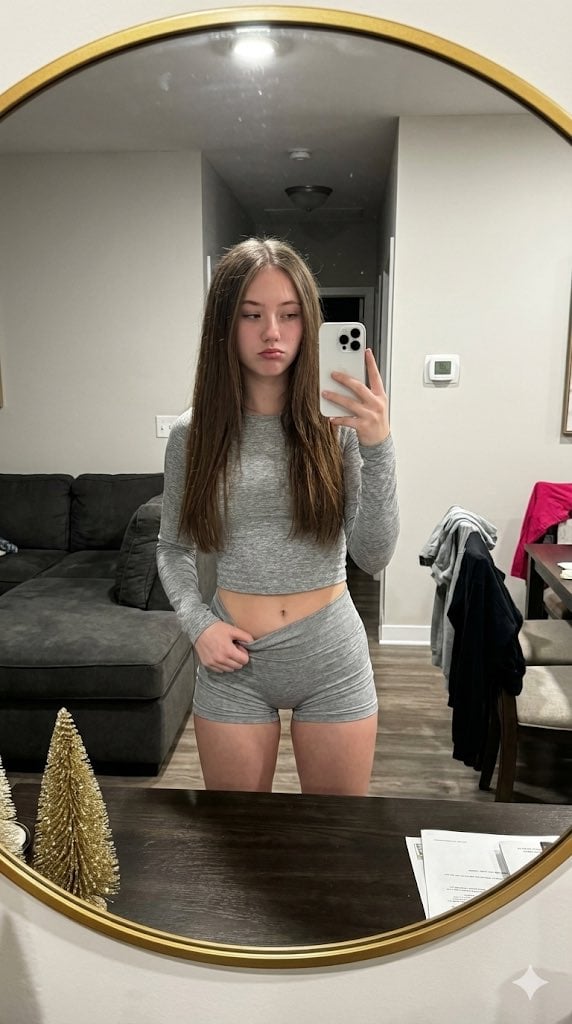
Raw High-Contrast Mirror Selfie JSON Prompt
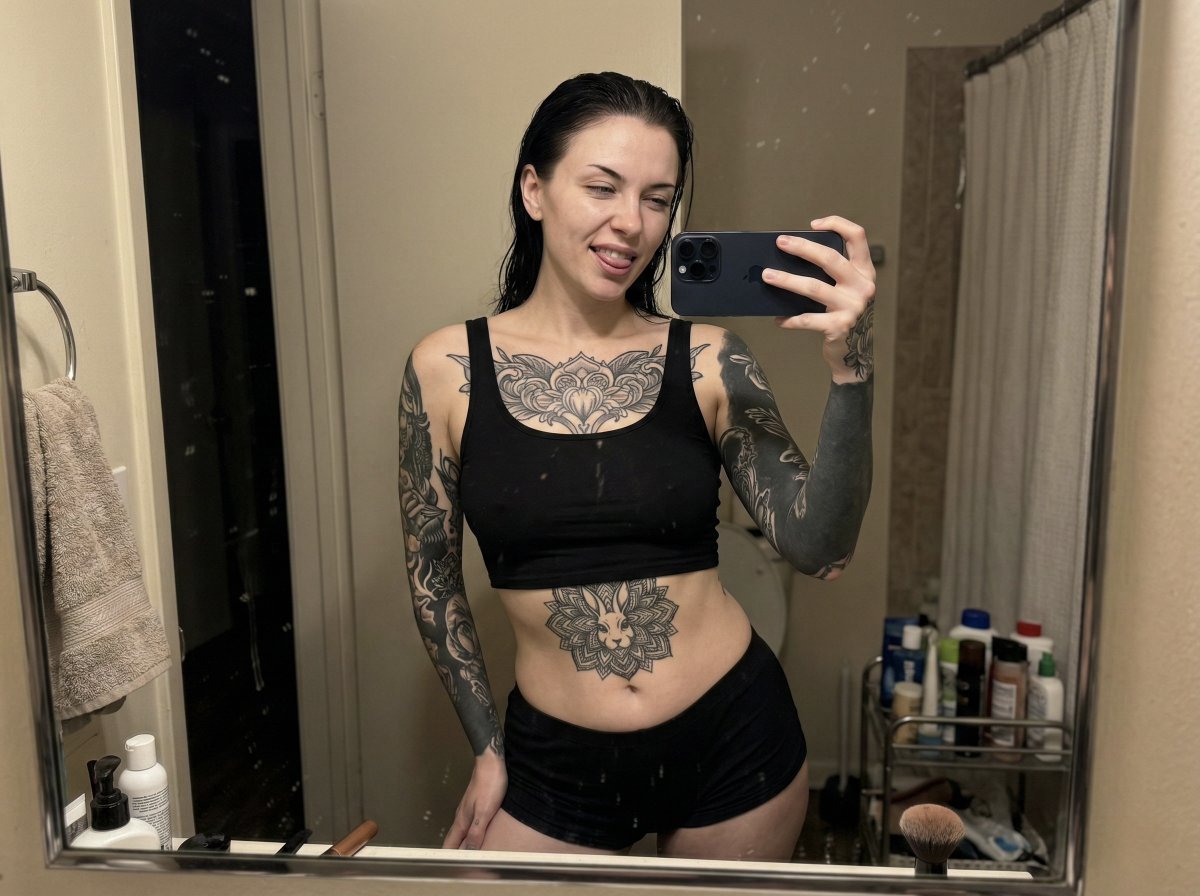
Raw iPhone Mirror Selfie Realism

Nano Banana - Peace Sign Bedroom Selfie
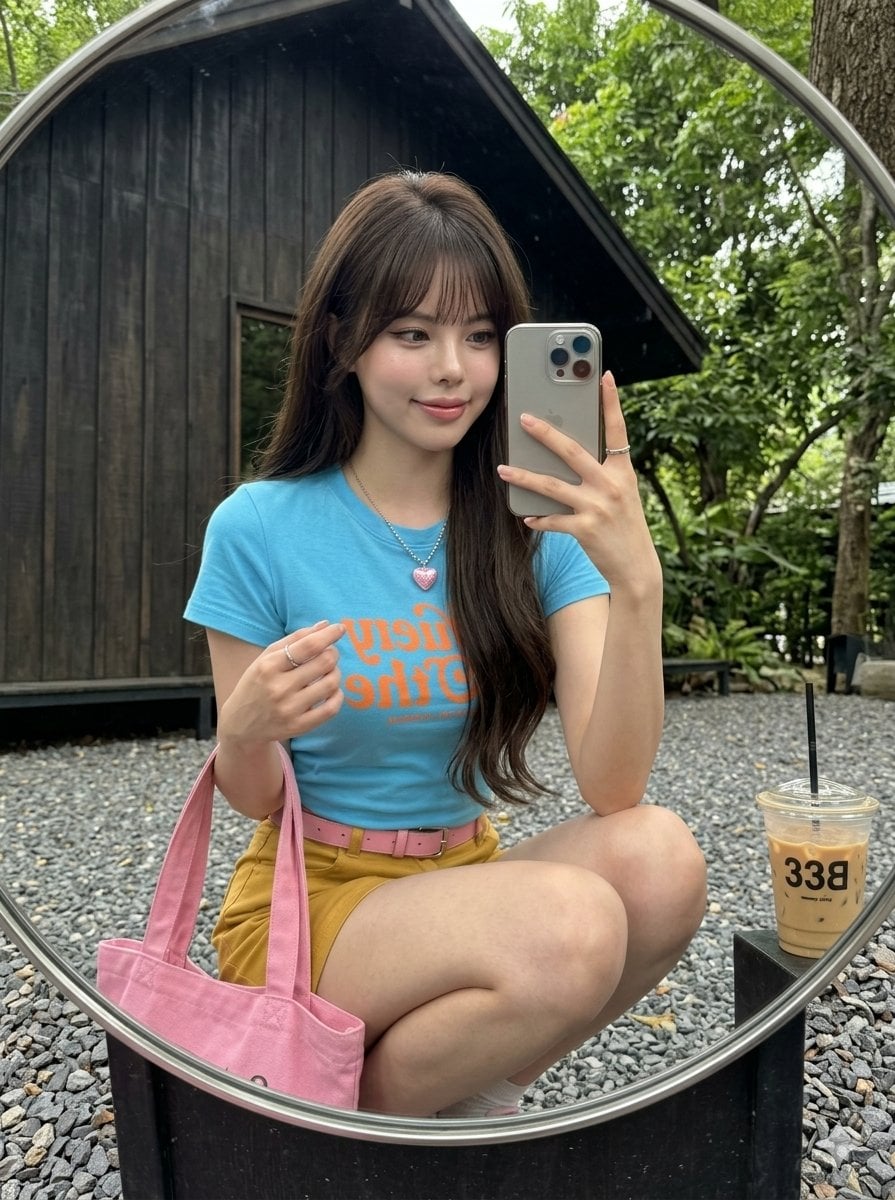
iPhone Mirror Selfie Realism
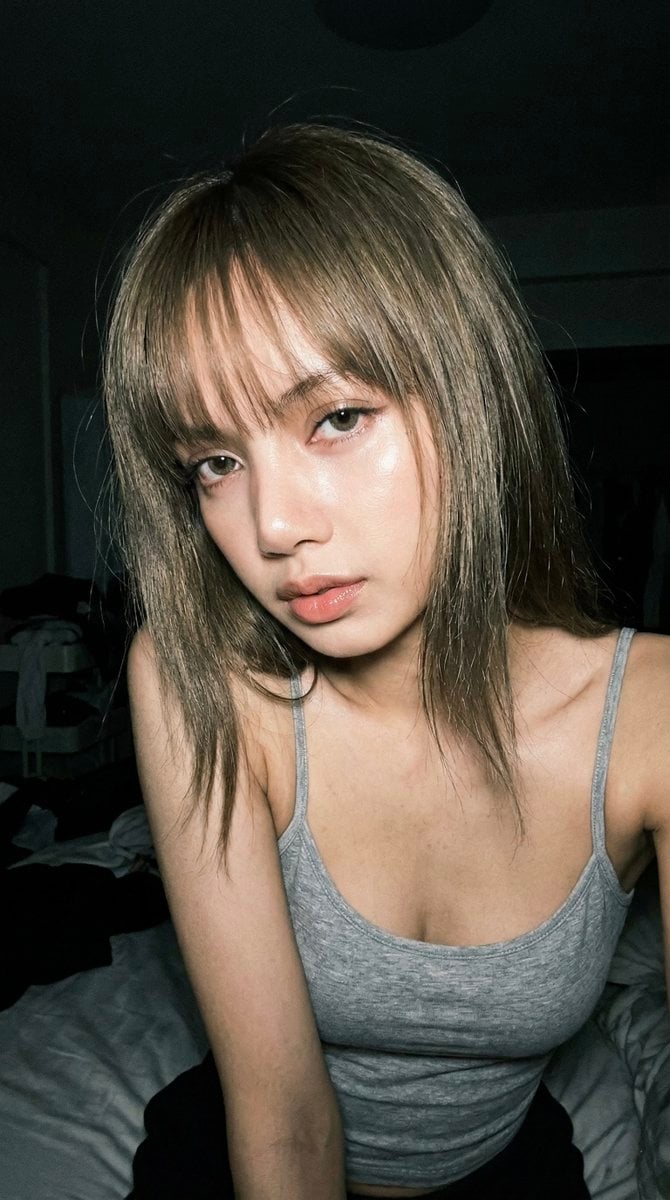
Late Night Raw iPhone Flash Selfie
Make it yours
Raw High-Contrast Mirror Selfie (iPhone Ultra-Wide) works as-is. These are the safest ways to change it without losing the look.
Change one field
Copy a single group, rewrite it, and generate again so you can see what that field is doing.
Keep the frame, change the subject
Hold the composition and light of Raw High-Contrast Mirror Selfie (iPhone Ultra-Wide), then swap wardrobe, props or the person for a new take.
| If the result… | Why | Fix |
|---|---|---|
| The result drifts from the preview | Too many fields changed at once. | Reuse Raw High-Contrast Mirror Selfie (iPhone Ultra-Wide) as-is first, then change one group — subject, light, or setting. |
| The model over-stylizes the scene | The prose prompt leaves finish and camera underspecified. | Add one camera or lighting sentence and stay on Nano Banana 2. |
More Nano Banana 2 templates
Other prompts made for Nano Banana 2.

Photorealistic Leaf Shaped Like a Dragon

K-Pop Idol Portrait Grid for Rapid Selection

Poetic Rain Forest Portrait During Golden Hour

Urban Street Portrait with Cartoon Inner Self Duo

Candid Nighttime Photo with Cat Prompt

High-Concept 3D Diorama Generation Prompt

Cinematic Futuristic Studio Portrait Template

Skincare Editorial Photography Collage Prompt

Hyper-Realistic Commercial Product Photography (Splash Effect)

Hyper-Realistic Nightclub Portrait Prompt
More image prompts
Fresh picks from across the catalog.
System Prompt for Nano Banana Pro Image Prompt Deconstruction
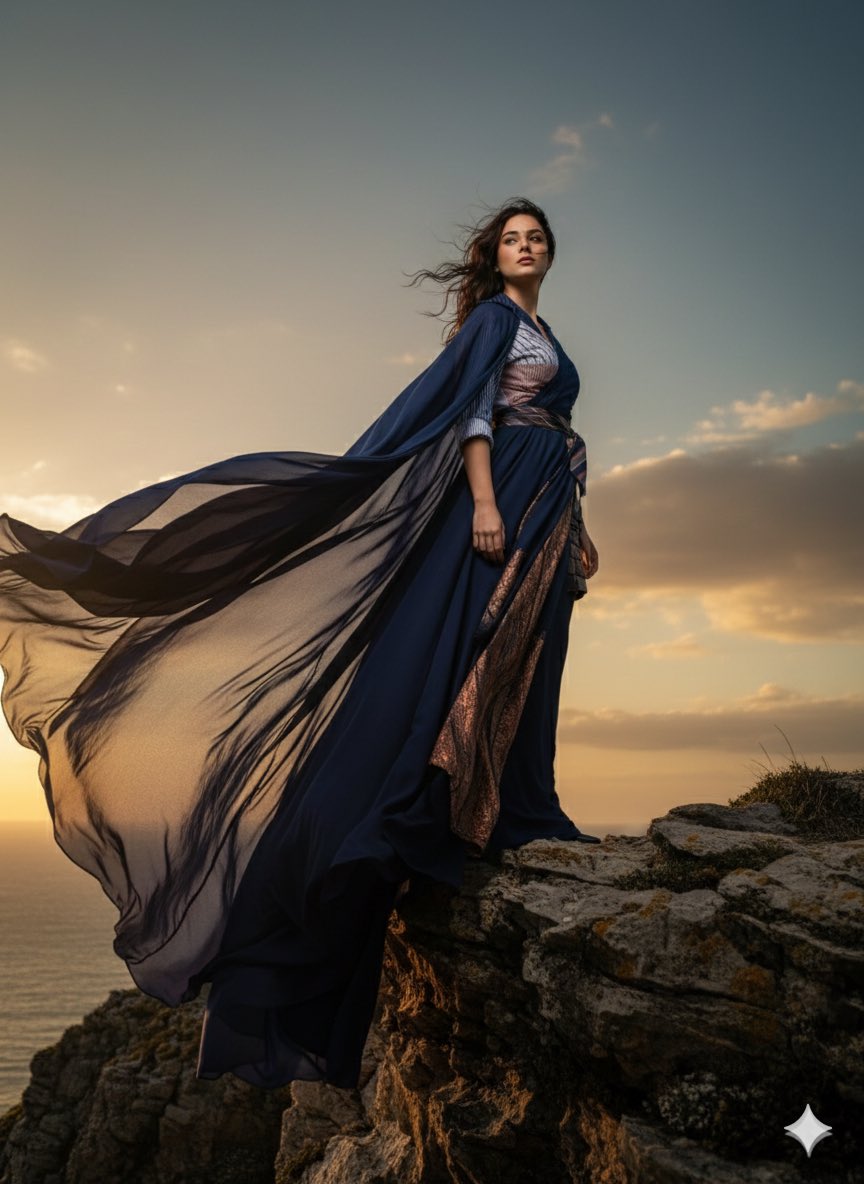
High-Fashion Cinematic Portrait Emphasizing Motion
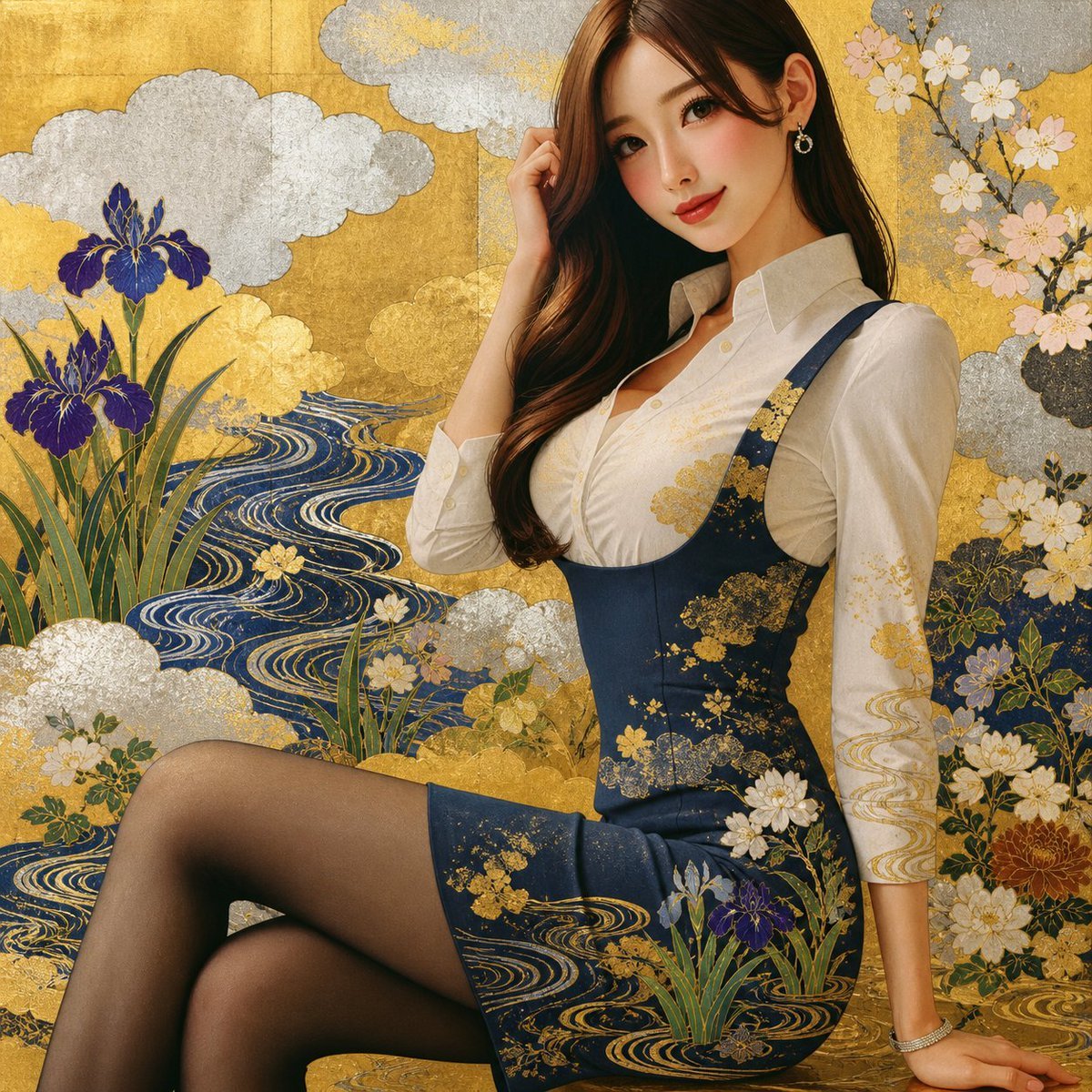
Rinpa Gold Screen Portrait

Japanese Folk Art Prompt
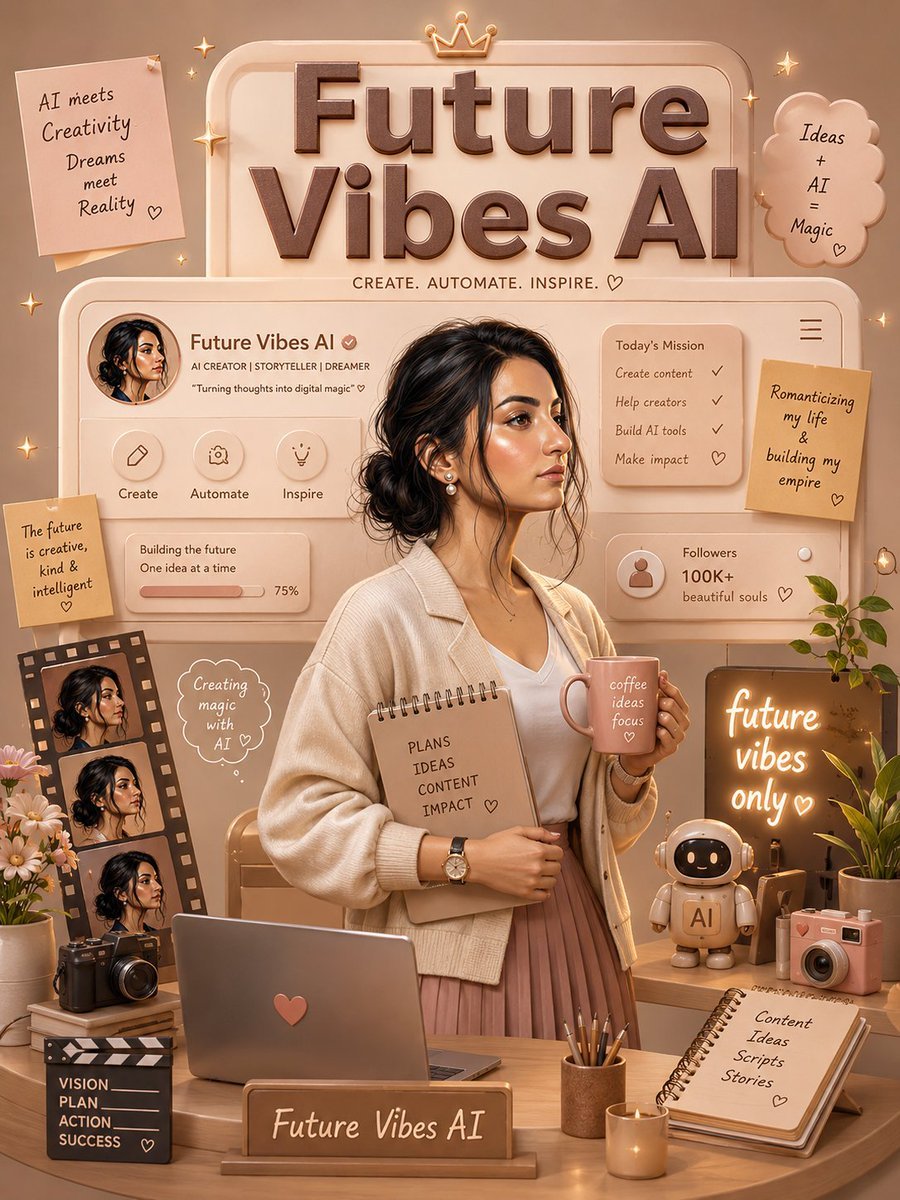
3D Luxury Creator Workspace Poster
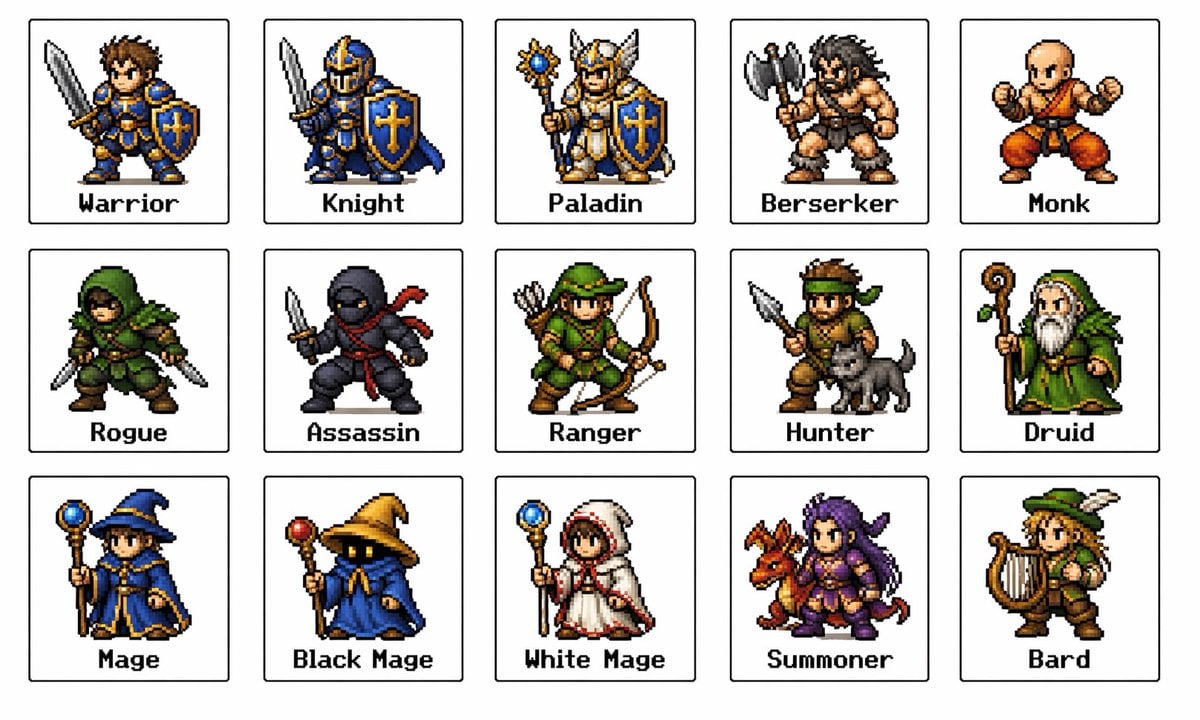
Retro Fantasy Class Sprite Grid
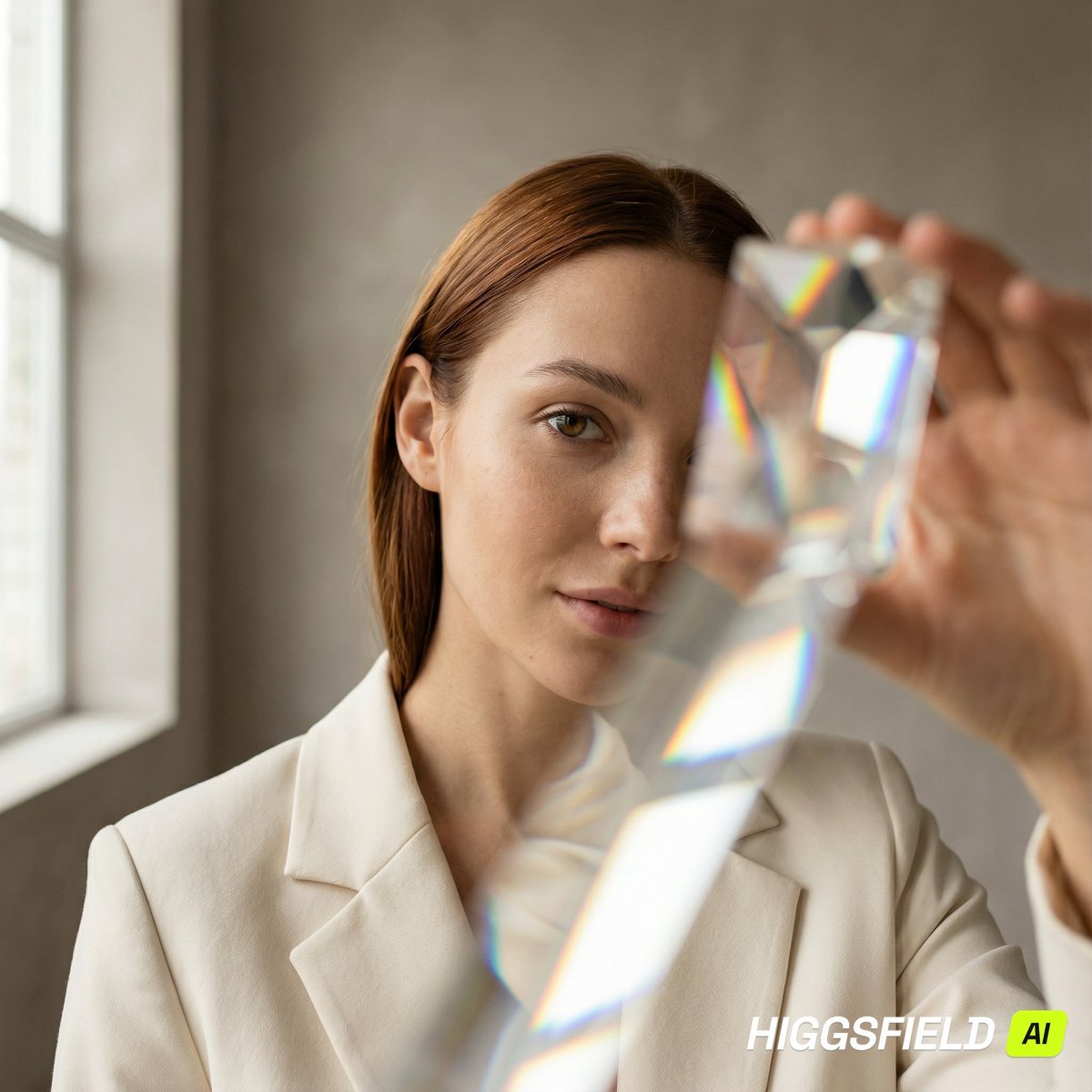
Prism Refraction Editorial Close-Up Prompt

Gothic Alice Tea Party Poster
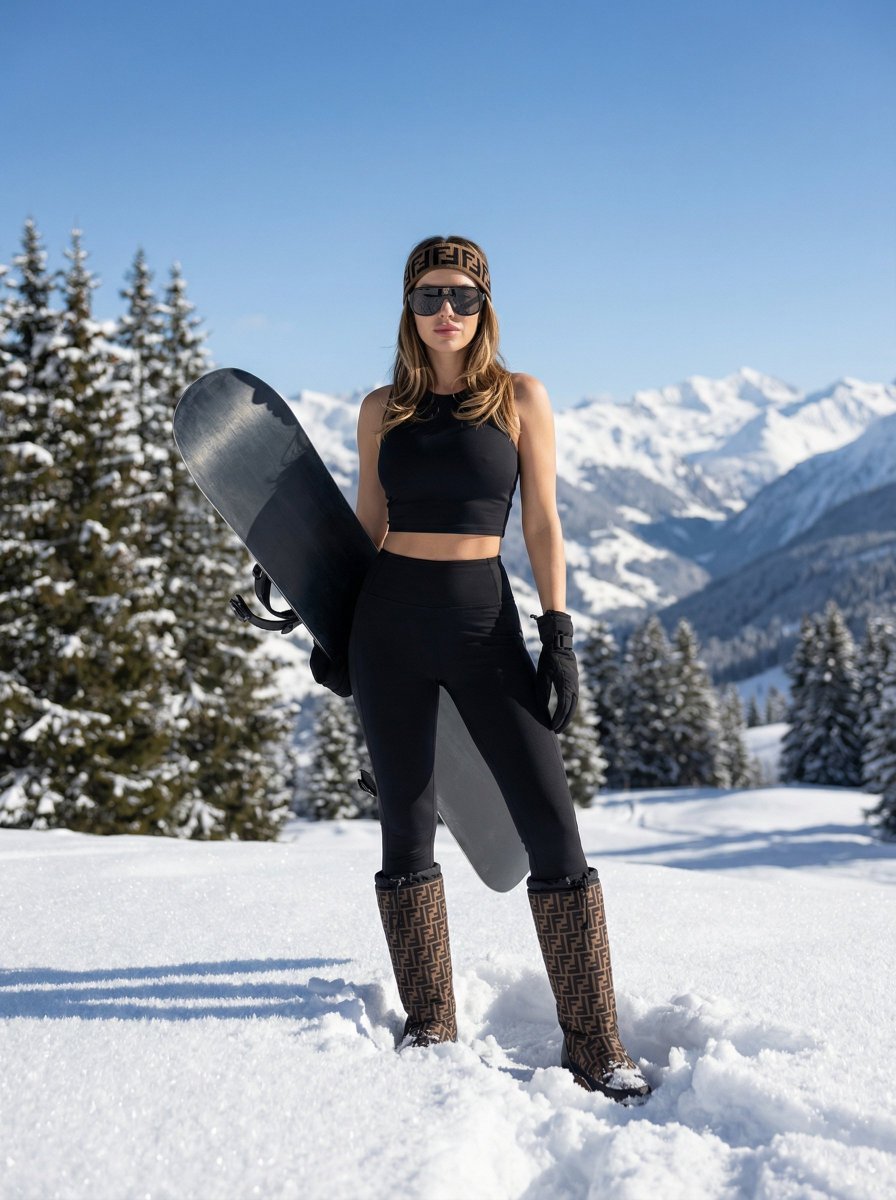
High-End Sporty Fashion Editorial Skiing
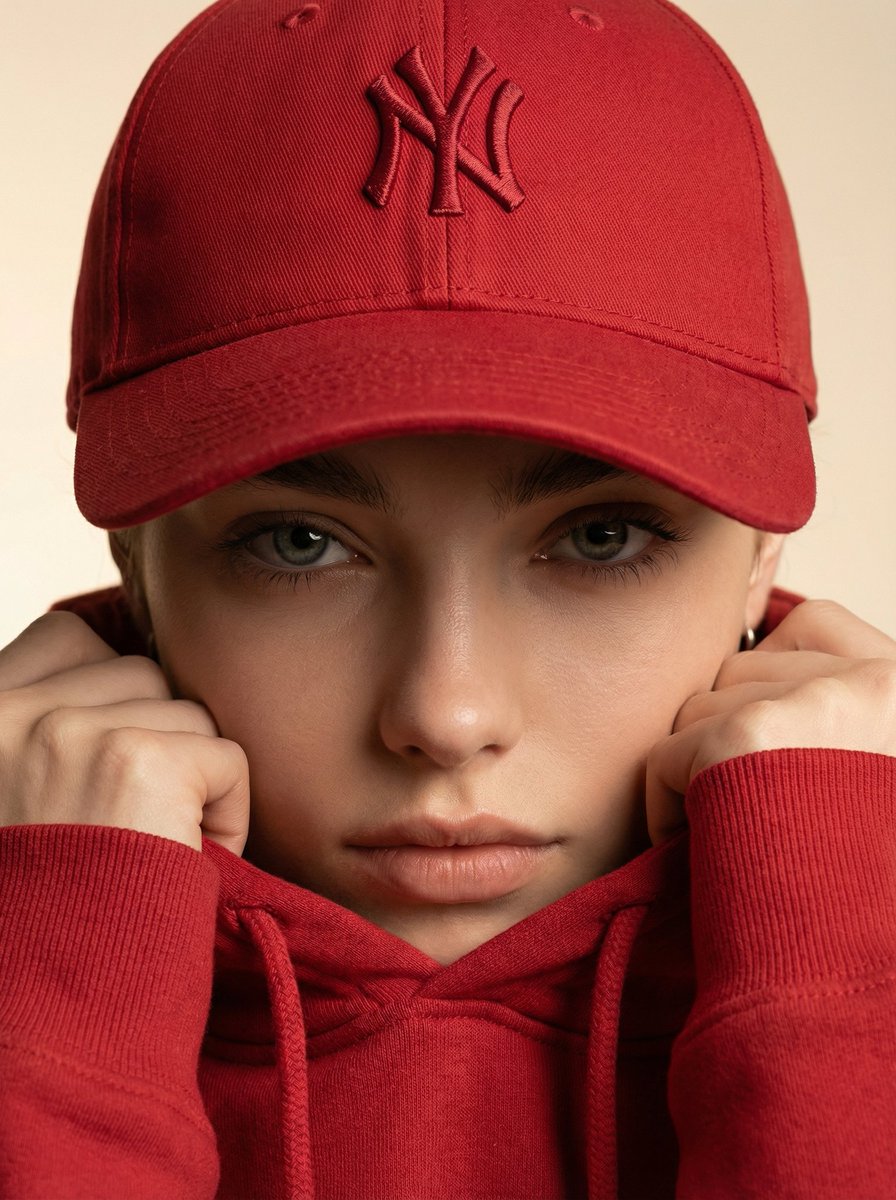
Ultra-Realistic Fashion Beauty Crop
Browse template categories
Raw High-Contrast Mirror Selfie (iPhone Ultra-Wide) questions
How do I use the Raw High-Contrast Mirror Selfie (iPhone Ultra-Wide) template?
Add your photo if the template asks for one, edit the prompt if you like — the template's model and format are already selected — and press Generate. Your version opens in PicX Studio.
Can I customize the Raw High-Contrast Mirror Selfie (iPhone Ultra-Wide) template?
Yes. You can change the subject, setting, lighting, mood, format, and available model controls before creating your image.
Is the Raw High-Contrast Mirror Selfie (iPhone Ultra-Wide) template free?
Opening and editing this template is free. Generating uses credits, shown on the Generate button when you are signed in.
Which AI model should I use?
Start with Nano Banana 2, which is the model associated with this template. You can compare another compatible model for a different finish.
Looking for something else? Browse all templates.

Your photo, any look
Thousands of ready templates for every top image and video model, from one credit balance.