
High-End Sporty Fashion Editorial Skiing
A detailed JSON prompt for generating a high-end sporty fashion editorial photograph of a confident woman (based on a reference image) in black athletic wear and Fendi accessories, carrying a snowboard in a snow-covered…
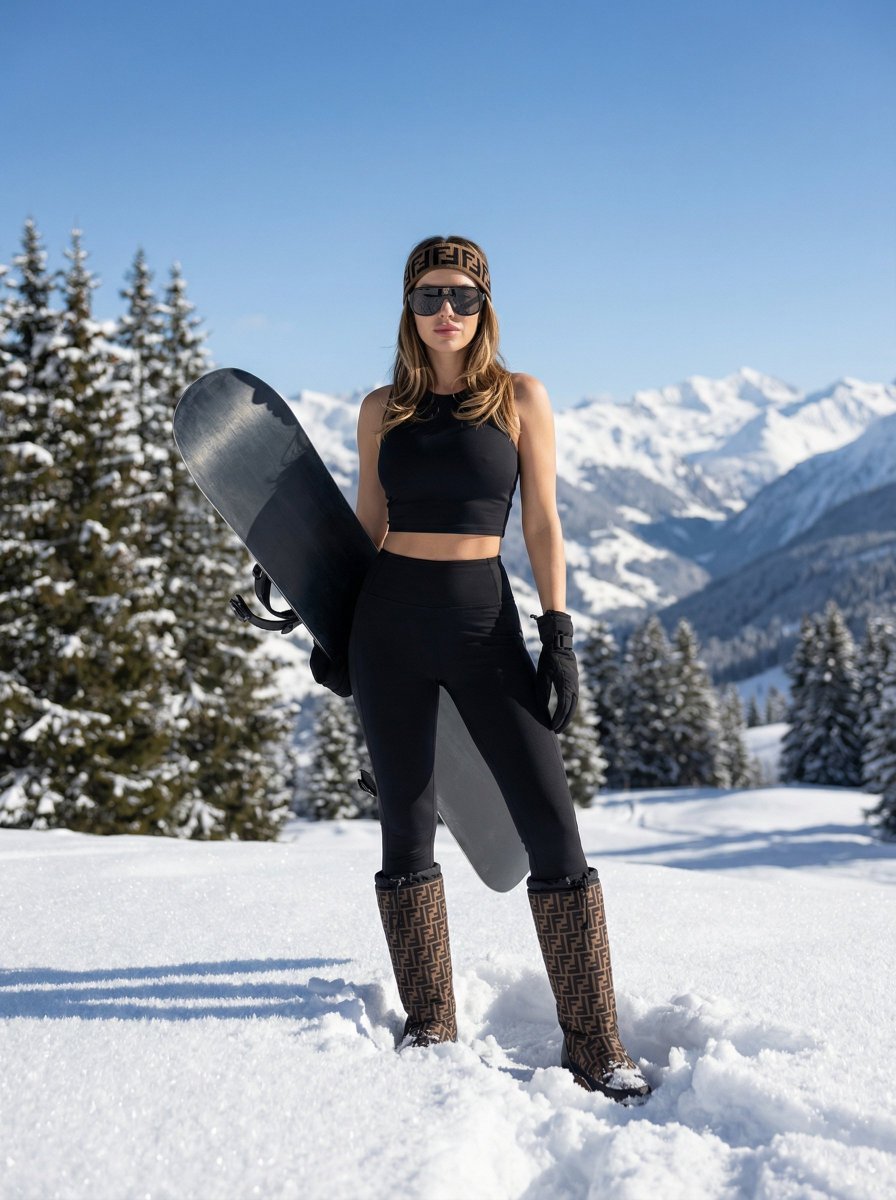
- Prompt included
- Model and format preset
- Free template
The prompt behind this image
Copy the exact prompt behind High-End Sporty Fashion Editorial Skiing, or open it in the studio and make it yours.
{ "subject": { "identity": "Reference-based female", "description": "A confident woman in snowy alpine mountains, carrying a snowboard resting diagonally on her shoulder. Face and hair color should match the reference image, with all other features as described.", "appearance": { "hair": "Color and style from reference image (placeholder)", "skin": "Fair, natural texture", "body_type": "Athletic yet feminine physique", "face": "Facial features based on reference image", "expression": "Confidence, calm strength, poised elegance" }, "emotion": "Confident, composed, powerful elegance" }, "composition": { "framing": "Full-body shot", "camera_angle": "Slightly low-angle perspective", "lens": "Wide-angle lens", "composition_style": "Centered composition", "pose": "Stable, grounded, confident stance", "dynamic_elements": "Snowboard positioned diagonally to introduce visual tension and dynamism" }, "environment": { "location": "Snow-covered alpine mountain landscape", "foreground": "Woman, snowboard, fresh snow with clearly visible crystalline texture", "background": "Snowy pine trees, mountain slopes, distant snow-covered hills, clean blue sky", "depth_of_field": "Medium depth of field, subject sharply in focus, background gently softened" }, "lighting": { "type": "Natural daylight", "conditions": "Bright sunny winter weather", "shadows": "Soft, natural shadows", "highlights": "Clean, crisp highlights reflecting off snow" }, "wardrobe_and_accessories": { "top": "Black cropped, form-fitting athletic top emphasizing a sporty silhouette", "bottom": "Minimalist black athletic lower garment", "gloves": "Black gloves", "headwear": "Brown-and-black patterned {argument name="brand" default="Fendi"} headband", "footwear": "High winter boots featuring Fendi pattern detailing", "eyewear": "Large dark luxury sunglasses", "equipment": "Dark snowboard with contrasting bindings" }, "materials_and_textures": { "clothing": "Elastic performance fabric with clearly defined texture", "accessories": "Textile and fur elements in headband and boots", "snow": "Highly detailed crystalline snow structure", "snowboard": "Composite and wood materials with subtle matte finish", "bindings_and_glasses": "Plastic and metal components with realistic reflections" }, "color_and_grading": { "palette": "Cold, natural winter color palette", "contrast": "Soft, balanced contrast", "sharpness": "High clarity without aggressive sharpening", "retouching": "Minimal, realistic fashion retouching preserving natural skin texture" }, "style_and_mood": { "genre": "High-end sporty fashion editorial photography", "aesthetic": "Modern winter luxury", "mood": "Confidence, strength, refined femininity, visua" } }
How to use High-End Sporty Fashion Editorial Skiing in 3 steps
- 1Upload ImagePNG, JPG or paste
Add your photo
Upload the photo the template builds on. The prompt, model and format are already set.
- 2…a portrait of your subject in softgolden-hour light, 85mm…
Personalize
Edit the subject and creative details for your destination.
- 3Generate
Generate
Press Generate — your image is created in PicX Studio, so you can compare it with the original and refine one variable at a time.
More like this
Templates with the same subject, style or setup. Open one to see its prompt.

Blue Backdrop Luxury Fashion Portrait Campaign

Premium Editorial Branding Poster Charcoal Green

Typography Mask Editorial Fashion Poster

Luxury Black-and-White Fashion Contact Sheet

untitled

Google Gemini Nano Banana Pro

Conceptual Fashion Portrait in Spider We

01 Skincare Split Portrait — Nano Banana 2

24 The Getty Center — California Series

21 Glass Floor Skyscraper — California Series

19 Luxury Helicopter Travel — California Series

08 Rodeo Drive Luxury Exit — California Series
Make it yours
High-End Sporty Fashion Editorial Skiing works as-is. These are the safest ways to change it without losing the look.
Change one field
Copy a single group, rewrite it, and generate again so you can see what that field is doing.
Keep the frame, change the subject
Hold the composition and light of High-End Sporty Fashion Editorial Skiing, then swap wardrobe, props or the person for a new take.
| If the result… | Why | Fix |
|---|---|---|
| The result drifts from the preview | Too many fields changed at once. | Reuse High-End Sporty Fashion Editorial Skiing as-is first, then change one group — subject, light, or setting. |
| The model over-stylizes the scene | The prose prompt leaves finish and camera underspecified. | Add one camera or lighting sentence and stay on Nano Banana 2. |
More Nano Banana 2 templates
Other prompts made for Nano Banana 2.

Photorealistic Leaf Shaped Like a Dragon

K-Pop Idol Portrait Grid for Rapid Selection

Poetic Rain Forest Portrait During Golden Hour

Urban Street Portrait with Cartoon Inner Self Duo

Candid Nighttime Photo with Cat Prompt

High-Concept 3D Diorama Generation Prompt

Cinematic Futuristic Studio Portrait Template

Skincare Editorial Photography Collage Prompt

Hyper-Realistic Commercial Product Photography (Splash Effect)

Hyper-Realistic Nightclub Portrait Prompt
More image prompts
Fresh picks from across the catalog.
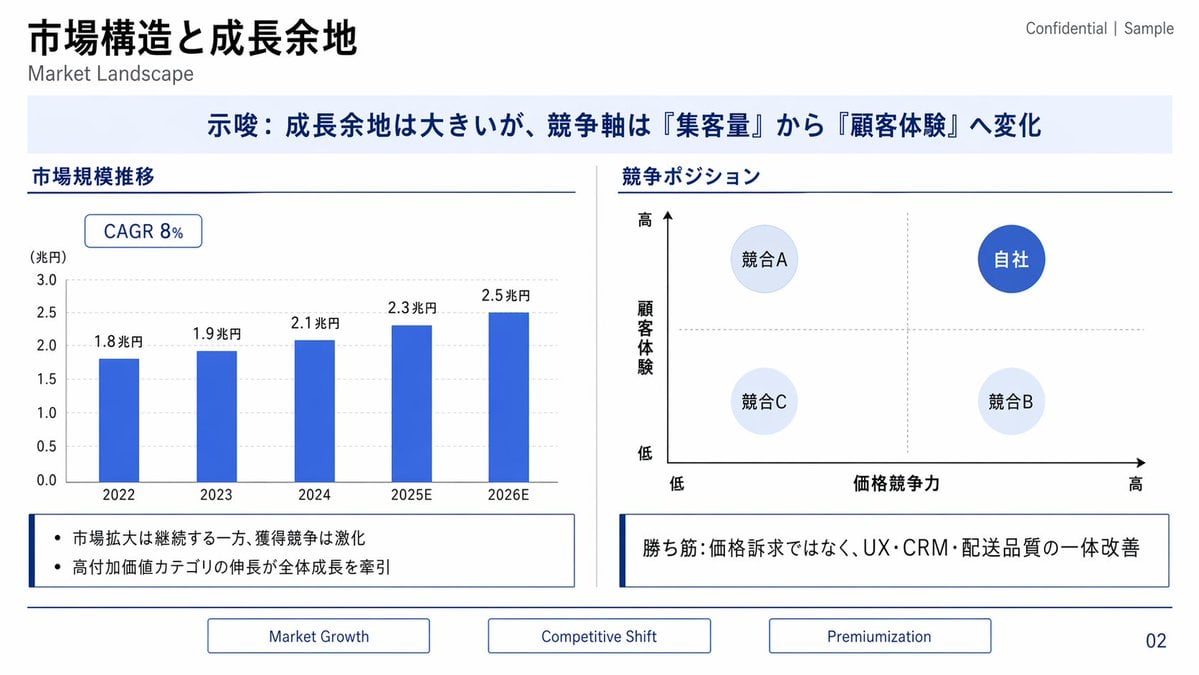
Japanese Market Landscape Slide
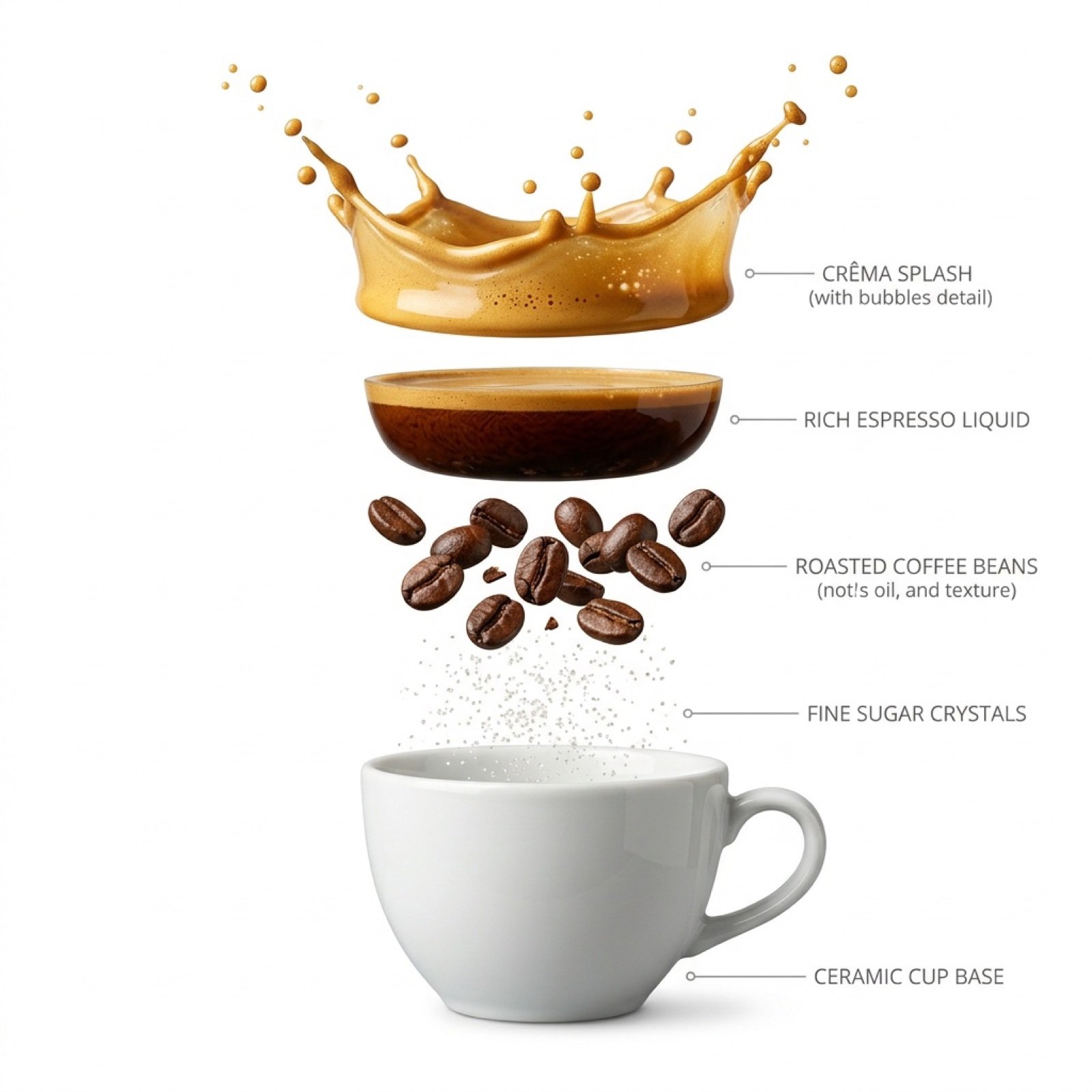
Hyper-Realistic Exploded Infographic of Morning Coffee
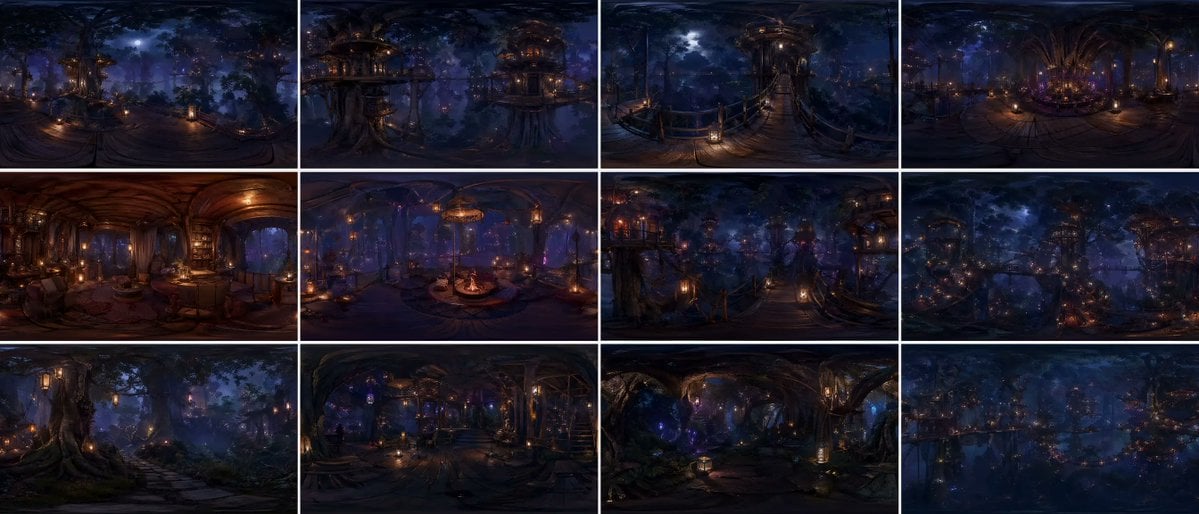
Degree Forest World Panorama Grid
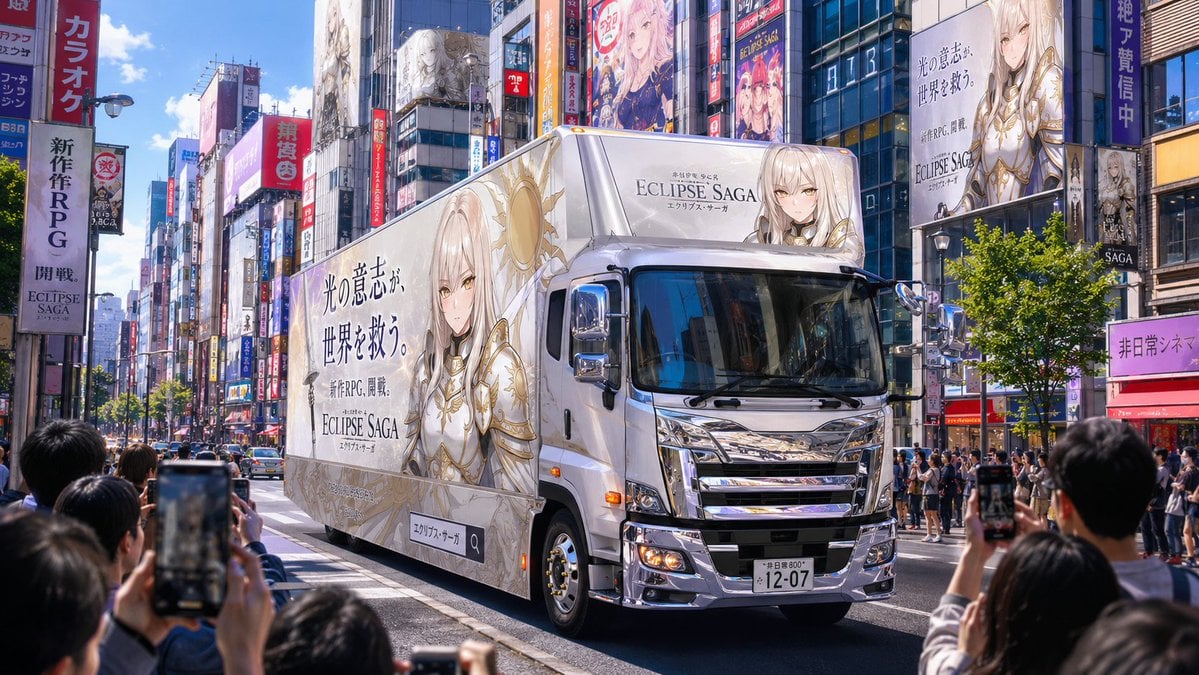
Fantasy RPG Ad Truck in Tokyo District
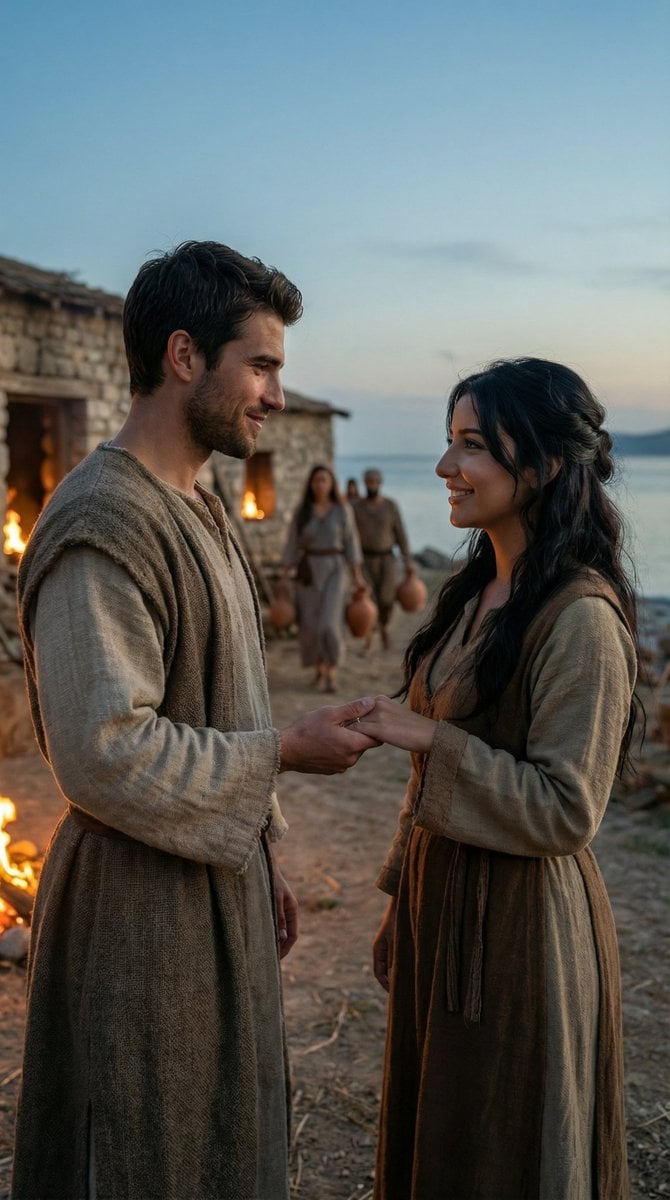
Cinematic Historical Love Story Scene Prompt
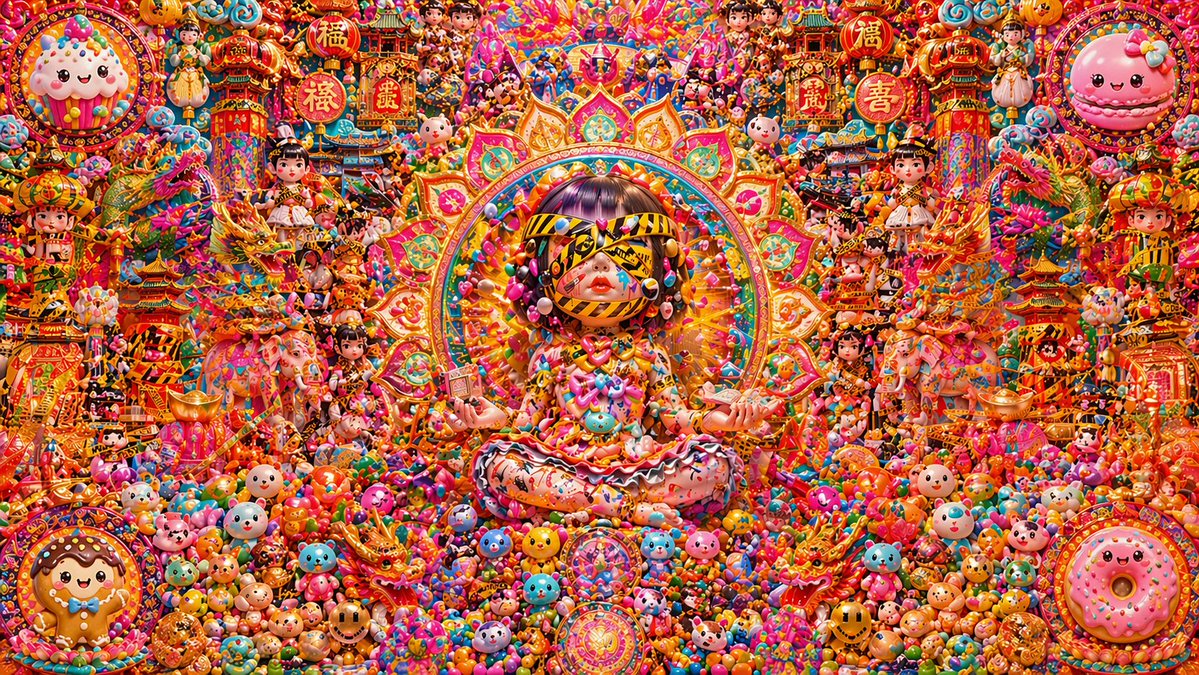
Candy Lunar New Year Shrine
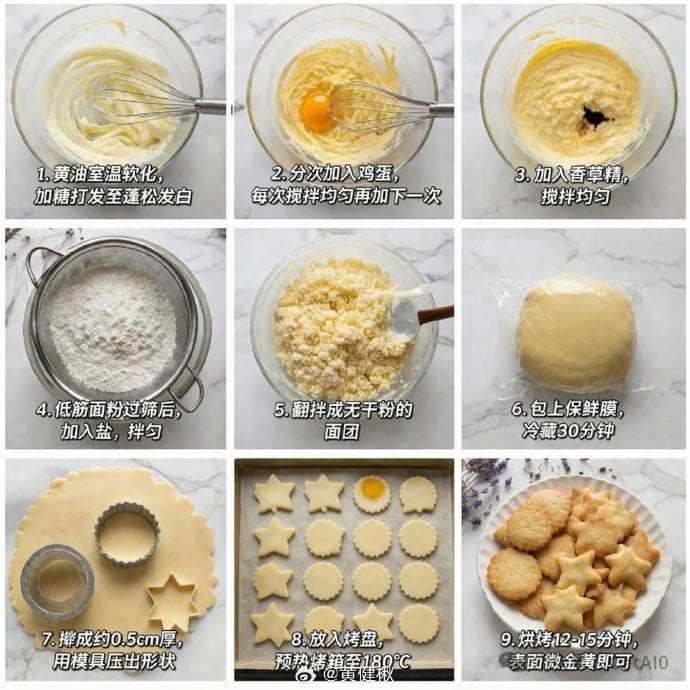
Panel Cookie Baking Tutorial Grid
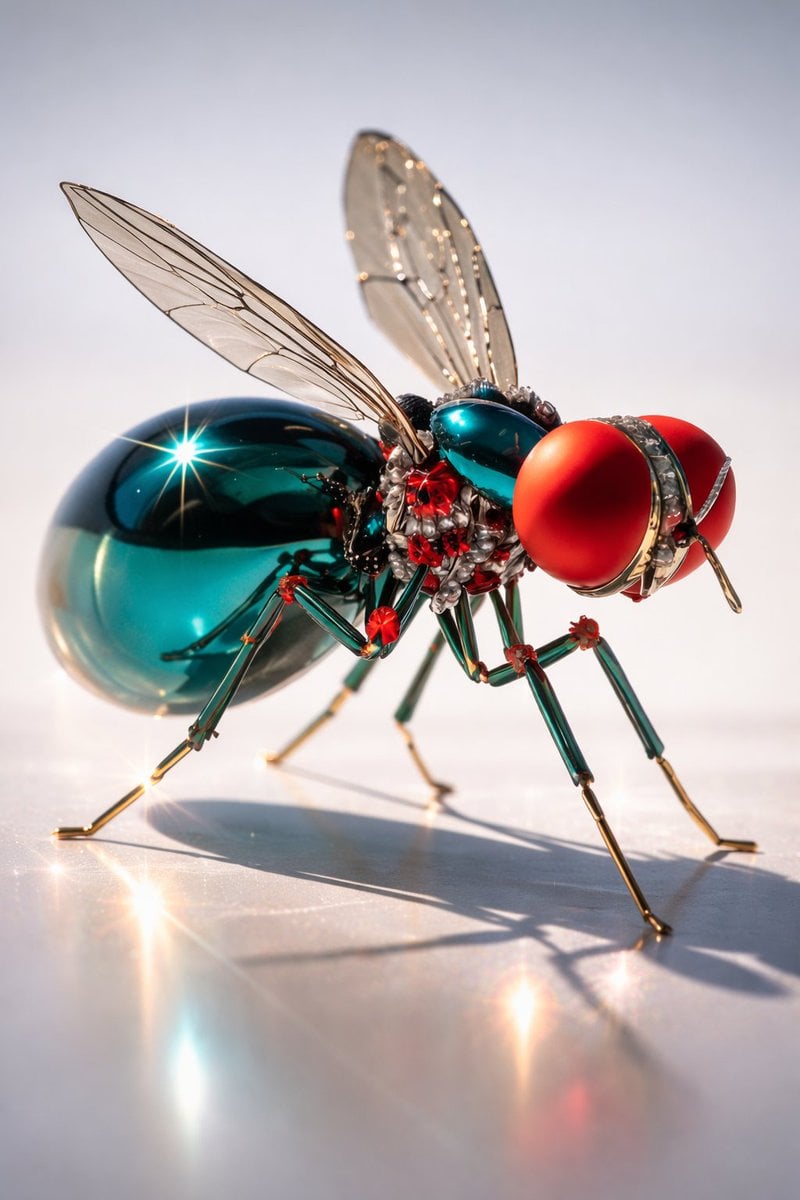
Macro Realism of Mechanical and Gemstone Insects
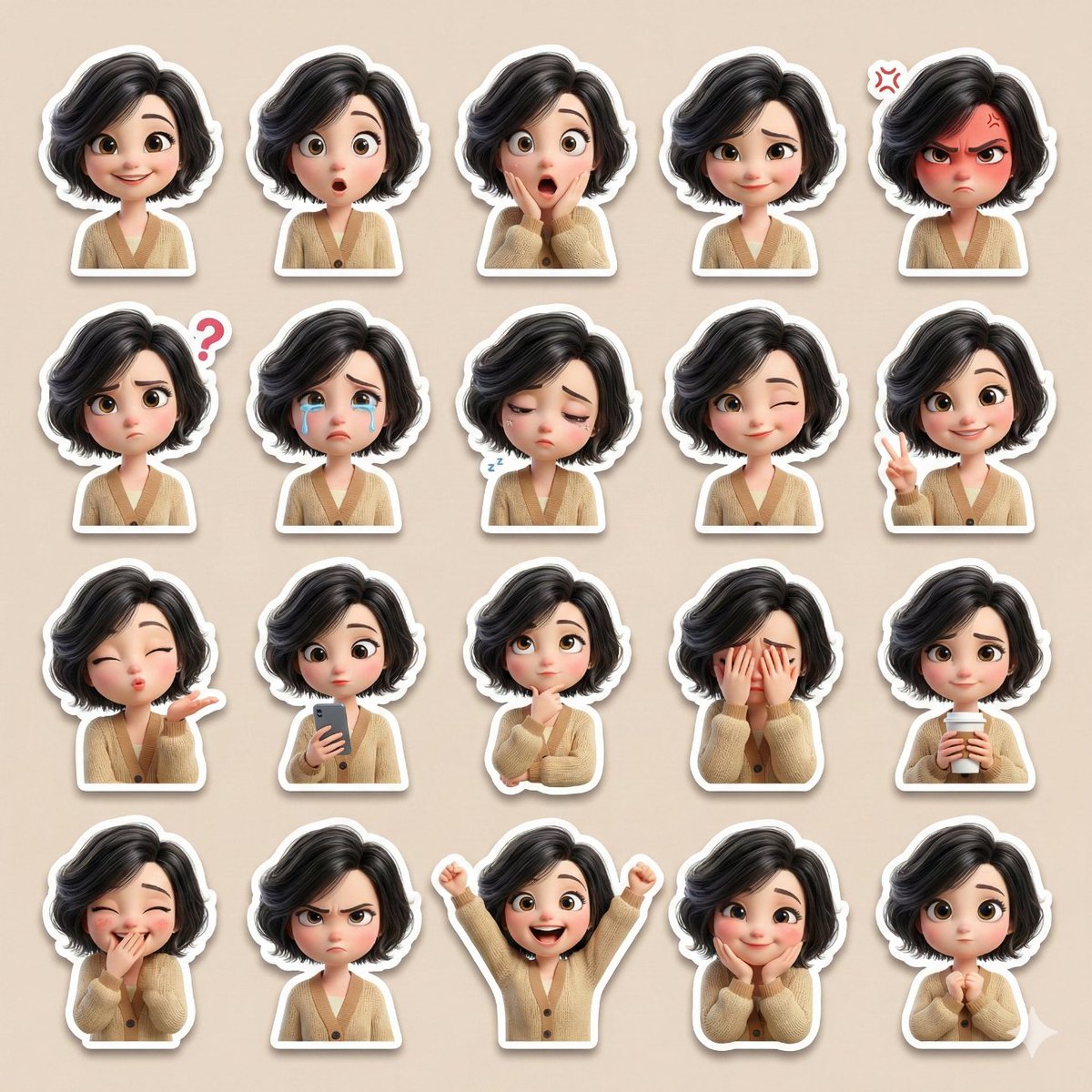
3D Pixar-Style Sticker Pack Generation from Reference Image
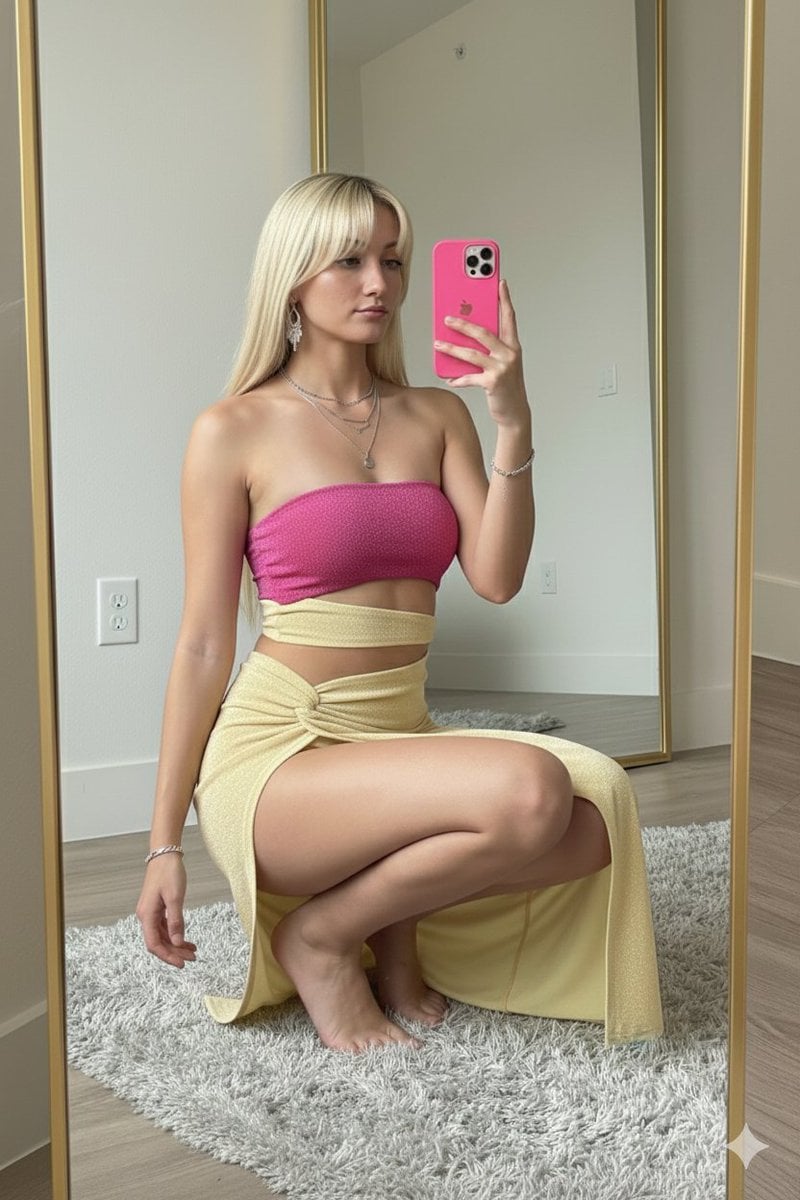
High-Fashion Mirror Selfie in Pink Shimmer Set
Browse template categories
High-End Sporty Fashion Editorial Skiing questions
How do I use the High-End Sporty Fashion Editorial Skiing template?
Add your photo if the template asks for one, edit the prompt if you like — the template's model and format are already selected — and press Generate. Your version opens in PicX Studio.
Can I customize the High-End Sporty Fashion Editorial Skiing template?
Yes. You can change the subject, setting, lighting, mood, format, and available model controls before creating your image.
Is the High-End Sporty Fashion Editorial Skiing template free?
Opening and editing this template is free. Generating uses credits, shown on the Generate button when you are signed in.
Which AI model should I use?
Start with Nano Banana 2, which is the model associated with this template. You can compare another compatible model for a different finish.
Looking for something else? Browse all templates.

Your photo, any look
Thousands of ready templates for every top image and video model, from one credit balance.