
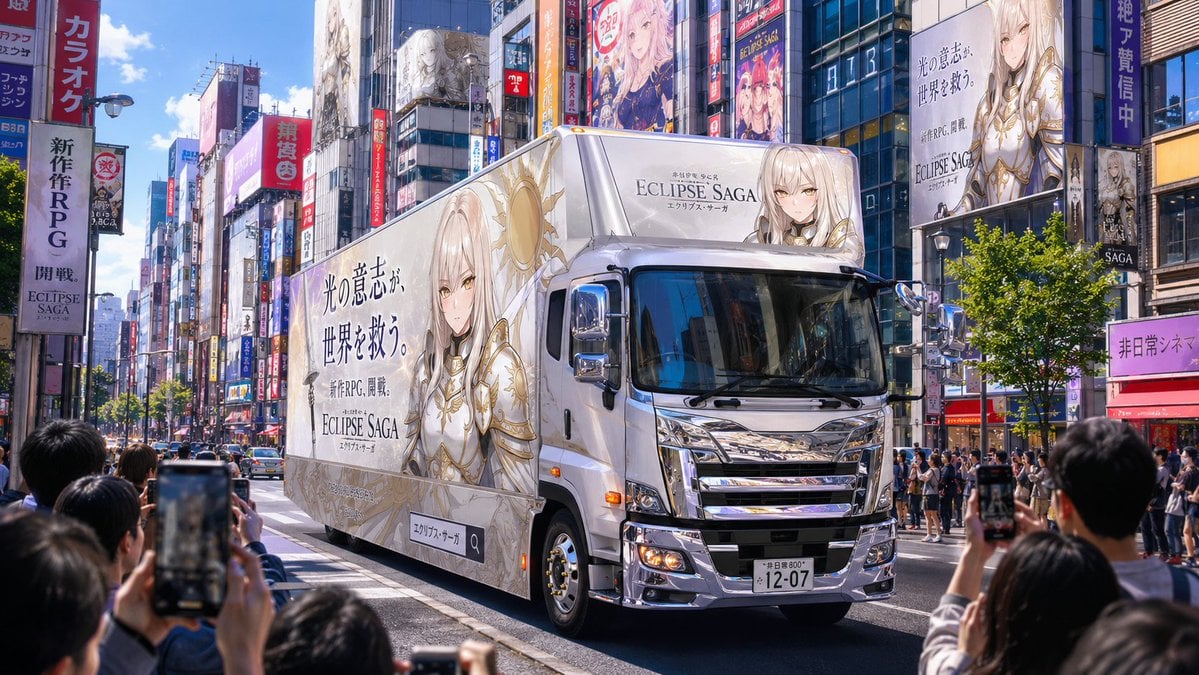
Fantasy RPG Ad Truck in Tokyo District
A photorealistic prompt for generating a Japanese city street scene centered on an anime fantasy RPG advertising truck being filmed by pedestrians.
- Prompt included
- Model and format preset
- Free template
The prompt behind this image
Copy the exact prompt behind Fantasy RPG Ad Truck in Tokyo District, or open it in the studio and make it yours.
Create a photorealistic 16:9 daytime street scene in a fictional Japanese entertainment district inspired by Akihabara or Shinjuku, with a large advertising truck centered in the composition driving down a multi-lane road. The truck should be a glossy white modern box truck viewed from a front three-quarter angle, chrome grille and mirrors sparkling, realistic windshield reflections, visible headlights, license plate, tires, and road markings. The entire side and roof billboard of the truck advertise a newly released fantasy RPG called {argument name="game title" default="ECLIPSE SAGA"}, featuring {argument name="character description" default="an elegant blonde anime holy knight woman in white and gold armor with a radiant sun emblem"}. Include large Japanese ad copy on the truck side reading {argument name="main ad copy" default="光の意志が、世界を救う。"}, smaller launch text reading {argument name="launch text" default="新作RPG、開幕。"}, and the game title in refined serif lettering. Surround the road with tall commercial buildings packed with colorful vertical signs, anime billboards, game posters, storefront banners, glass façades, and LED screens; repeat the same fantasy character on several building ads in the background. Show a crowd of pedestrians on both sidewalks and in the foreground, with exactly 4 clearly visible people holding smartphones up to photograph or record the advertising truck: two blurred phones in the lower left foreground, one raised phone at lower center, and one raised phone at right foreground. Make the ad truck the sharp focal point while foreground spectators are slightly blurred for depth of field. Lighting is bright midday sun with blue sky, crisp shadows, vibrant but realistic colors, urban bustle, cinematic street photography, high detail, no real brands, no watermark, no extra vehicles blocking the truck.
How to use Fantasy RPG Ad Truck in Tokyo District in 3 steps
- 1Upload ImagePNG, JPG or paste
Add your photo
Upload the photo the template builds on. The prompt, model and format are already set.
- 2…a portrait of your subject in softgolden-hour light, 85mm…
Personalize
Edit the subject and creative details for your destination.
- 3Generate
Generate
Press Generate — your image is created in PicX Studio, so you can compare it with the original and refine one variable at a time.
More like this
Templates with the same subject, style or setup. Open one to see its prompt.
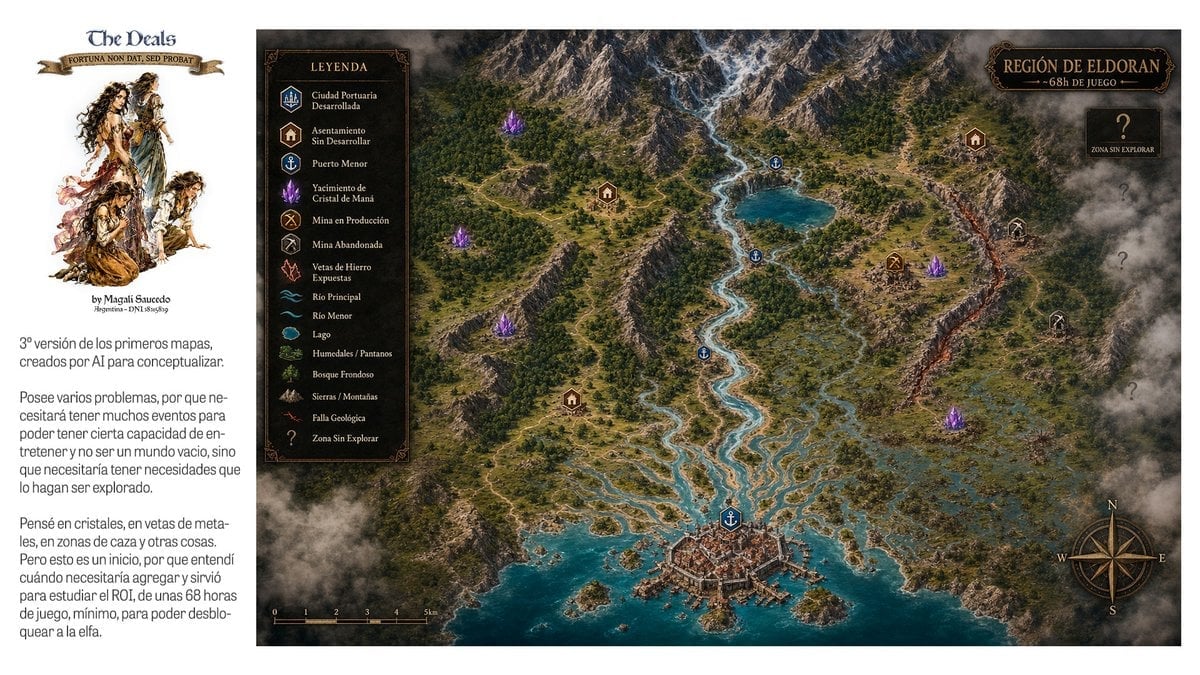
Fantasy RPG Region Map Sheet
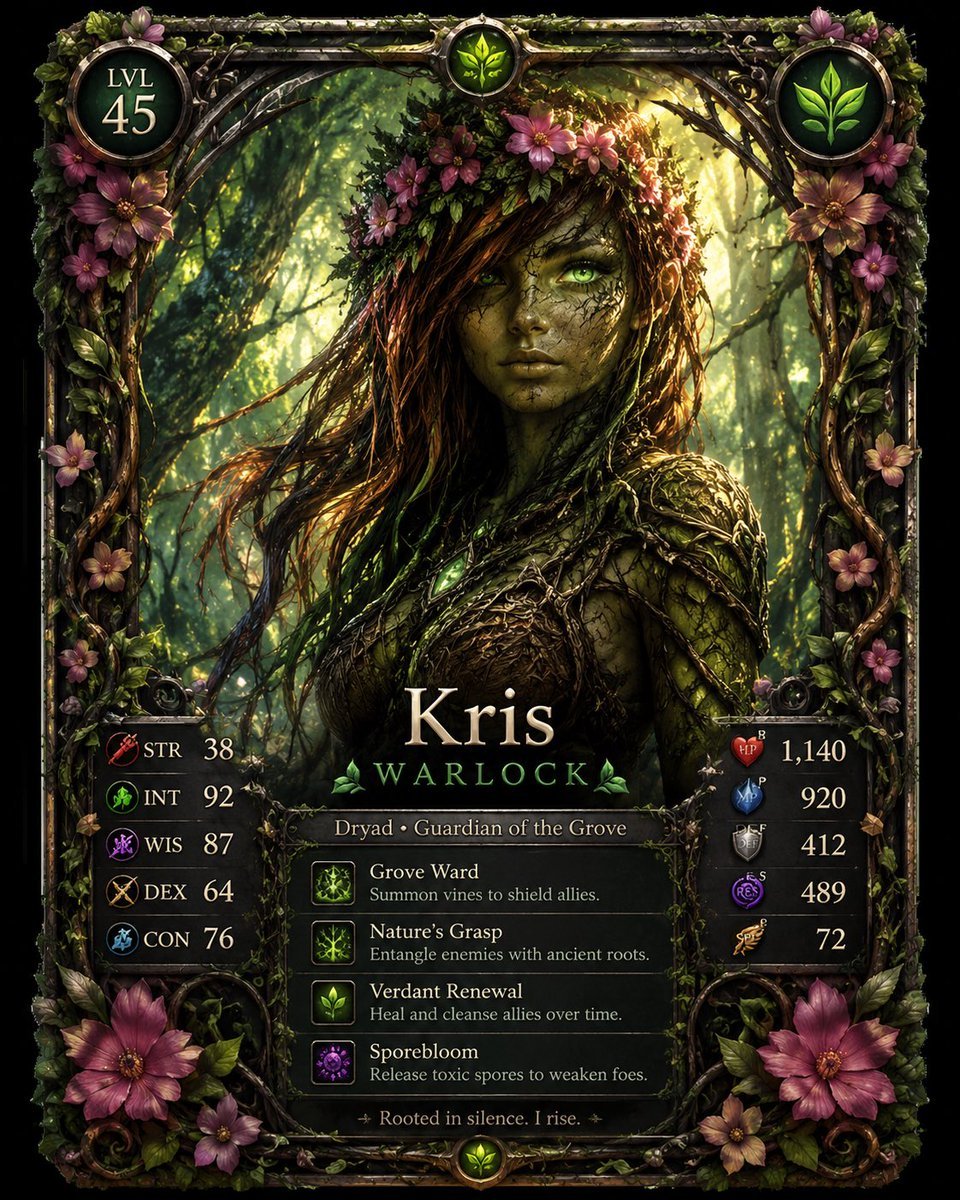
Fantasy Dryad RPG Character Card

Anime Fantasy Celestial Movie Poster
Anime Fantasy Celestial Movie Poster

Minecraft Fantasy Kingdom Voxel Landscape

Unfinished Sketch Comes Alive Portrait

Open Travel Journal Overhead Still Life

Tiny Woman Miniature Fantasy Macro Scene

JRPG Fantasy Title Logo Splash Screen
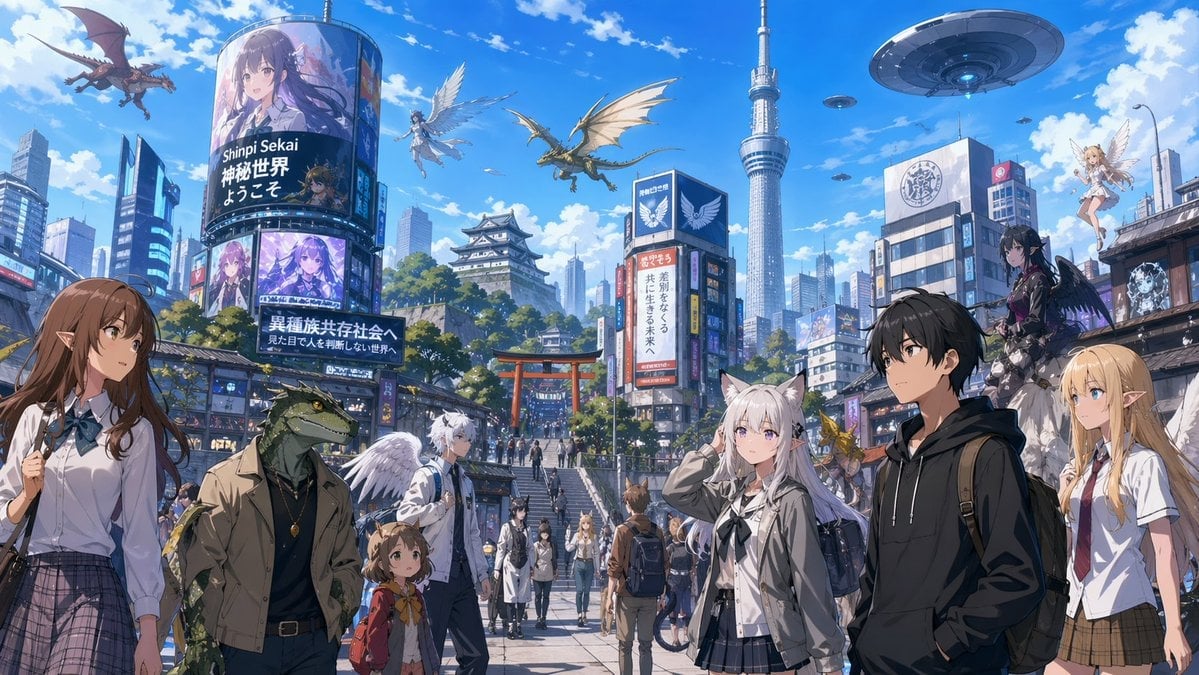
Fantasy Tokyo Coexistence Cityscape
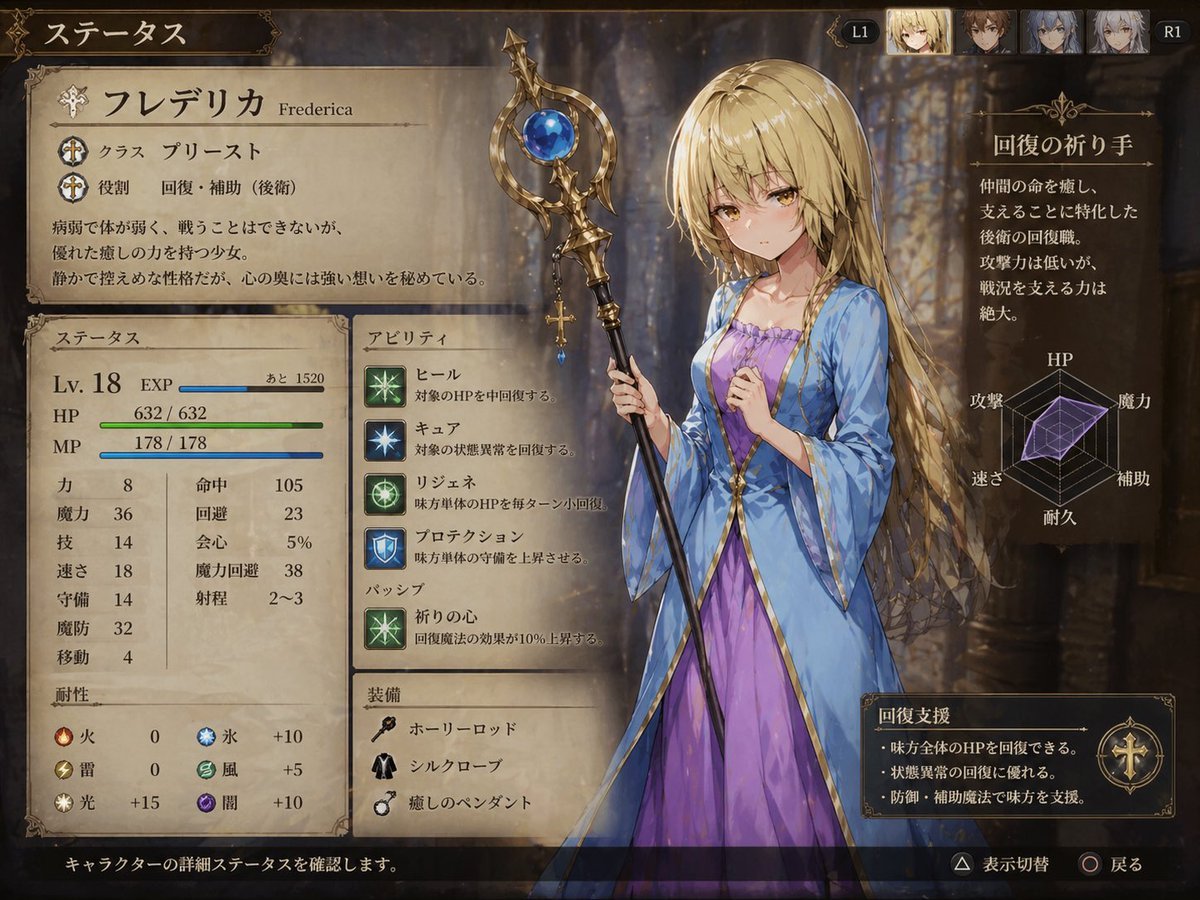
Fantasy JRPG Priest Status Screen
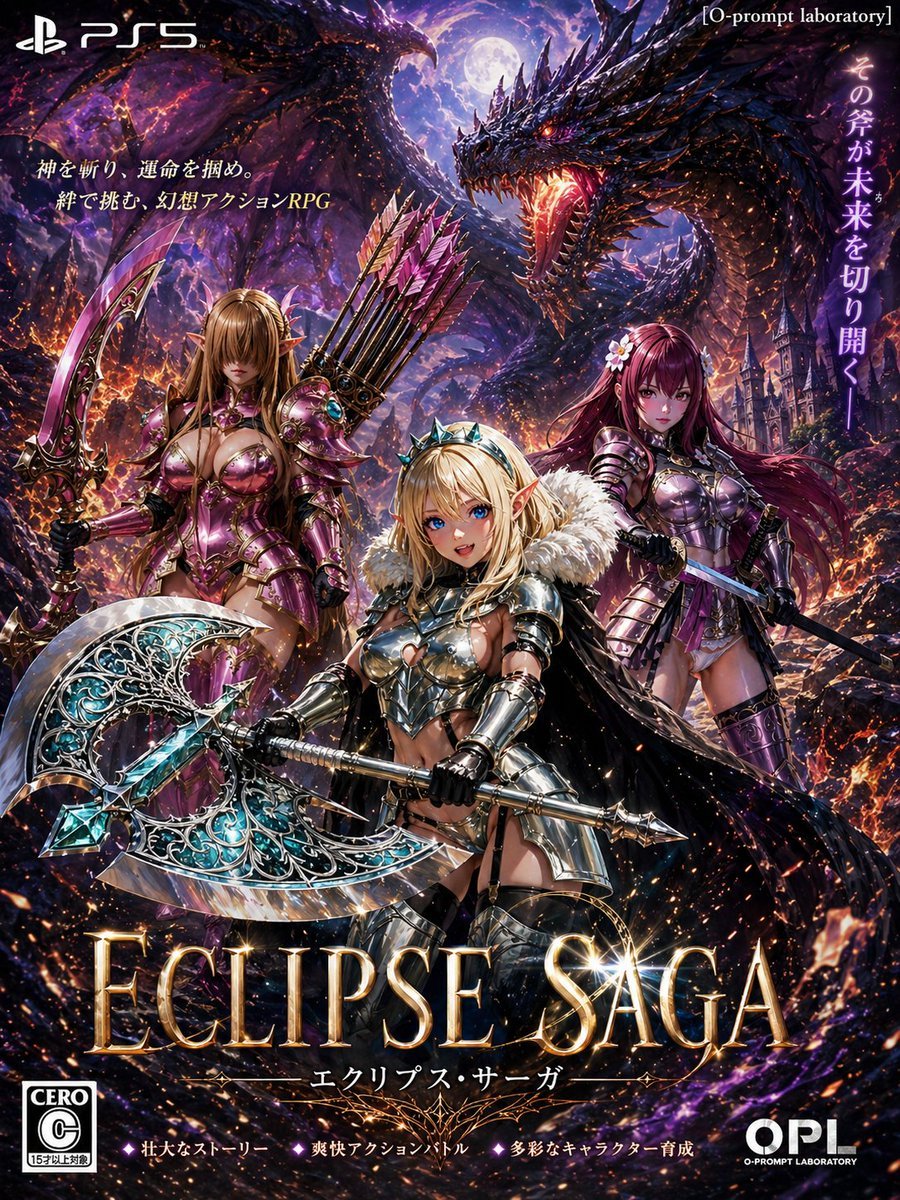
Dark Fantasy PS5 RPG Cover Art
Make it yours
Fantasy RPG Ad Truck in Tokyo District works as-is. These are the safest ways to change it without losing the look.
Change one field
Copy a single group, rewrite it, and generate again so you can see what that field is doing.
Keep the frame, change the subject
Hold the composition and light of Fantasy RPG Ad Truck in Tokyo District, then swap wardrobe, props or the person for a new take.
| If the result… | Why | Fix |
|---|---|---|
| The result drifts from the preview | Too many fields changed at once. | Reuse Fantasy RPG Ad Truck in Tokyo District as-is first, then change one group — subject, light, or setting. |
| The model over-stylizes the scene | The prose prompt leaves finish and camera underspecified. | Add one camera or lighting sentence and stay on GPT Image 2. |
More GPT Image 2 templates
Other prompts made for GPT Image 2.

Six VTuber Japanese Logo Sheet

Realistic Portrait of Woman and Deer

The Vista Modular Condo Poster

AI Model Routing Comparison Infographic

2.5D Anime Art Board

Isometric Productivity Desk Scene

New York Double Exposure Poster

Four-Panel AI Landscape Comparison

Japanese Tatami Lifestyle Magazine Cover

NESCAFÉ Coffee Map Poster
More image prompts
Fresh picks from across the catalog.
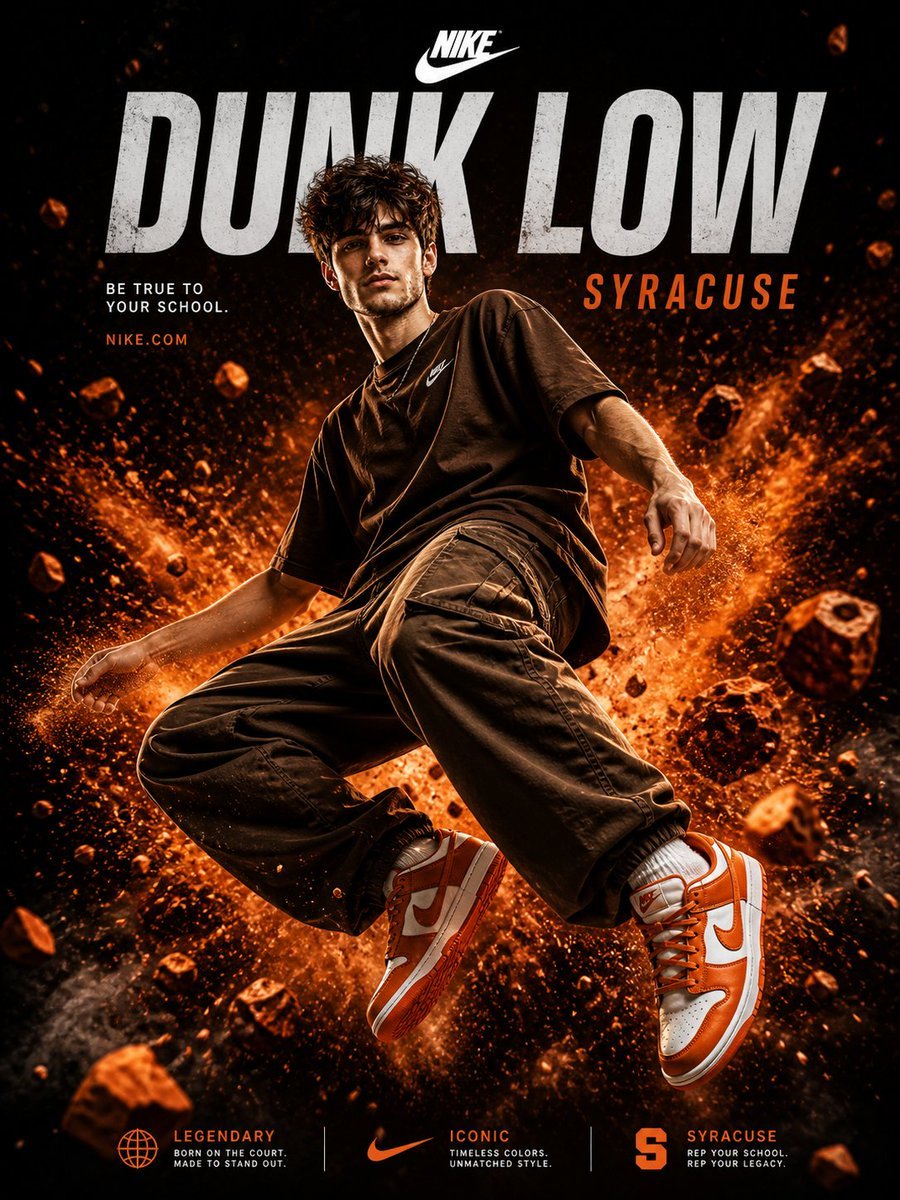
Nike Dunk Low Commercial Poster
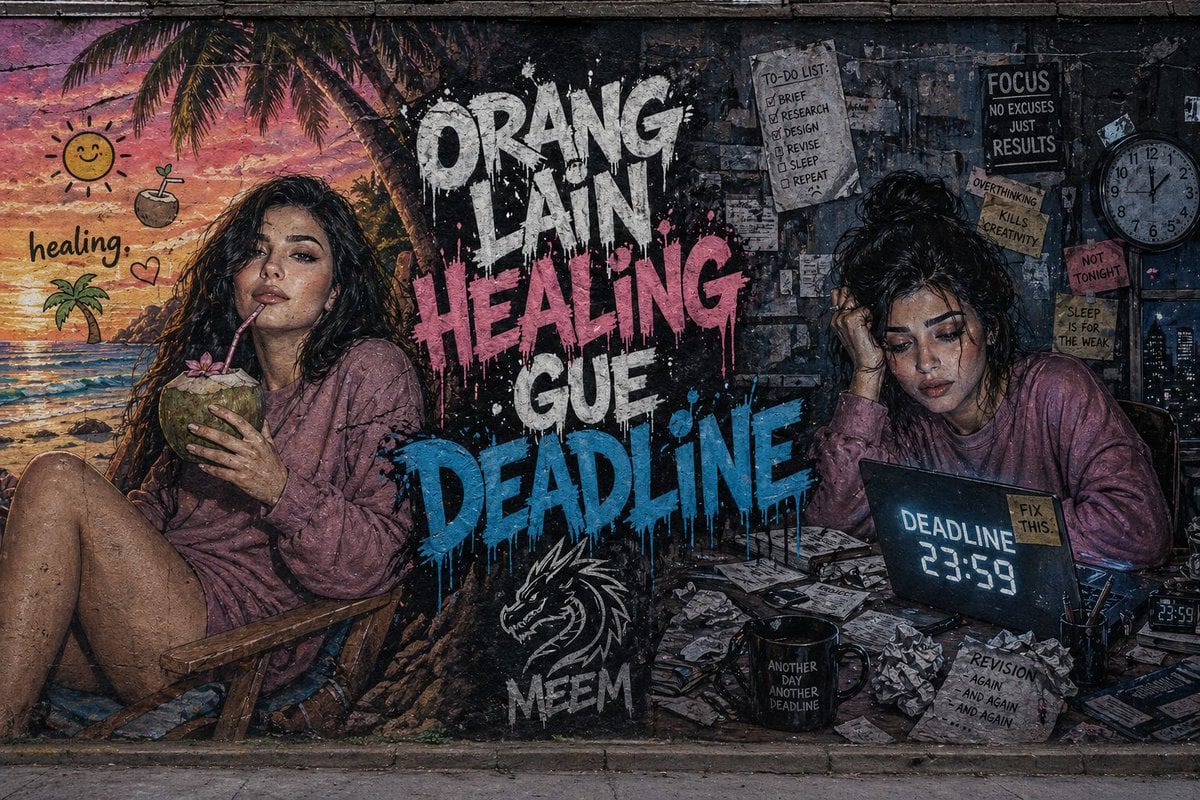
Dual-Concept Street Art Mural
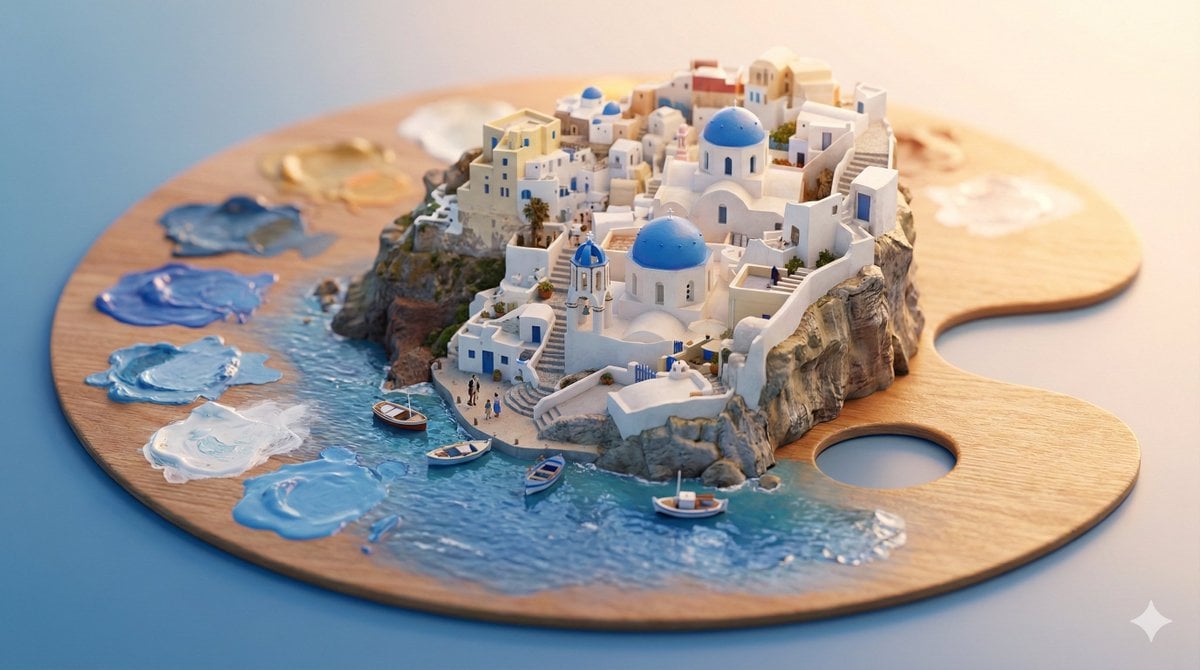
Object-Based Miniature City Diorama Prompt
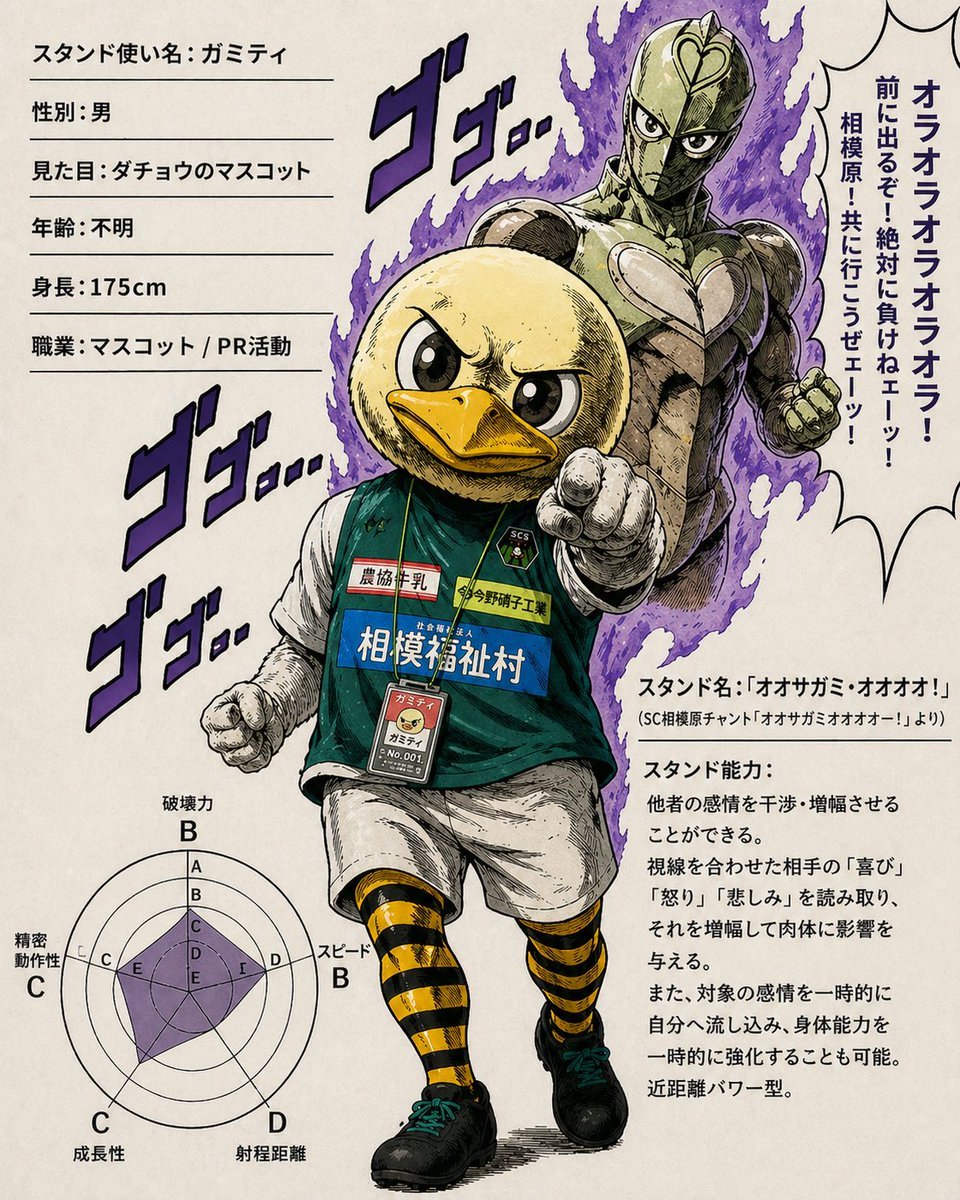
JoJo-Style Duck Mascot Stand Profile
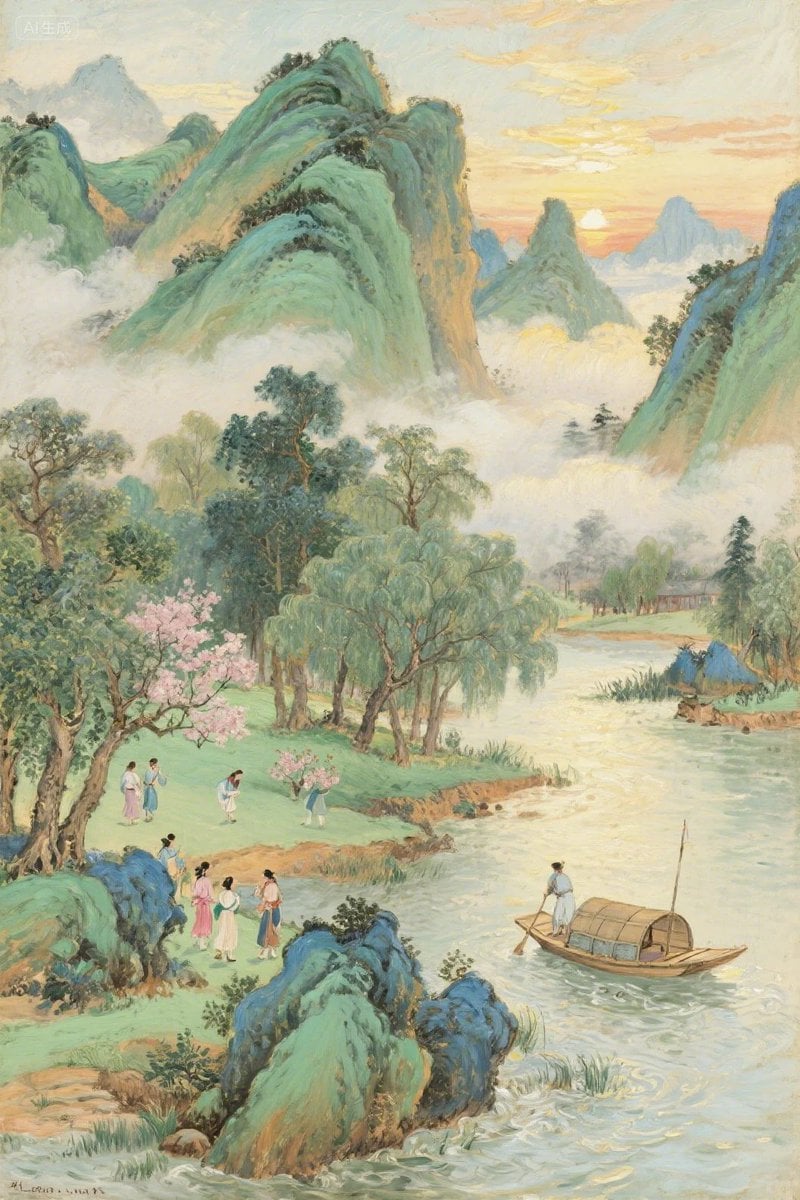
Misty Chinese Spring Riverscape
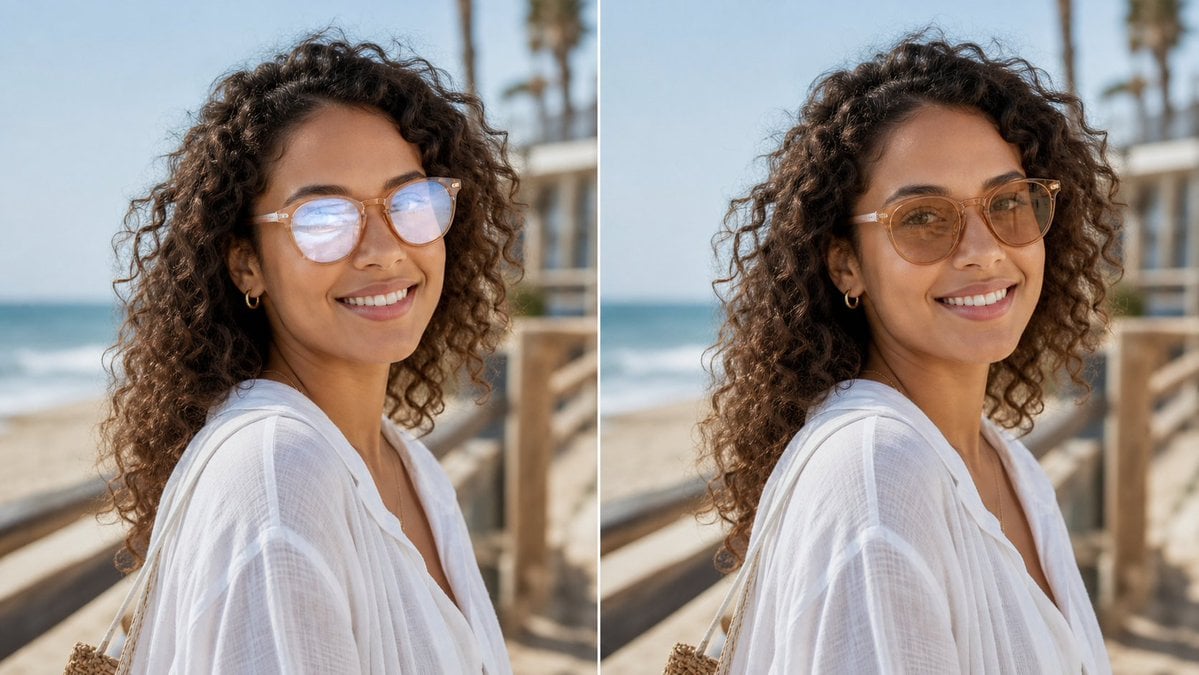
Glasses Glare Removal Comparison
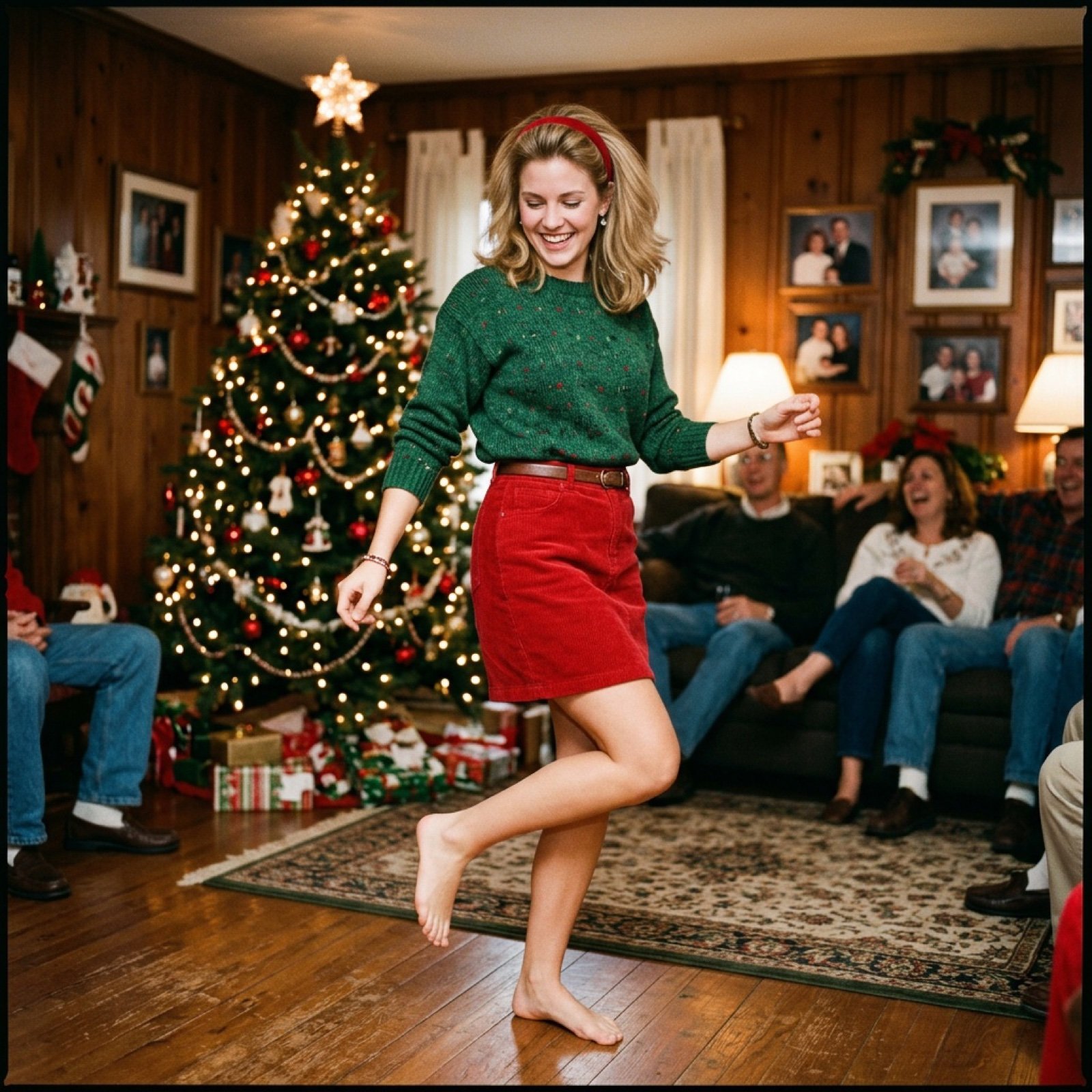
Nostalgic Candid Holiday Scene with Motion Blur
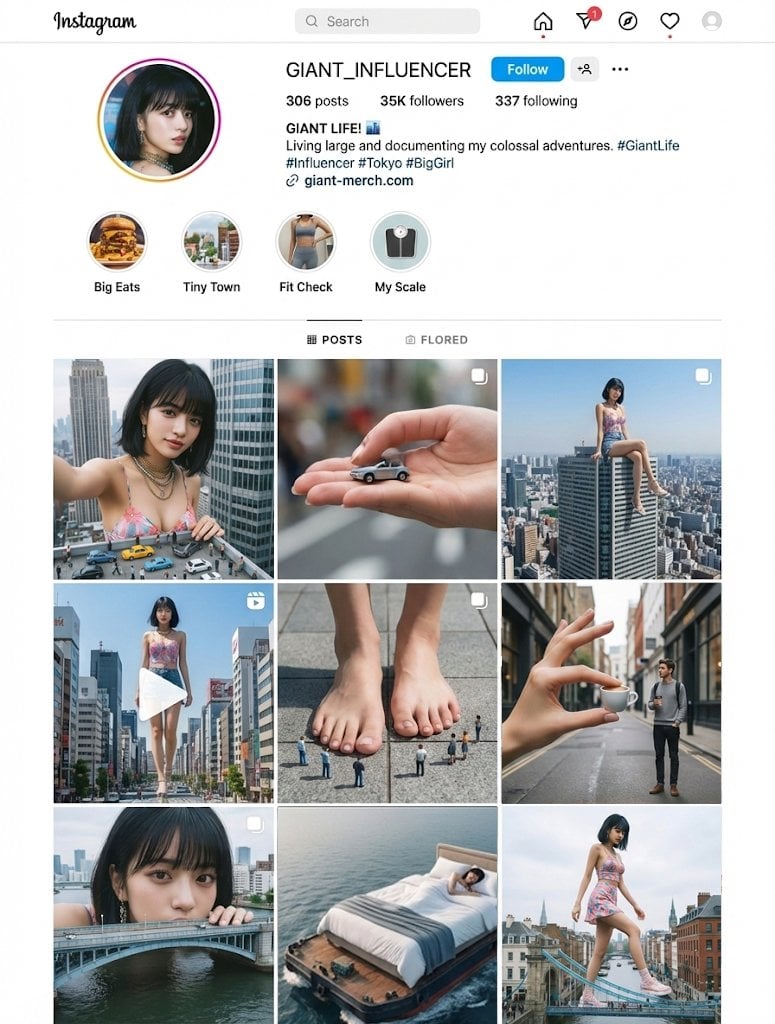
Giant's Daily Life (Unspecified Prompt)
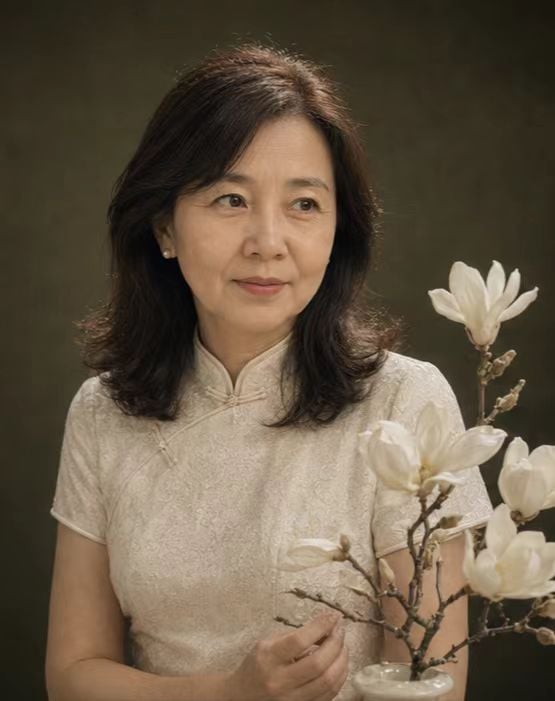
Retro New Chinese Qipao Portrait Grid
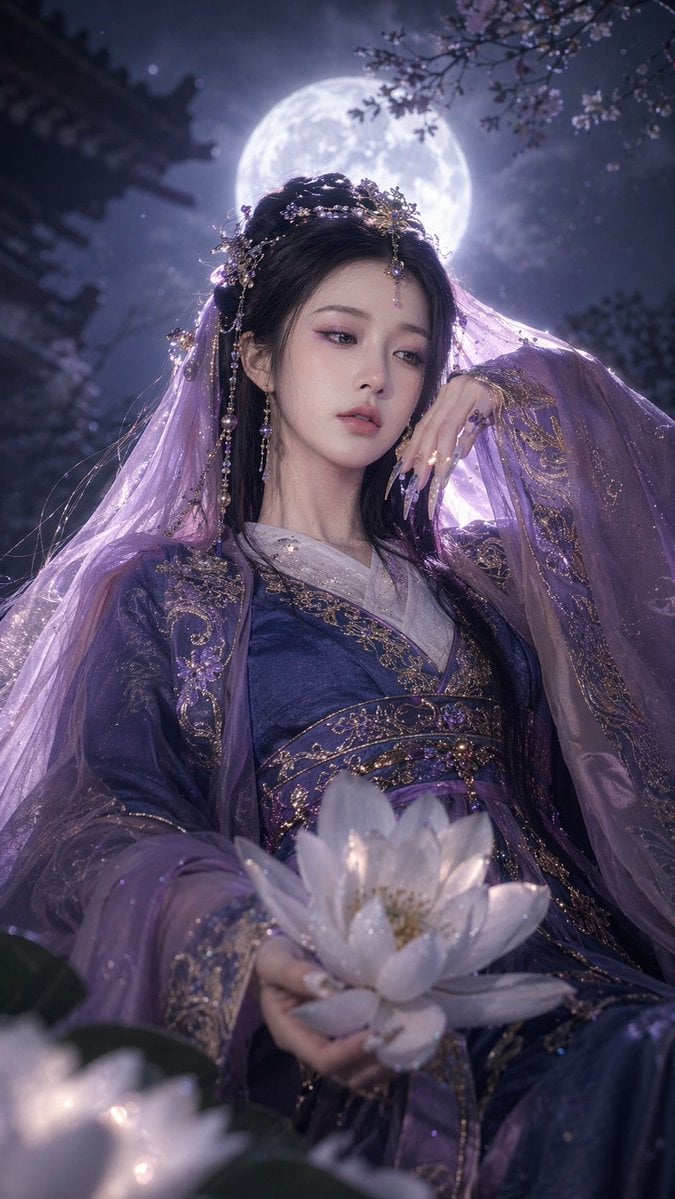
Fantasy Xianxia Portrait Transformation
Browse template categories
Fantasy RPG Ad Truck in Tokyo District questions
How do I use the Fantasy RPG Ad Truck in Tokyo District template?
Add your photo if the template asks for one, edit the prompt if you like — the template's model and format are already selected — and press Generate. Your version opens in PicX Studio.
Can I customize the Fantasy RPG Ad Truck in Tokyo District template?
Yes. You can change the subject, setting, lighting, mood, format, and available model controls before creating your image.
Is the Fantasy RPG Ad Truck in Tokyo District template free?
Opening and editing this template is free. Generating uses credits, shown on the Generate button when you are signed in.
Which AI model should I use?
Start with GPT Image 2, which is the model associated with this template. You can compare another compatible model for a different finish.
Looking for something else? Browse all templates.

Your photo, any look
Thousands of ready templates for every top image and video model, from one credit balance.