
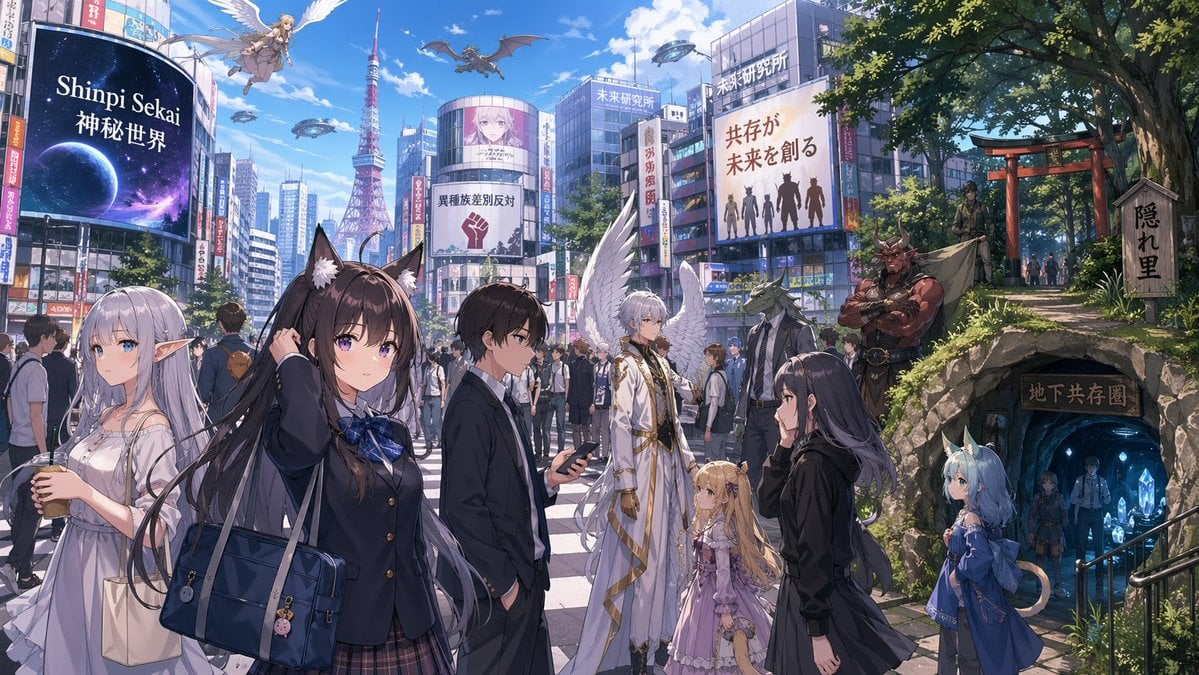
Fantasy Tokyo Coexistence Cityscape
This prompt generates a wide anime-style worldbuilding illustration of a modern Japanese city where humans, fantasy races, and sci-fi elements coexist, ideal for novel key visuals or setting art.
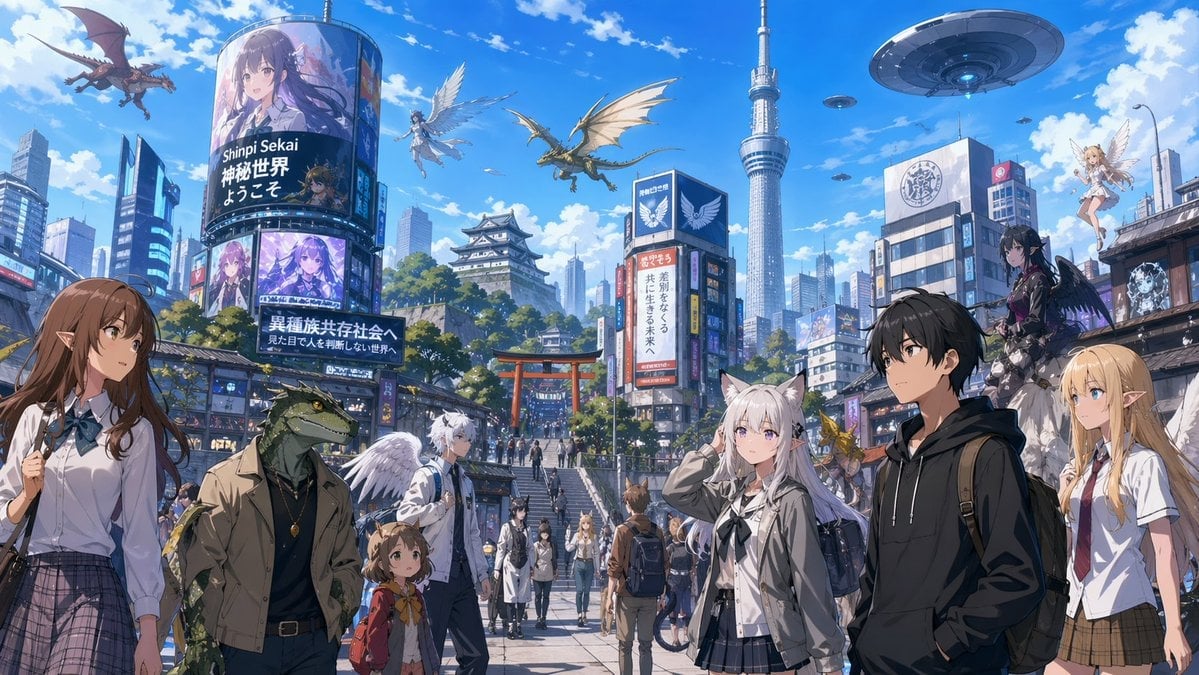
- Prompt included
- Model and format preset
- Free template
The prompt behind this image
Copy the exact prompt behind Fantasy Tokyo Coexistence Cityscape, or open it in the studio and make it yours.
A wide cinematic anime key visual of a bustling modern Tokyo-like district transformed into a multicultural fantasy metropolis under a bright blue midday sky with fluffy clouds. The scene is viewed from street level along a broad pedestrian avenue leading toward a large red torii gate at the center distance, with stone steps, crowds of people, dense commercial buildings, and a Japanese castle rising on a green hill behind the city blocks. A very tall broadcasting tower resembling Tokyo Skytree stands slightly right of center in the background. Fill the sky with exactly 8 airborne fantasy and sci-fi elements: 2 large dragons in flight, 2 winged humanoid angels, 1 huge flying saucer, and 3 smaller UFOs scattered farther away. The city should feel like a coexistence society where humans and fantasy races live together naturally. Add many colorful digital billboards and vertical signs on buildings, including Japanese text and fantasy character advertisements; the largest curved screen on the left should display the text “Shinpi Sekai 神秘世界 ようこそ,” and a lower billboard should reference a multicultural society of different races. In the foreground, place exactly 6 prominent characters across the street scene: on the far left, a tall elf schoolgirl with long brown hair, pointed ears, a white blouse, ribbon tie, and plaid skirt; left-center, a humanoid crocodile or lizard man in casual urban clothes with a jacket and pendant; near him, a small child with animal-like ears wearing a red backpack and scarf; center-left, a white-haired young man with white feathered wings in a light jacket; center-right, a silver-haired cat-eared schoolgirl in a light jacket and dark pleated skirt; right-center, a black-haired teenage boy in a black hoodie with a backpack; and on the far right, a blonde elf schoolgirl with pointed ears, white short-sleeve shirt, tie, and brown plaid skirt. In the midground and background, add a crowd of pedestrians including a few more fantasy species. Also include exactly 3 additional perched or elevated fantasy figures on the right side architecture: 1 dark-clad black-winged girl standing on a ledge, 1 small blonde fairy-like winged girl floating near a rooftop, and 1 tiny golden winged creature near the street. Style: polished high-detail anime illustration, light novel promotional art, sharp linework, vibrant colors, clean atmospheric perspective, crisp sunlight, soft shadows, highly detailed urban signage, a sense of wonder, coexistence, and worldbuilding.
How to use Fantasy Tokyo Coexistence Cityscape in 3 steps
- 1Upload ImagePNG, JPG or paste
Add your photo
Upload the photo the template builds on. The prompt, model and format are already set.
- 2…a portrait of your subject in softgolden-hour light, 85mm…
Personalize
Edit the subject and creative details for your destination.
- 3Generate
Generate
Press Generate — your image is created in PicX Studio, so you can compare it with the original and refine one variable at a time.
More like this
Templates with the same subject, style or setup. Open one to see its prompt.

Anime Fantasy Celestial Movie Poster
Anime Fantasy Celestial Movie Poster

Minecraft Fantasy Kingdom Voxel Landscape

Unfinished Sketch Comes Alive Portrait

Open Travel Journal Overhead Still Life

Tiny Woman Miniature Fantasy Macro Scene
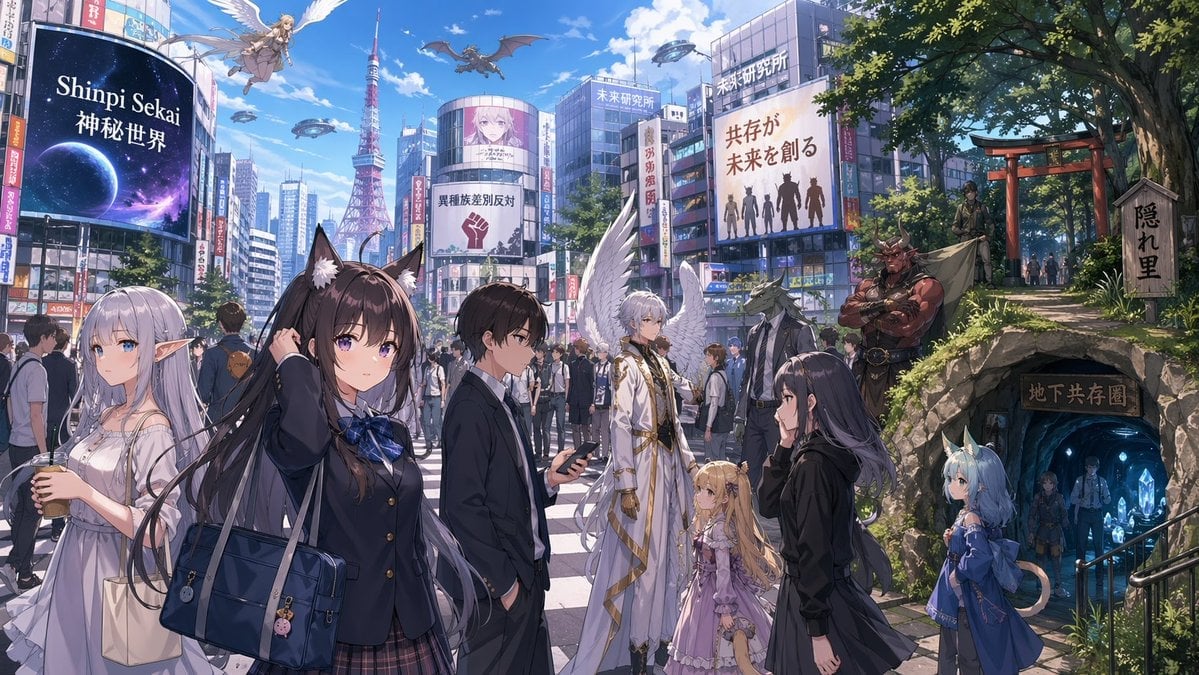
Urban Fantasy Coexistence Crossing
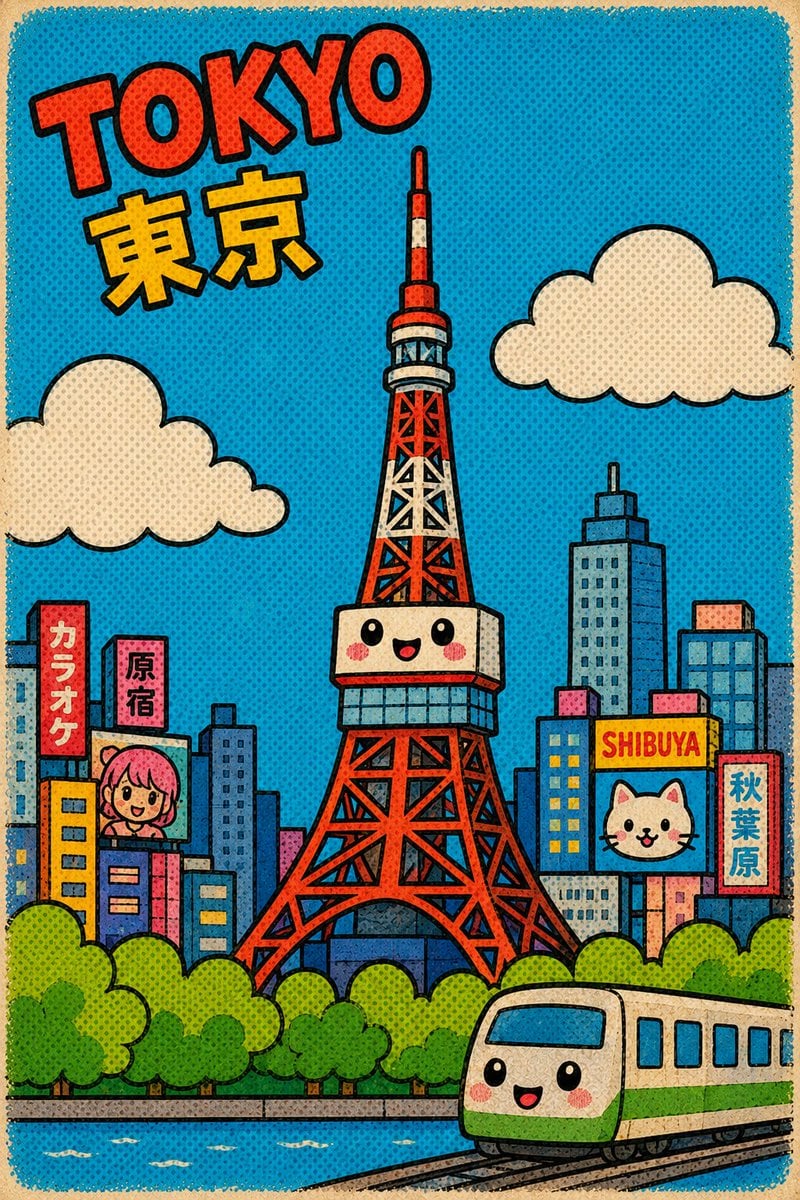
Cute Retro Tokyo Cartoon Cityscape
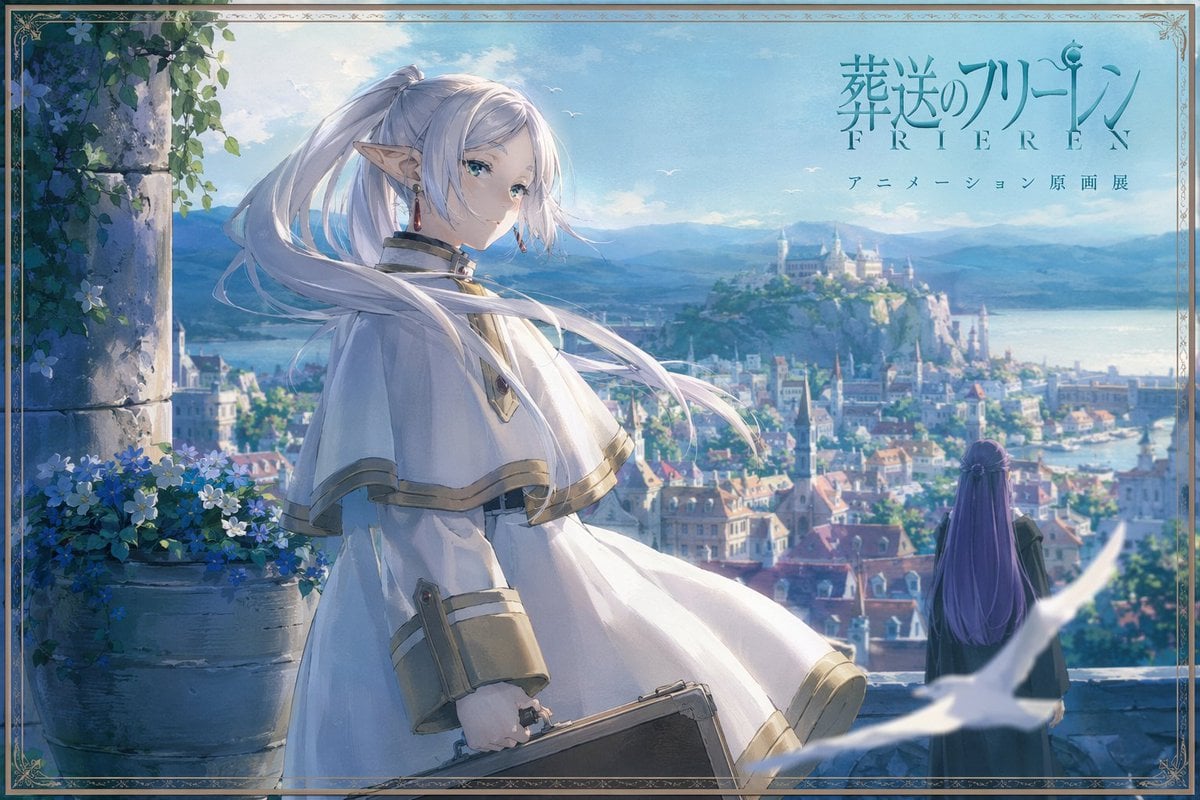
Anime Fantasy Cityscape Exhibition Poster

Floating Woman Above Cityscape with Notifications
Gpt2 Comic Storyboard Urban Fantasy Coexistence Crossing
JSON Seedance - Fairy Macro Flight
Make it yours
Fantasy Tokyo Coexistence Cityscape works as-is. These are the safest ways to change it without losing the look.
Change one field
Copy a single group, rewrite it, and generate again so you can see what that field is doing.
Keep the frame, change the subject
Hold the composition and light of Fantasy Tokyo Coexistence Cityscape, then swap wardrobe, props or the person for a new take.
| If the result… | Why | Fix |
|---|---|---|
| The result drifts from the preview | Too many fields changed at once. | Reuse Fantasy Tokyo Coexistence Cityscape as-is first, then change one group — subject, light, or setting. |
| The model over-stylizes the scene | The prose prompt leaves finish and camera underspecified. | Add one camera or lighting sentence and stay on GPT Image 2. |
More GPT Image 2 templates
Other prompts made for GPT Image 2.

Six VTuber Japanese Logo Sheet

Realistic Portrait of Woman and Deer

The Vista Modular Condo Poster

AI Model Routing Comparison Infographic

2.5D Anime Art Board

Isometric Productivity Desk Scene

New York Double Exposure Poster

Four-Panel AI Landscape Comparison

Japanese Tatami Lifestyle Magazine Cover

NESCAFÉ Coffee Map Poster
More image prompts
Fresh picks from across the catalog.
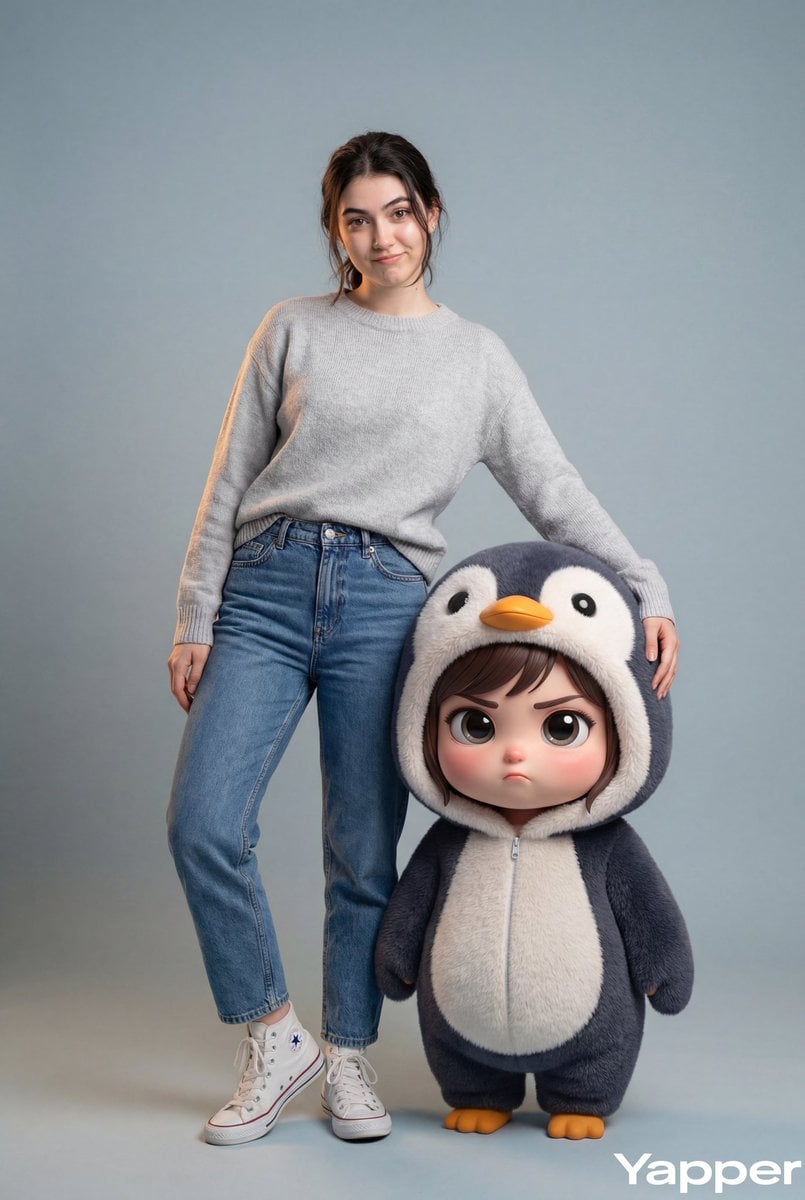
Hyper-Realistic Portrait with Chibi Penguin Character
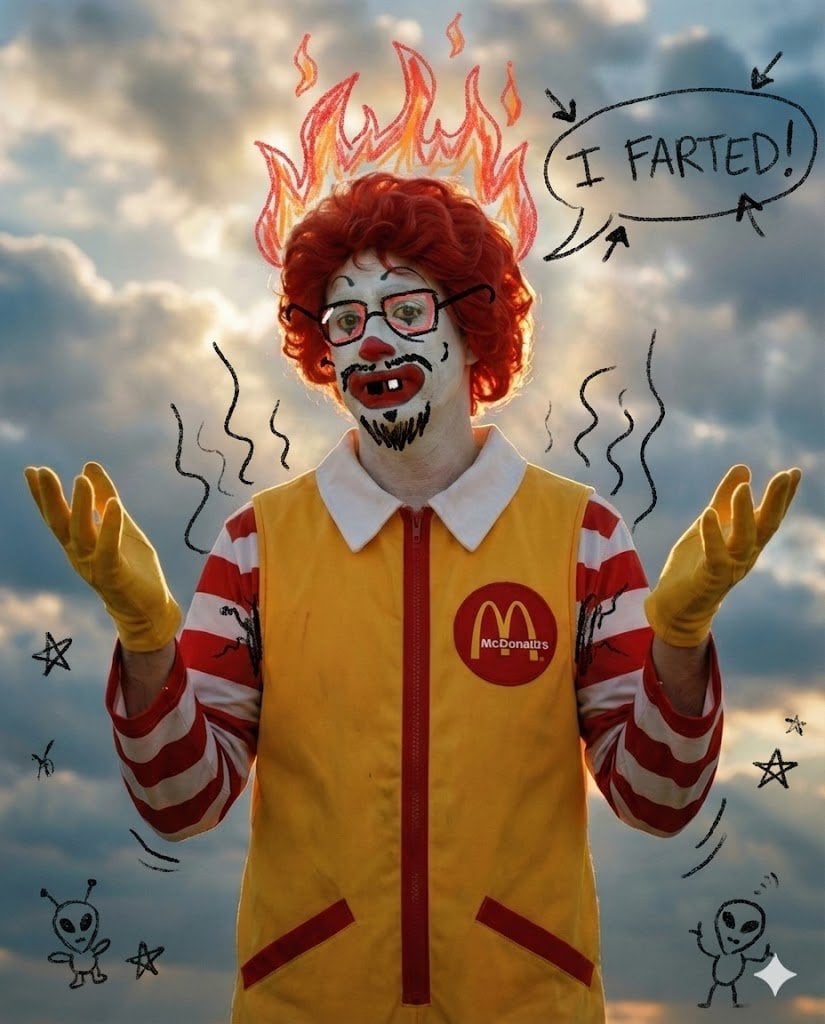
Nano Banana Pro Silly Doodle Generation Prompt
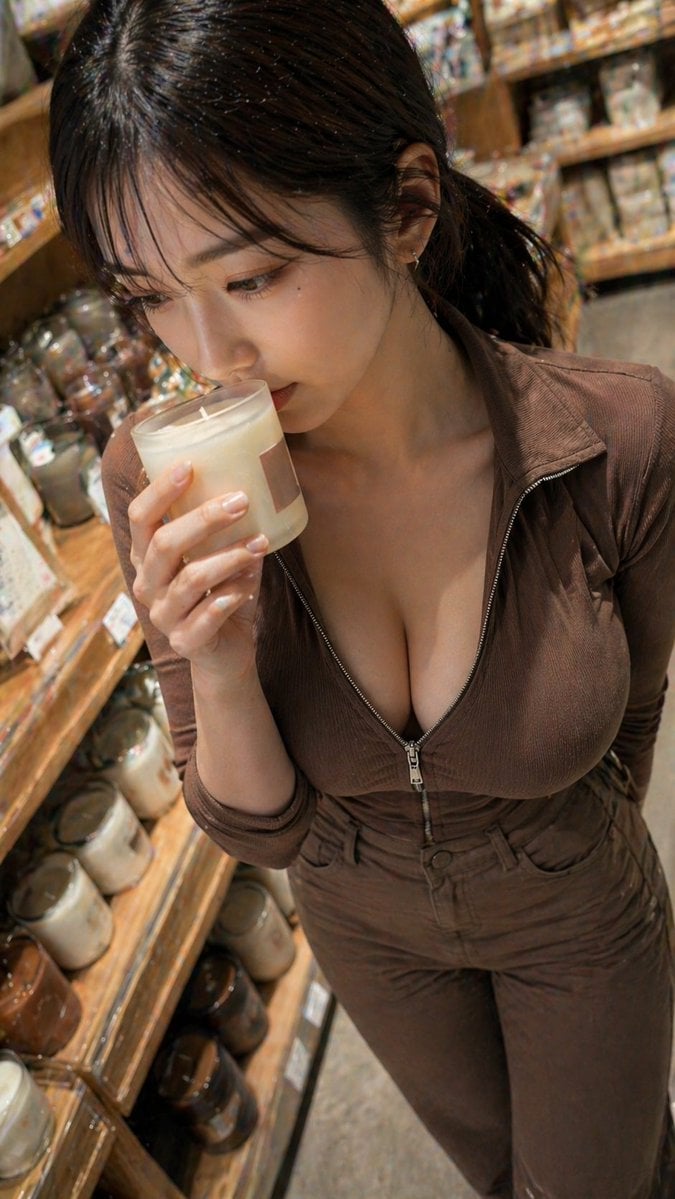
Warm Candle Shop Lifestyle Portrait
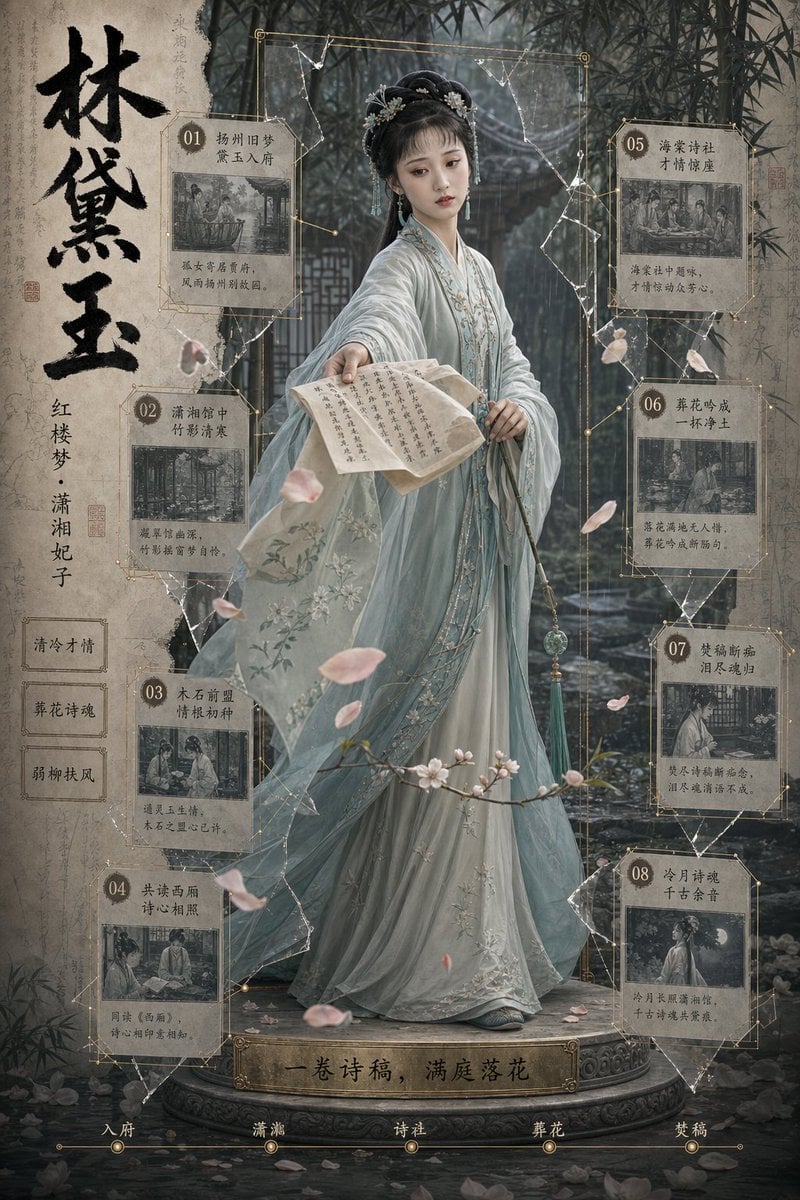
Lin Daiyu Period Drama Poster
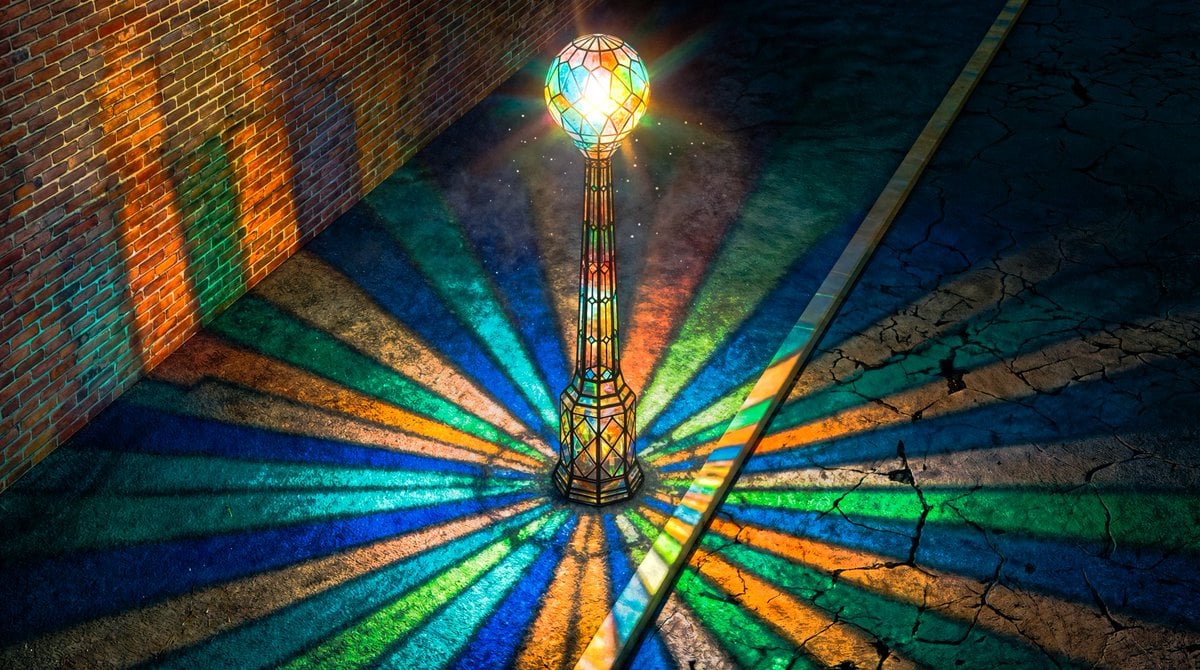
Blender 3D Viewport Style Prompt
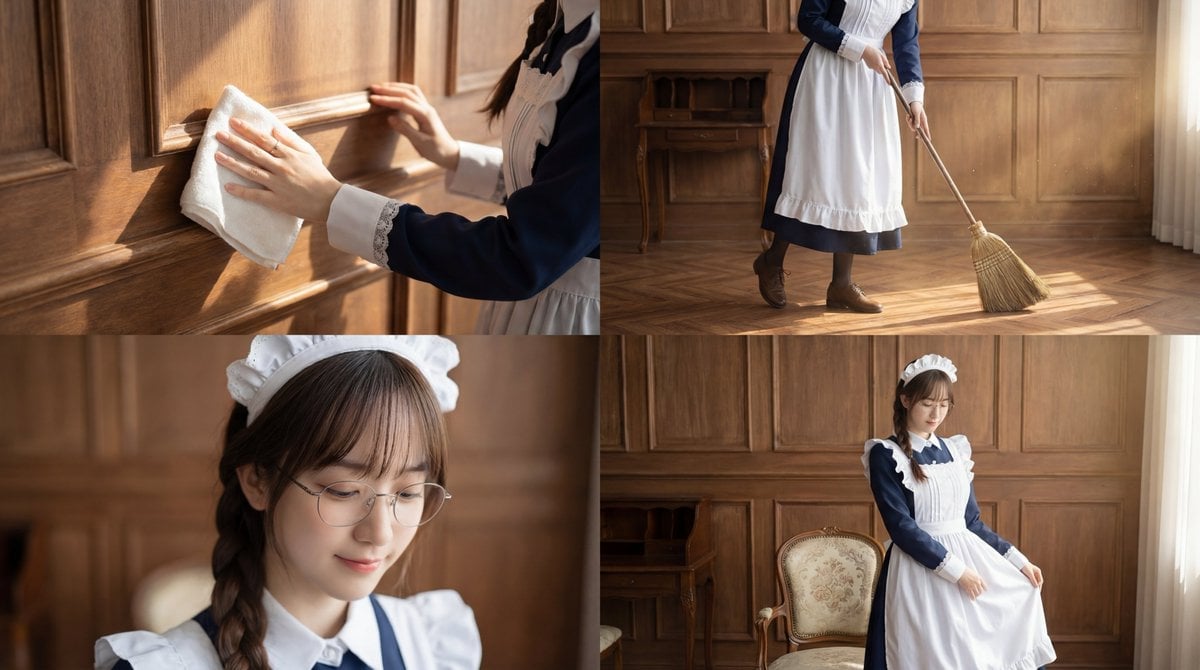
Cinematic Sequence Prompt: Person Cleaning in Morning Light
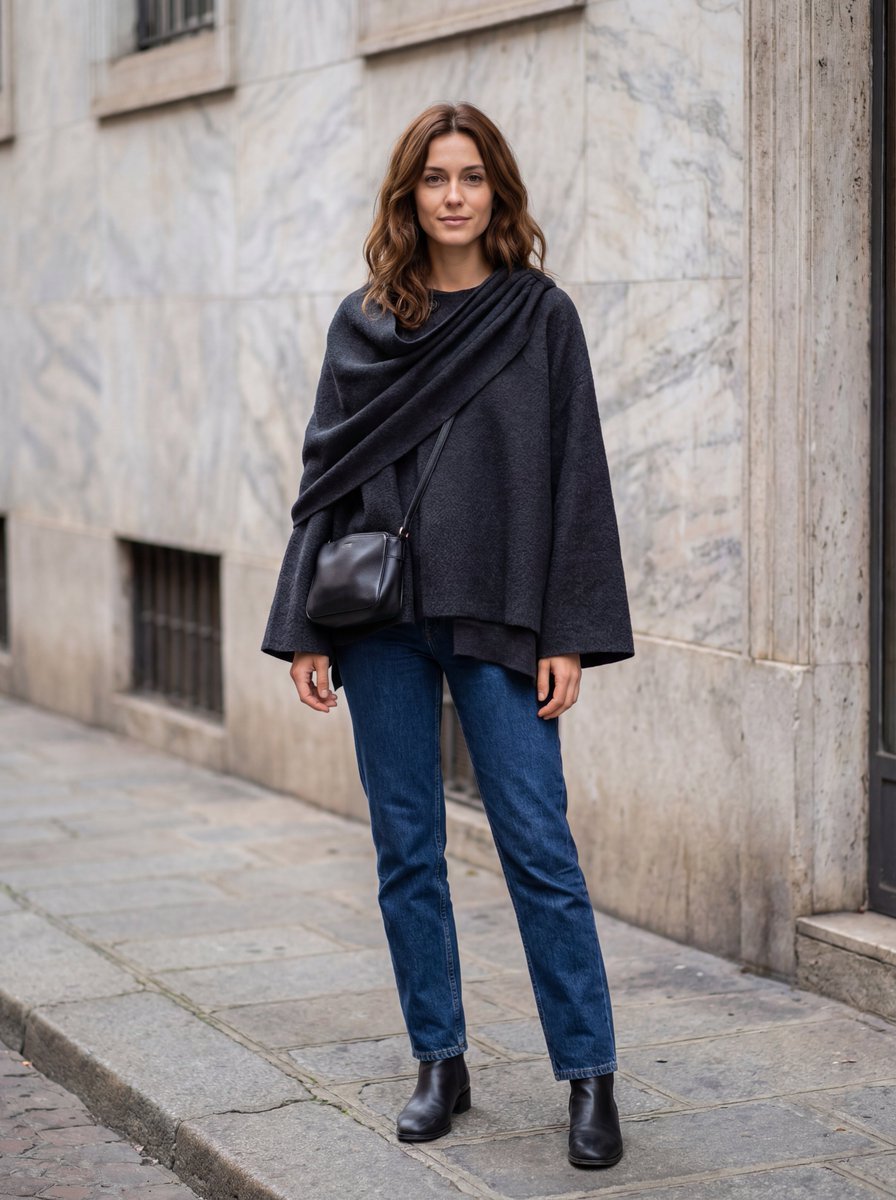
Hyper-Realistic Lifestyle Fashion Photo (Wool Poncho)
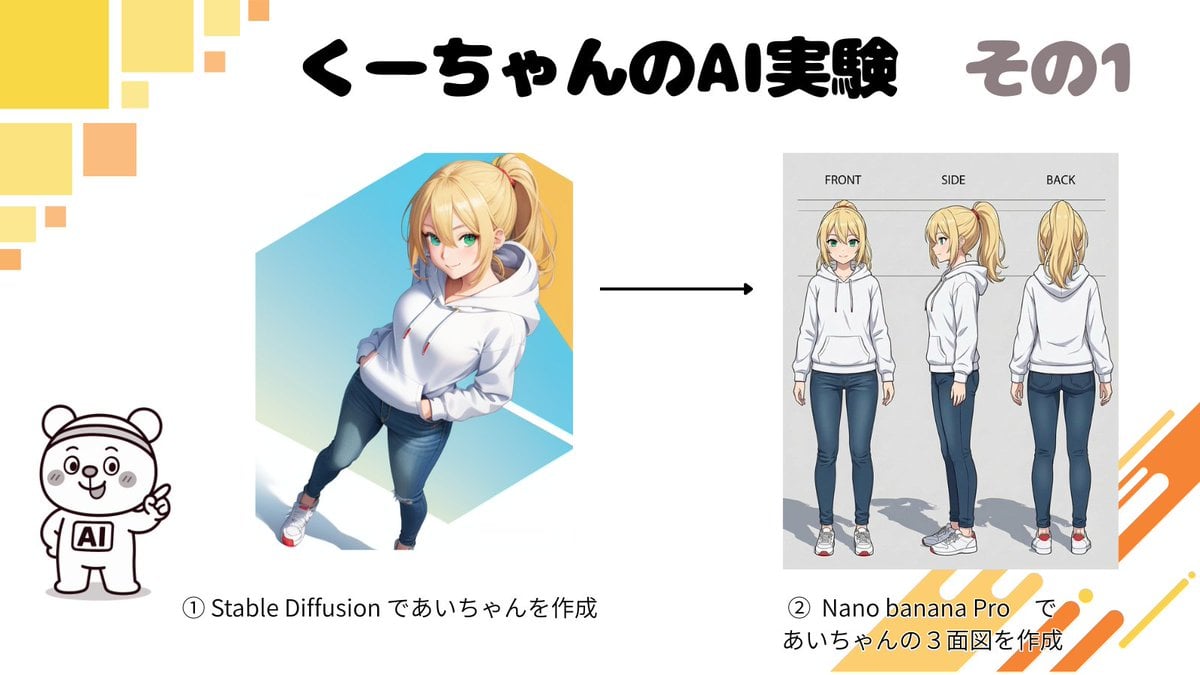
Character Turnaround Sheet Generation
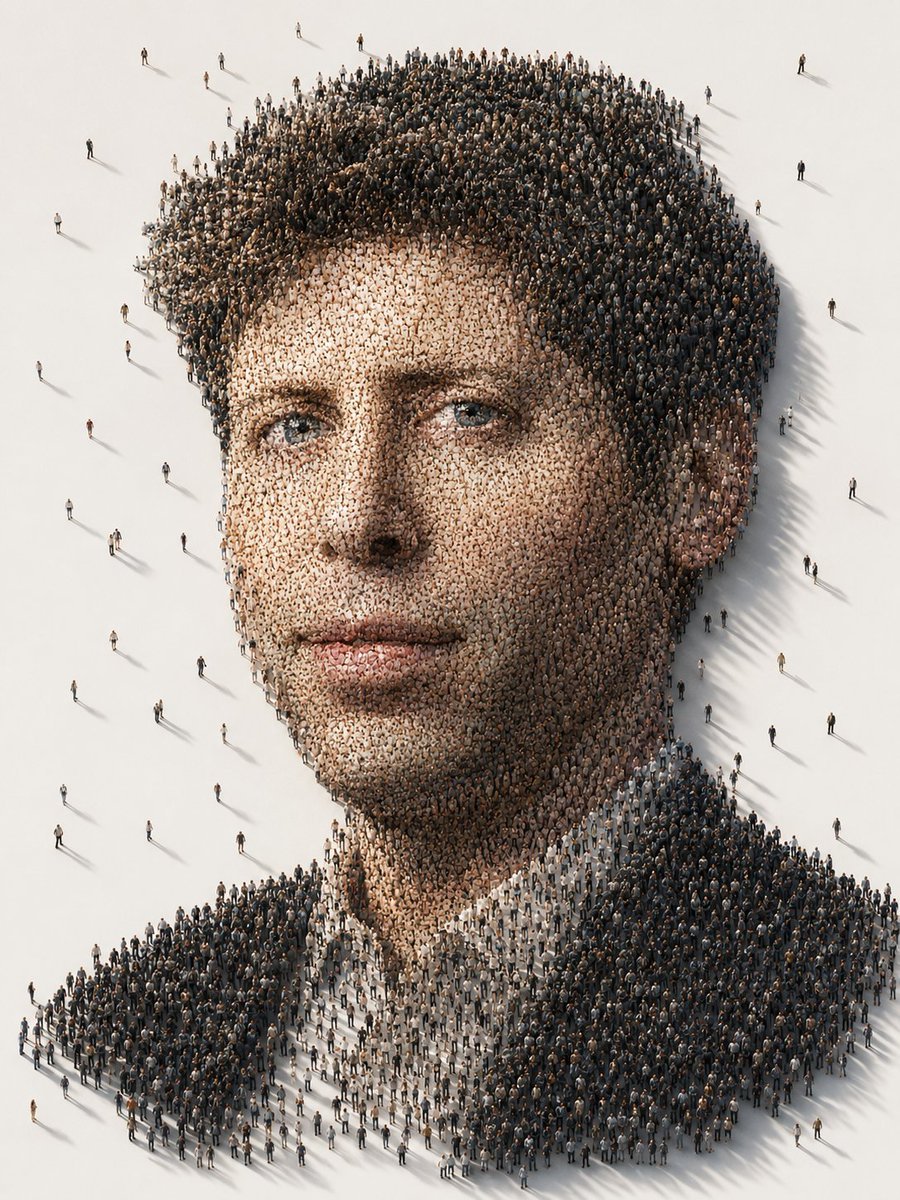
Conceptual Crowd Portrait Installation Art

Hyper-Realistic Football Goal Celebration
Browse template categories
Fantasy Tokyo Coexistence Cityscape questions
How do I use the Fantasy Tokyo Coexistence Cityscape template?
Add your photo if the template asks for one, edit the prompt if you like — the template's model and format are already selected — and press Generate. Your version opens in PicX Studio.
Can I customize the Fantasy Tokyo Coexistence Cityscape template?
Yes. You can change the subject, setting, lighting, mood, format, and available model controls before creating your image.
Is the Fantasy Tokyo Coexistence Cityscape template free?
Opening and editing this template is free. Generating uses credits, shown on the Generate button when you are signed in.
Which AI model should I use?
Start with GPT Image 2, which is the model associated with this template. You can compare another compatible model for a different finish.
Looking for something else? Browse all templates.

Your photo, any look
Thousands of ready templates for every top image and video model, from one credit balance.