
Conceptual Crowd Portrait Installation Art
An artistic prompt that reconstructs a portrait as a massive conceptual art installation made of thousands of tiny people, creating a surreal and profound visual effect.
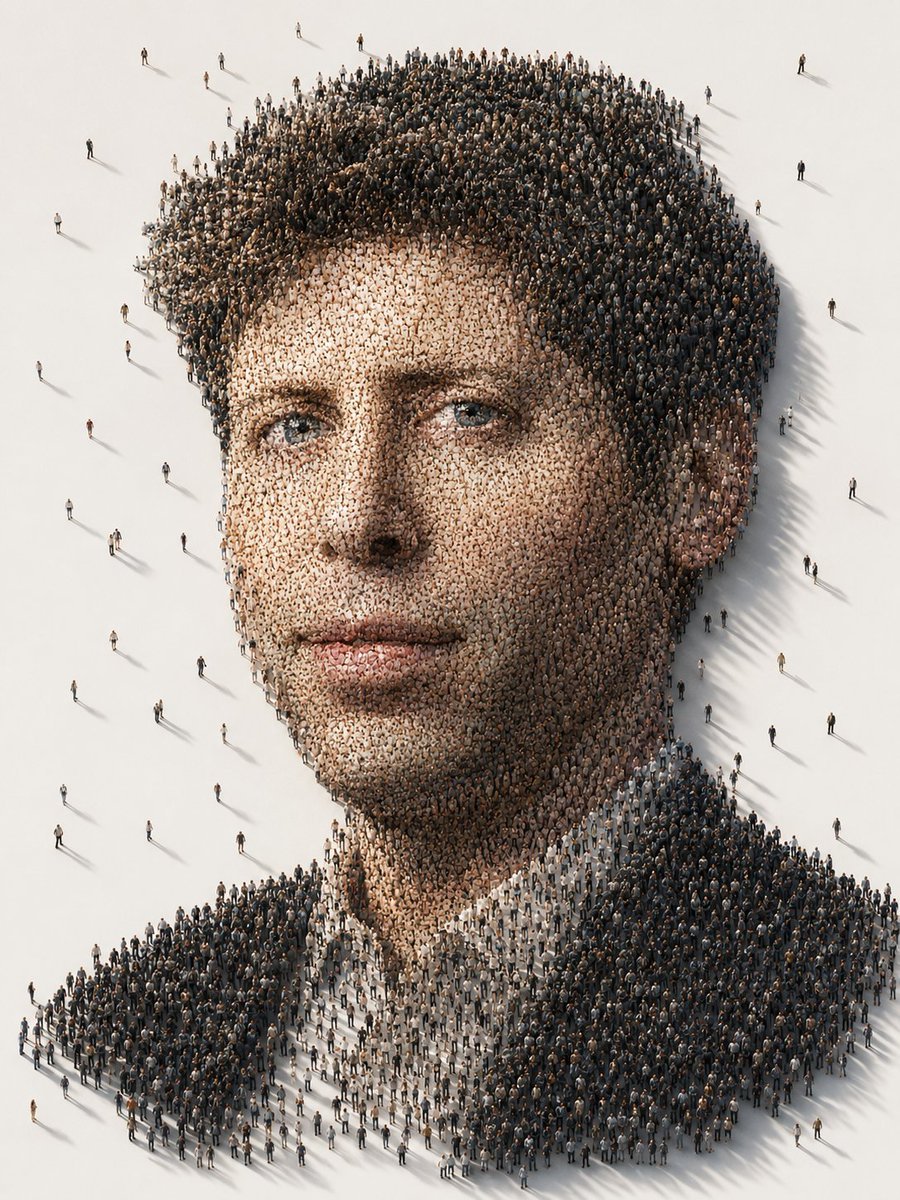
- Prompt included
- Model and format preset
- Free template
The prompt behind this image
Copy the exact prompt behind Conceptual Crowd Portrait Installation Art, or open it in the studio and make it yours.
# Conceptual Crowd Portrait Based on a clear real-person photo uploaded by the user, generate a highly visually striking "Conceptual Crowd Portrait." ## 1. Character Identity Requirements Please strictly reference the real identity features of the person in the uploaded photo, including: - Face shape/contour - Facial-feature proportions - Brow and eye structure - Nose shape - Lip shape - Basic hairstyle - Skin tone and sense of age - Quality of the gaze - Overall recognizability of the person The final image must make it obvious at a glance that it is the same person as in the uploaded photo. Do not turn them into a stranger, do not westernize them, do not make them look like an internet influencer, do not over-beautify them, and do not generate an AI fake face. ## 2. Core Creative Concept Recreate the person's portrait as a large-scale conceptual installation artwork. The entire portrait is made up of thousands upon thousands of miniature figures. These tiny figures are densely arranged like a crowd in formation, and through their different positions, the lightness or darkness of their clothing, the density of the crowd, and variations in shadow, they together form the face, hair, facial features, glasses, beard, clothing outline, and overall expression of the person in the uploaded photo. The image should look like a giant portrait made up of a real crowd, and also like a contemporary art installation placed in a pure white space. ## 3. Composition - Vertical composition, suitable as a visual poster or concept cover - Aerial viewpoint / isometric top-down viewpoint - The portrait head occupies the main body of the image - The background is a minimalist pure white space, with plenty of negative space preserved - A small number of tiny figures stand scattered around the portrait, enhancing the sense of spatial scale and real proportion - The crowd as a whole forms a clear outline of the person; the position of the facial features must be accurate ## 4. Visual Elements ### Crowd Structure - Use a dense crowd to form the hair, eyebrows, eyes, nose bridge, lips, jawline, and clothing - Dark-colored figures form the hair, glasses, collar, and shadow areas - Light-colored figures form the facial highlights and skin areas - The crowd's arrangement should be natural, with a genuine sense of crowding and small random variations - Each tiny figure should have its own individual pose, clothing, and orientation — they should not look copy-pasted ### Lighting and Shadow Effects - Soft, cinematic lighting - Low-angle long shadows - Natural shadows cast beneath the crowd's feet - Consistent shadow direction, enhancing the sense of spatial realism - The overall image is clean, refined, and quiet ### Color Style - Warm, neutral color tones - Mainly off-white, light brown, gray, and charcoal black - Dark clothing used to reinforce the outline of the figure - Skin-tone areas transition using light beige and warm gray figures - The overall color palette should be restrained, not overly vivid ## 5. Artistic Style Overall style references: - Contemporary conceptual art - Museum-grade installation art - Hyper-realistic crowd simulation - Minimalist visual poster - High-end digital art - Socially metaphorical visual work - Cinematic conceptual photography The image should carry a strong sense of visual metaphor: the image of one person is made up of countless tiny individuals, having both the impact of a macro-level portrait and the explorable detail of a micro-level crowd. ## 6. Mood of the Image Overall atmosphere keywords: - Surreal - Profound - Quiet - Refined - Modern - Thought-provoking - Cinematic - Visually striking - Shareable ## 7. Rendering Quality - Ultra-high detail - 8K texture/quality - Realistic crowd simulation - Deep-focus image, ensuring the entire crowd portrait is clearly visible - Rich detail in the miniature figures - Realistic spatial proportions - Clean image, no cluttered background - High-end commercial visual quality - Similar to Octane Render / high-end 3D concept rendering effects ## 8. Negative Restrictions Please avoid the following issues: - Do not turn the person into a stranger - Do not just generate an ordinary portrait - Do not generate a simple collage - Do not let the crowd lose the portrait's outline - Do not let the facial features be misaligned - Do not let the facial structure become blurry - Do not have an exaggerated cartoon style - Do not make it a low-resolution poster - Do not have a messy, cluttered background - Do not make all the tiny figures look identical - Do not include text, watermarks, or logos - Do not over-beautify the person - Do not change the person's sense of age or genuine temperament
How to use Conceptual Crowd Portrait Installation Art in 3 steps
- 1Upload ImagePNG, JPG or paste
Add your photo
Upload the photo the template builds on. The prompt, model and format are already set.
- 2…a portrait of your subject in softgolden-hour light, 85mm…
Personalize
Edit the subject and creative details for your destination.
- 3Generate
Generate
Press Generate — your image is created in PicX Studio, so you can compare it with the original and refine one variable at a time.
More like this
Templates with the same subject, style or setup. Open one to see its prompt.

Caution Tape Fashion — Industrial Editorial

Conceptual Fashion Portrait in Spider We

Cinematic Street Fashion Portrait Motion Blur Crowd

Found Photograph: Us, 1970

80s Couple Studio Portrait

80s Bollywood Star

80s Golden Hour Cinema

Me in 1985

1985 Studio Portrait

Hyper-Realistic Minecraft POV Portrait

Rooftop Fisheye — Cat-Ear Balaclava at Golden Hour

Rainy Café Window Moody Portrait
Make it yours
Conceptual Crowd Portrait Installation Art works as-is. These are the safest ways to change it without losing the look.
Change one field
Copy a single group, rewrite it, and generate again so you can see what that field is doing.
Keep the frame, change the subject
Hold the composition and light of Conceptual Crowd Portrait Installation Art, then swap wardrobe, props or the person for a new take.
| If the result… | Why | Fix |
|---|---|---|
| The result drifts from the preview | Too many fields changed at once. | Reuse Conceptual Crowd Portrait Installation Art as-is first, then change one group — subject, light, or setting. |
| The model over-stylizes the scene | The prose prompt leaves finish and camera underspecified. | Add one camera or lighting sentence and stay on GPT Image 2. |
More GPT Image 2 templates
Other prompts made for GPT Image 2.

Six VTuber Japanese Logo Sheet

Realistic Portrait of Woman and Deer

The Vista Modular Condo Poster

AI Model Routing Comparison Infographic

2.5D Anime Art Board

Isometric Productivity Desk Scene

New York Double Exposure Poster

Four-Panel AI Landscape Comparison

Japanese Tatami Lifestyle Magazine Cover

NESCAFÉ Coffee Map Poster
More image prompts
Fresh picks from across the catalog.
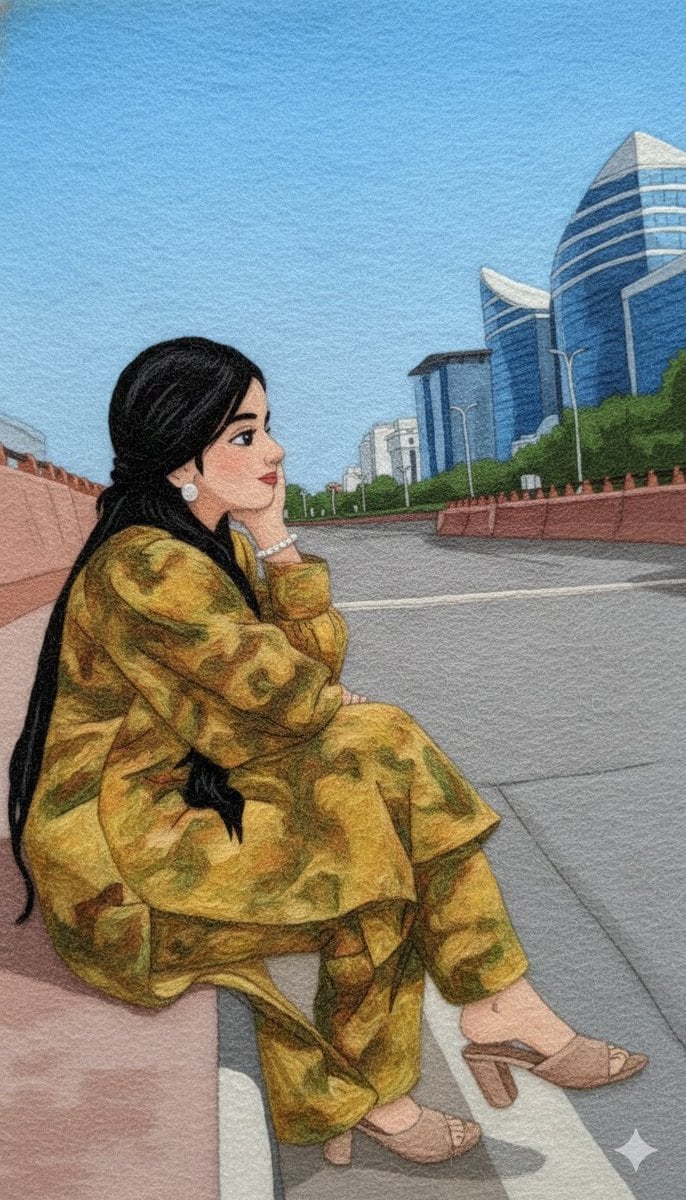
Wool Yarn Wrap Art Style Transfer Prompt

Coastal Bench Portrait — Navy Floral Sundress
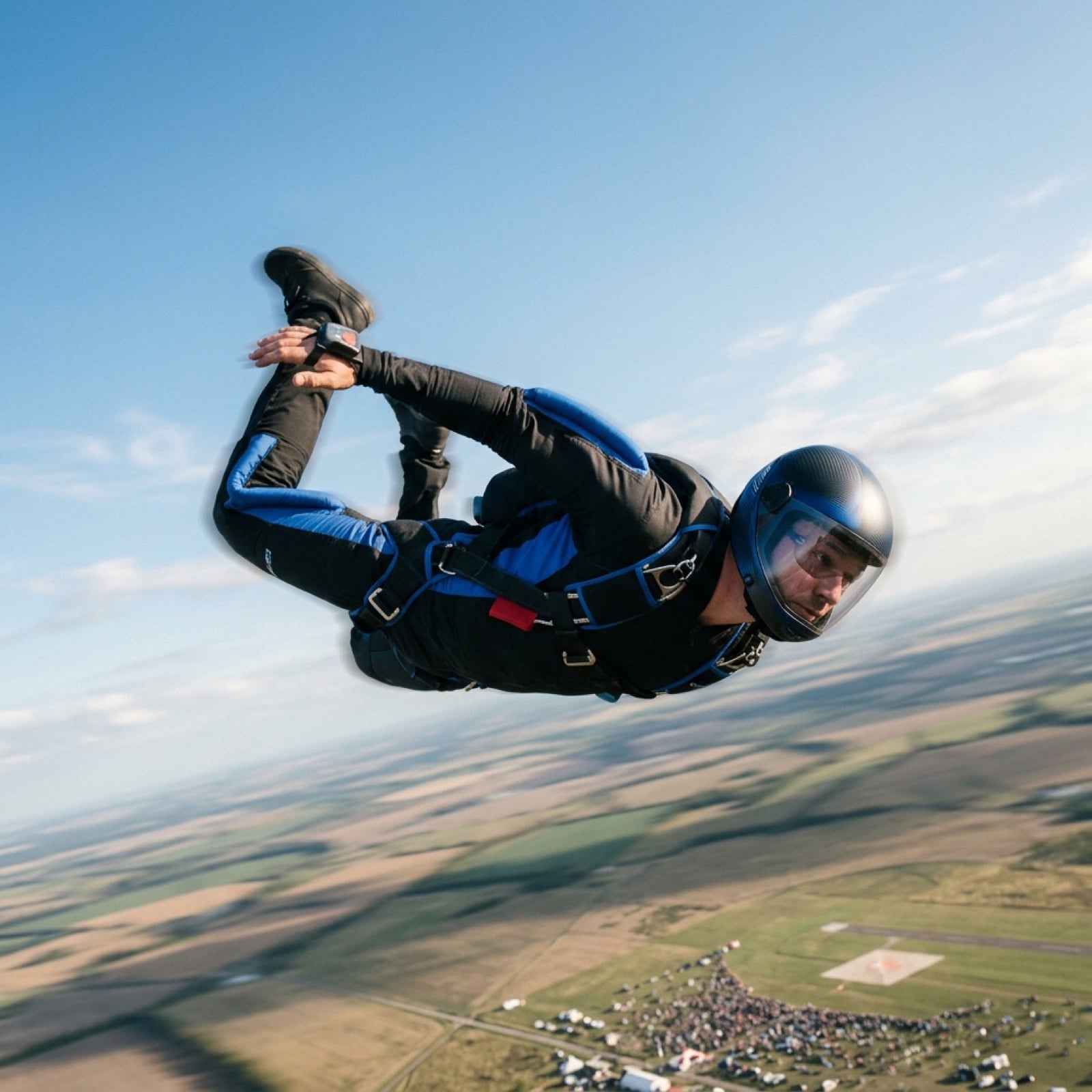
Grok Video Prompt: High-Speed Skydiving Action

01 Skincare Split Portrait — Nano Banana 2
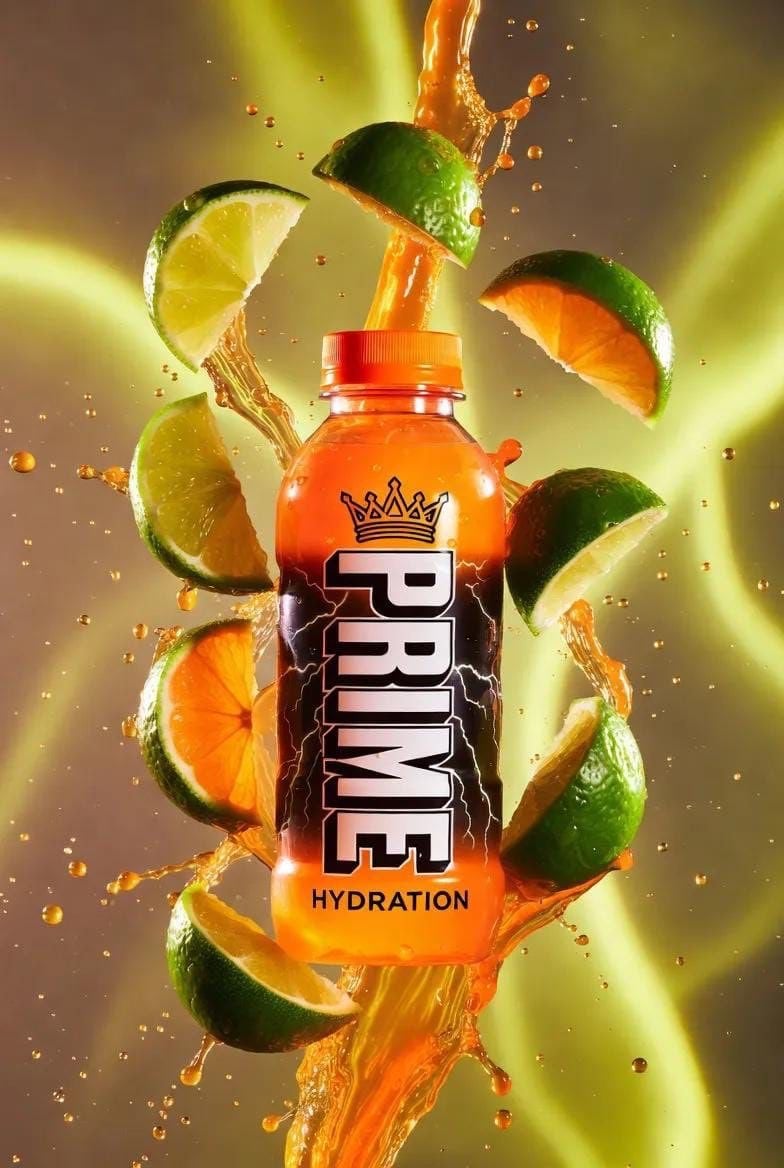
Hyper-Realistic Product Shot with Exploding Citrus and Liquid
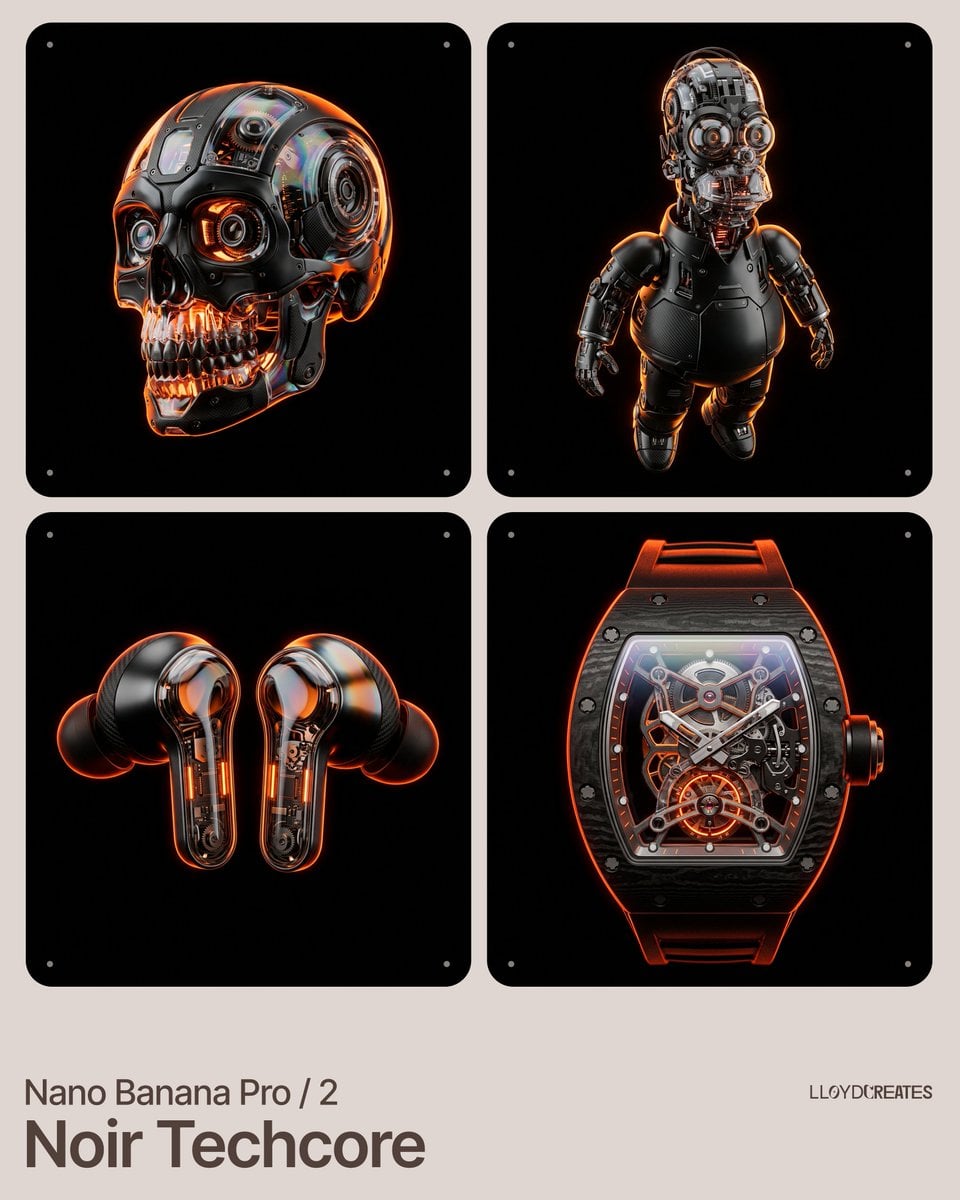
Noir Techcore Product Photography Prompt for Nano Banana Pro
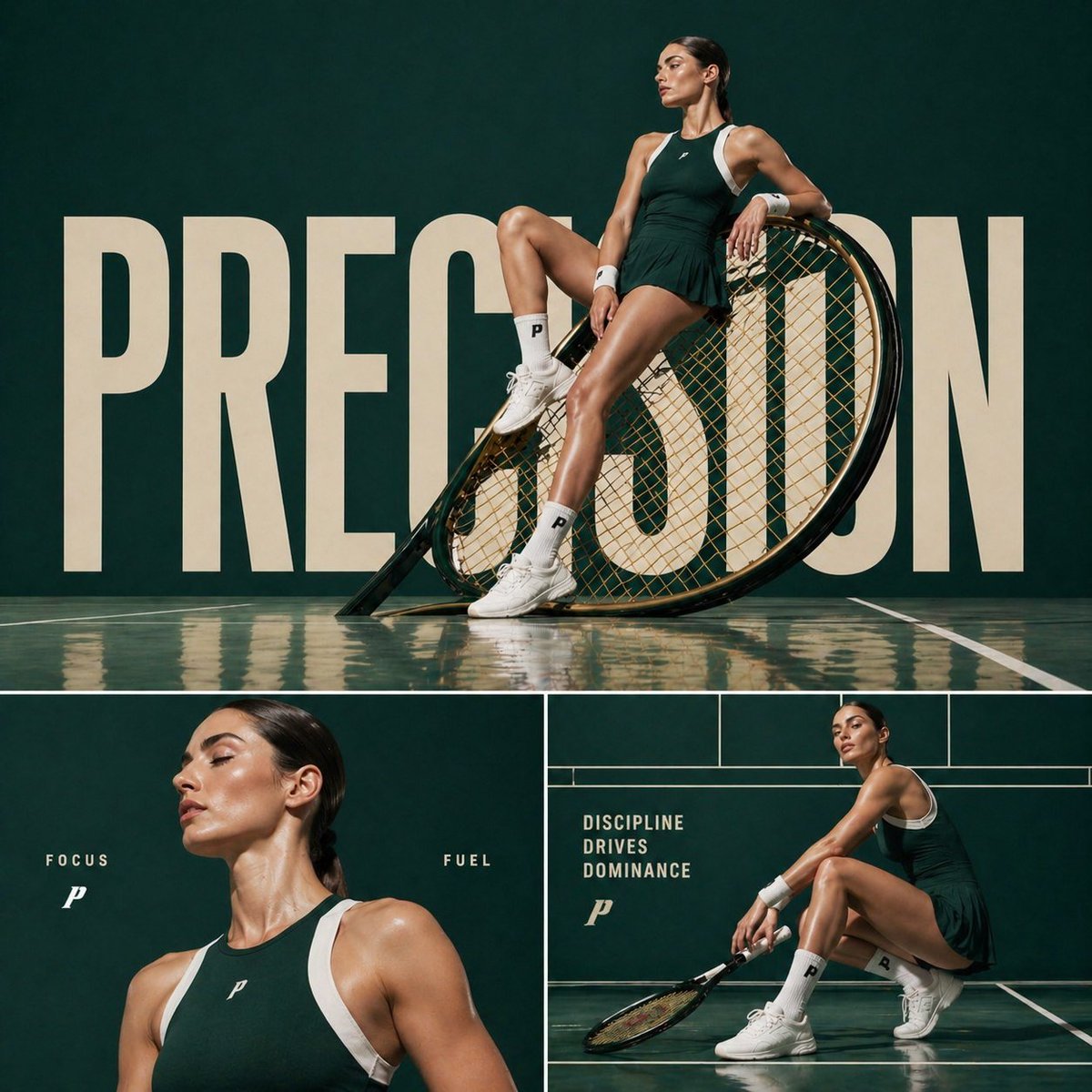
Luxury Tennis Editorial Poster
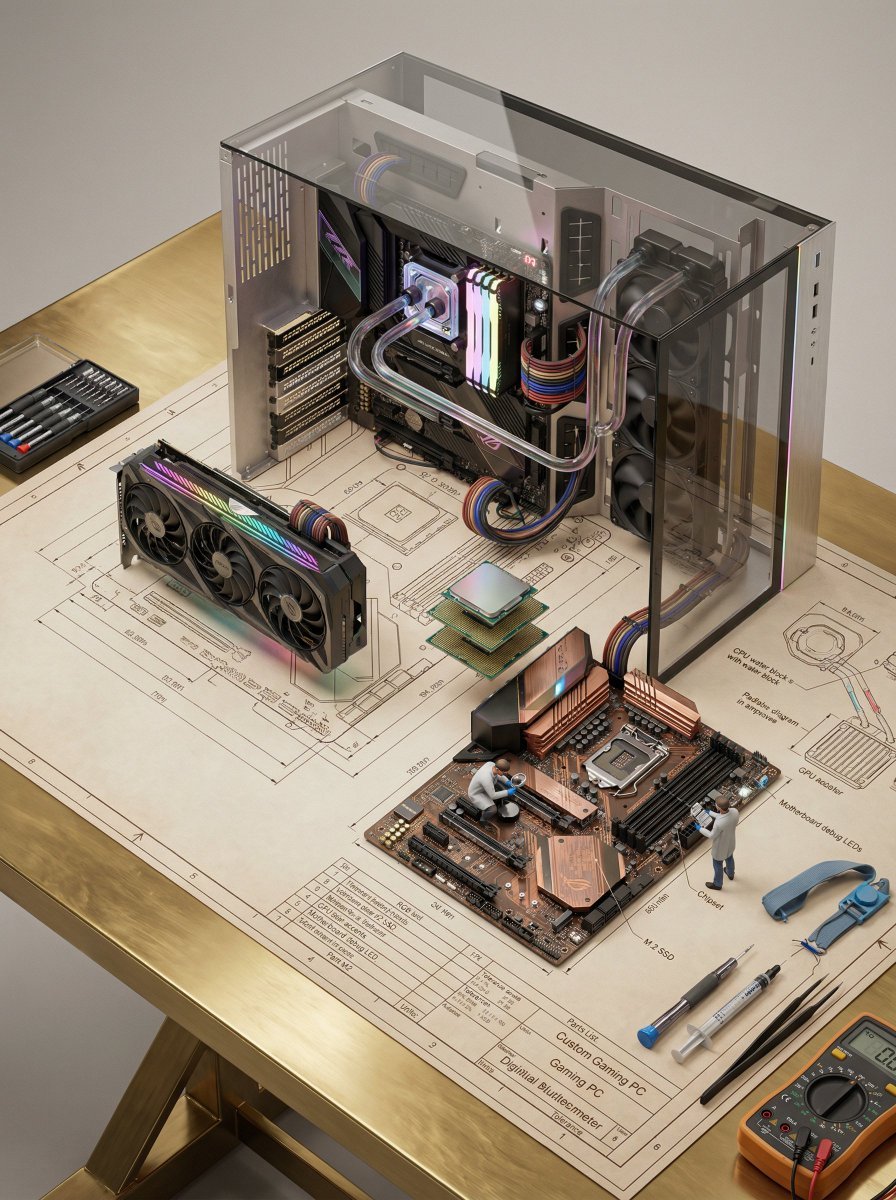
Technical Blueprint of an AI GPU Cluster
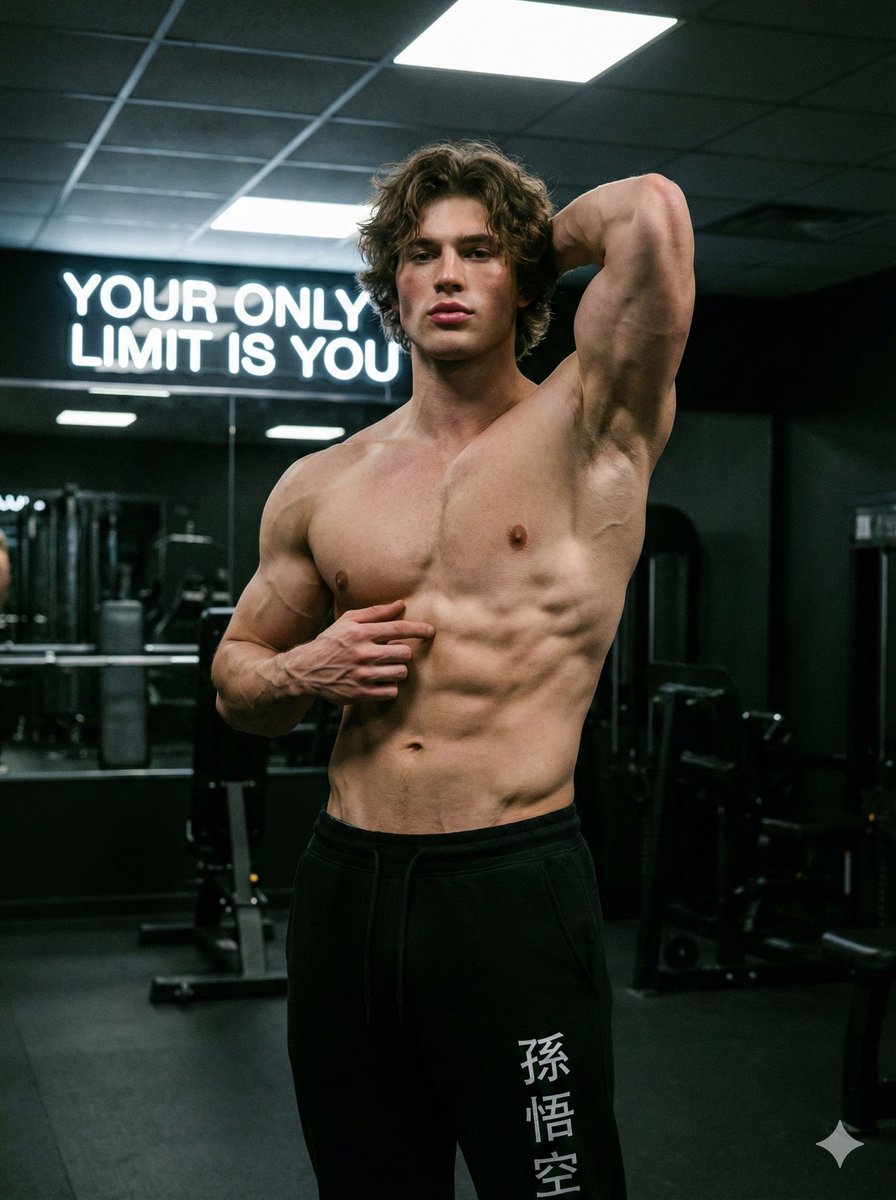
Fitness Studio Man Pose Prompt
Sparkling Eyes Emoji Prompt
Browse template categories
Conceptual Crowd Portrait Installation Art questions
How do I use the Conceptual Crowd Portrait Installation Art template?
Add your photo if the template asks for one, edit the prompt if you like — the template's model and format are already selected — and press Generate. Your version opens in PicX Studio.
Can I customize the Conceptual Crowd Portrait Installation Art template?
Yes. You can change the subject, setting, lighting, mood, format, and available model controls before creating your image.
Is the Conceptual Crowd Portrait Installation Art template free?
Opening and editing this template is free. Generating uses credits, shown on the Generate button when you are signed in.
Which AI model should I use?
Start with GPT Image 2, which is the model associated with this template. You can compare another compatible model for a different finish.
Looking for something else? Browse all templates.

Your photo, any look
Thousands of ready templates for every top image and video model, from one credit balance.