
Coastal Bench Portrait — Navy Floral Sundress
Nano Banana Pro prompt by @Chryzleenprompt — Hyper-realistic iPhone 15 Pro coastal portrait: woman in navy ditsy floral sundress on white bench, rocky shore, HDR, full sharp focus, dewy makeup.

- Prompt included
- Model and format preset
- Free template
The prompt behind this image
Copy the exact prompt behind Coastal Bench Portrait — Navy Floral Sundress, or open it in the studio and make it yours.
Create image: Use the attached reference image as a visual guide for the character's appearance. Maintain visual consistency in facial structure and overall proportions, while allowing for natural variations typical of real photography. The generated subject should resemble the reference while appearing as a natural photographic interpretation. Hyper-realistic iPhone 15 Pro photo with digital clarity and HDR. A person sits on a white wooden bench by a coastal overlook, leaning an arm on the backrest. The subject wears a dark navy ditsy floral sundress with thin straps. Long, dark, voluminous hair with natural waves flows slightly. The entire scene, including the rocky shore and blue sea, remains in sharp focus without bokeh. Textures are crisp, showing realistic skin pores and fabric details. Lighting is bright and even with lifted shadows. The makeup aesthetic features a dewy, natural finish with soft, neutral tones. Aspect Ratio: 3:4 Negative: watermark, logo, text, signature, stamp, copyright, username, date, blurry, low quality, distorted hands, fused features, unnatural anatomy, ai artifacts
How to use Coastal Bench Portrait — Navy Floral Sundress in 3 steps
- 1Upload ImagePNG, JPG or paste
Add your photo
Upload the photo the template builds on. The prompt, model and format are already set.
- 2…a portrait of your subject in softgolden-hour light, 85mm…
Personalize
Edit the subject and creative details for your destination.
- 3Generate
Generate
Press Generate — your image is created in PicX Studio, so you can compare it with the original and refine one variable at a time.
More like this
Templates with the same subject, style or setup. Open one to see its prompt.

Found Photograph: Us, 1970

80s Couple Studio Portrait

80s Bollywood Star

80s Golden Hour Cinema

Me in 1985

1985 Studio Portrait

Rooftop Fisheye — Cat-Ear Balaclava at Golden Hour
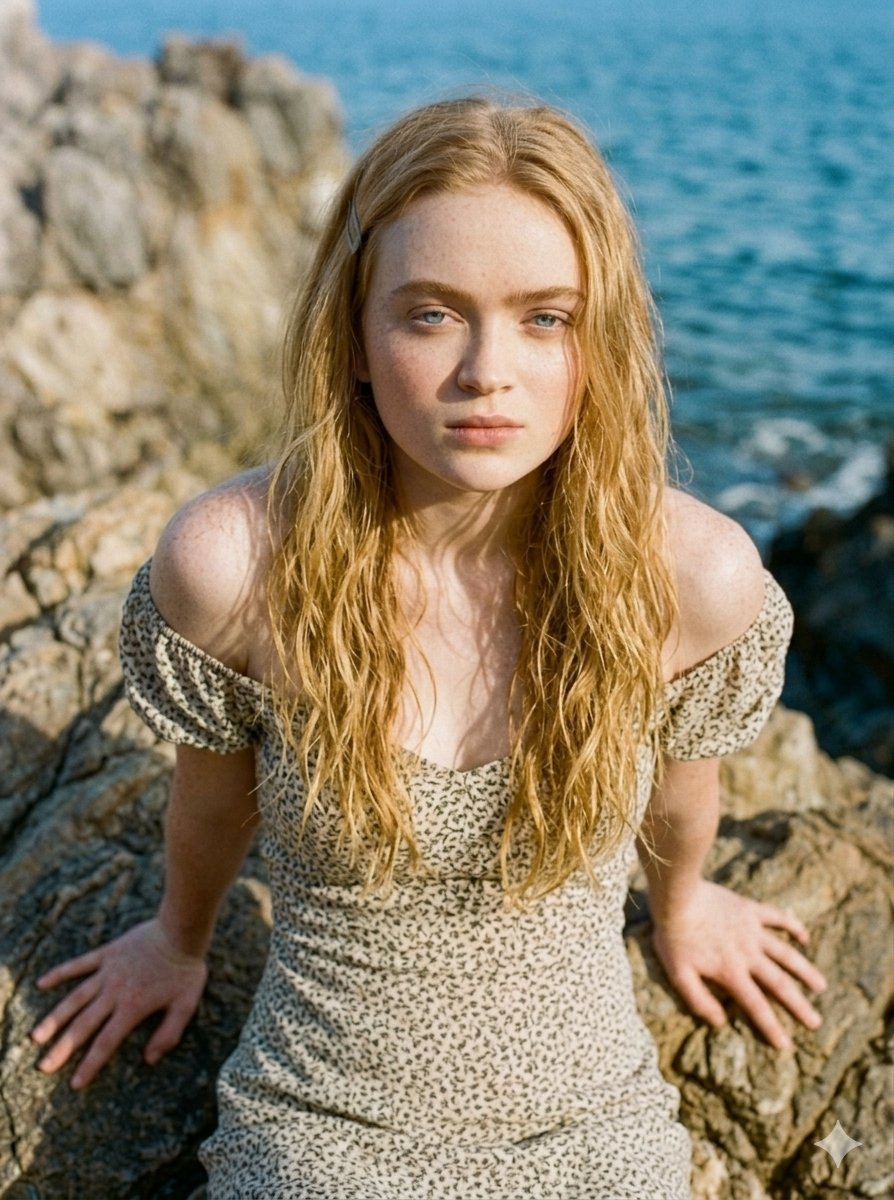
Serene Coastal Cliff Floral Portrait

untitled

2025 Aesthetic Photography

Nano Banana Is So Addictive

Transformation the Burger Seedance 2 0 a
Make it yours
Coastal Bench Portrait — Navy Floral Sundress works as-is. These are the safest ways to change it without losing the look.
Change one field
Copy a single group, rewrite it, and generate again so you can see what that field is doing.
Keep the frame, change the subject
Hold the composition and light of Coastal Bench Portrait — Navy Floral Sundress, then swap wardrobe, props or the person for a new take.
| If the result… | Why | Fix |
|---|---|---|
| The result drifts from the preview | Too many fields changed at once. | Reuse Coastal Bench Portrait — Navy Floral Sundress as-is first, then change one group — subject, light, or setting. |
| The model over-stylizes the scene | The prose prompt leaves finish and camera underspecified. | Add one camera or lighting sentence and stay on Nano Banana. |
More Nano Banana templates
Other prompts made for Nano Banana.










More image prompts
Fresh picks from across the catalog.

Titan with Hokuto Hyakuretsu Ken Generation
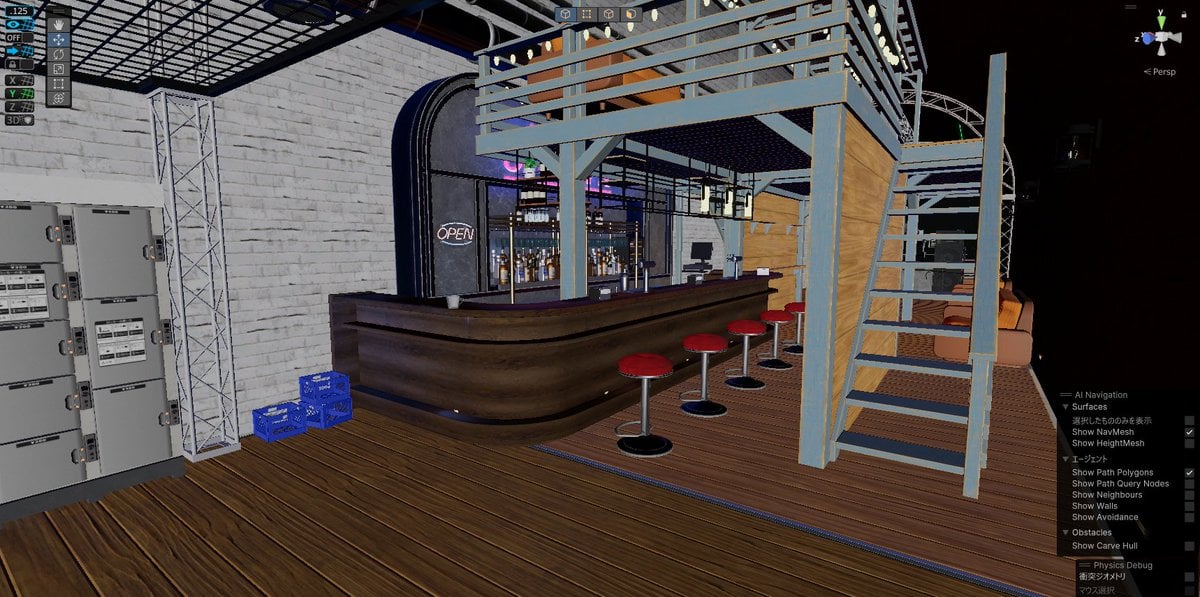
Nano Banana Detail Addition Test
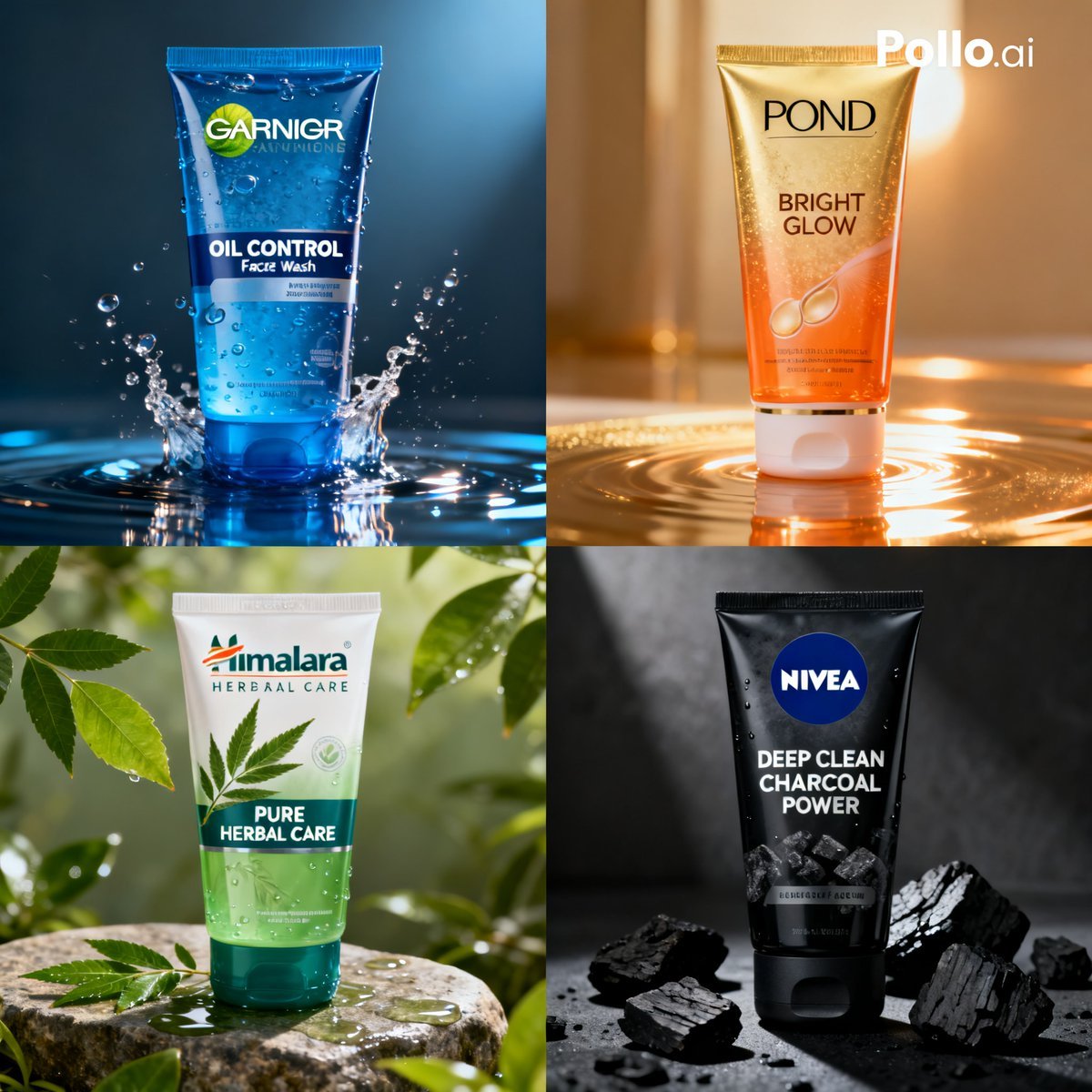
Panel Face Wash Ad Grid
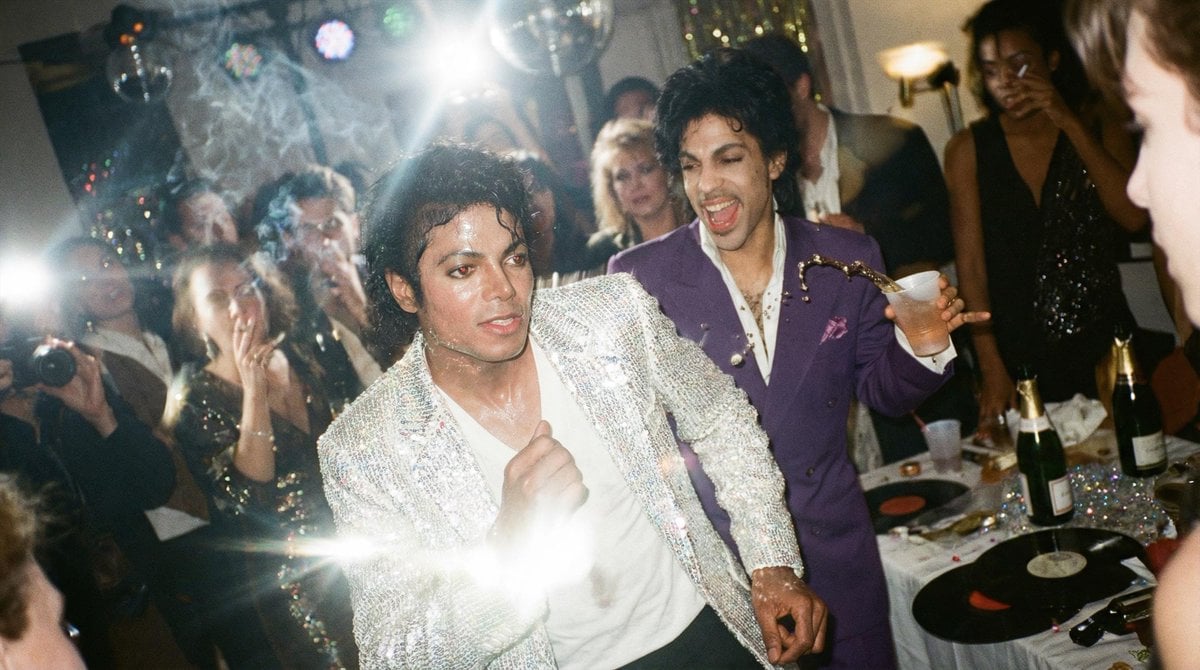
Messy Disposable Camera Party Shot Prompt

Assassin Style Conversion Prompt (Japanese)
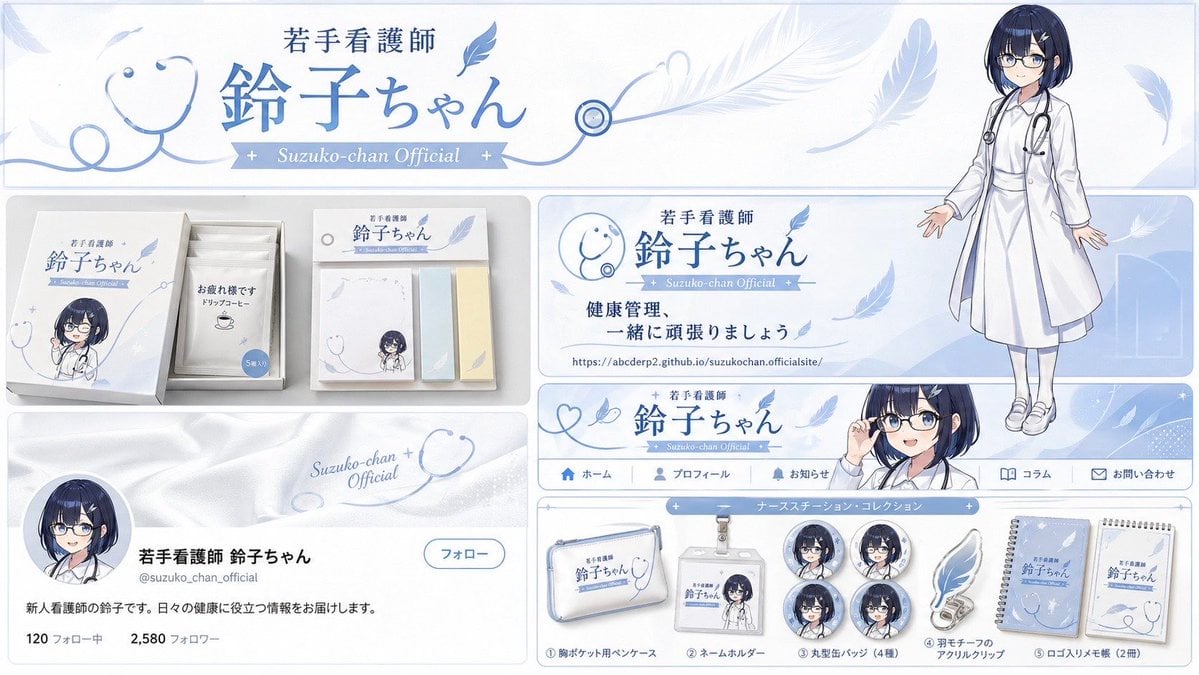
Brand Identity Design Board
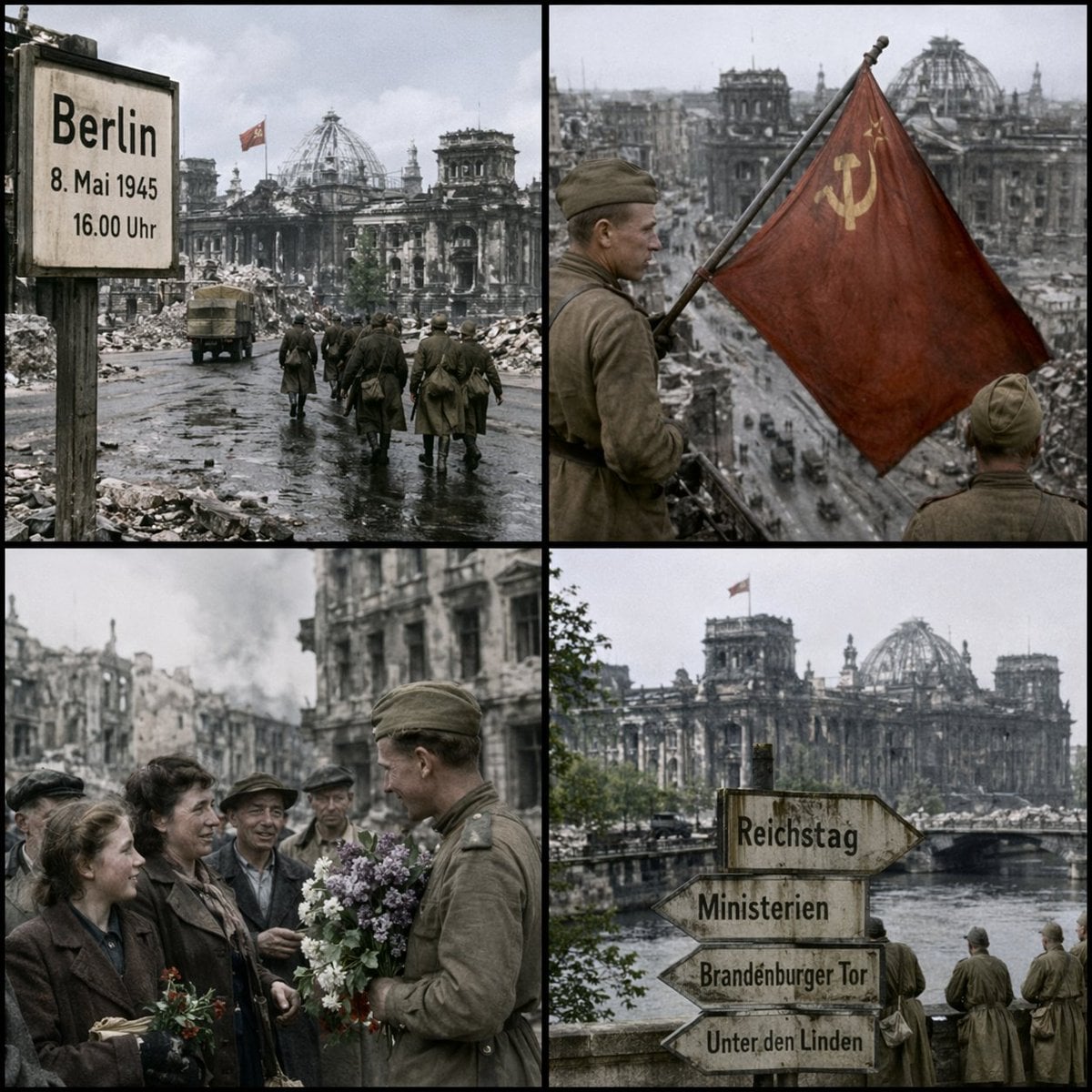
Historical Coordinate Grid Generation
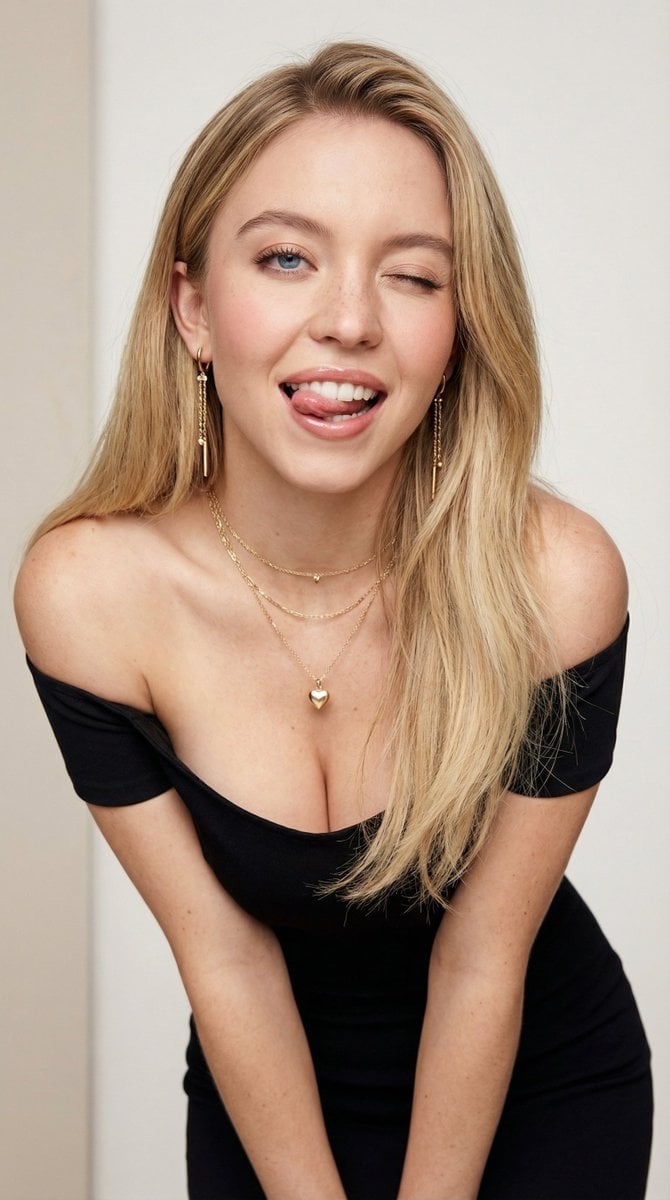
Flirty Studio Portrait Prompt with Wink and Tongue Out
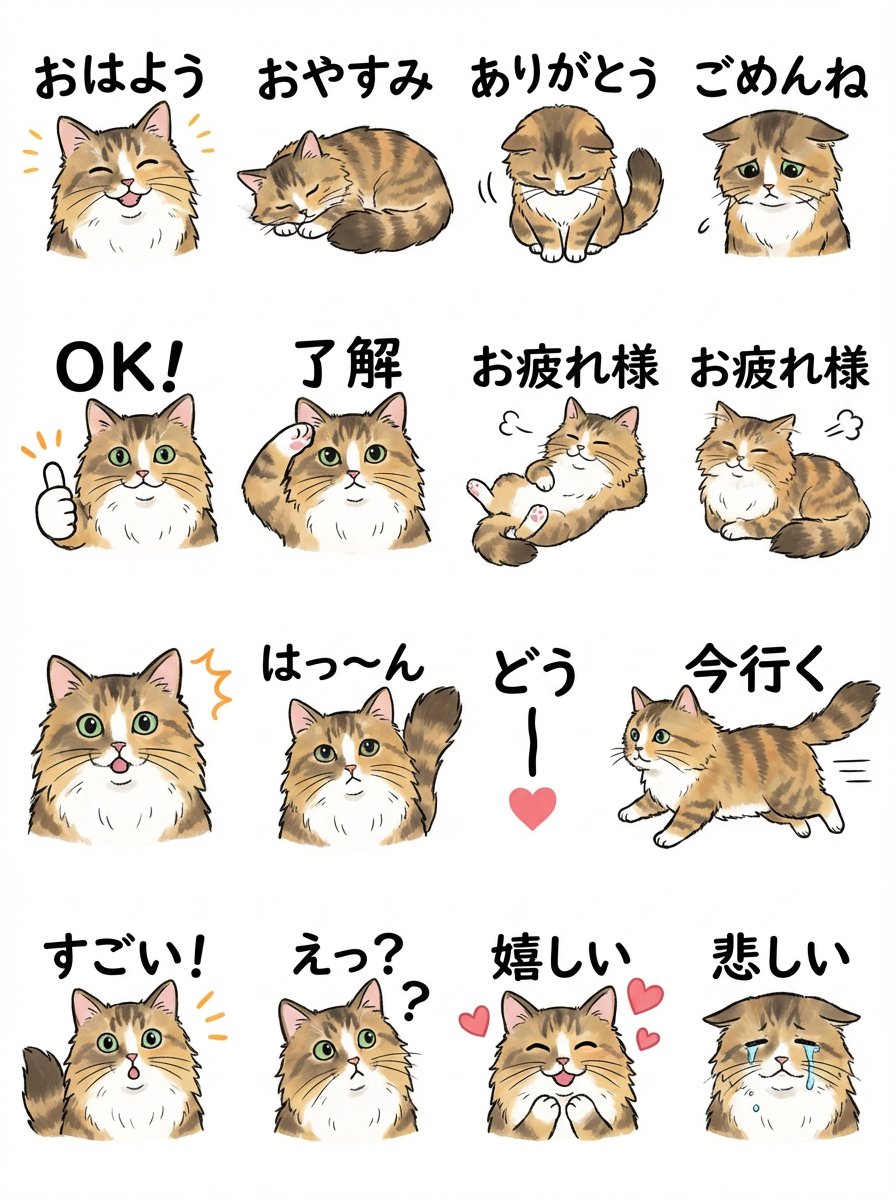
LINE Sticker Sheet Generation Prompt

Nike Dunk Bursting Through Crystalline Wall
Browse template categories
Coastal Bench Portrait — Navy Floral Sundress questions
How do I use the Coastal Bench Portrait — Navy Floral Sundress template?
Add your photo if the template asks for one, edit the prompt if you like — the template's model and format are already selected — and press Generate. Your version opens in PicX Studio.
Can I customize the Coastal Bench Portrait — Navy Floral Sundress template?
Yes. You can change the subject, setting, lighting, mood, format, and available model controls before creating your image.
Is the Coastal Bench Portrait — Navy Floral Sundress template free?
Opening and editing this template is free. Generating uses credits, shown on the Generate button when you are signed in.
Which AI model should I use?
Start with Nano Banana, which is the model associated with this template. You can compare another compatible model for a different finish.
Looking for something else? Browse all templates.

Your photo, any look
Thousands of ready templates for every top image and video model, from one credit balance.