
Panel Face Wash Ad Grid
This prompt generates a polished four-panel skincare advertisement collage showing different face wash products in themed studio environments for commercial marketing mockups.
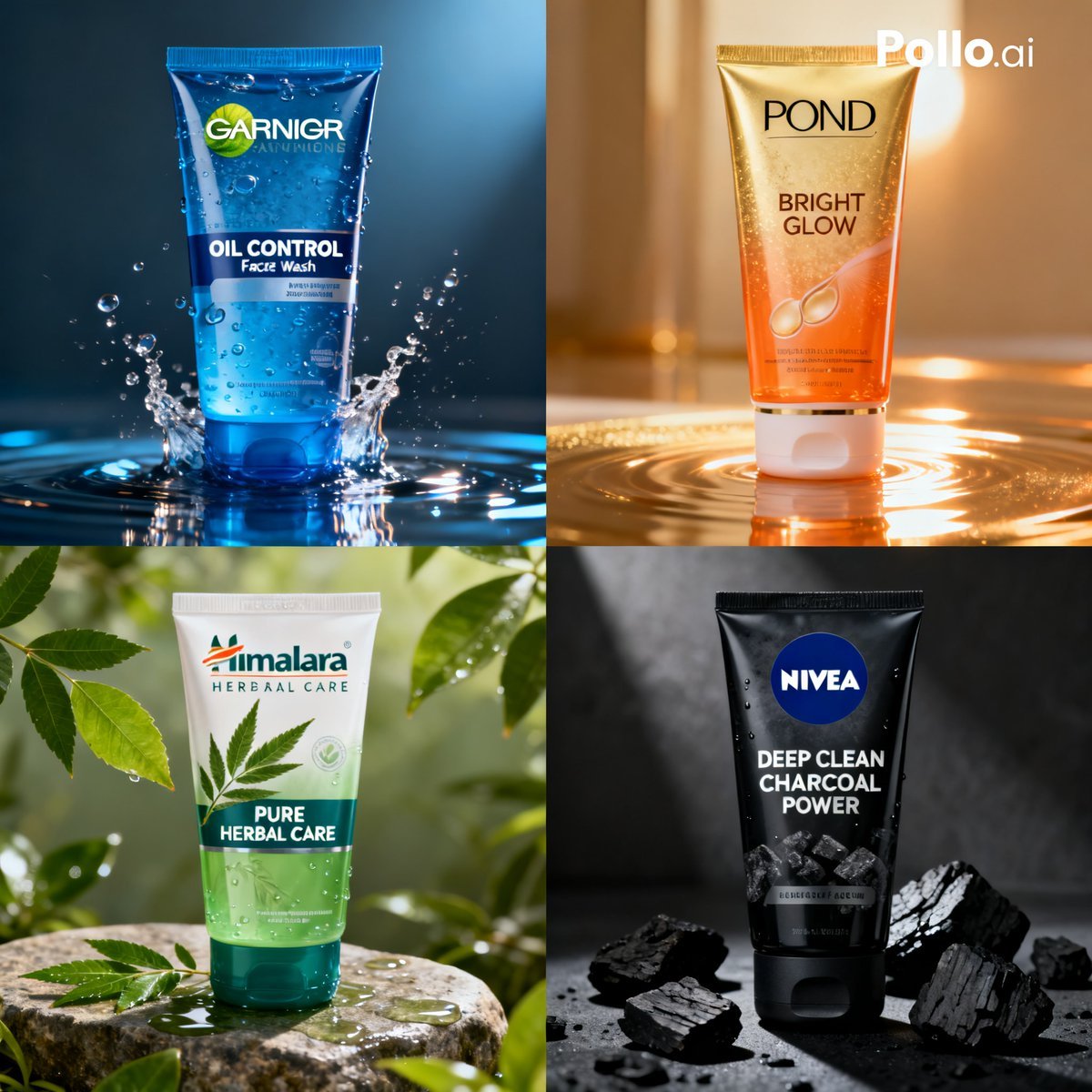
- Prompt included
- Model and format preset
- Free template
The prompt behind this image
Copy the exact prompt behind Panel Face Wash Ad Grid, or open it in the studio and make it yours.
- Type
- four-panel skincare product advertisement collage
- Style
- studio-quality commercial product photography, hyper-realistic, glossy packaging, dramatic lighting, premium beauty ad aesthetic
- Format
- square 2x2 grid
- Background
- each quadrant has its own themed environment matching the product benefit
- Products › 0 › Position
- top-left
- Products › 0 › Brand
- GARNIER
- Products › 0 › Product
- OIL CONTROL Face Wash
- Products › 0 › Packaging
- blue translucent squeeze tube with dark blue cap, water droplets on the tube
- Products › 0 › Scene
- tube standing upright in shallow water with a dynamic splash around the base
- Products › 0 › Lighting
- cool blue high-contrast lighting
- Products › 0 › Color Palette
- deep blue, cyan, white
- Products › 0 › Effects
- water ripples, splash crown, droplets on packaging
- Products › 1 › Position
- top-right
- Products › 1 › Brand
- POND'S
- Products › 1 › Product
- BRIGHT GLOW
- Products › 1 › Packaging
- gold-to-orange gradient squeeze tube with white cap, subtle glittery texture
- Products › 1 › Scene
- tube standing upright on reflective golden liquid with circular ripples
- Products › 1 › Lighting
- warm golden backlight with soft bokeh highlights
- Products › 1 › Color Palette
- gold, amber, orange, cream
- Products › 1 › Effects
- golden reflections, glow, liquid ripple rings
- Products › 2 › Position
- bottom-left
- Products › 2 › Brand
- Himalara HERBAAL CARE
- Products › 2 › Product
- PURE HERBAL CARE
- Products › 2 › Packaging
- white and translucent green squeeze tube with teal cap, herbal leaf graphic on front
Raw JSON
{"type":"four-panel skincare product advertisement collage","style":"studio-quality commercial product photography, hyper-realistic, glossy packaging, dramatic lighting, premium beauty ad aesthetic","format":"square 2x2 grid","background":"each quadrant has its own themed environment matching the product benefit","products":[{"position":"top-left","brand":"GARNIER","product":"OIL CONTROL Face Wash","packaging":"blue translucent squeeze tube with dark blue cap, water droplets on the tube","scene":"tube standing upright in shallow water with a dynamic splash around the base","lighting":"cool blue high-contrast lighting","color_palette":"deep blue, cyan, white","effects":["water ripples","splash crown","droplets on packaging"]},{"position":"top-right","brand":"POND'S","product":"BRIGHT GLOW","packaging":"gold-to-orange gradient squeeze tube with white cap, subtle glittery texture","scene":"tube standing upright on reflective golden liquid with circular ripples","lighting":"warm golden backlight with soft bokeh highlights","color_palette":"gold, amber, orange, cream","effects":["golden reflections","glow","liquid ripple rings"]},{"position":"bottom-left","brand":"Himalara HERBAAL CARE","product":"PURE HERBAL CARE","packaging":"white and translucent green squeeze tube with teal cap, herbal leaf graphic on front","scene":"tube placed on a wet natural stone surrounded by fresh green leaves in an outdoor botanical setting","lighting":"soft natural sunlight filtering through foliage","color_palette":"green, white, teal, earthy stone tones","effects":["water droplets","lush leaves","fresh natural atmosphere"]},{"position":"bottom-right","brand":"NIVEA","product":"DEEP CLEAN CHARCOAL POWER","packaging":"matte black squeeze tube with black cap and blue NIVEA circle logo","scene":"tube standing on a dark wet surface surrounded by broken charcoal pieces","lighting":"moody low-key directional lighting with subtle mist","color_palette":"black, charcoal gray, deep blue","effects":["wet surface reflections","charcoal chunks","dramatic shadows"]}],"layout":{"grid":{"rows":2,"columns":2},"count":4,"panels":["top-left Garnier water theme","top-right Pond's glow theme","bottom-left herbal green theme","bottom-right Nivea charcoal theme"]},"branding":{"watermark":{"text":"Pollo.ai","position":"top-right overall image","color":"white"}},"camera":"front-facing centered packshot in each panel, eye-level product framing, sharp focus on tube, shallow depth of field in background","quality":"ultra-detailed, advertising-ready, clean composition, crisp label readability"}How to use Panel Face Wash Ad Grid in 3 steps
- 1Upload ImagePNG, JPG or paste
Add your photo
Upload the photo the template builds on. The prompt, model and format are already set.
- 2…a portrait of your subject in softgolden-hour light, 85mm…
Personalize
Edit the subject and creative details for your destination.
- 3Generate
Generate
Press Generate — your image is created in PicX Studio, so you can compare it with the original and refine one variable at a time.
More like this
Templates with the same subject, style or setup. Open one to see its prompt.

Pixar 6-Panel Streethero Expression Grid

Headphones Lifestyle Nine Panel Grid

Paris Travel Collage Grid - Face Reference

Four-Panel Anime Face Comparison

Korean Luxury Fashion Editorial 2x2 Grid Series

Minimalist Fashion Editorial Split Layout

Ultra-Realistic Vogue-Style Editorial Fashion Grid
Panel Self-Care Infographic Grid
Multi-Panel Emotional State Grid
Panel Japanese Advertising Concept Grid

Dancer Character - Four View Reference Sheet

4x4 Grid - Candid Nostalgic Vacation Selfies
Make it yours
Panel Face Wash Ad Grid works as-is. These are the safest ways to change it without losing the look.
Swap the setting
Keep the rest of the prompt and replace the location block. The current setting is “each quadrant has its own themed environment matching the product benefit”.
Swap the light
One lighting change is enough to compare takes. Current light: “cool blue high-contrast lighting”.
Change one field
Copy a single group, rewrite it, and generate again so you can see what that field is doing.
| If the result… | Why | Fix |
|---|---|---|
| The result drifts from the preview | Too many fields changed at once. | Reuse 4-Panel Face Wash Ad Grid as-is first, then change one group — subject, light, or setting. |
| GPT Image 2 ignores part of the JSON | Some models flatten or skip nested keys. | Keep the same values and paste them as a short paragraph instead. |
More GPT Image 2 templates
Other prompts made for GPT Image 2.

Six VTuber Japanese Logo Sheet

Realistic Portrait of Woman and Deer

The Vista Modular Condo Poster

AI Model Routing Comparison Infographic

2.5D Anime Art Board

Isometric Productivity Desk Scene

New York Double Exposure Poster

Four-Panel AI Landscape Comparison

Japanese Tatami Lifestyle Magazine Cover

NESCAFÉ Coffee Map Poster
More image prompts
Fresh picks from across the catalog.

Nano Banana Pro Dynasty Warriors/Final Fantasy Prompt (Full Screen)

8K Corporate High-Fashion Editorial JSON
Ultra-Realistic Cinematic Night Street Selfie Prompt

Seaside Travel Lifestyle Portrait
Isometric 3D Miniature City Diorama with Holiday Theme
Vintage Film Style Portrait Transformation
Cinematic Tokyo Hotel Kimono Portrait
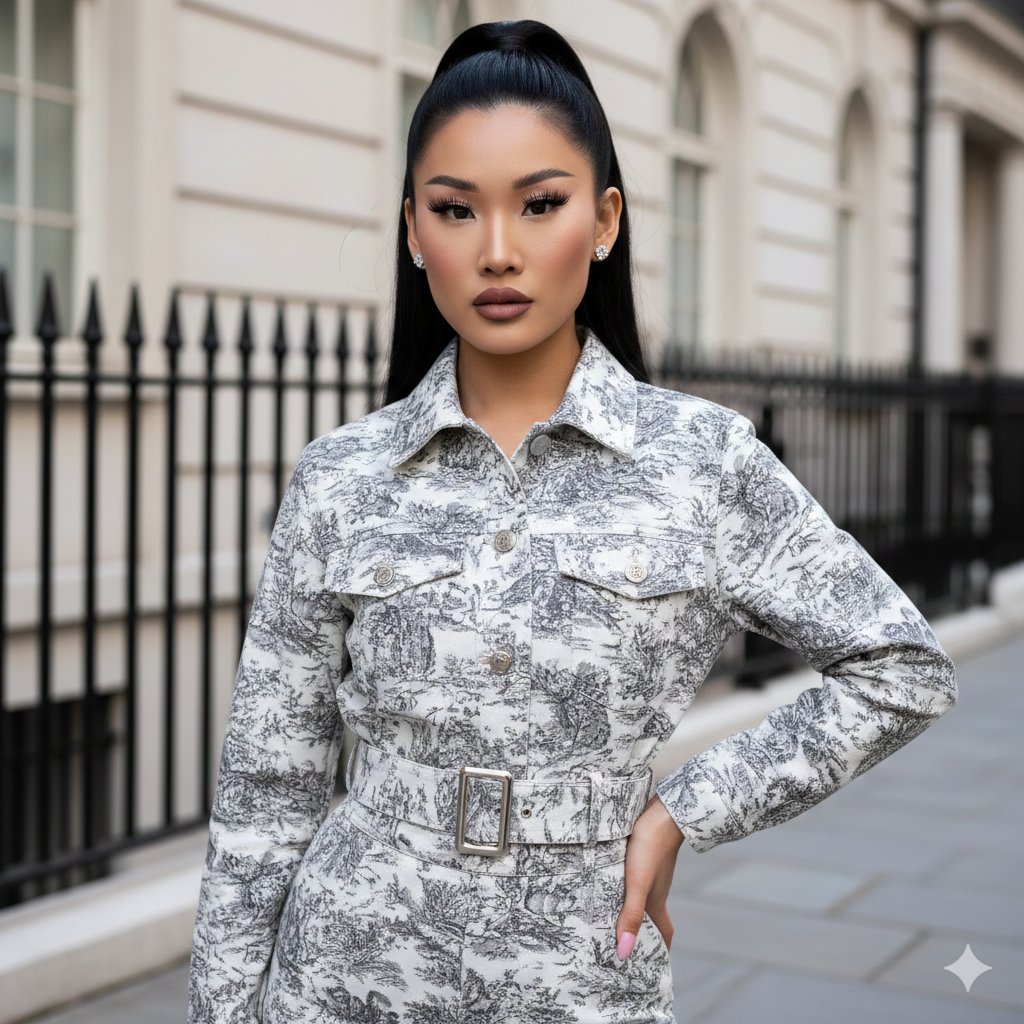
Toile de Jouy Street Style Fashion Editorial
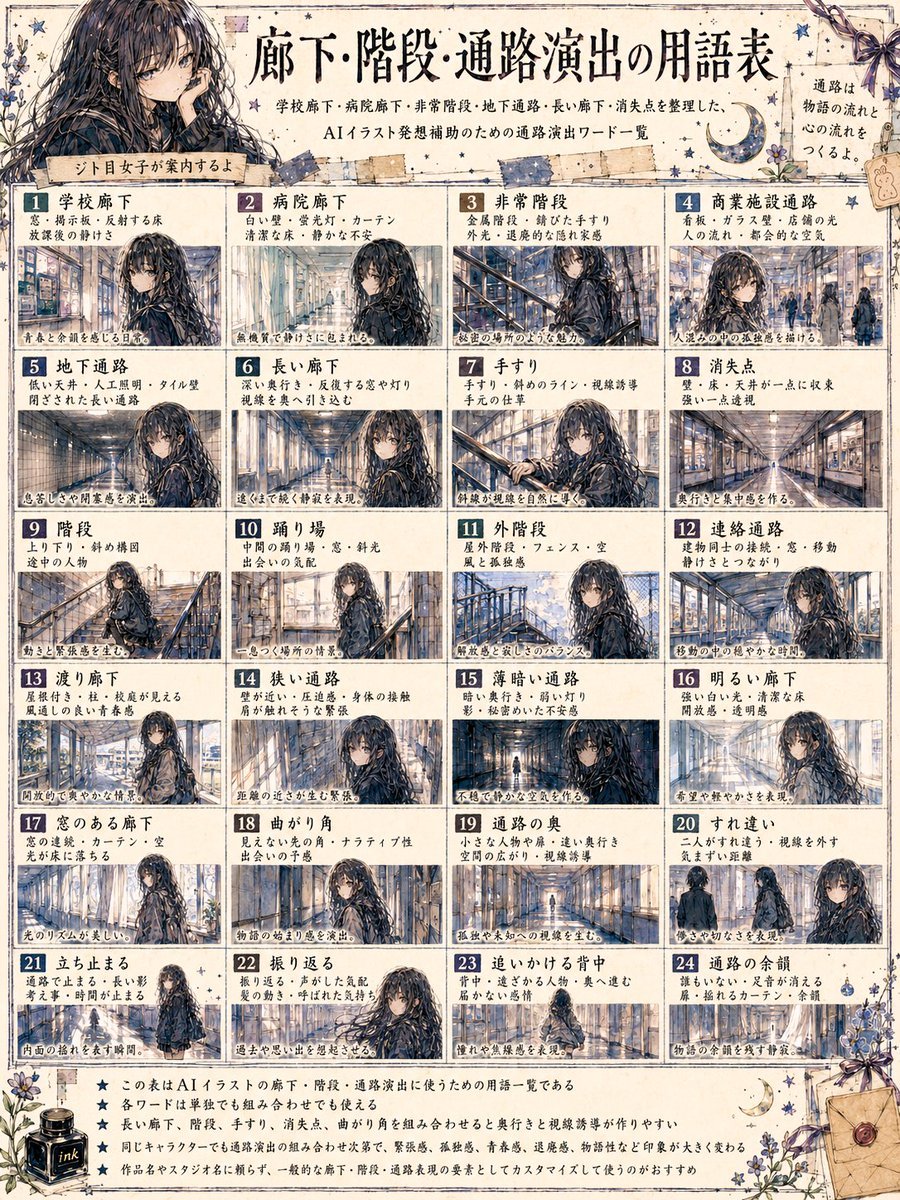
Japanese Corridor Vocabulary Poster
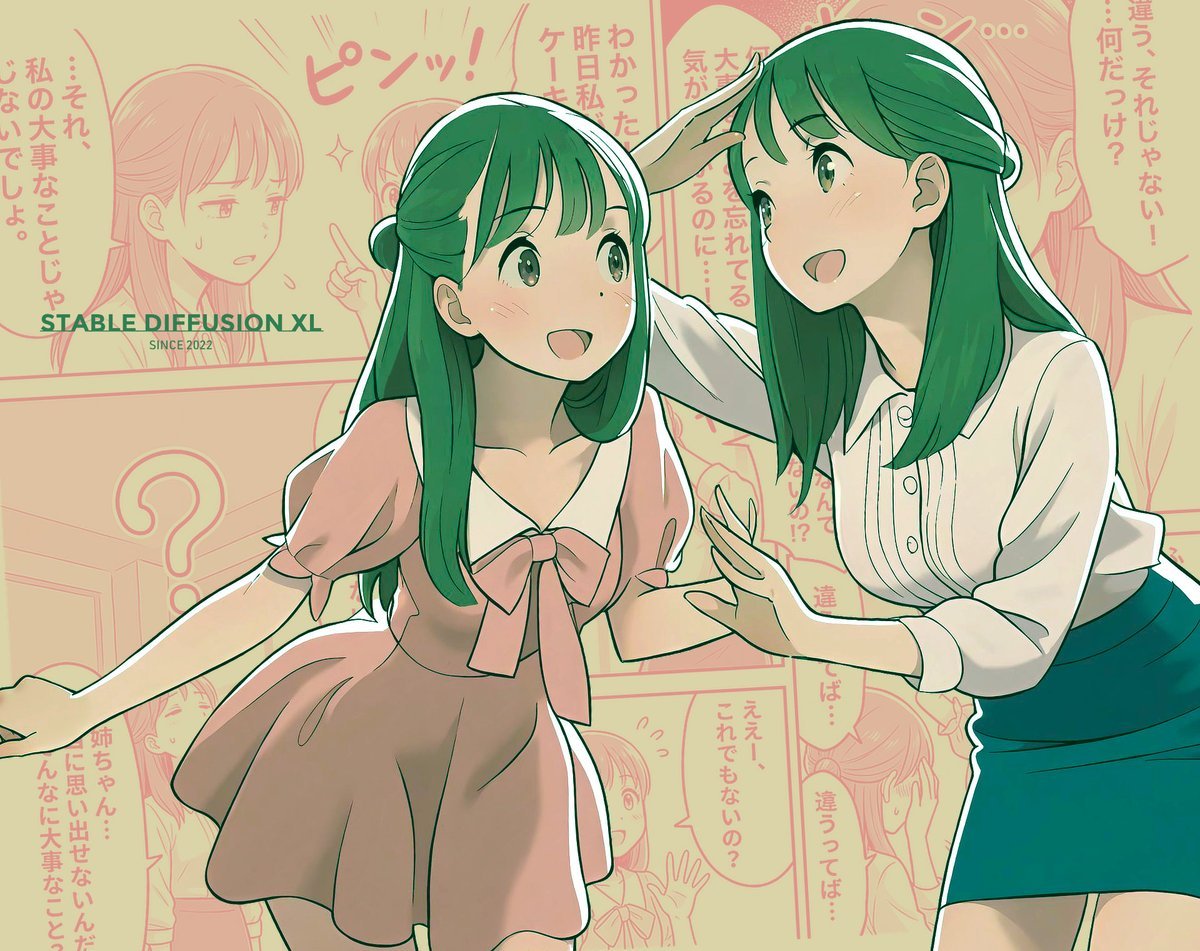
Manga page prompt for Nano Banana Pro
Browse template categories
Panel Face Wash Ad Grid questions
How do I use the 4-Panel Face Wash Ad Grid template?
Add your photo if the template asks for one, edit the prompt if you like — the template's model and format are already selected — and press Generate. Your version opens in PicX Studio.
Can I customize the 4-Panel Face Wash Ad Grid template?
Yes. You can change the subject, setting, lighting, mood, format, and available model controls before creating your image.
Is the 4-Panel Face Wash Ad Grid template free?
Opening and editing this template is free. Generating uses credits, shown on the Generate button when you are signed in.
Which AI model should I use?
Start with GPT Image 2, which is the model associated with this template. You can compare another compatible model for a different finish.
Looking for something else? Browse all templates.

Your photo, any look
Thousands of ready templates for every top image and video model, from one credit balance.