How do I use the Vintage Film Style Portrait Transformation template?
Edit the prompt in the box under the preview — the template's model and format are already selected — and press Generate. Your version appears right on this page.
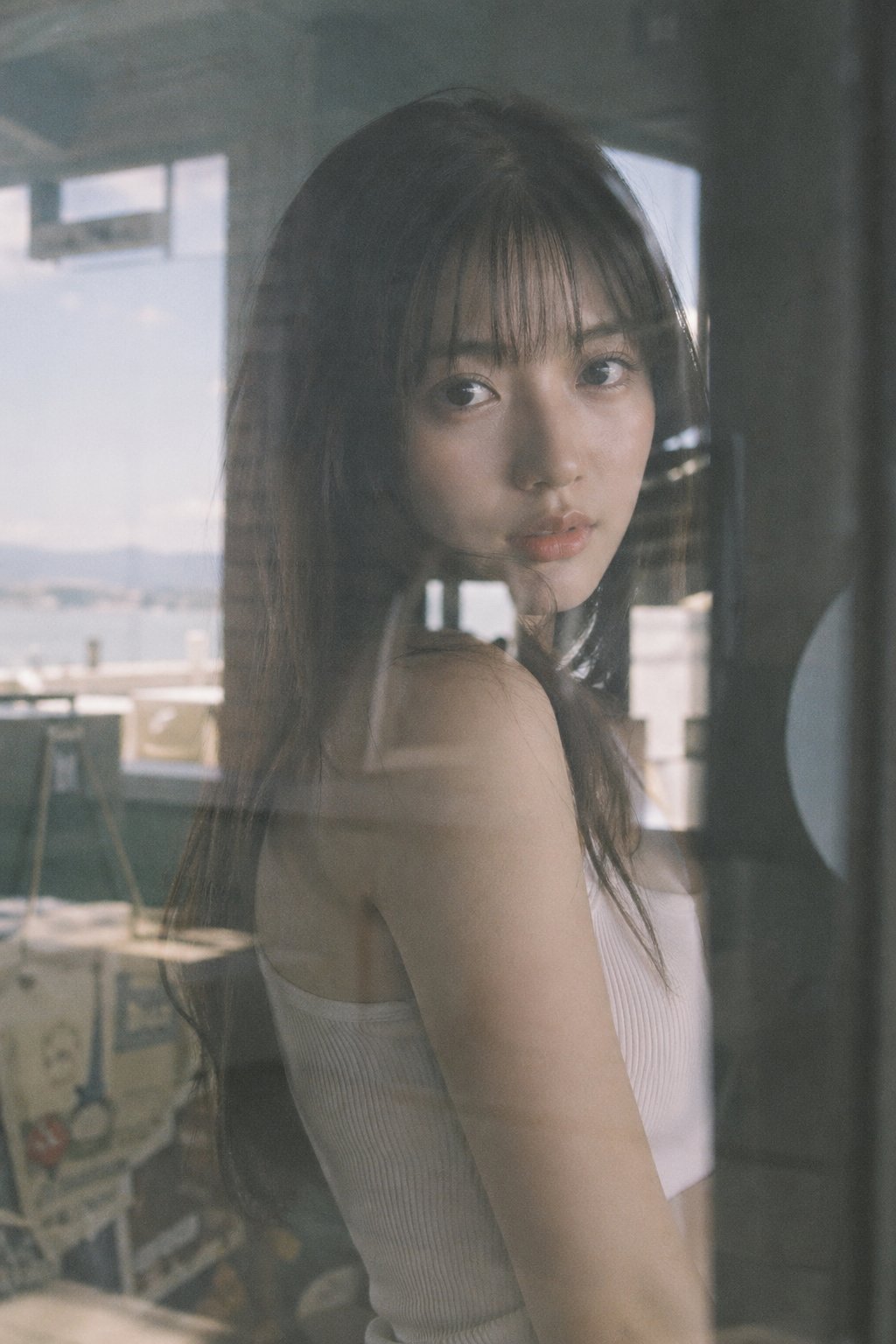
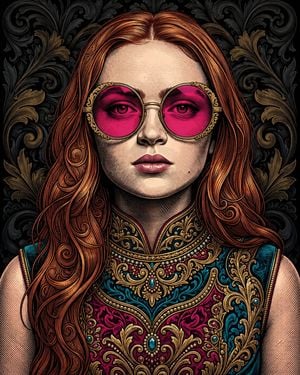
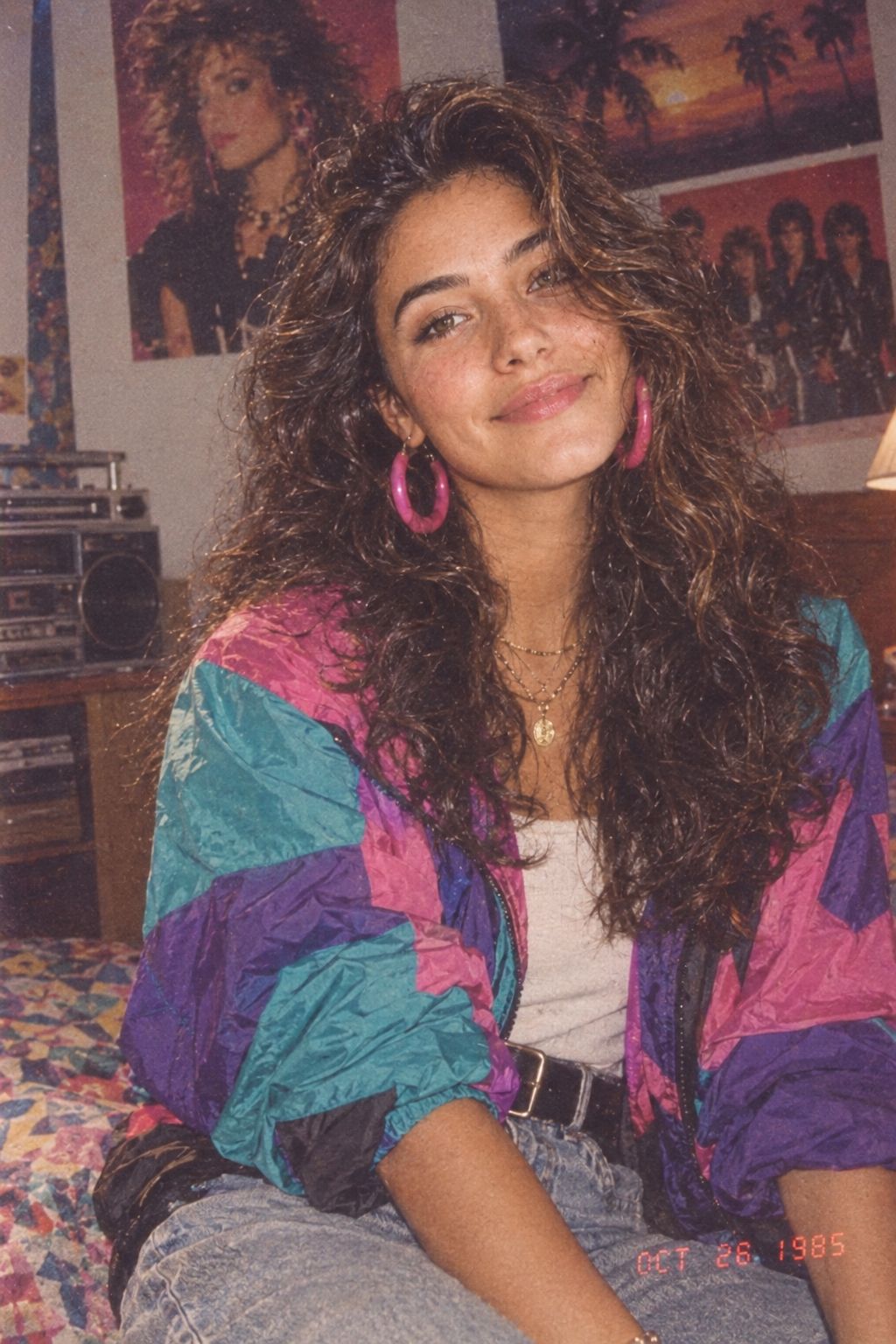
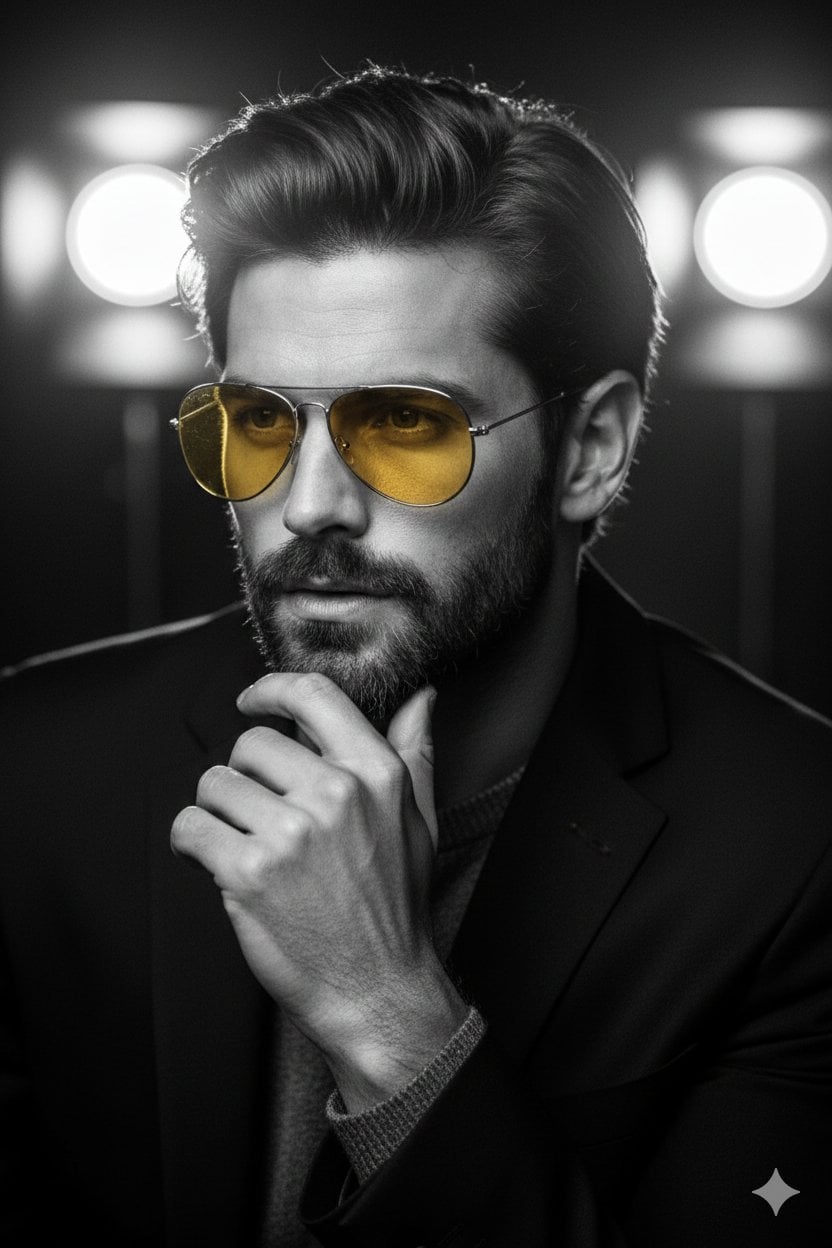
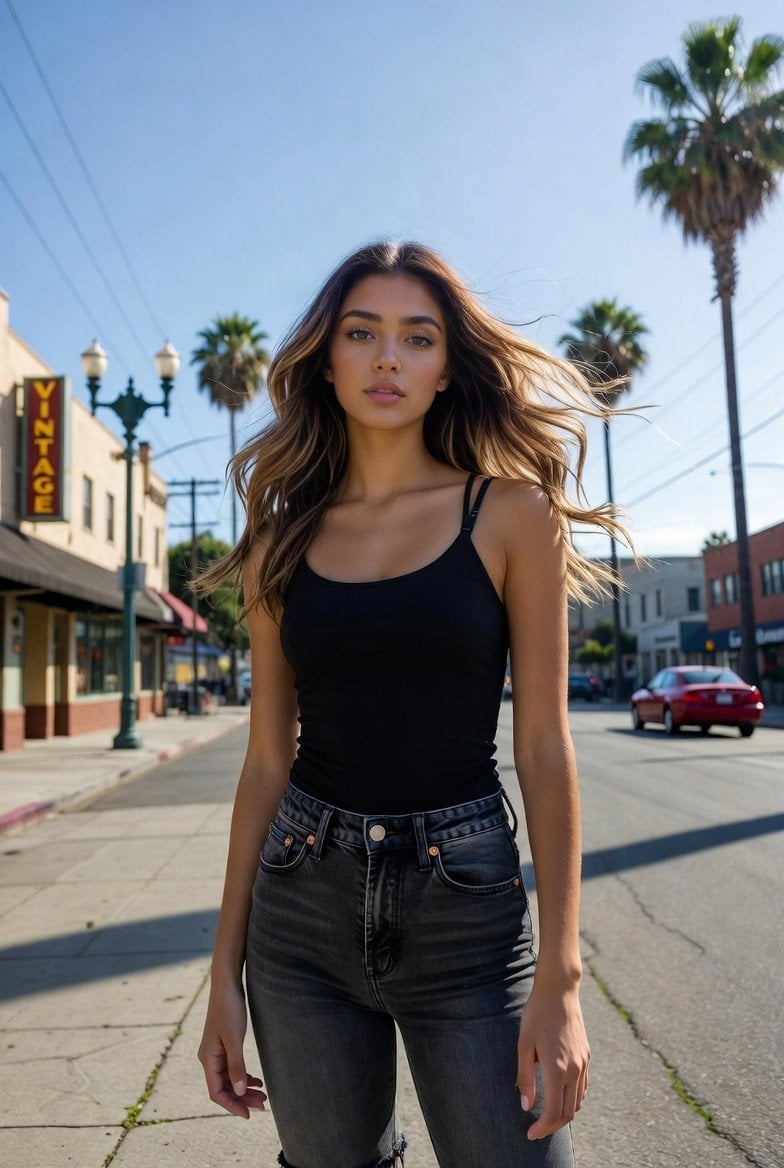
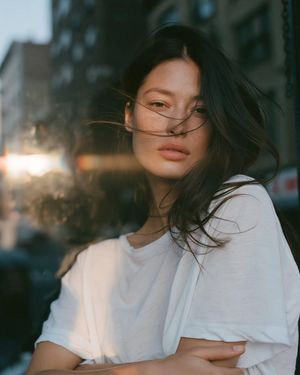
A GPT Image 2 prompt designed to transform a personal photo into a high-quality vintage film aesthetic with Fuji filter effects and cinematic grain.

This template uses your photo — add one with the + button.
Using the person in the uploaded photo as the base model, in a {argument name="photography style" default="retro film photography"} style, with an obvious film-grain feel, realistic light and shadow, a retro color tone, and a {argument name="filter" default="Fujifilm-style filter"}. Beside an old newsstand kiosk stands a dried, withered tree, next to which a cluster of {argument name="flower cluster color" default="orange-pink"} flowers is in full bloom; retro film grain texture is woven throughout, with an out-of-focus background showing prominent motion-trail streaks and remnants, and a double-exposure/ghosting effect creating a strong, surreal atmosphere. A bewitchingly beautiful young woman holds the flowers, turned to the side; her cool-toned white skin is fine and translucent, her delicate face carries a dynamic motion blur, and her silhouette sways slightly as if with a panning camera move. Under a warm-toned, low-saturation filter, her long hair, naturally soft-lit, glimmers in the backlight, with stray strands whipping quickly across her jaw, conveying an attraction that is both adorable and dangerous; cute, lively movements bring life to the image, with motion blur blending into the film grain, combining an influencer-ready, shareable feel with a strong sense of narrative atmosphere, balancing the bewitching and the sweet. Adjust the feel of the face to match the whole image.
Using the person in the uploaded photo as the base model, in a {argument name="photography style" default="retro film photography"} style, with an obvious film-grain feel, realistic light and shadow, a retro color tone, and a {argument name="filter" default="Fujifilm-style filter"}. Beside an old newsstand kiosk stands a dried, withered tree, next to which a cluster of {argument name="flower cluster color" default="orange-pink"} flowers is in full bloom; retro film grain texture is woven throughout, with an out-of-focus background showing prominent motion-trail streaks and remnants, and a double-exposure/ghosting effect creating a strong, surreal atmosphere. A bewitchingly beautiful young woman holds the flowers, turned to the side; her cool-toned white skin is fine and translucent, her delicate face carries a dynamic motion blur, and her silhouette sways slightly as if with a panning camera move. Under a warm-toned, low-saturation filter, her long hair, naturally soft-lit, glimmers in the backlight, with stray strands whipping quickly across her jaw, conveying an attraction that is both adorable and dangerous; cute, lively movements bring life to the image, with motion blur blending into the film grain, combining an influencer-ready, shareable feel with a strong sense of narrative atmosphere, balancing the bewitching and the sweet. Adjust the feel of the face to match the whole image.
Edit the prompt in the box under the preview — the template's model and format are already selected — and press Generate. Your version appears right on this page.
Yes. You can change the subject, setting, lighting, mood, format, and available model controls before creating your image.
Opening and editing this template is free. Generating uses credits, shown on the Generate button when you are signed in.
Start with GPT Image 2, which is the model associated with this template. You can compare another compatible model for a different finish.
Follow a topic to a crawlable collection of related PicX Studio templates.