
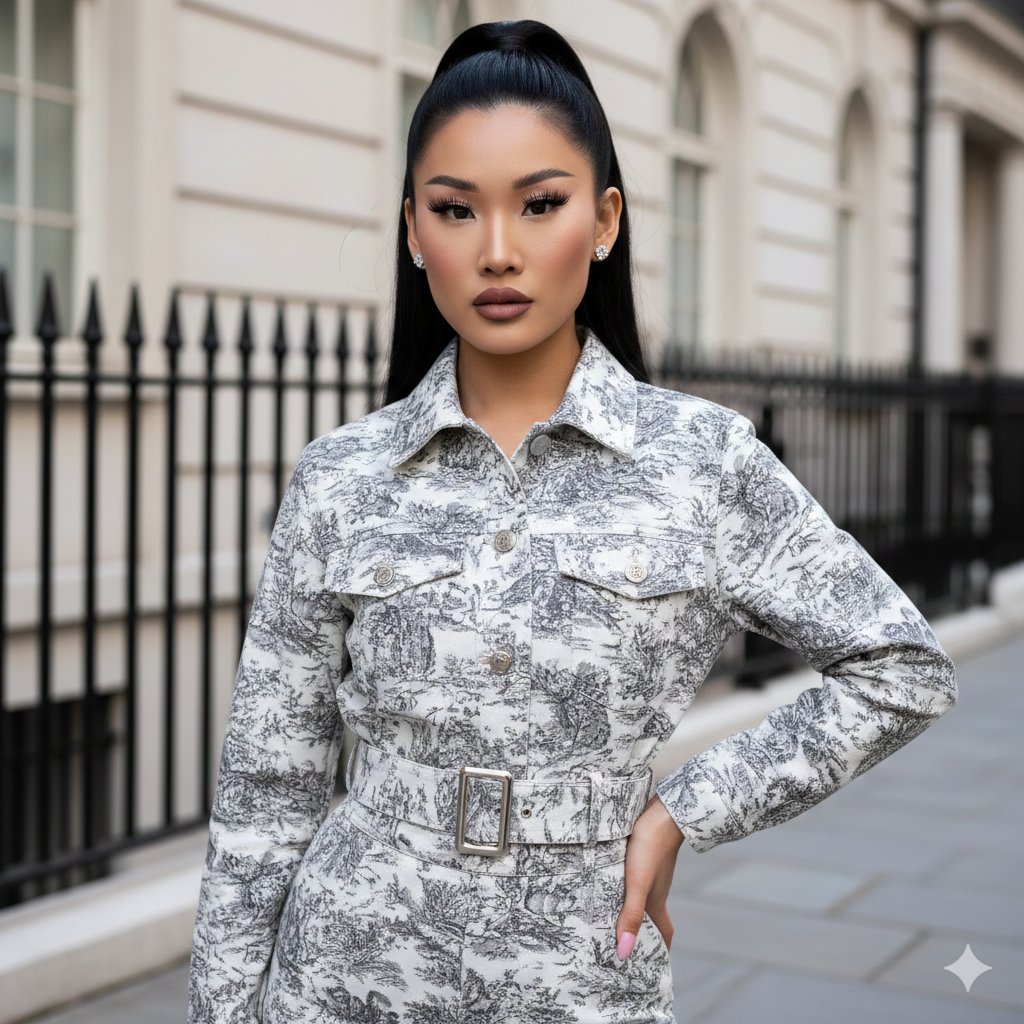
Toile de Jouy Street Style Fashion Editorial
A Gemini Nano Banana Pro prompt for generating a fashion editorial image set on an urban street.
- Prompt included
- Model and format preset
- Free template
The prompt behind this image
Copy the exact prompt behind Toile de Jouy Street Style Fashion Editorial, or open it in the studio and make it yours.
- Subject › Person › Gender
- female
- Subject › Person › Facial Features › Eyebrows
- well-defined, arched, dark
- Subject › Person › Facial Features › Eyes
- almond-shaped, dark, featuring dramatic false eyelashes and eyeliner
- Subject › Person › Facial Features › Lips
- full, matte mauve or dusty rose lipstick
- Subject › Person › Facial Features › Makeup
- glamorous, contoured skin, soft pink blush, winged eyeliner
- Subject › Person › Hair › Style
- high ponytail with a sleek, rounded top section (half-up look)
- Subject › Person › Hair › Color
- jet black
- Subject › Person › Hair › Texture
- straight and smooth
- Subject › Person › Pose
- standing, looking directly at the camera, slight tilt of the head, right hand resting on hip
- Subject › Clothing › Top
- toile de jouy patterned denim jacket, light grey and charcoal, belted waist with a silver buckle, button-up front, structured collar
- Subject › Clothing › Bottom
- matching toile de jouy patterned trousers
- Subject › Clothing › Accessories
- small sparkling diamond or crystal stud earrings, light pink manicured nails
- Environment › Setting
- urban street, upscale residential area
- Environment › Background Elements
- black wrought iron spiked fence, classic cream-colored building facade with arched windows, grey stone pavement, soft natural daylight with mild shadows
- Composition › Shot Type
- medium-full shot
- Composition › Framing
- centered subject
- Composition › Lighting
- bright, even outdoor lighting, professional photography style
- Composition › Color Palette › Primary
- monochromatic greys, whites, and blacks
- Composition › Color Palette › Accents
- soft pinks and skin tones
- Composition › Aesthetic
- fashion editorial, street style, polished and modern
Raw JSON
{
  "subject": {
    "person": {
      "gender": "female",
      "facial_features": {
        "eyebrows": "well-defined, arched, dark",
        "eyes": "almond-shaped, dark, featuring dramatic false eyelashes and eyeliner",
        "lips": "full, matte mauve or dusty rose lipstick",
        "makeup": "glamorous, contoured skin, soft pink blush, winged eyeliner"
      },
      "hair": {
        "style": "high ponytail with a sleek, rounded top section (half-up look)",
        "color": "jet black",
        "texture": "straight and smooth"
      },
      "pose": "standing, looking directly at the camera, slight tilt of the head, right hand resting on hip"
    },
    "clothing": {
      "top": "toile de jouy patterned denim jacket, light grey and charcoal, belted waist with a silver buckle, button-up front, structured collar",
      "bottom": "matching toile de jouy patterned trousers",
      "accessories": "small sparkling diamond or crystal stud earrings, light pink manicured nails"
    }
  },
  "environment": {
    "setting": "urban street, upscale residential area",
    "background_elements": [
      "black wrought iron spiked fence",
      "classic cream-colored building facade with arched windows",
      "grey stone pavement",
      "soft natural daylight with mild shadows"
    ]
  },
  "composition": {
    "shot_type": "medium-full shot",
    "framing": "centered subject",
    "lighting": "bright, even outdoor lighting, professional photography style",
    "color_palette": {
      "primary": "monochromatic greys, whites, and blacks",
      "accents": "soft pinks and skin tones"
    },
    "aesthetic": "fashion editorial, street style, polished and modern"
  }
}How to use Toile de Jouy Street Style Fashion Editorial in 3 steps
- 1
Open
The prompt is already in the box next to the preview, with the template's model and format selected.
- 2…a portrait of your subject in softgolden-hour light, 85mm…
Personalize
Edit the subject and creative details for your destination.
- 3Generate
Generate
Press Generate — your image is created in PicX Studio, so you can compare it with the original and refine one variable at a time.
More like this
Templates with the same subject, style or setup. Open one to see its prompt.

Luxury Black-and-White Fashion Contact Sheet

Face-Locked Cream Half-Zip Street Walk

untitled

Google Gemini Nano Banana Pro

Conceptual Fashion Portrait in Spider We

01 Skincare Split Portrait — Nano Banana 2

24 The Getty Center — California Series

21 Glass Floor Skyscraper — California Series

19 Luxury Helicopter Travel — California Series

08 Rodeo Drive Luxury Exit — California Series

03 Beverly Hills Convertible — California Series

Gpt Image 2 Fashion Portrait
Make it yours
Toile de Jouy Street Style Fashion Editorial works as-is. These are the safest ways to change it without losing the look.
Swap the setting
Keep the rest of the prompt and replace the location block. The current setting is “urban street, upscale residential area”.
Swap the light
One lighting change is enough to compare takes. Current light: “bright, even outdoor lighting, professional photography style”.
Change one field
Copy a single group, rewrite it, and generate again so you can see what that field is doing.
| If the result… | Why | Fix |
|---|---|---|
| The result drifts from the preview | Too many fields changed at once. | Reuse Toile de Jouy Street Style Fashion Editorial as-is first, then change one group — subject, light, or setting. |
| Nano Banana 2 ignores part of the JSON | Some models flatten or skip nested keys. | Keep the same values and paste them as a short paragraph instead. |
More Nano Banana 2 templates
Other prompts made for Nano Banana 2.

Photorealistic Leaf Shaped Like a Dragon

K-Pop Idol Portrait Grid for Rapid Selection

Poetic Rain Forest Portrait During Golden Hour

Urban Street Portrait with Cartoon Inner Self Duo

Candid Nighttime Photo with Cat Prompt

High-Concept 3D Diorama Generation Prompt

Cinematic Futuristic Studio Portrait Template

Skincare Editorial Photography Collage Prompt

Hyper-Realistic Commercial Product Photography (Splash Effect)

Hyper-Realistic Nightclub Portrait Prompt
More image prompts
Fresh picks from across the catalog.
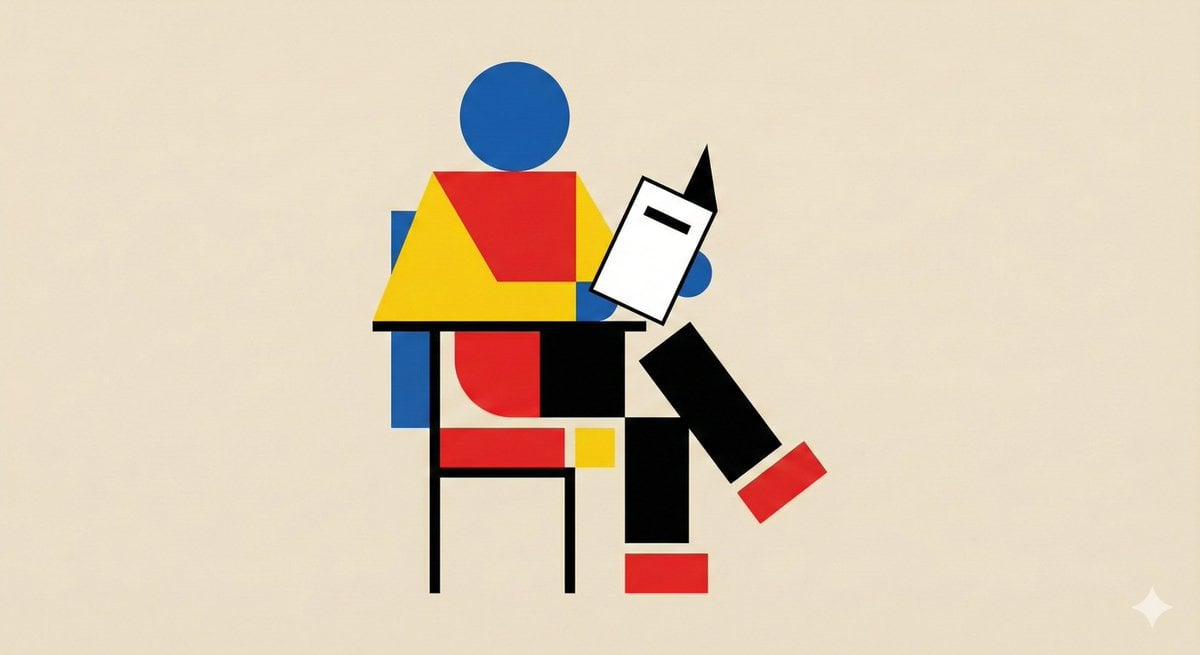
Bauhaus Geometry Minimal Illustration Template
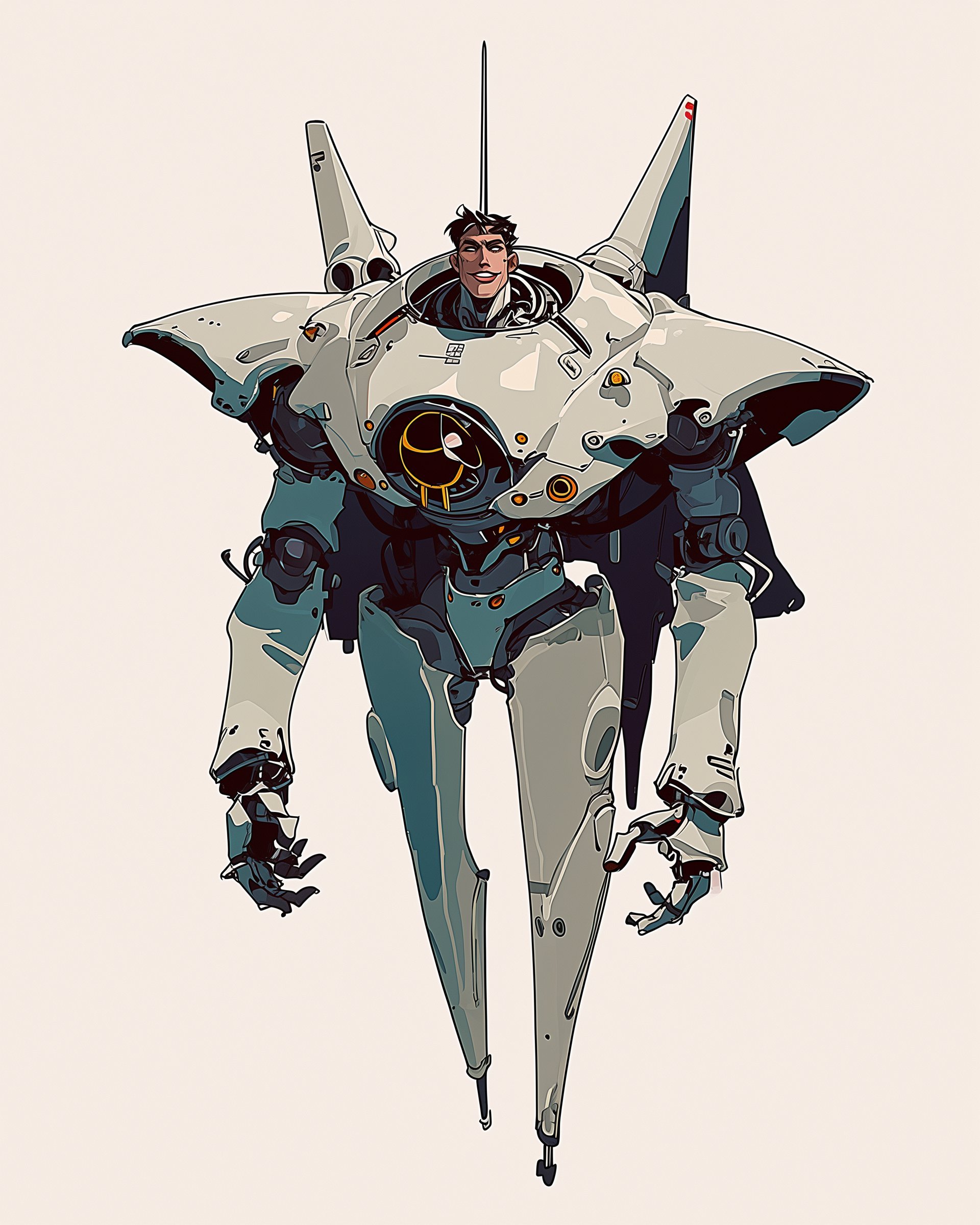
Character Design Sheet for a Man with Hi
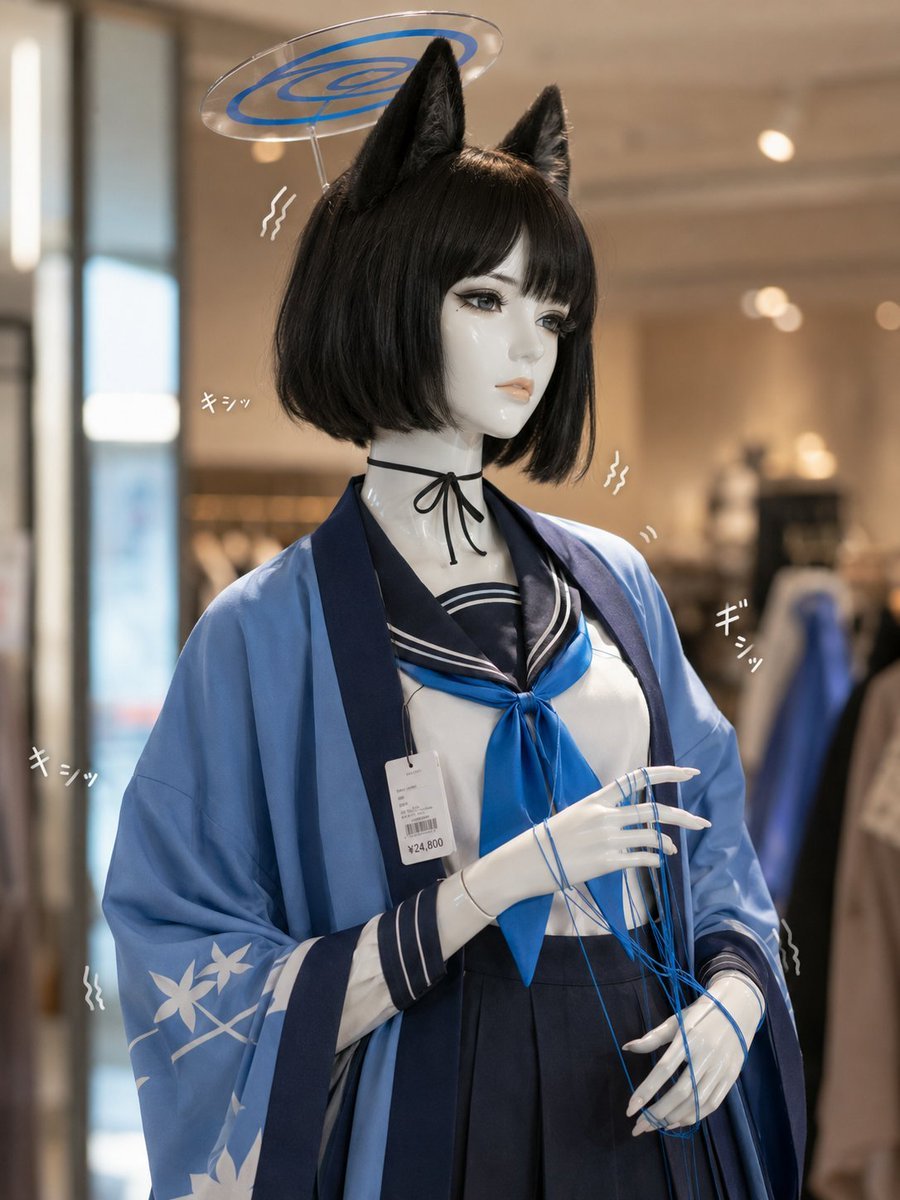
Photoreal Anime Mannequin Display
Minimalist Mixed-Media Eye Illustration
Gpt2 Social Media Post Artist and Ethereal Muse at Night
Generating Pokémon Zukan (Illustrated Guide) Style Art
2026 Fashion Editorial Portrait
Photorealistic Portrait with Shallow Depth of Field

16K Cinematic Night Portrait with Strict Identity Lock
Shy Classroom Romance Manga Page
Browse template categories
Toile de Jouy Street Style Fashion Editorial questions
How do I use the Toile de Jouy Street Style Fashion Editorial template?
Add your photo if the template asks for one, edit the prompt if you like — the template's model and format are already selected — and press Generate. Your version opens in PicX Studio.
Can I customize the Toile de Jouy Street Style Fashion Editorial template?
Yes. You can change the subject, setting, lighting, mood, format, and available model controls before creating your image.
Is the Toile de Jouy Street Style Fashion Editorial template free?
Opening and editing this template is free. Generating uses credits, shown on the Generate button when you are signed in.
Which AI model should I use?
Start with Nano Banana 2, which is the model associated with this template. You can compare another compatible model for a different finish.
Looking for something else? Browse all templates.

Your photo, any look
Thousands of ready templates for every top image and video model, from one credit balance.