
8K Corporate High-Fashion Editorial JSON
An extremely detailed JSON prompt for generating an ultra-realistic, 8K corporate high-fashion editorial portrait of a female executive, focusing on preserving 100% facial identity from a reference image, specific…
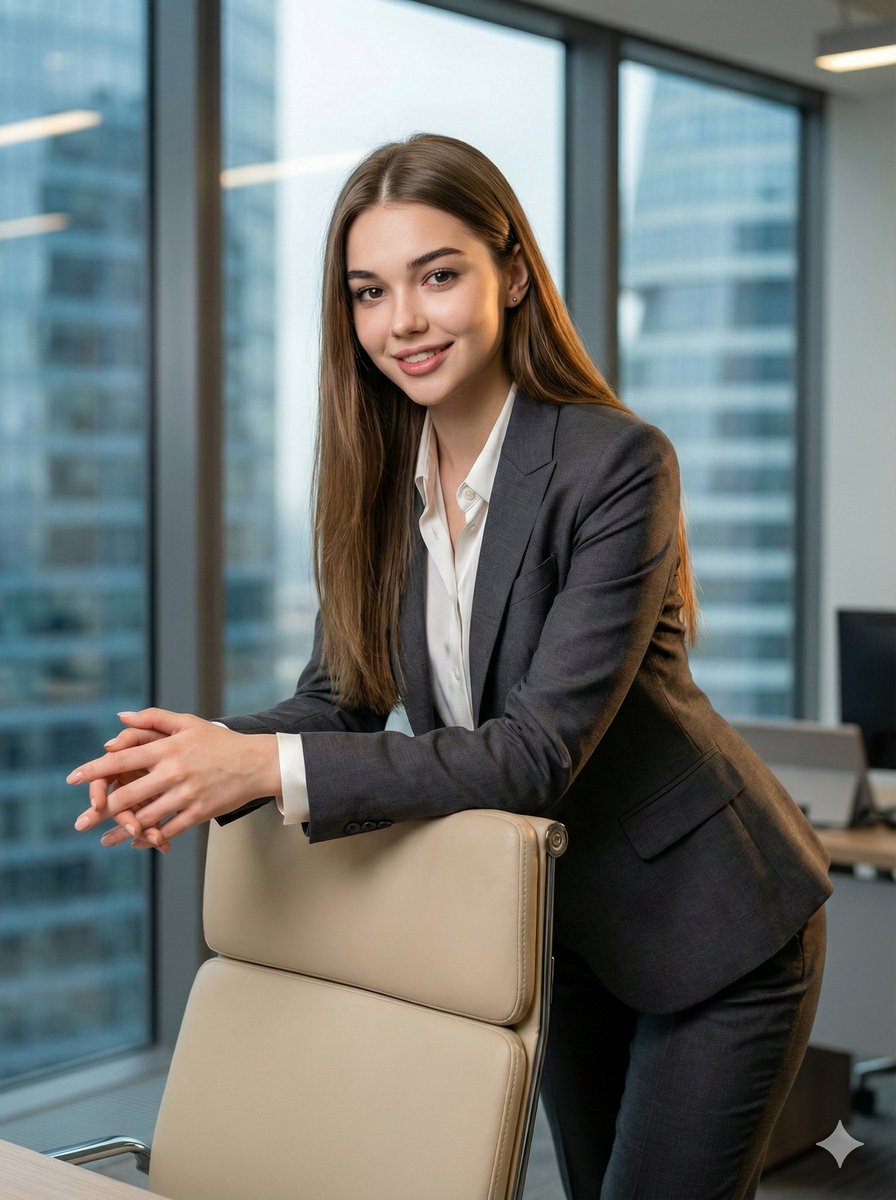
- Prompt included
- Model and format preset
- Free template
The prompt behind this image
Copy the exact prompt behind 8K Corporate High-Fashion Editorial JSON, or open it in the studio and make it yours.
- Type
- image_generation_prompt
- Style
- cinematic, corporate high-fashion editorial, ultra-realistic
- Camera › Camera Model
- Canon EOS R5
- Camera › Lens
- RF 85mm f/1.2L USM
- Camera › Film Look
- clean modern digital with subtle Kodak Portra 400 warmth
- Camera › Grain
- very subtle, almost none
- Camera › Color Tones
- crisp neutral tones with soft natural warmth from window light
- Subject › Gender
- female
- Subject › Identity Preservation › Use Attached Image
- true
- Subject › Identity Preservation › Face Consistency
- 100%
- Subject › Identity Preservation › Alter Face
- false
- Subject › Identity Preservation › Notes
- Maintain exact facial features, proportions, skin texture, eye color, hairstyle, and expressions from the reference image – zero deviation
- Subject › Pose › Stance
- leaning forward elegantly
- Subject › Pose › Arms
- both forearms and interlaced hands resting on the back of a light beige ergonomic office chair placed at an angle
- Subject › Pose › Torso
- upright, no slouching, confident posture
- Subject › Pose › Body Orientation
- viewed from the side
- Subject › Pose › Head Position
- turned directly toward the camera
- Subject › Pose › Gaze
- straight into lens
- Subject › Pose › Emotion
- slight confident smile, poised and self-assured
- Wardrobe › Outfit Style
- high-end female executive power suit
- Wardrobe › Top
- perfectly tailored blazer in charcoal or deep navy with subtle sheen
- Wardrobe › Bottoms
- matching tailored trousers or pencil skirt
- Wardrobe › Shirt
- crisp white or ivory silk blouse
- Wardrobe › Details
- luxury fabric with natural drape, sharp lines, understated elegance
Raw JSON
{
  "type": "image_generation_prompt",
  "style": "cinematic, corporate high-fashion editorial, ultra-realistic",
  "camera": {
    "camera_model": "Canon EOS R5",
    "lens": "RF 85mm f/1.2L USM",
    "film_look": "clean modern digital with subtle Kodak Portra 400 warmth",
    "grain": "very subtle, almost none",
    "color_tones": "crisp neutral tones with soft natural warmth from window light"
  },
  "subject": {
    "gender": "female",
    "identity_preservation": {
      "use_attached_image": true,
      "face_consistency": "100%",
      "alter_face": false,
      "notes": "Maintain exact facial features, proportions, skin texture, eye color, hairstyle, and expressions from the reference image – zero deviation"
    },
    "pose": {
      "stance": "leaning forward elegantly",
      "arms": "both forearms and interlaced hands resting on the back of a light beige ergonomic office chair placed at an angle",
      "torso": "upright, no slouching, confident posture",
      "body_orientation": "viewed from the side",
      "head_position": "turned directly toward the camera",
      "gaze": "straight into lens",
      "emotion": "slight confident smile, poised and self-assured"
    }
  },
  "wardrobe": {
    "outfit_style": "high-end female executive power suit",
    "top": "perfectly tailored blazer in charcoal or deep navy with subtle sheen",
    "bottoms": "matching tailored trousers or pencil skirt",
    "shirt": "crisp white or ivory silk blouse",
    "details": "luxury fabric with natural drape, sharp lines, understated elegance"
  },
  "scene": {
    "location": "luxury modern corporate office",
    "environment": [
      "floor-to-ceiling window with view of contemporary skyscrapers",
      "clean minimalist decor",
      "polished concrete or dark wood floor",
      "light beige ergonomic office chair as main prop"
    ]
  },
  "lighting": {
    "time_of_day": "daytime, soft overcast sky",
    "type": "beautiful soft natural window light mixed with subtle cool office ambient",
    "direction": "side-front from the large window",
    "effects": [
      "gentle rim light outlining hair and shoulders",
      "soft shadows",
      "clean rectangular catchlights in eyes",
      "premium three-dimensional depth"
    ]
  },
  "skin_rendering": {
    "realism": "hyper-realistic 8K",
    "details": "visible natural skin texture, pores, subtle imperfections",
    "retouching": "none – zero airbrushing or artificial smoothing"
  },
  "quality": {
    "resolution": "8K ultra-high",
    "realism": "absolute photorealism, indistinguishable from real photography",
    "detail_level": "professional studio editorial, luxury campaign quality"
  },
  "output_goal": "Create a flawless, ultra-realistic 8K corporate editorial portrait of the exact attached woman as a powerful high-end executive, preserving 100% facial and body identity, shot in a bright modern office with perfect natural window light and impeccable fashion sophis"
}How to use 8K Corporate High-Fashion Editorial JSON in 3 steps
- 1Upload ImagePNG, JPG or paste
Add your photo
Upload the photo the template builds on. The prompt, model and format are already set.
- 2…a portrait of your subject in softgolden-hour light, 85mm…
Personalize
Edit the subject and creative details for your destination.
- 3Generate
Generate
Press Generate — your image is created in PicX Studio, so you can compare it with the original and refine one variable at a time.
More like this
Templates with the same subject, style or setup. Open one to see its prompt.

Blue Backdrop Luxury Fashion Portrait Campaign

Typography Mask Editorial Fashion Poster

Luxury Black-and-White Fashion Contact Sheet

untitled

Google Gemini Nano Banana Pro

Conceptual Fashion Portrait in Spider We

01 Skincare Split Portrait — Nano Banana 2

24 The Getty Center — California Series

21 Glass Floor Skyscraper — California Series

19 Luxury Helicopter Travel — California Series

08 Rodeo Drive Luxury Exit — California Series

03 Beverly Hills Convertible — California Series
Make it yours
8K Corporate High-Fashion Editorial JSON works as-is. These are the safest ways to change it without losing the look.
Swap the setting
Keep the rest of the prompt and replace the location block. The current setting is “luxury modern corporate office”.
Swap the light
One lighting change is enough to compare takes. Current light: “daytime, soft overcast sky”.
Change one field
Copy a single group, rewrite it, and generate again so you can see what that field is doing.
| If the result… | Why | Fix |
|---|---|---|
| The result drifts from the preview | Too many fields changed at once. | Reuse 8K Corporate High-Fashion Editorial JSON as-is first, then change one group — subject, light, or setting. |
| Nano Banana 2 ignores part of the JSON | Some models flatten or skip nested keys. | Keep the same values and paste them as a short paragraph instead. |
More Nano Banana 2 templates
Other prompts made for Nano Banana 2.

Photorealistic Leaf Shaped Like a Dragon

K-Pop Idol Portrait Grid for Rapid Selection

Poetic Rain Forest Portrait During Golden Hour

Urban Street Portrait with Cartoon Inner Self Duo

Candid Nighttime Photo with Cat Prompt

High-Concept 3D Diorama Generation Prompt

Cinematic Futuristic Studio Portrait Template

Skincare Editorial Photography Collage Prompt

Hyper-Realistic Commercial Product Photography (Splash Effect)

Hyper-Realistic Nightclub Portrait Prompt
More image prompts
Fresh picks from across the catalog.
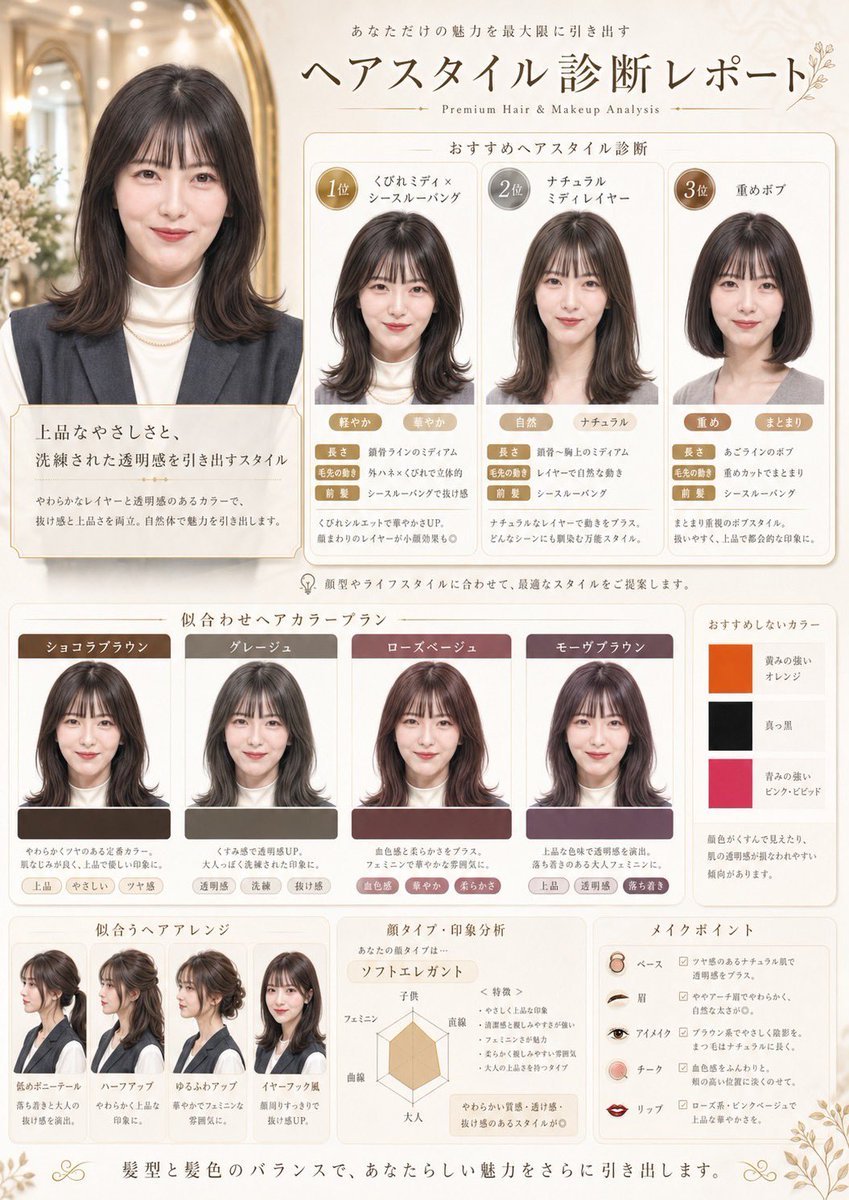
Japanese Hair Diagnosis Salon Poster
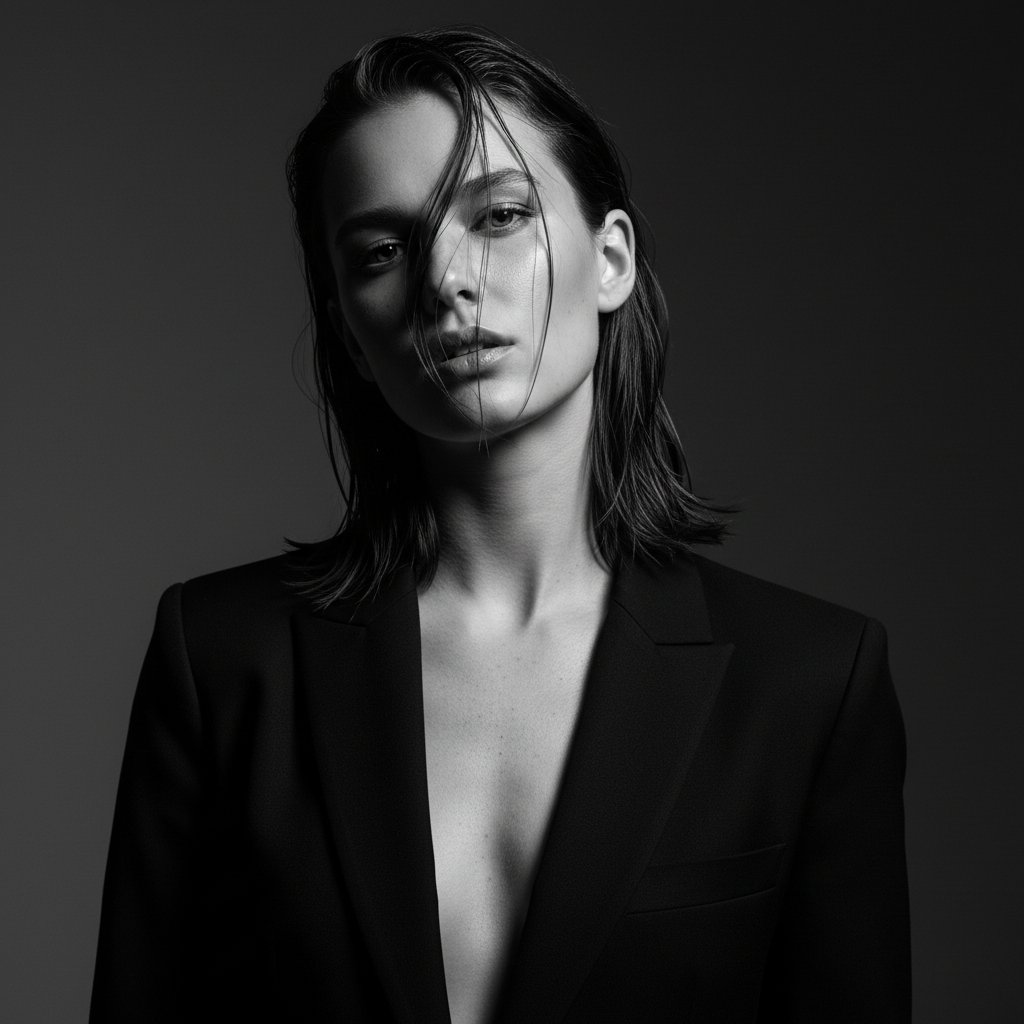
Ultra-Realistic Editorial Fashion Portrait Prompt
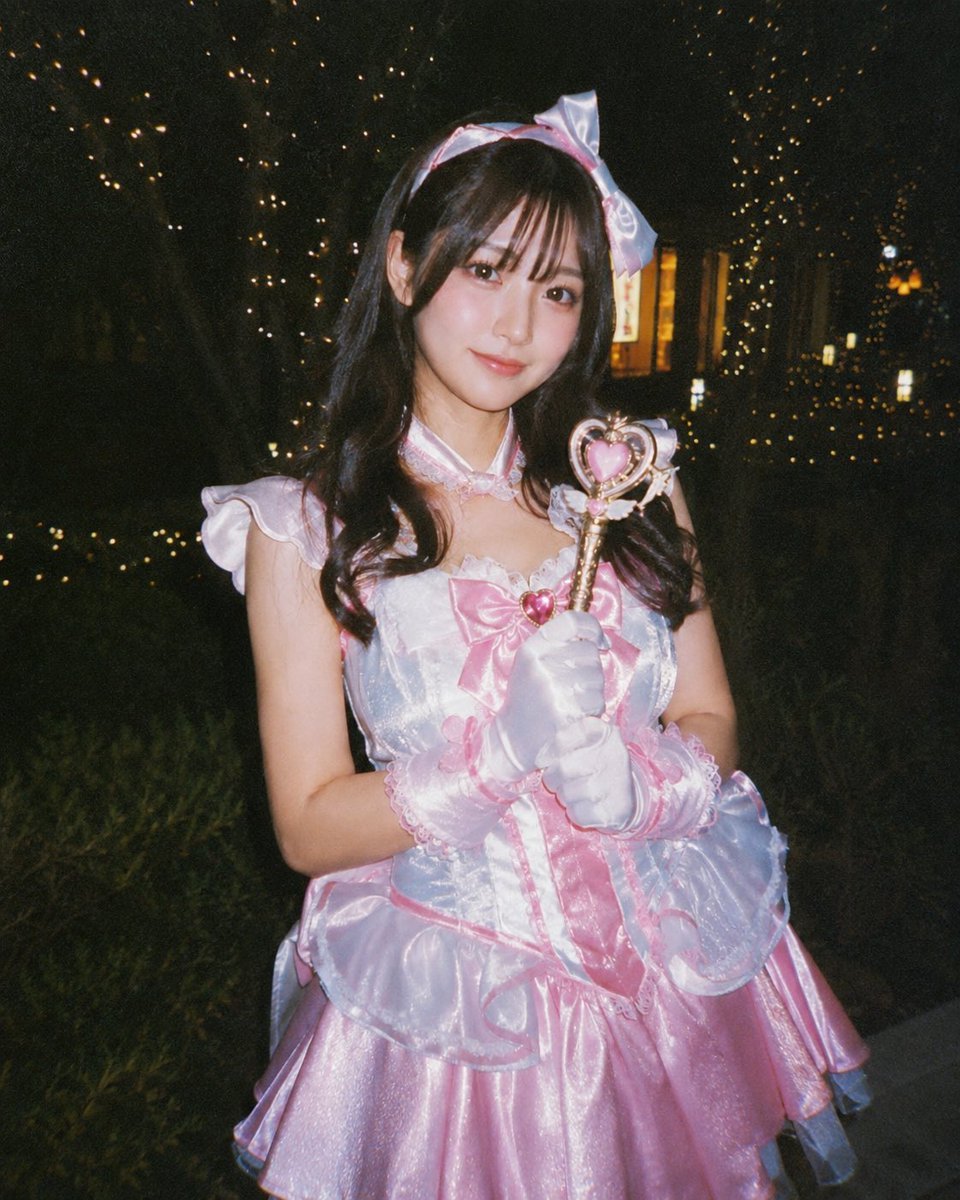
Disposable Camera Magical Girl Cosplay
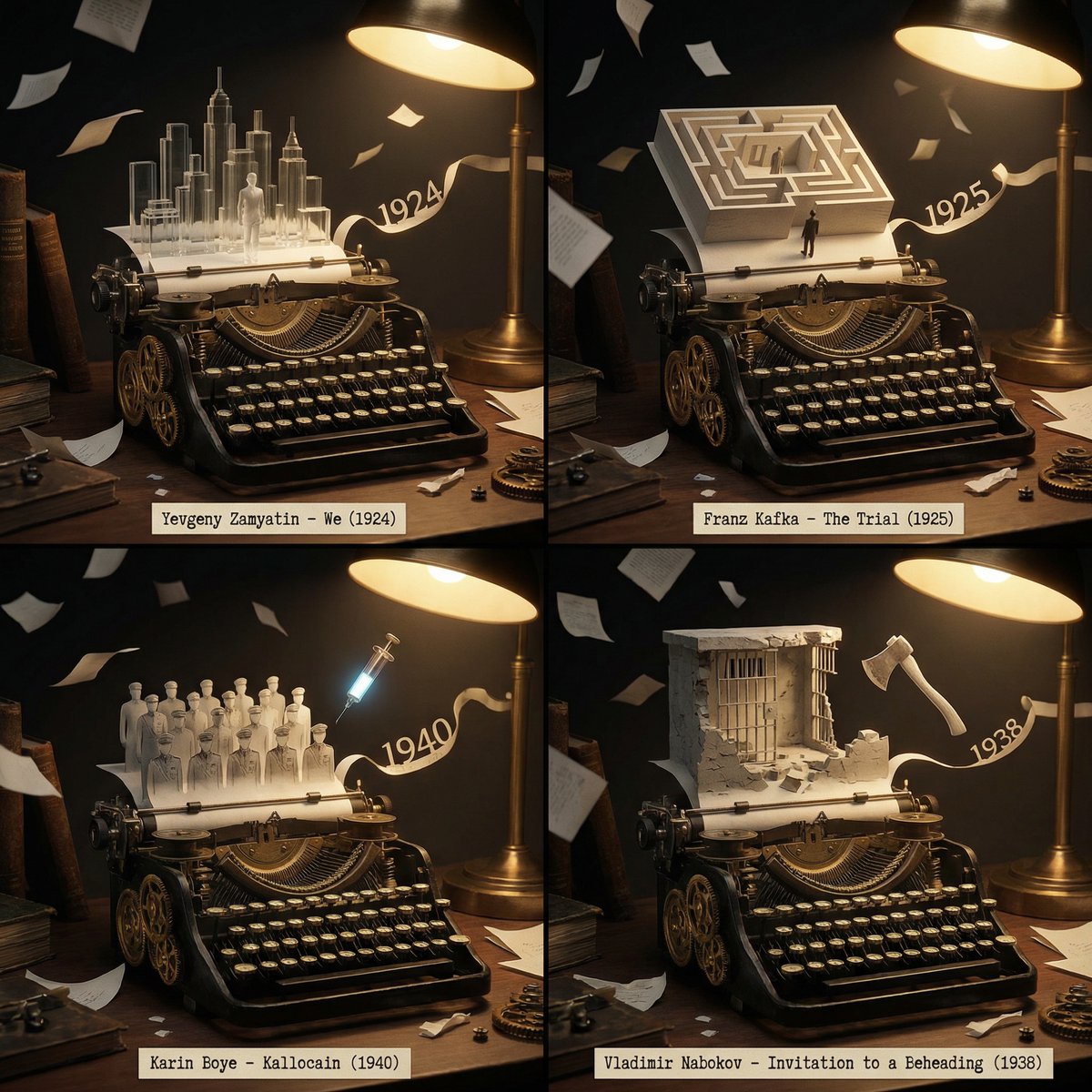
Literary Deep-Dive Recommendation Engine Prompt

Vintage French New Wave Movie Poster
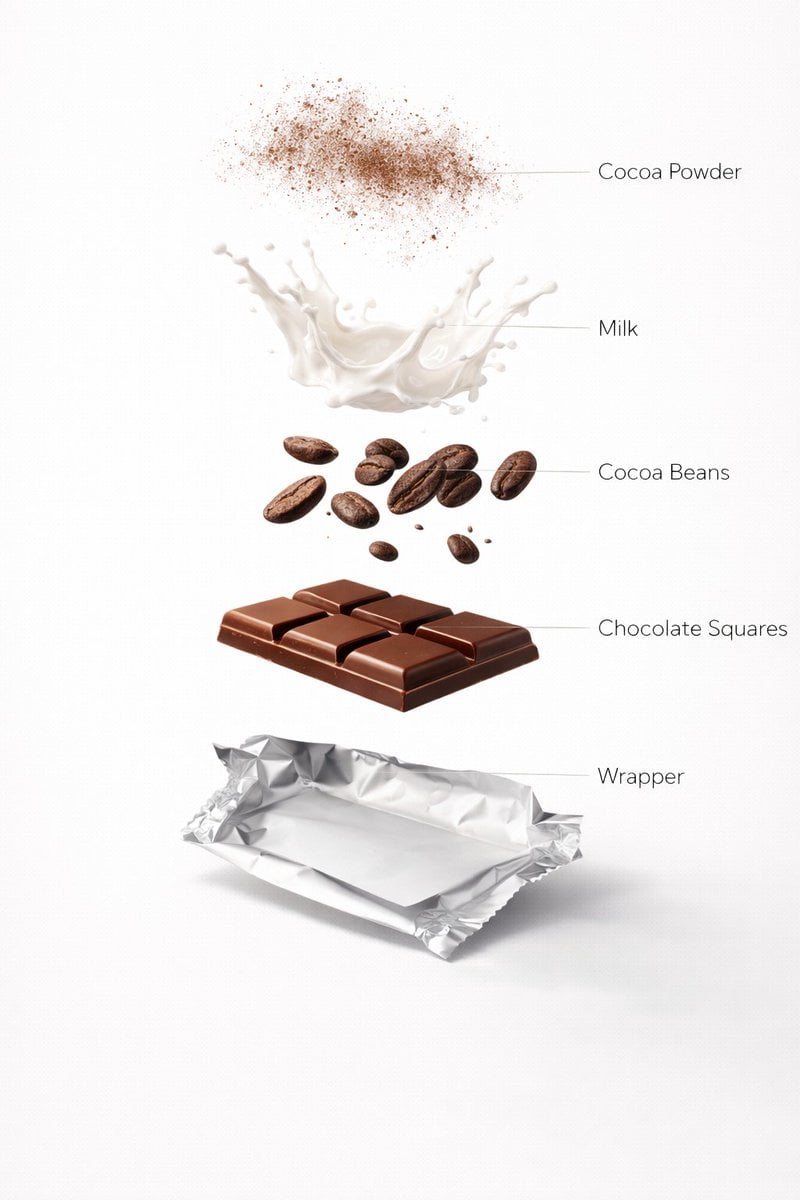
Ultra-Realistic Chocolate Bar Advertising Prompts (Motion and Exploded View)
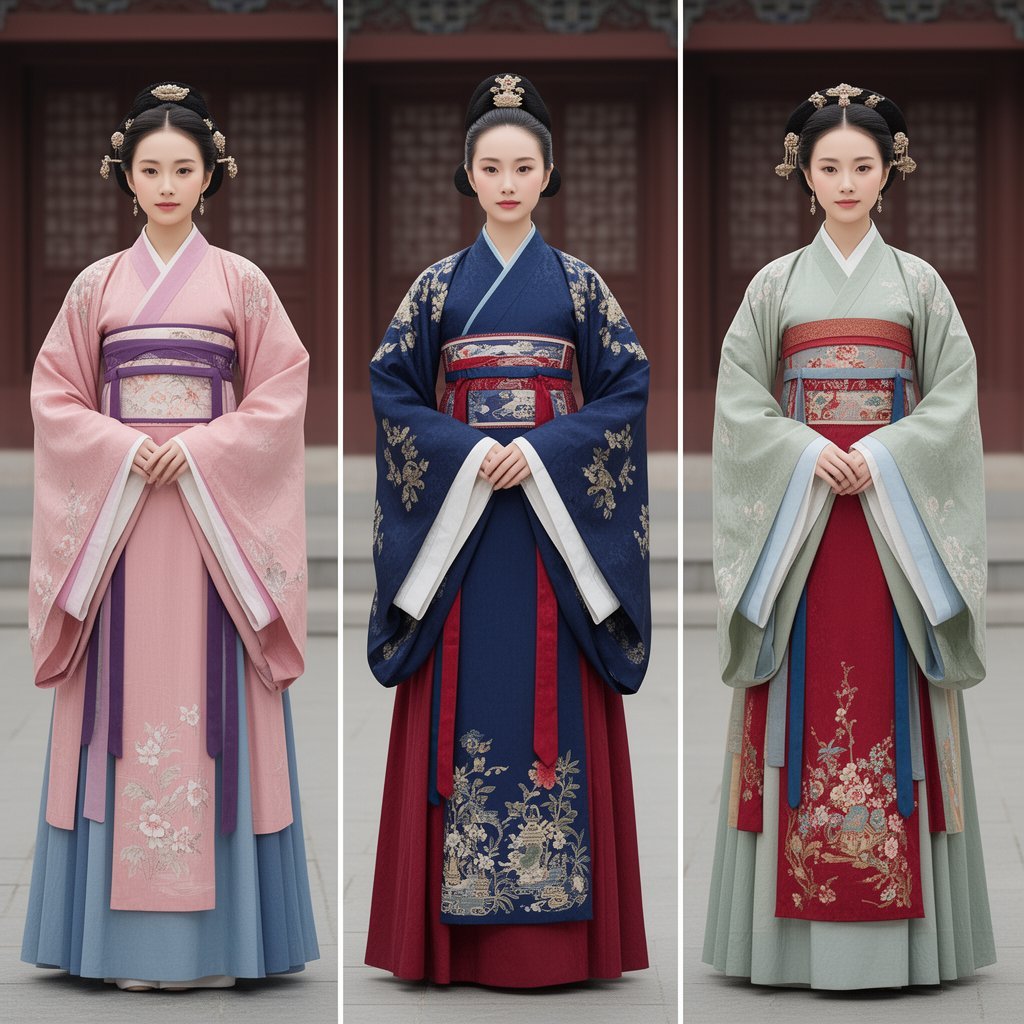
Korean Hanbok Fashion Triptych
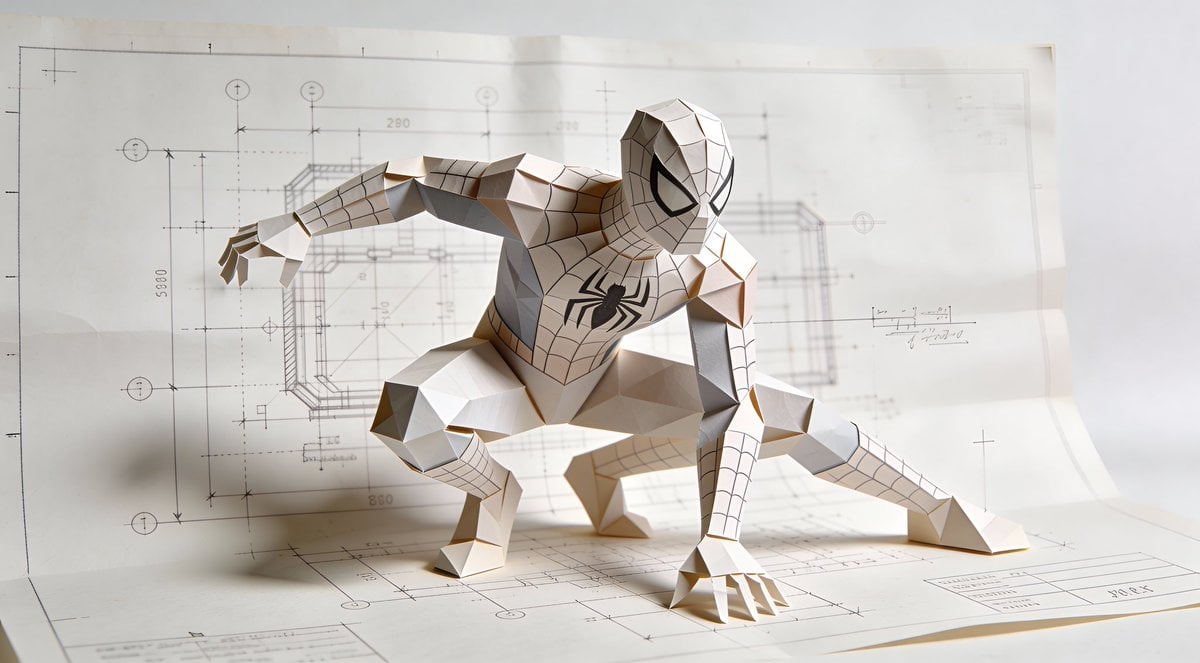
Natural Language Prompt for Spider-Man Folded-Paper Blueprint
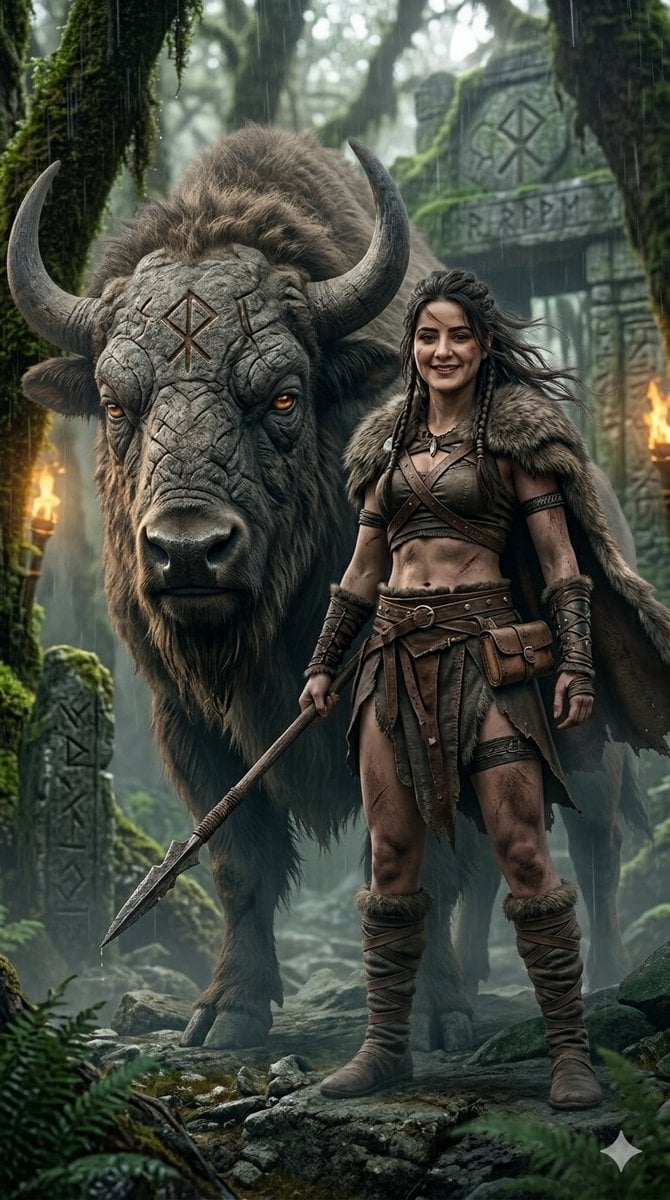
Fantasy Huntress and Ancient Beast
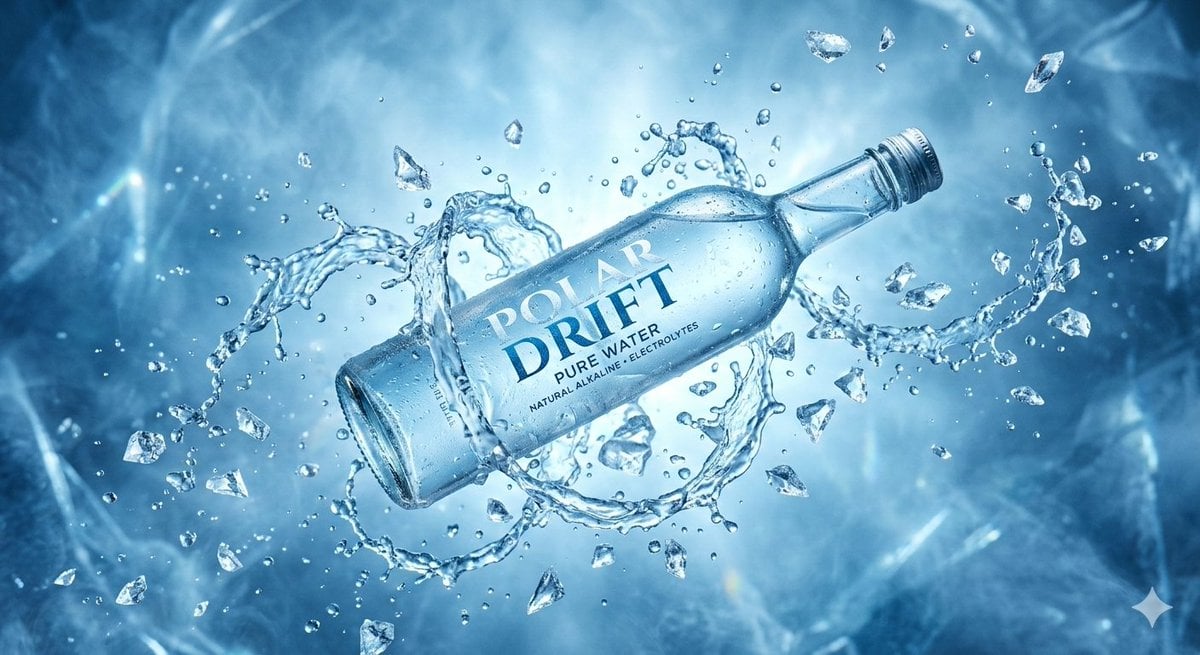
Levitating Bottled Water Commercial Prompt
Browse template categories
8K Corporate High-Fashion Editorial JSON questions
How do I use the 8K Corporate High-Fashion Editorial JSON template?
Add your photo if the template asks for one, edit the prompt if you like — the template's model and format are already selected — and press Generate. Your version opens in PicX Studio.
Can I customize the 8K Corporate High-Fashion Editorial JSON template?
Yes. You can change the subject, setting, lighting, mood, format, and available model controls before creating your image.
Is the 8K Corporate High-Fashion Editorial JSON template free?
Opening and editing this template is free. Generating uses credits, shown on the Generate button when you are signed in.
Which AI model should I use?
Start with Nano Banana 2, which is the model associated with this template. You can compare another compatible model for a different finish.
Looking for something else? Browse all templates.

Your photo, any look
Thousands of ready templates for every top image and video model, from one credit balance.