
Disposable Camera Magical Girl Cosplay
Generates a realistic flash-photo portrait of a pink magical girl cosplayer at night, useful for nostalgic cosplay fashion imagery.
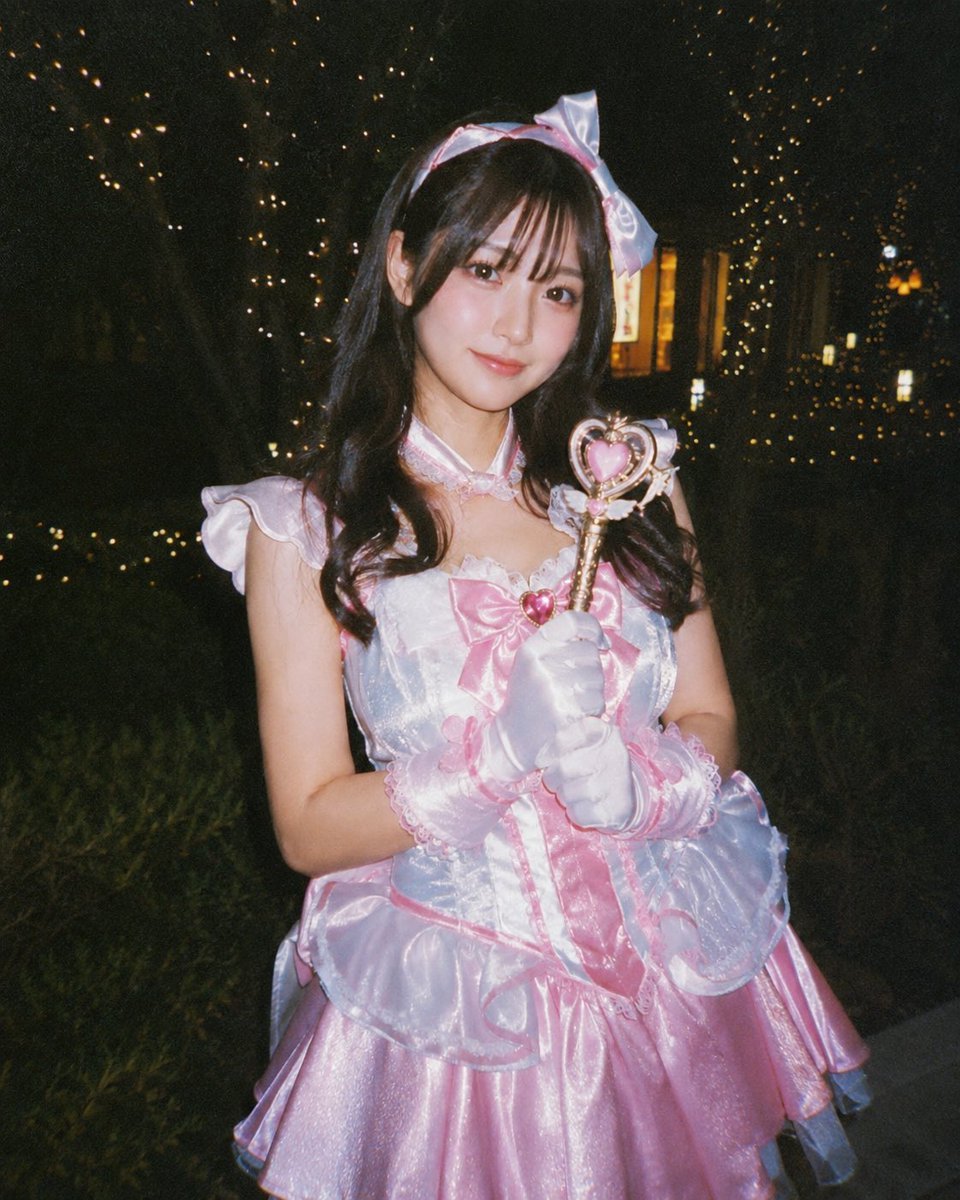
- Prompt included
- Model and format preset
- Free template
The prompt behind this image
Copy the exact prompt behind Disposable Camera Magical Girl Cosplay, or open it in the studio and make it yours.
Create a nostalgic disposable-camera style night portrait of a young woman cosplaying as a magical girl in a pink-and-white idol costume, photographed outdoors in a dark park or garden with warm fairy lights wrapped around trees in the background. She stands centered in a three-quarter waist-up pose, holding a heart-shaped magical wand with a gold handle and pink heart ornament in both gloved hands near her chest. Her outfit is glossy satin and organza: a pastel pink flared skirt, white iridescent bodice, large pink bow with a red heart jewel at the chest, frilly puff sleeves, lace trim, translucent ruffled overskirt panels, white satin gloves with pink lace cuffs, and a matching headband with a large pale pink bow. She has long dark wavy hair falling over her shoulders, but her face is intentionally covered by a soft square privacy blur. Use harsh direct flash, high ISO grain, slight underexposure, warm orange bokeh lights, deep black shadows, candid amateur cosplay event photography, 4:5 vertical composition, realistic fabric shine, slightly imperfect framing, no text or watermark. Customize the costume palette as {argument name="costume colors" default="pastel pink and white"}, the prop as {argument name="magical prop" default="heart-shaped wand"}, the setting as {argument name="night location" default="dark park with fairy lights"}, the camera look as {argument name="camera style" default="disposable film camera flash"}, and the face treatment as {argument name="face treatment" default="soft square privacy blur"}.
How to use Disposable Camera Magical Girl Cosplay in 3 steps
- 1Upload ImagePNG, JPG or paste
Add your photo
Upload the photo the template builds on. The prompt, model and format are already set.
- 2…a portrait of your subject in softgolden-hour light, 85mm…
Personalize
Edit the subject and creative details for your destination.
- 3Generate
Generate
Press Generate — your image is created in PicX Studio, so you can compare it with the original and refine one variable at a time.
More like this
Templates with the same subject, style or setup. Open one to see its prompt.

Teen Girl Alpine Lake Mountain View
Cosplay Girl with Manga Graffiti Shadow
Magical Girl Transformation Storyboard
Magical Girls Dessert Café Scene
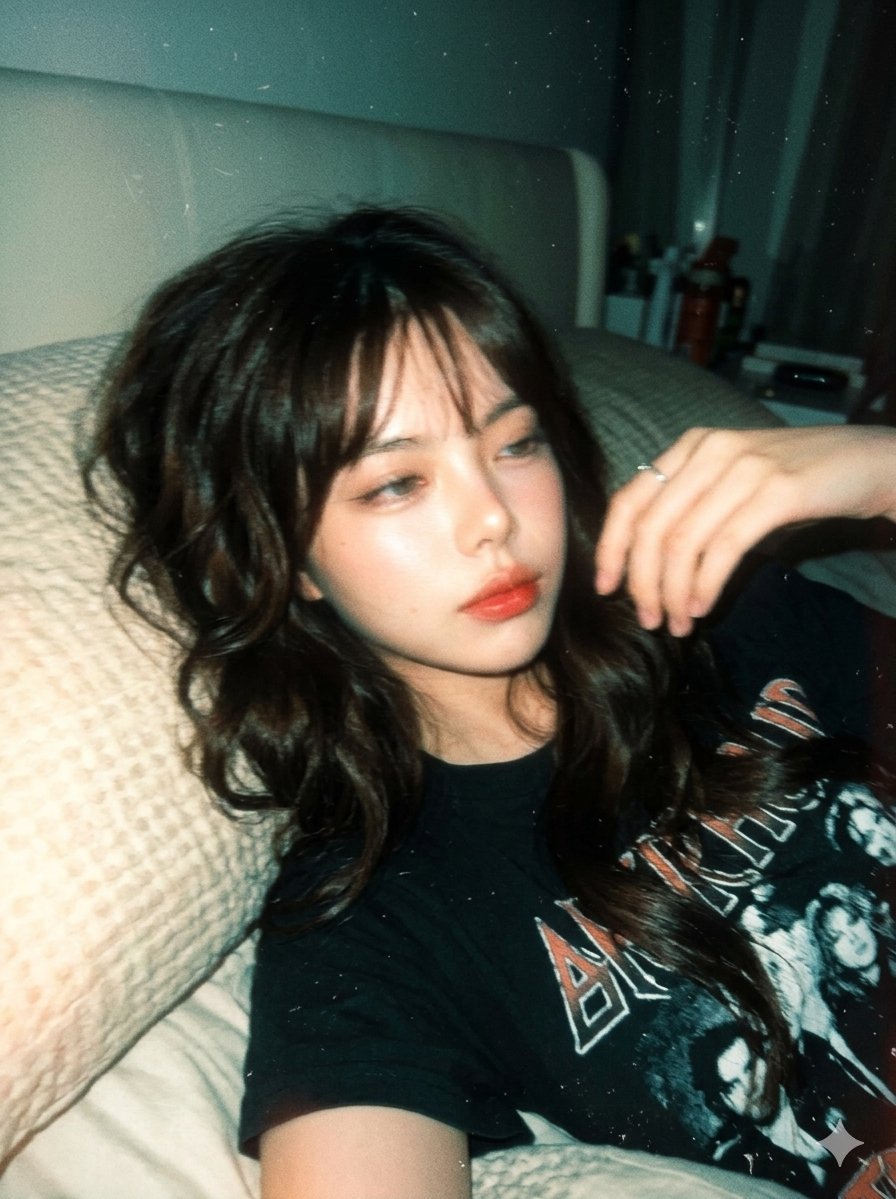
Y2K Disposable Camera Aesthetic
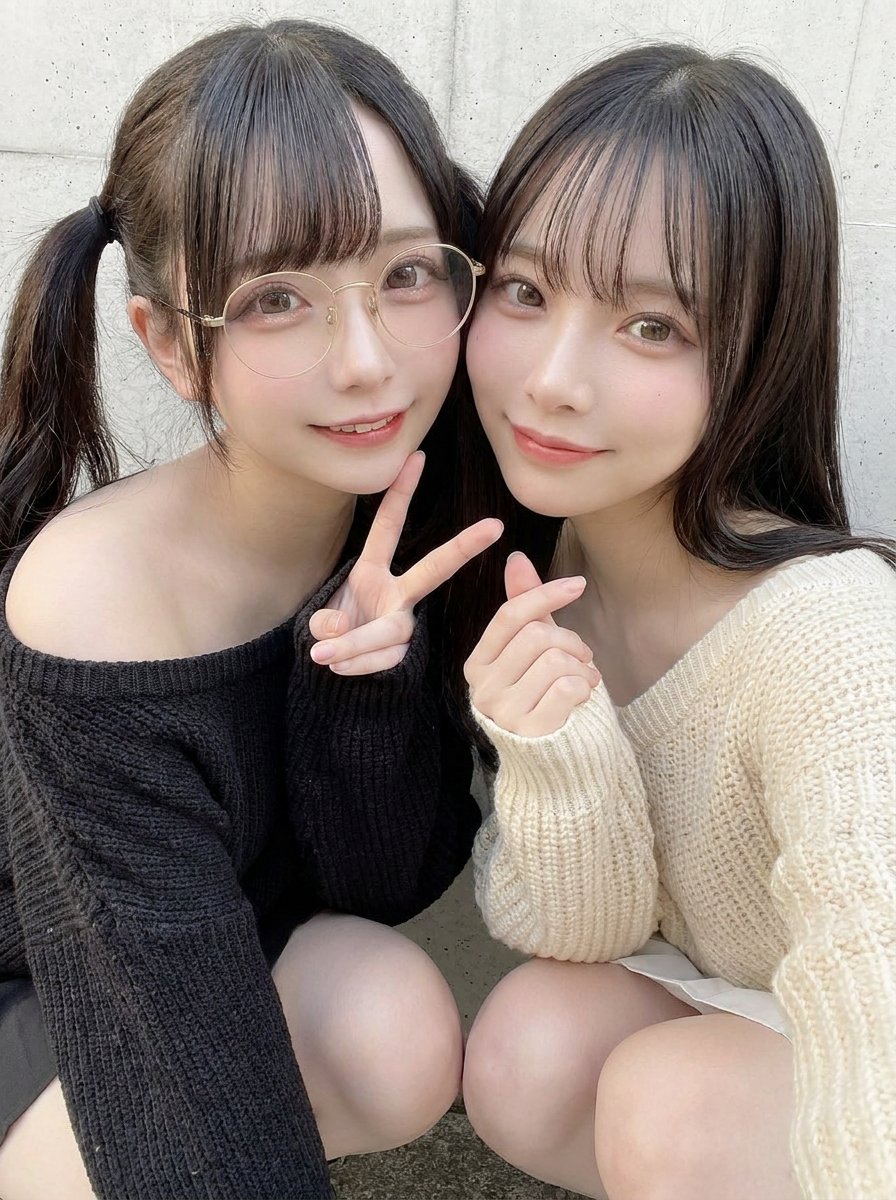
90s Disposable Camera Style Selfie
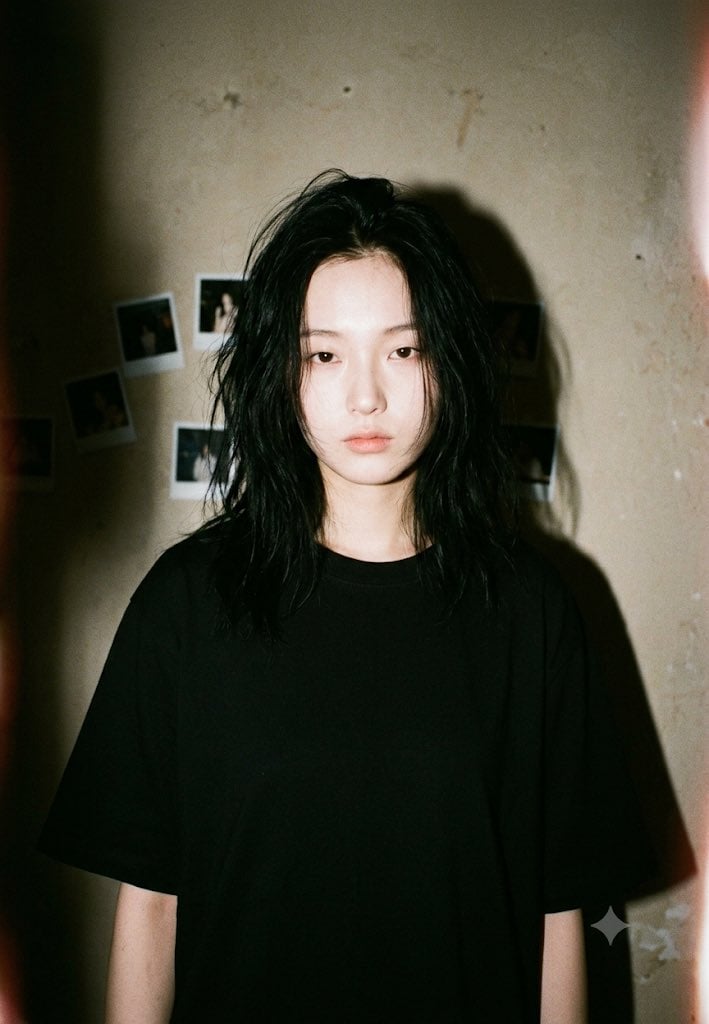
90s Disposable Camera Aesthetic

Cinematic Street Fashion Photographer Portrait

Pixar-Style Chibi Café Morning Scene

Pastel Fantasy Pagoda Mountain Landscape
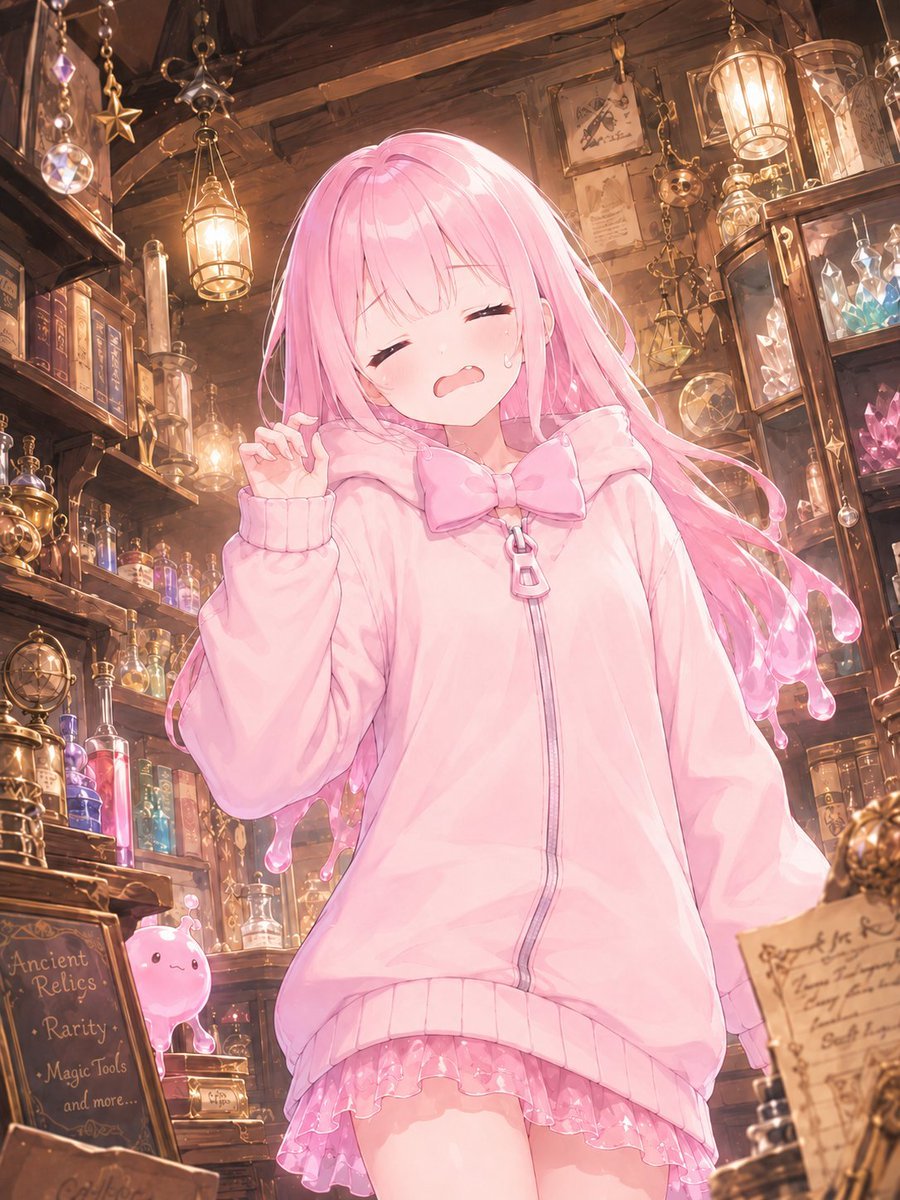
Pink Magical Girl in Antique Magic Shop
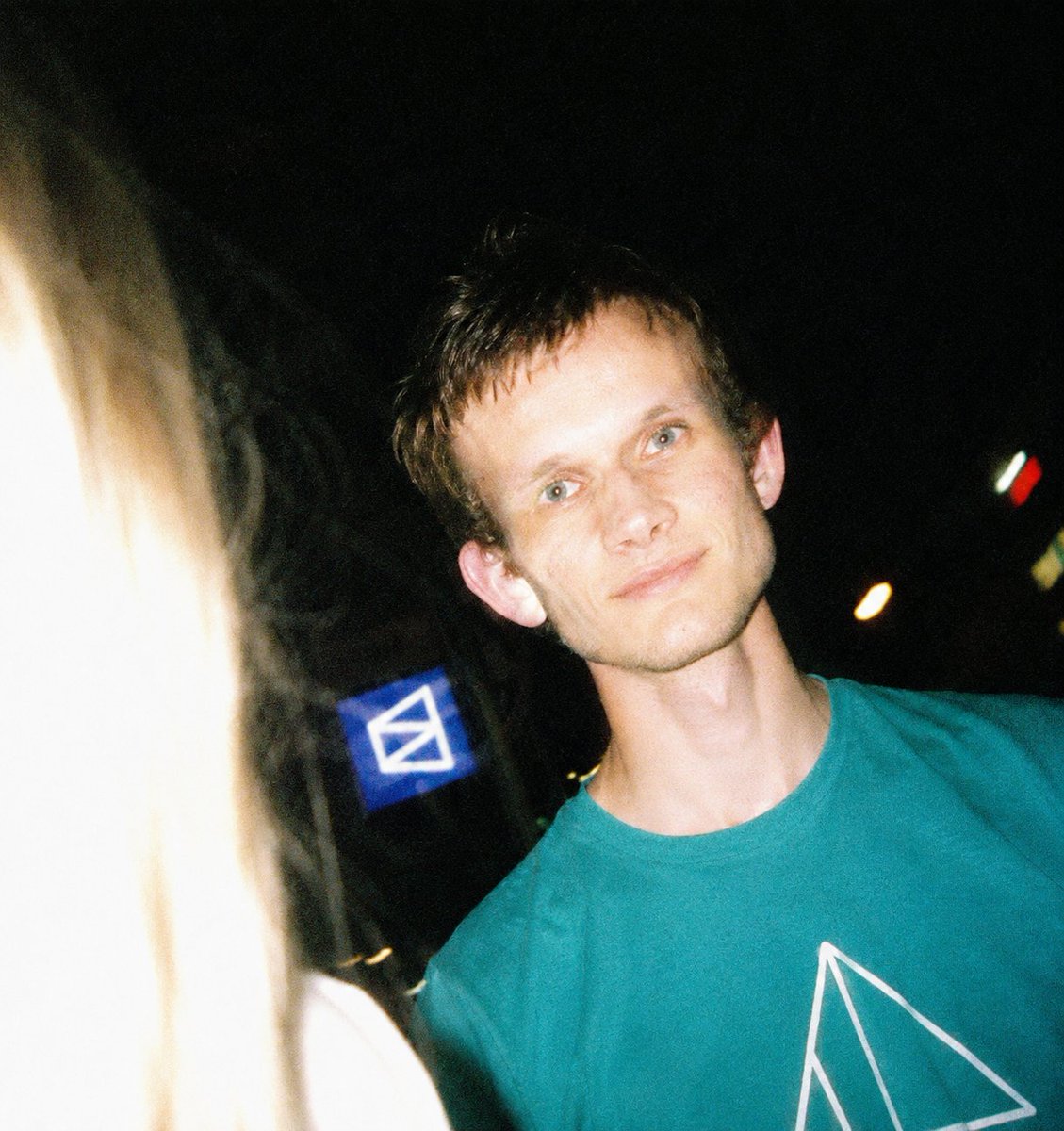
Disposable Camera Night Snapshot
Make it yours
Disposable Camera Magical Girl Cosplay works as-is. These are the safest ways to change it without losing the look.
Change one field
Copy a single group, rewrite it, and generate again so you can see what that field is doing.
Keep the frame, change the subject
Hold the composition and light of Disposable Camera Magical Girl Cosplay, then swap wardrobe, props or the person for a new take.
| If the result… | Why | Fix |
|---|---|---|
| The result drifts from the preview | Too many fields changed at once. | Reuse Disposable Camera Magical Girl Cosplay as-is first, then change one group — subject, light, or setting. |
| The model over-stylizes the scene | The prose prompt leaves finish and camera underspecified. | Add one camera or lighting sentence and stay on GPT Image 2. |
More GPT Image 2 templates
Other prompts made for GPT Image 2.

Six VTuber Japanese Logo Sheet

Realistic Portrait of Woman and Deer

The Vista Modular Condo Poster

AI Model Routing Comparison Infographic

2.5D Anime Art Board

Isometric Productivity Desk Scene

New York Double Exposure Poster

Four-Panel AI Landscape Comparison

Japanese Tatami Lifestyle Magazine Cover

NESCAFÉ Coffee Map Poster
More image prompts
Fresh picks from across the catalog.
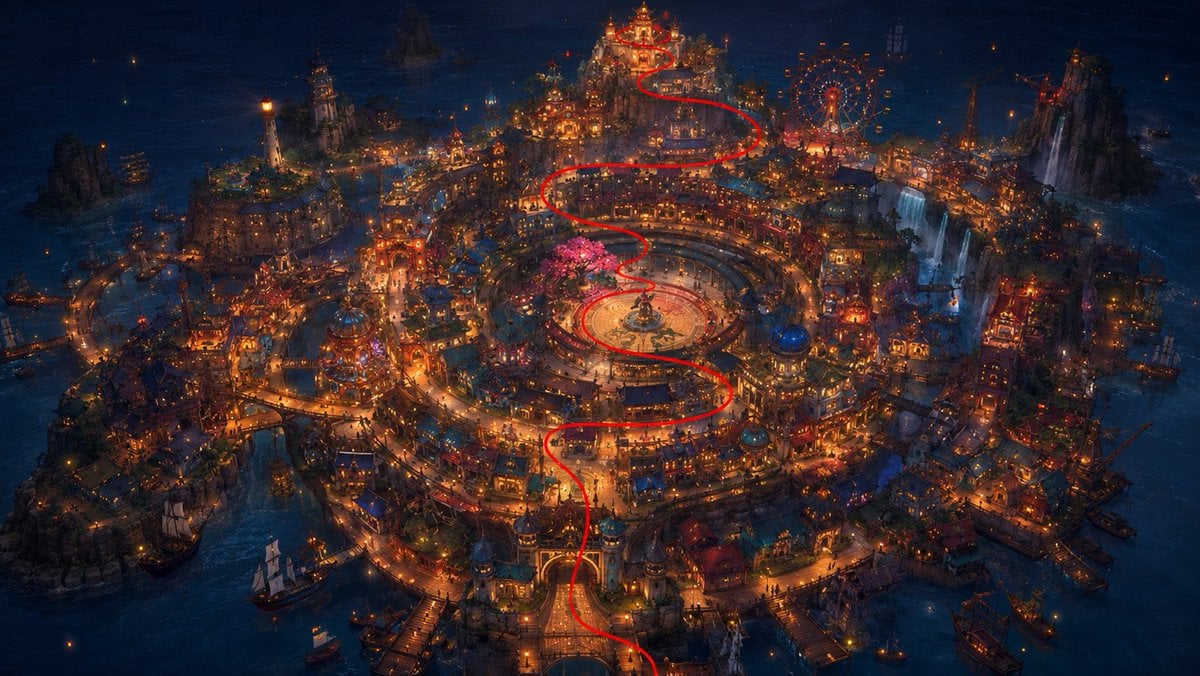
1️⃣Generate the base plate with the red flight pat
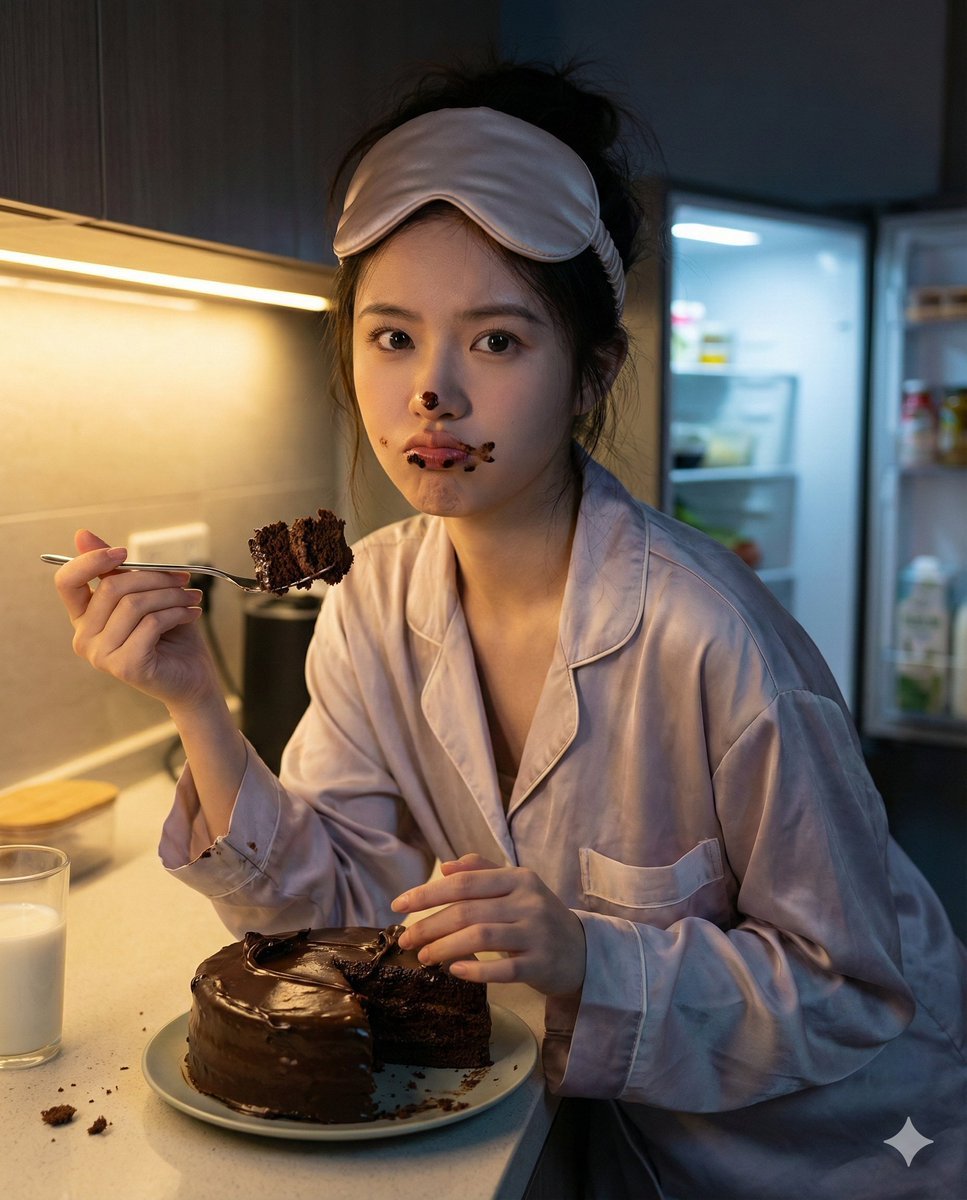
Nano Banana Pro Hyper-Realistic Midnight Snack Portrait Prompt
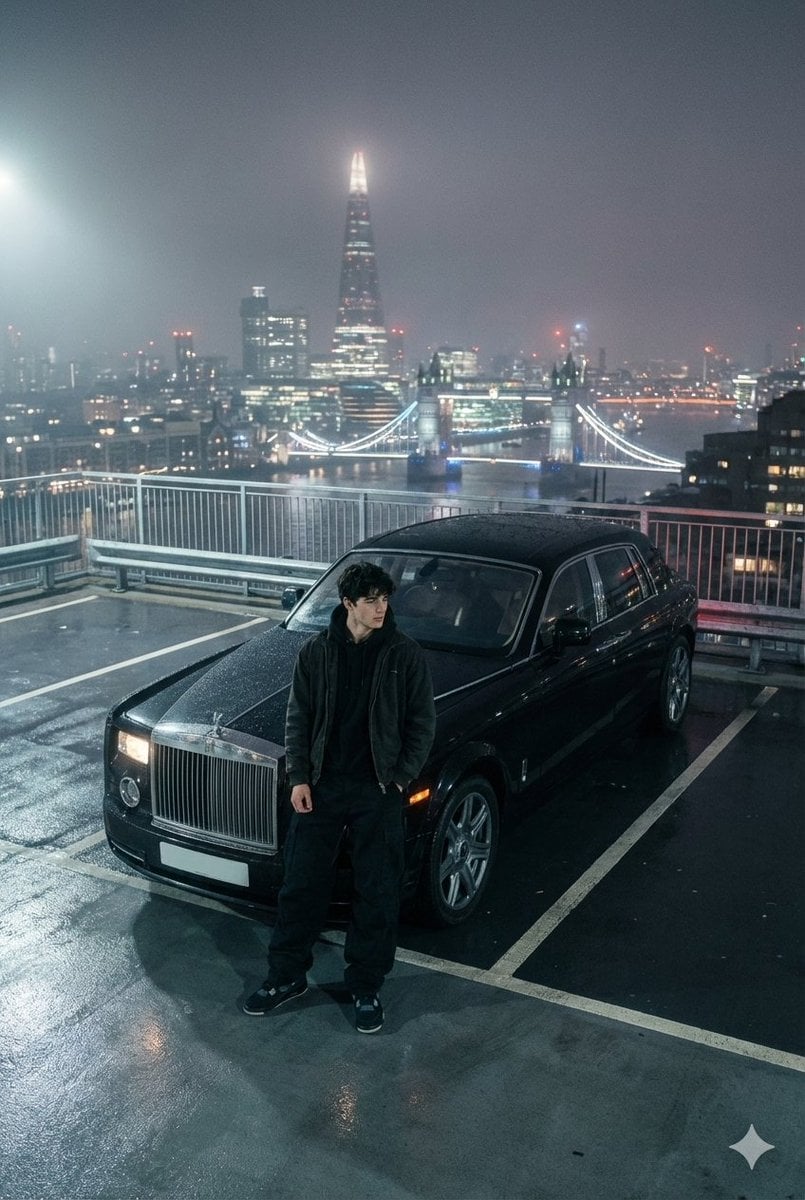
Moody London Rooftop Fashion Editorial
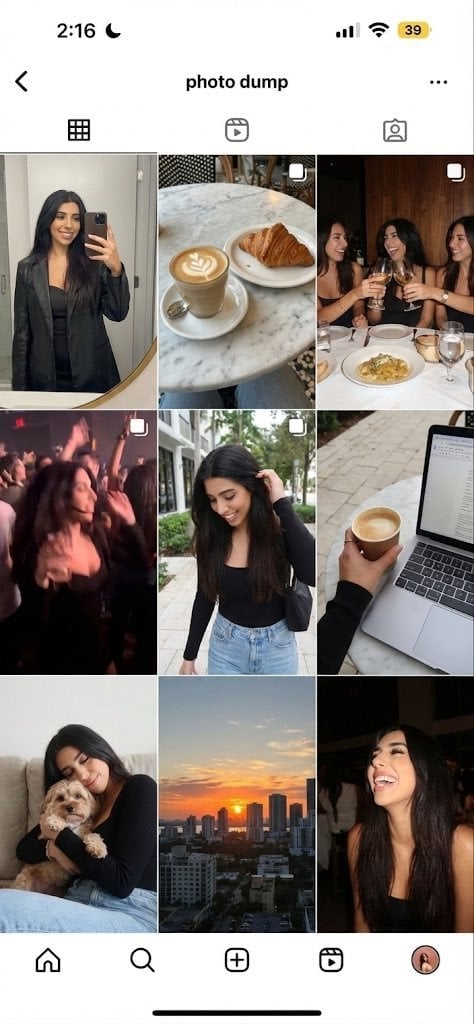
Weekend photo dump grid for Instagram
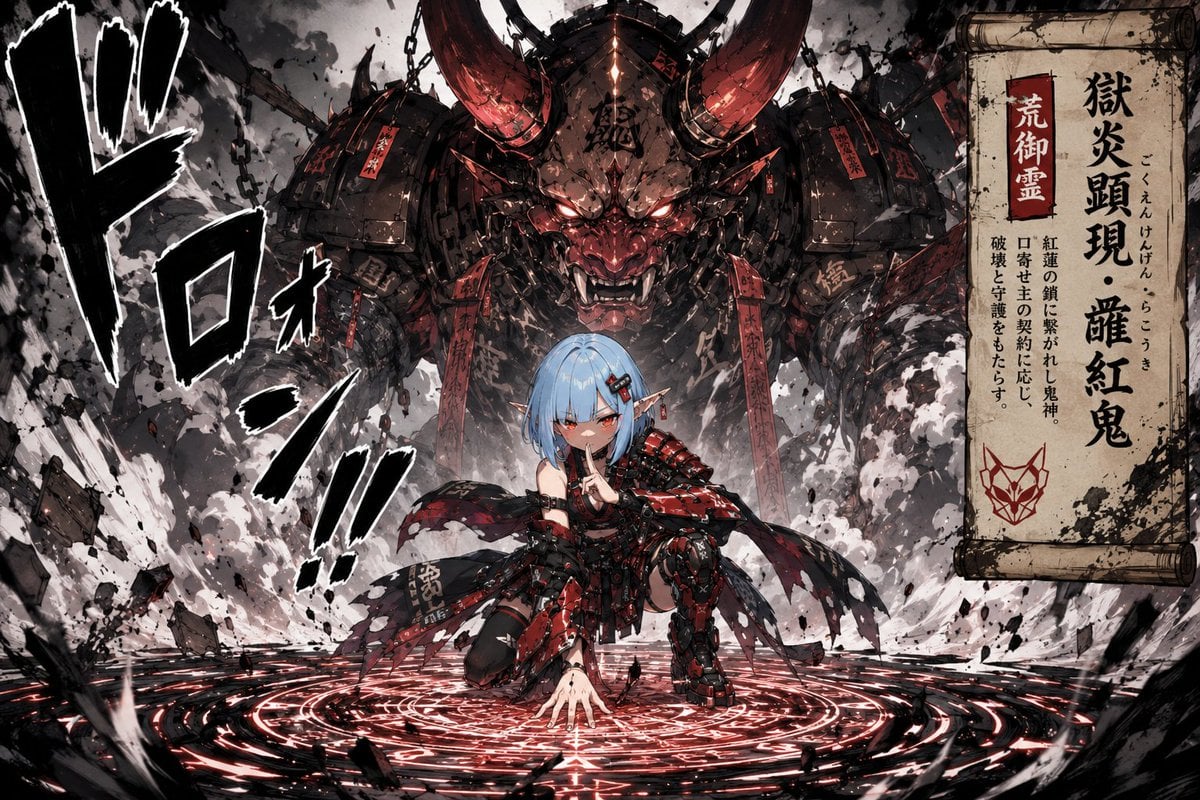
Summoning Jutsu i2i Manga Prompt
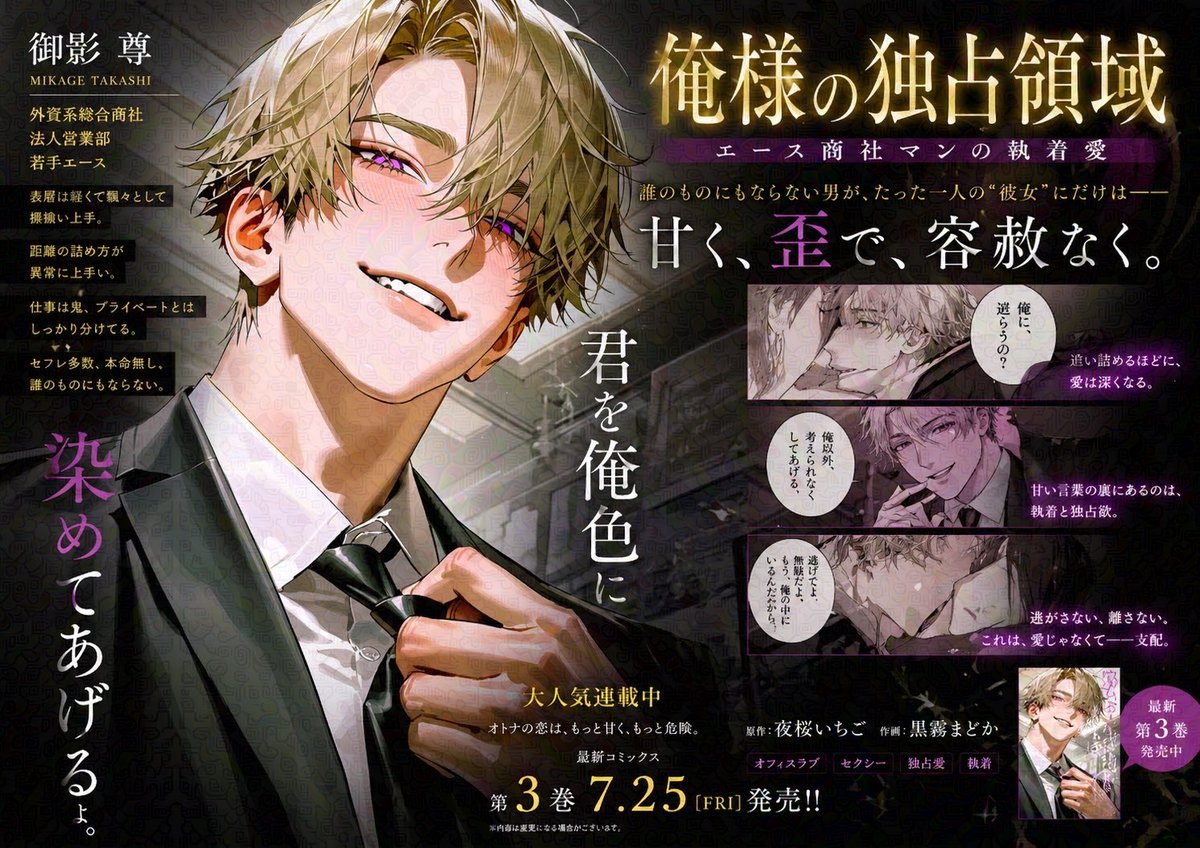
Japanese Train Comic Ad
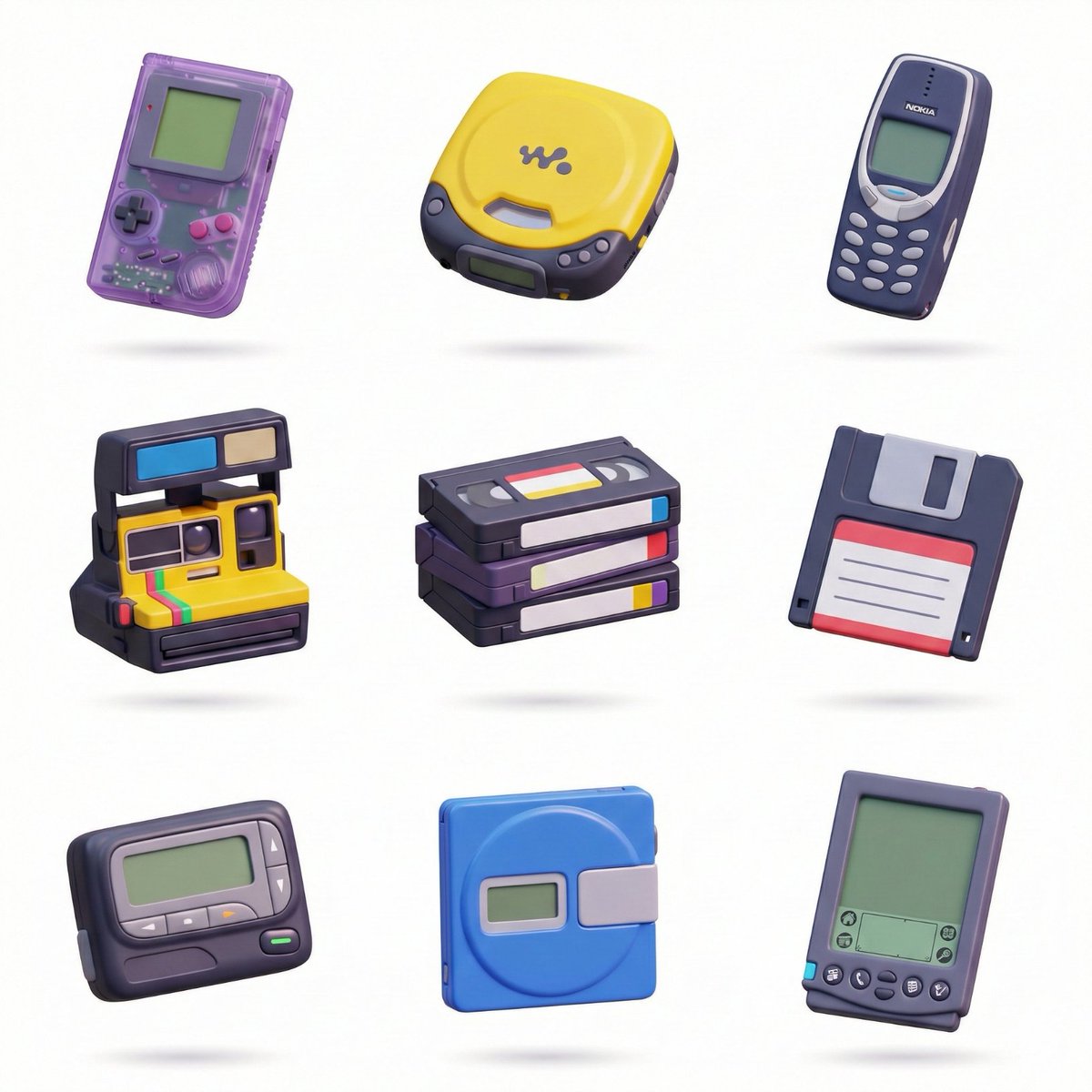
3D Icon Collection Grid Generator
Realistic Manga Receipt Generator
Futuristic Anime Superhero Techwear Poster
Japanese Female Runner Character Sheet
Browse template categories
Disposable Camera Magical Girl Cosplay questions
How do I use the Disposable Camera Magical Girl Cosplay template?
Add your photo if the template asks for one, edit the prompt if you like — the template's model and format are already selected — and press Generate. Your version opens in PicX Studio.
Can I customize the Disposable Camera Magical Girl Cosplay template?
Yes. You can change the subject, setting, lighting, mood, format, and available model controls before creating your image.
Is the Disposable Camera Magical Girl Cosplay template free?
Opening and editing this template is free. Generating uses credits, shown on the Generate button when you are signed in.
Which AI model should I use?
Start with GPT Image 2, which is the model associated with this template. You can compare another compatible model for a different finish.
Looking for something else? Browse all templates.

Your photo, any look
Thousands of ready templates for every top image and video model, from one credit balance.