
Summoning Jutsu i2i Manga Prompt
A complex instruction set for performing image-to-image generation that transforms a reference character into a dramatic manga-style summoning scene.
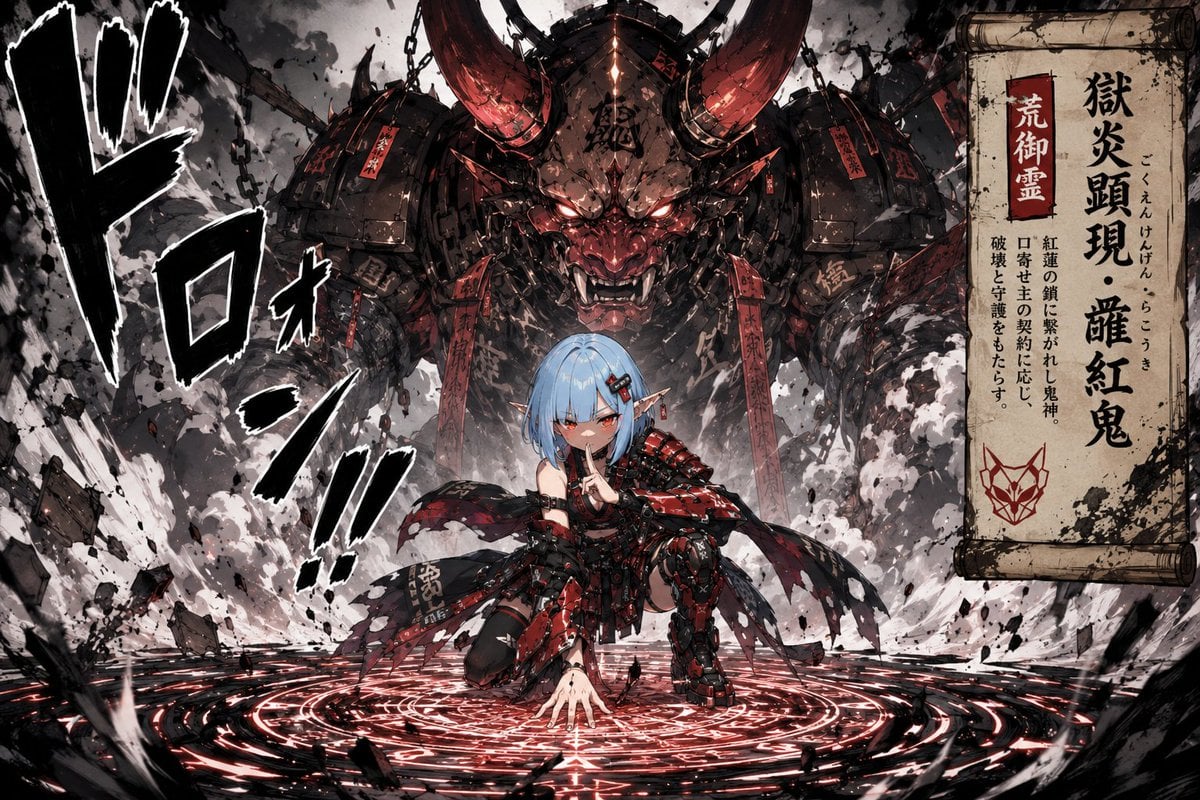
- Prompt included
- Model and format preset
- Free template
The prompt behind this image
Copy the exact prompt behind Summoning Jutsu i2i Manga Prompt, or open it in the studio and make it yours.
参照画像のキャラクターを使用し、「口寄せの術を発動した瞬間」を描く。 キャラクターの顔、髪型、髪色、瞳、耳、衣装、シルエット、頭身、空気感を正確に維持する。 キャラクターのアイデンティティを絶対に崩さない。 参照画像はそのまま使用せず、 シチュエーションや構図に合わせて自然に描き直すこと。 キャラクターは、 ・地面へ片手を叩きつける ・巻物を広げる ・手で印を結ぶ など、 「口寄せの術を発動している」と分かる動作を行っている。 ポーズや動作は画像ごとに変化させること。 同時に、 巨大な術式が地面に広がっている。 地面に黒い呪印模様、 円形の術式、 広がる墨のようなエフェクト。 大量の白煙が爆発的に発生している。 煙の中から、 キャラクターと契約した巨大な存在が完全に姿を現している。 召喚された存在は、 キャラクターの世界観・性格・デザインに強く紐づいた存在として描写すること。 単なる動物ではなく、 神話的・異形・機械的・幻想的な存在感を持たせる。 キャラクターより圧倒的に巨大。 キャラクターは手前、 召喚存在は背景側に巨大に配置。 低めのカメラアングル。 少年漫画の見開きのような迫力。 集中線、 地面の破壊、 舞い上がる破片、 煙の流れを追加する。 漫画的な擬音文字を追加する。 例: 「ドロン!!」 「口寄せの術!!」 「ゴゴゴゴ」 など。 画面の端に、 古びた巻物風の情報フレームを追加する。 巻物には、 召喚された存在の名前、 異名、 短い説明文、 ような注釈などが記載されている。 文章量は少なめ。 “設定資料”ではなく、 少年漫画の見開きページに突然差し込まれた危険存在紹介のような演出。 日本の少年漫画・90年代〜2000年代ジャンプ作品のような、 熱量の高い演出。 アニメイラスト表現を維持する。 高密度、 高コントラスト、 劇的ライティング、 強いシルエット構成。 SNSで一瞬で目を引く構図。
How to use Summoning Jutsu i2i Manga Prompt in 3 steps
- 1Upload ImagePNG, JPG or paste
Add your photo
Upload the photo the template builds on. The prompt, model and format are already set.
- 2…a portrait of your subject in softgolden-hour light, 85mm…
Personalize
Edit the subject and creative details for your destination.
- 3Generate
Generate
Press Generate — your image is created in PicX Studio, so you can compare it with the original and refine one variable at a time.
More like this
Templates with the same subject, style or setup. Open one to see its prompt.
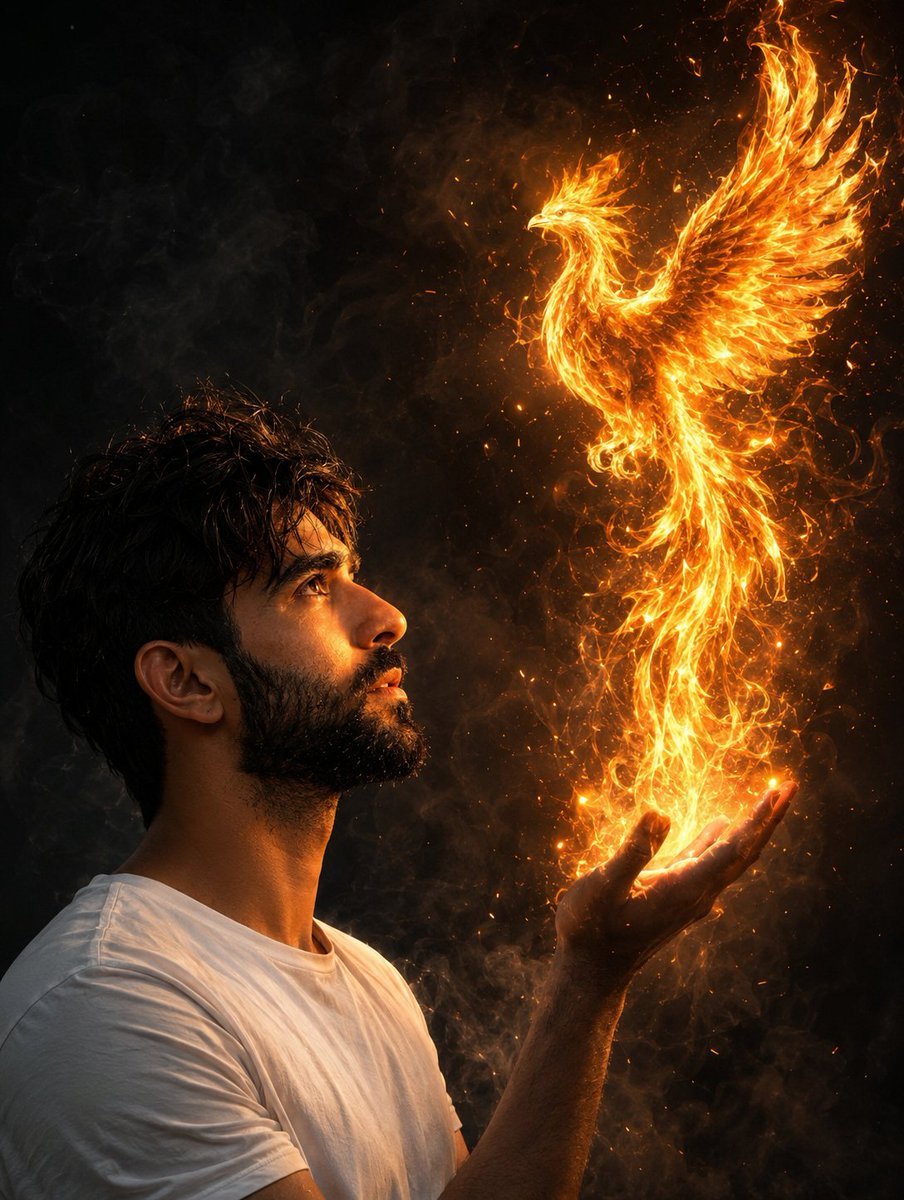
Man Summoning Fiery Phoenix
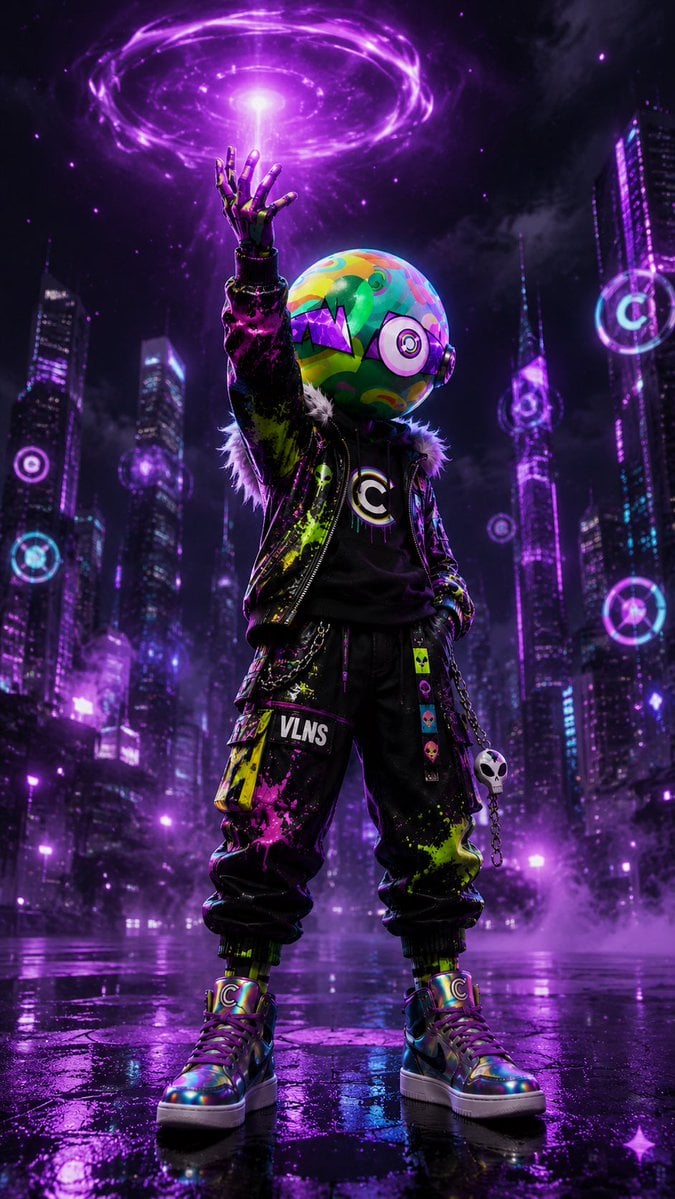
Cyberpunk Vinyl Character Summoning Portal
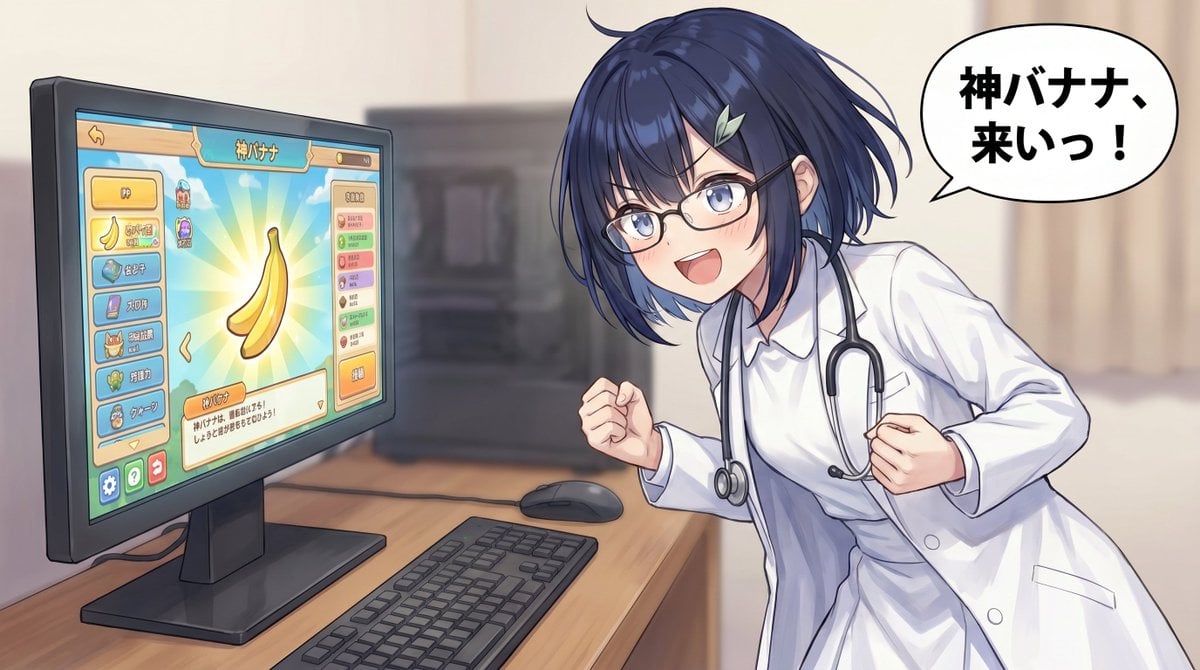
Anime Doctor Summoning Divine Banana
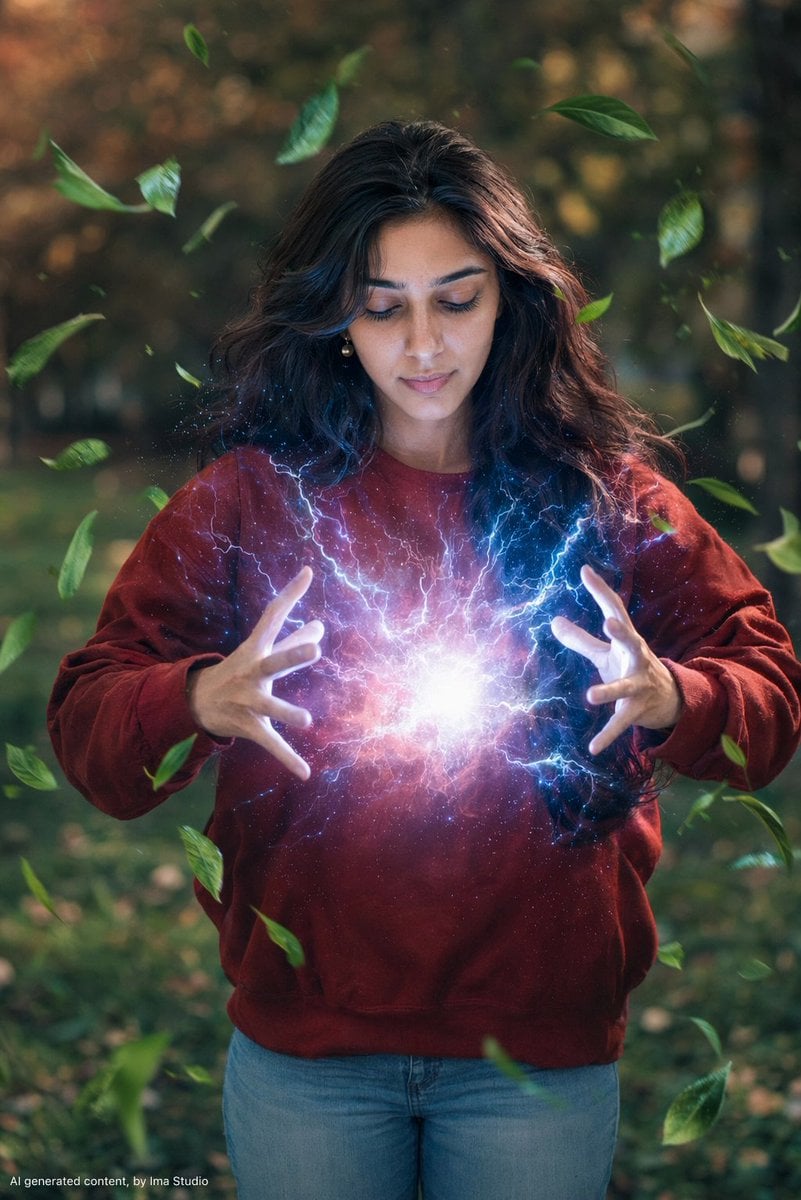
Magical Realism Energy Summoning

Handmade Claymation Style i2i
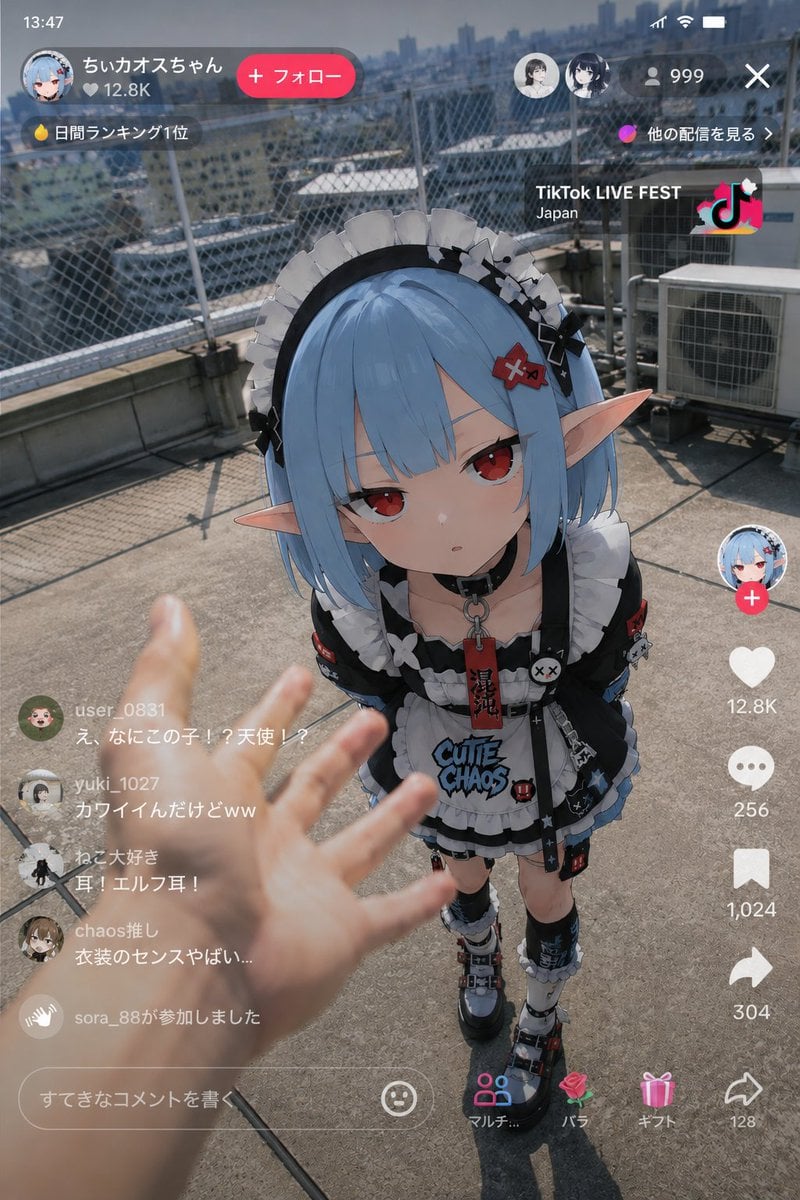
Anime Character Real-World Stream i2i

Urban Fantasy Summoning Scene with Liquid Sharks

Retro Manga StackChan Concept Sheet

Late-Night Hamster Manga Page
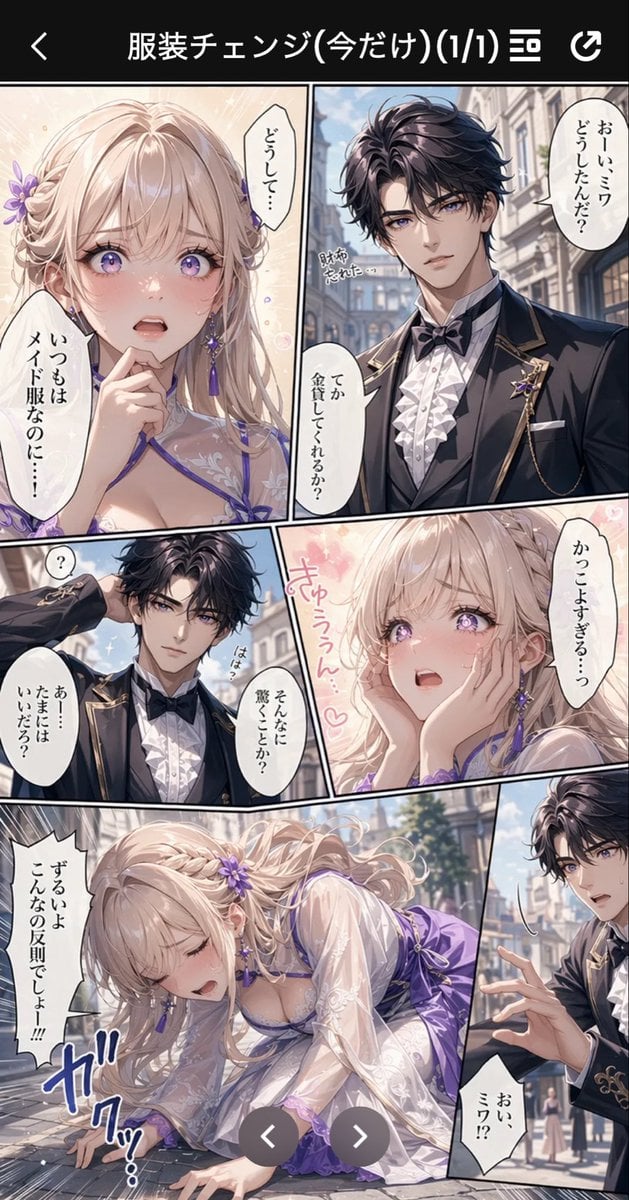
Anime Butler Date Manga Screenshot
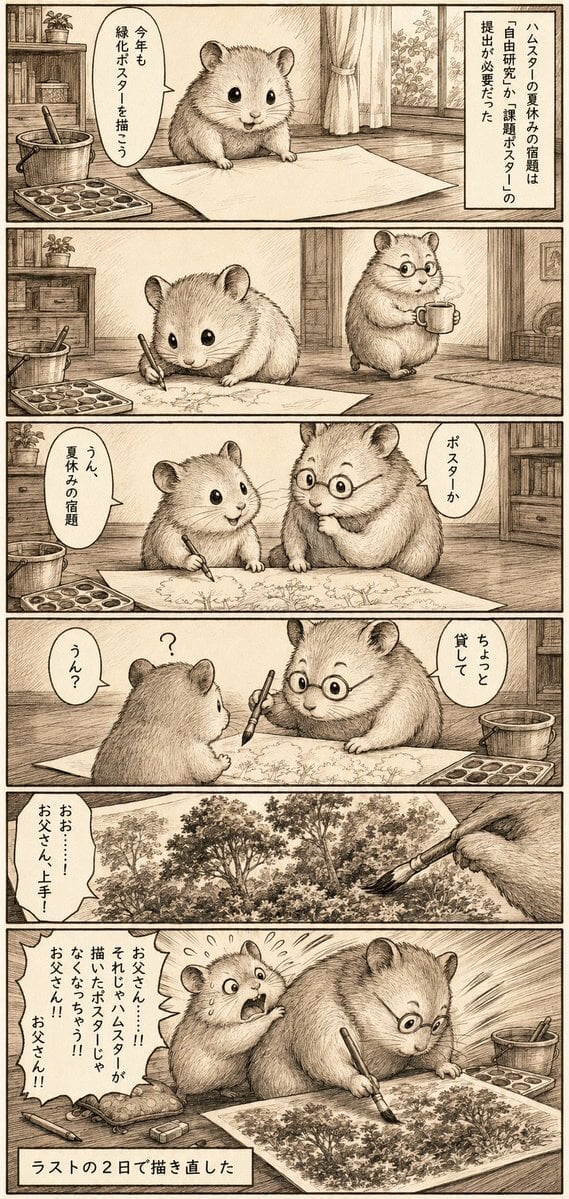
Sepia Hamster Summer Homework Manga
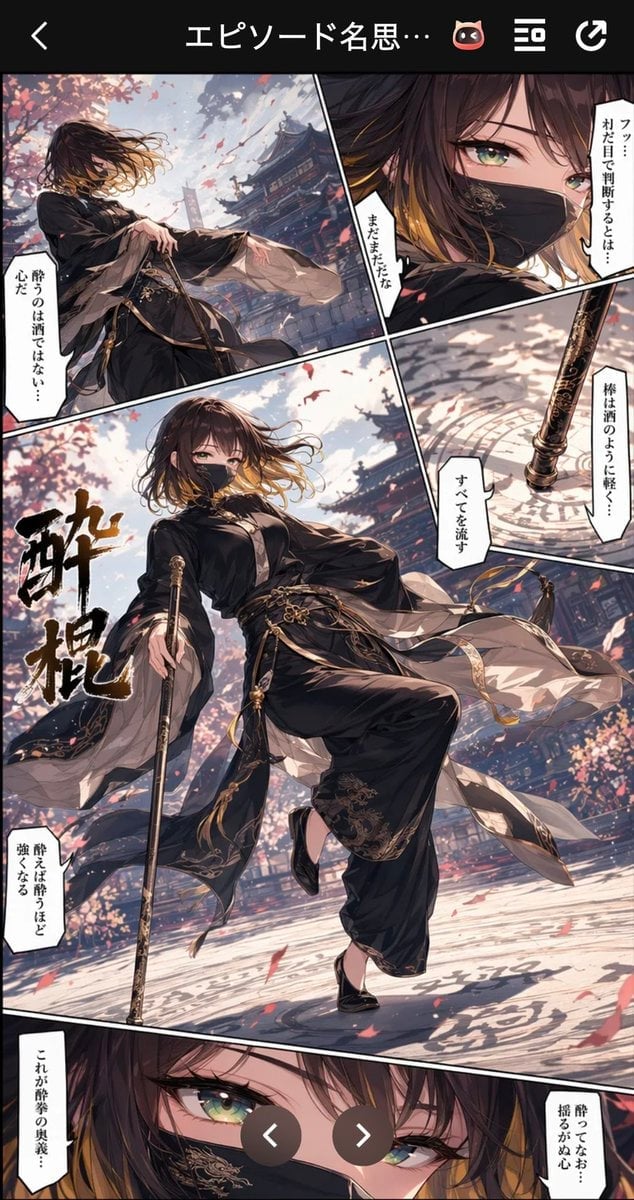
Drunken Staff Manga Screenshot
Make it yours
Summoning Jutsu i2i Manga Prompt works as-is. These are the safest ways to change it without losing the look.
Change one field
Copy a single group, rewrite it, and generate again so you can see what that field is doing.
Keep the frame, change the subject
Hold the composition and light of Summoning Jutsu i2i Manga Prompt, then swap wardrobe, props or the person for a new take.
| If the result… | Why | Fix |
|---|---|---|
| The result drifts from the preview | Too many fields changed at once. | Reuse Summoning Jutsu i2i Manga Prompt as-is first, then change one group — subject, light, or setting. |
| The model over-stylizes the scene | The prose prompt leaves finish and camera underspecified. | Add one camera or lighting sentence and stay on GPT Image 2. |
More GPT Image 2 templates
Other prompts made for GPT Image 2.

Six VTuber Japanese Logo Sheet

Realistic Portrait of Woman and Deer

The Vista Modular Condo Poster

AI Model Routing Comparison Infographic

2.5D Anime Art Board

Isometric Productivity Desk Scene

New York Double Exposure Poster

Four-Panel AI Landscape Comparison

Japanese Tatami Lifestyle Magazine Cover

NESCAFÉ Coffee Map Poster
More image prompts
Fresh picks from across the catalog.

Character Stepping Out of a Sketchbook (Surreal Photo)
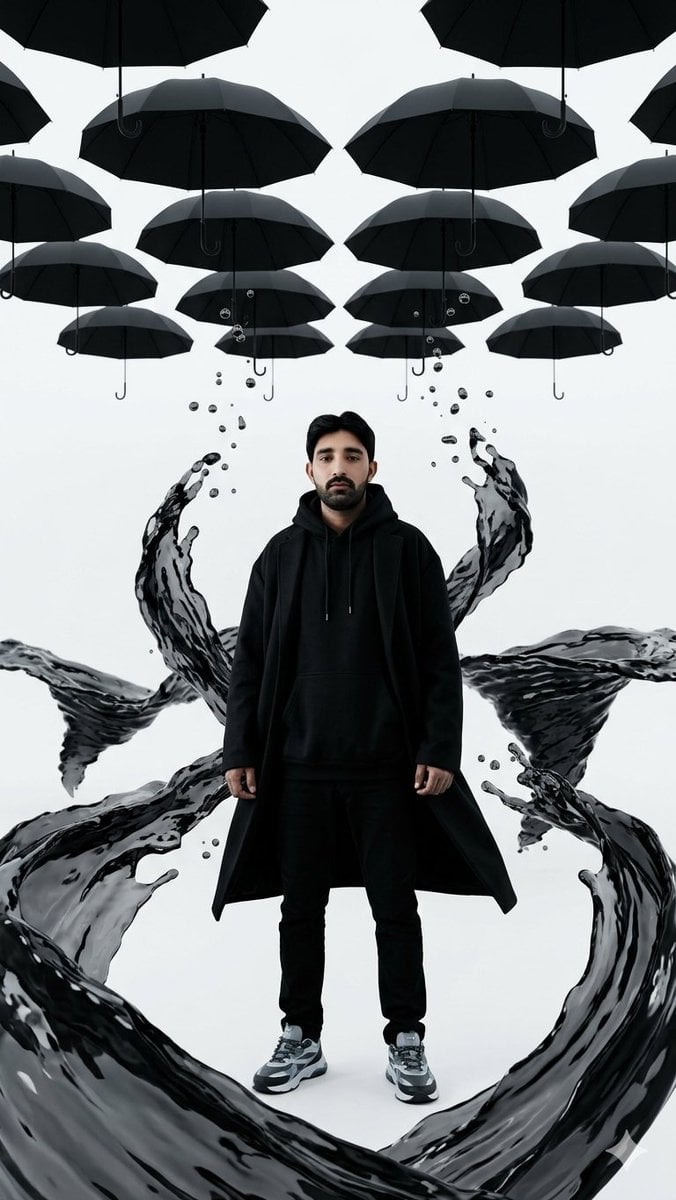
Surreal Man with Black Water and Umbrellas
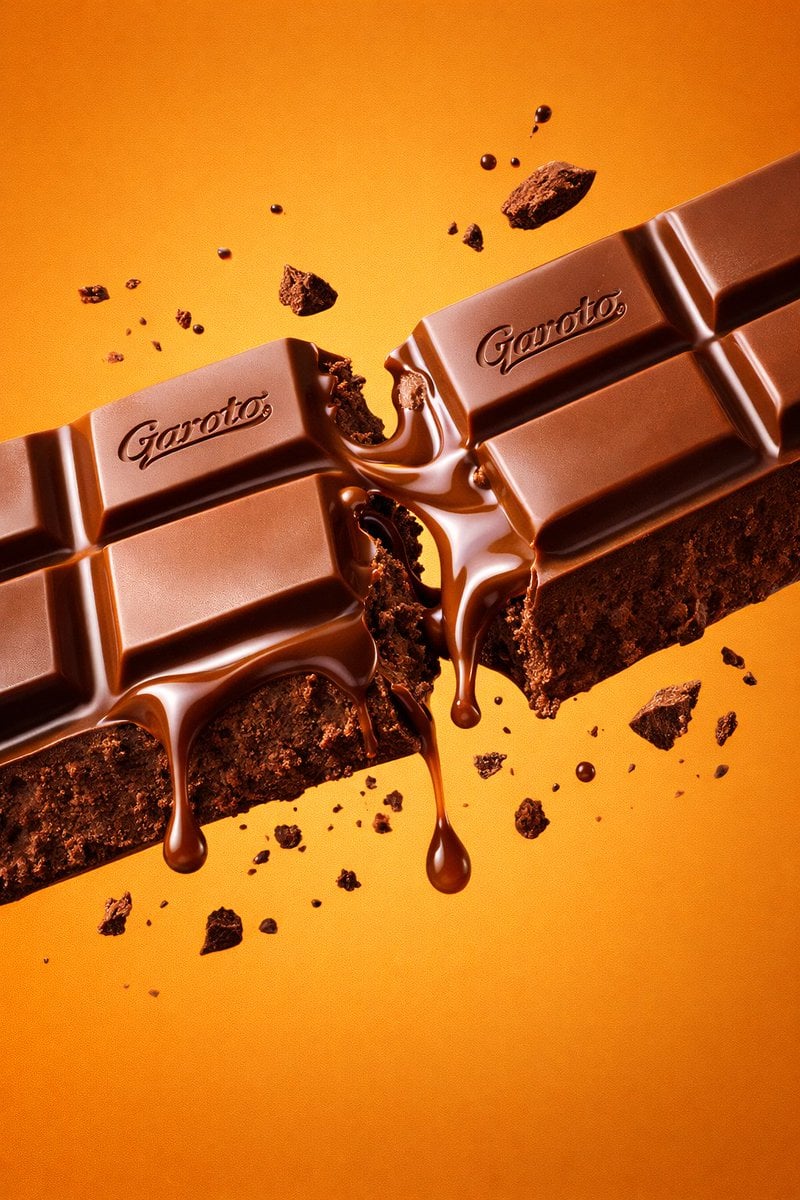
Ultra-Realistic Chocolate Bar Commercial Prompt
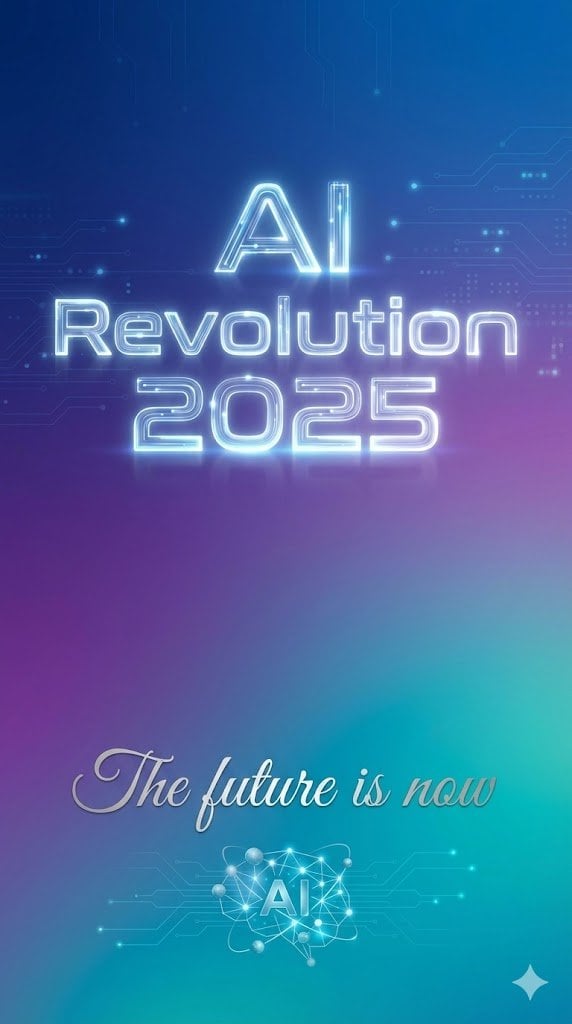
Text Rendering Control Template and Example Prompt

Minimalist Corporate Portrait Sprite Sheet
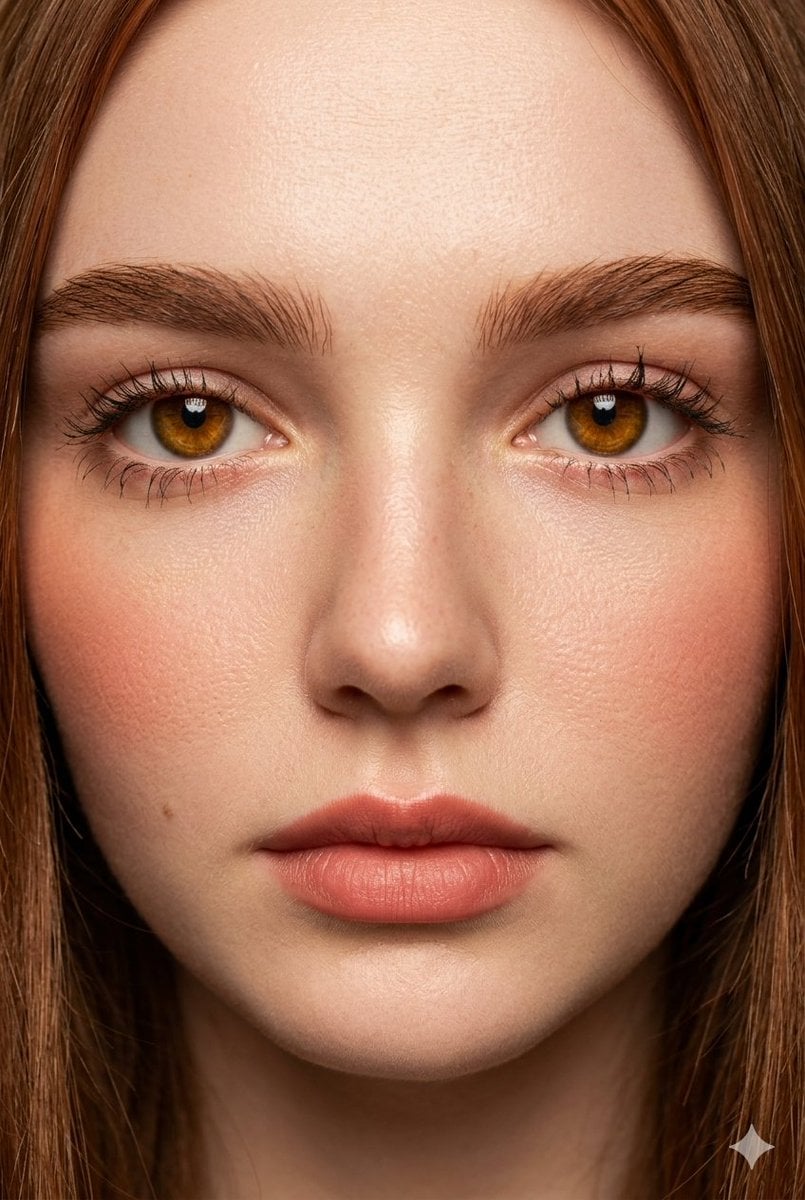
Extreme Close-Up Fashion Beauty Portrait
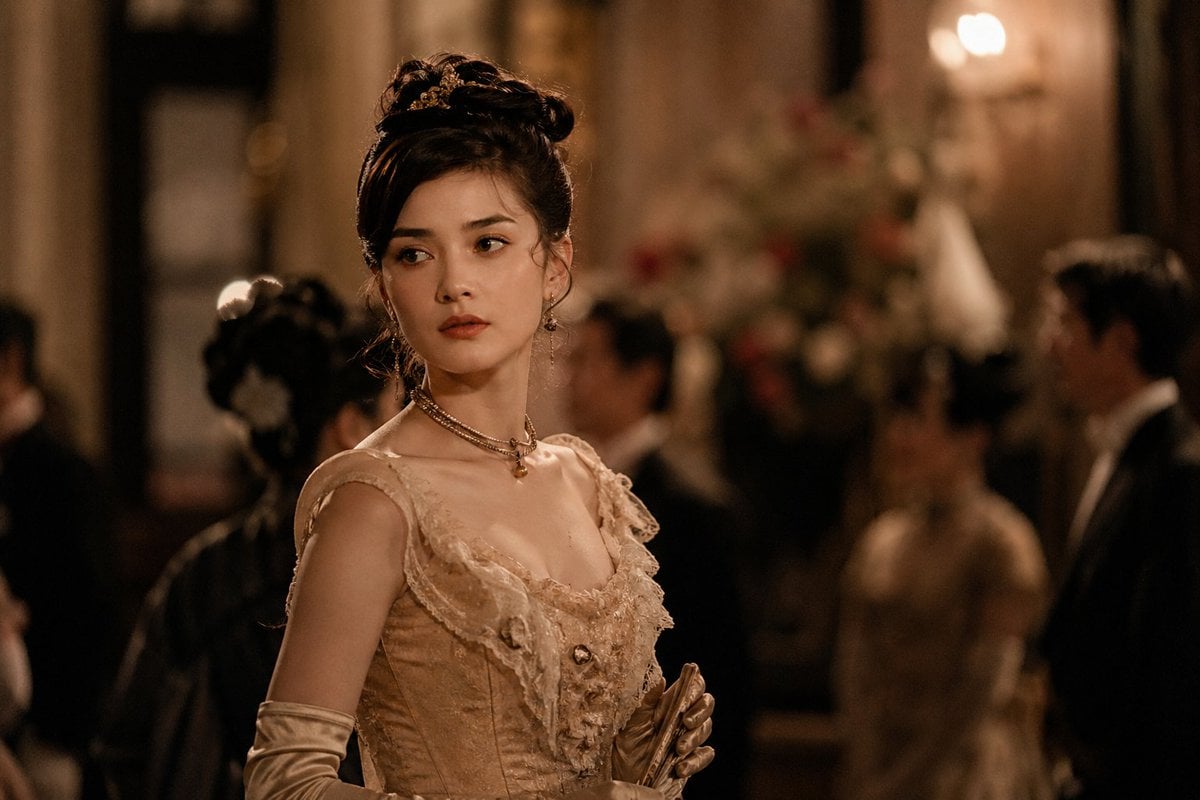
Rokumeikan Ballroom Portrait
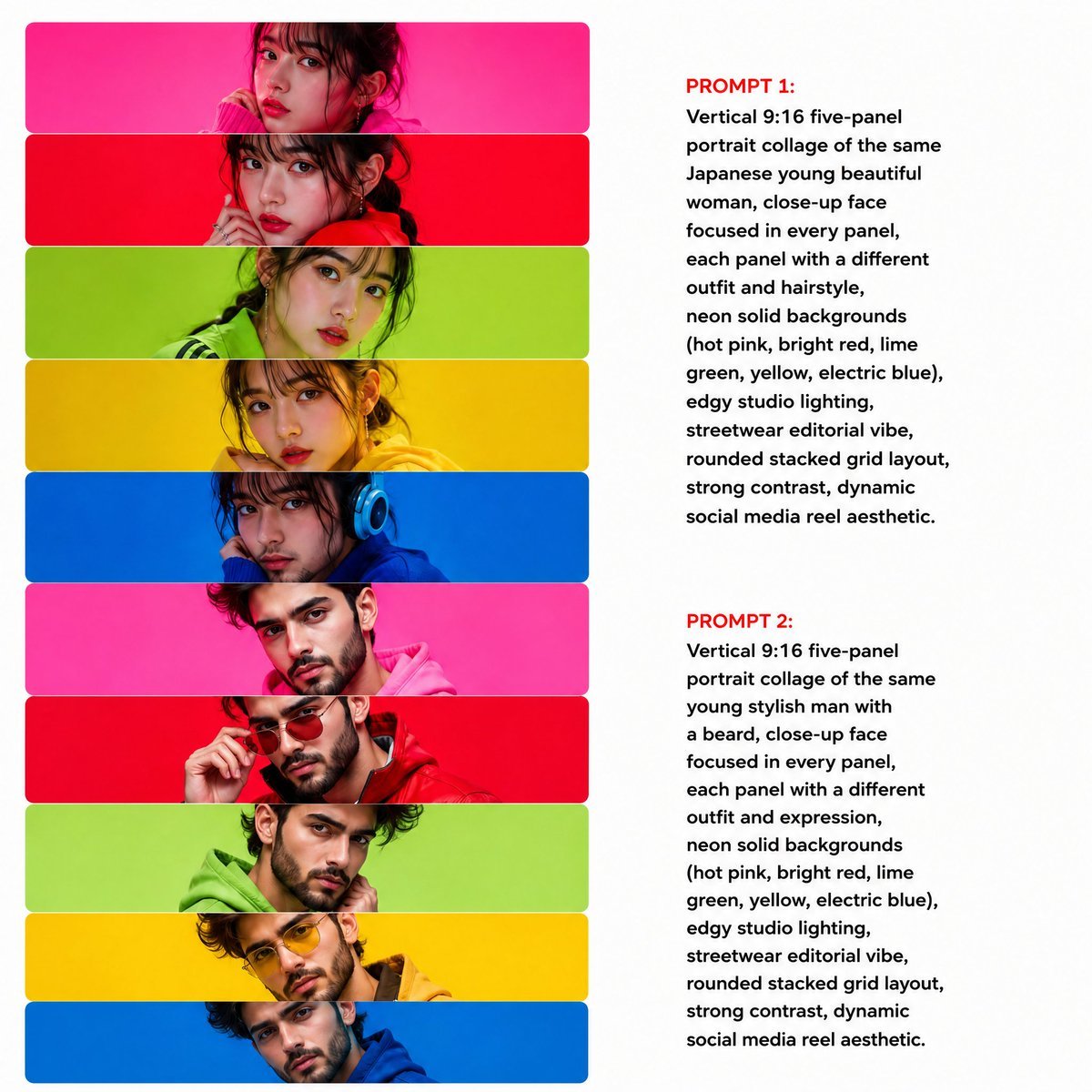
Neon Multi-Panel Fashion Collage
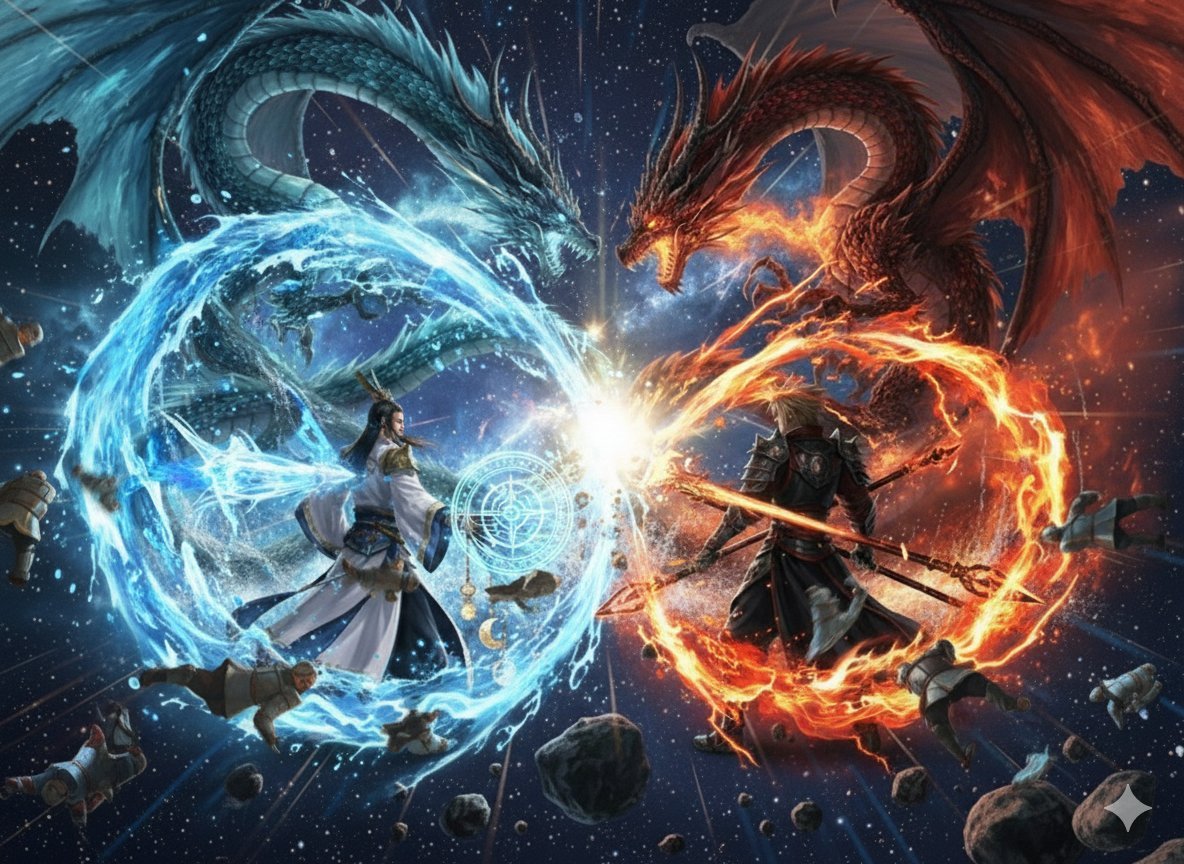
Nano Banana Pro Dynasty Warriors/Final Fantasy Prompt (Full Screen)

untitled
Browse template categories
Summoning Jutsu i2i Manga Prompt questions
How do I use the Summoning Jutsu i2i Manga Prompt template?
Add your photo if the template asks for one, edit the prompt if you like — the template's model and format are already selected — and press Generate. Your version opens in PicX Studio.
Can I customize the Summoning Jutsu i2i Manga Prompt template?
Yes. You can change the subject, setting, lighting, mood, format, and available model controls before creating your image.
Is the Summoning Jutsu i2i Manga Prompt template free?
Opening and editing this template is free. Generating uses credits, shown on the Generate button when you are signed in.
Which AI model should I use?
Start with GPT Image 2, which is the model associated with this template. You can compare another compatible model for a different finish.
Looking for something else? Browse all templates.

Your photo, any look
Thousands of ready templates for every top image and video model, from one credit balance.