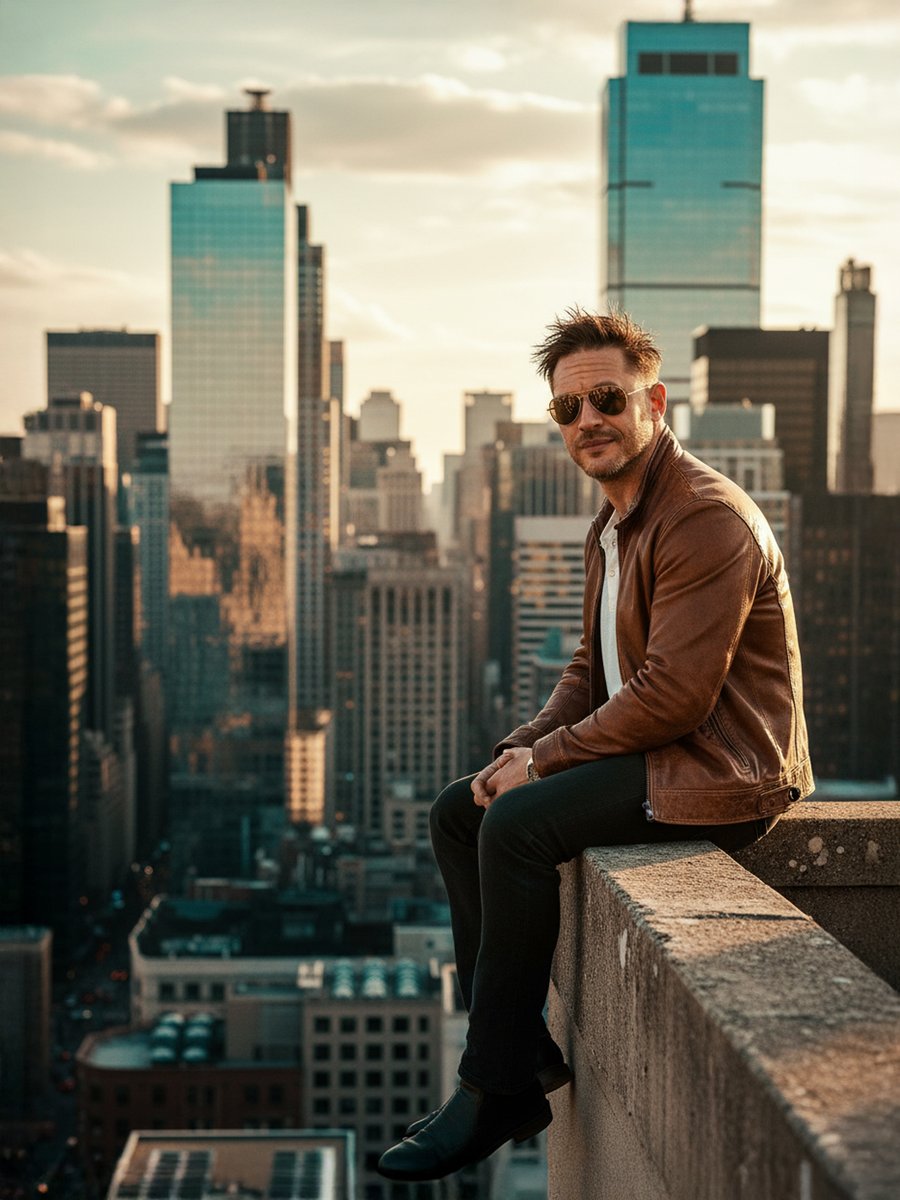
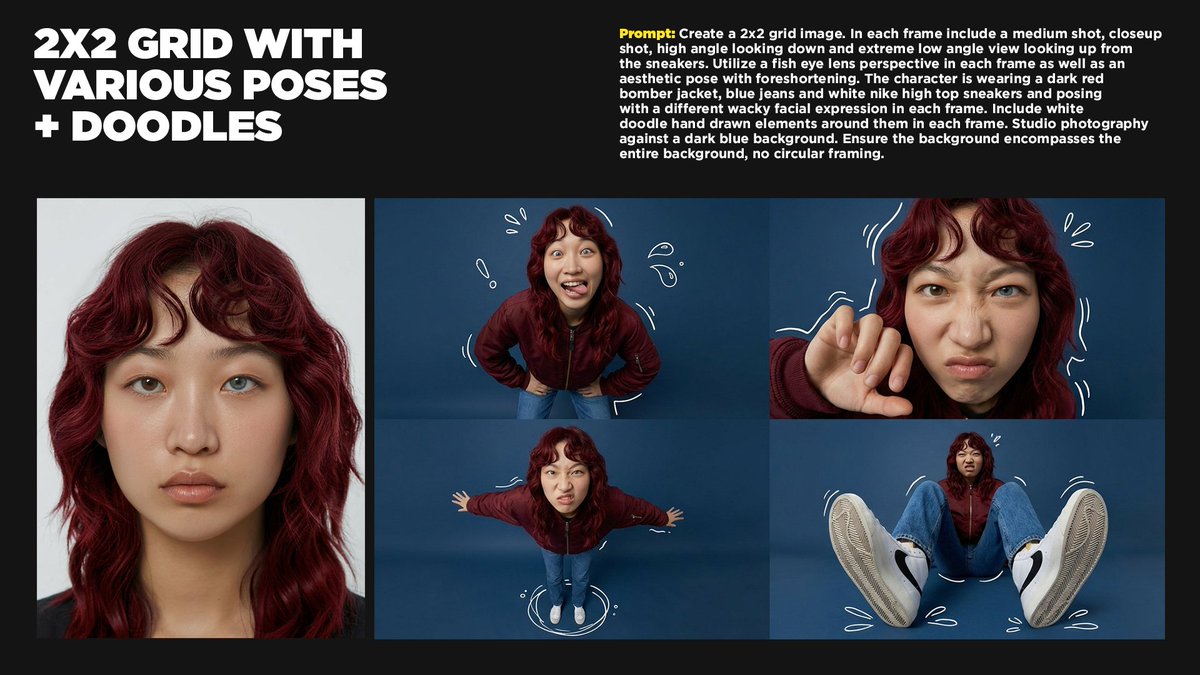
Low-Key Saturn Projection Portrait
{
"generation_request": {
"meta_data": {
"task_type": "low_key_projection_mapping_portrait",
"language": "en",
"priority": "highest",
"version": "v1.0_SATURN_PROJECTOR_RAINBOW_LOWKEY"
},
"output": {
"aspect_ratio": "4:5",
"resolution": "high",
"num_images": 4
},
"scene": {
"concept": "a moody low-key portrait using projection mapping as the primary light source",
"environment": "pure black seamless background, no visible room details, no props",
"composition": "3/4 portrait, subject slightly low in frame with negative space above, Saturn positioned behind head like a luminous halo"
},
"subject": {
"person": "adult woman",
"wardrobe": {
"top": "dark minimal top, non-reflective fabric to keep focus on projection"
},
"hair_makeup": {
"hair": "long hair down, natural texture",
"makeup": "minimal, realistic, preserve pores and skin texture"
},
"pose": "head slightly tilted, one hand near ear, relaxed shoulders",
"expression": "calm, dreamy, subtle smile"
},
"projection": {
"content": "glowing {argument name="planetary body" default="Saturn"} with rings",
"placement": "Saturn centered behind head, ring arc extending to the side",
"light_behavior": "rainbow refraction bands across face/arm, soft falloff into shadows",
"notes": "keep projection edges believable; avoid flat sticker look"
},
"camera": {
"shot": "projection-mapped portrait",
"lens_mm": 50,
"aperture": 2.0,
"focus": "sharp on eyes and lips; gentle falloff on hair",
"quality_tags": "photoreal, cinematic, subtle film grain"
},
"lighting": {
"style": "projector as key light + very subtle fill",
"notes": "deep blacks, high contrast, no visible background spill, preserve natural skin texture and catchlights"
},
"color_grade": {
"palette": "deep blacks, saturated cyan/magenta/green rainbow bands, cool planetary blues",
"contrast": "high with controlled highlights",
"effects": "subtle grain, slight halation on brightest projection areas"
},
"negative_prompt": "text, logo, watermark, bright background, HDR, plastic skin, over-smoothed face, cartoon, anime, CGI look, banding artifacts, crushed noisy shadows, extra fingers, deformed hands, distorted face"
}
}


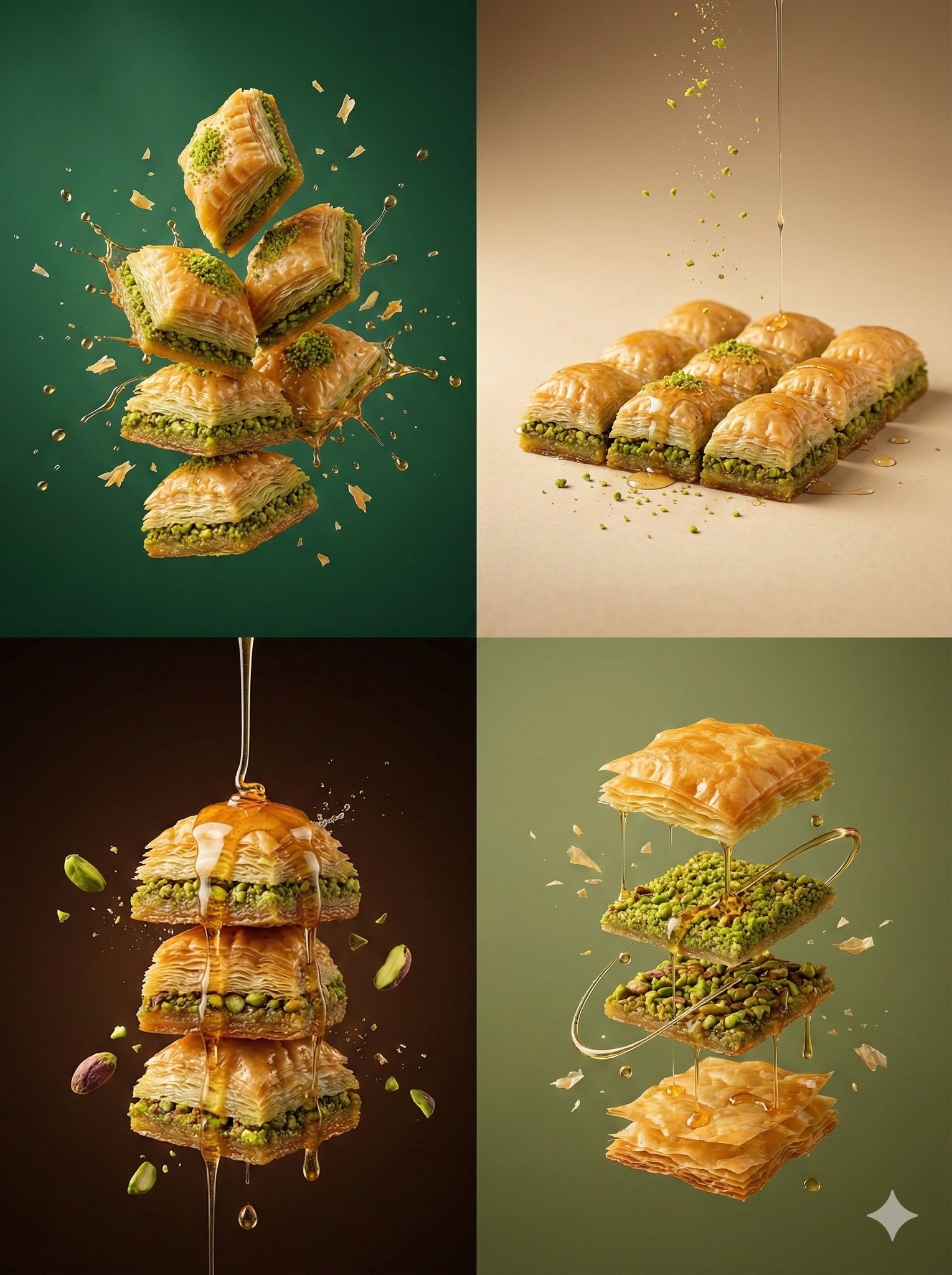


![Minimalist product photo, clean warm studio scene, textured beige wall — [product setup], minimalist product photo, clean warm studio scene, textured beige wall](https://images.meigen.ai/tweets/2027021107015143498/0.jpg)
![Typography Small, clean sans-serif and typewriter-style text blocks — [BRAND NAME]
[PRODUCT TYPE] (Clothing / Food / Automotive / Tech).
Goal: Generate a prof](https://images.meigen.ai/tweets/2031446250214572438/0.jpg)


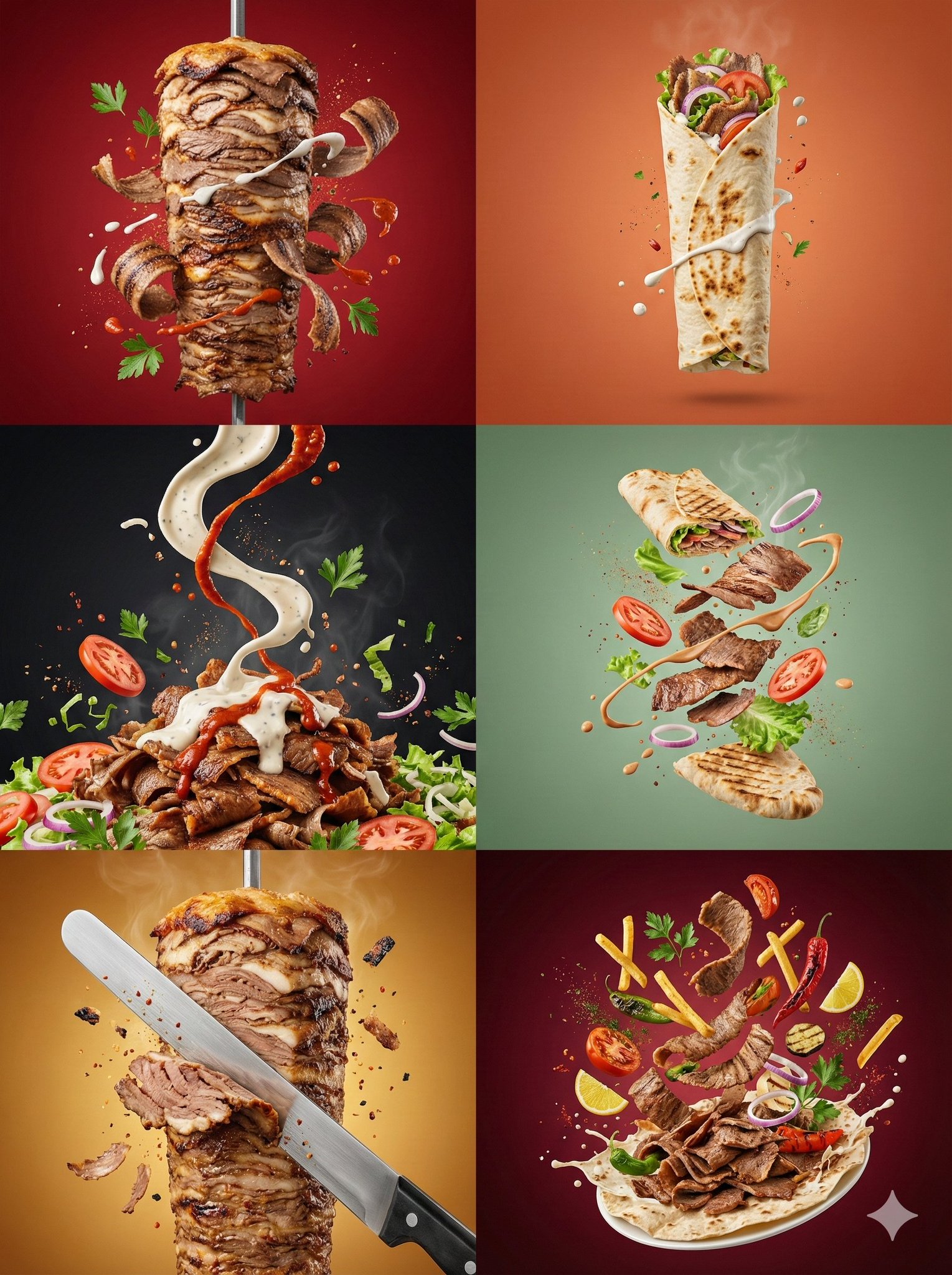

![Create minimalist product photo, clean warm studio scene, textured beige — [product setup],create minimalist product photo, clean warm studio scene, textured be](https://images.meigen.ai/tweets/2027544179560353948/0.jpg)




![Typographic illustration shaped like a, where the text forms the shape — Create a typographic illustration shaped like a [OBJECT], where the text [BRAND SLOGAN]](https://images.meigen.ai/tweets/2038261502696648942/0.jpg)
![Highly detailed isometric 3D rendering of in architectural visualization — Create a highly detailed isometric 3D rendering of [LANDMARK] in architectural visual](https://images.meigen.ai/tweets/2007082189742379459/0.jpg)


![Naive doodle-style subject illustration — A doodle-style {argument name="subject" default="[subject]"}, naive lines, humorous shape exaggeration](https://pbs.twimg.com/media/G6Wl2YxbsAARB2b.jpg)