
Multi-Font Text Generation and Control
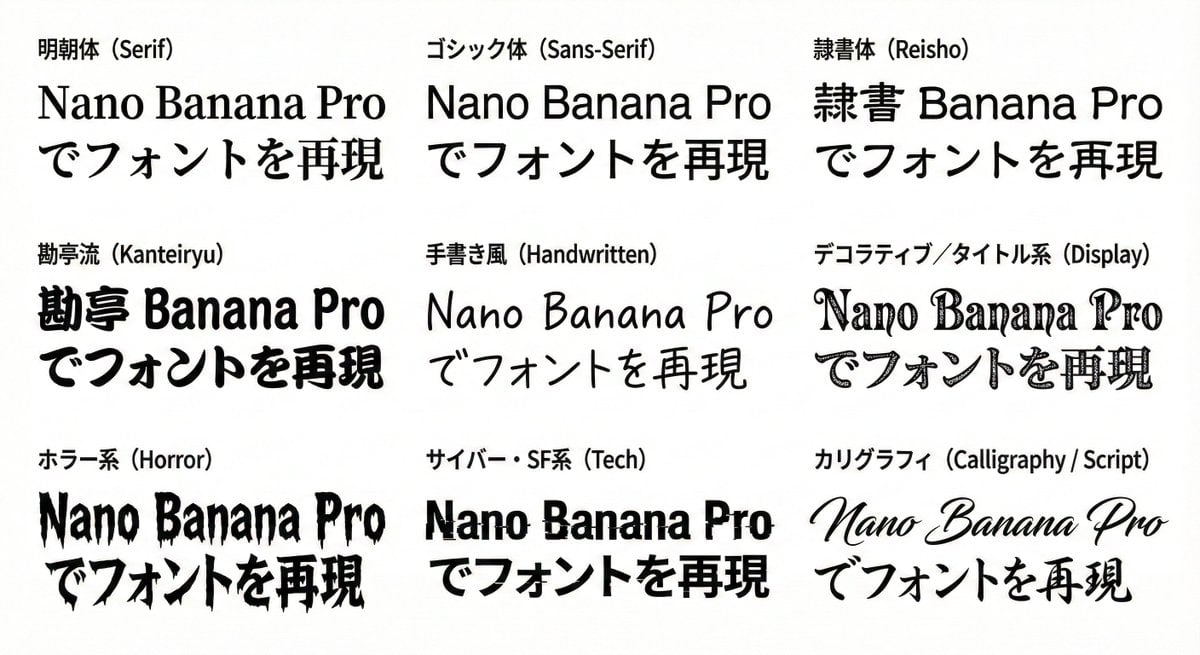
Two prompts demonstrating Nano Banana Pro's advanced text control capabilities, allowing the generation of a single string using multiple specified Japanese and English font styles, and even assigning different fonts to…
- Prompt included
- Model and format preset
- Free template
The prompt behind this image
Copy the exact prompt behind Multi-Font Text Generation and Control, or open it in the studio and make it yours.
以下の文字列を指定のフォントで表記してください 背景は白、文字は黒で表現して下さい。 9種のフォントを1回で生成してください。 # 文字列 {argument name="文字列1" default="Nano Banana Proでフォントを再現"} # 再現したいフォント 明朝体(Serif) ゴシック体(Sans-Serif) 隷書体(Reisho) 勘亭流(Kanteiryu) 手書き風(Handwritten) デコラティブ/タイトル系(Display) ホラー系(Horror) サイバー・SF系(Tech) カリグラフィ(Calligraphy / Script) さらに文字列の特定の部分に特定のフォントを指定することもできる プロンプト: 以下の文字列を指定のフォントで表記してください 背景は白、文字は各フォントで色を変更して下さい。 # 文字列 {argument name="文字列2" default="Nano Banana Proでフォントを再現"} # 再現したいフォント Nano :明朝体(Serif) Banana :ゴシック体(Sans-Serif) Pro:隷書体(Reisho) で:手書き風(Handwritten) フォントを:デコラティブ/タイトル系(Display) 再現:カリグラフィ(Calligraphy / Script)
How to use Multi-Font Text Generation and Control in 3 steps
- 1
Open
The prompt is already in the box next to the preview, with the template's model and format selected.
- 2…a portrait of your subject in softgolden-hour light, 85mm…
Personalize
Edit the subject and creative details for your destination.
- 3Generate
Generate
Press Generate — your image is created in PicX Studio, so you can compare it with the original and refine one variable at a time.
More like this
Templates with the same subject, style or setup. Open one to see its prompt.
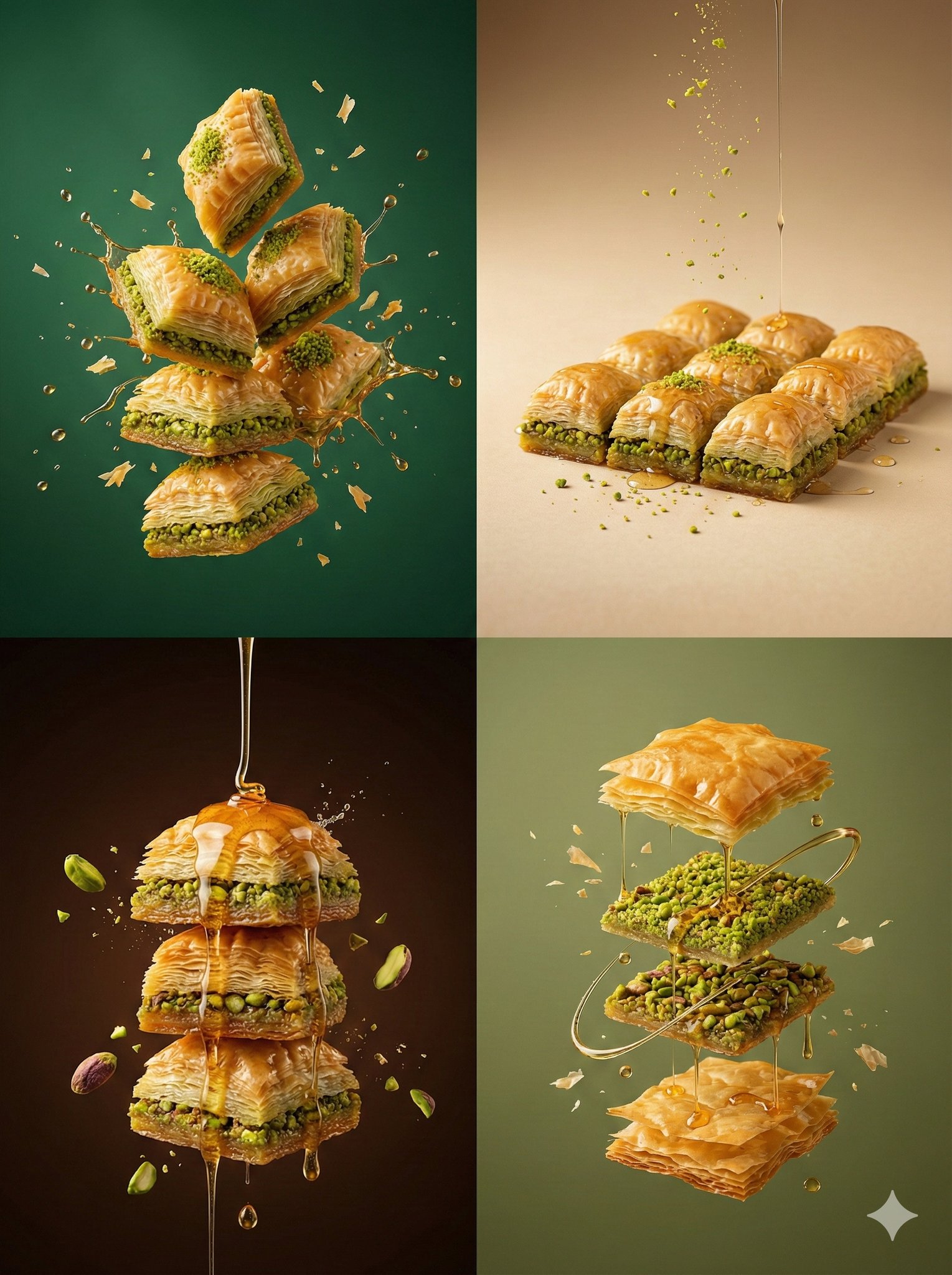
Controlled studio lighting emphasizing texture, layers, and syrup
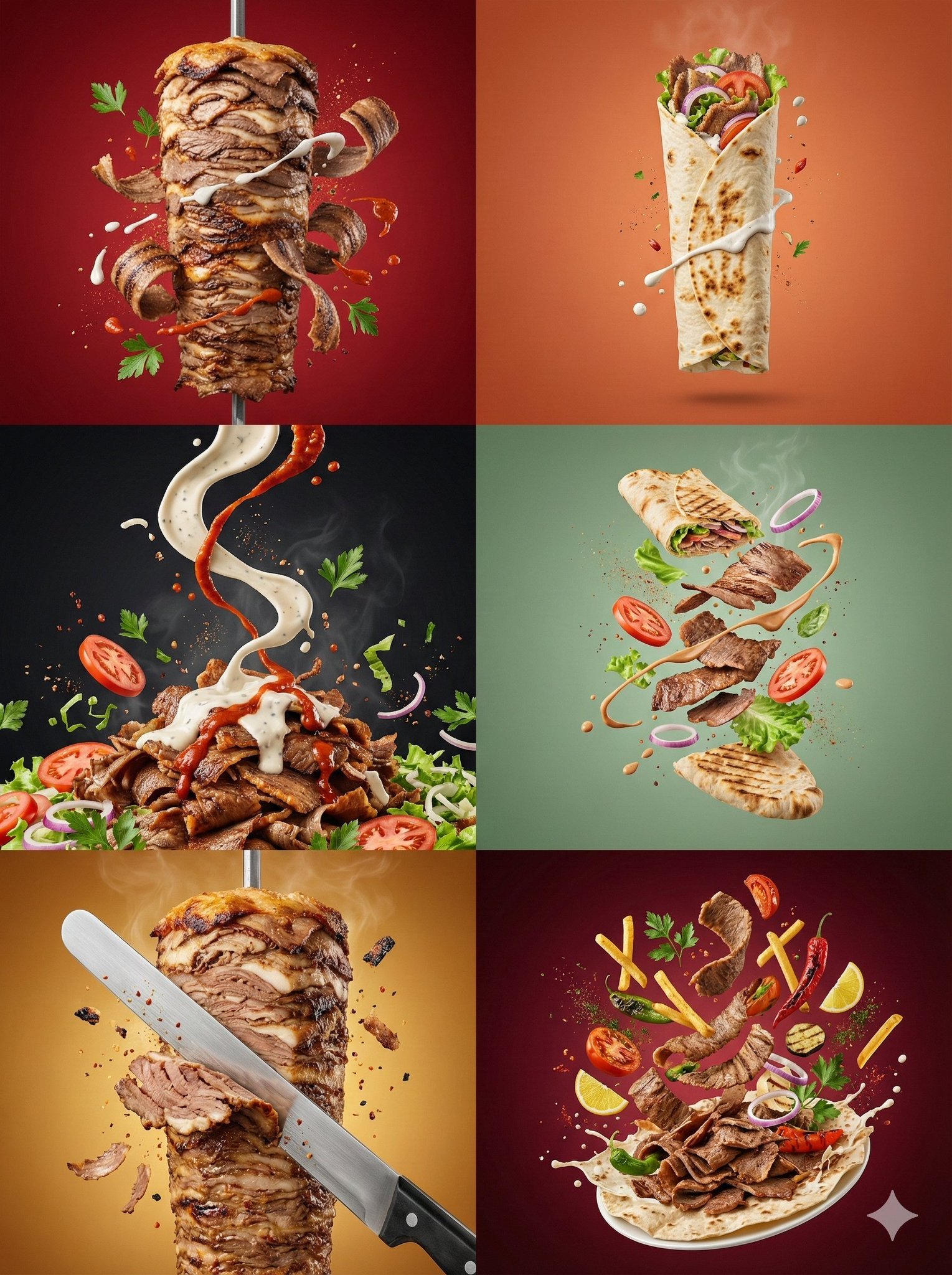
Controlled studio lighting emphasizing meat texture, char marks
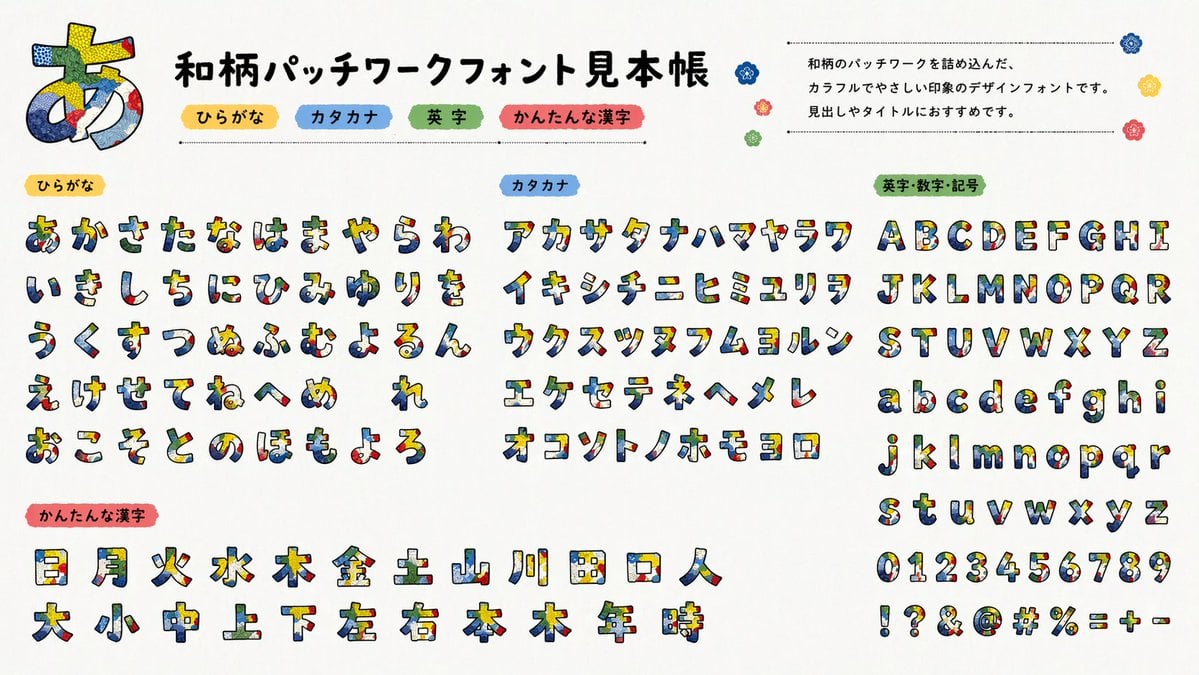
Multilingual font specimen sheet prompt
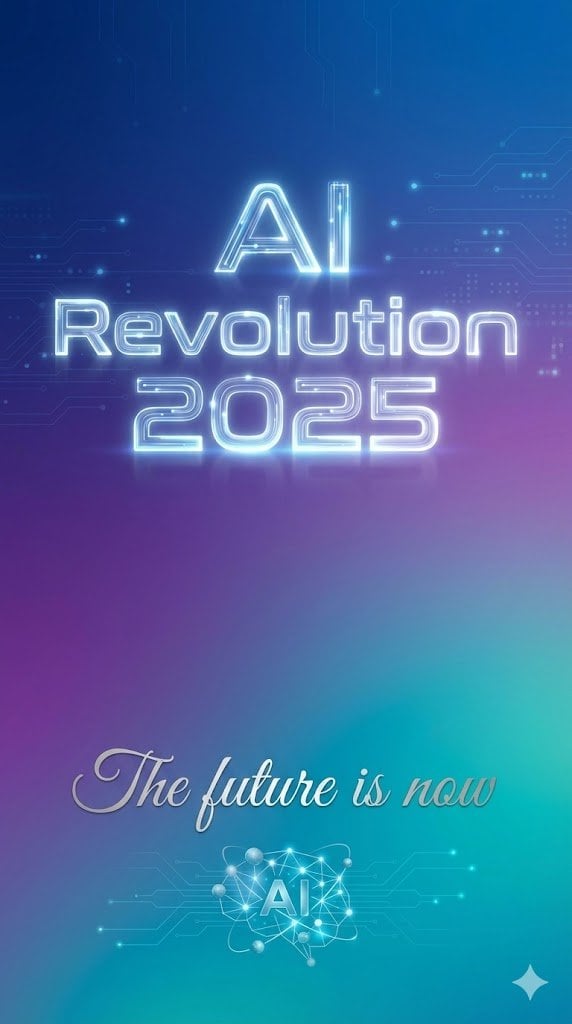
Text Rendering Control Template and Example Prompt
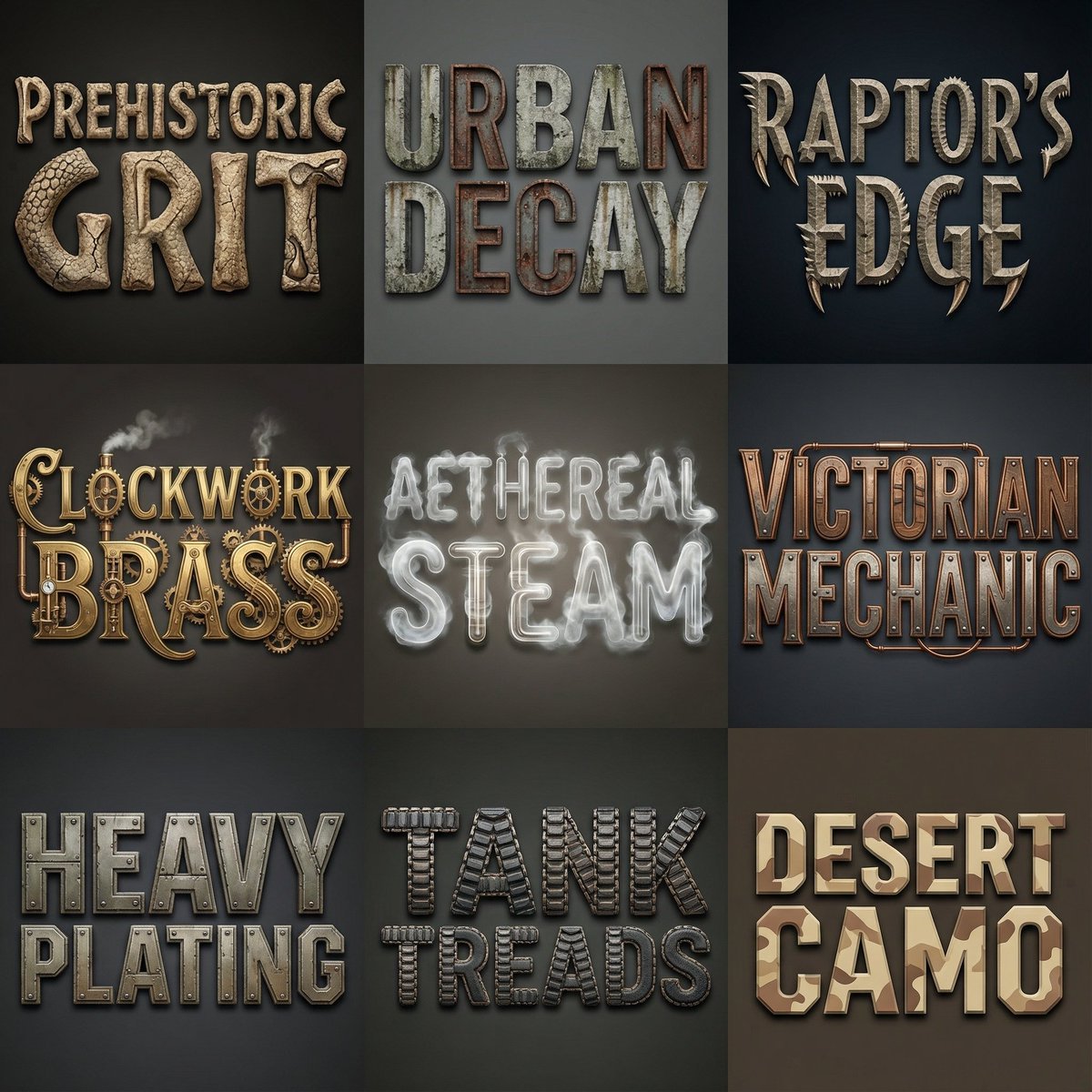
Font Generation Inspired by Uploaded Images
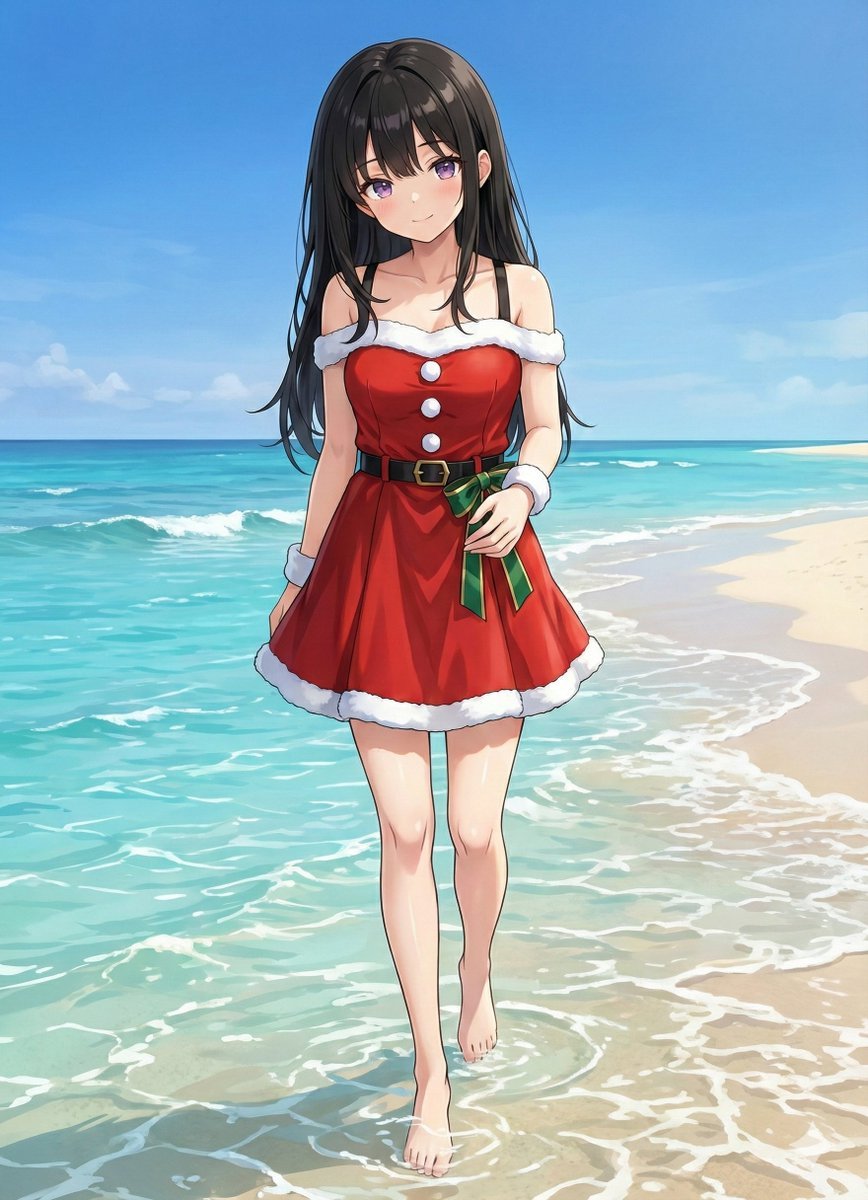
Complex Image Generation Prompt with Reference Control
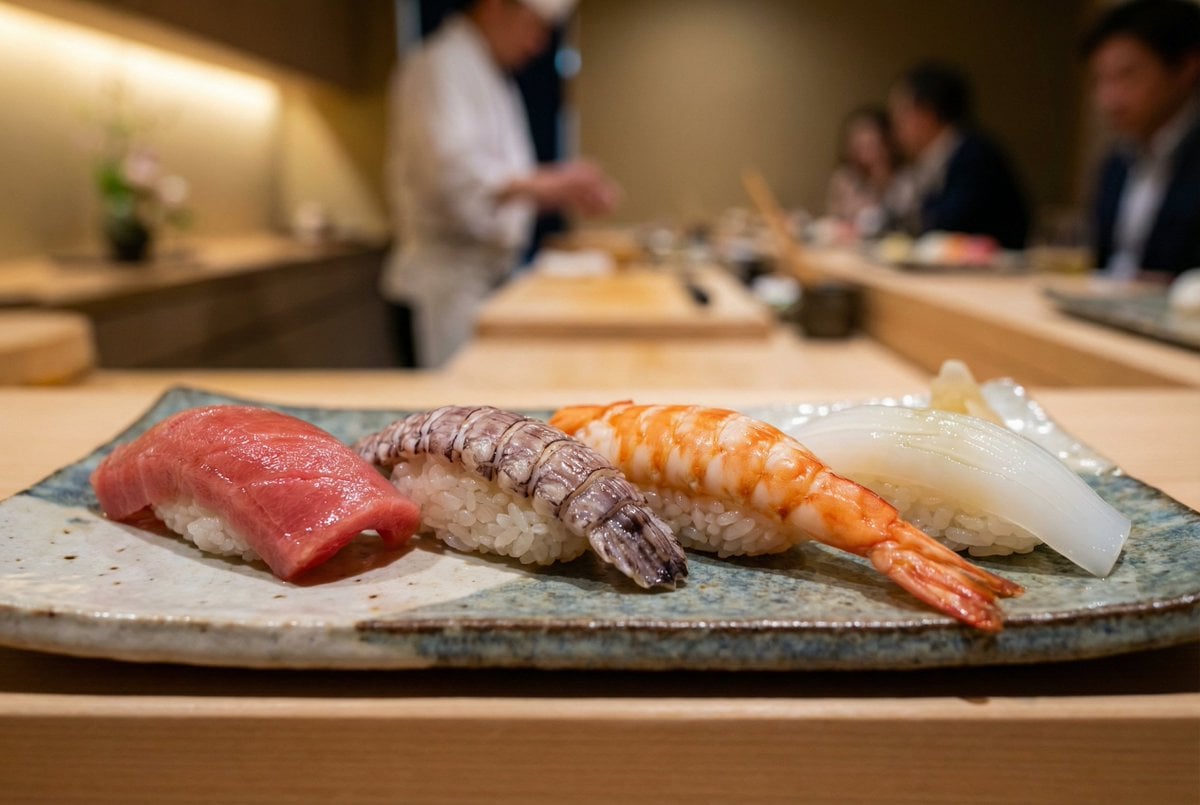
Controlling Lighting in Image Generation
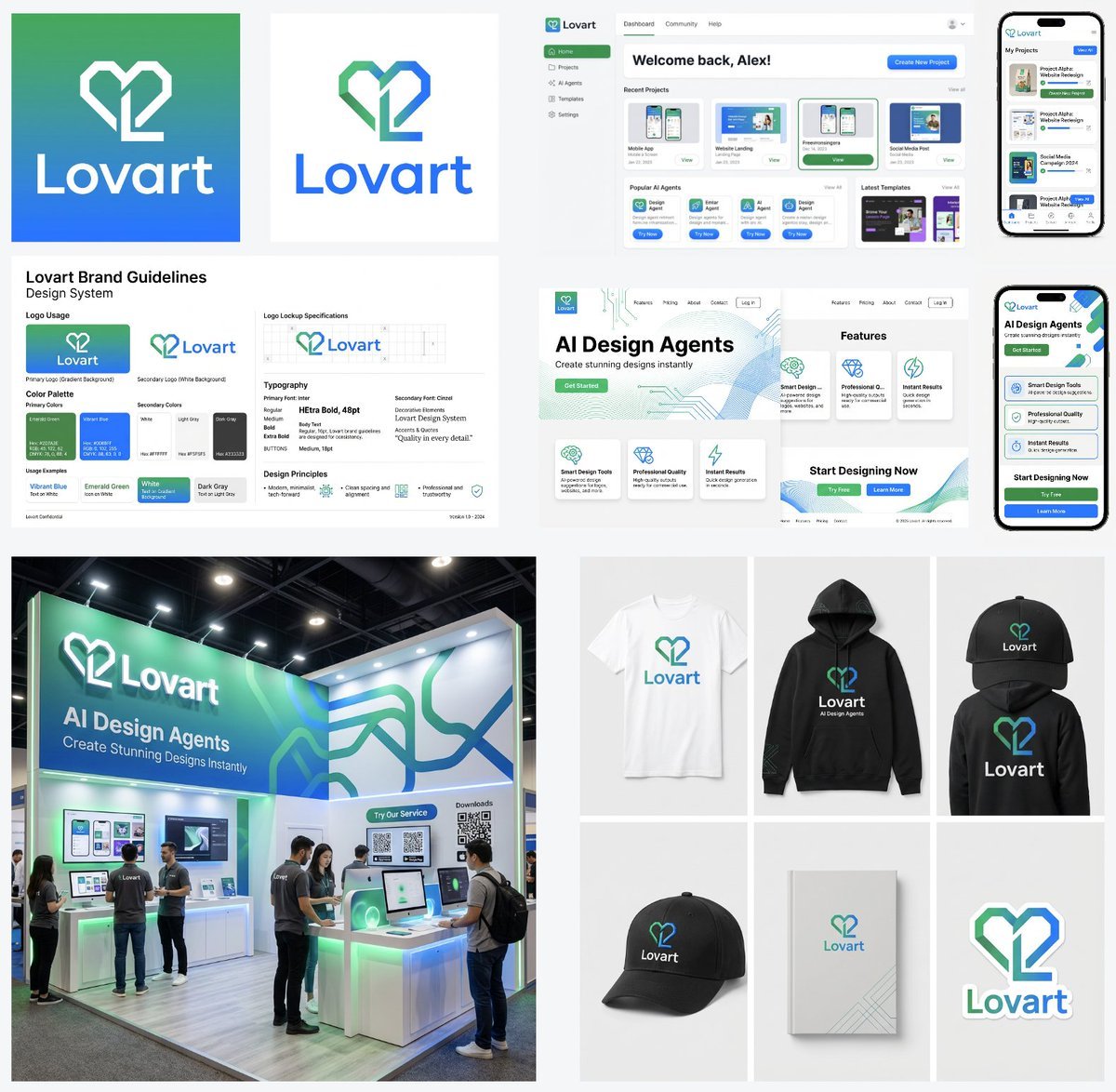
Multi-Step Design Generation Prompts for 'Lovart' Brand
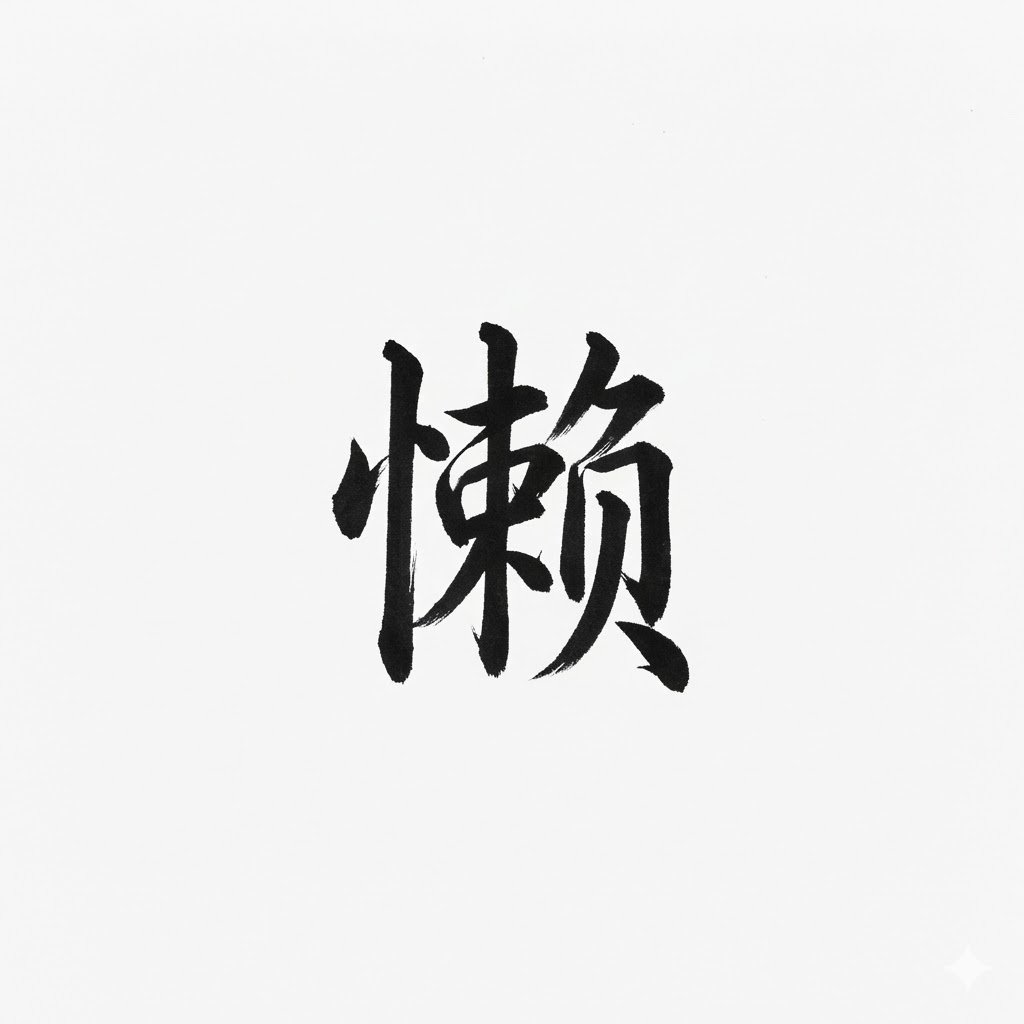
AI Generation of Custom Calligraphy Font Library
System Prompt for High-Control Photorealistic Image Generation
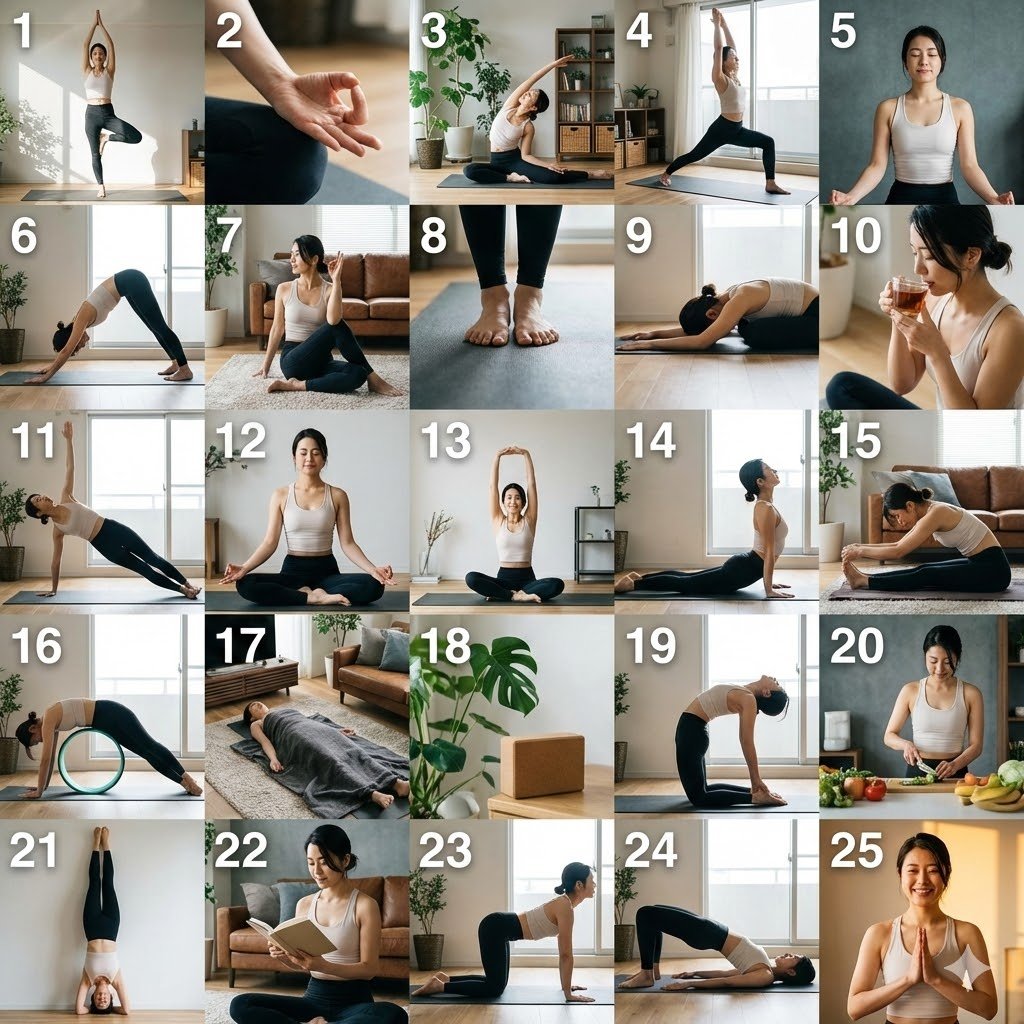
Multi-Cut Scene Generation and Extraction Prompt
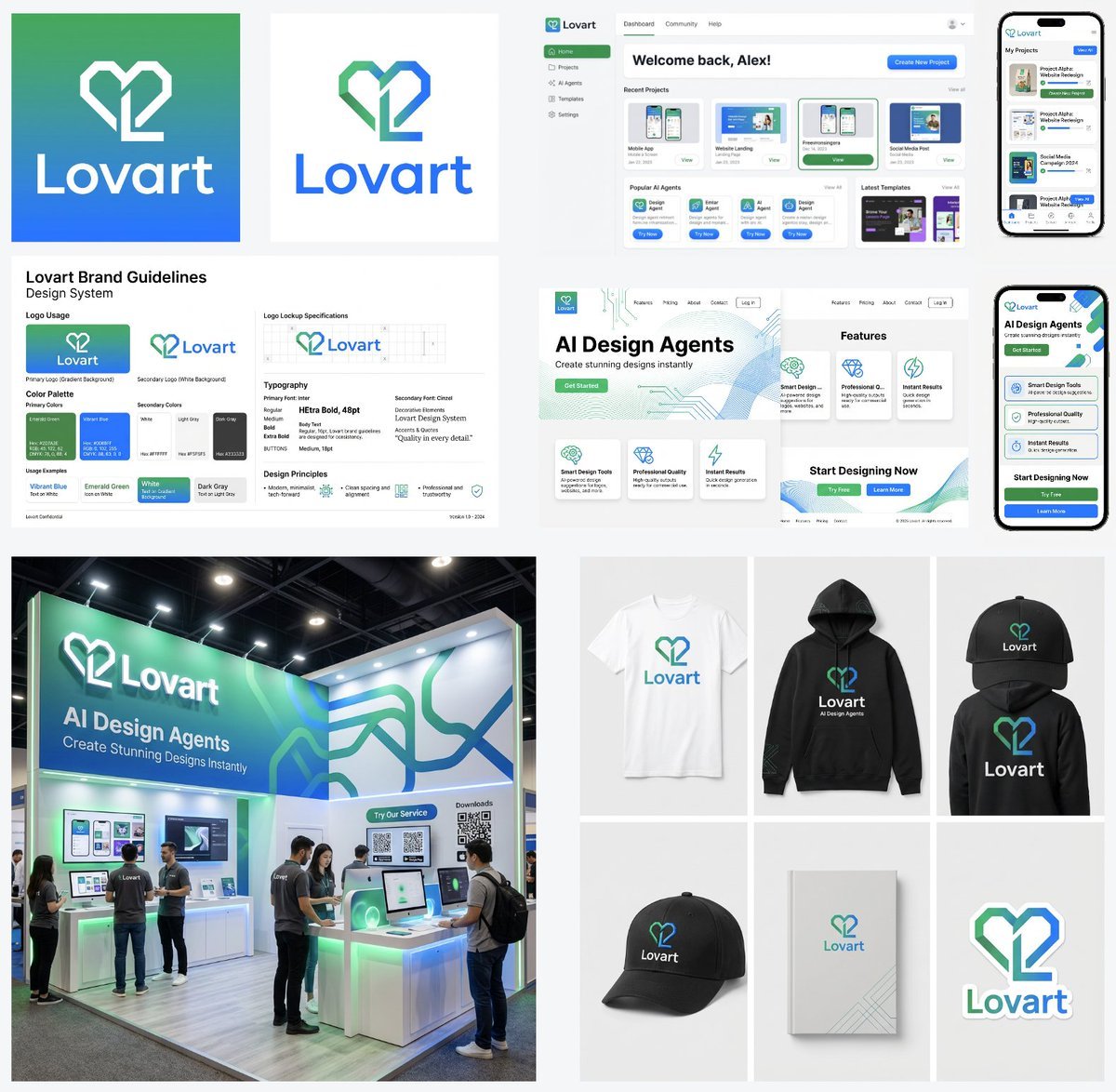
Multi-Step Design Generation for 'Lovart' Brand Identity
Make it yours
Multi-Font Text Generation and Control works as-is. These are the safest ways to change it without losing the look.
Change one field
Copy a single group, rewrite it, and generate again so you can see what that field is doing.
Keep the frame, change the subject
Hold the composition and light of Multi-Font Text Generation and Control, then swap wardrobe, props or the person for a new take.
| If the result… | Why | Fix |
|---|---|---|
| The result drifts from the preview | Too many fields changed at once. | Reuse Multi-Font Text Generation and Control as-is first, then change one group — subject, light, or setting. |
| The model over-stylizes the scene | The prose prompt leaves finish and camera underspecified. | Add one camera or lighting sentence and stay on Nano Banana 2. |
More Nano Banana 2 templates
Other prompts made for Nano Banana 2.

Photorealistic Leaf Shaped Like a Dragon

K-Pop Idol Portrait Grid for Rapid Selection

Poetic Rain Forest Portrait During Golden Hour

Urban Street Portrait with Cartoon Inner Self Duo

Candid Nighttime Photo with Cat Prompt

High-Concept 3D Diorama Generation Prompt

Cinematic Futuristic Studio Portrait Template

Skincare Editorial Photography Collage Prompt

Hyper-Realistic Commercial Product Photography (Splash Effect)

Hyper-Realistic Nightclub Portrait Prompt
More image prompts
Fresh picks from across the catalog.
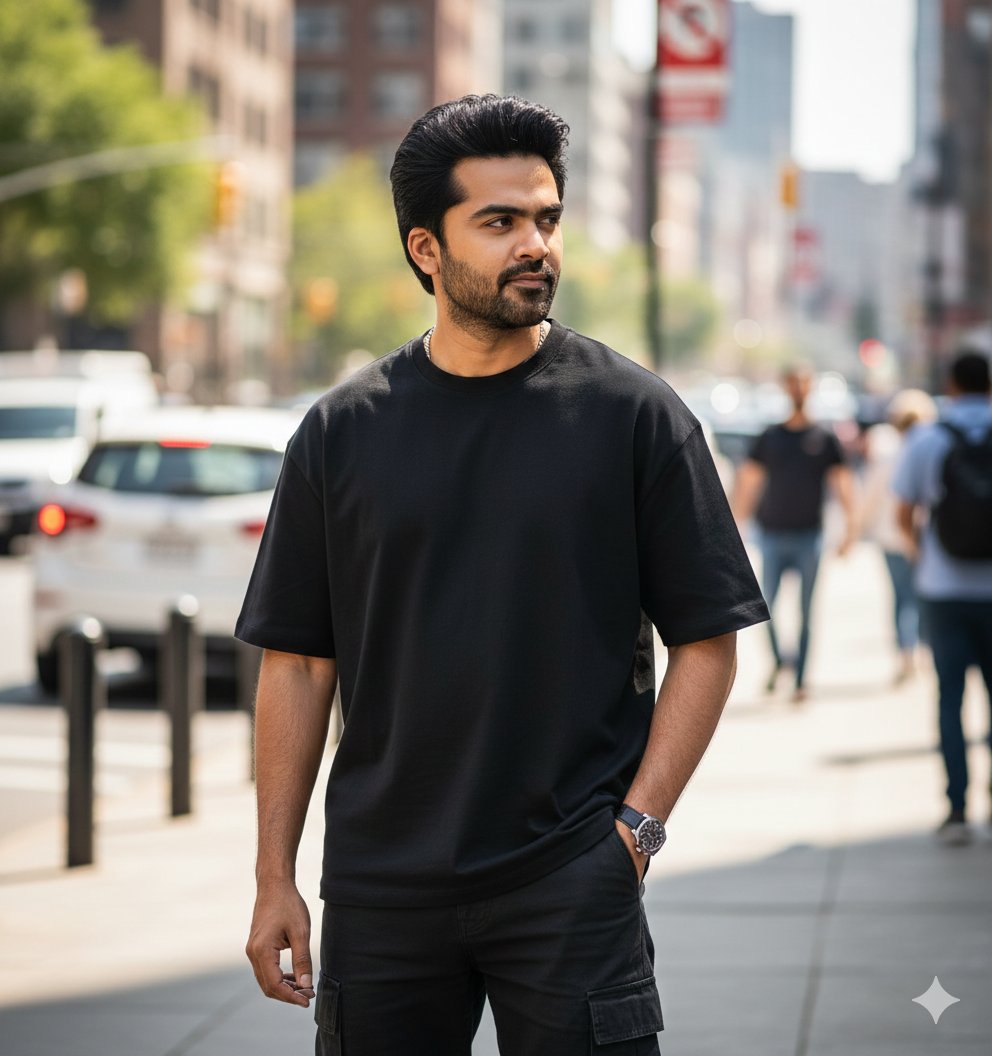
Ultra-Realistic Street Portrait with Identity Lock
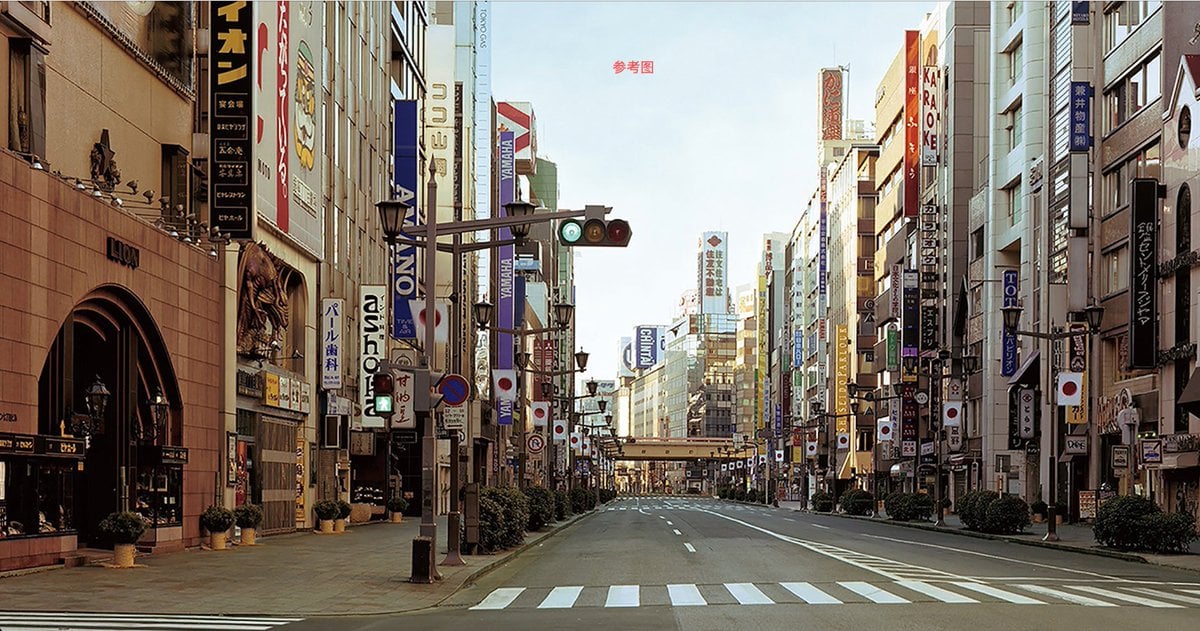
City Night Scene Illustration with Composition Reference
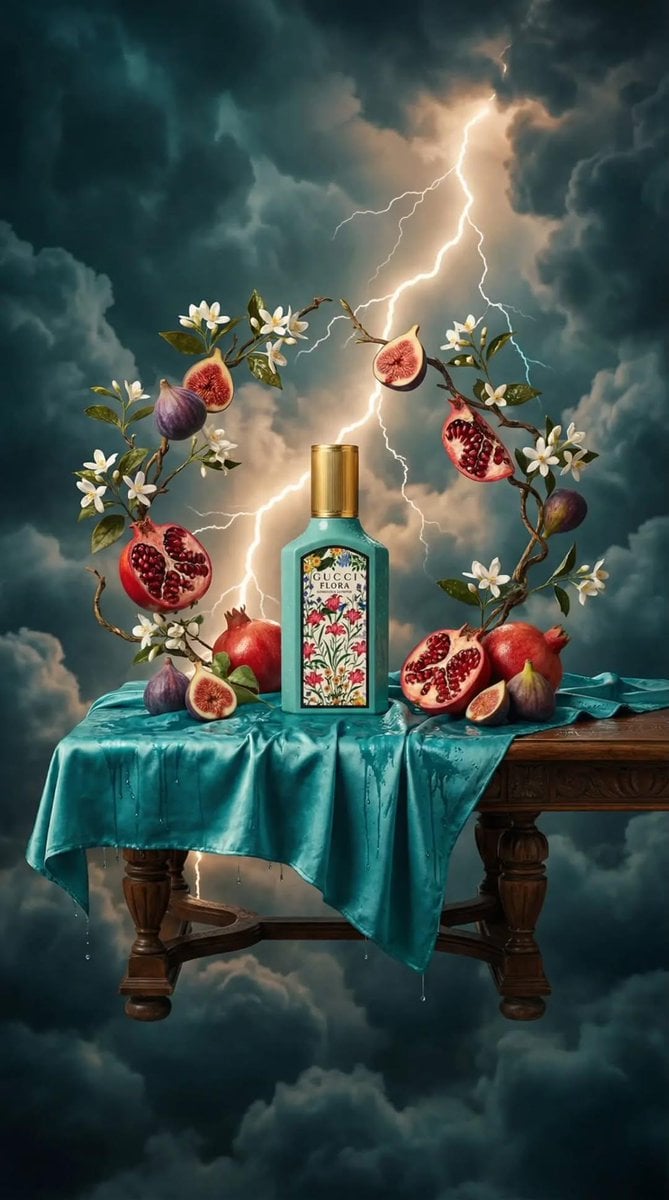
Surreal Baroque Still Life Perfume Ad Prompt
Ethereal Opulence: High-Fashion Editorial Portrait
Kawaii Dessert Advertisement
iPhone Aesthetic Prompt Generator Framework
Monochromatic Pink Studio Fashion Portrait
Y2K Holographic Anime Chair Fashion
Cyber-Poetic Futuristic Noir Portrait
Persian Carpet Inspired Portrait Prompt
Browse template categories
Multi-Font Text Generation and Control questions
How do I use the Multi-Font Text Generation and Control template?
Add your photo if the template asks for one, edit the prompt if you like — the template's model and format are already selected — and press Generate. Your version opens in PicX Studio.
Can I customize the Multi-Font Text Generation and Control template?
Yes. You can change the subject, setting, lighting, mood, format, and available model controls before creating your image.
Is the Multi-Font Text Generation and Control template free?
Opening and editing this template is free. Generating uses credits, shown on the Generate button when you are signed in.
Which AI model should I use?
Start with Nano Banana 2, which is the model associated with this template. You can compare another compatible model for a different finish.
Looking for something else? Browse all templates.

Your photo, any look
Thousands of ready templates for every top image and video model, from one credit balance.