
Monochromatic Pink Studio Fashion Portrait
A complex, structured JSON prompt for generating a full-body studio portrait of Sydney Sweeney in a monochromatic pink outfit, focusing on high detail, soft studio lighting, and a minimalist aesthetic with a subtle…
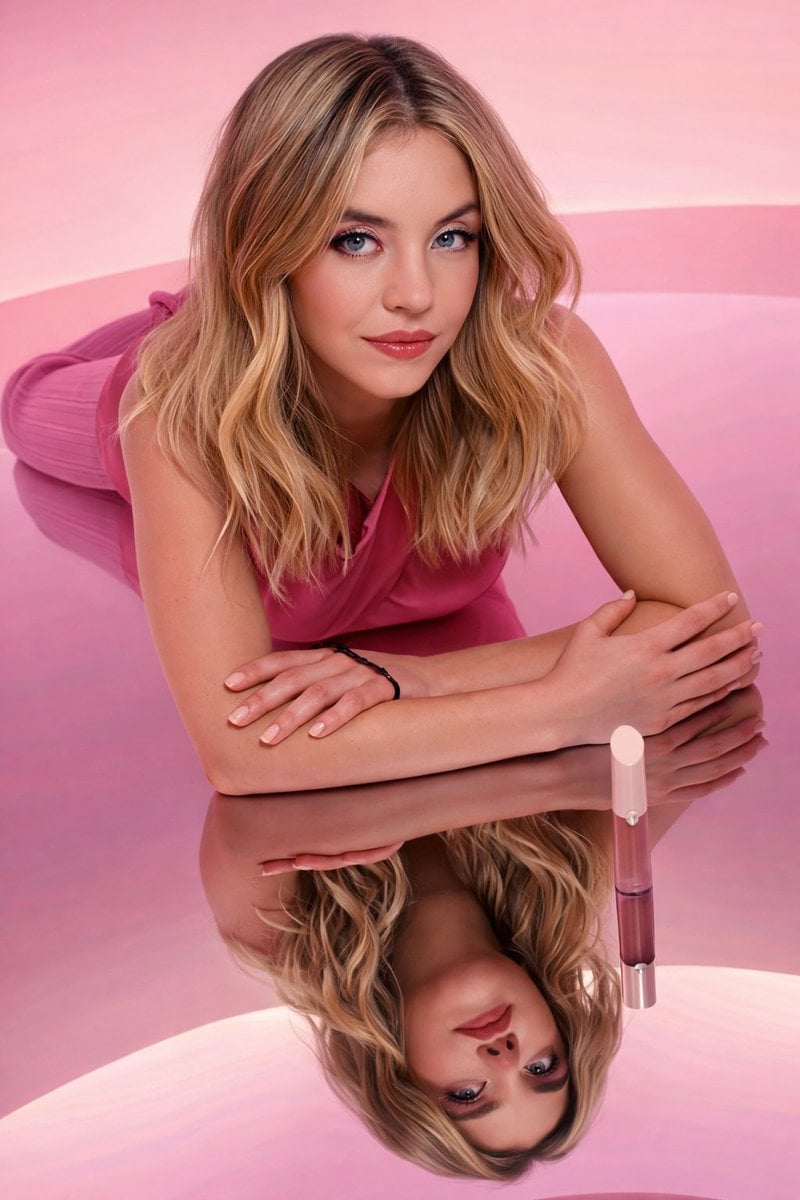
- Prompt included
- Model and format preset
- Free template
The prompt behind this image
Copy the exact prompt behind Monochromatic Pink Studio Fashion Portrait, or open it in the studio and make it yours.
- Resolution
- 8K UHD
- Image Type
- studio portrait photography
- Subject › Gender Presentation
- female-presenting
- Subject › Age Range
- young adult
- Subject › Skin Tone
- fair
- Subject › Pose
- standing upright
- Subject › Stance
- feet flat on floor, legs slightly apart
- Subject › Body Orientation
- facing forward
- Subject › Head Position
- upright, slightly tilted forward
- Subject › Gaze Direction
- directly at camera
- Subject › Expression
- neutral, calm, composed
- Hair › Color
- blonde
- Hair › Length
- shoulder length
- Hair › Texture
- soft waves
- Hair › Parting
- center-parted
- Hair › Finish
- smooth, well-groomed
- Face Details › Makeup Style
- soft, natural glam
- Face Details › Eye Makeup
- subtle eyeshadow, defined lashes
- Face Details › Eyebrows
- well-shaped, natural thickness
- Face Details › Lip Color
- muted pink
- Face Details › Skin Finish
- smooth, evenly lit
- Clothing › Top › Type
- sleeveless top
- Clothing › Top › Neckline
- soft draped neckline
- Clothing › Top › Color
- dusty rose / pink
Raw JSON
{
  "resolution": "8K UHD",
  "image_type": "studio portrait photography",
  "subject": {
    "gender_presentation": "female-presenting",
    "age_range": "young adult",
    "skin_tone": "fair",
    "pose": "standing upright",
    "stance": "feet flat on floor, legs slightly apart",
    "body_orientation": "facing forward",
    "head_position": "upright, slightly tilted forward",
    "gaze_direction": "directly at camera",
    "expression": "neutral, calm, composed"
  },
  "hair": {
    "color": "blonde",
    "length": "shoulder length",
    "texture": "soft waves",
    "parting": "center-parted",
    "finish": "smooth, well-groomed"
  },
  "face_details": {
    "makeup_style": "soft, natural glam",
    "eye_makeup": "subtle eyeshadow, defined lashes",
    "eyebrows": "well-shaped, natural thickness",
    "lip_color": "muted pink",
    "skin_finish": "smooth, evenly lit"
  },
  "clothing": {
    "top": {
      "type": "sleeveless top",
      "neckline": "soft draped neckline",
      "color": "dusty rose / pink",
      "fit": "relaxed but fitted"
    },
    "bottom": {
      "type": "wide-leg pants",
      "material_texture": "ribbed fabric",
      "color": "matching pink tone",
      "length": "full length"
    }
  },
  "accessories": {
    "jewelry": "none visible",
    "wrist_accessory": "thin black band on right wrist",
    "footwear": "barefoot"
  },
  "environment": {
    "setting": "studio",
    "background": {
      "type": "smooth gradient backdrop",
      "color_palette": ["light pink", "soft rose", "pastel pink"],
      "pattern": "subtle horizontal gradient bands"
    },
    "floor": {
      "surface": "smooth, glossy",
      "reflectivity": "low to moderate"
    }
  },
  "lighting": {
    "style": "soft studio lighting",
    "direction": "front-facing, evenly distributed",
    "shadows": "minimal, soft",
    "contrast": "low contrast, balanced exposure"
  },
  "camera": {
    "framing": "full-body portrait",
    "angle": "eye-level",
    "lens_look": "clean, distortion-free",
    "depth_of_field": "moderate, subject fully in focus"
  },
  "color_grading": {
    "tone": "warm",
    "saturation": "moderate",
    "overall_palette": "monochromatic pink tones"
  },
  "style_tags": [
    "AI-edited look",
    "clean studio aesthetic",
    "minimalist",
    "fashion portrait",
    "high detail",
    "ultra sharp"
  ],
  "quality_settings": {
    "sharpness": "ultra",
    "texture_detail": "high",
    "noise": "none",
    "realism_level": "photorealistic with AI polish"
  }
}How to use Monochromatic Pink Studio Fashion Portrait in 3 steps
- 1
Open
The prompt is already in the box next to the preview, with the template's model and format selected.
- 2…a portrait of your subject in softgolden-hour light, 85mm…
Personalize
Edit the subject and creative details for your destination.
- 3Generate
Generate
Press Generate — your image is created in PicX Studio, so you can compare it with the original and refine one variable at a time.
More like this
Templates with the same subject, style or setup. Open one to see its prompt.

80s Couple Studio Portrait

1985 Studio Portrait

Nano Banana 2 High Fashion Sports Campai

Couture Fashion Editorial Woman and Drag

Ive Yujin Fashion Portrait in Blue

Nano Banana 2 Editorial Fashion Portrait

Caution Tape Fashion — Industrial Editorial

Pink Monochromatic Office Fashion Editorial

Minimalist Studio Fashion Portrait Grid
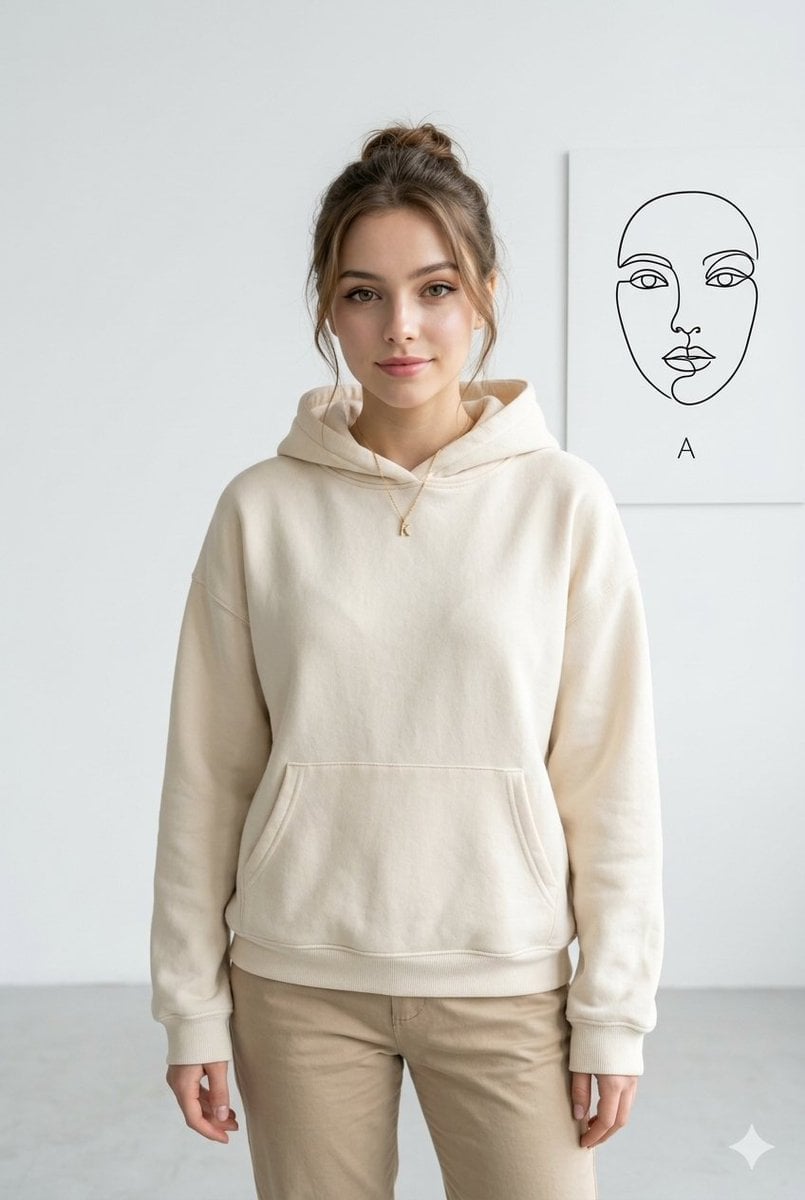
Minimalist Studio Fashion Portrait
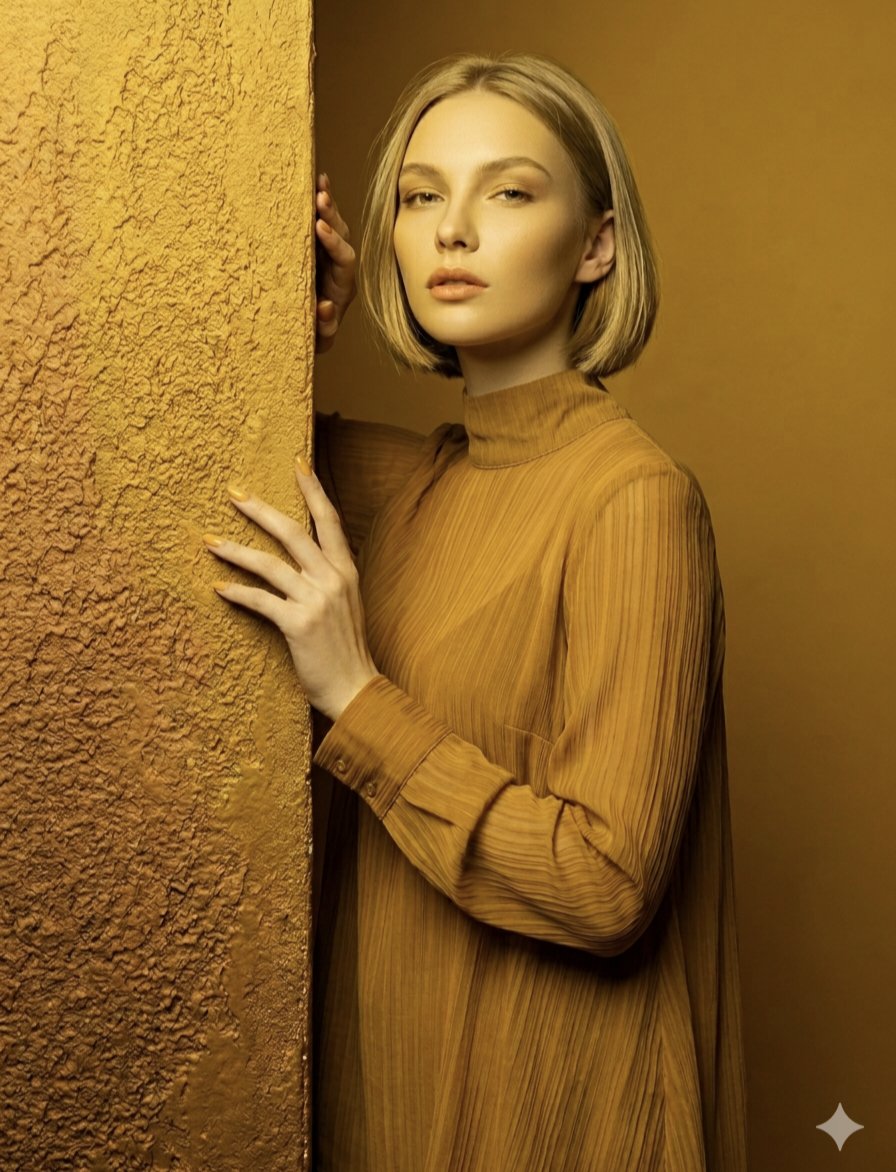
Monochromatic Ochre Fashion Portrait
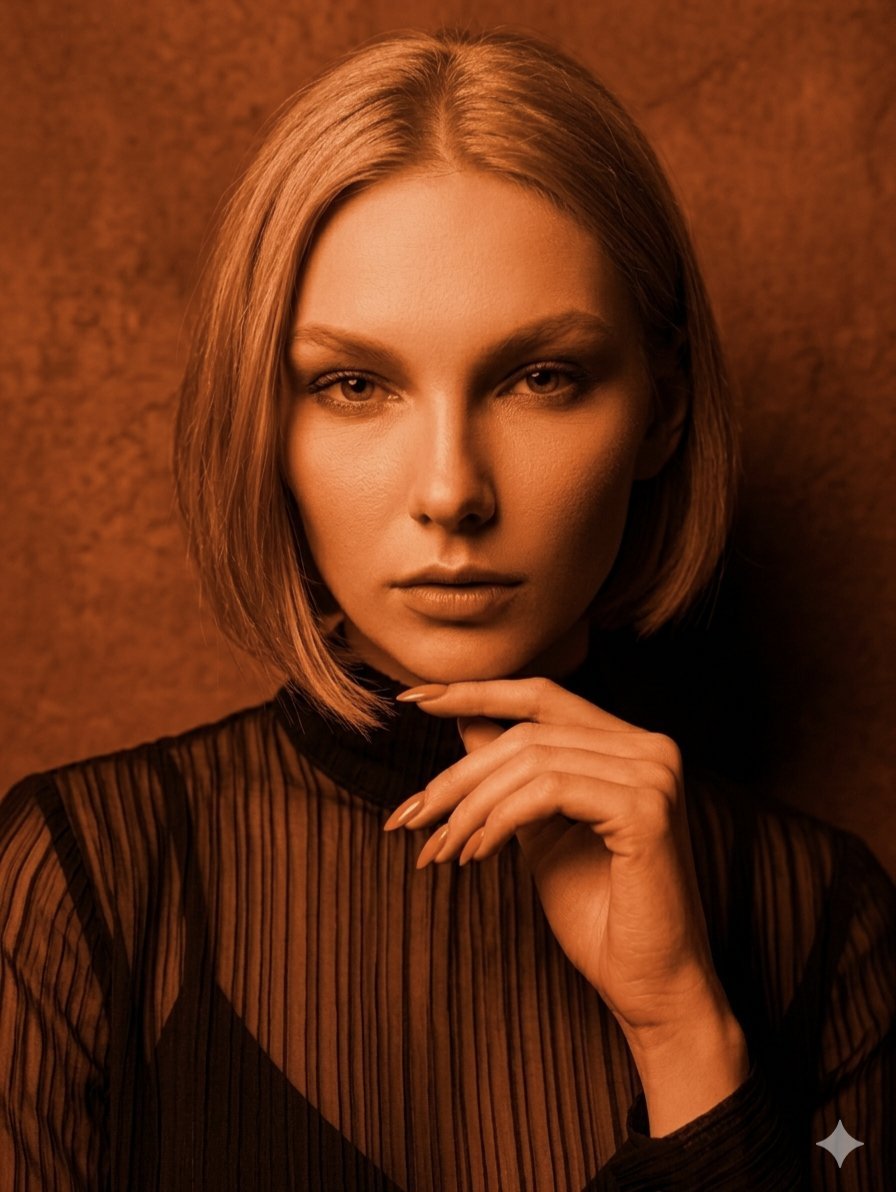
Monochromatic Amber Studio Portraits
Make it yours
Monochromatic Pink Studio Fashion Portrait works as-is. These are the safest ways to change it without losing the look.
Swap the setting
Keep the rest of the prompt and replace the location block. The current setting is “studio”.
Swap the light
One lighting change is enough to compare takes. Current light: “soft studio lighting”.
Change one field
Copy a single group, rewrite it, and generate again so you can see what that field is doing.
| If the result… | Why | Fix |
|---|---|---|
| The result drifts from the preview | Too many fields changed at once. | Reuse Monochromatic Pink Studio Fashion Portrait as-is first, then change one group — subject, light, or setting. |
| Nano Banana 2 ignores part of the JSON | Some models flatten or skip nested keys. | Keep the same values and paste them as a short paragraph instead. |
More Nano Banana 2 templates
Other prompts made for Nano Banana 2.

Photorealistic Leaf Shaped Like a Dragon

K-Pop Idol Portrait Grid for Rapid Selection

Poetic Rain Forest Portrait During Golden Hour

Urban Street Portrait with Cartoon Inner Self Duo

Candid Nighttime Photo with Cat Prompt

High-Concept 3D Diorama Generation Prompt

Cinematic Futuristic Studio Portrait Template

Skincare Editorial Photography Collage Prompt

Hyper-Realistic Commercial Product Photography (Splash Effect)

Hyper-Realistic Nightclub Portrait Prompt
More image prompts
Fresh picks from across the catalog.
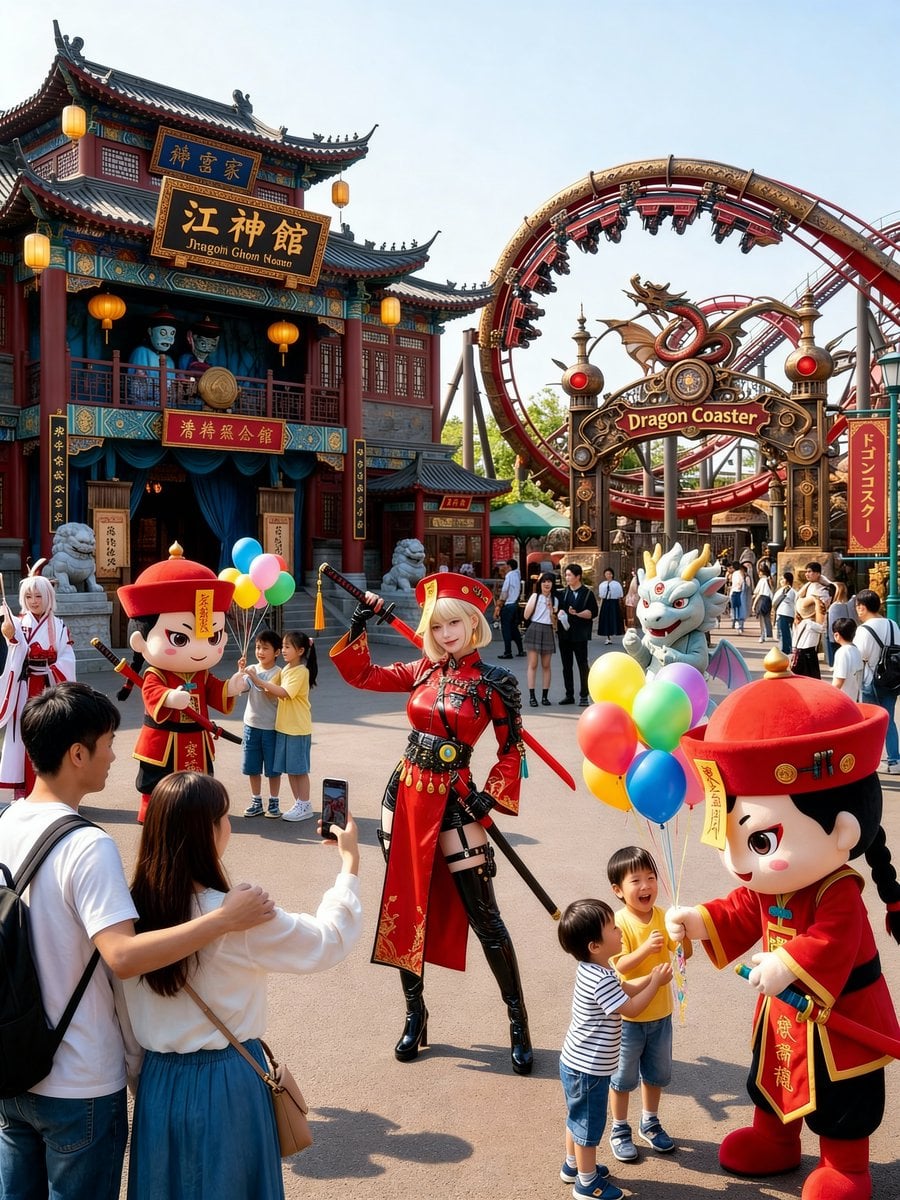
Amusement Park Prompt Template for Character Placement
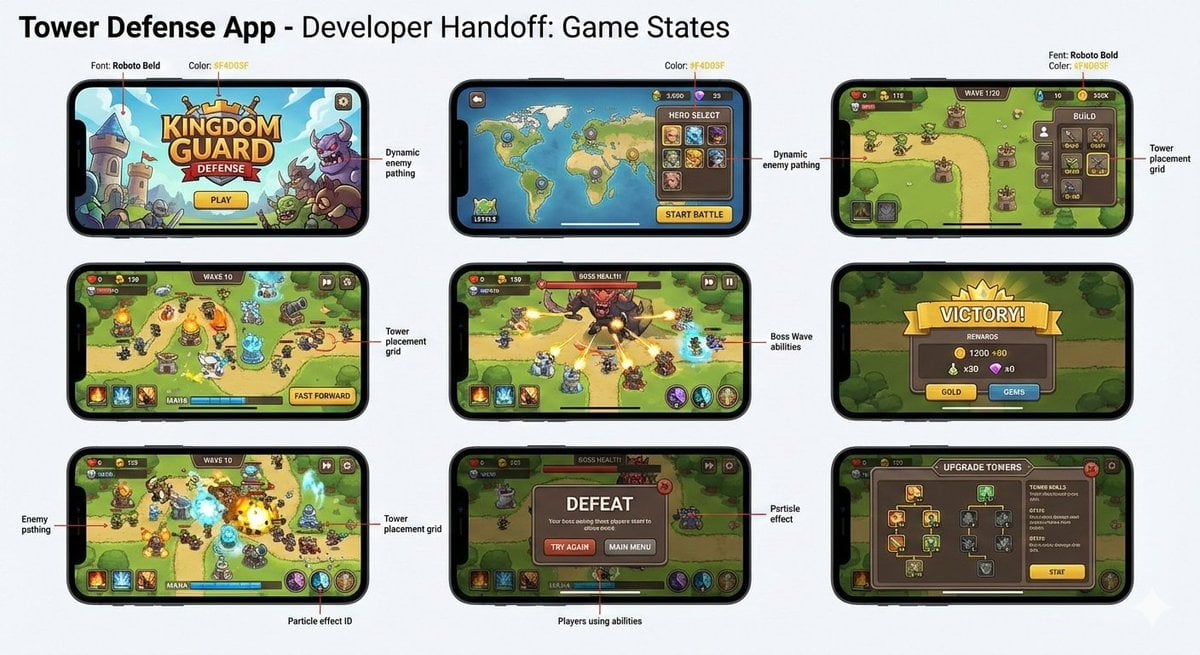
Tower defense mobile app design mockup grid
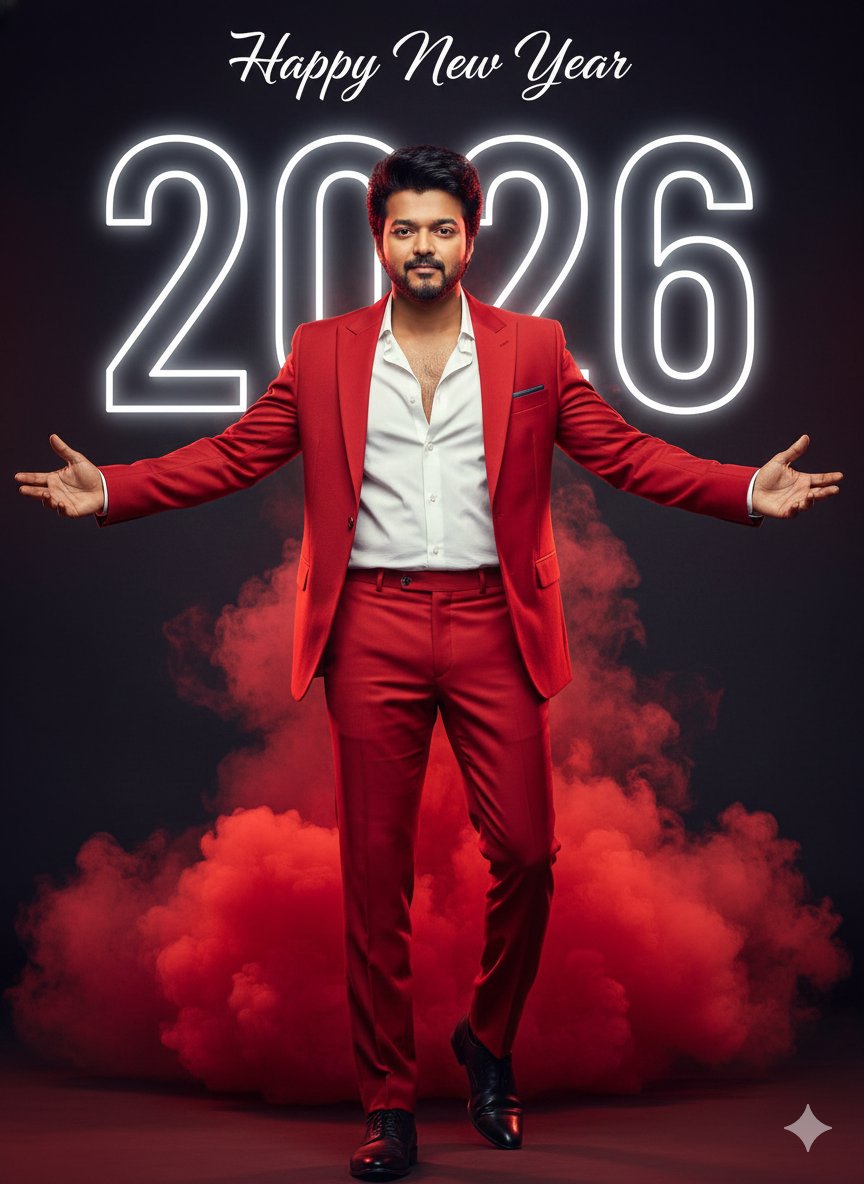
Happy New Year 2026 Cinematic Portrait
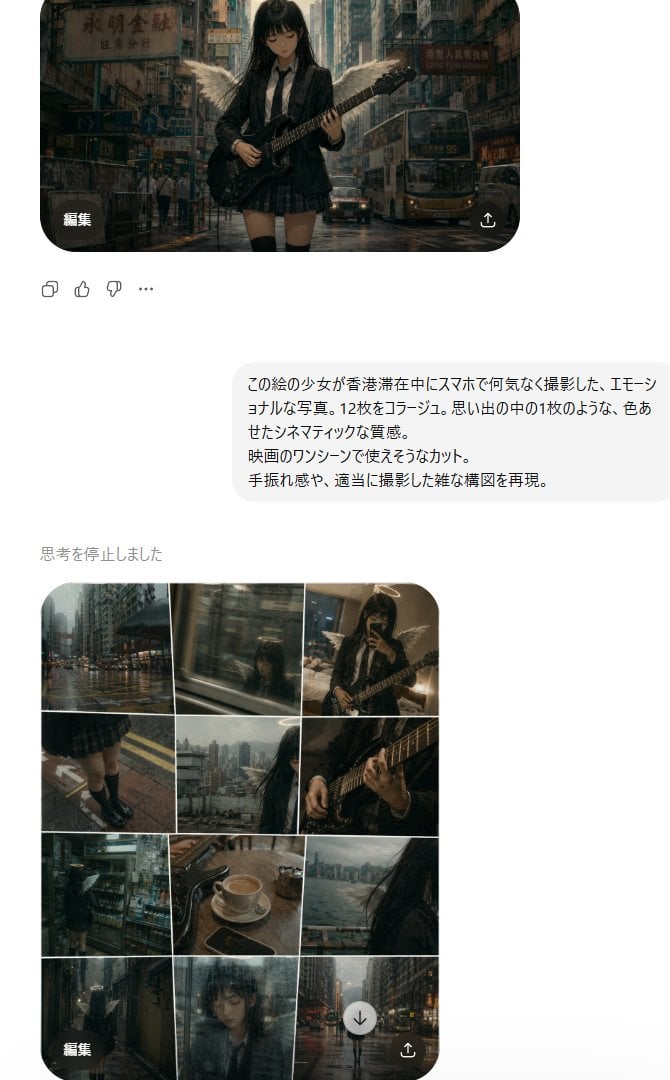
Rainy Hong Kong Schoolgirl Guitar Collage
Gpt2 Momotaro Explainer Slide in Hybrid Style
Isometric Science Concept Diorama Grid
Soft Pink Home Selfie Lifestyle Prompt
Maverick Aviator Lifestyle Poster
Candid Outdoor Cafe Selfie Prompt
Late-2000s Digital Compact Camera Snapshot
Browse template categories
Monochromatic Pink Studio Fashion Portrait questions
How do I use the Monochromatic Pink Studio Fashion Portrait template?
Add your photo if the template asks for one, edit the prompt if you like — the template's model and format are already selected — and press Generate. Your version opens in PicX Studio.
Can I customize the Monochromatic Pink Studio Fashion Portrait template?
Yes. You can change the subject, setting, lighting, mood, format, and available model controls before creating your image.
Is the Monochromatic Pink Studio Fashion Portrait template free?
Opening and editing this template is free. Generating uses credits, shown on the Generate button when you are signed in.
Which AI model should I use?
Start with Nano Banana 2, which is the model associated with this template. You can compare another compatible model for a different finish.
Looking for something else? Browse all templates.

Your photo, any look
Thousands of ready templates for every top image and video model, from one credit balance.