
Minimalist Studio Fashion Portrait Grid
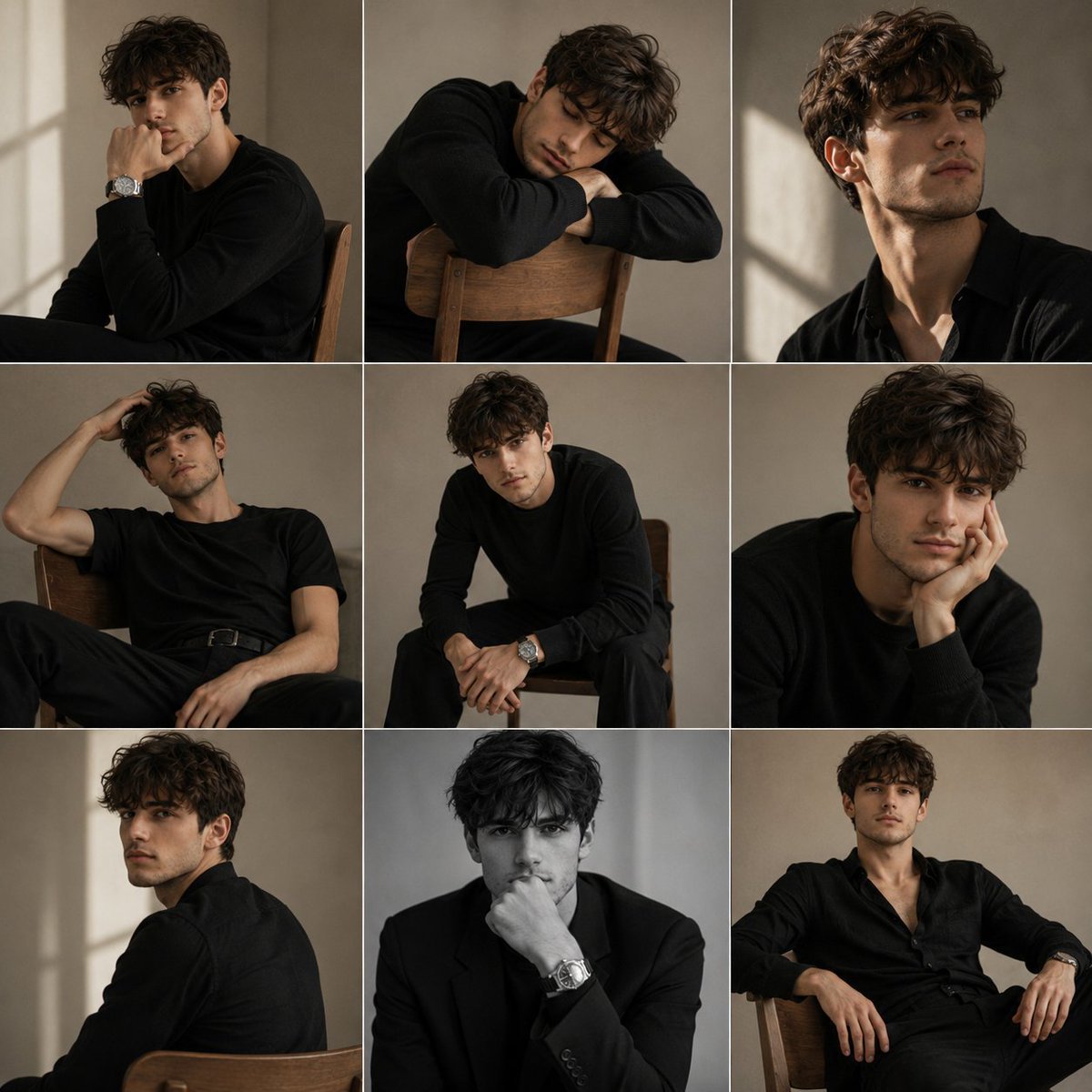
A sophisticated fashion editorial prompt for a 3x3 grid layout, featuring varied poses in a minimalist studio setting with soft natural light.
- Prompt included
- Model and format preset
- Free template
The prompt behind this image
Copy the exact prompt behind Minimalist Studio Fashion Portrait Grid, or open it in the studio and make it yours.
A premium fashion editorial portrait series featuring a stylish young man photographed inside a {argument name="background" default="minimalist studio with warm beige walls"} and soft natural window light. The collection consists of nine unique portraits arranged in a clean 3×3 grid, each showing a different relaxed pose and expression while maintaining a cohesive luxury editorial aesthetic. The model has thick messy wavy dark hair, defined facial features, and wears an {argument name="wardrobe" default="elegant monochrome wardrobe consisting entirely of black clothing"}, including fitted black shirts, tailored black trousers, lightweight knitwear, plain black t shirts, and a structured black blazer. A silver wristwatch subtly completes several looks. Each portrait captures a different emotion and pose. Resting his chin on his hand while sitting sideways on a wooden chair. Sleeping across the chair back in a quiet introspective moment. Looking away with a sharp jawline highlighted by side lighting. Reclining casually with one hand through his hair. Leaning forward with elbows on knees and an intense gaze. Resting his face against his hand in a thoughtful pose. Looking back over his shoulder while seated. Sitting with one fist against his lips in black and white. Relaxing with an open collar and confident posture. Soft diffused daylight enters from a large window, creating smooth shadows and subtle highlights that emphasize facial structure and fabric textures. The backgrounds remain clean and uncluttered with warm neutral tones throughout. Shot on an {argument name="lens" default="85mm"} full frame lens at f/2.2, shallow depth of field, soft editorial lighting, muted color palette, subtle film grain, luxury magazine photography, photorealistic, ultra detailed skin texture, premium fashion campaign, minimalist composition, 8K HDR.
How to use Minimalist Studio Fashion Portrait Grid in 3 steps
- 1
Open
The prompt is already in the box next to the preview, with the template's model and format selected.
- 2…a portrait of your subject in softgolden-hour light, 85mm…
Personalize
Edit the subject and creative details for your destination.
- 3Generate
Generate
Press Generate — your image is created in PicX Studio, so you can compare it with the original and refine one variable at a time.
More like this
Templates with the same subject, style or setup. Open one to see its prompt.

80s Couple Studio Portrait

1985 Studio Portrait
Minimalist High-Fashion Studio Portrait
Minimalist Studio Fashion Portrait

Nano Banana 2 High Fashion Sports Campai

Couture Fashion Editorial Woman and Drag
Ive Yujin Fashion Portrait in Blue

Nano Banana 2 Editorial Fashion Portrait

Caution Tape Fashion — Industrial Editorial
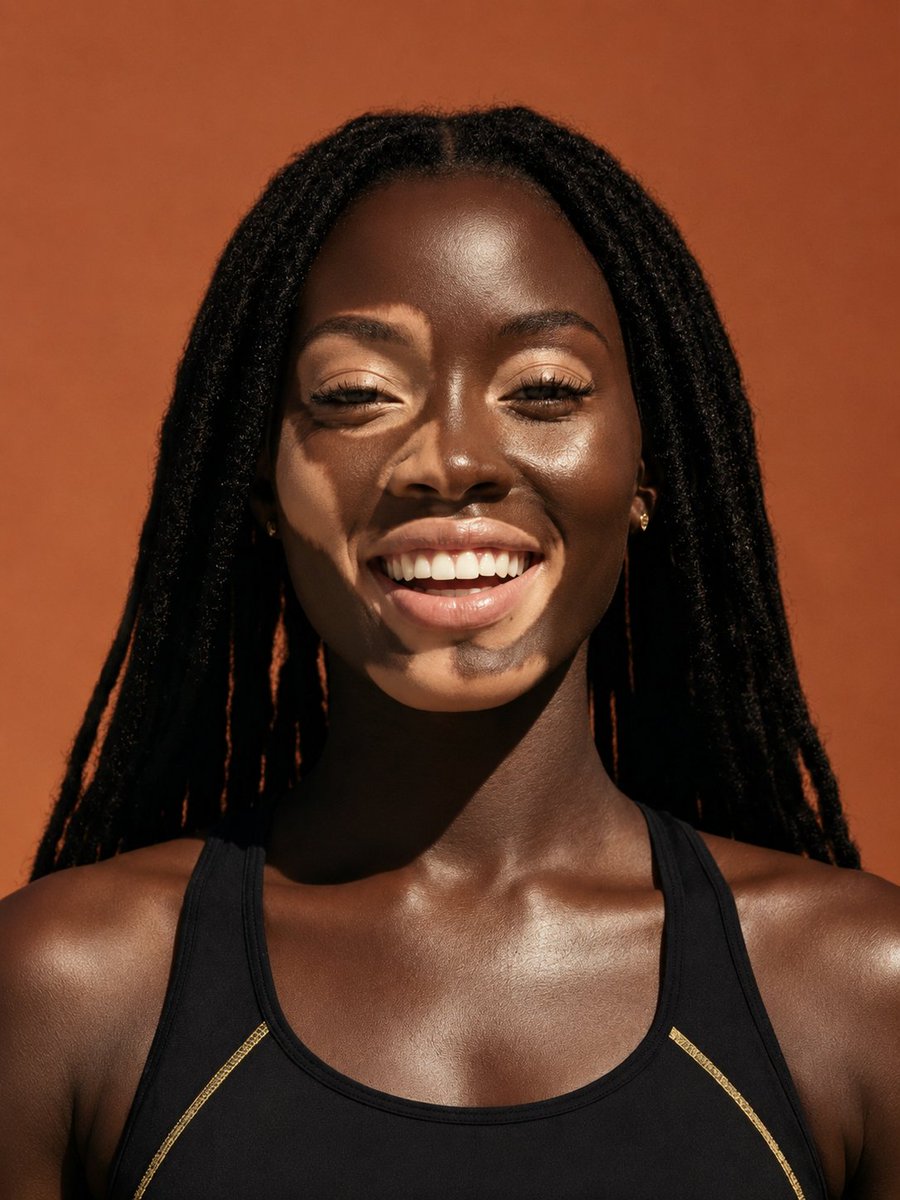
Elevated Fashion Studio Portrait
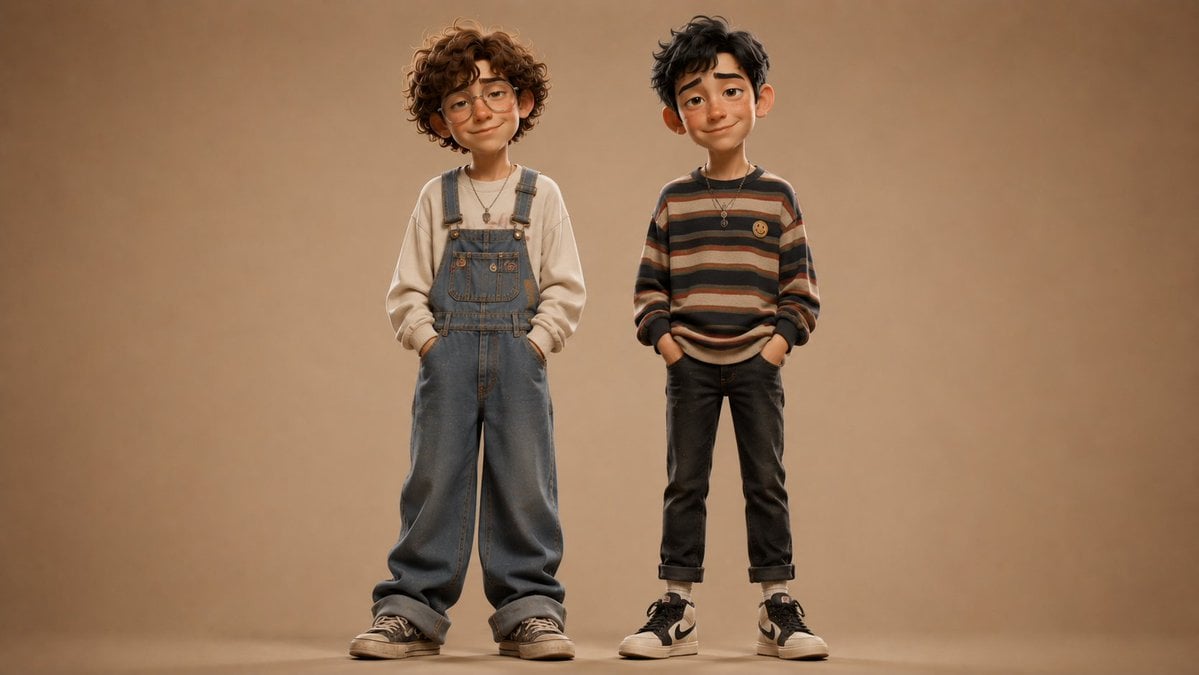
Anonymous Kids Studio Fashion Portrait
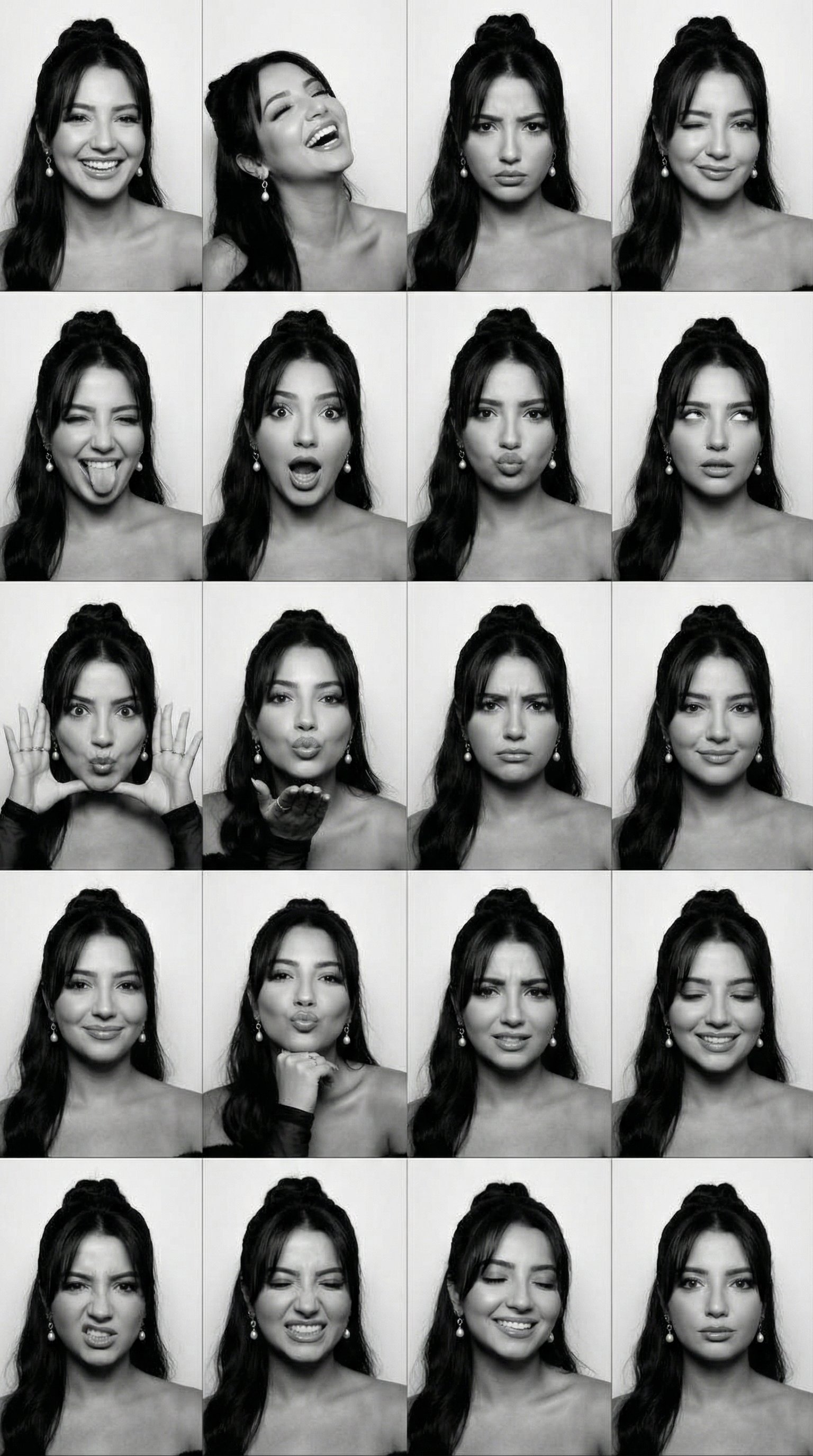
B&W Photobooth Expression Grid 4x4 — Nano Banana
Make it yours
Minimalist Studio Fashion Portrait Grid works as-is. These are the safest ways to change it without losing the look.
Change one field
Copy a single group, rewrite it, and generate again so you can see what that field is doing.
Keep the frame, change the subject
Hold the composition and light of Minimalist Studio Fashion Portrait Grid, then swap wardrobe, props or the person for a new take.
| If the result… | Why | Fix |
|---|---|---|
| The result drifts from the preview | Too many fields changed at once. | Reuse Minimalist Studio Fashion Portrait Grid as-is first, then change one group — subject, light, or setting. |
| The model over-stylizes the scene | The prose prompt leaves finish and camera underspecified. | Add one camera or lighting sentence and stay on GPT Image 2. |
More GPT Image 2 templates
Other prompts made for GPT Image 2.

Six VTuber Japanese Logo Sheet

Realistic Portrait of Woman and Deer

The Vista Modular Condo Poster

AI Model Routing Comparison Infographic

2.5D Anime Art Board

Isometric Productivity Desk Scene

New York Double Exposure Poster

Four-Panel AI Landscape Comparison

Japanese Tatami Lifestyle Magazine Cover

NESCAFÉ Coffee Map Poster
More image prompts
Fresh picks from across the catalog.
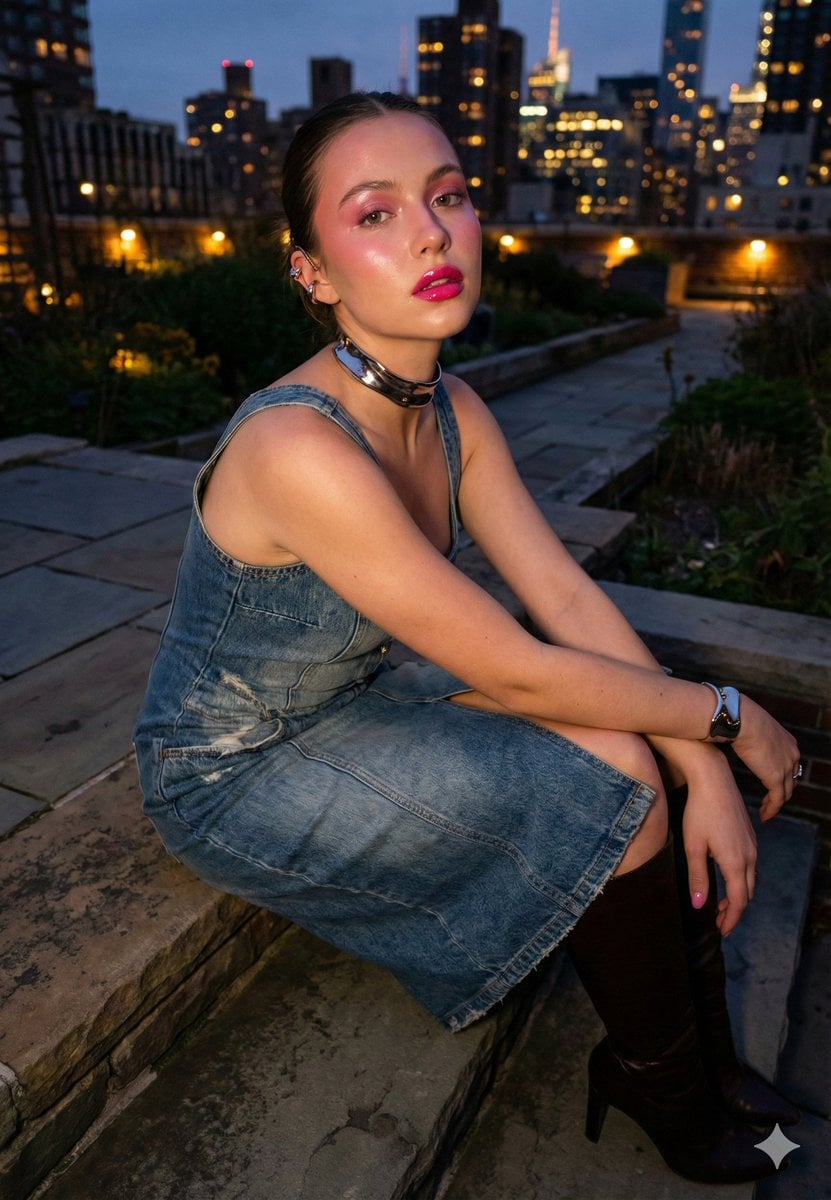
Urban Night Cinematic Fashion Portrait Prompt
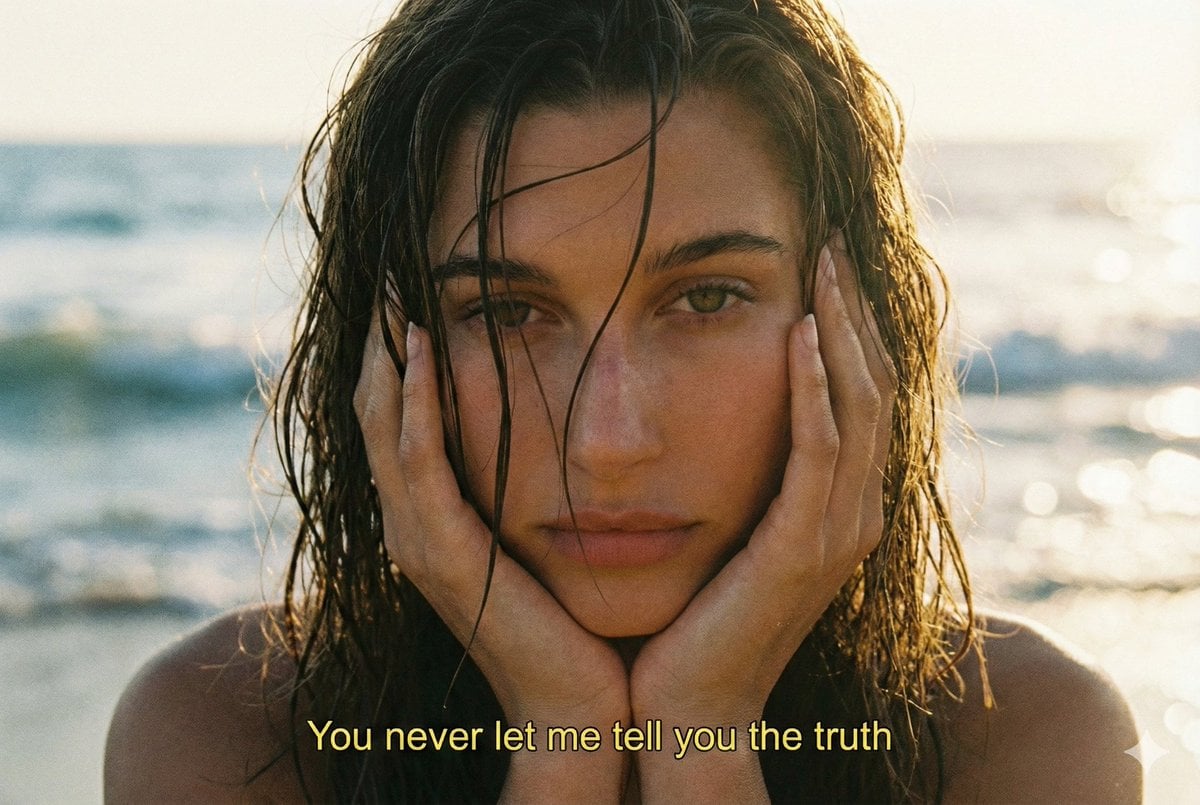
Cinematic 90s Film Still Portrait Prompt
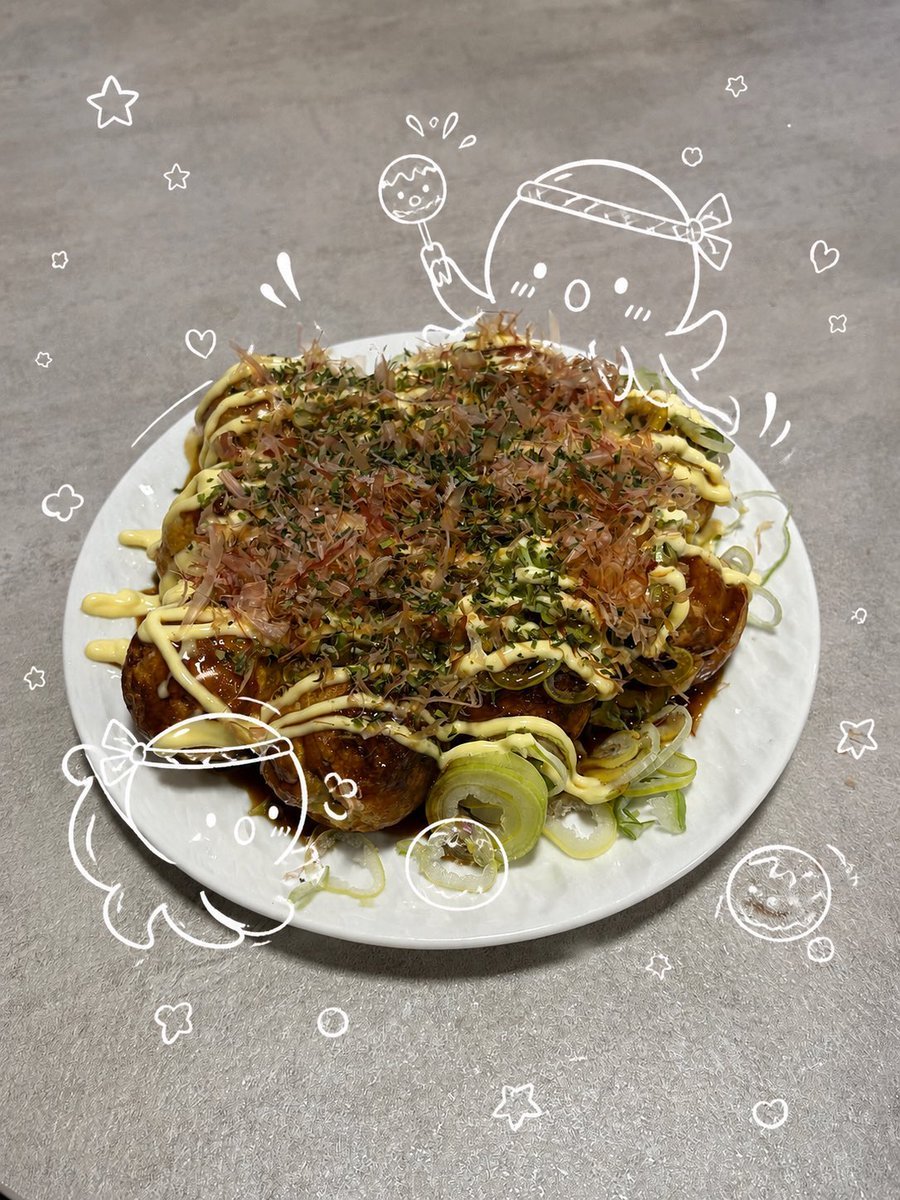
Cute Takoyaki Photo With Doodle Octopus
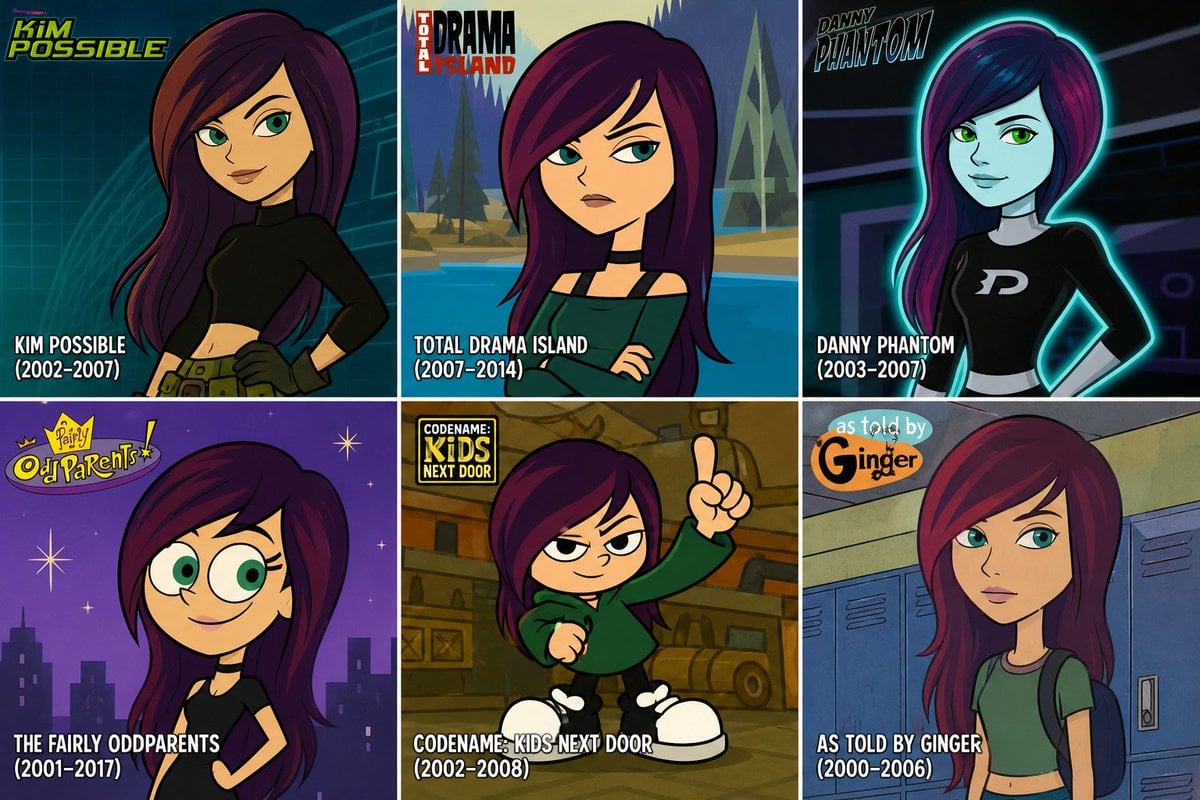
2000s Cartoon Character Transformation
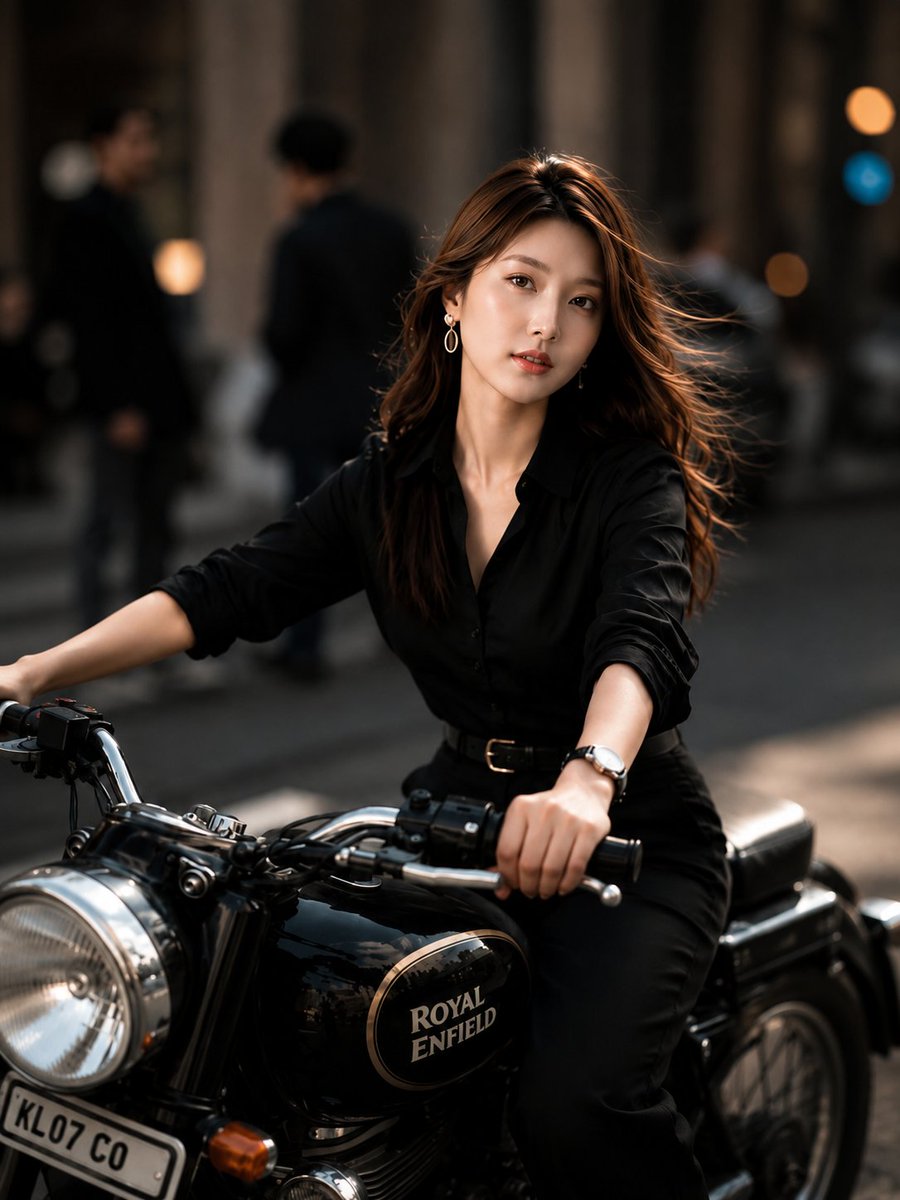
Urban Street Motorcycle Portrait
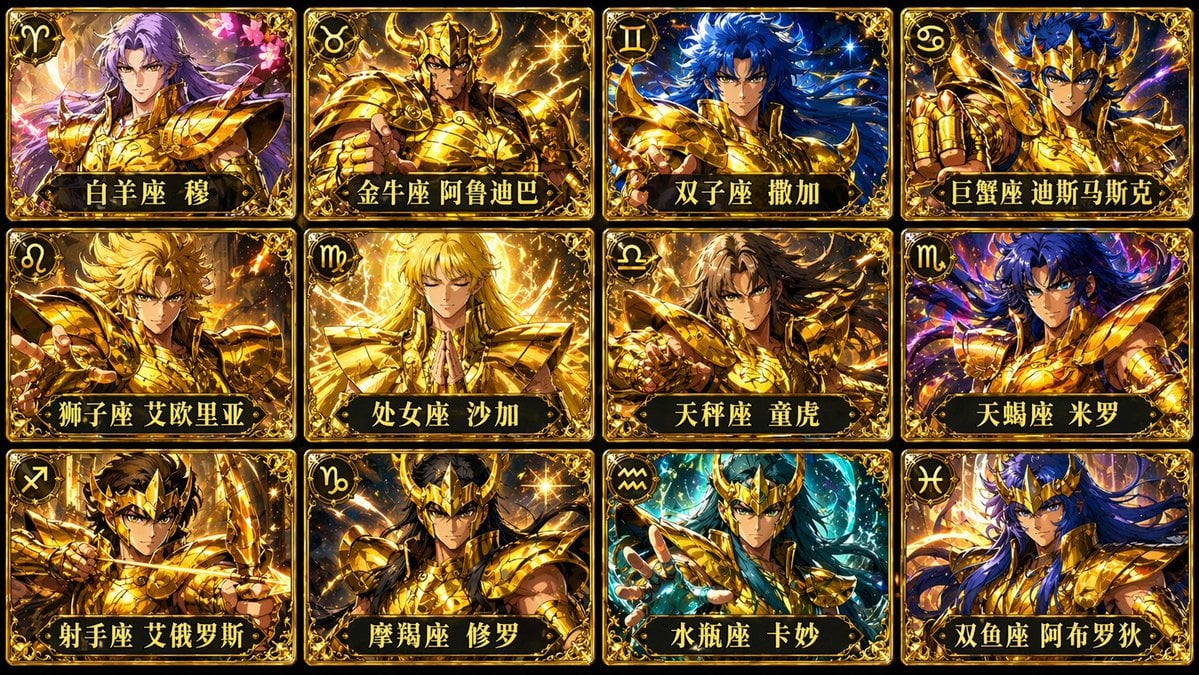
Twelve Gold Saints Card Grid
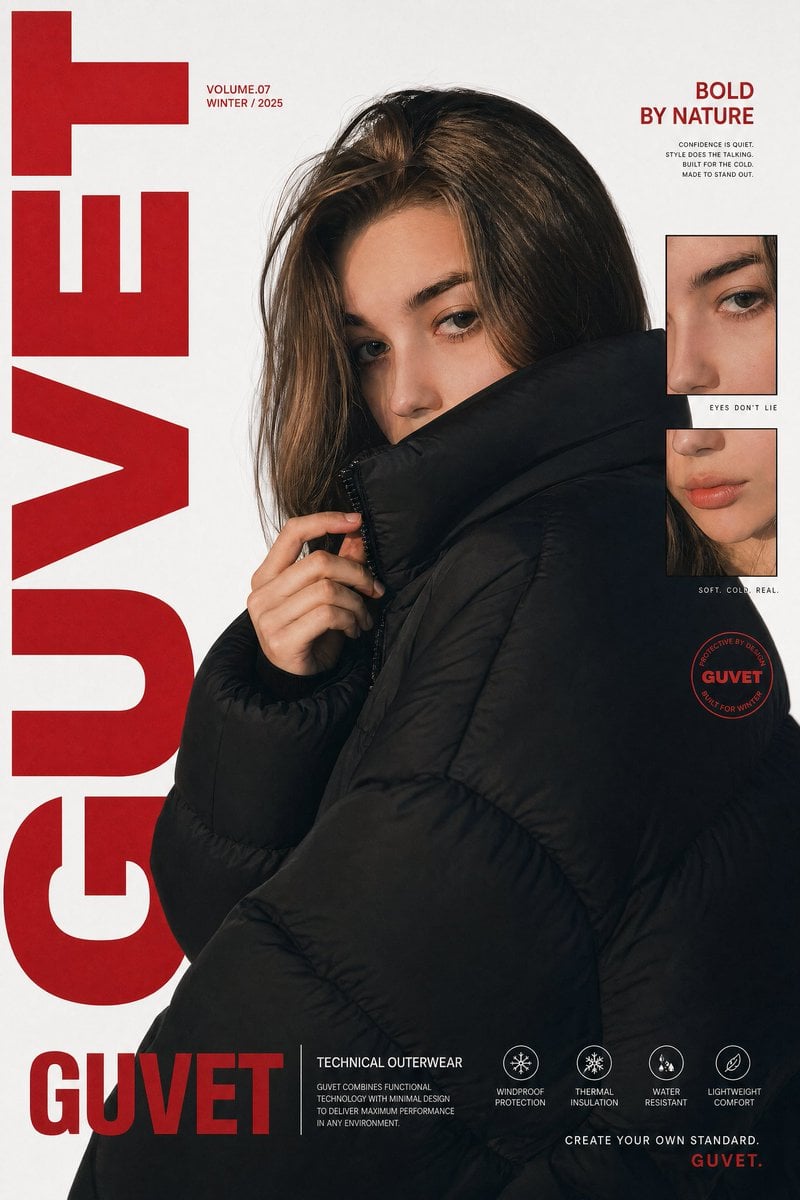
Luxury Streetwear Fashion Poster
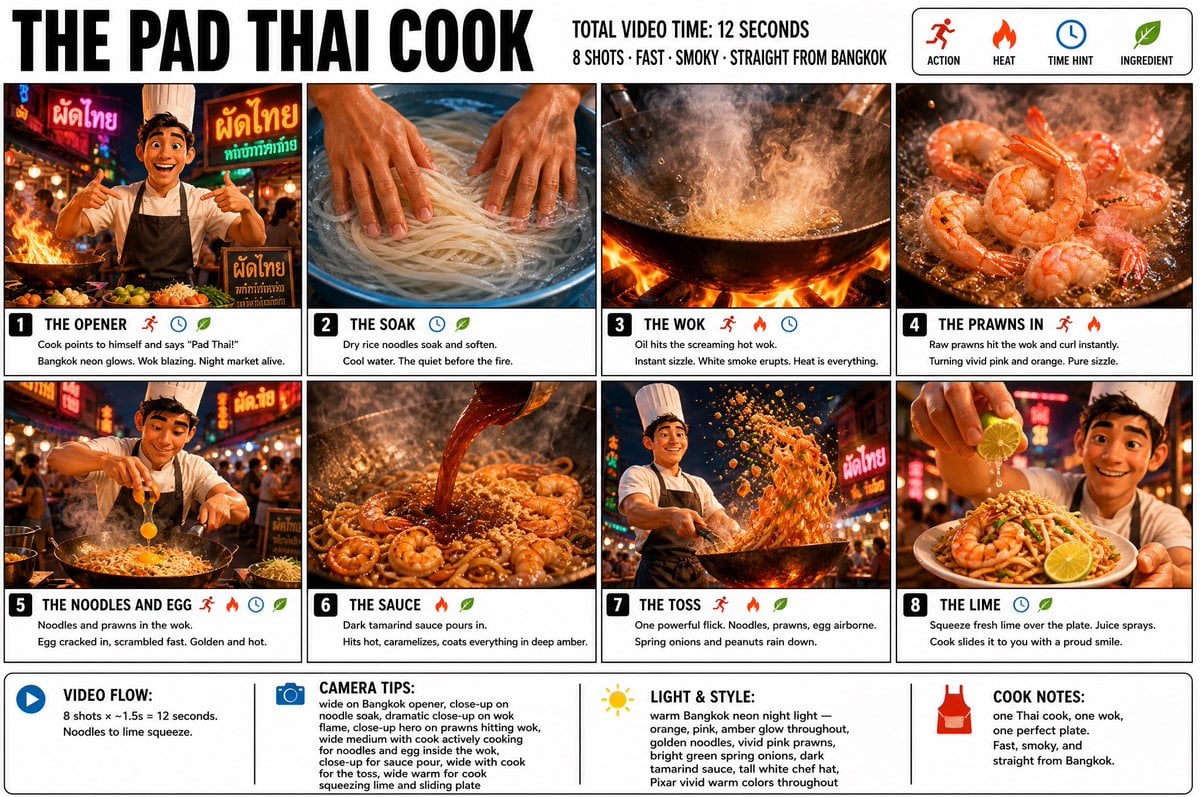
Pad Thai Cook Storyboard
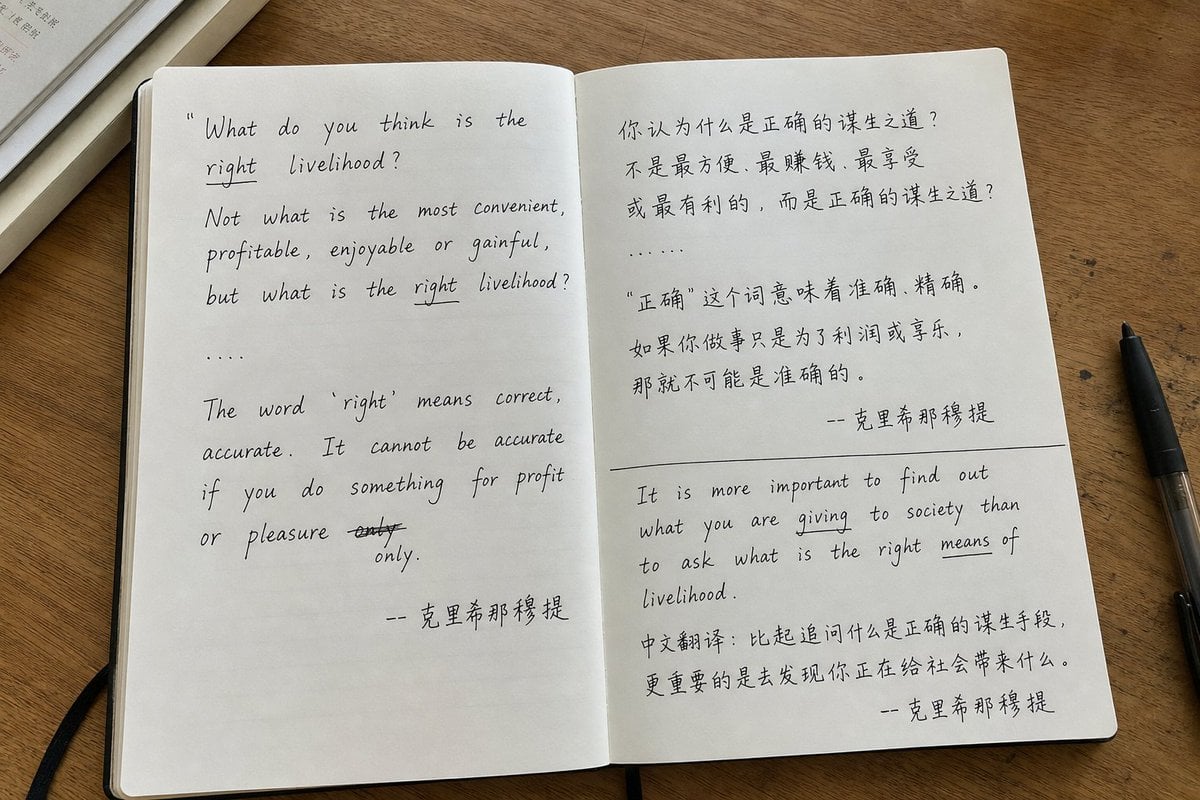
Candid iPhone Handwritten Notebook Photo
Fierce Elven Warrior Princess Cinematic Portrait
Browse template categories
Minimalist Studio Fashion Portrait Grid questions
How do I use the Minimalist Studio Fashion Portrait Grid template?
Add your photo if the template asks for one, edit the prompt if you like — the template's model and format are already selected — and press Generate. Your version opens in PicX Studio.
Can I customize the Minimalist Studio Fashion Portrait Grid template?
Yes. You can change the subject, setting, lighting, mood, format, and available model controls before creating your image.
Is the Minimalist Studio Fashion Portrait Grid template free?
Opening and editing this template is free. Generating uses credits, shown on the Generate button when you are signed in.
Which AI model should I use?
Start with GPT Image 2, which is the model associated with this template. You can compare another compatible model for a different finish.
Looking for something else? Browse all templates.

Your photo, any look
Thousands of ready templates for every top image and video model, from one credit balance.