
Cute Takoyaki Photo With Doodle Octopus
Generates a realistic homemade takoyaki food photo enhanced with playful white octopus doodles for stylish social media posts.
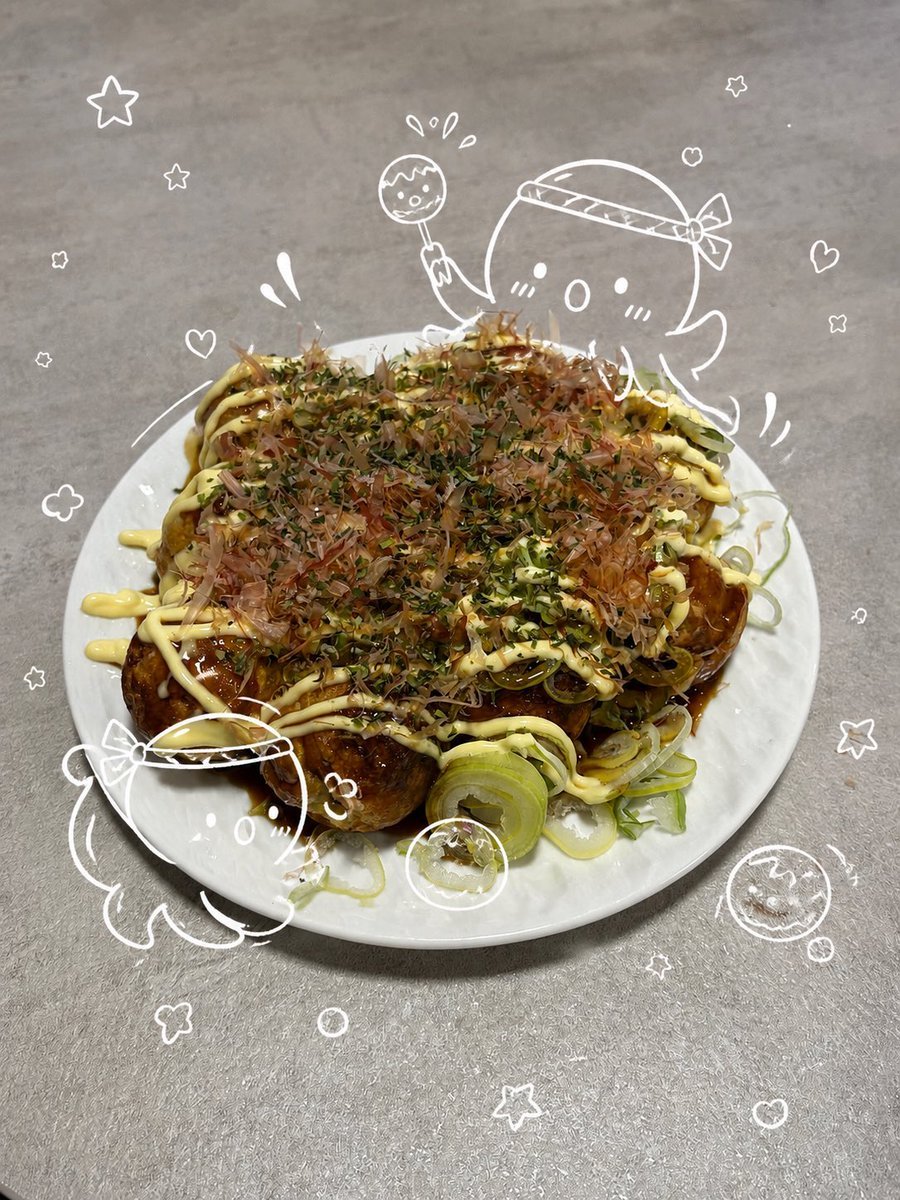
- Prompt included
- Model and format preset
- Free template
The prompt behind this image
Copy the exact prompt behind Cute Takoyaki Photo With Doodle Octopus, or open it in the studio and make it yours.
Create a vertical smartphone-style food photo of {argument name="dish" default="homemade takoyaki"} served on a plain round white ceramic plate on a gray stainless-steel kitchen counter. The takoyaki is piled high and looks glossy and appetizing, covered with dark brown takoyaki sauce, thick pale yellow mayonnaise zigzags, fluttery bonito flakes, green aonori seasoning, and sliced green onion rings spilling over the plate edge. Add cute hand-drawn white doodle illustrations over the photo as if drawn with a marker: exactly 2 round octopus mascot characters wearing festival headbands, one large octopus peeking from behind the upper right of the plate holding 1 takoyaki skewer and looking surprised, and one smaller octopus at the lower left leaning against the plate; include exactly 2 small doodled takoyaki balls, one circled near the bottom center of the plate and one smiling ball at the lower right. Surround the dish with playful white outline decorations, including approximately 11 stars, 5 hearts, 3 flower-like puffs, 4 small bubbles or circles, and several motion/splash marks, all floating around the food without covering the main toppings. Keep the lighting casual and realistic, with shallow phone-camera perspective from slightly above, warm indoor color, crisp food texture, and a whimsical cozy social-media aesthetic. No printed text or labels.
How to use Cute Takoyaki Photo With Doodle Octopus in 3 steps
- 1Upload ImagePNG, JPG or paste
Add your photo
Upload the photo the template builds on. The prompt, model and format are already set.
- 2…a portrait of your subject in softgolden-hour light, 85mm…
Personalize
Edit the subject and creative details for your destination.
- 3Generate
Generate
Press Generate — your image is created in PicX Studio, so you can compare it with the original and refine one variable at a time.
More like this
Templates with the same subject, style or setup. Open one to see its prompt.

Minecraft Homage Illustrious Style

Real Illustration Split Portrait Transition
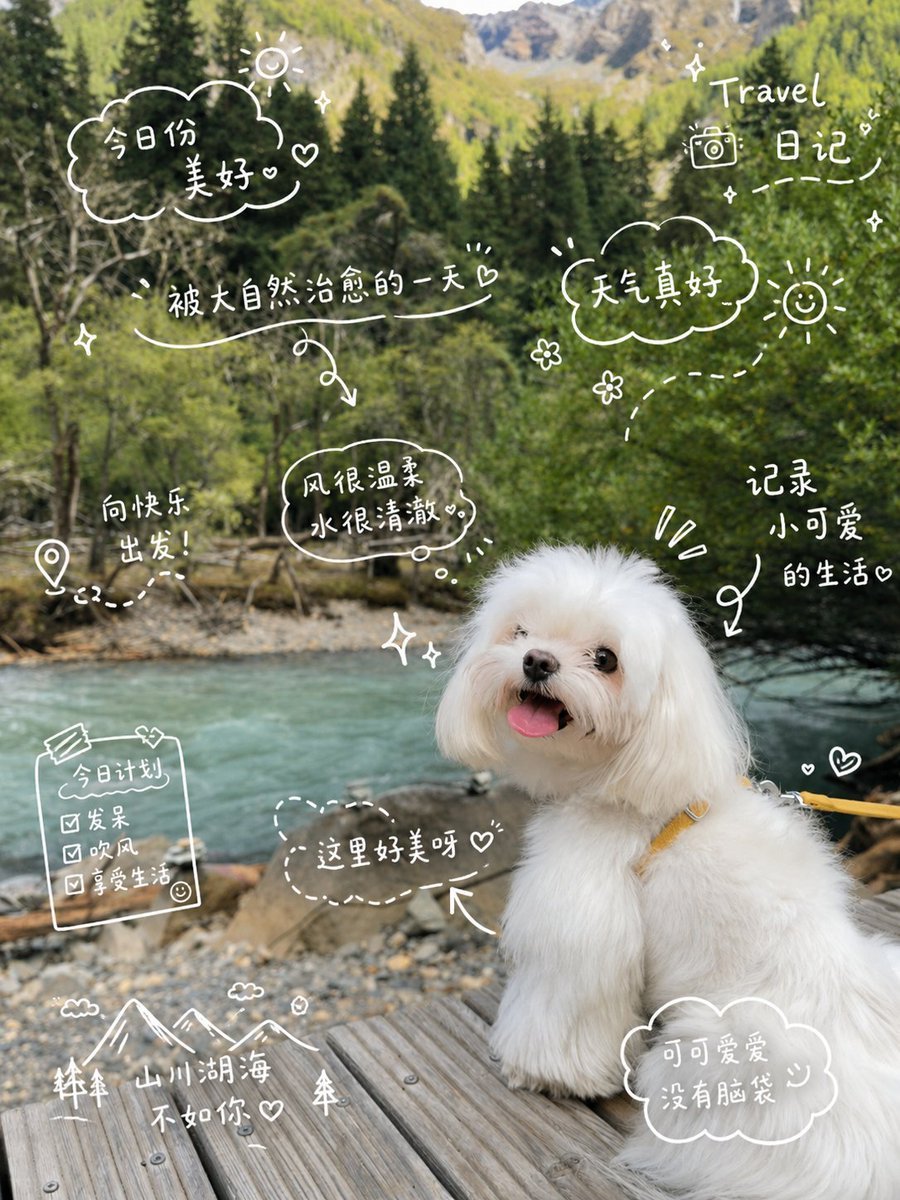
Cute Dog Travel Diary Doodles
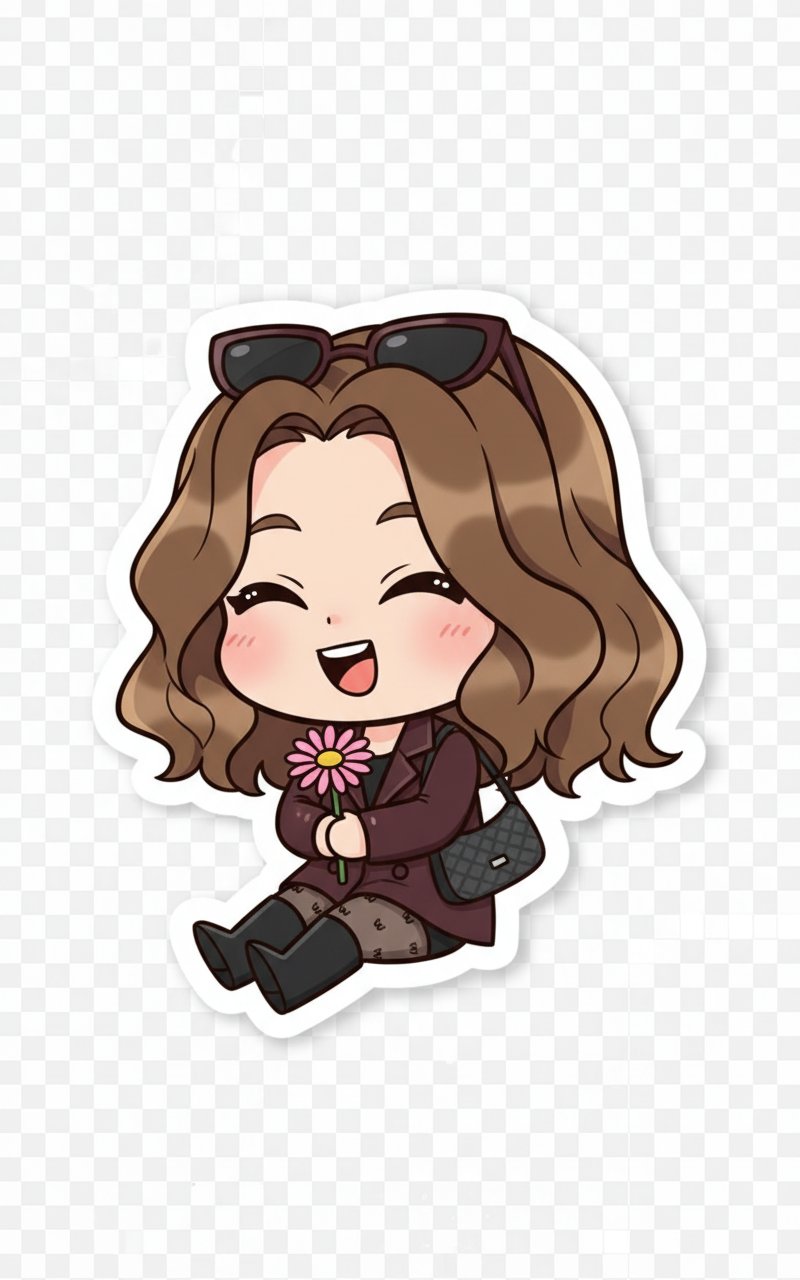
Cute Sticker
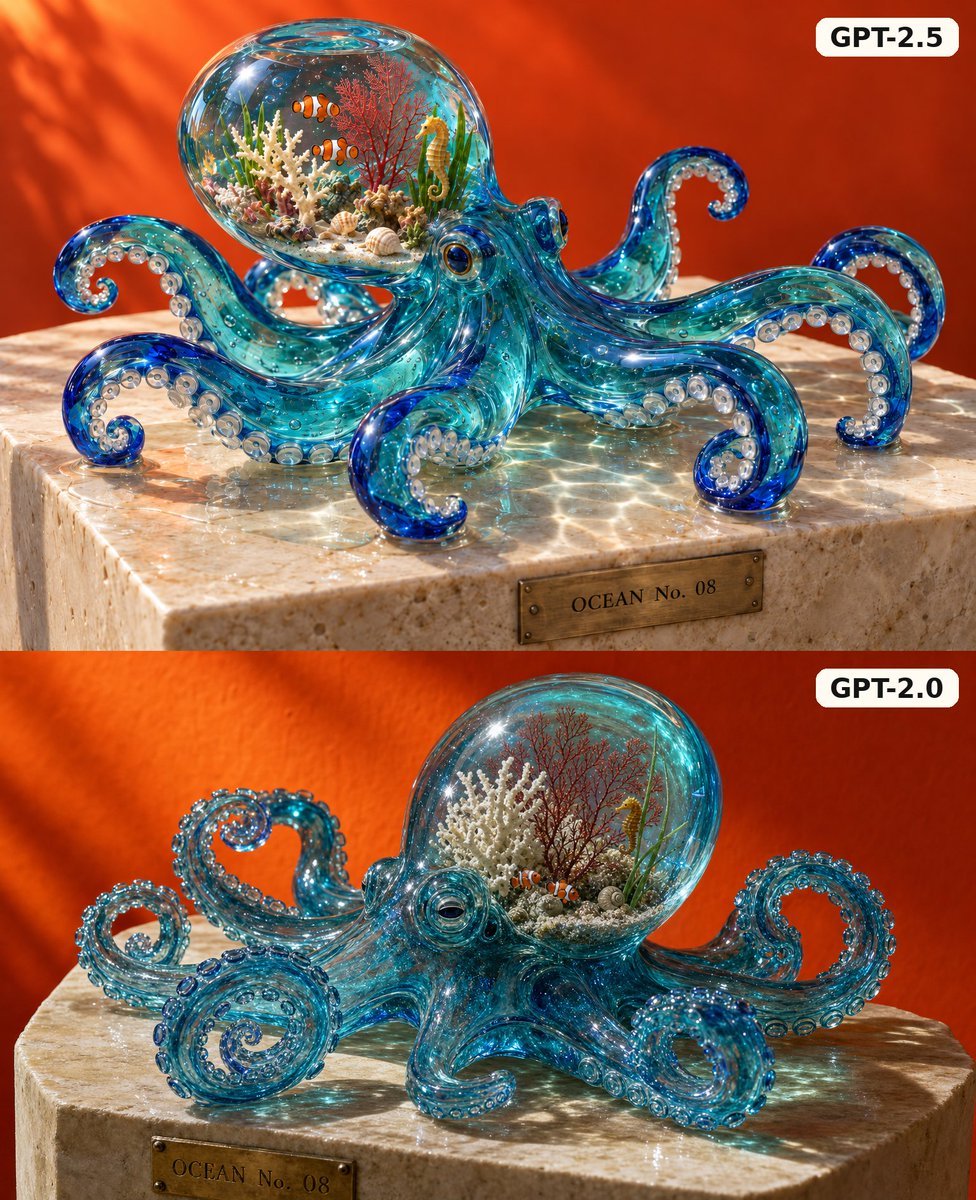
Glass Octopus Model Comparison

Hand-Drawn Doodle Grid Poster
Ink-Twin Doodle Stylization
Korean-Inspired Whimsical Doodle Art
Sleeping Girl on Chalk Doodle Court
Nighttime Doodle Flash Selfie
Commercial Product Advertising with Doodles
Surreal Studio Photography with Hand-Drawn Doodle
Make it yours
Cute Takoyaki Photo With Doodle Octopus works as-is. These are the safest ways to change it without losing the look.
Change one field
Copy a single group, rewrite it, and generate again so you can see what that field is doing.
Keep the frame, change the subject
Hold the composition and light of Cute Takoyaki Photo With Doodle Octopus, then swap wardrobe, props or the person for a new take.
| If the result… | Why | Fix |
|---|---|---|
| The result drifts from the preview | Too many fields changed at once. | Reuse Cute Takoyaki Photo With Doodle Octopus as-is first, then change one group — subject, light, or setting. |
| The model over-stylizes the scene | The prose prompt leaves finish and camera underspecified. | Add one camera or lighting sentence and stay on GPT Image 2. |
More GPT Image 2 templates
Other prompts made for GPT Image 2.

Six VTuber Japanese Logo Sheet

Realistic Portrait of Woman and Deer

The Vista Modular Condo Poster

AI Model Routing Comparison Infographic

2.5D Anime Art Board

Isometric Productivity Desk Scene

New York Double Exposure Poster

Four-Panel AI Landscape Comparison

Japanese Tatami Lifestyle Magazine Cover

NESCAFÉ Coffee Map Poster
More image prompts
Fresh picks from across the catalog.
Soft Gamer Aesthetic Mirror Selfie in Lavender Light
Santa Claus Fireworks over City Skyline
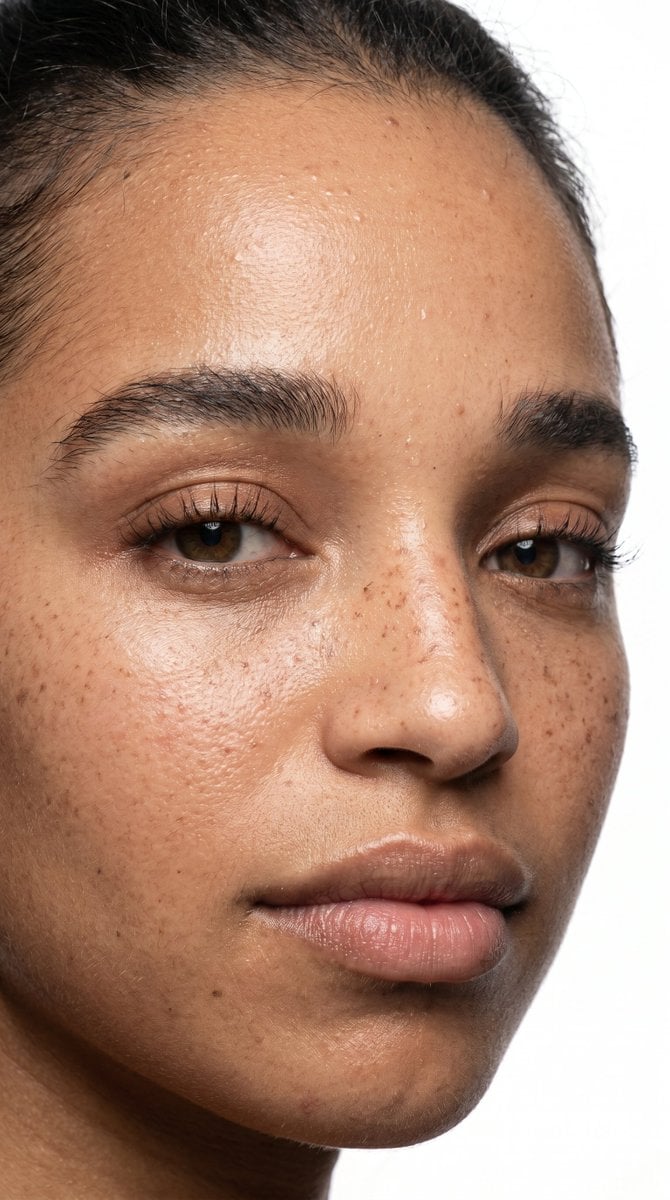
Ultra-Realistic Beauty Close-Up
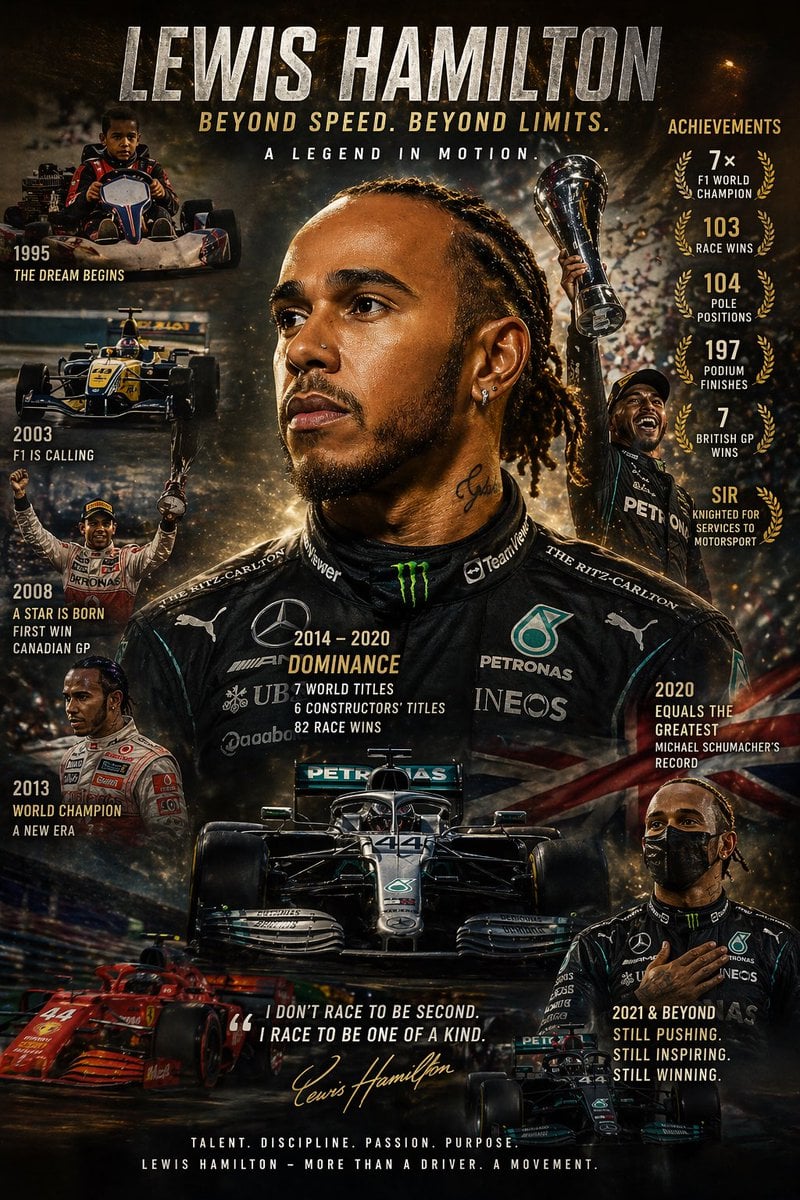
Cinematic Racing Legend Poster

Image Editing Prompt: Adjusting Ring Position
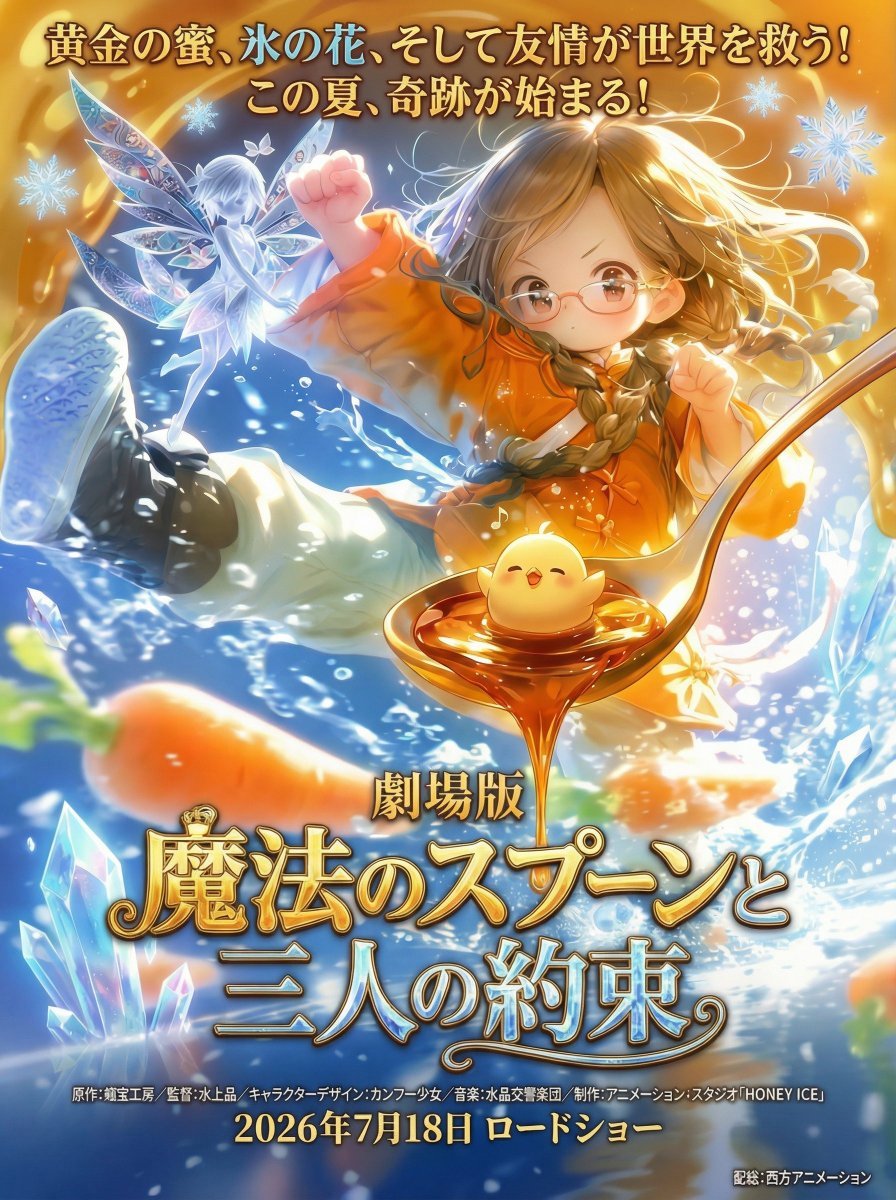
Poster Generation with Reference Images
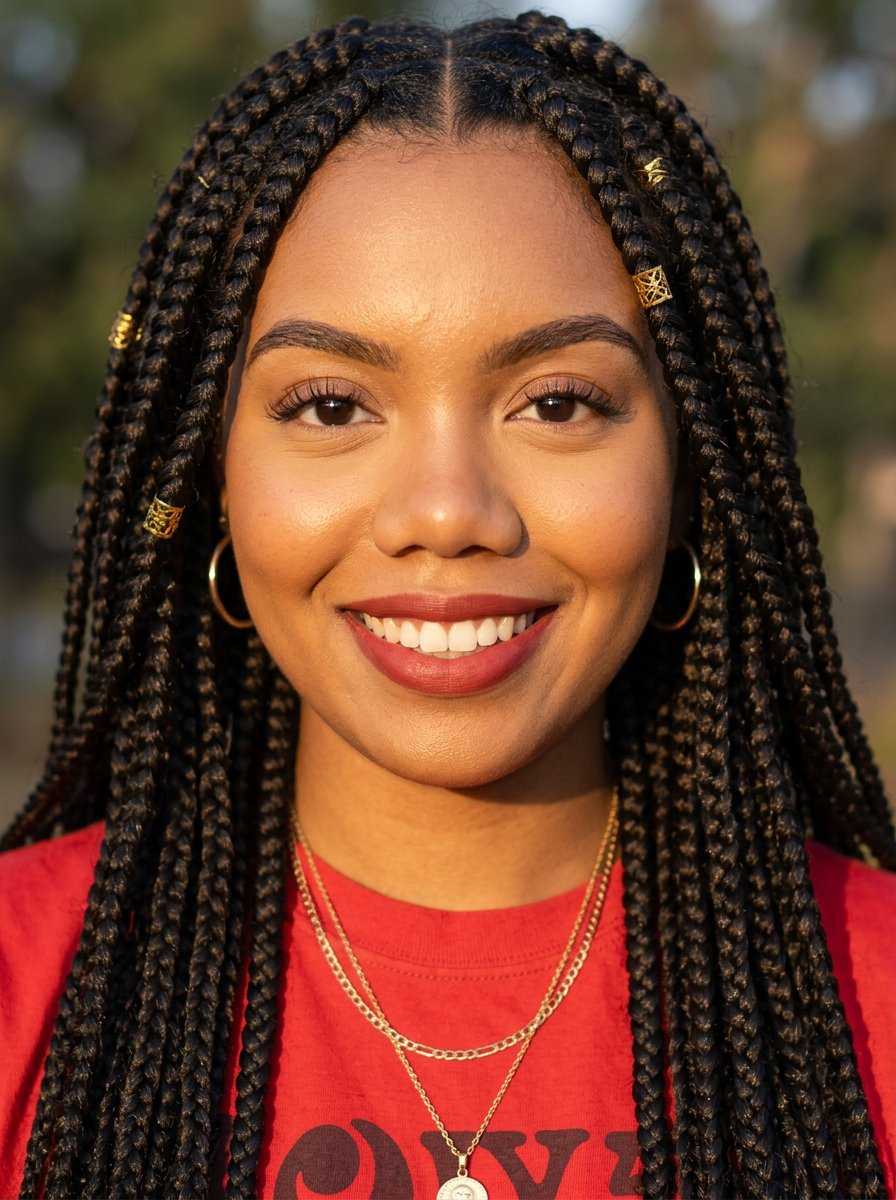
headshot
Bad Doodle Gold Ninja Ghost

Government results infographic from web sources
Vertical film strip collage of an Asian woman in a snowy Hokkaido setting
Browse template categories
Cute Takoyaki Photo With Doodle Octopus questions
How do I use the Cute Takoyaki Photo With Doodle Octopus template?
Add your photo if the template asks for one, edit the prompt if you like — the template's model and format are already selected — and press Generate. Your version opens in PicX Studio.
Can I customize the Cute Takoyaki Photo With Doodle Octopus template?
Yes. You can change the subject, setting, lighting, mood, format, and available model controls before creating your image.
Is the Cute Takoyaki Photo With Doodle Octopus template free?
Opening and editing this template is free. Generating uses credits, shown on the Generate button when you are signed in.
Which AI model should I use?
Start with GPT Image 2, which is the model associated with this template. You can compare another compatible model for a different finish.
Looking for something else? Browse all templates.

Your photo, any look
Thousands of ready templates for every top image and video model, from one credit balance.