
Commercial Product Advertising with Doodles
A complex advertising prompt that combines photorealistic product photography with creative hand-drawn black marker doodles for a playful campaign.
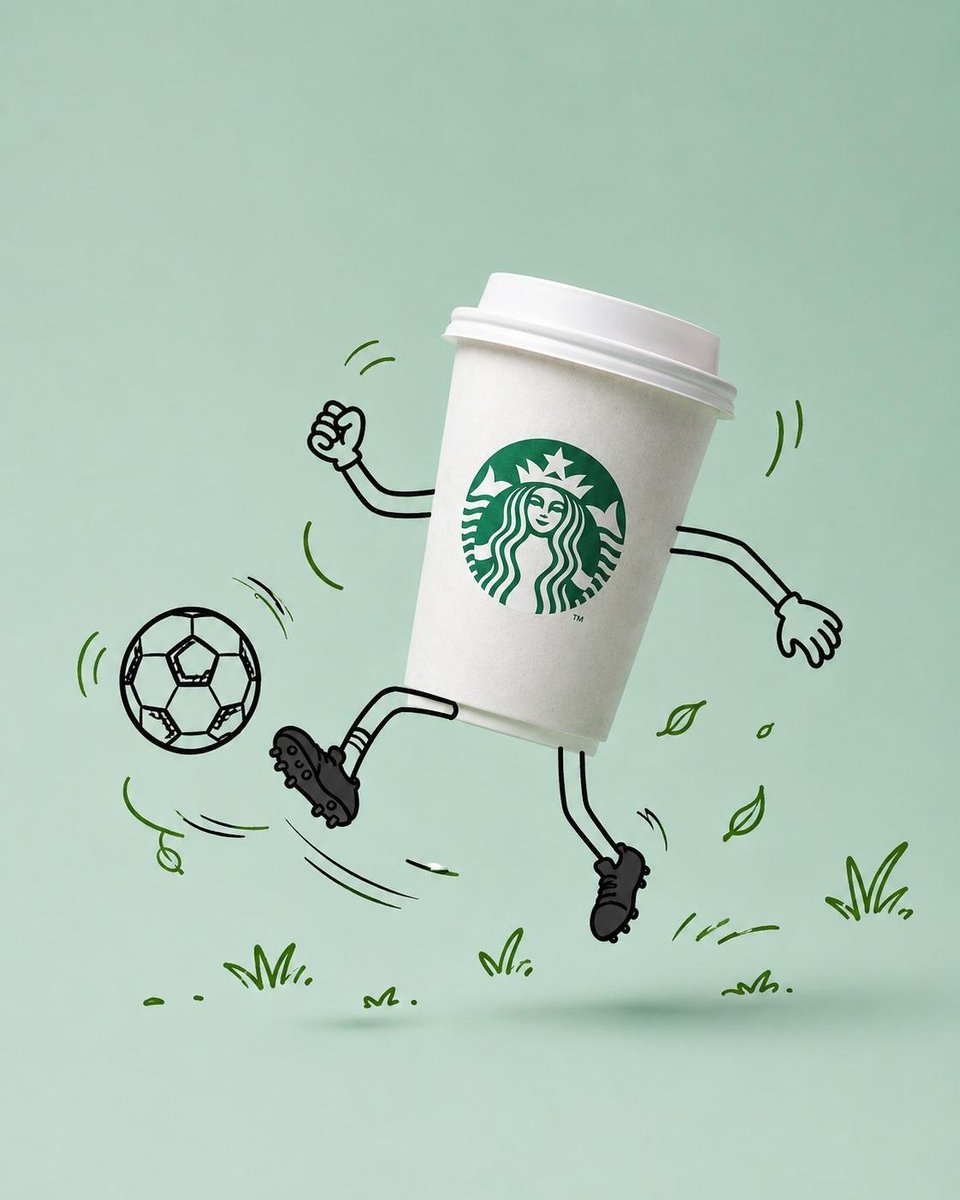
- Prompt included
- Model and format preset
- Premium template
The prompt behind this image
Copy the exact prompt behind Commercial Product Advertising with Doodles, or open it in the studio and make it yours.
Use the uploaded product image as the primary reference. Preserve the original product exactly as shown, including its packaging design, logo placement, typography, branding elements, colors, proportions, materials, textures, reflections, shadows, product shape, food appearance, beverage appearance, ingredients, label details, and overall brand identity. DO NOT redesign, simplify, reinterpret, replace, crop, distort, recolor, or modify any packaging, logos, branding, structural details, or label elements. The product must remain 100% photorealistic and completely unchanged. Transform the product into the hero of a premium commercial advertising campaign while keeping the product itself entirely realistic. Before generating the scene, intelligently analyze the product's category, purpose, flavor, ingredients, packaging style, brand personality, color palette, and emotional appeal. Based on that analysis, automatically develop a fun, playful, visually engaging concept that feels naturally connected to the product. Choose an activity that authentically reinforces the product's identity, usage occasion, lifestyle, season, flavor, or personality—never something random or disconnected. Automatically generate matching doodle props that support the chosen activity and strengthen the visual storytelling. Select a clean {argument name="background" default="pastel studio background"} inspired by the dominant colors of the product packaging and branding, ensuring strong visual harmony while maintaining enough contrast for the product to remain the clear focal point. Position the product in a dynamic tilted pose that conveys movement, energy, and personality. Surround the product with playful hand-drawn doodle illustrations created using {argument name="doodle style" default="loose black marker lines"}. Illustrate ONLY the following as doodles: Arms, Hands, Legs, Shoes, Facial expression (only if appropriate), Activity props, Motion lines, Speed lines, Swirls, Impact effects, Decorative doodles. Keep the product itself completely photorealistic. All doodles must share the same hand-drawn black marker style with consistent line weight, slightly imperfect strokes, expressive energy, and a fun mascot-like personality. Generate additional decorative doodles that naturally complement the chosen concept, such as leaves, stars, bubbles, sparkles, confetti, splashes, crumbs, petals, clouds, geometric shapes, or other relevant elements. Add realistic, soft floating shadows beneath the product to create convincing depth. Use premium commercial product photography lighting with soft diffused studio illumination, realistic reflections, subtle shadows, shallow depth of field, premium retouching, and luxury advertising quality. Leave generous negative space suitable for marketing headlines, branding, or promotional copy.
How to use Commercial Product Advertising with Doodles in 3 steps
- 1Upload ImagePNG, JPG or paste
Add your photo
Upload the photo the template builds on. The prompt, model and format are already set.
- 2…a portrait of your subject in softgolden-hour light, 85mm…
Personalize
Edit the subject and creative details for your destination.
- 3Generate
Generate
Press Generate — your image is created in PicX Studio, so you can compare it with the original and refine one variable at a time.
More like this
Templates with the same subject, style or setup. Open one to see its prompt.

Cappuccino Bottle Splash Product Ad

Product Shot - T-Shirt Mockup
Seedance - Brand Commercial

Soft Shadow Studio Minimalist Product Shot

Botanical Skincare Minimal Product Advertising

Luxury Toothpaste Commercial Storyboard
Commercial Product Advertising Illustration
Commercial Product Splash Photography
Luxury Product Advertising Campaign
Make it yours
Commercial Product Advertising with Doodles works as-is. These are the safest ways to change it without losing the look.
Change one field
Copy a single group, rewrite it, and generate again so you can see what that field is doing.
Keep the frame, change the subject
Hold the composition and light of Commercial Product Advertising with Doodles, then swap wardrobe, props or the person for a new take.
| If the result… | Why | Fix |
|---|---|---|
| The result drifts from the preview | Too many fields changed at once. | Reuse Commercial Product Advertising with Doodles as-is first, then change one group — subject, light, or setting. |
| The model over-stylizes the scene | The prose prompt leaves finish and camera underspecified. | Add one camera or lighting sentence and stay on GPT Image 2. |
More GPT Image 2 templates
Other prompts made for GPT Image 2.

Six VTuber Japanese Logo Sheet

Realistic Portrait of Woman and Deer

The Vista Modular Condo Poster

AI Model Routing Comparison Infographic

2.5D Anime Art Board

Isometric Productivity Desk Scene

New York Double Exposure Poster

Four-Panel AI Landscape Comparison

Japanese Tatami Lifestyle Magazine Cover

NESCAFÉ Coffee Map Poster
More image prompts
Fresh picks from across the catalog.

Stylish Man Studio Portrait Prompt
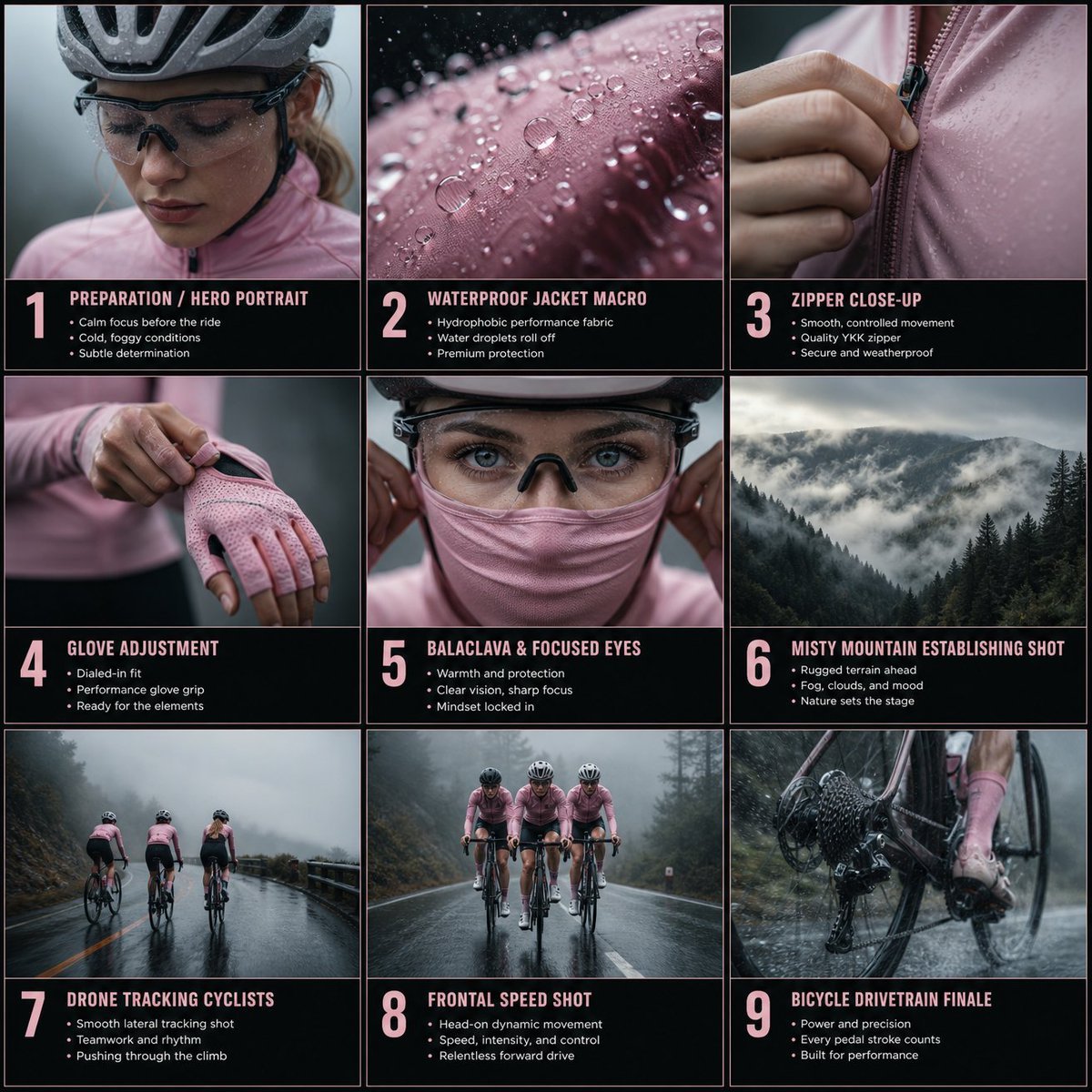
Cinematic Cycling Storyboard
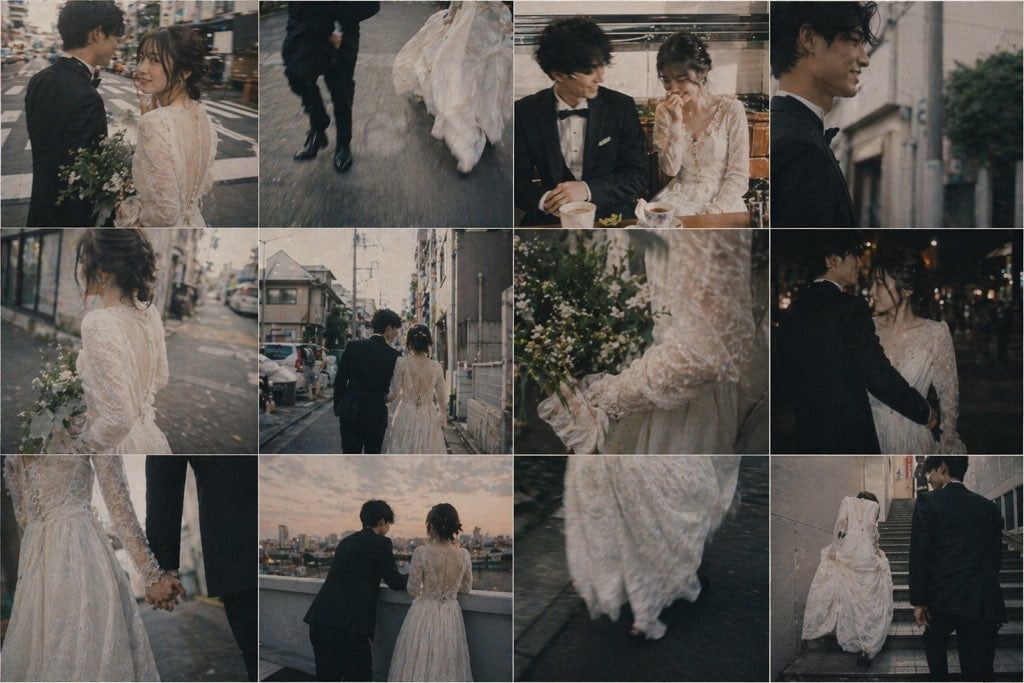
Emotional Japanese Wedding Photo Collage
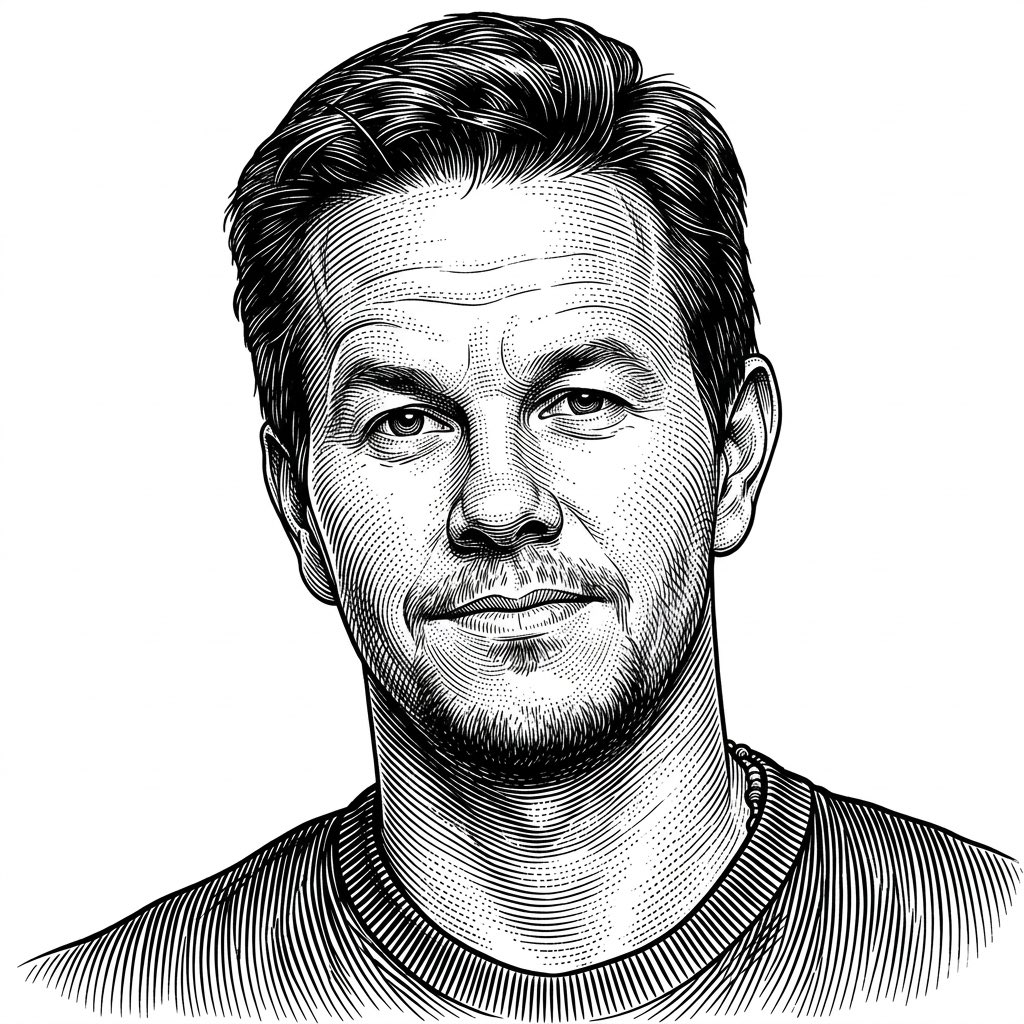
Monochrome Engraving Portrait Style
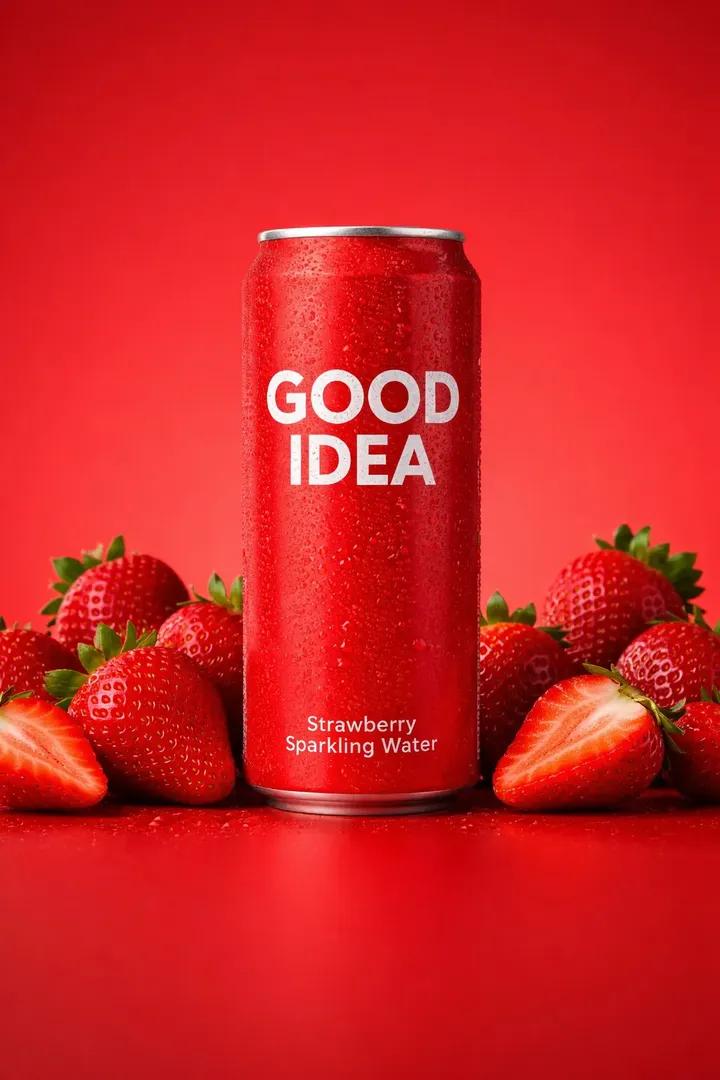
Premium Studio Product Photo of Sparkling Water Can
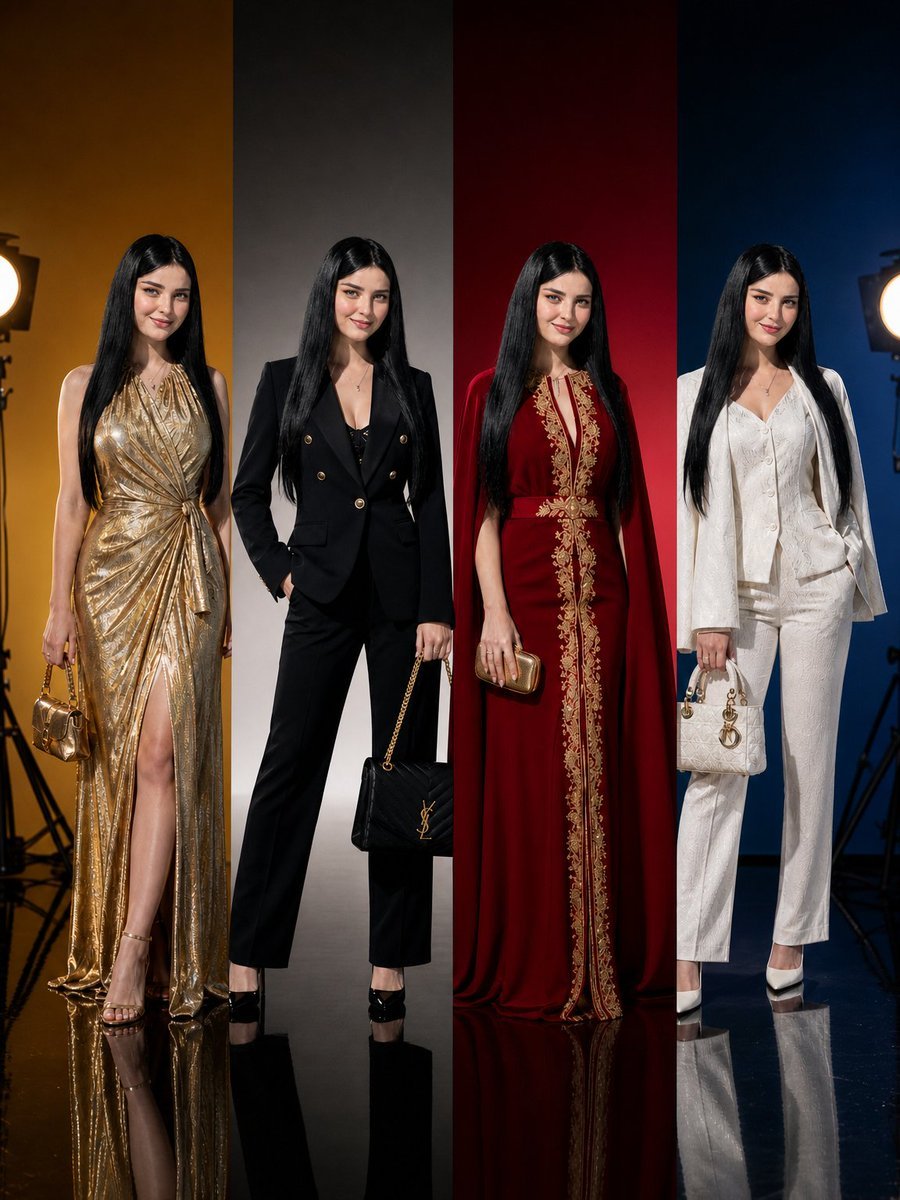
Panel Luxury Fashion Poster
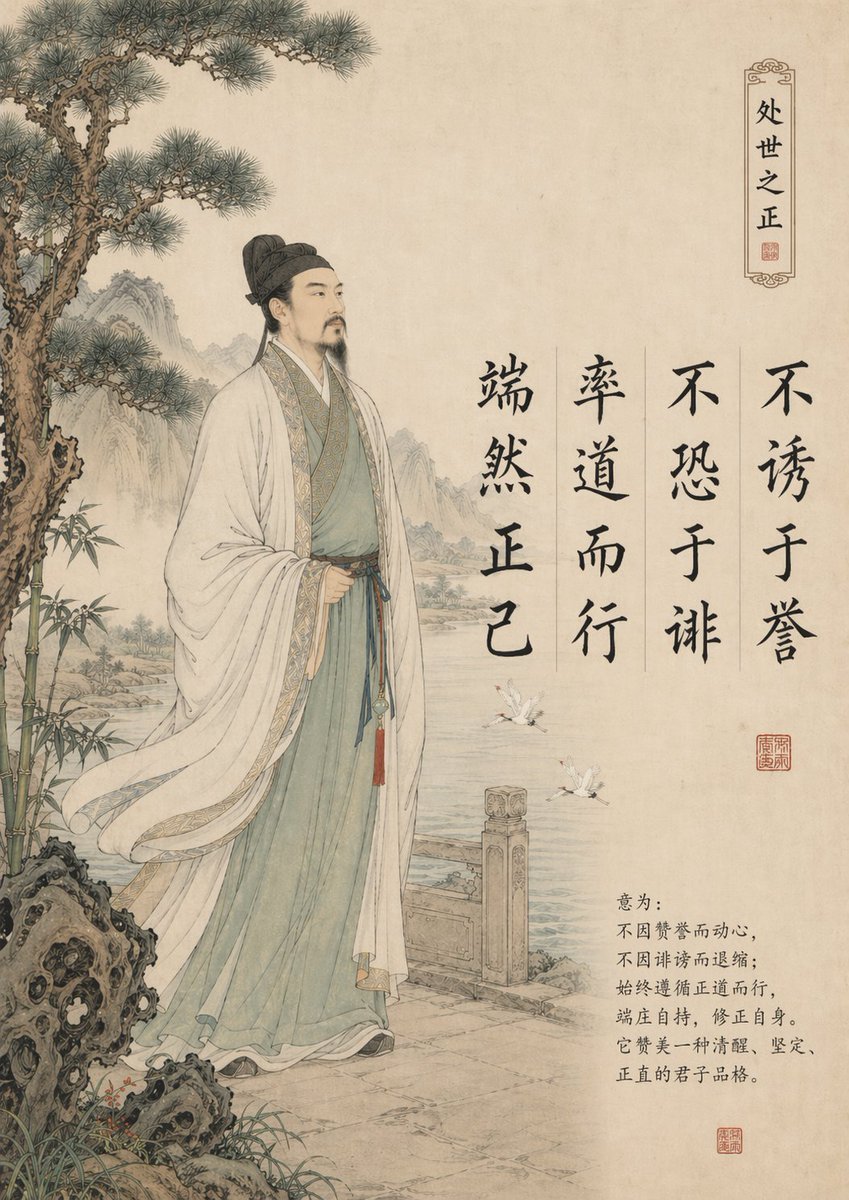
Traditional Chinese Gongbi Art with Quote
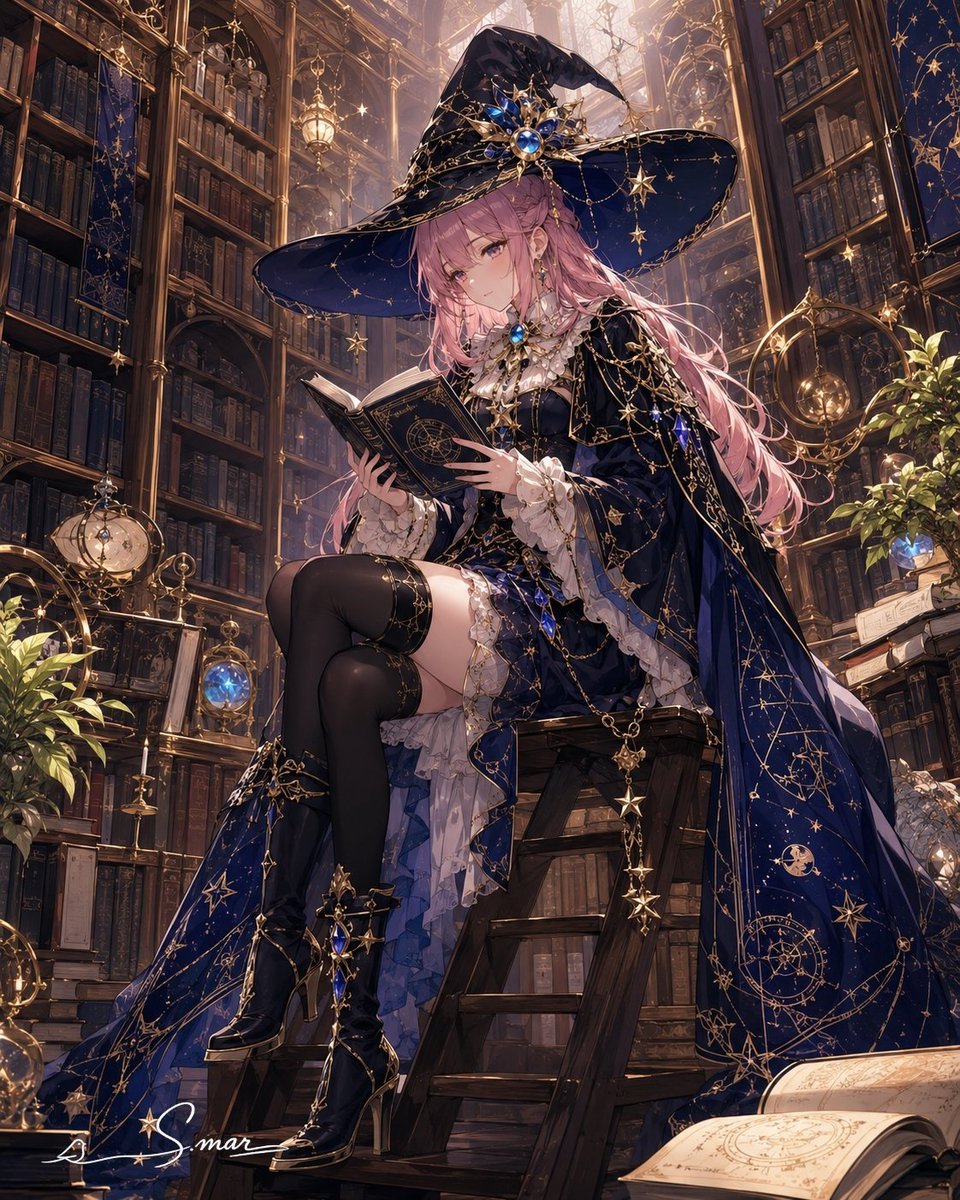
Celestial Sorceress in Magical Library
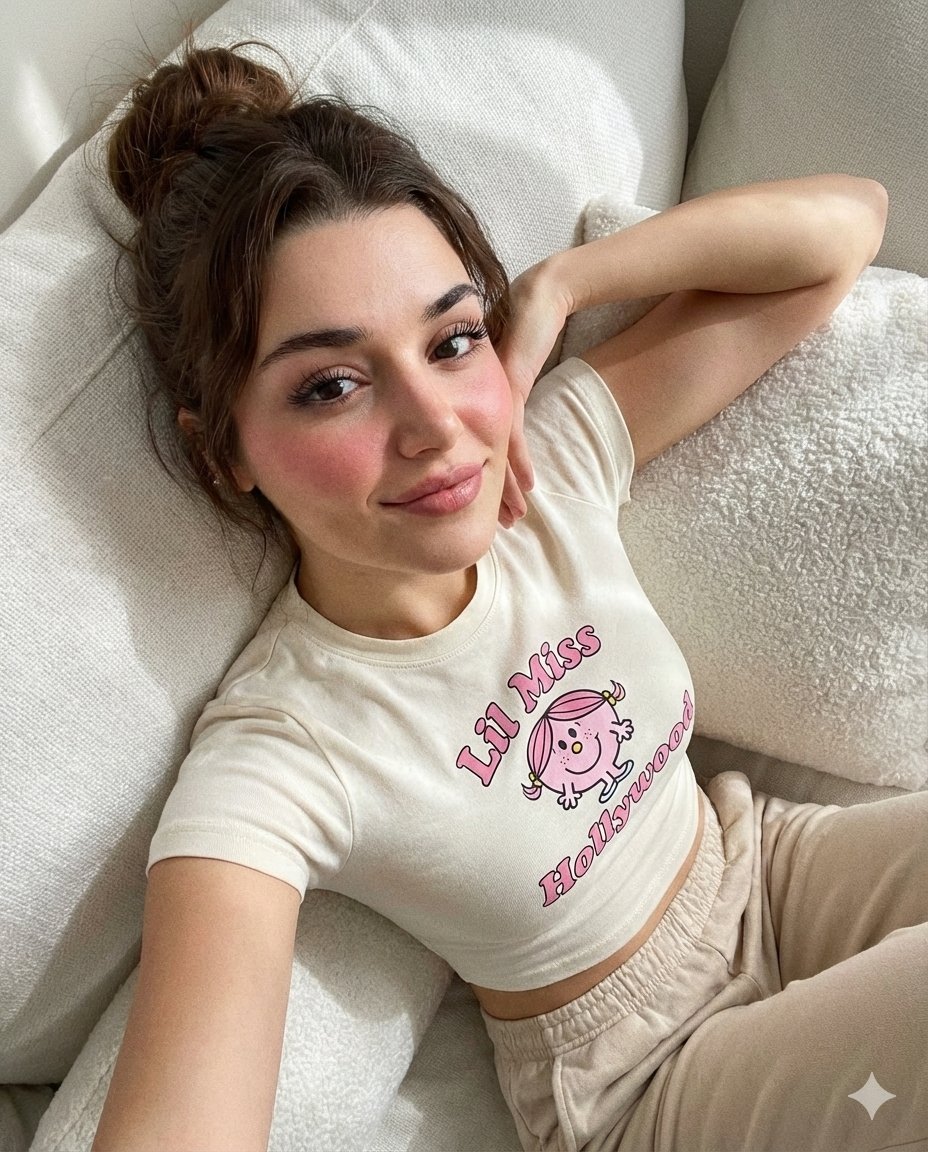
Dreamy iPhone Selfie Prompt with Identity Lock
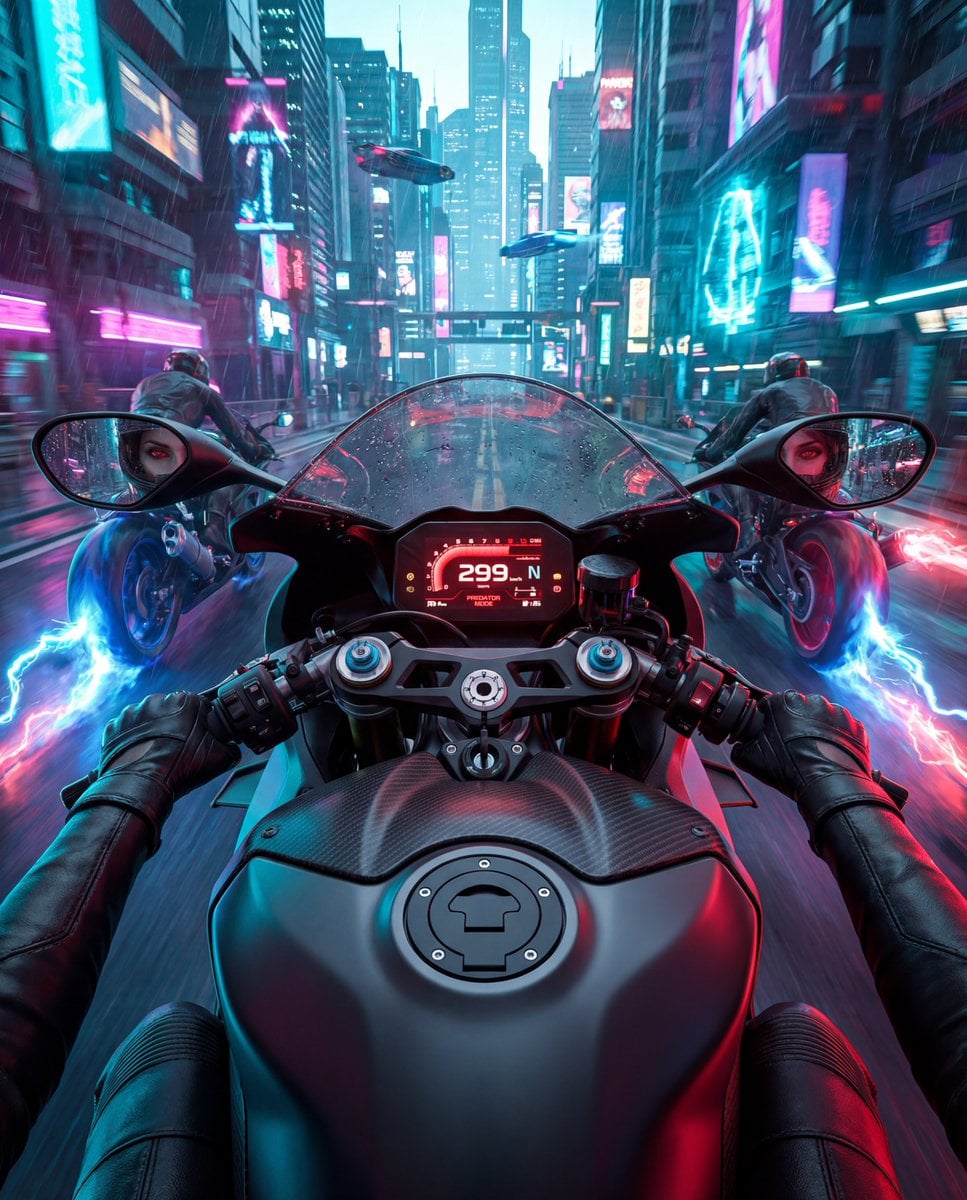
Cyberpunk POV Motorcycle Ride with Vampire Mafia Girl
Browse template categories
Commercial Product Advertising with Doodles questions
How do I use the Commercial Product Advertising with Doodles template?
Add your photo if the template asks for one, edit the prompt if you like — the template's model and format are already selected — and press Generate. Your version opens in PicX Studio.
Can I customize the Commercial Product Advertising with Doodles template?
Yes. You can change the subject, setting, lighting, mood, format, and available model controls before creating your image.
Is the Commercial Product Advertising with Doodles template free?
Opening and editing this template is free. Generating uses credits, shown on the Generate button when you are signed in.
Which AI model should I use?
Start with GPT Image 2, which is the model associated with this template. You can compare another compatible model for a different finish.
Looking for something else? Browse all templates.

Your photo, any look
Thousands of ready templates for every top image and video model, from one credit balance.