
Korean-Inspired Whimsical Doodle Art
A dreamy, pastel-toned digital art style featuring kawaii doodle elements and cozy slice-of-life scenes.
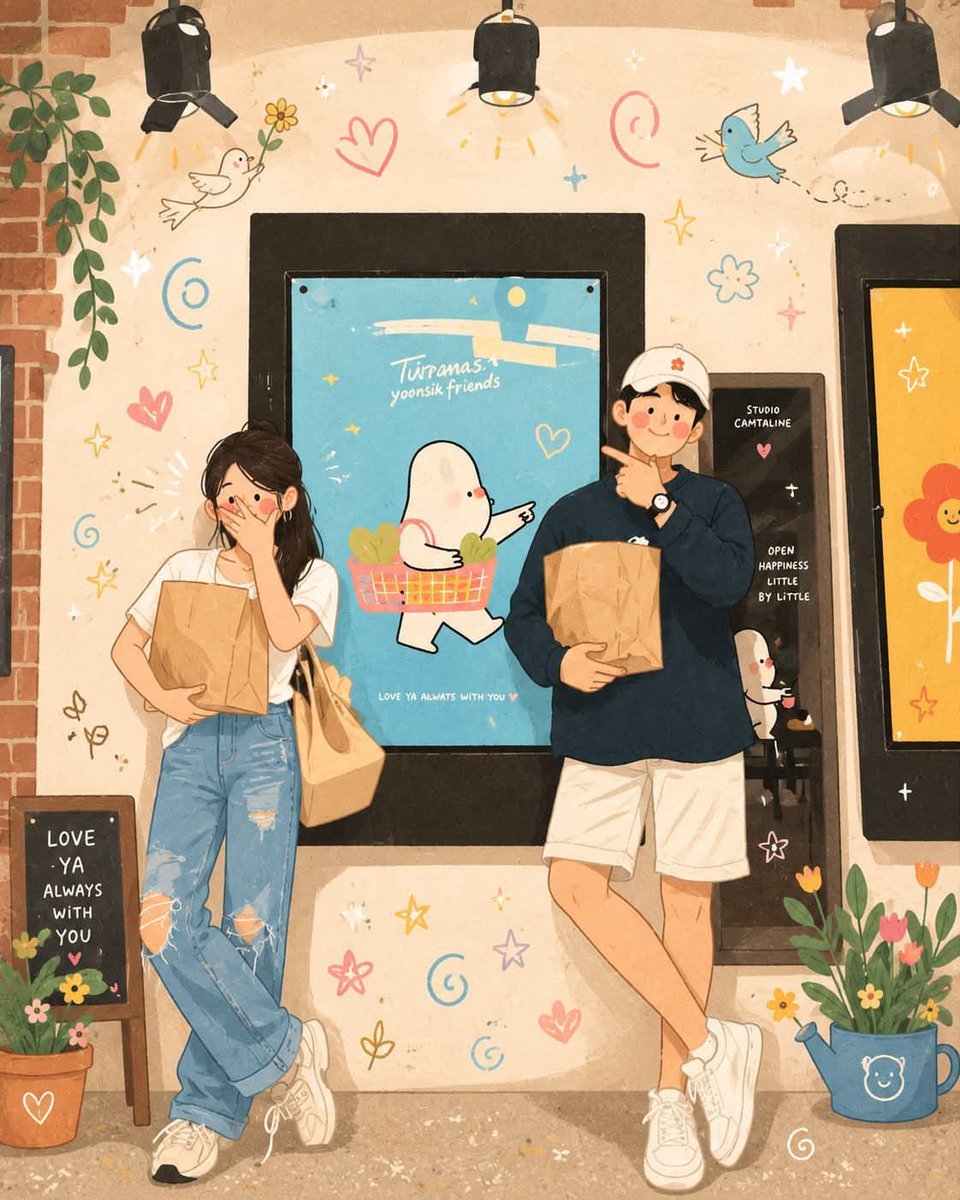
- Prompt included
- Model and format preset
- Free template
The prompt behind this image
Copy the exact prompt behind Korean-Inspired Whimsical Doodle Art, or open it in the studio and make it yours.
Whimsical Korean-inspired illustration, soft pastel color palette, cozy aesthetic, hand-painted digital art, cute doodle elements scattered around the scene (hearts, stars, swirls, birds, flowers, clouds), warm sunlight and dreamy atmosphere, clean outlines, blushy cheeks, charming cartoon-style characters, subtle paper texture, highly detailed background, storybook feeling, kawaii aesthetic, gentle shadows, vibrant yet soft colors, playful composition, Instagram-worthy artwork, cozy and romantic mood, full-body characters, floral decorations, magical sparkles, ultra-detailed digital painting, adorable slice-of-life scene. Image 1 Variation (couple in café): Cute young couple standing outside a cozy café, holding paper shopping bags, casual streetwear, shy expressions, leaning against a wall decorated with colorful doodles and a cute mascot poster, warm indoor lighting, flowers and potted plants around them, romantic everyday moment, whimsical Korean illustration style. Image 2 Variation (girl selfie): Cute girl in oversized black outfit and wide-brim hat taking a selfie with her phone, bright blue sky background, fluffy clouds, smiling sun, colorful flowers, floating doodle hearts and stars, cheerful spring atmosphere, playful Korean illustration style, dreamy and aesthetic. Image 3 Variation (couple handshake): Young couple holding hands and greeting each other under a leafy tree, matching black jackets and caps, flowing white dress, flowers blooming around them, soft afternoon sunlight casting beautiful tree shadows on the wall, romantic and peaceful atmosphere, whimsical Korean storybook illustration style.
How to use Korean-Inspired Whimsical Doodle Art in 3 steps
- 1Upload ImagePNG, JPG or paste
Add your photo
Upload the photo the template builds on. The prompt, model and format are already set.
- 2…a portrait of your subject in softgolden-hour light, 85mm…
Personalize
Edit the subject and creative details for your destination.
- 3Generate
Generate
Press Generate — your image is created in PicX Studio, so you can compare it with the original and refine one variable at a time.
More like this
Templates with the same subject, style or setup. Open one to see its prompt.
Cute Layered Paper Cut Chibi Girl
Decorative Folk Flat Paper Cut Illustration
Black and White Whimsical Doodle Art
Ghibli Final Takeoff Field
Ghibli Rainy Tram Interior
Ghibli Star Observatory

Ghibli Tiny House On Back

Ghibli Lantern River Festival
Ghibli Whale Bone Beach
Ghibli Abandoned Amusement

Ghibli Shadow Puppet Theater
Ghibli Bakery Morning Rush
Make it yours
Korean-Inspired Whimsical Doodle Art works as-is. These are the safest ways to change it without losing the look.
Change one field
Copy a single group, rewrite it, and generate again so you can see what that field is doing.
Keep the frame, change the subject
Hold the composition and light of Korean-Inspired Whimsical Doodle Art, then swap wardrobe, props or the person for a new take.
| If the result… | Why | Fix |
|---|---|---|
| The result drifts from the preview | Too many fields changed at once. | Reuse Korean-Inspired Whimsical Doodle Art as-is first, then change one group — subject, light, or setting. |
| The model over-stylizes the scene | The prose prompt leaves finish and camera underspecified. | Add one camera or lighting sentence and stay on GPT Image 2. |
More GPT Image 2 templates
Other prompts made for GPT Image 2.

Six VTuber Japanese Logo Sheet

Realistic Portrait of Woman and Deer

The Vista Modular Condo Poster

AI Model Routing Comparison Infographic

2.5D Anime Art Board

Isometric Productivity Desk Scene

New York Double Exposure Poster

Four-Panel AI Landscape Comparison

Japanese Tatami Lifestyle Magazine Cover

NESCAFÉ Coffee Map Poster
More image prompts
Fresh picks from across the catalog.
Office Style Fashion Magazine Cover
Ultra Photorealistic Candid Flash Portrait of a Woman Eating Pizza
Real Life to Pixar Avatar Transformation
Black and White Cinematic Motorcycle Portrait
Americana Road Trip Editorial Fashion Prompt
Anime Fox Girl Reaching for a Hug

Text-to-Video Prompt: Deadlift with Animated HUD Overlays
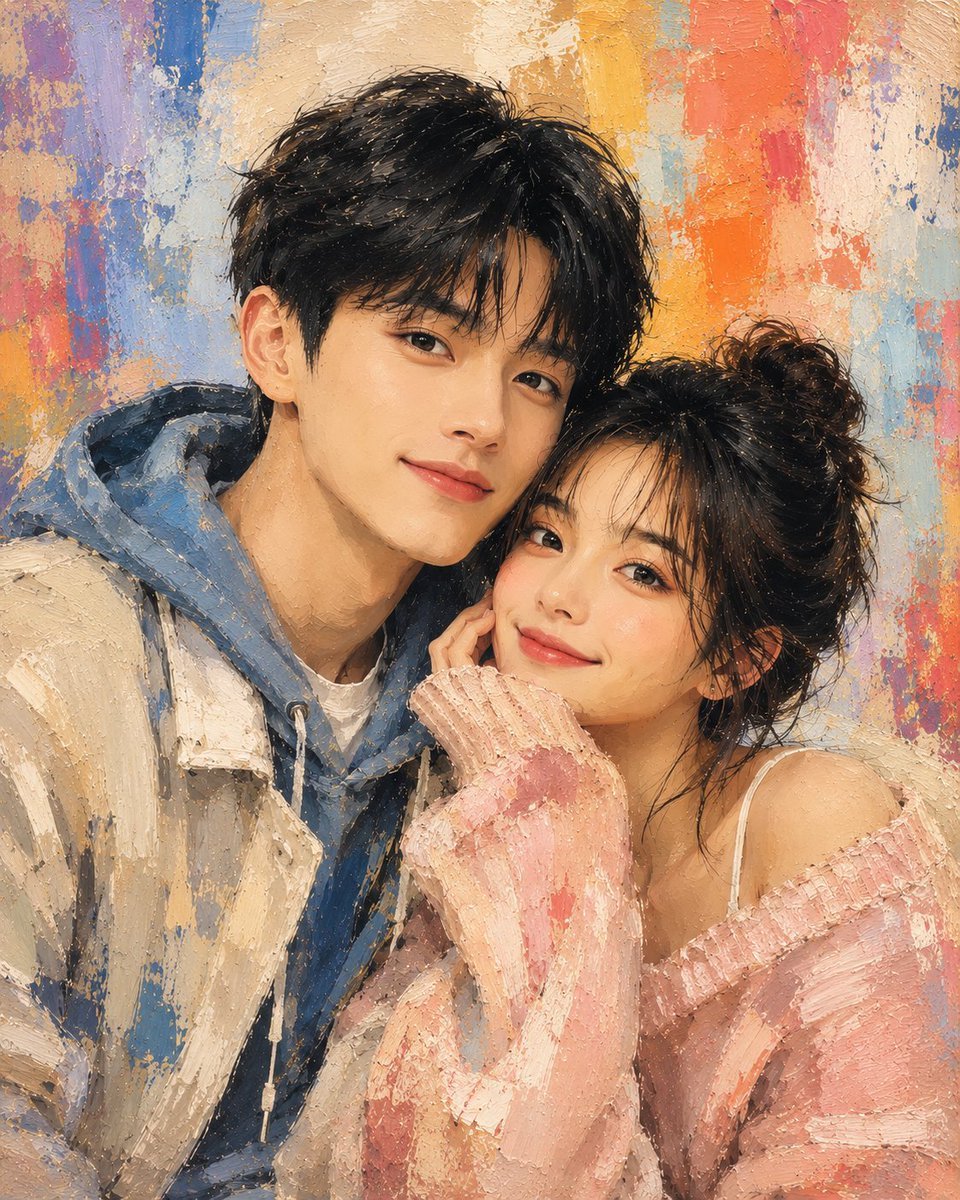
Traditional Dry Brush Artistic Portrait
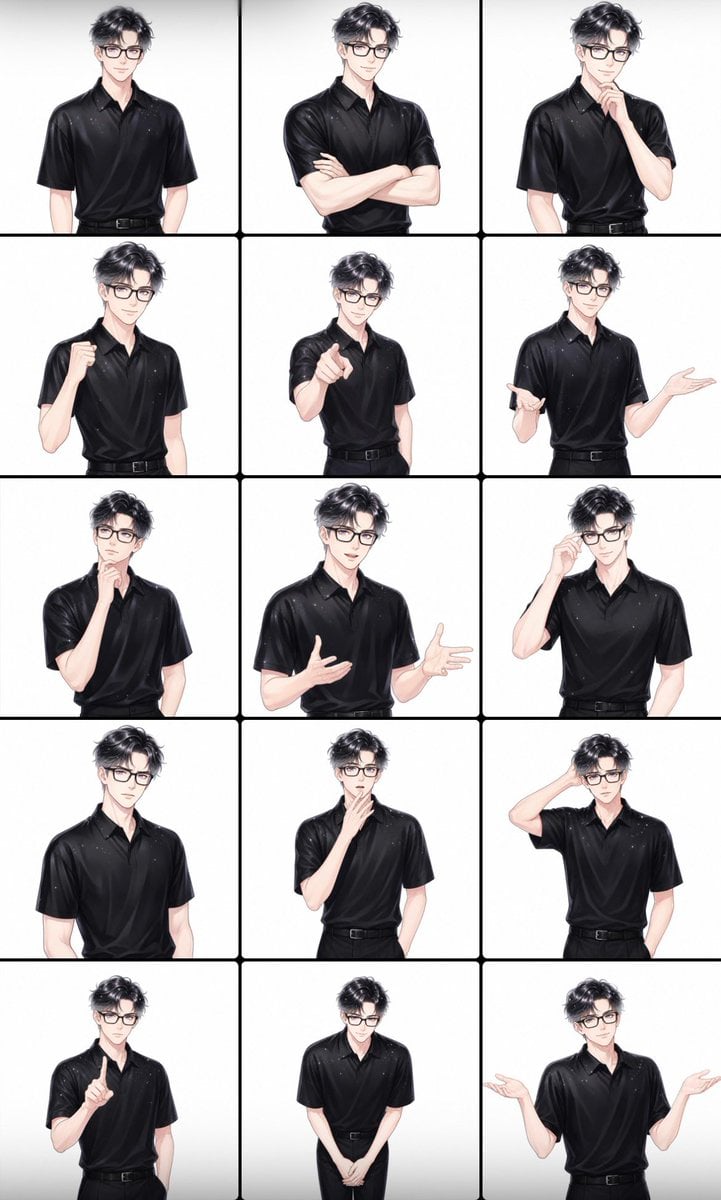
Male Presenter Avatar Pose Sheet
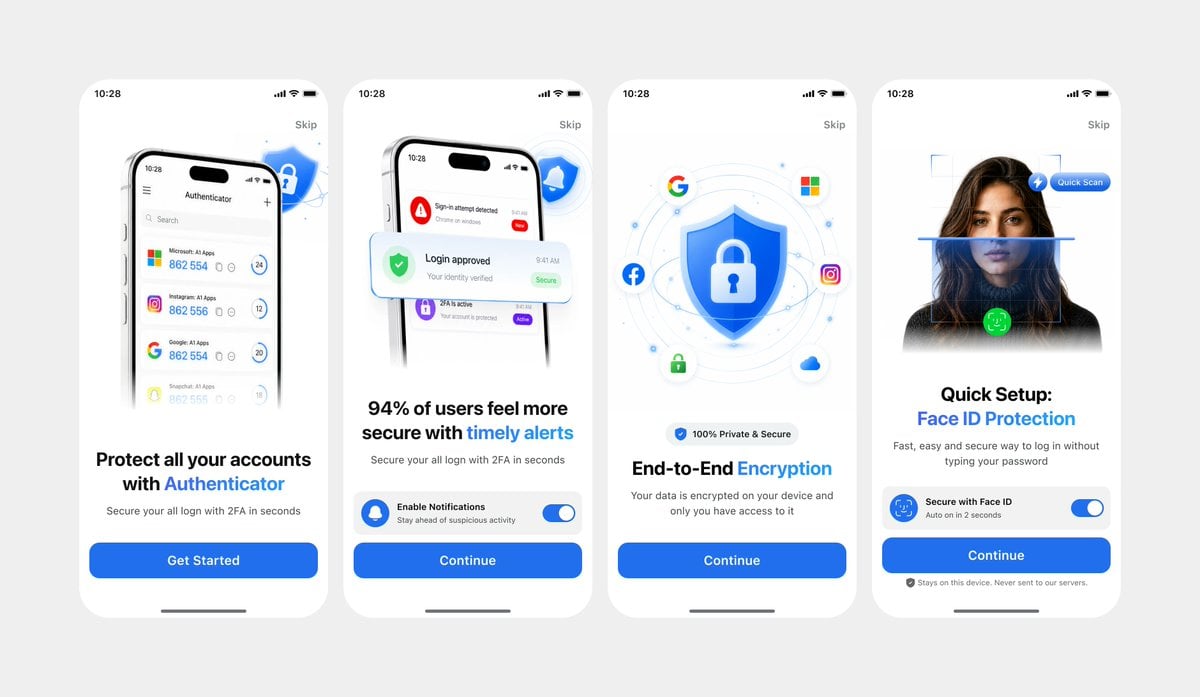
Clean Authenticator Onboarding UI
Browse template categories
Korean-Inspired Whimsical Doodle Art questions
How do I use the Korean-Inspired Whimsical Doodle Art template?
Add your photo if the template asks for one, edit the prompt if you like — the template's model and format are already selected — and press Generate. Your version opens in PicX Studio.
Can I customize the Korean-Inspired Whimsical Doodle Art template?
Yes. You can change the subject, setting, lighting, mood, format, and available model controls before creating your image.
Is the Korean-Inspired Whimsical Doodle Art template free?
Opening and editing this template is free. Generating uses credits, shown on the Generate button when you are signed in.
Which AI model should I use?
Start with GPT Image 2, which is the model associated with this template. You can compare another compatible model for a different finish.
Looking for something else? Browse all templates.

Your photo, any look
Thousands of ready templates for every top image and video model, from one credit balance.