
Office Style Fashion Magazine Cover
This prompt generates a polished magazine-style editorial cover of a confident professional woman in a luxury office setting, ideal for fashion branding, mock covers, and corporate style campaigns.
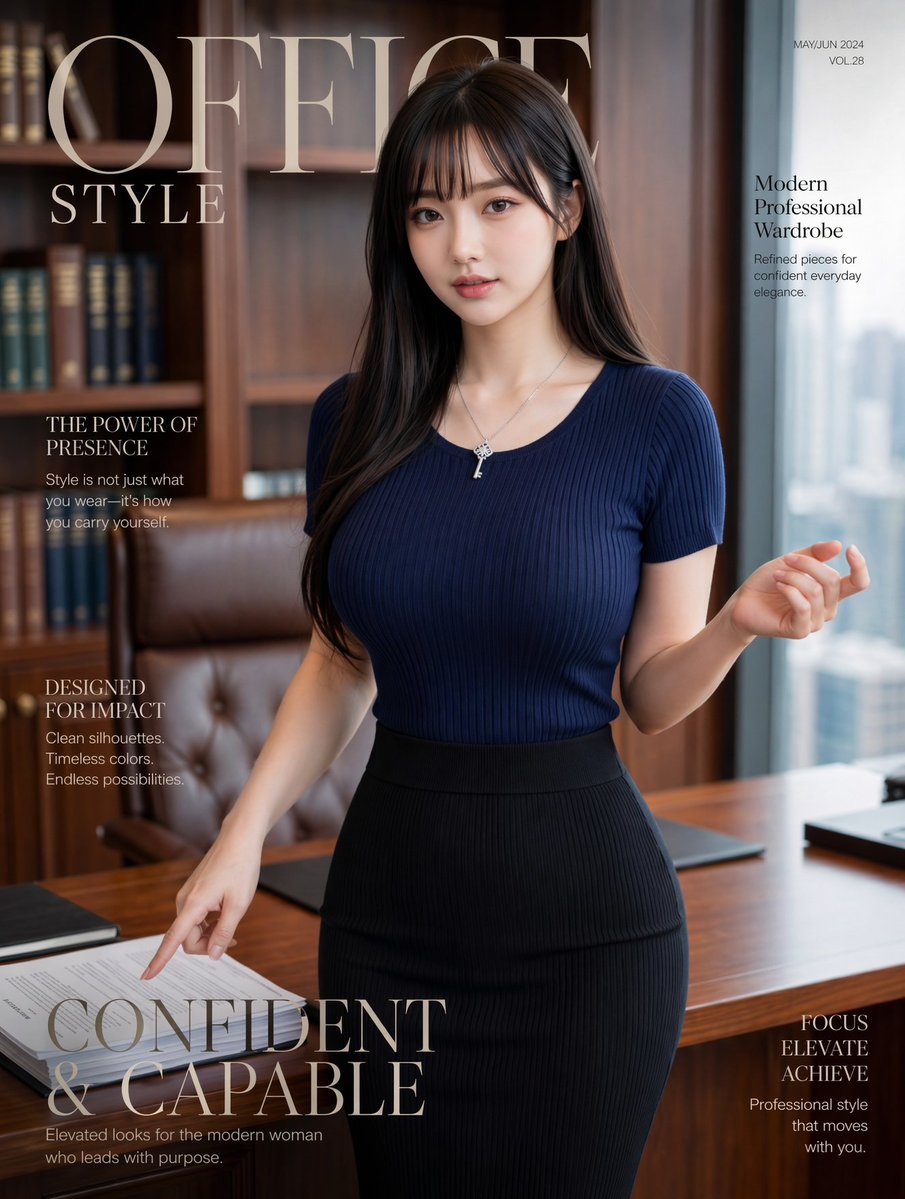
- Prompt included
- Model and format preset
- Free template
The prompt behind this image
Copy the exact prompt behind Office Style Fashion Magazine Cover, or open it in the studio and make it yours.
A luxury fashion magazine cover photographed in a modern executive office, featuring a stylish young East Asian businesswoman standing beside a wooden desk in a confident editorial pose. She has long, smooth, dark brown to black hair parted slightly off center, falling over both shoulders, and wears a fitted ribbed knit short-sleeve top in {argument name="top color" default="deep navy"}, tucked into a high-waisted ribbed pencil skirt in {argument name="skirt color" default="black"}. Add a delicate silver necklace with a small key pendant. Her body is angled slightly toward camera, with one hand lifted loosely near shoulder height and the other hand pointing down toward papers on the desk, conveying poised authority and effortless elegance. The setting is a refined corner office with warm wood bookshelves filled with books, a tufted brown leather executive chair, a polished wooden desk with neatly arranged documents and dark desk pads, and a tall window on the right revealing a soft blurred city skyline. Use soft natural daylight from the window mixed with warm interior tones, shallow depth of field, premium magazine photography, polished skin, realistic fabric texture, tasteful retouching, and a sophisticated editorial mood. Overlay elegant serif magazine typography: a very large masthead at the top left reading {argument name="magazine title" default="OFFICE STYLE"}, small issue text at the top right reading {argument name="issue text" default="MAY/JUN 2024 VOL.28"}, and 5 cover lines total: on the upper right, "Modern Professional Wardrobe" with the smaller subtext "Refined pieces for confident everyday elegance."; on the upper left, "THE POWER OF PRESENCE" with the smaller subtext "Style is not just what you wear—it's how you carry yourself."; on the left middle, "DESIGNED FOR IMPACT" with the smaller subtext "Clean silhouettes. Timeless colors. Endless possibilities."; across the lower left in very large serif type, {argument name="main cover line" default="CONFIDENT & CAPABLE"}; and on the lower right, "FOCUS ELEVATE ACHIEVE" with the smaller subtext "Professional style that moves with you.". Vertical portrait layout, high-end fashion magazine cover composition, clean spacing, muted luxury palette, realistic office styling, chic corporate femininity, confidence in motion.
How to use Office Style Fashion Magazine Cover in 3 steps
- 1Upload ImagePNG, JPG or paste
Add your photo
Upload the photo the template builds on. The prompt, model and format are already set.
- 2…a portrait of your subject in softgolden-hour light, 85mm…
Personalize
Edit the subject and creative details for your destination.
- 3Generate
Generate
Press Generate — your image is created in PicX Studio, so you can compare it with the original and refine one variable at a time.
More like this
Templates with the same subject, style or setup. Open one to see its prompt.

High-Fashion Editorial Magazine Cover ICON

Korean Model Floating Magazine Pages Campaign

Off Duty Fashion Magazine Cover

High-Fashion Magazine Cover Portrait

Blue Hour Editorial Fashion Portrait
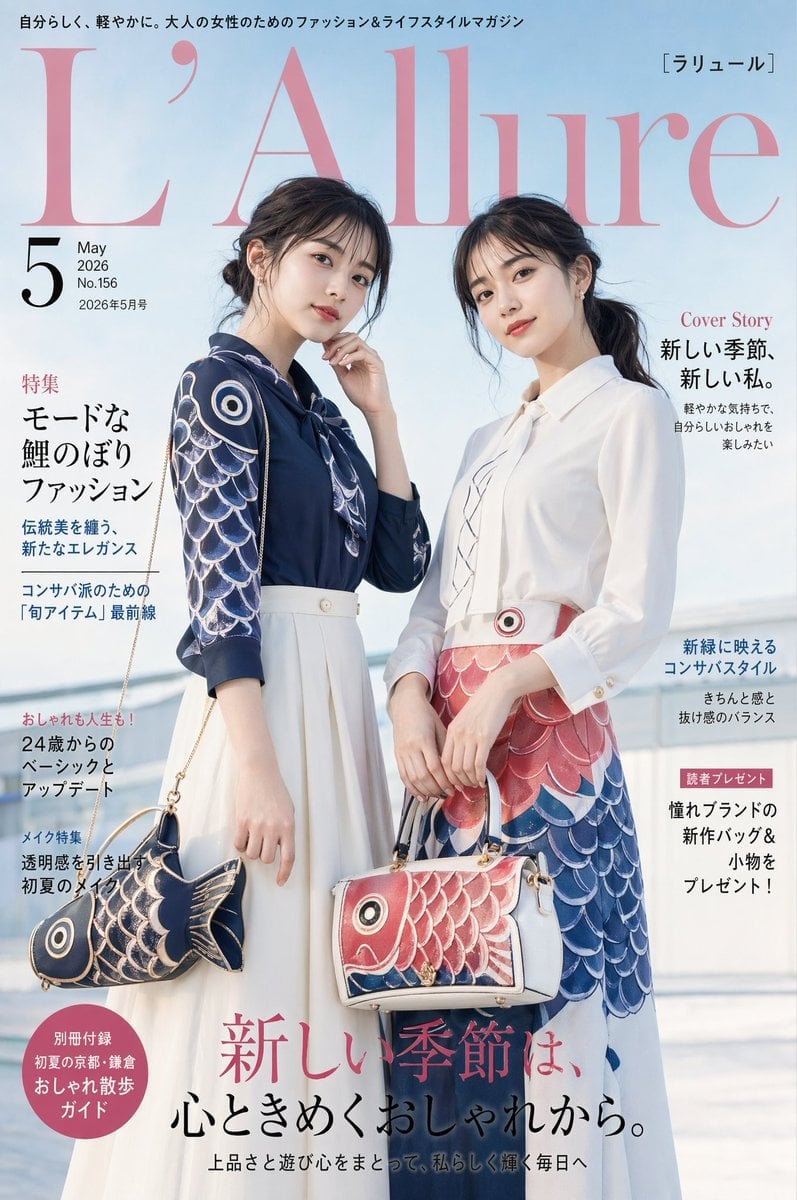
Japanese Koinobori Fashion Magazine Cover
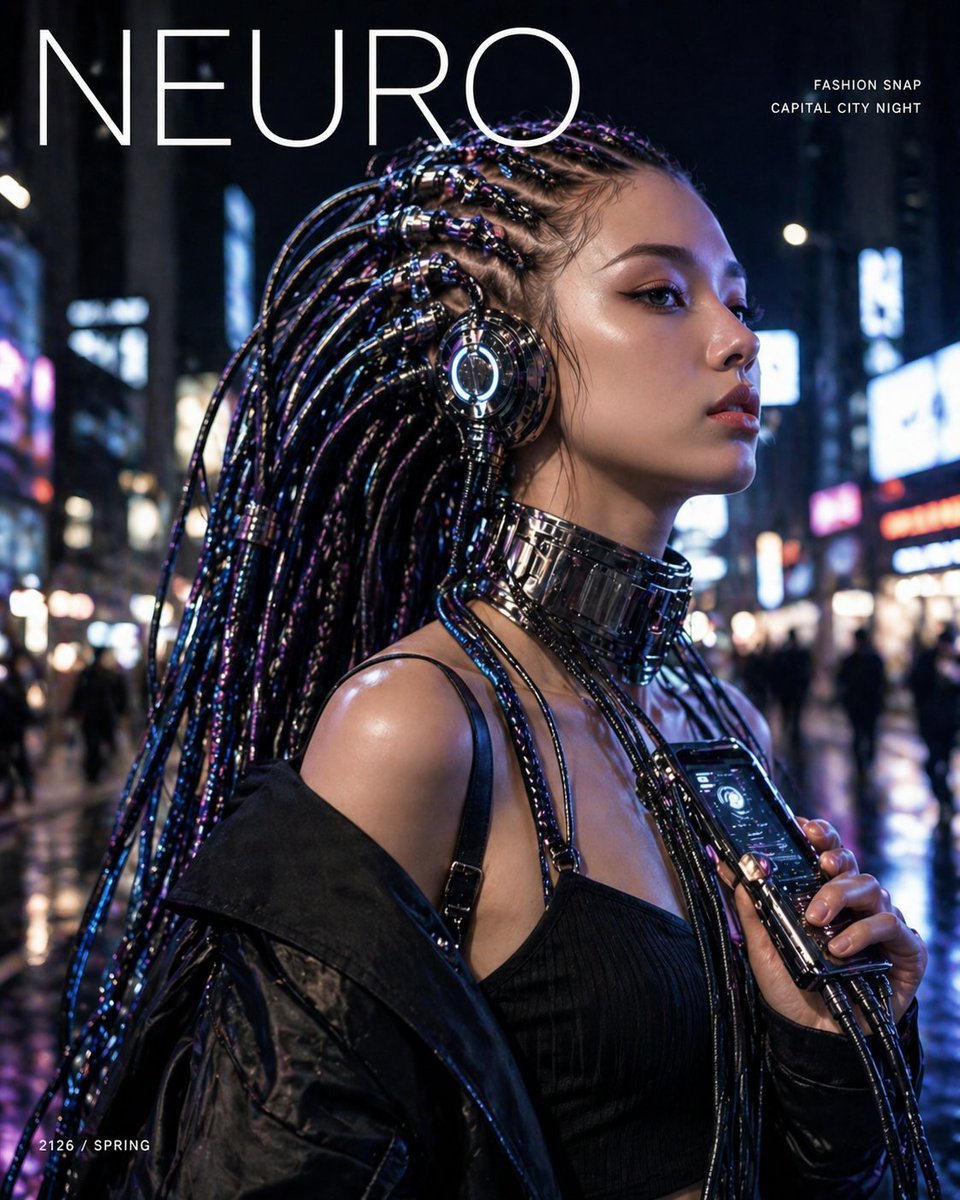
Cyberpunk Fashion Magazine Cover
Japanese Fashion Magazine Anime Cover
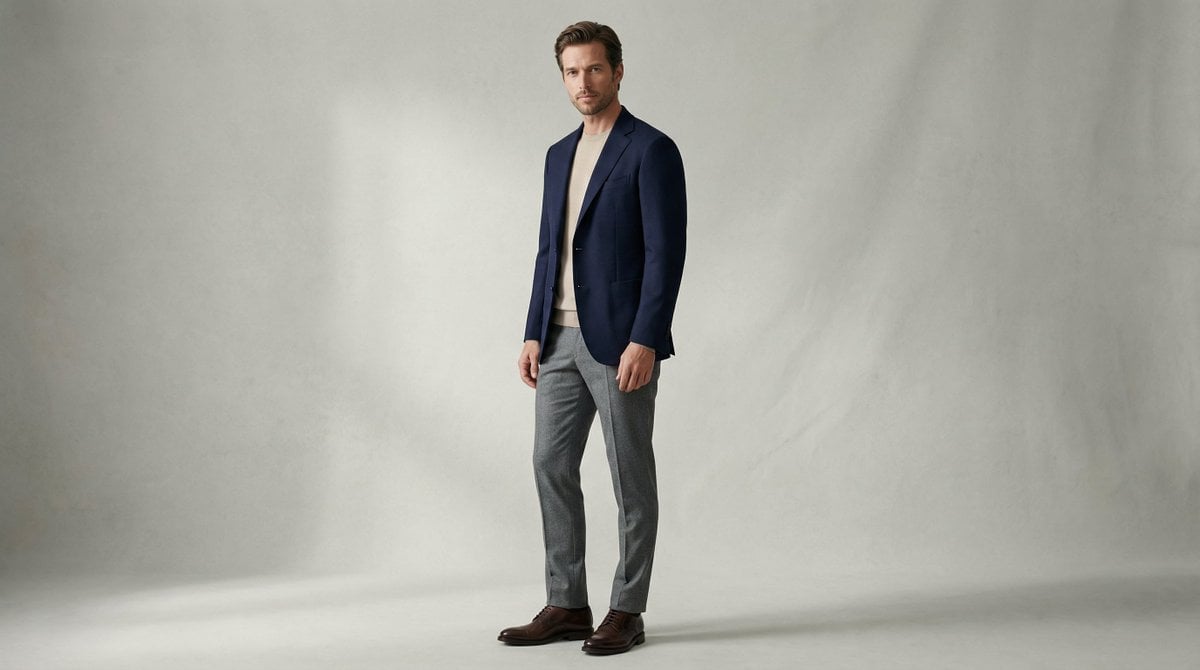
Fashion Magazine Style Photo of a Male Model in Office Casual

80s College Gate

1988 Mall Style

80s Polka Dot Saree
Make it yours
Office Style Fashion Magazine Cover works as-is. These are the safest ways to change it without losing the look.
Change one field
Copy a single group, rewrite it, and generate again so you can see what that field is doing.
Keep the frame, change the subject
Hold the composition and light of Office Style Fashion Magazine Cover, then swap wardrobe, props or the person for a new take.
| If the result… | Why | Fix |
|---|---|---|
| The result drifts from the preview | Too many fields changed at once. | Reuse Office Style Fashion Magazine Cover as-is first, then change one group — subject, light, or setting. |
| The model over-stylizes the scene | The prose prompt leaves finish and camera underspecified. | Add one camera or lighting sentence and stay on GPT Image 2. |
More GPT Image 2 templates
Other prompts made for GPT Image 2.

Six VTuber Japanese Logo Sheet

Realistic Portrait of Woman and Deer

The Vista Modular Condo Poster

AI Model Routing Comparison Infographic

2.5D Anime Art Board

Isometric Productivity Desk Scene

New York Double Exposure Poster

Four-Panel AI Landscape Comparison

NESCAFÉ Coffee Map Poster

Brutalist Cogito Chinese Typography Poster
More image prompts
Fresh picks from across the catalog.
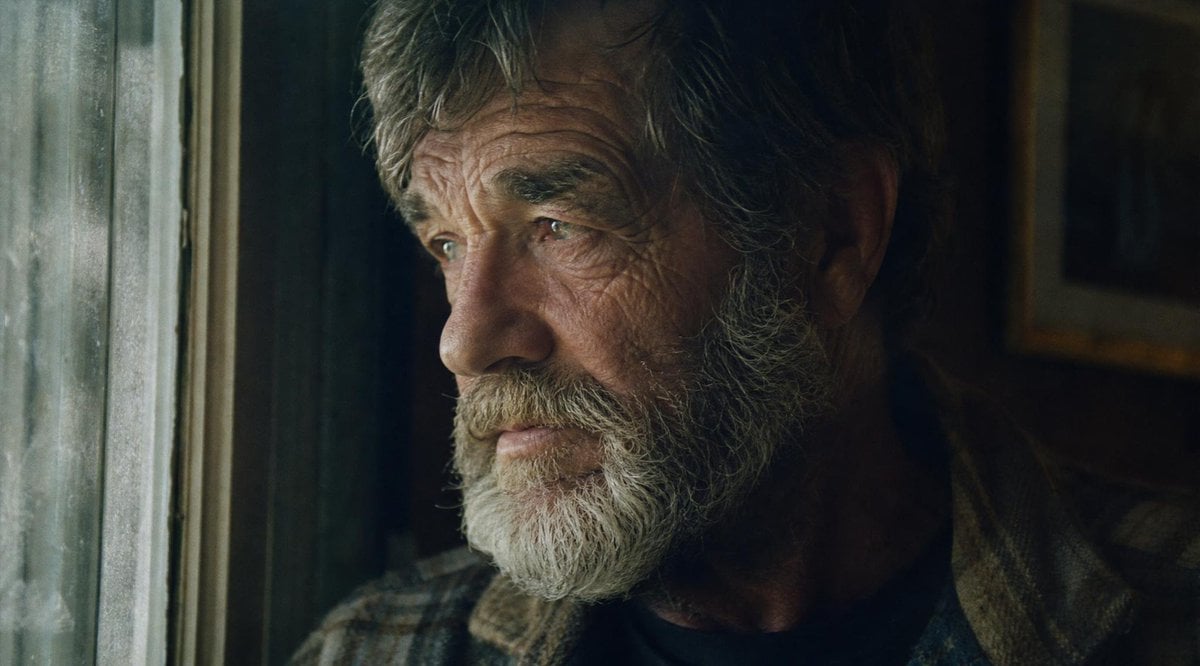
Moody Censored Film Still
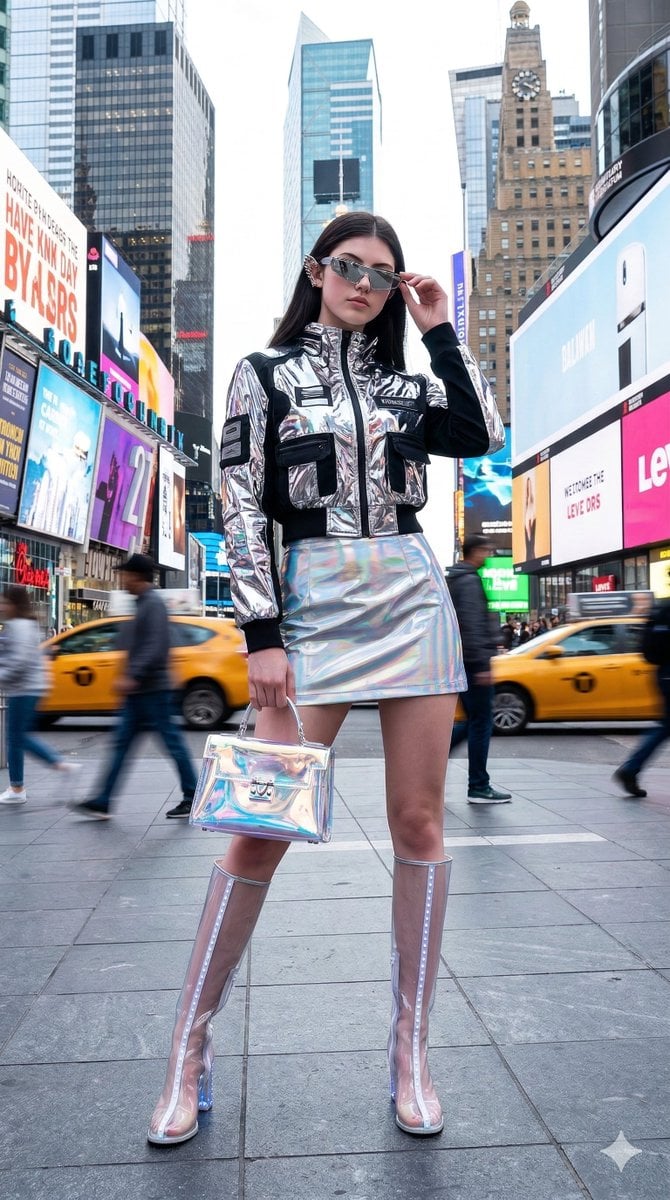
Cyberpunk High-Fashion Model in Shinjuku

Cinematic Anime Frame Brush-Up
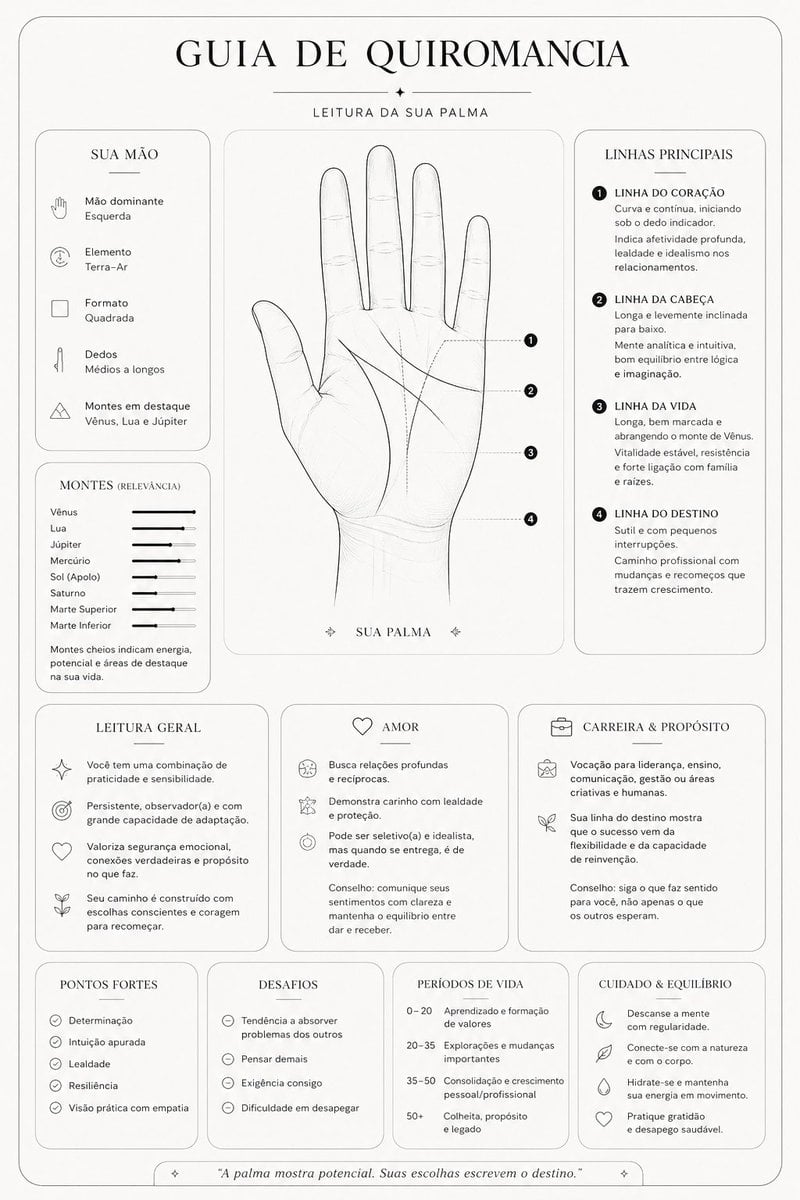
Minimalist Palmistry Guide Prompt
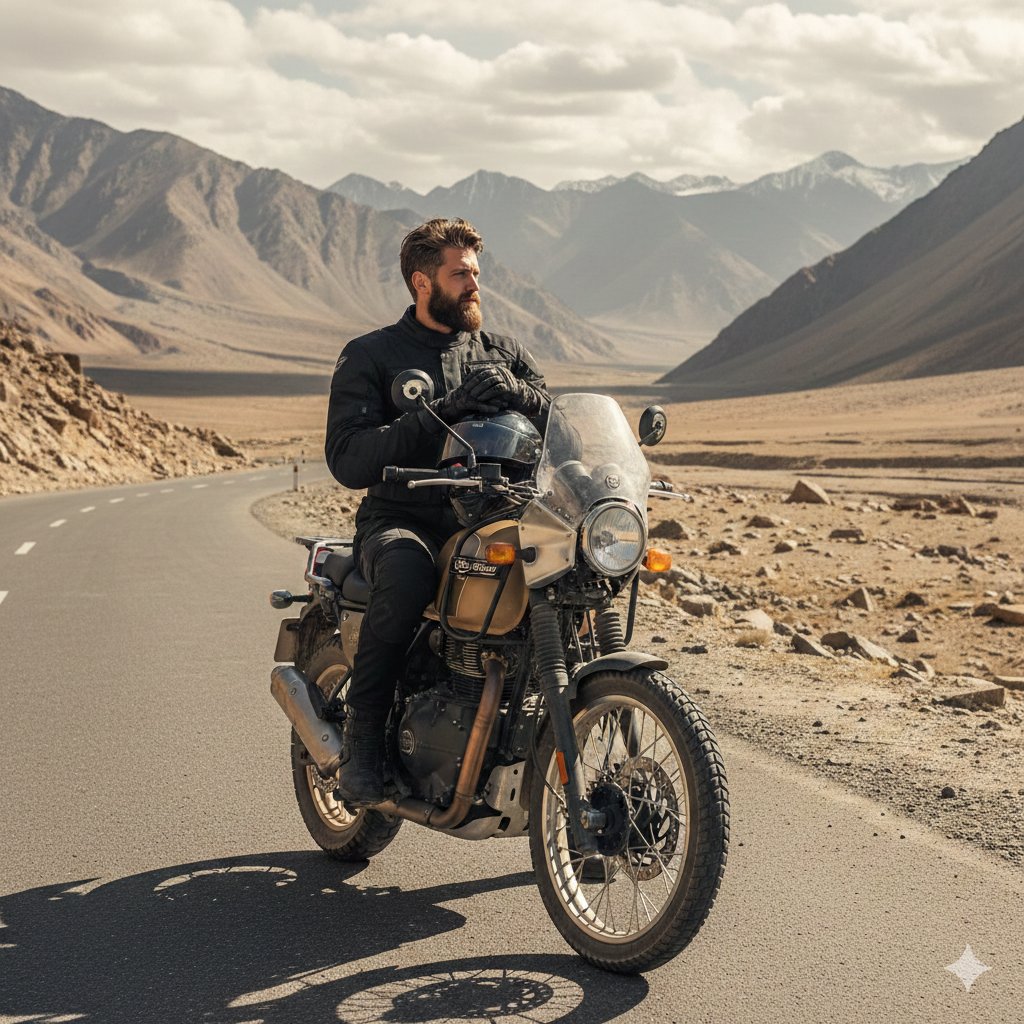
Himalayan Motorcycle Travel Photography

AI-Proof Prompt Generation (Japanese)
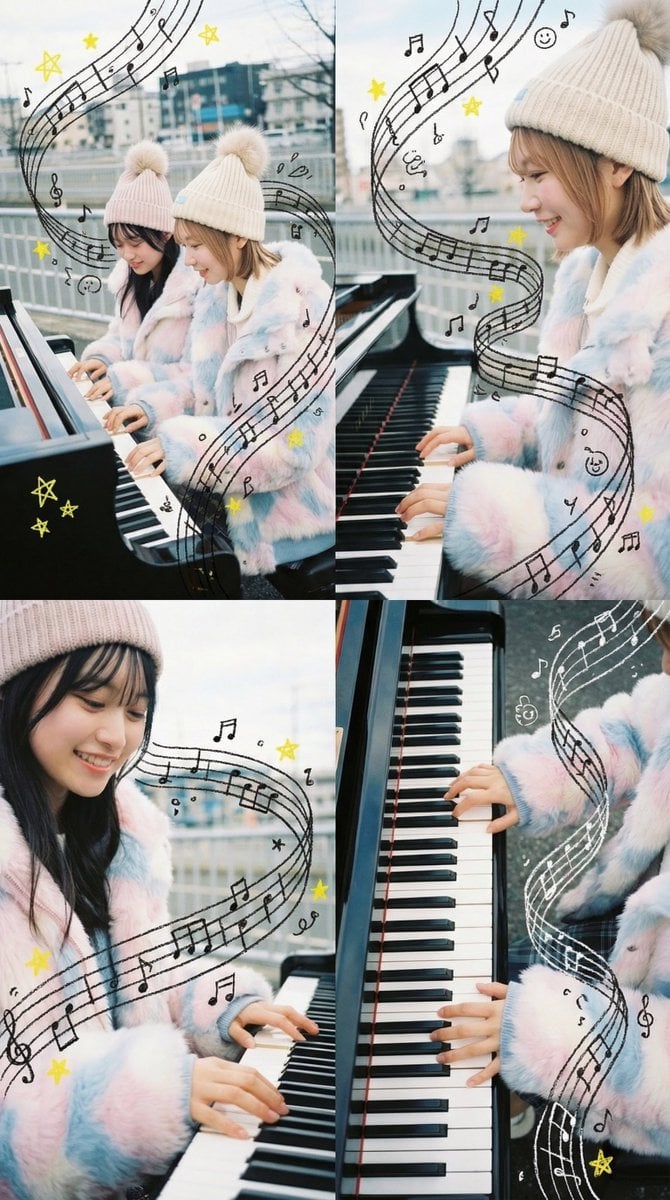
Panel Grid Composition with Piano Scene and Crayon Art Overlay
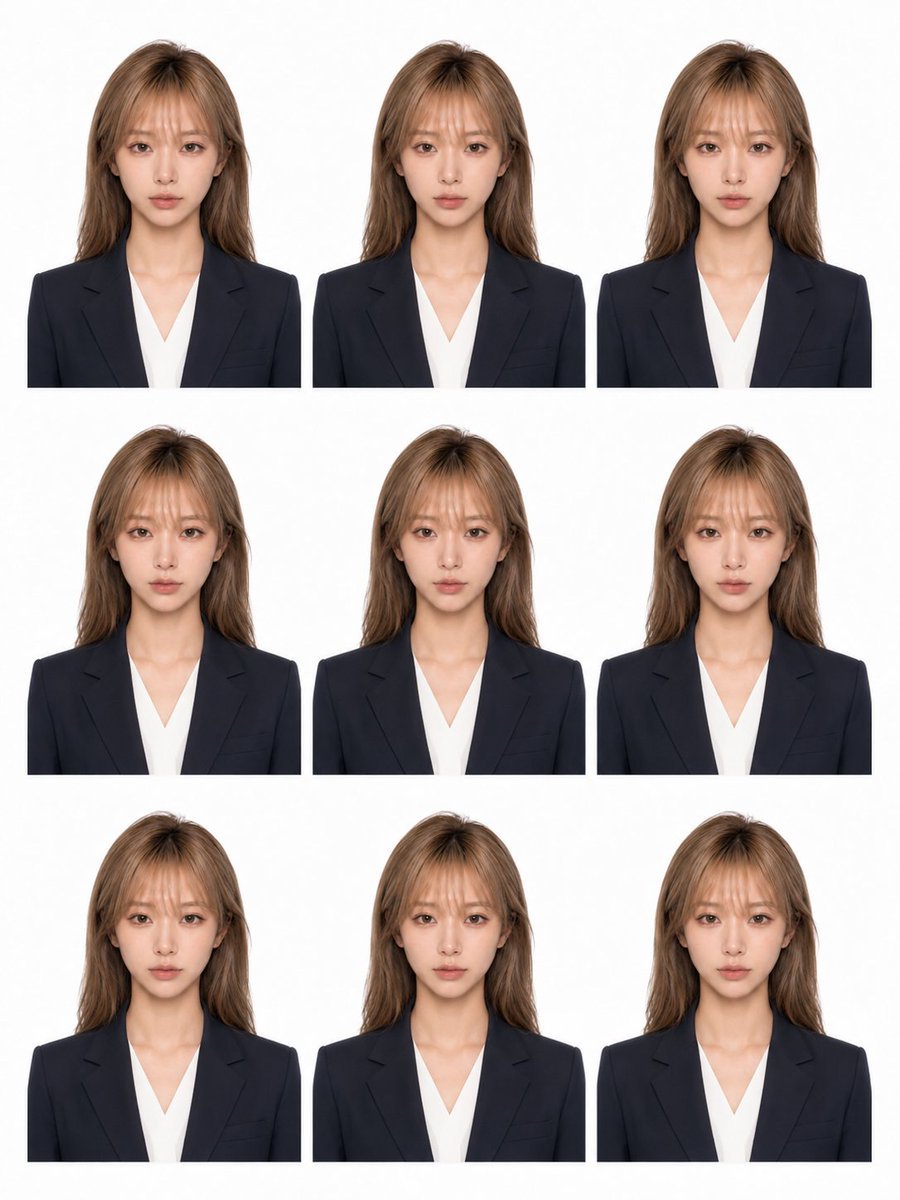
Nine-Photo ID Portrait Sheet
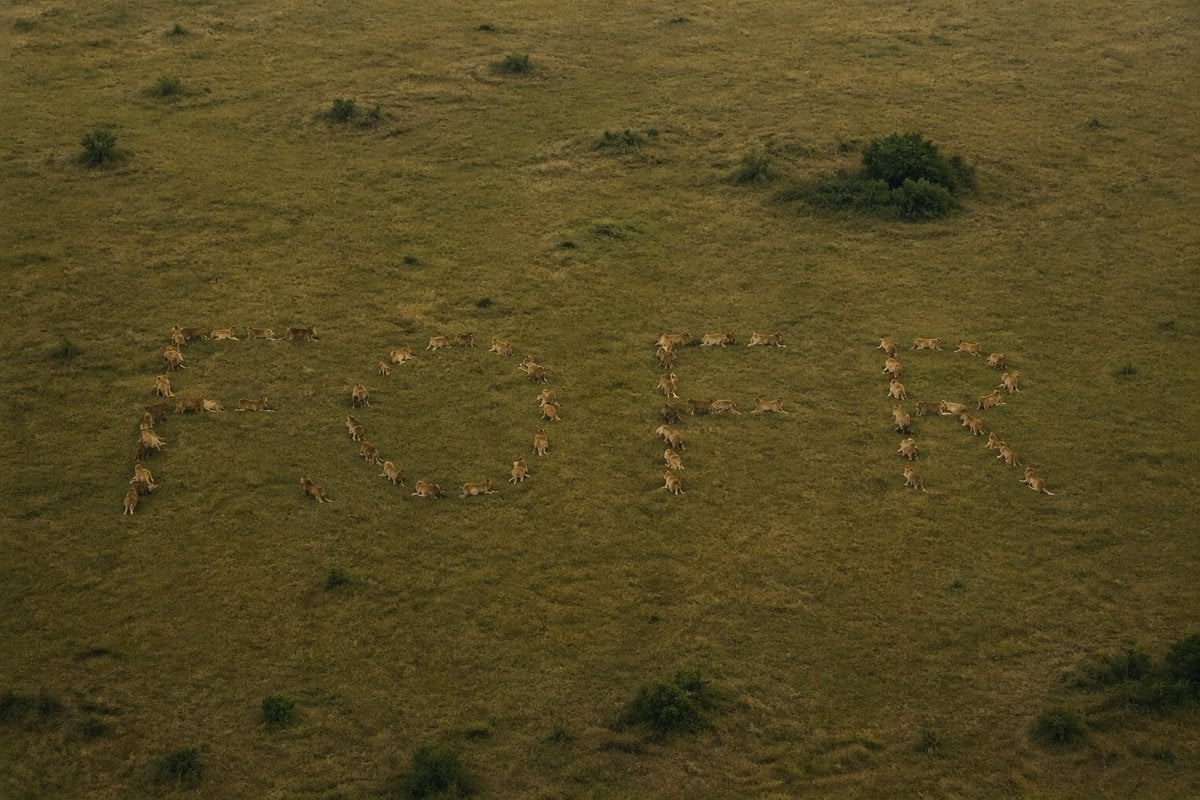
Hidden Word Optical Illusion Prompt
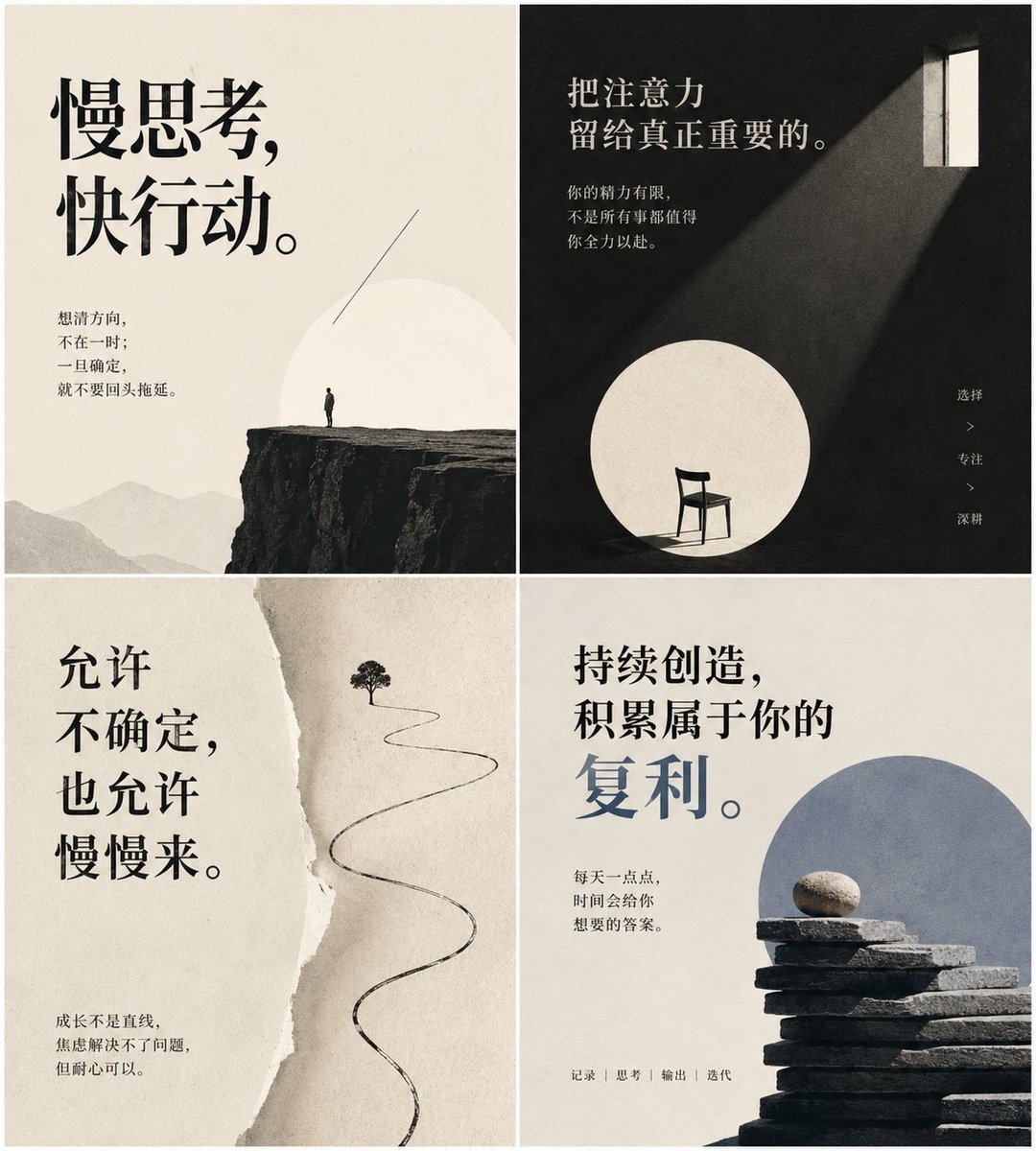
Minimal Chinese Advice Card Grid
Browse template categories
Office Style Fashion Magazine Cover questions
How do I use the Office Style Fashion Magazine Cover template?
Add your photo if the template asks for one, edit the prompt if you like — the template's model and format are already selected — and press Generate. Your version opens in PicX Studio.
Can I customize the Office Style Fashion Magazine Cover template?
Yes. You can change the subject, setting, lighting, mood, format, and available model controls before creating your image.
Is the Office Style Fashion Magazine Cover template free?
Opening and editing this template is free. Generating uses credits, shown on the Generate button when you are signed in.
Which AI model should I use?
Start with GPT Image 2, which is the model associated with this template. You can compare another compatible model for a different finish.
Looking for something else? Browse all templates.

Your photo, any look
Thousands of ready templates for every top image and video model, from one credit balance.