
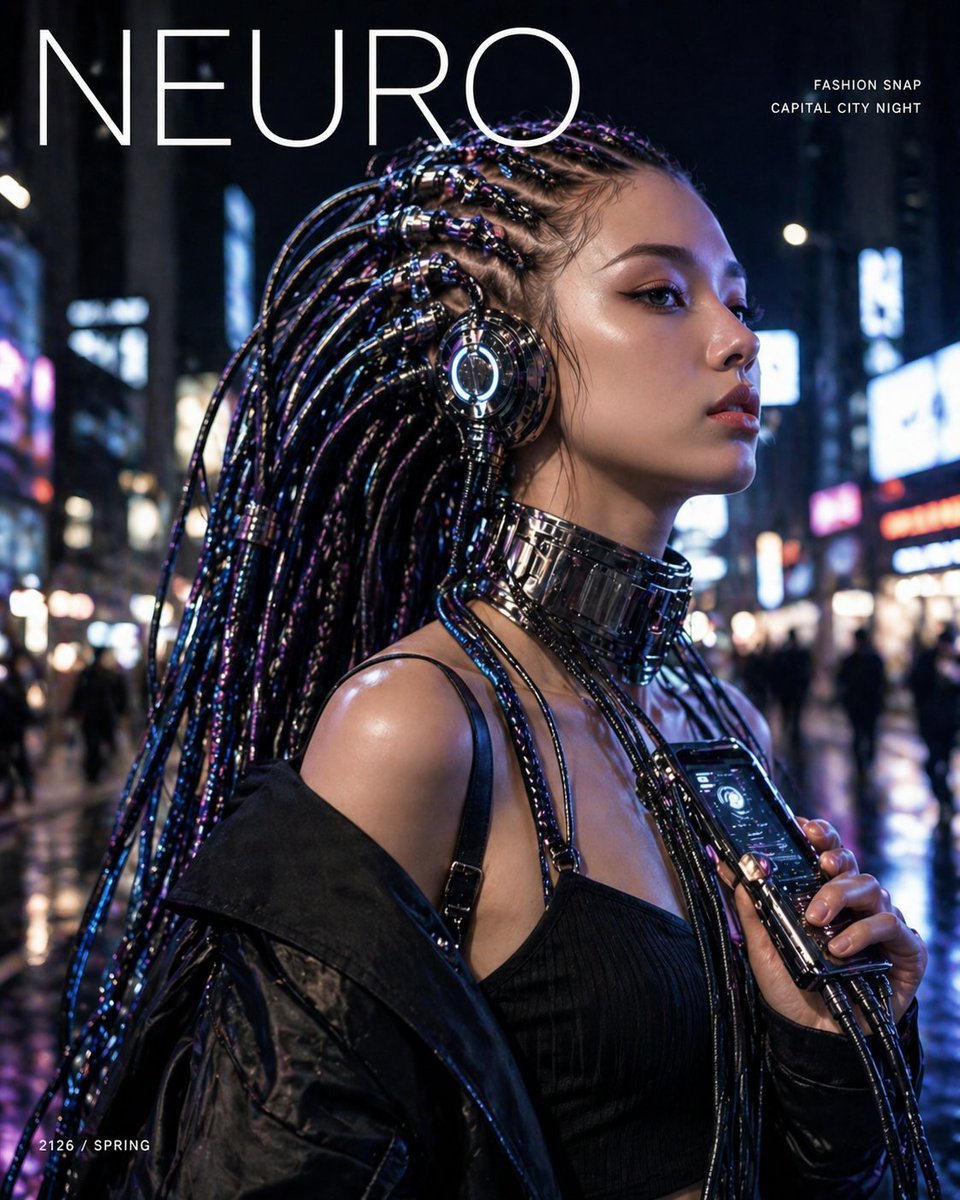
Cyberpunk Fashion Magazine Cover
Generates a realistic neon cyberpunk street-fashion magazine cover with a tech-braided model and customizable cover text.
- Prompt included
- Model and format preset
- Free template
The prompt behind this image
Copy the exact prompt behind Cyberpunk Fashion Magazine Cover, or open it in the studio and make it yours.
Create a high-fashion cyberpunk magazine cover featuring a close-up street-style portrait of a young woman at night in a neon-lit capital city. She has long, thick cybernetic braids made of glossy black fiber-optic cables with blue, violet, and magenta highlights, metallic connector rings, and a circular tech ornament near one ear. Her face is intentionally covered by a square pixelated privacy block in muted brown-purple tones. She wears a black ribbed strappy top, a loose off-shoulder black leather jacket, and a wide futuristic chrome neck collar with panel details. In one hand she holds a small transparent cyberdeck or smartphone-like device with glowing blue interface graphics and attached cables running down into her outfit. The setting is a rainy urban night street with wet reflective pavement, blurred pedestrians, tall buildings, and colorful out-of-focus billboards and signs, photographed with shallow depth of field, cinematic bokeh, glossy reflections, and realistic editorial lighting. Design it as a fashion magazine cover with exactly 3 text elements: a huge thin white masthead at the top left reading {argument name="magazine title" default="NEURO"}, a small two-line caption at the top right reading {argument name="cover caption" default="FASHION SNAP\nCAPITAL CITY NIGHT"}, and a tiny issue/date mark at the bottom left reading {argument name="issue text" default="2126 / SPRING"}. Use a vertical cover composition, premium cyber-fashion aesthetic, photorealistic detail, cool blue-purple neon palette, and crisp typography.
How to use Cyberpunk Fashion Magazine Cover in 3 steps
- 1Upload ImagePNG, JPG or paste
Add your photo
Upload the photo the template builds on. The prompt, model and format are already set.
- 2…a portrait of your subject in softgolden-hour light, 85mm…
Personalize
Edit the subject and creative details for your destination.
- 3Generate
Generate
Press Generate — your image is created in PicX Studio, so you can compare it with the original and refine one variable at a time.
More like this
Templates with the same subject, style or setup. Open one to see its prompt.

High-Fashion Editorial Magazine Cover ICON

Korean Model Floating Magazine Pages Campaign

Futuristic Studio Neon Ring Minimalist Portrait

Neon Night Crosswalk Candid Portrait
Neon Night Crosswalk Candid Portrait

Off Duty Fashion Magazine Cover

High-Fashion Magazine Cover Portrait

Blue Hour Editorial Fashion Portrait
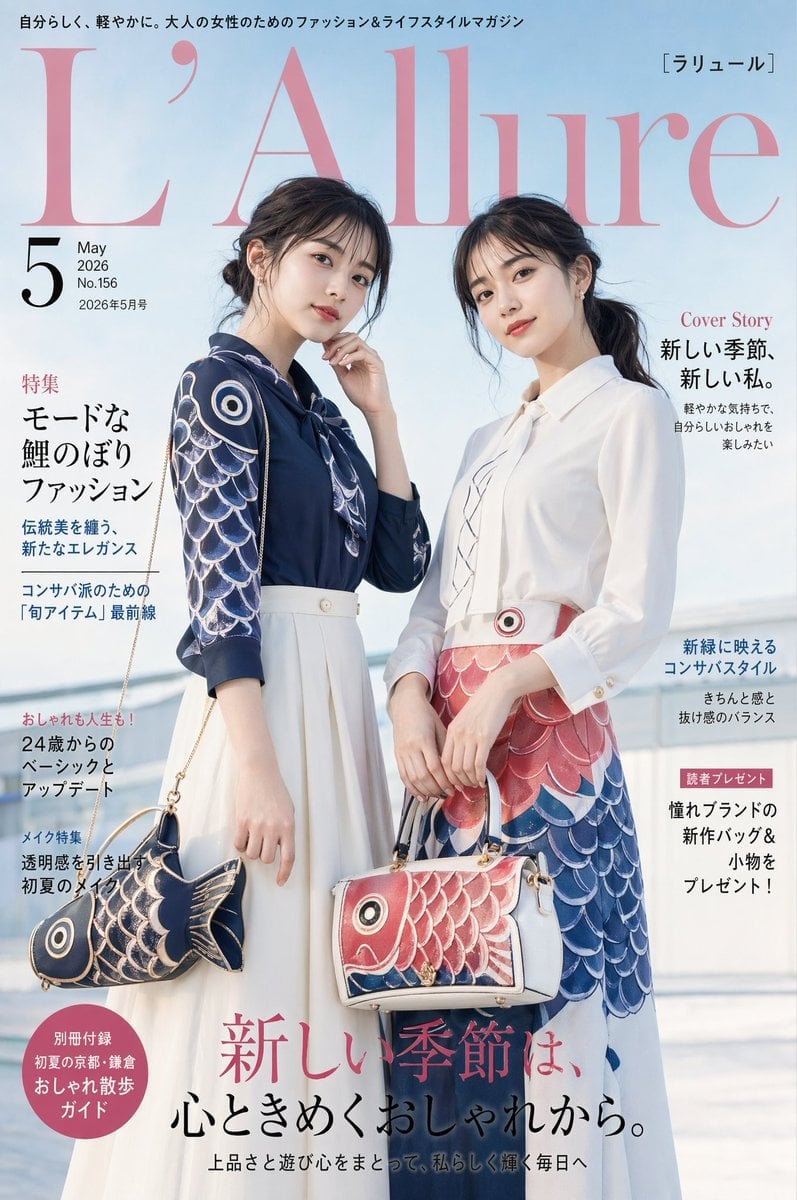
Japanese Koinobori Fashion Magazine Cover
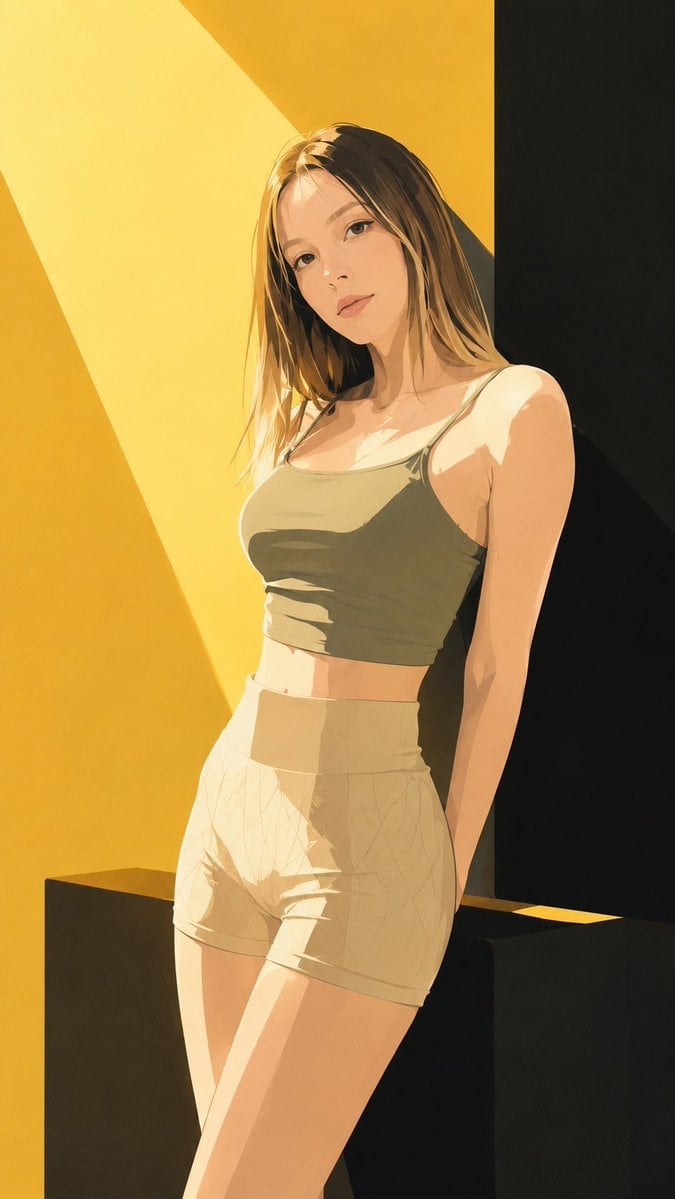
Japanese Fashion Magazine Anime Cover

80s College Gate

1988 Mall Style
Make it yours
Cyberpunk Fashion Magazine Cover works as-is. These are the safest ways to change it without losing the look.
Change one field
Copy a single group, rewrite it, and generate again so you can see what that field is doing.
Keep the frame, change the subject
Hold the composition and light of Cyberpunk Fashion Magazine Cover, then swap wardrobe, props or the person for a new take.
| If the result… | Why | Fix |
|---|---|---|
| The result drifts from the preview | Too many fields changed at once. | Reuse Cyberpunk Fashion Magazine Cover as-is first, then change one group — subject, light, or setting. |
| The model over-stylizes the scene | The prose prompt leaves finish and camera underspecified. | Add one camera or lighting sentence and stay on GPT Image 2. |
More GPT Image 2 templates
Other prompts made for GPT Image 2.

Six VTuber Japanese Logo Sheet

Realistic Portrait of Woman and Deer

The Vista Modular Condo Poster

AI Model Routing Comparison Infographic

2.5D Anime Art Board

Isometric Productivity Desk Scene

New York Double Exposure Poster

Four-Panel AI Landscape Comparison

NESCAFÉ Coffee Map Poster

Brutalist Cogito Chinese Typography Poster
More image prompts
Fresh picks from across the catalog.
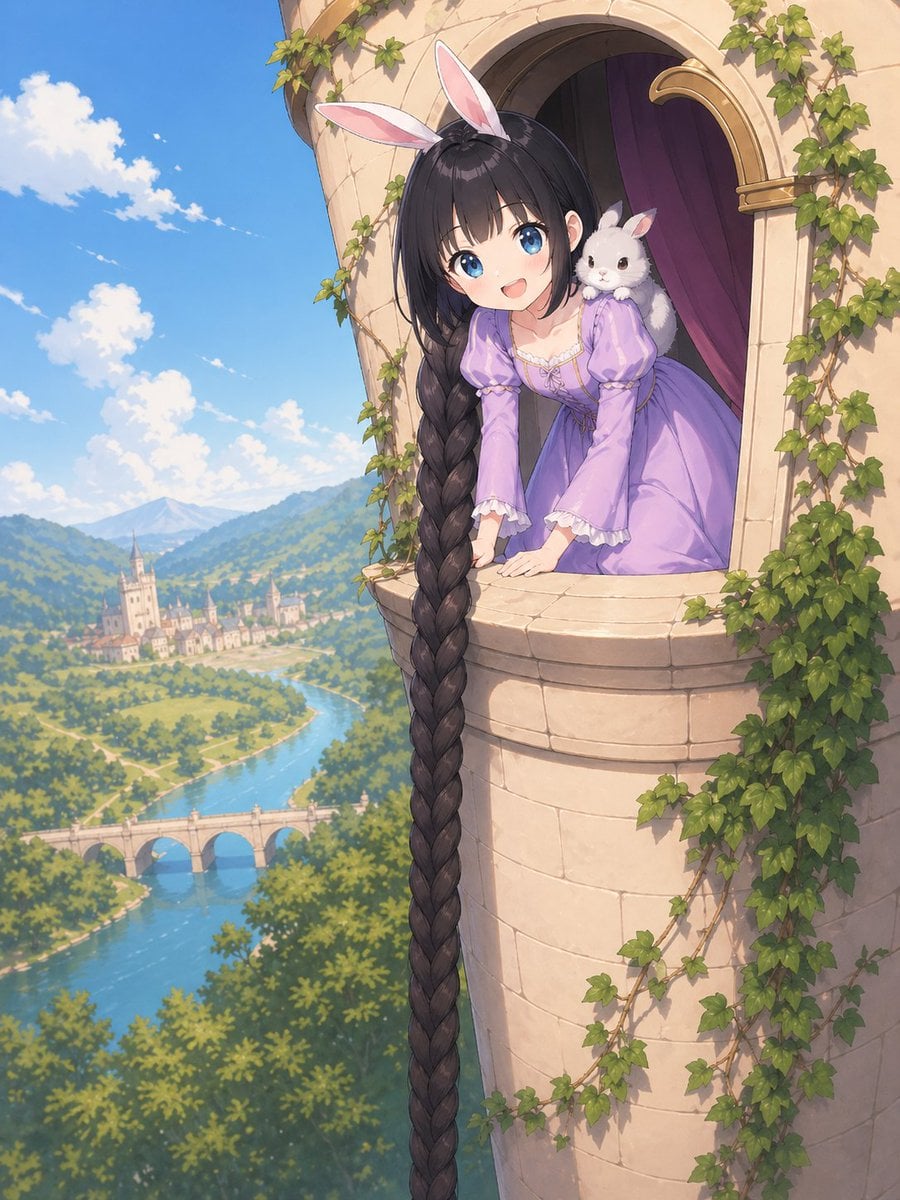
Anime Rapunzel Tower Scene
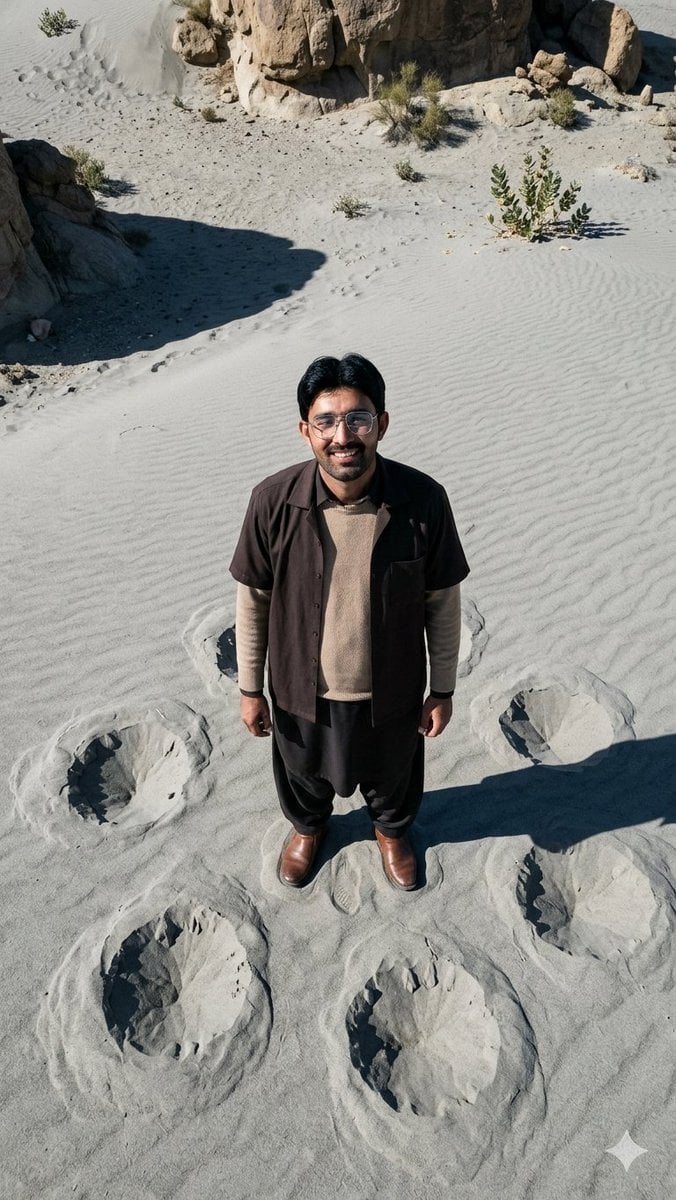
Top-Down Desert Footprint Portrait

Four-Panel Manga Generation: AI Black Ship Arrival
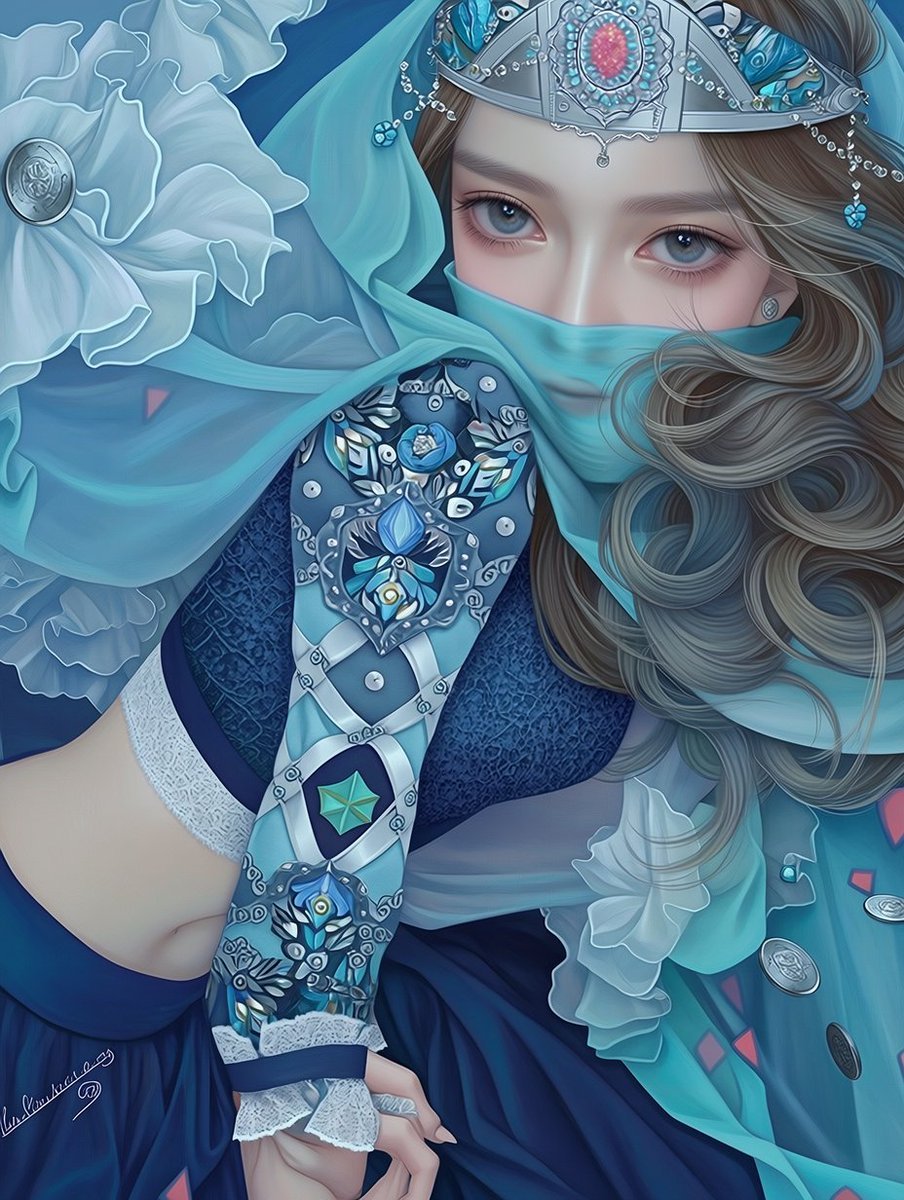
Ornate Blue Belly Dancer Illustration
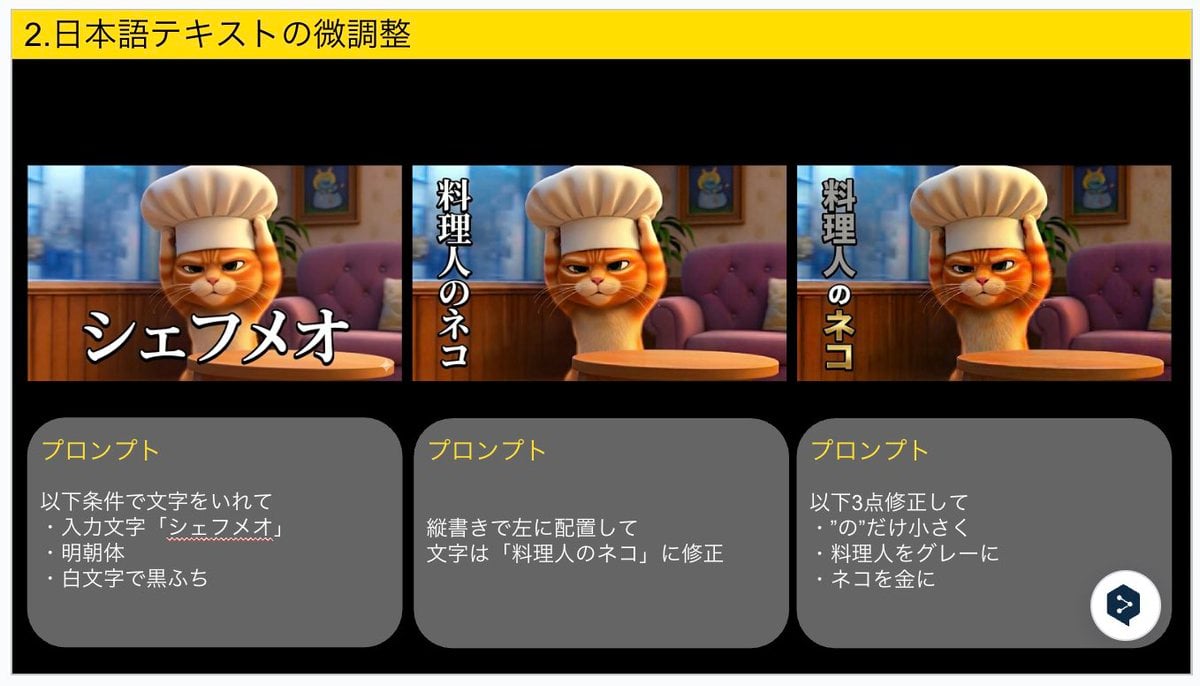
Advanced Japanese Text Adjustment for Nano Banana Pro
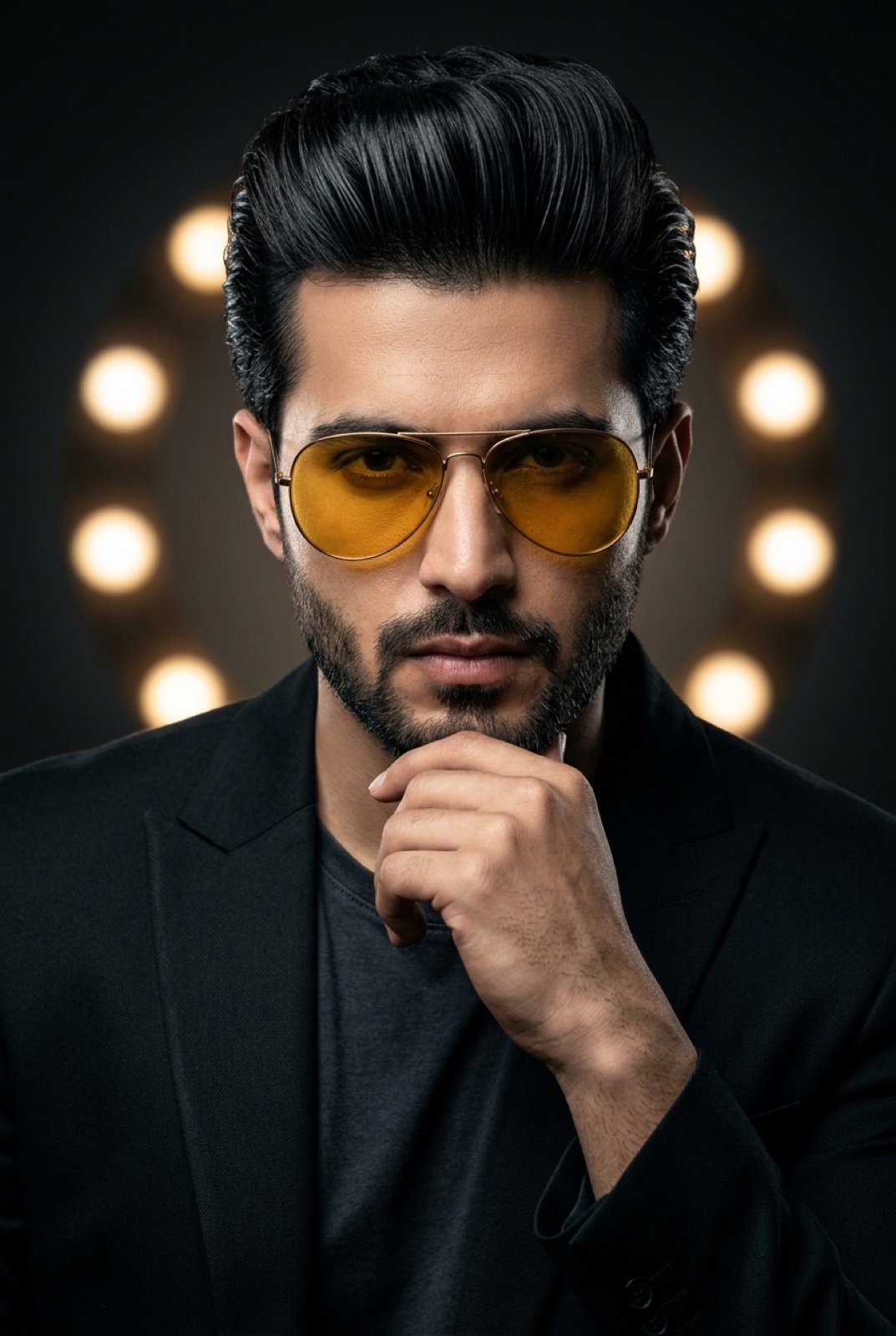
High-Contrast Cinematic Portrait of a Stylish Man
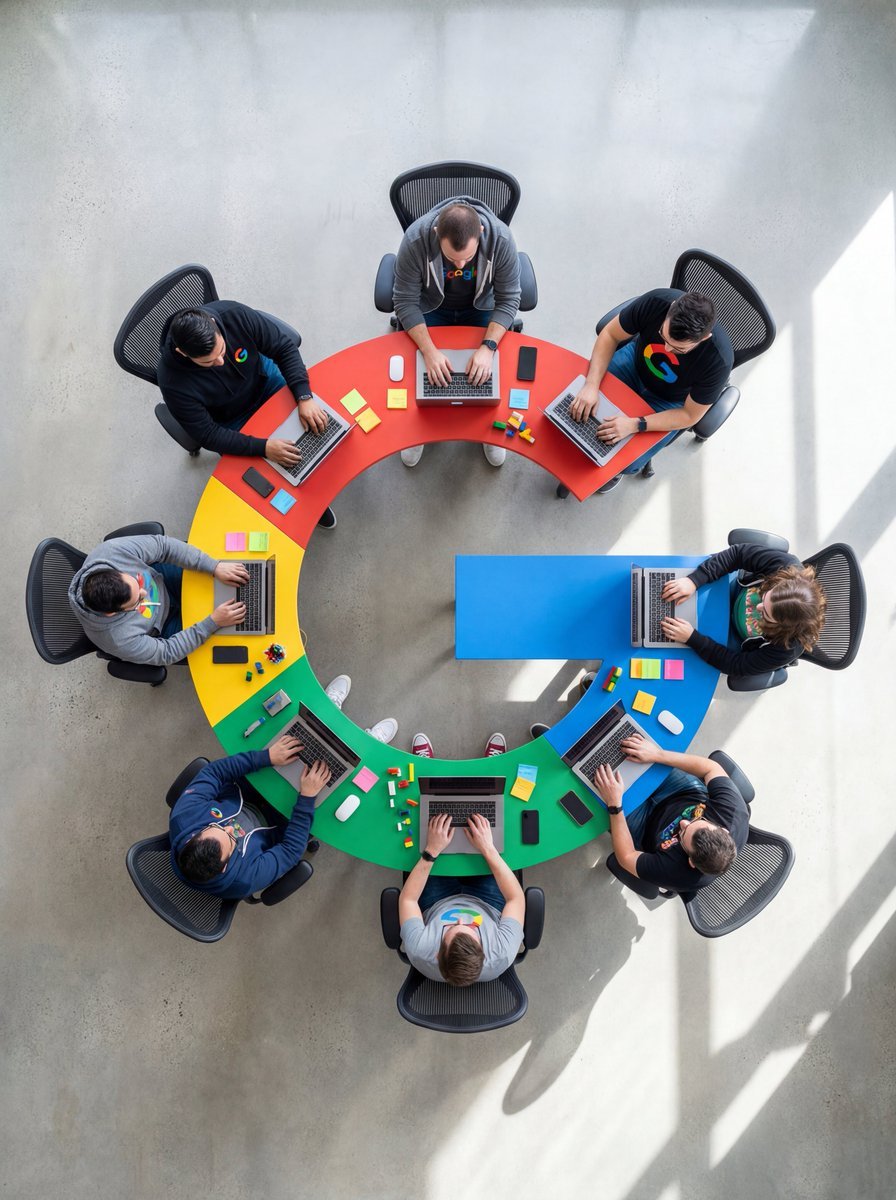
Top-Down Flat Lay of Custom-Shaped Conference Table (Duplicate)
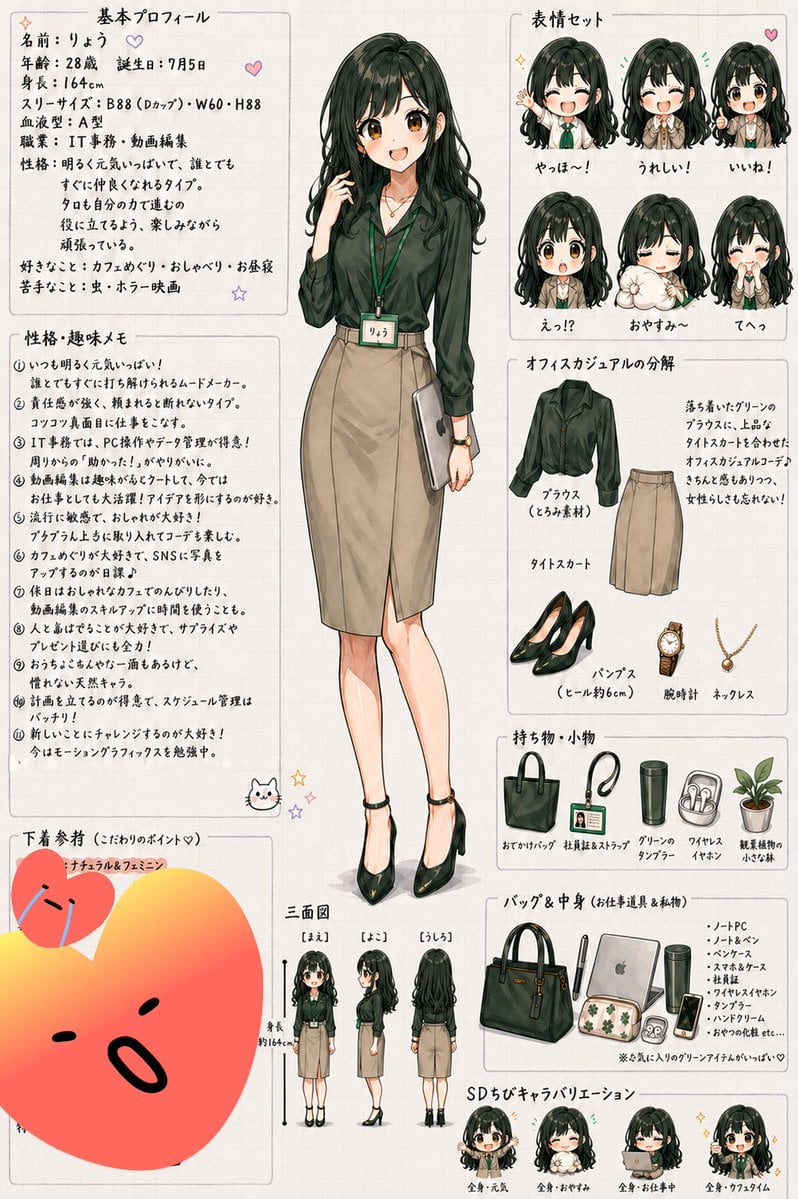
Japanese Office Lady Character Sheet
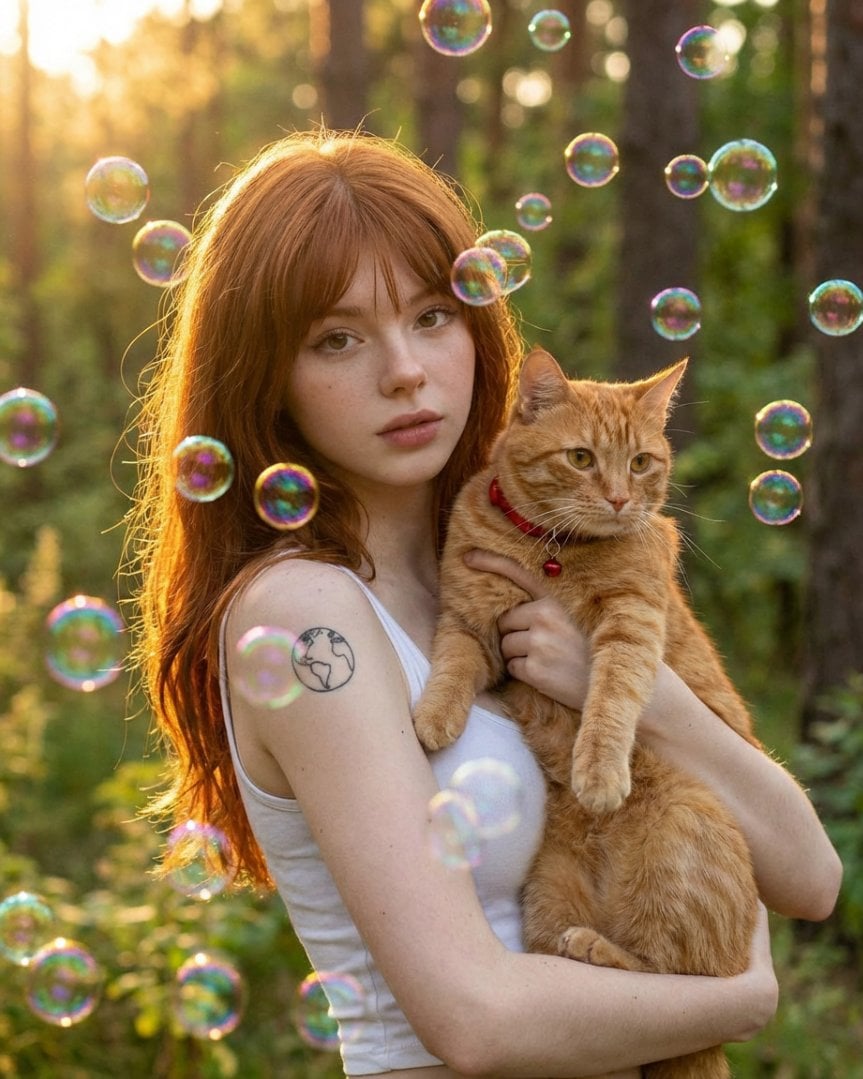
Dreamy Golden Hour Portrait with Cat and Soap Bubbles
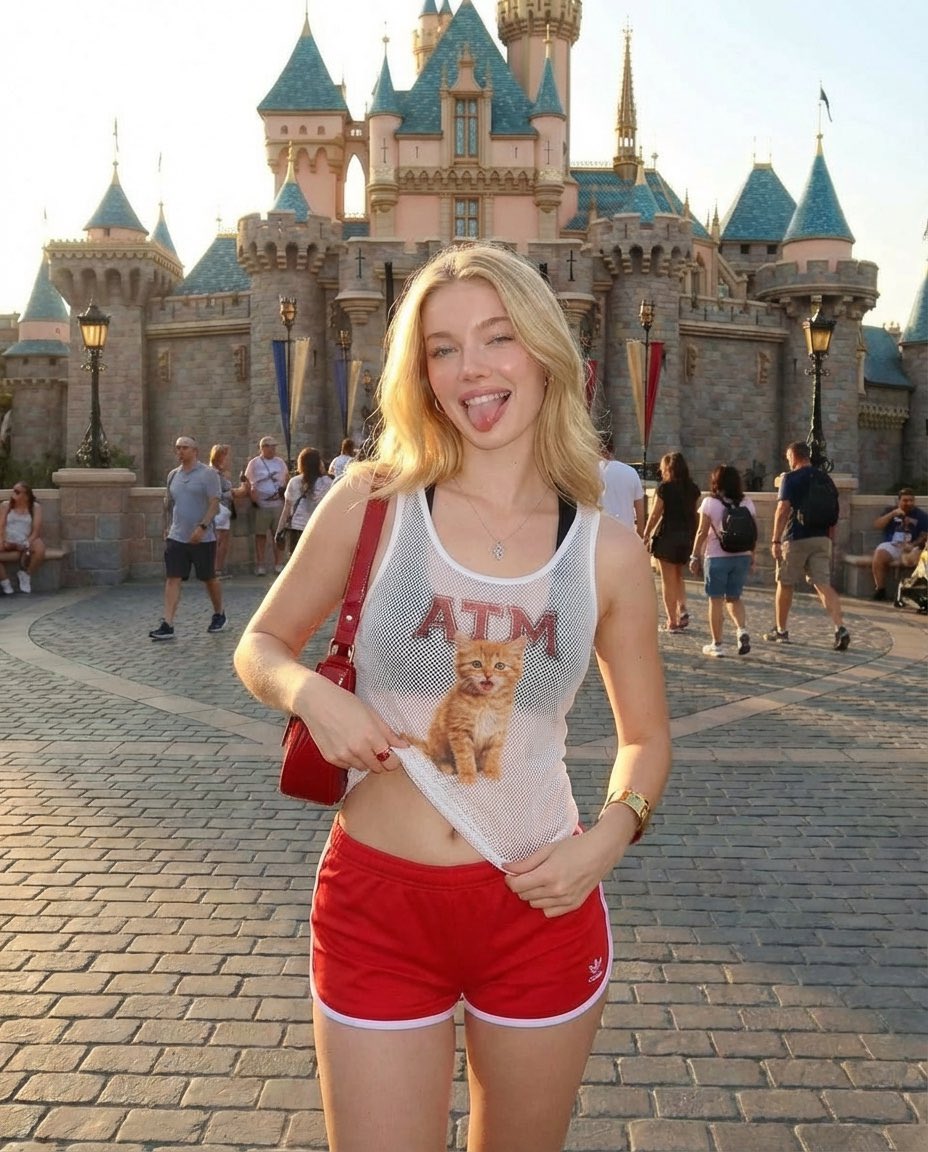
Realistic Photography of a Woman at a Fairytale Castle
Browse template categories
Cyberpunk Fashion Magazine Cover questions
How do I use the Cyberpunk Fashion Magazine Cover template?
Add your photo if the template asks for one, edit the prompt if you like — the template's model and format are already selected — and press Generate. Your version opens in PicX Studio.
Can I customize the Cyberpunk Fashion Magazine Cover template?
Yes. You can change the subject, setting, lighting, mood, format, and available model controls before creating your image.
Is the Cyberpunk Fashion Magazine Cover template free?
Opening and editing this template is free. Generating uses credits, shown on the Generate button when you are signed in.
Which AI model should I use?
Start with GPT Image 2, which is the model associated with this template. You can compare another compatible model for a different finish.
Looking for something else? Browse all templates.

Your photo, any look
Thousands of ready templates for every top image and video model, from one credit balance.