
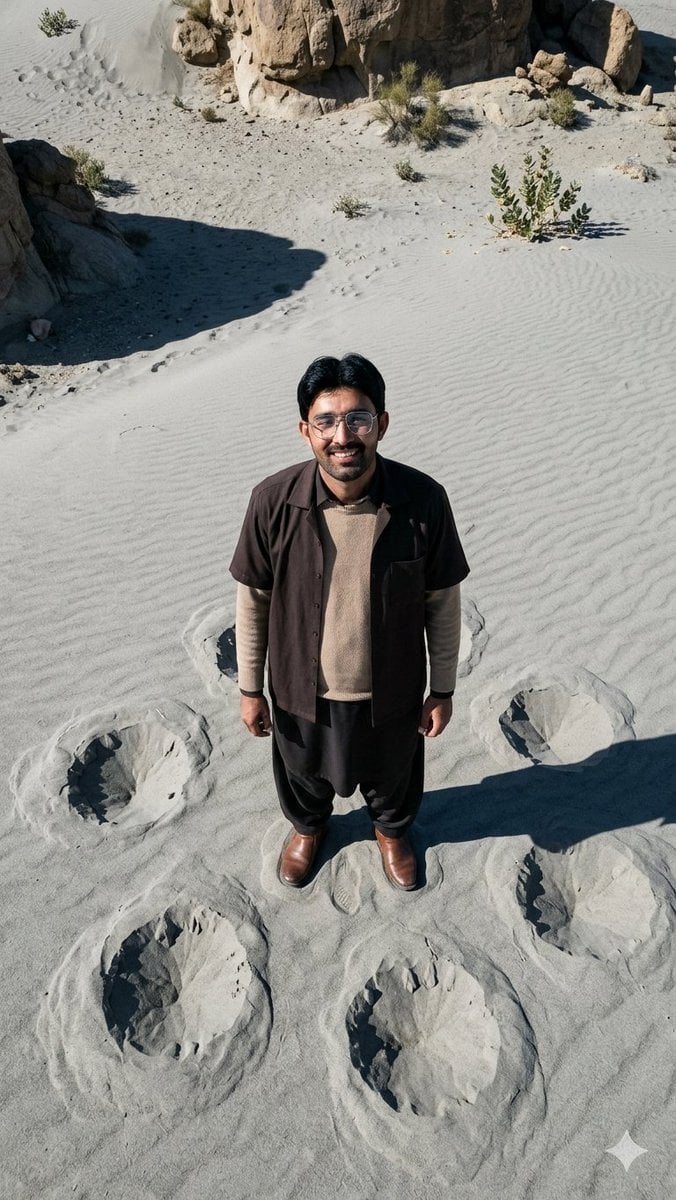
Top-Down Desert Footprint Portrait
A hyper-realistic vertical editorial portrait of a lone man viewed from above on ash-gray rippled desert sand surrounded by giant circular footprints.
- Prompt included
- Model and format preset
- Free template
The prompt behind this image
Copy the exact prompt behind Top-Down Desert Footprint Portrait, or open it in the studio and make it yours.
Create a hyper-realistic 35mm editorial portrait of {argument name="subject" default="an adult man with short black hair"} standing alone on a vast desert-like surface of smooth ash-gray sand, photographed from an extreme top-down angle as if the camera is high above him looking straight down. The subject is centered, looking up toward the camera, with natural skin and realistic facial features, wearing {argument name="outfit" default="a dark short-sleeve open overshirt over a beige knit sweater, loose black trousers, and polished brown leather boots"}. The sand has fine wind-ripple texture across the whole frame and is surrounded by rugged tan rock formations, sparse desert shrubs, scattered pebbles, and harsh midday sunlight casting strong shadows. Place exactly seven large circular footprint-like craters in the sand around the subject: one large crater at lower left, one large crater at lower center, one large crater at lower right, one crater to the subject’s left, one crater to the subject’s right, and two fainter partial craters behind him near shoulder level; also include one winding trail of tiny footprints in the upper-left background. Use {argument name="sand color" default="pale ash-gray"} tones, crisp natural shadows, high dynamic range, documentary realism, vertical smartphone composition, no text, no watermark, no surreal creatures, no extra people.
How to use Top-Down Desert Footprint Portrait in 3 steps
- 1Upload ImagePNG, JPG or paste
Add your photo
Upload the photo the template builds on. The prompt, model and format are already set.
- 2…a portrait of your subject in softgolden-hour light, 85mm…
Personalize
Edit the subject and creative details for your destination.
- 3Generate
Generate
Press Generate — your image is created in PicX Studio, so you can compare it with the original and refine one variable at a time.
More like this
Templates with the same subject, style or setup. Open one to see its prompt.

Rooftop Fisheye — Cat-Ear Balaclava at Golden Hour

Found Photograph: Us, 1970

80s Couple Studio Portrait

80s Bollywood Star

80s Golden Hour Cinema

Me in 1985

1985 Studio Portrait

Hyper-Realistic Minecraft POV Portrait

Clear, 45 top-down isometric miniature 3D cartoon scene of the iconic

Saudi Arabia Paper Cut Travel Poster
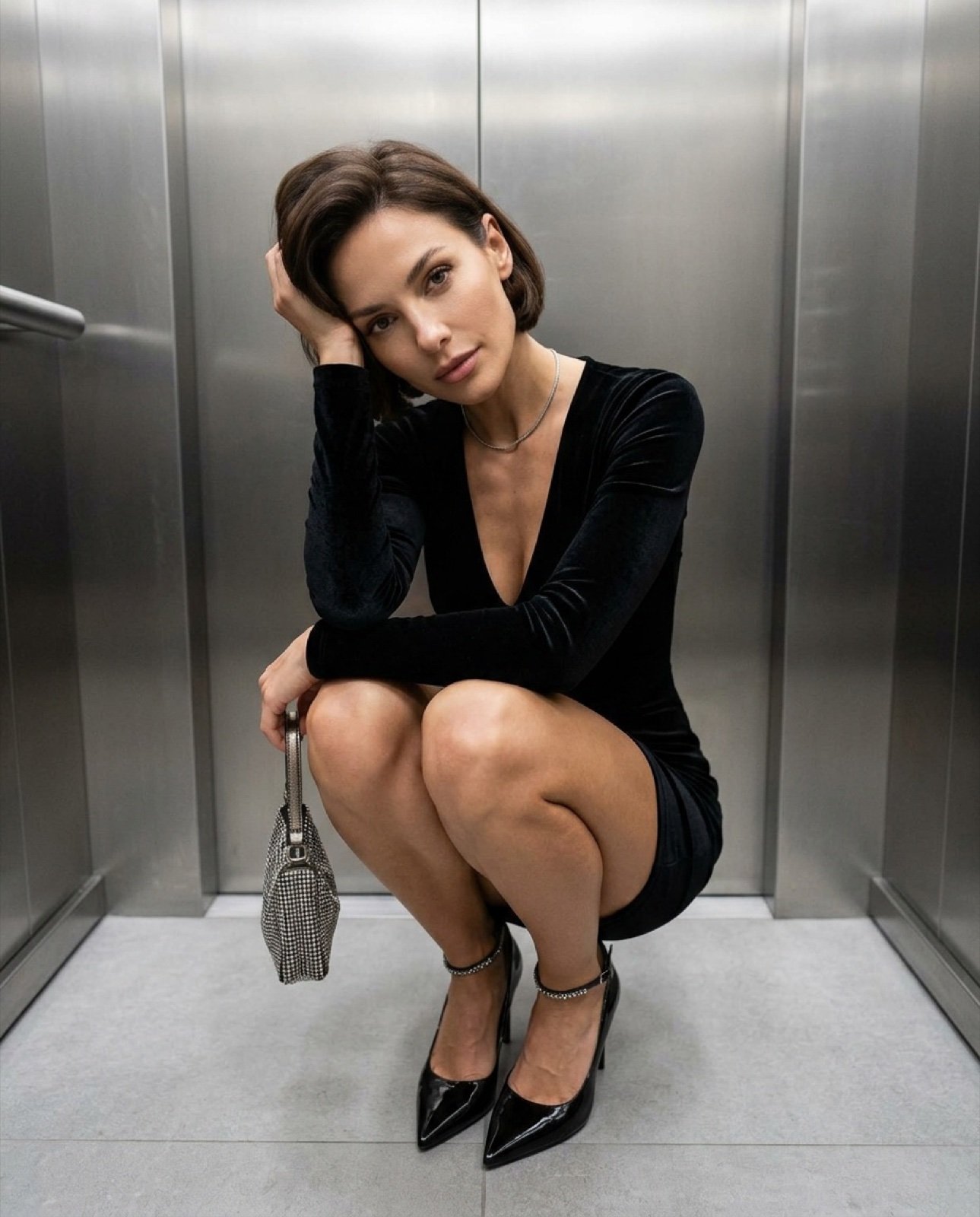
Top-down fashion squat perspective
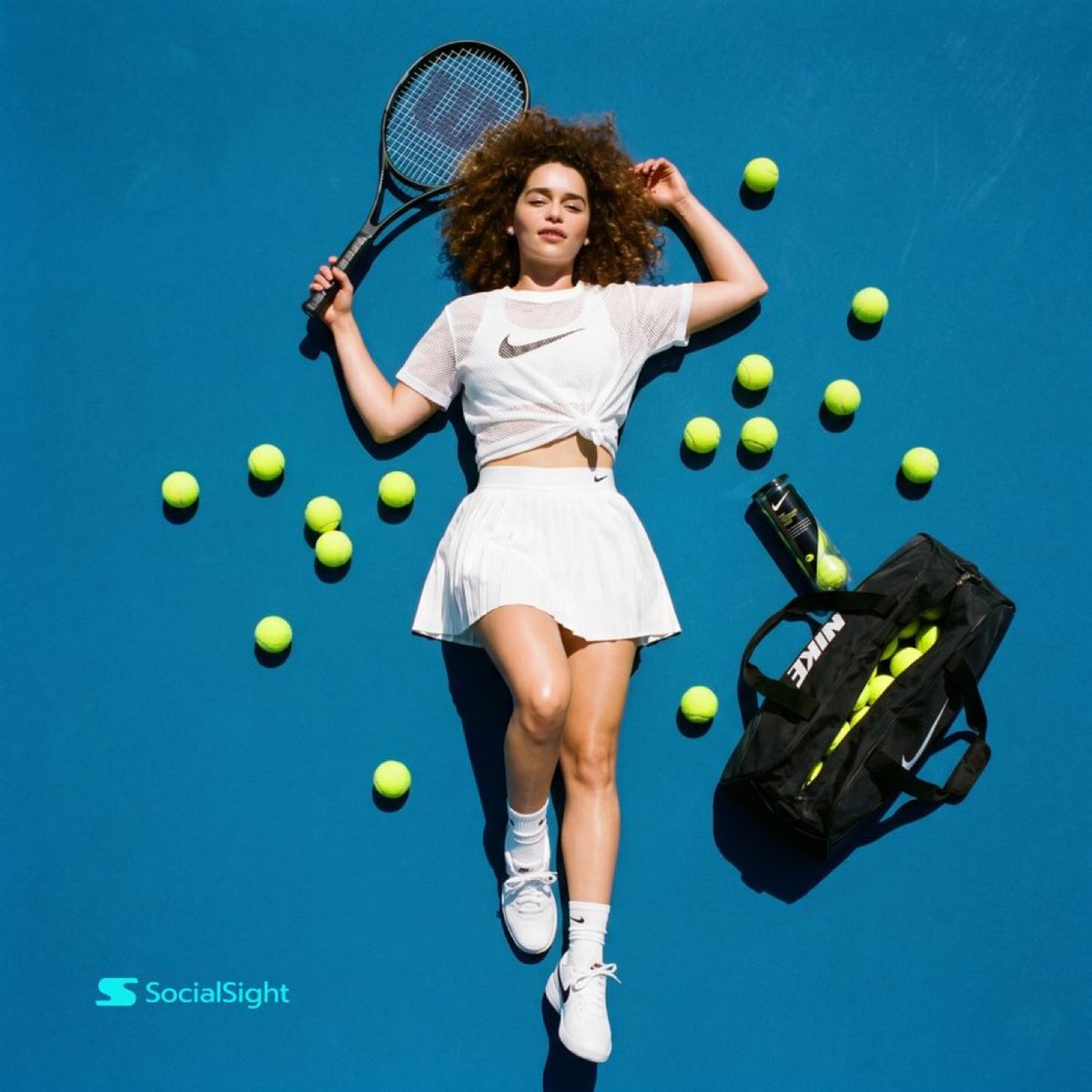
Tennis Court Top-Down Flat Lay
Make it yours
Top-Down Desert Footprint Portrait works as-is. These are the safest ways to change it without losing the look.
Change one field
Copy a single group, rewrite it, and generate again so you can see what that field is doing.
Keep the frame, change the subject
Hold the composition and light of Top-Down Desert Footprint Portrait, then swap wardrobe, props or the person for a new take.
| If the result… | Why | Fix |
|---|---|---|
| The result drifts from the preview | Too many fields changed at once. | Reuse Top-Down Desert Footprint Portrait as-is first, then change one group — subject, light, or setting. |
| The model over-stylizes the scene | The prose prompt leaves finish and camera underspecified. | Add one camera or lighting sentence and stay on GPT Image 2. |
More GPT Image 2 templates
Other prompts made for GPT Image 2.

Six VTuber Japanese Logo Sheet

Realistic Portrait of Woman and Deer

The Vista Modular Condo Poster

AI Model Routing Comparison Infographic

2.5D Anime Art Board

Isometric Productivity Desk Scene

New York Double Exposure Poster

Four-Panel AI Landscape Comparison

Japanese Tatami Lifestyle Magazine Cover

NESCAFÉ Coffee Map Poster
More image prompts
Fresh picks from across the catalog.

Champion Monster Adventure Poster
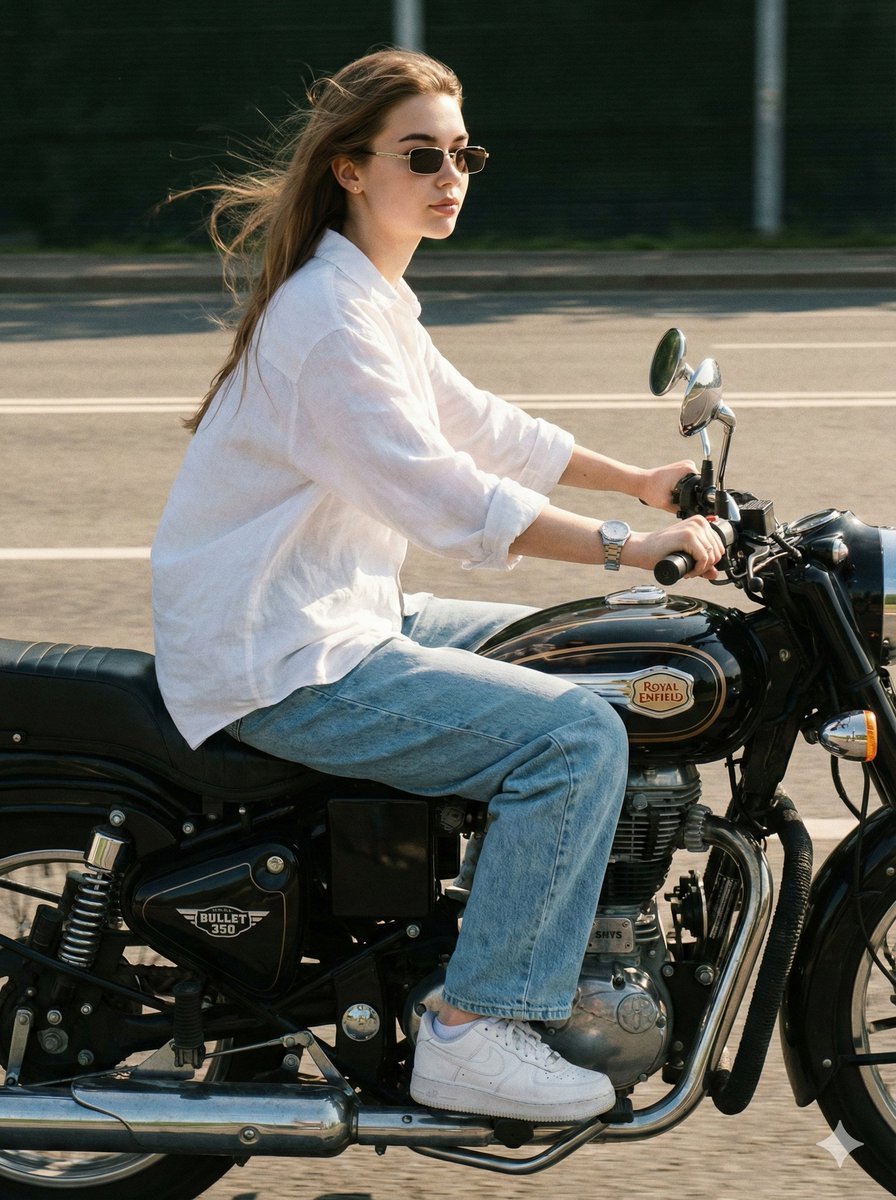
Identity-Locked Motorcycle Ride Photo
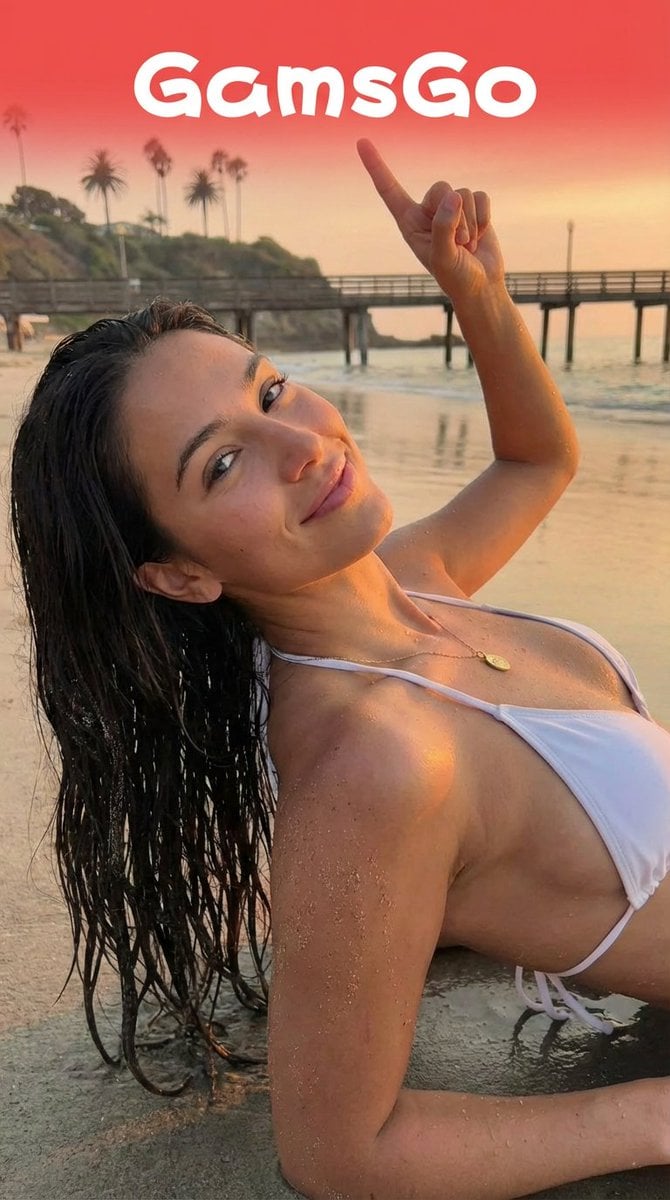
Image Editing Prompt for Logo Integration

Image-to-Beverage Mockup Conversion
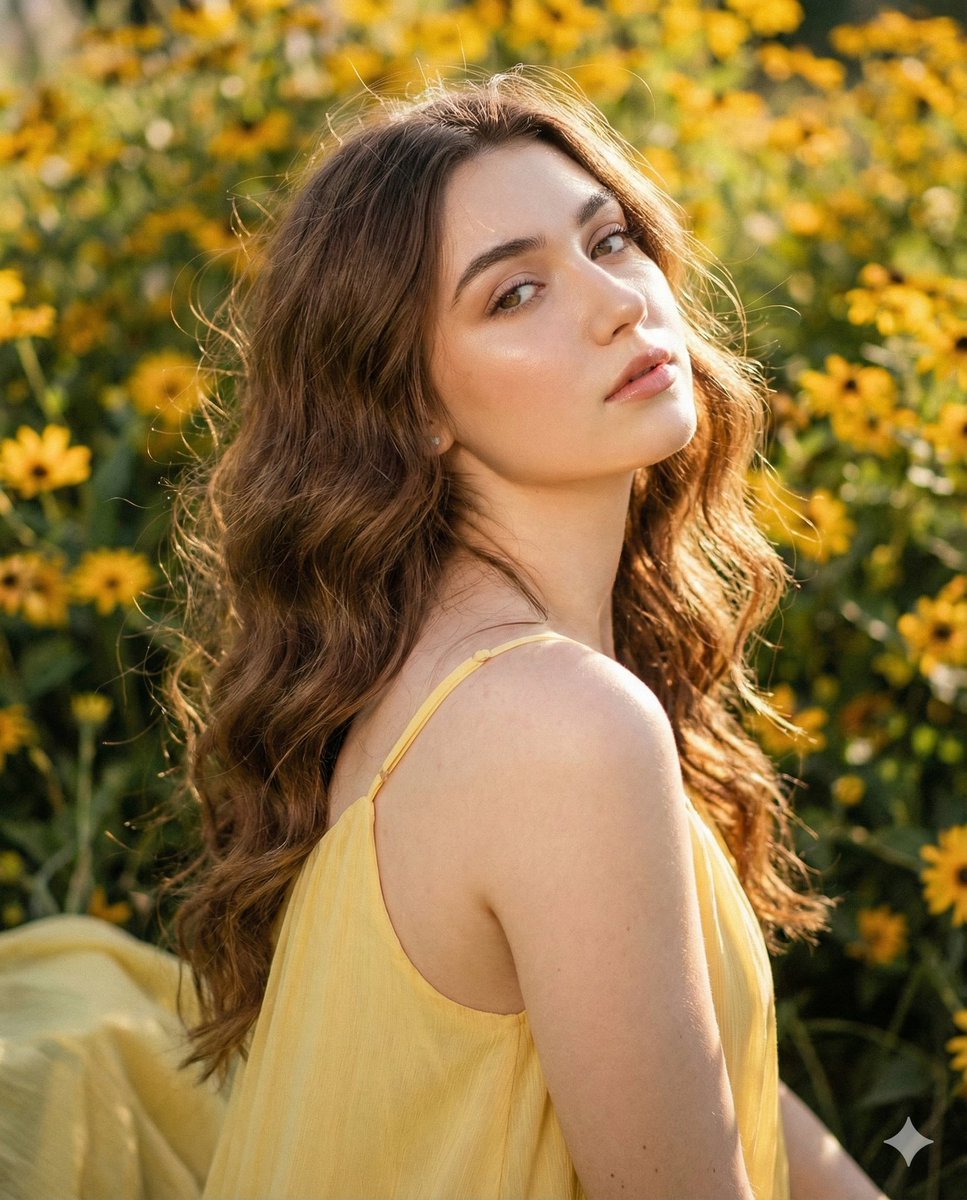
Cinematic Portrait with Harsh Flash and Floral Background
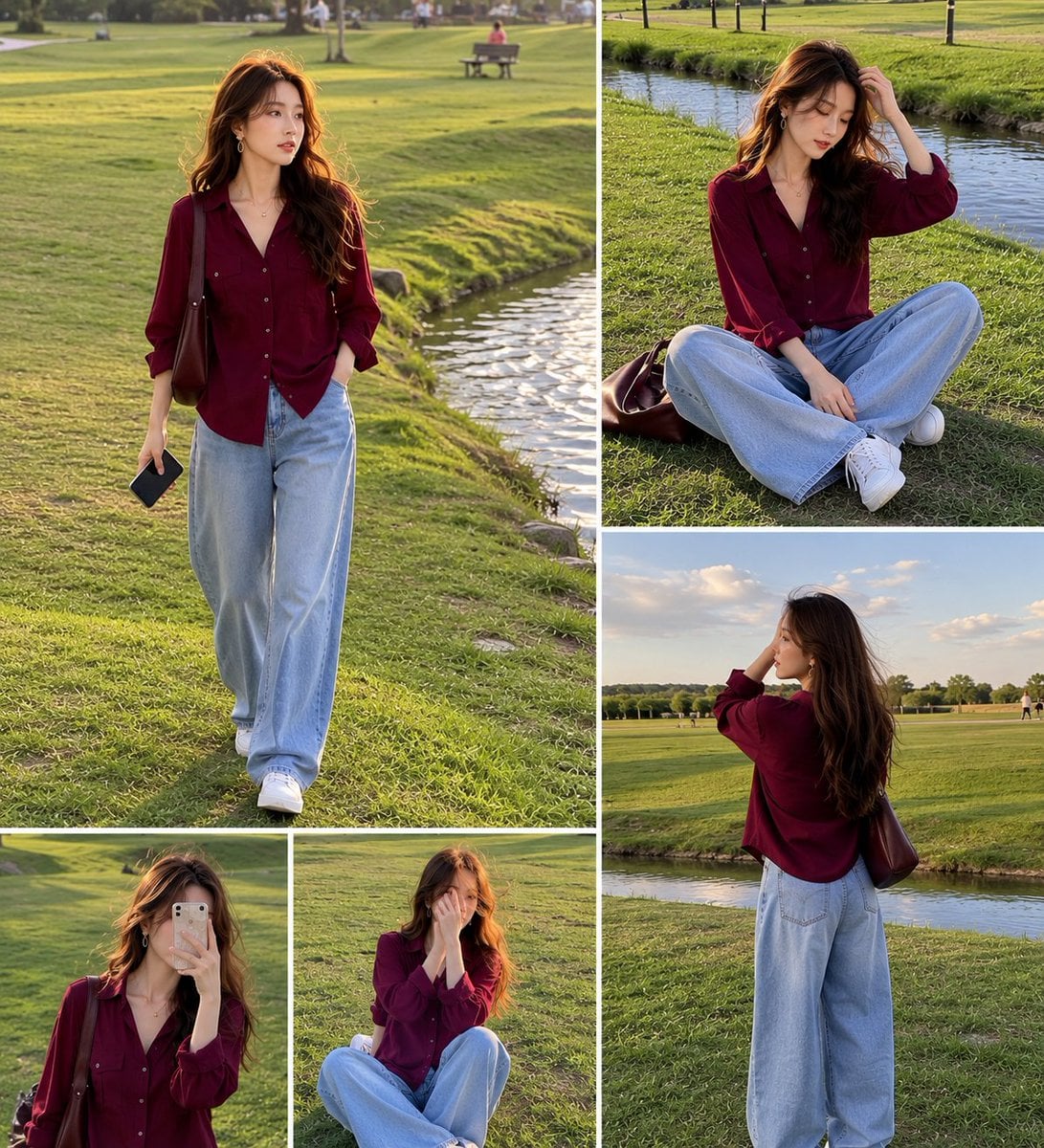
Lifestyle Fashion Collage of a Young Woman
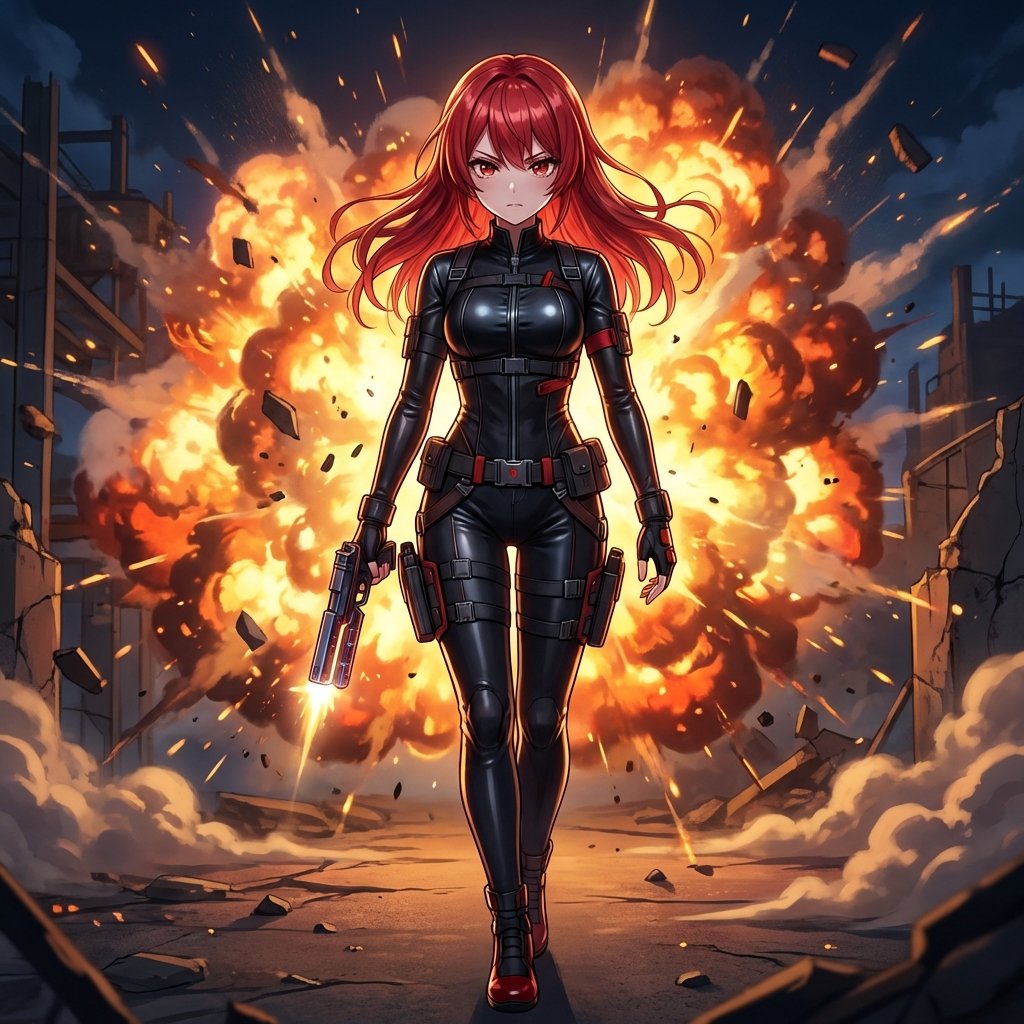
AI Action Movie Poster Prompt

Cyberpunk Anime Energy Awakening
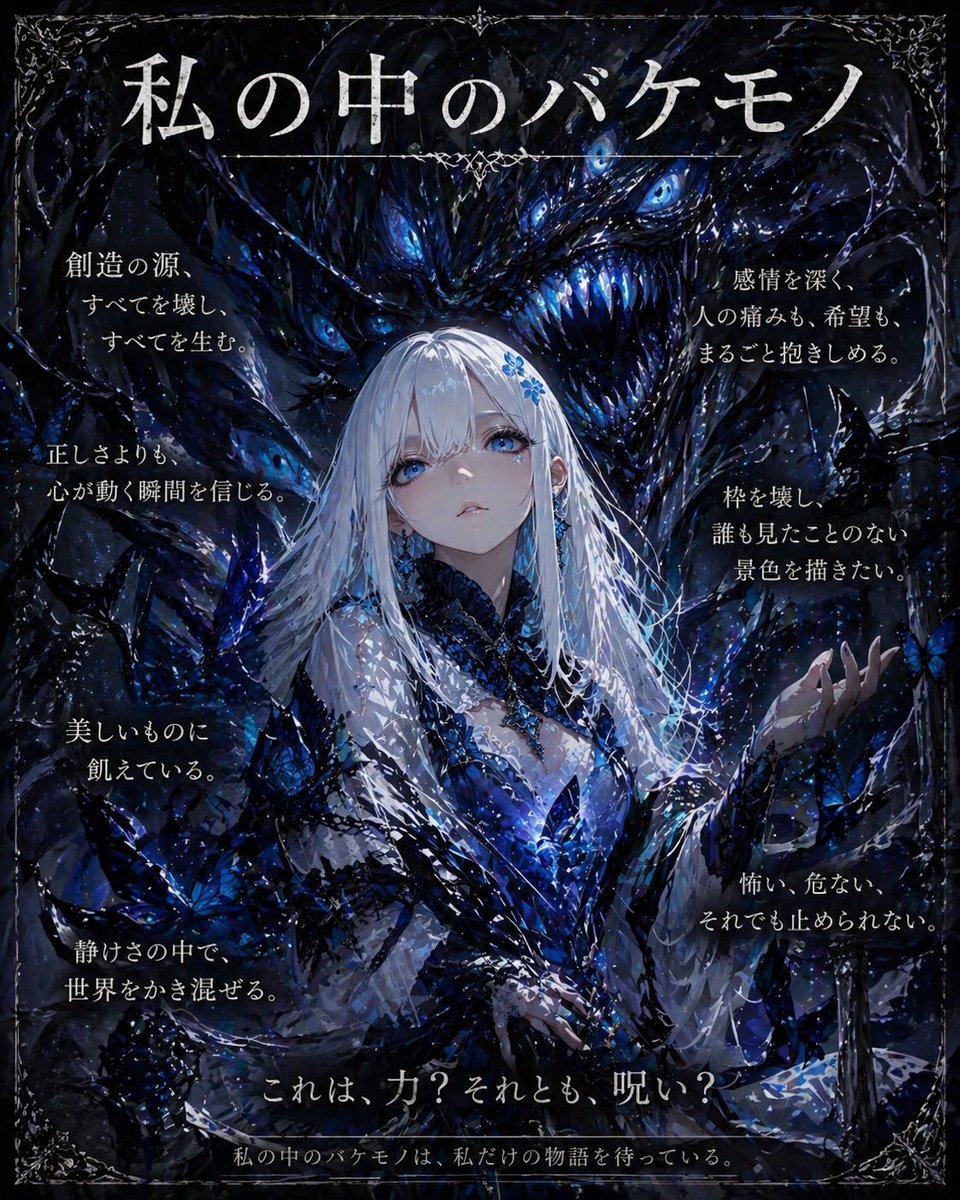
Dark Fantasy Inner Monster Poster
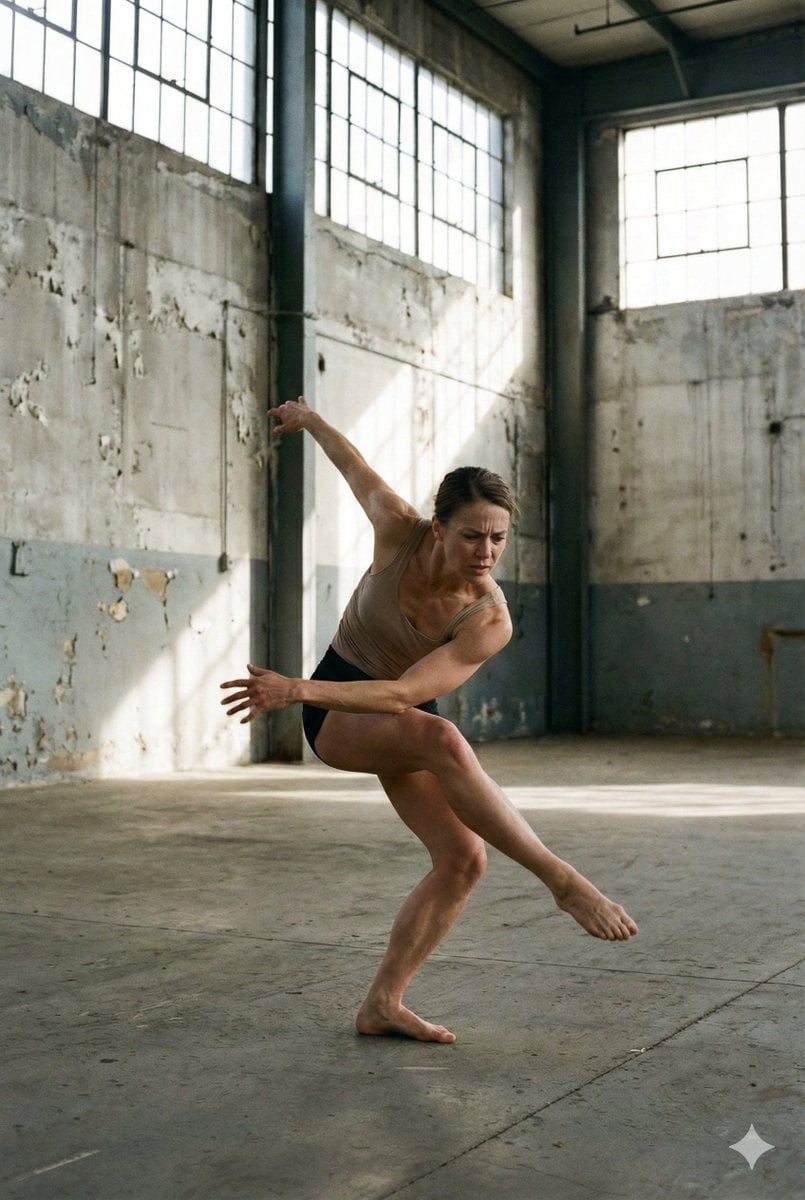
Dancer Frozen Before Losing Balance
Browse template categories
Top-Down Desert Footprint Portrait questions
How do I use the Top-Down Desert Footprint Portrait template?
Add your photo if the template asks for one, edit the prompt if you like — the template's model and format are already selected — and press Generate. Your version opens in PicX Studio.
Can I customize the Top-Down Desert Footprint Portrait template?
Yes. You can change the subject, setting, lighting, mood, format, and available model controls before creating your image.
Is the Top-Down Desert Footprint Portrait template free?
Opening and editing this template is free. Generating uses credits, shown on the Generate button when you are signed in.
Which AI model should I use?
Start with GPT Image 2, which is the model associated with this template. You can compare another compatible model for a different finish.
Looking for something else? Browse all templates.

Your photo, any look
Thousands of ready templates for every top image and video model, from one credit balance.