
Image-to-Beverage Mockup Conversion
This is a structured prompt designed to convert an input image (like an icon or logo) into a photorealistic product advertisement for a bottled drink.
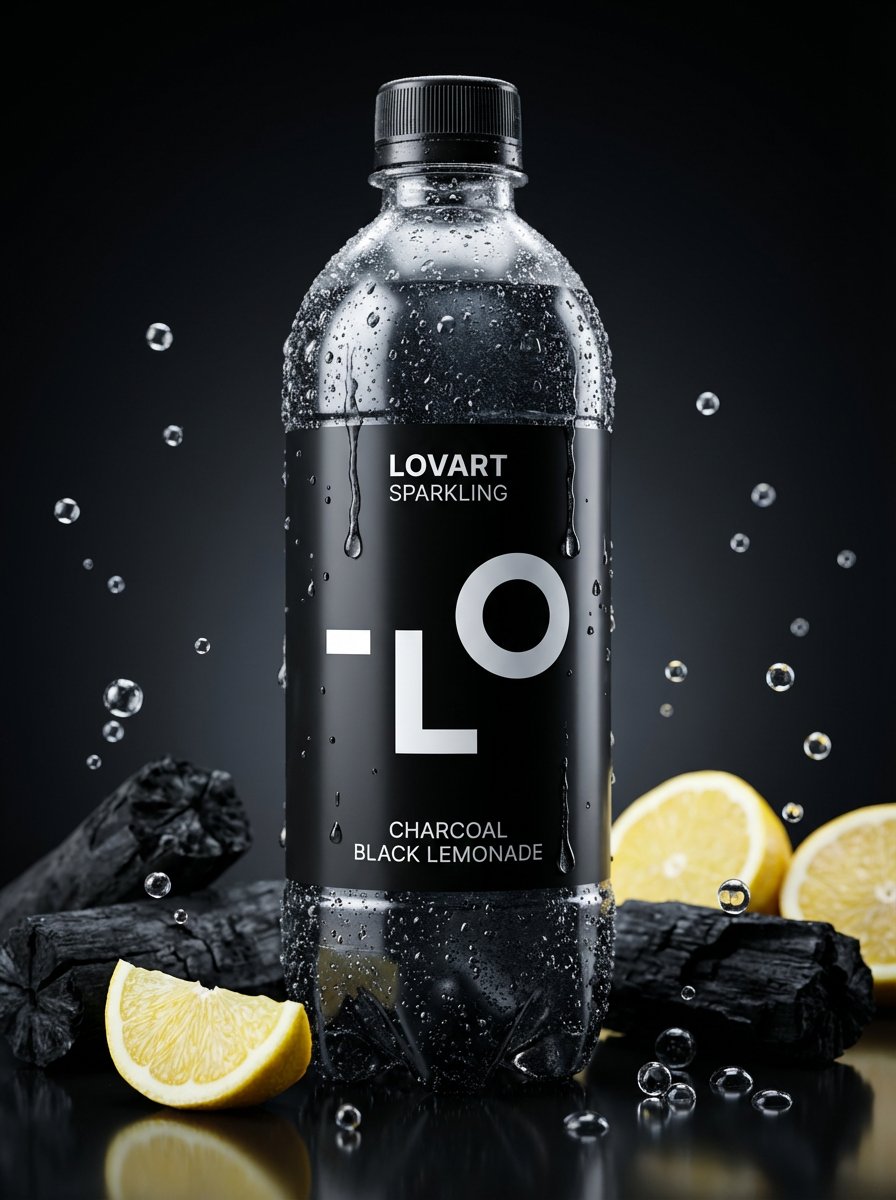
- Prompt included
- Model and format preset
- Free template
The prompt behind this image
Copy the exact prompt behind Image-to-Beverage Mockup Conversion, or open it in the studio and make it yours.
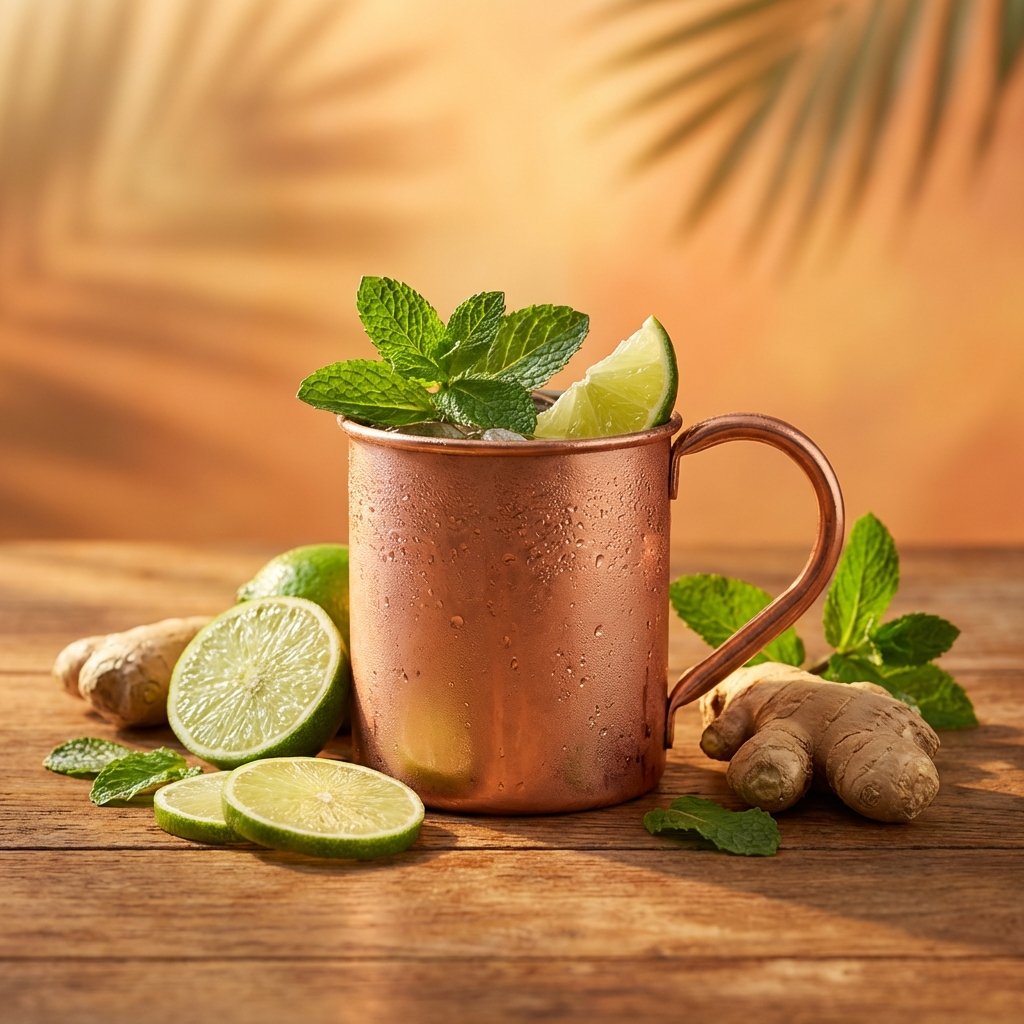
[AI指示: 画像→ペットボトル飲料変換] [入力画像] を分析する。 抽出: [メインモチーフ]、[雰囲気]、[カラーパレット]を読み取る。 ドリンク選択: 画像の色と雰囲気からドリンクを自由に決める({argument name="ドリンクの種類" default="フルーツウォーター、炭酸、お茶、乳酸菌飲料、エナジードリンク、スムージー"}など) ラベルデザイン: モチーフをラベルのイラストやロゴに。色はドリンクの液体色とラベルに反映。 テキスト: 画像内に文字があれば商品名やフレーバー名として活用。 [メインモチーフ] コンビニの飲料コーナーで目を引く新商品のペットボトル。[入力画像]の世界観がそのまま飲み物になったようなデザイン。[検出されたモチーフ]がラベルを飾り、液体の色もテーマカラー。ボトルの形状も自由(スリム、丸型、缶タイプなど)。 [雰囲気] プロのスタジオで撮影された商品広告写真。ボトルに水滴がついて冷えている質感。背景にフルーツや素材が散らばっていてもいい。8k、f/1.8の浅い被写界深度、商品撮影のライティング。フォトリアリスティック。
How to use Image-to-Beverage Mockup Conversion in 3 steps
- 1
Open
The prompt is already in the box next to the preview, with the template's model and format selected.
- 2…a portrait of your subject in softgolden-hour light, 85mm…
Personalize
Edit the subject and creative details for your destination.
- 3Generate
Generate
Press Generate — your image is created in PicX Studio, so you can compare it with the original and refine one variable at a time.
More like this
Templates with the same subject, style or setup. Open one to see its prompt.
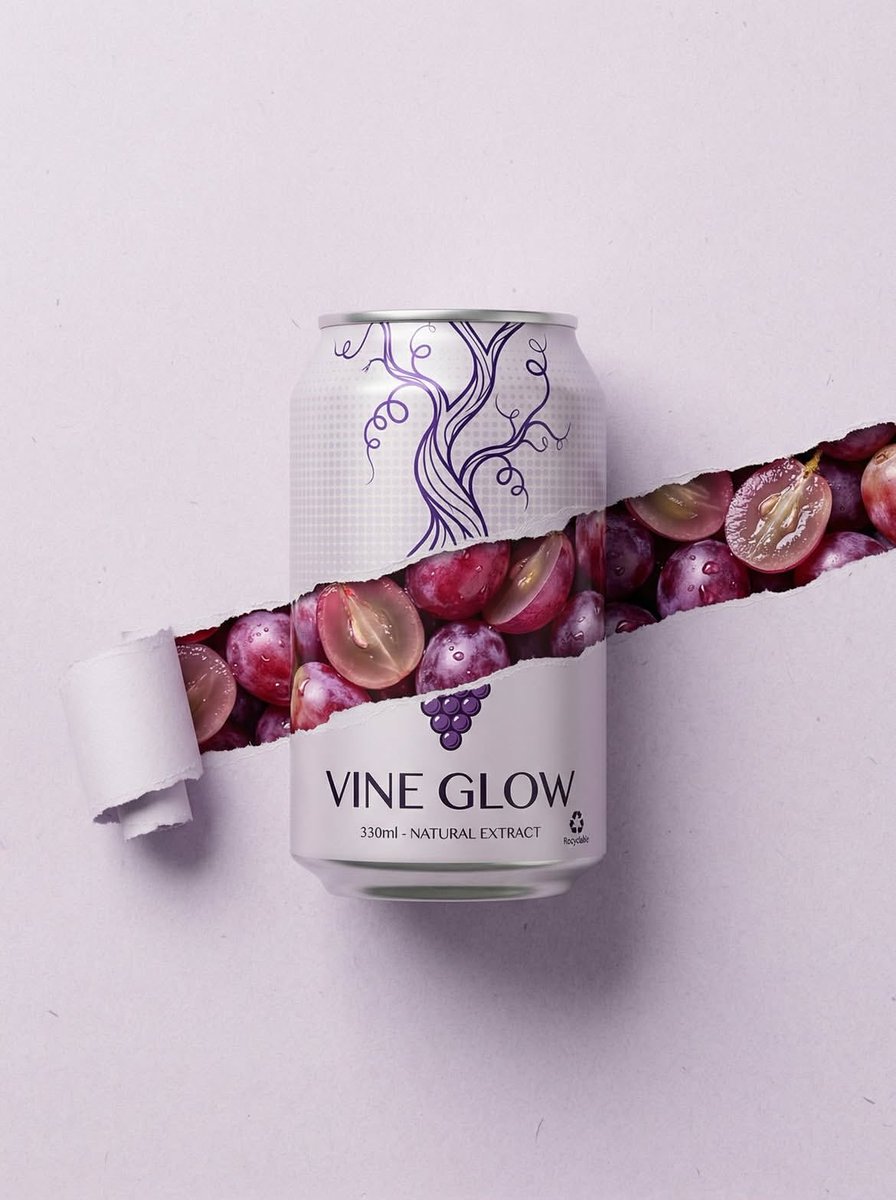
Ripped Paper Effect Beverage Can Mockups

Product Shot - T-Shirt Mockup
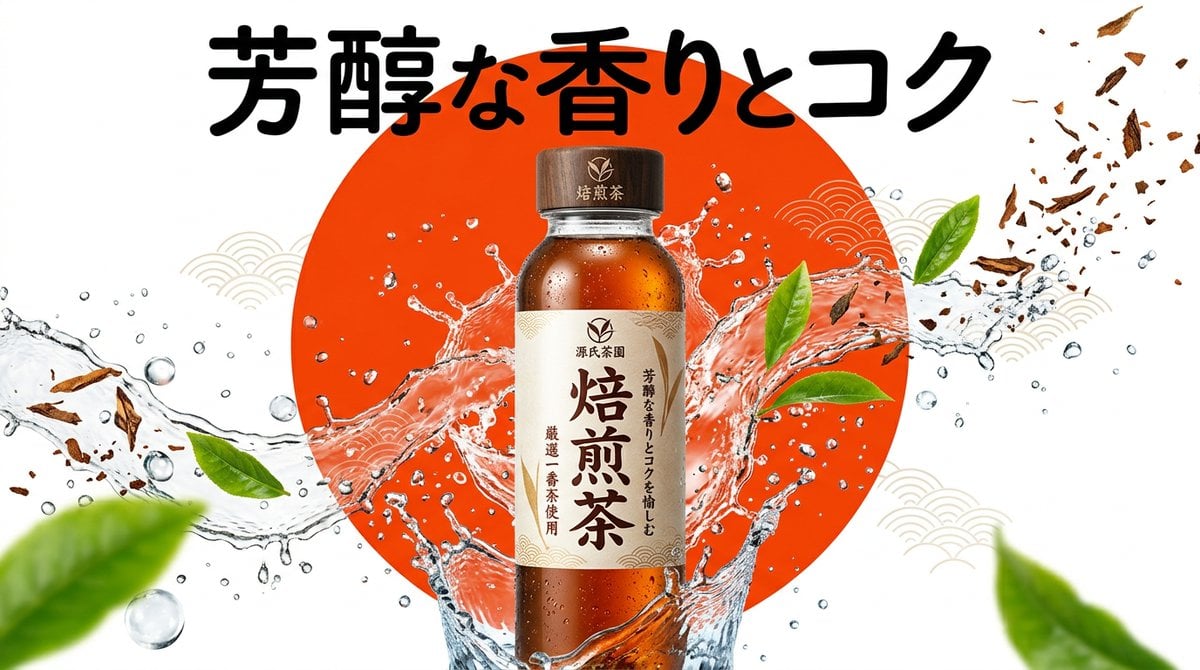
Beverage Campaign Key Visual

Cinematic Anime Shinobi Poster Mockup
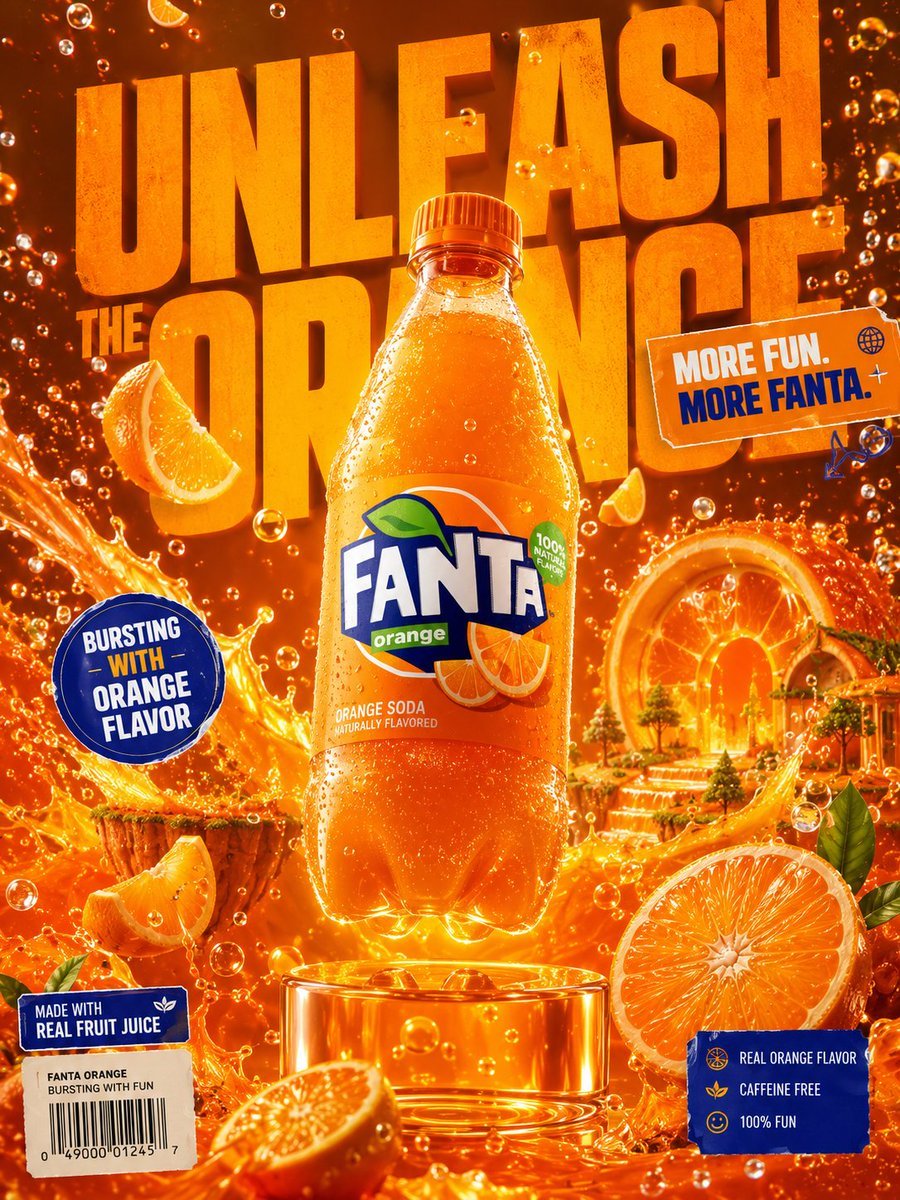
Premium Beverage Advertising Poster

Lumen iOS Wellness App Mockup
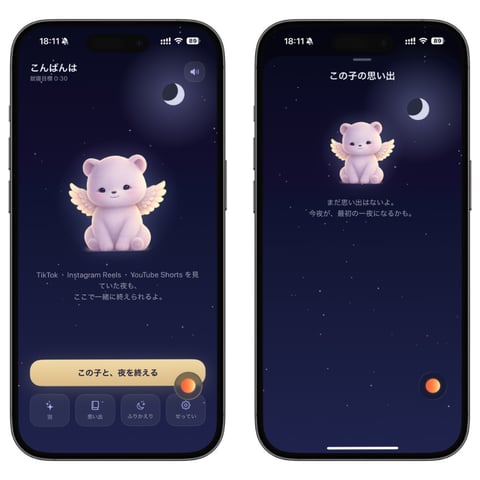
Bedtime Companion App Mockup
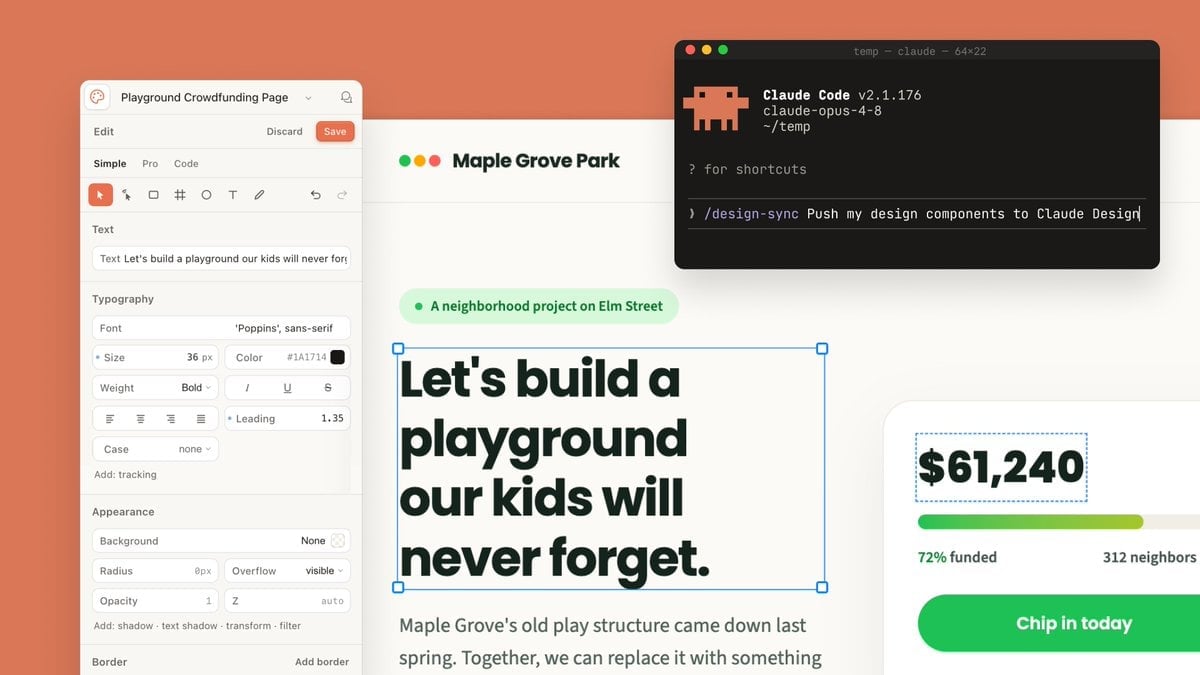
Claude Design Sync UI Mockup

Japanese Mystery Website Mockup
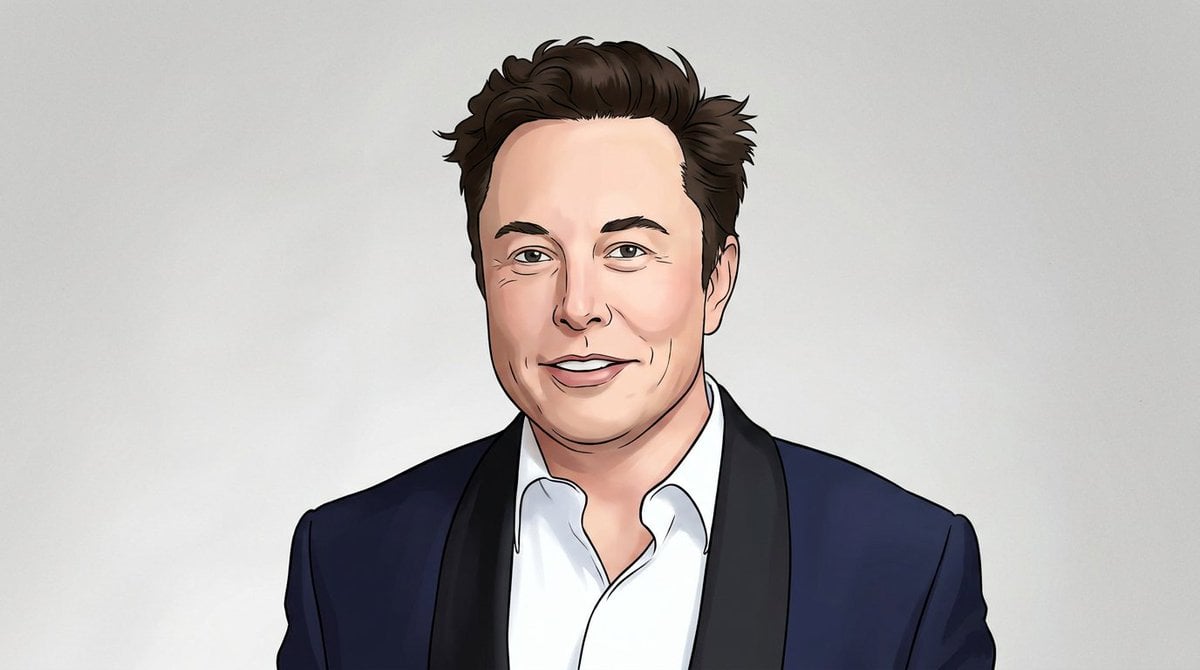
Rotoscoping animation style conversion
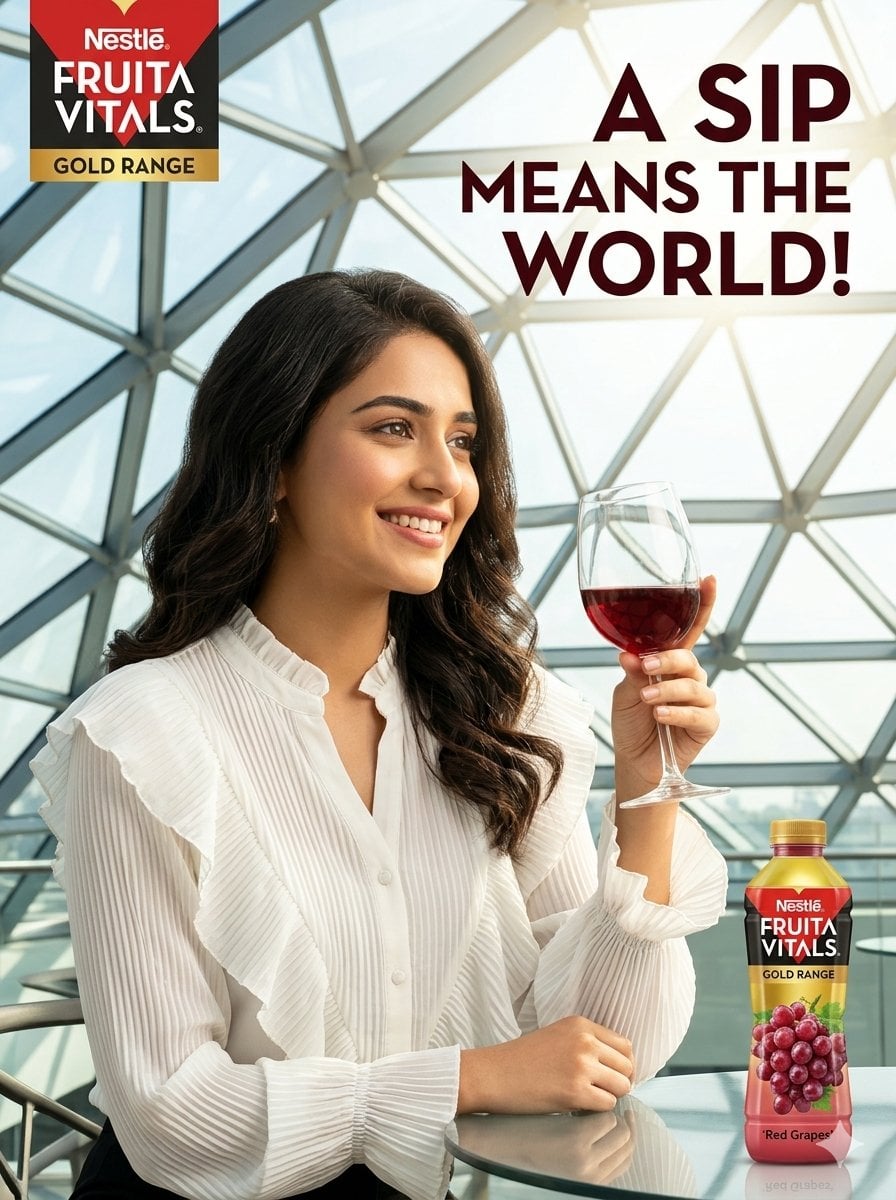
Commercial Beverage Advertisement Scene

Minimalist T-Shirt Mockup
Make it yours
Image-to-Beverage Mockup Conversion works as-is. These are the safest ways to change it without losing the look.
Change one field
Copy a single group, rewrite it, and generate again so you can see what that field is doing.
Keep the frame, change the subject
Hold the composition and light of Image-to-Beverage Mockup Conversion, then swap wardrobe, props or the person for a new take.
| If the result… | Why | Fix |
|---|---|---|
| The result drifts from the preview | Too many fields changed at once. | Reuse Image-to-Beverage Mockup Conversion as-is first, then change one group — subject, light, or setting. |
| The model over-stylizes the scene | The prose prompt leaves finish and camera underspecified. | Add one camera or lighting sentence and stay on Nano Banana 2. |
More Nano Banana 2 templates
Other prompts made for Nano Banana 2.

Photorealistic Leaf Shaped Like a Dragon

K-Pop Idol Portrait Grid for Rapid Selection

Poetic Rain Forest Portrait During Golden Hour

Urban Street Portrait with Cartoon Inner Self Duo

Candid Nighttime Photo with Cat Prompt

High-Concept 3D Diorama Generation Prompt

Cinematic Futuristic Studio Portrait Template

Skincare Editorial Photography Collage Prompt

Hyper-Realistic Commercial Product Photography (Splash Effect)

Hyper-Realistic Nightclub Portrait Prompt
More image prompts
Fresh picks from across the catalog.
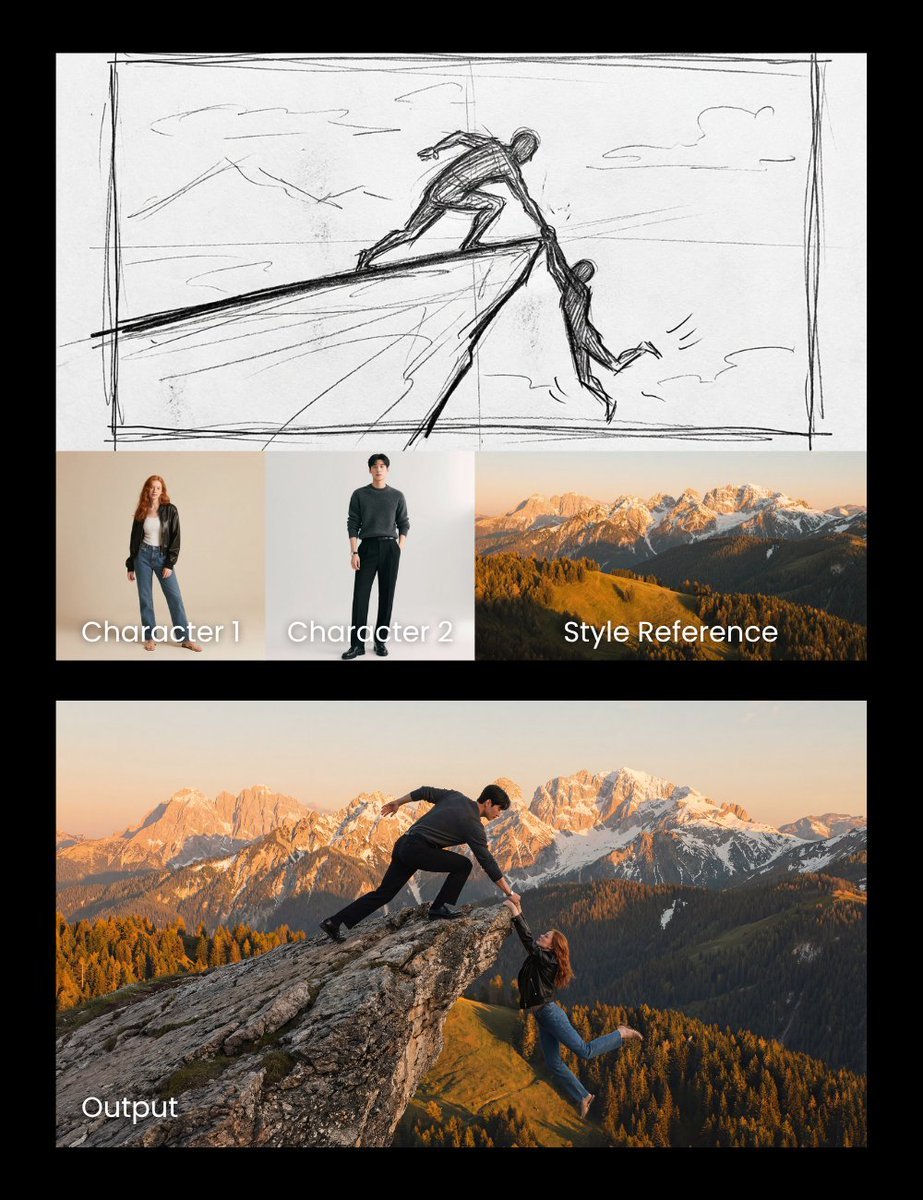
Realistic cliff rescue composite
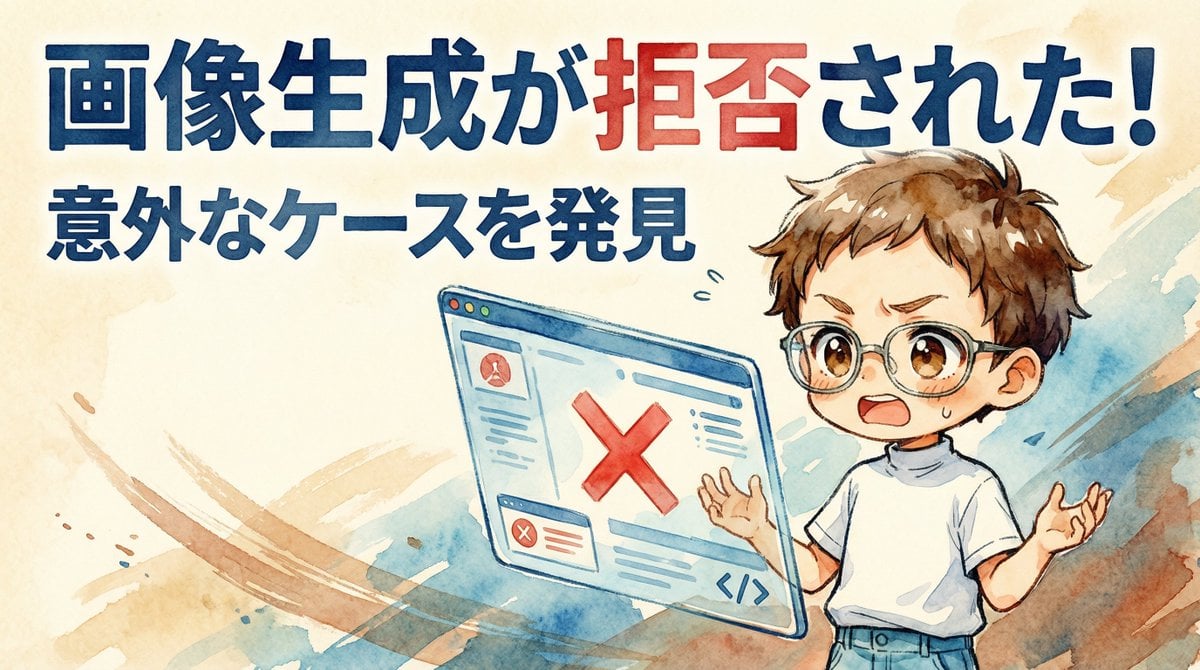
Nano Banana Pro Image Generation Refusal Analysis (Freepik Example)
untitled
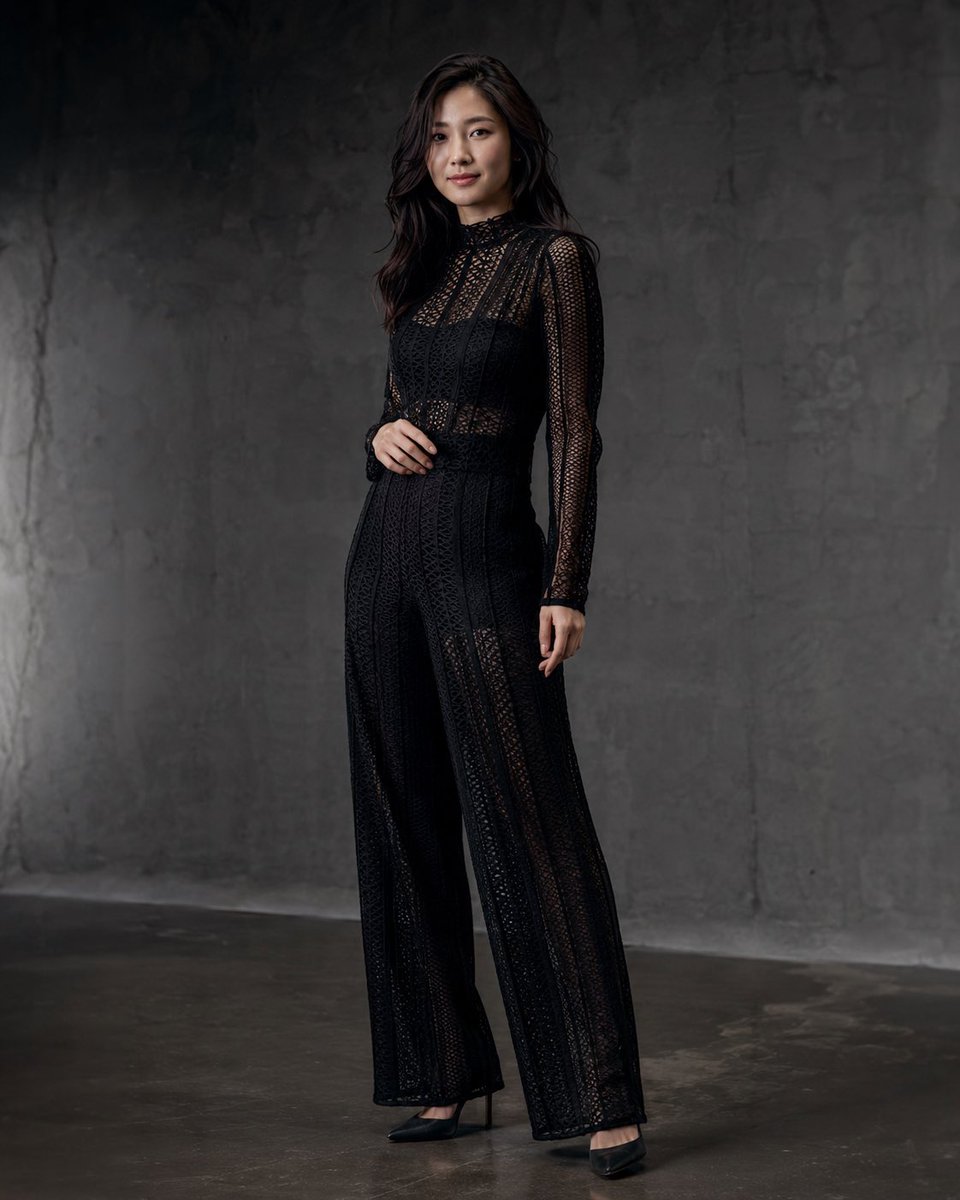
Anonymous Black Lace Fashion Portrait
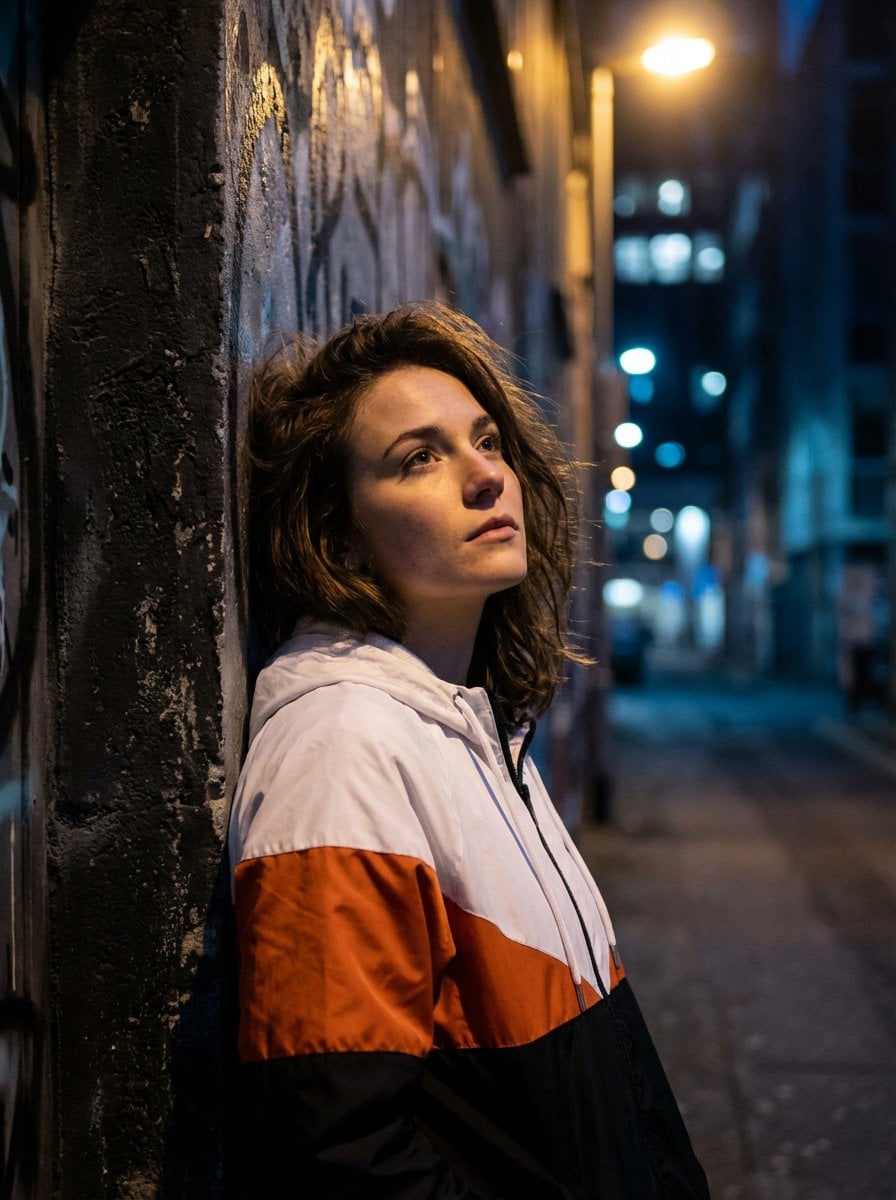
Dramatic Urban Portrait with Overhead Lighting
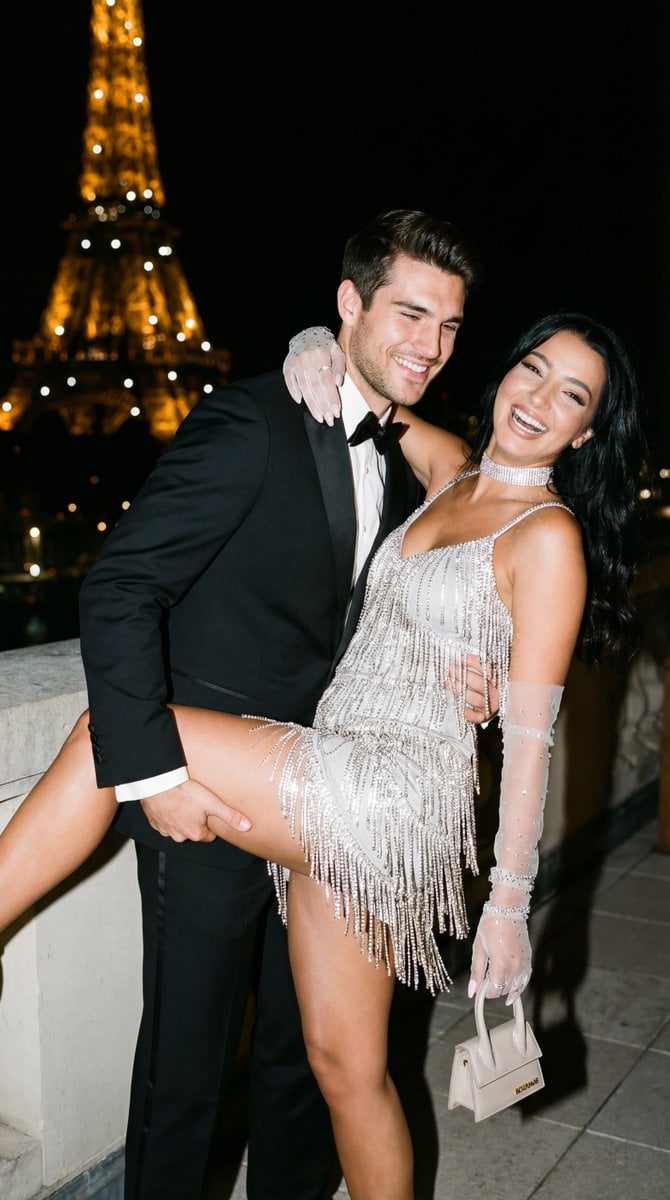
Cinematic Flash Editorial Couple Portrait in Paris
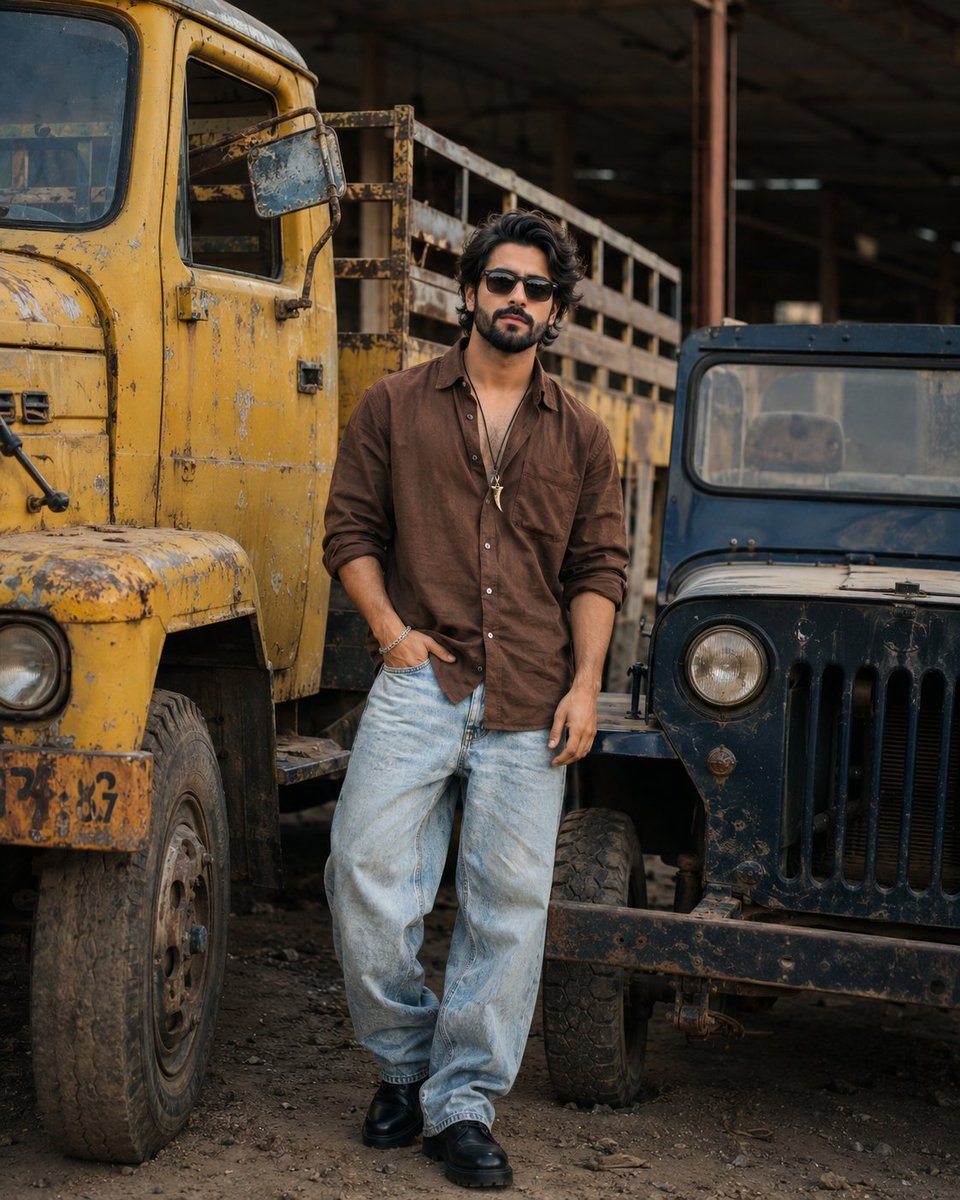
Industrial Fashion Portrait of South Asian Boy
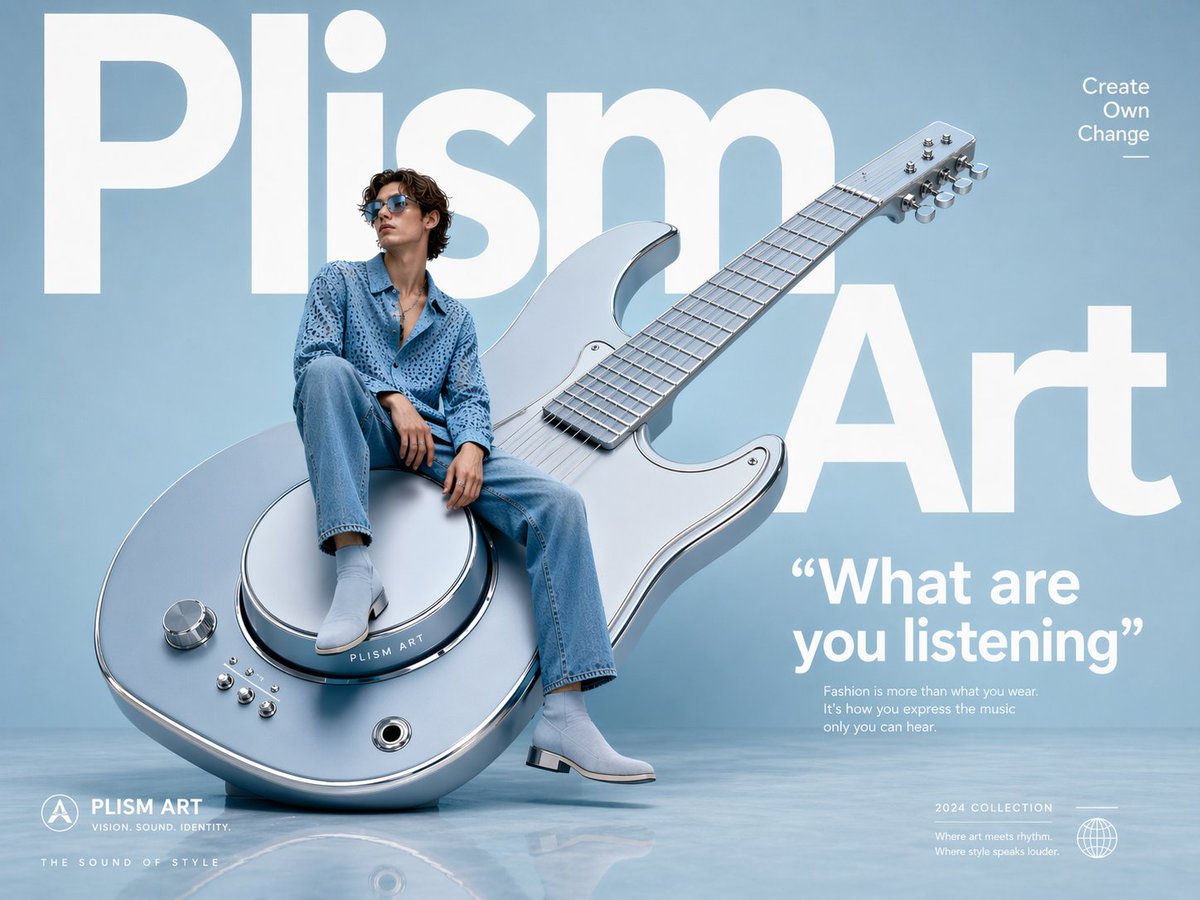
Avant-Garde Fashion Eyewear Ad
Candid Bedroom Lounge Photo
Miniature Salsa Box Garden Diorama
Browse template categories
Image-to-Beverage Mockup Conversion questions
How do I use the Image-to-Beverage Mockup Conversion template?
Add your photo if the template asks for one, edit the prompt if you like — the template's model and format are already selected — and press Generate. Your version opens in PicX Studio.
Can I customize the Image-to-Beverage Mockup Conversion template?
Yes. You can change the subject, setting, lighting, mood, format, and available model controls before creating your image.
Is the Image-to-Beverage Mockup Conversion template free?
Opening and editing this template is free. Generating uses credits, shown on the Generate button when you are signed in.
Which AI model should I use?
Start with Nano Banana 2, which is the model associated with this template. You can compare another compatible model for a different finish.
Looking for something else? Browse all templates.

Your photo, any look
Thousands of ready templates for every top image and video model, from one credit balance.