
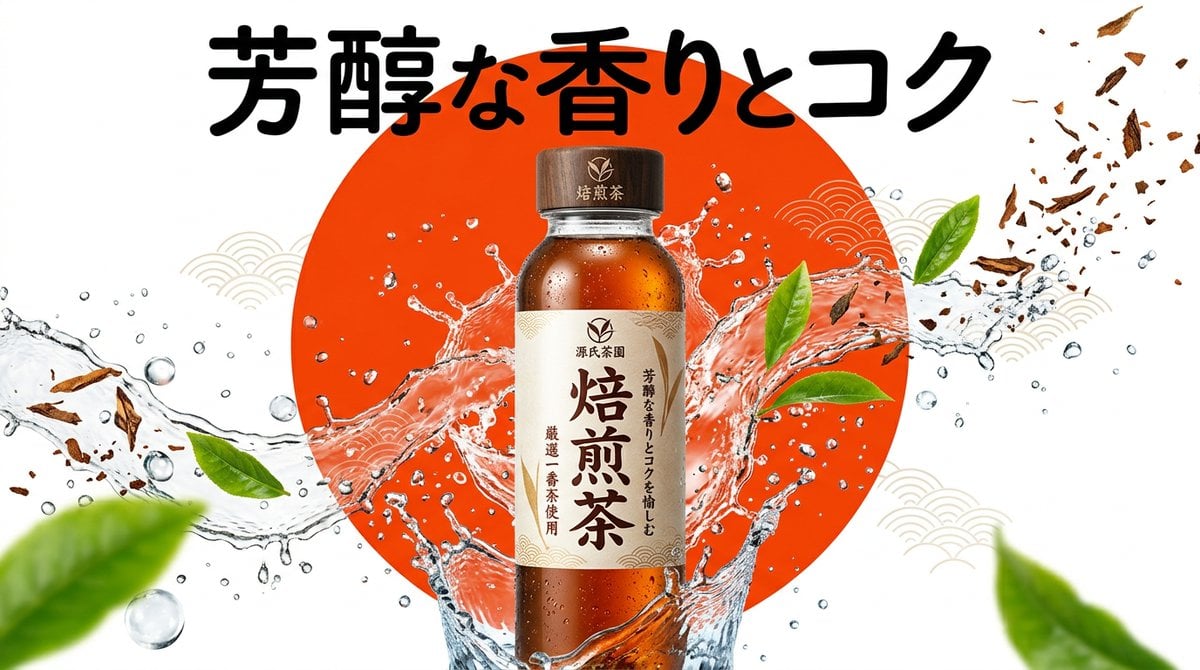
Beverage Campaign Key Visual
A professional advertising prompt for creating vibrant beverage or frozen food product shots with a pop aesthetic and dynamic splashing effects.
- Prompt included
- Model and format preset
- Free template
The prompt behind this image
Copy the exact prompt behind Beverage Campaign Key Visual, or open it in the studio and make it yours.
【商品・パッケージ】 ・商品名・ジャンル: {argument name="商品名" default="焙煎茶"} ・訴求したい魅力: {argument name="コピー" default="芳醇な香りとコク"} 【デザインギミック】 ・背景のビジュアル要素: {argument name="背景グラフィック" default="鮮やかな朱色の丸"} 【画質・演出・構図指定】 ・スタイル: ポップで鮮やかな日本のコンビニや食品メーカーのキャンペーンKV。シズル感と高い視覚的インパクト。 ・被写体: 中央に配置された{argument name="商品名" default="焙煎茶"}の缶やボトル、またはパッケージ。周囲には氷の破片、水滴、しぶき、あるいは商品の新鮮な原材料(茶葉や果物)が躍動感をもって飛び散っている。 ・背景: {argument name="背景グラフィック" default="鮮やかな朱色の丸"}をメインのグラフィック要素として配置した、コントラストが高く鮮明な単色またはグラデーション背景。 ・タイポグラフィ(GPT-image / Nano Banana Pro向け): {argument name="コピー" default="芳醇な香りとコク"}というコピーが、商品と重ならない位置に太く元気なフォントで配置されている。 ・照明・色彩: 明るく鮮やかなスタジオ照明、クリスタルクリアな反射、エネルギッシュな色彩構成。 【レイアウトおよび出力上の厳格な制約(必須)】 ・完成したデザインそのものを、画面全体いっぱいに出力してください。デザイン内部の背景やシーン描写(壁・空間・影など)は本文の指示に従って構いません。 ・禁止事項:完成ポスターを額縁に入れた写真、壁に貼った状態の写真、机や紙の上に置いたモックアップ写真、紙の縁の遠近の歪みやドロップシャドウ。 ・Output the finished flat 2D design itself, filling the entire canvas. Scene elements inside the design (walls, rooms, shadows) described above are allowed. Absolutely NO photo-of-a-poster mockups: no picture frames, no poster-on-wall or poster-on-desk shots, no perspective warp or drop shadow around the artwork's edges. ・アスペクト比: --ar 16:9
How to use Beverage Campaign Key Visual in 3 steps
- 1
Open
The prompt is already in the box next to the preview, with the template's model and format selected.
- 2…a portrait of your subject in softgolden-hour light, 85mm…
Personalize
Edit the subject and creative details for your destination.
- 3Generate
Generate
Press Generate — your image is created in PicX Studio, so you can compare it with the original and refine one variable at a time.
More like this
Templates with the same subject, style or setup. Open one to see its prompt.

Anime Classroom Losing Heroines Key Visual

Anime Losing Heroines Classroom Key Visual

Anime School Rom-Com Key Visual
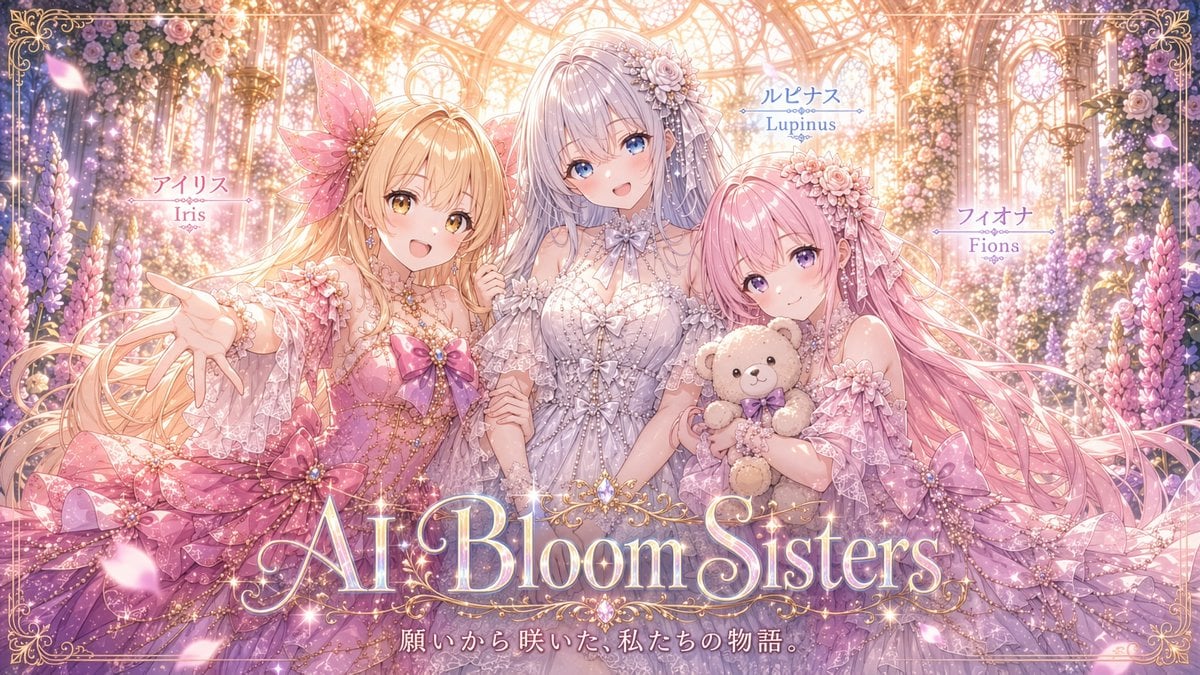
AI Bloom Sisters Anime Key Visual

Retro Pop-Art K-Fashion Ultraluxury Campaign Poster

Monroe and Ash Mediterranean Luxury Fashion Campaign

Polo Ralph Lauren Luxury American Heritage Fashion Campaign

Retro Mirror Luxury Fashion Campaign Poster

Luxury Fashion Campaign Typography Poster System

Premium Fashion Editorial Campaign Poster System

Korean Streetwear Minimalist Campaign Portrait

Korean Model Floating Magazine Pages Campaign
Make it yours
Beverage Campaign Key Visual works as-is. These are the safest ways to change it without losing the look.
Change one field
Copy a single group, rewrite it, and generate again so you can see what that field is doing.
Keep the frame, change the subject
Hold the composition and light of Beverage Campaign Key Visual, then swap wardrobe, props or the person for a new take.
| If the result… | Why | Fix |
|---|---|---|
| The result drifts from the preview | Too many fields changed at once. | Reuse Beverage Campaign Key Visual as-is first, then change one group — subject, light, or setting. |
| The model over-stylizes the scene | The prose prompt leaves finish and camera underspecified. | Add one camera or lighting sentence and stay on GPT Image 2. |
More GPT Image 2 templates
Other prompts made for GPT Image 2.

Six VTuber Japanese Logo Sheet

Realistic Portrait of Woman and Deer

The Vista Modular Condo Poster

AI Model Routing Comparison Infographic

2.5D Anime Art Board

Isometric Productivity Desk Scene

New York Double Exposure Poster

Four-Panel AI Landscape Comparison

Japanese Tatami Lifestyle Magazine Cover

NESCAFÉ Coffee Map Poster
More image prompts
Fresh picks from across the catalog.
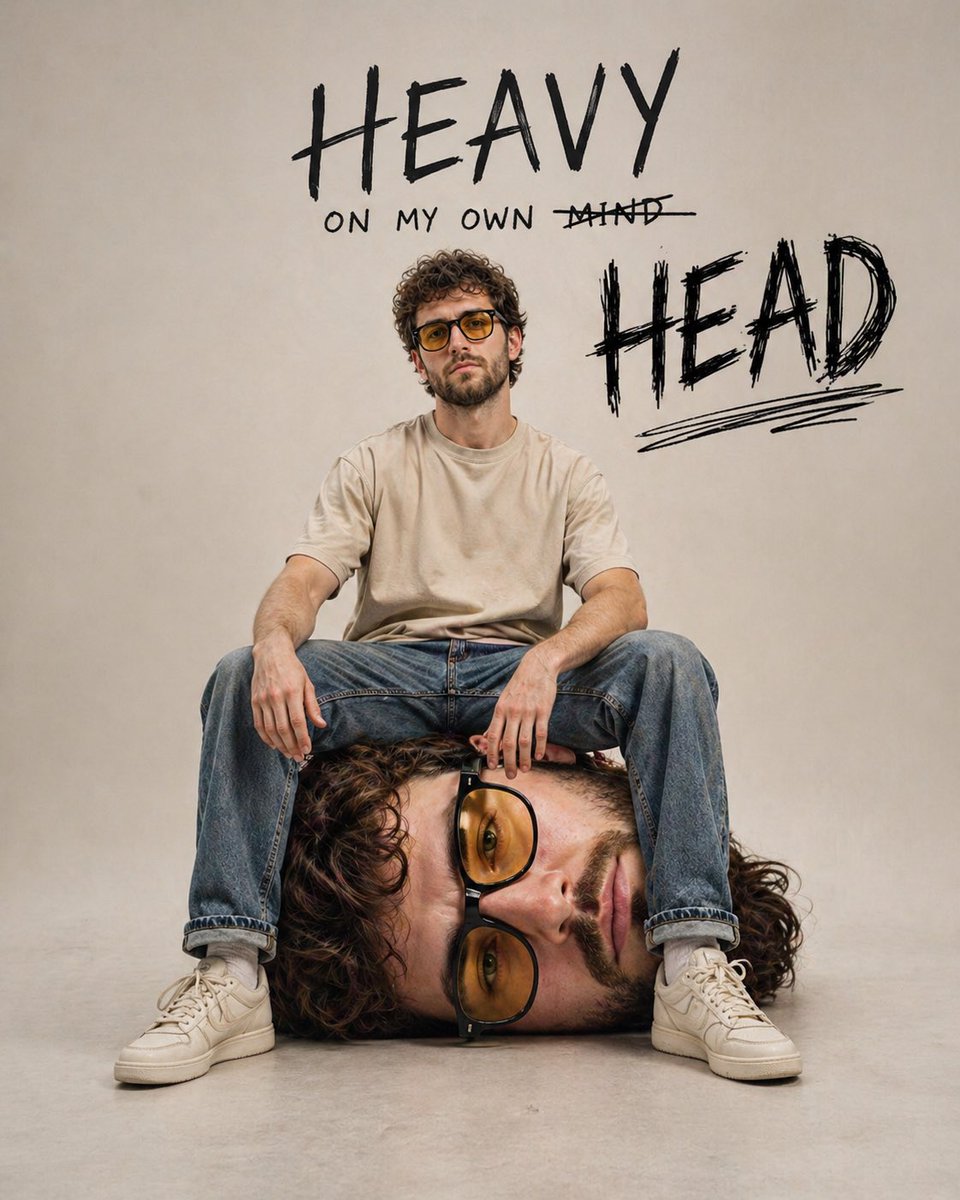
Surreal Self-Reflection Portrait
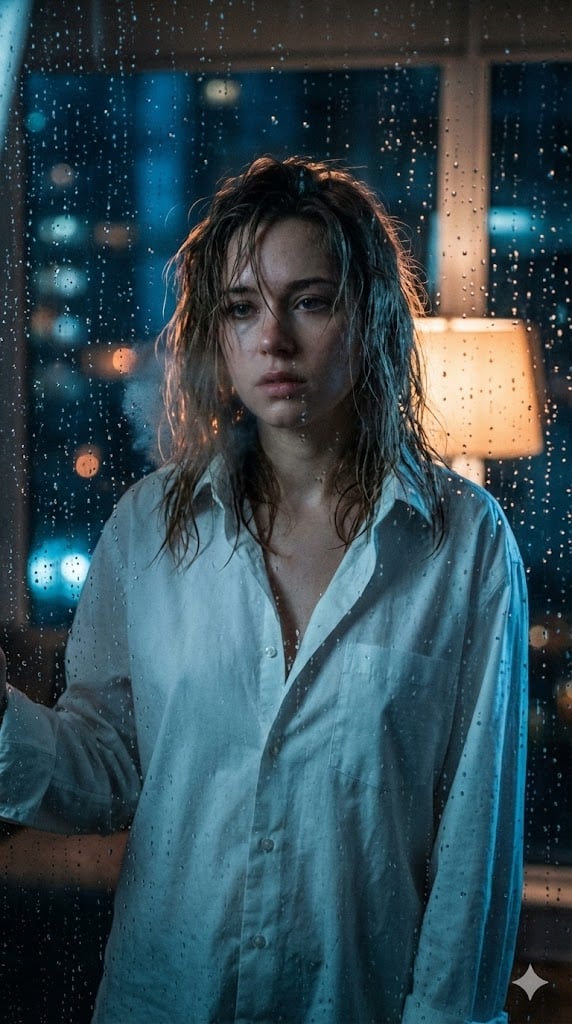
Cinematic Voyeuristic Portrait through Rain-Streaked Window
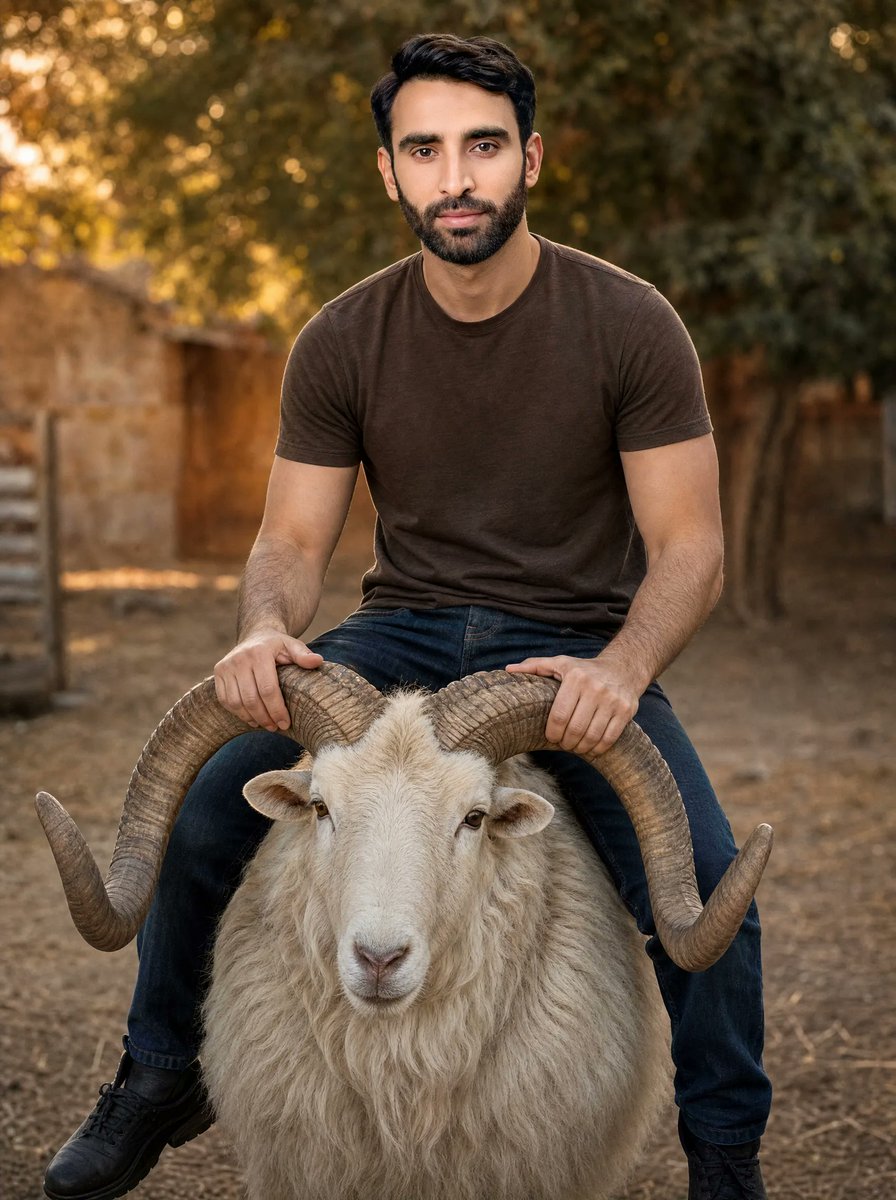
Man Riding a White Ram
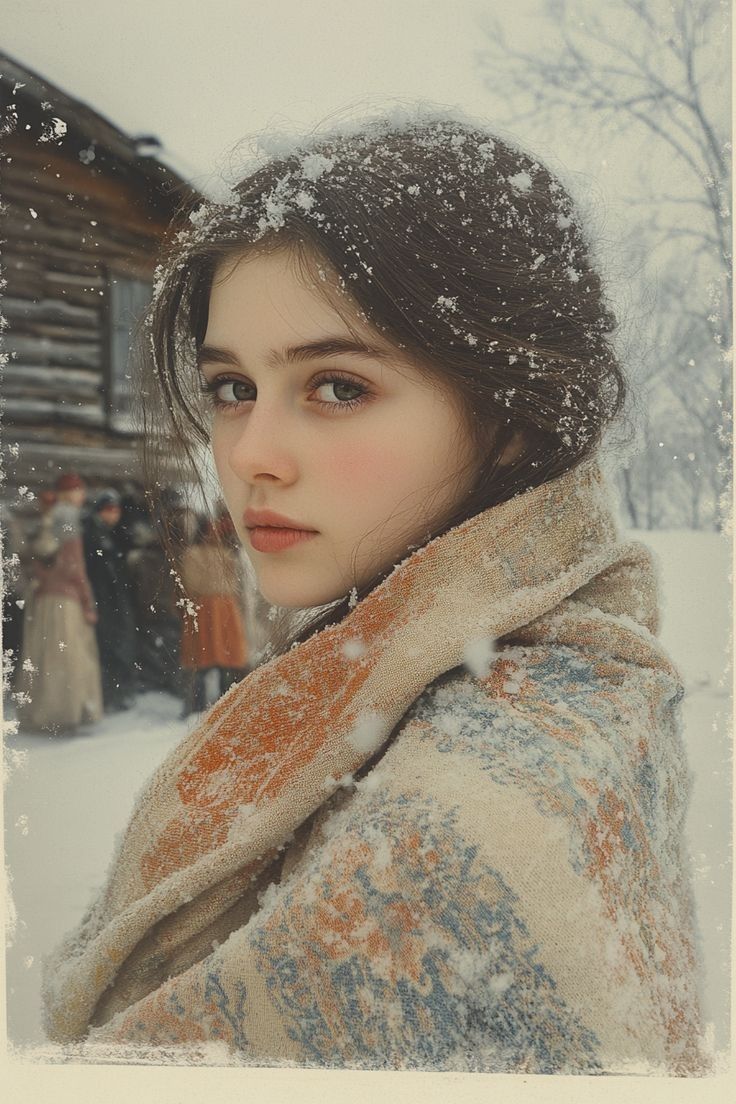
Cinematic Winter Portrait with Snowflakes
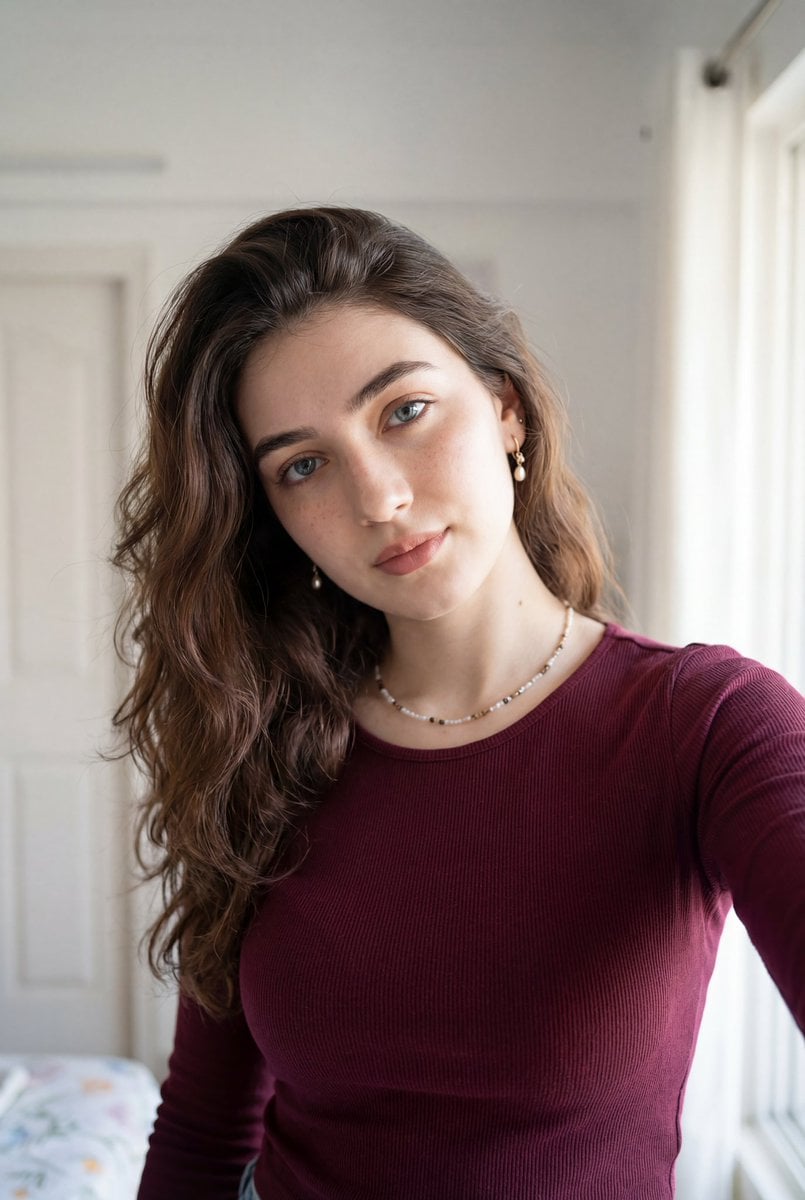
Ultra-Realistic Indoor Selfie Portrait
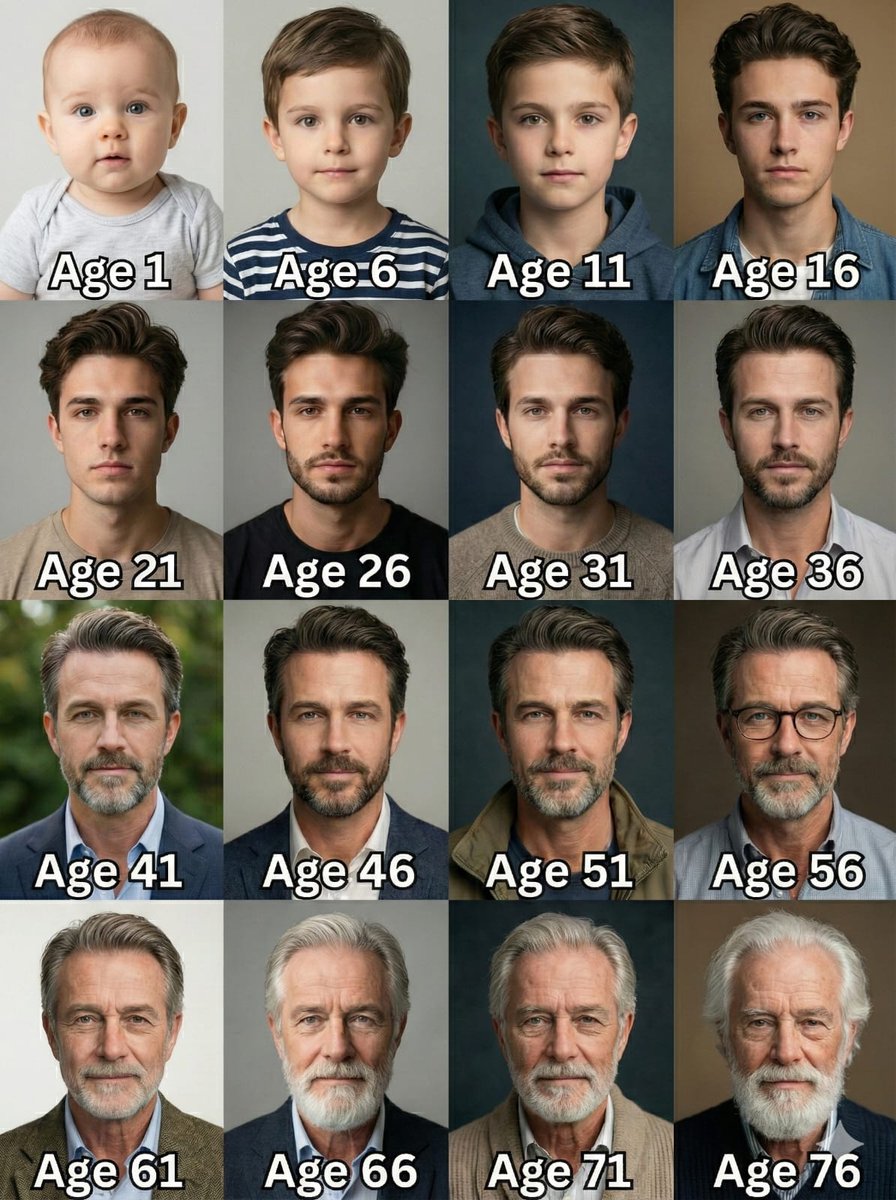
Age Progression Grid Prompt
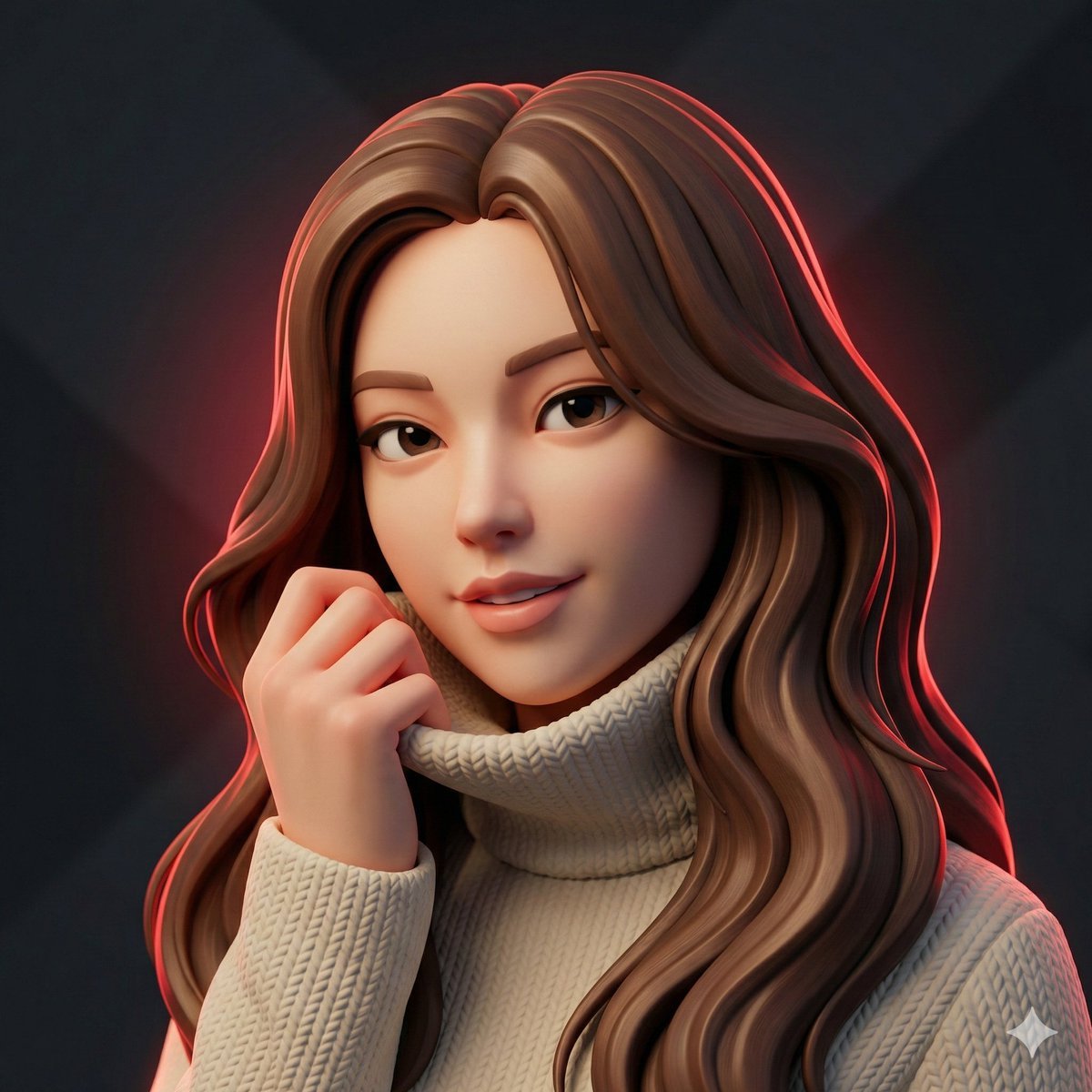
Hyper-Stylized 3D Character Synthesis (Designer Toy Aesthetic)
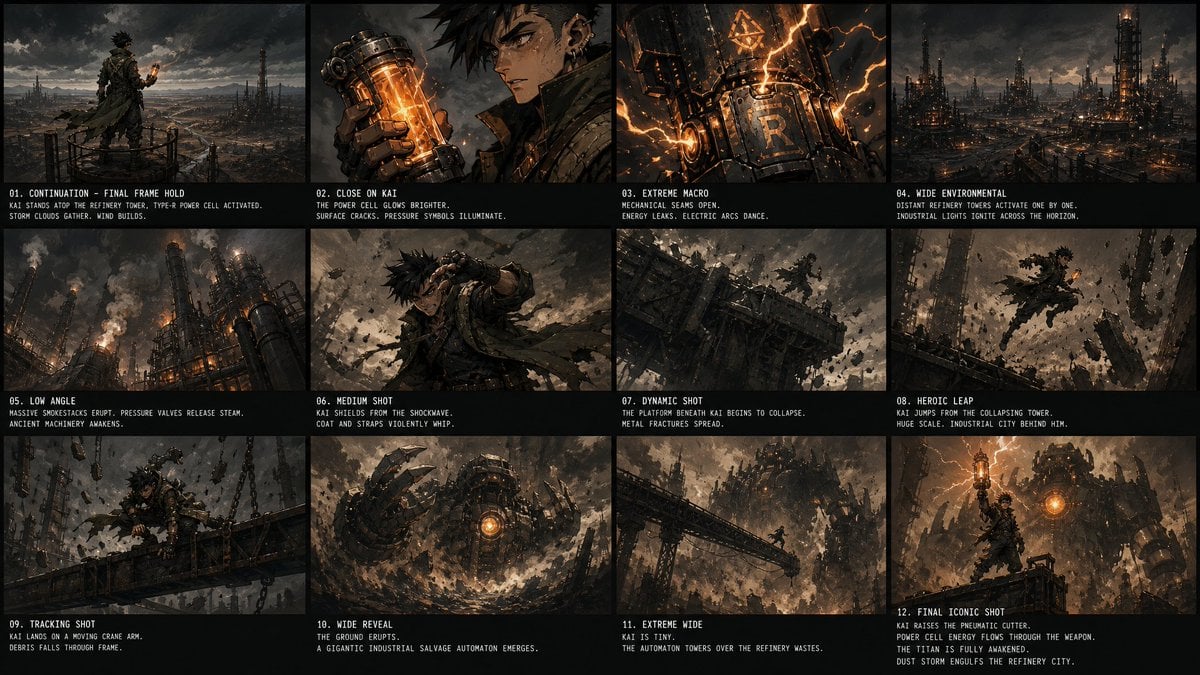
Kai Industrial Titan Storyboard
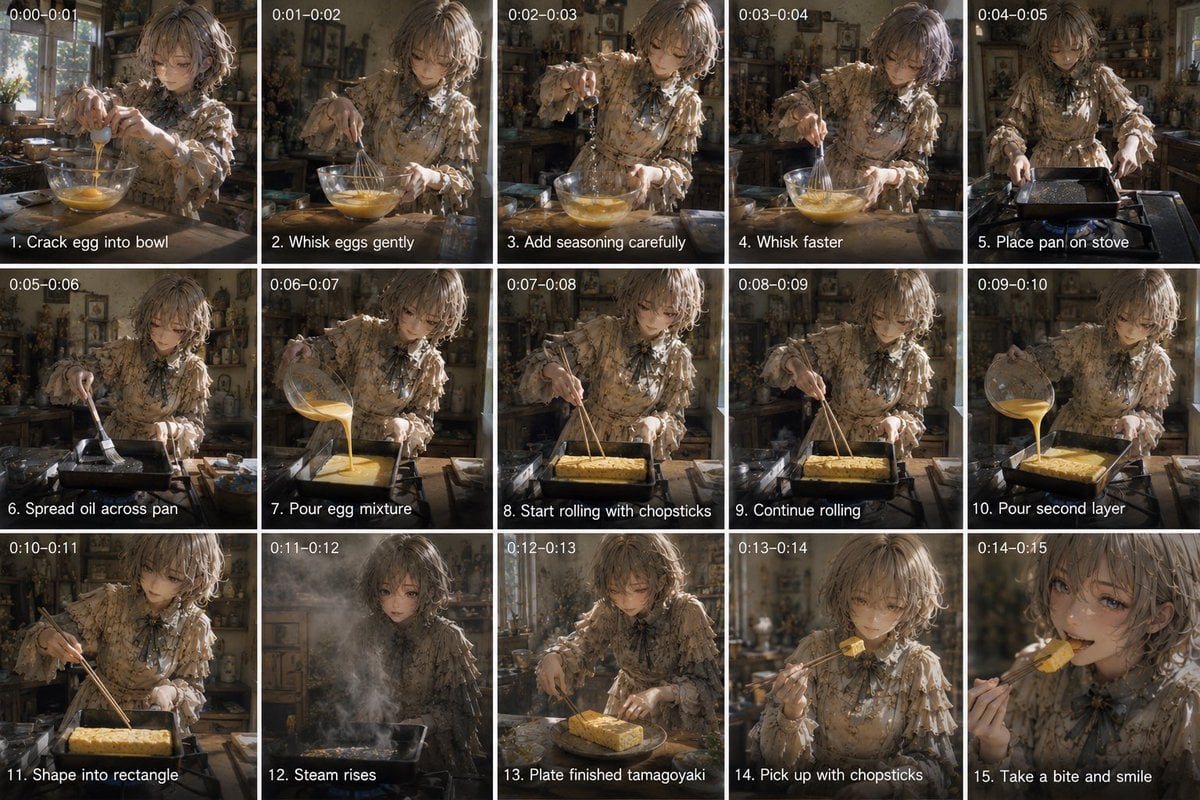
Tamagoyaki Cooking Storyboard
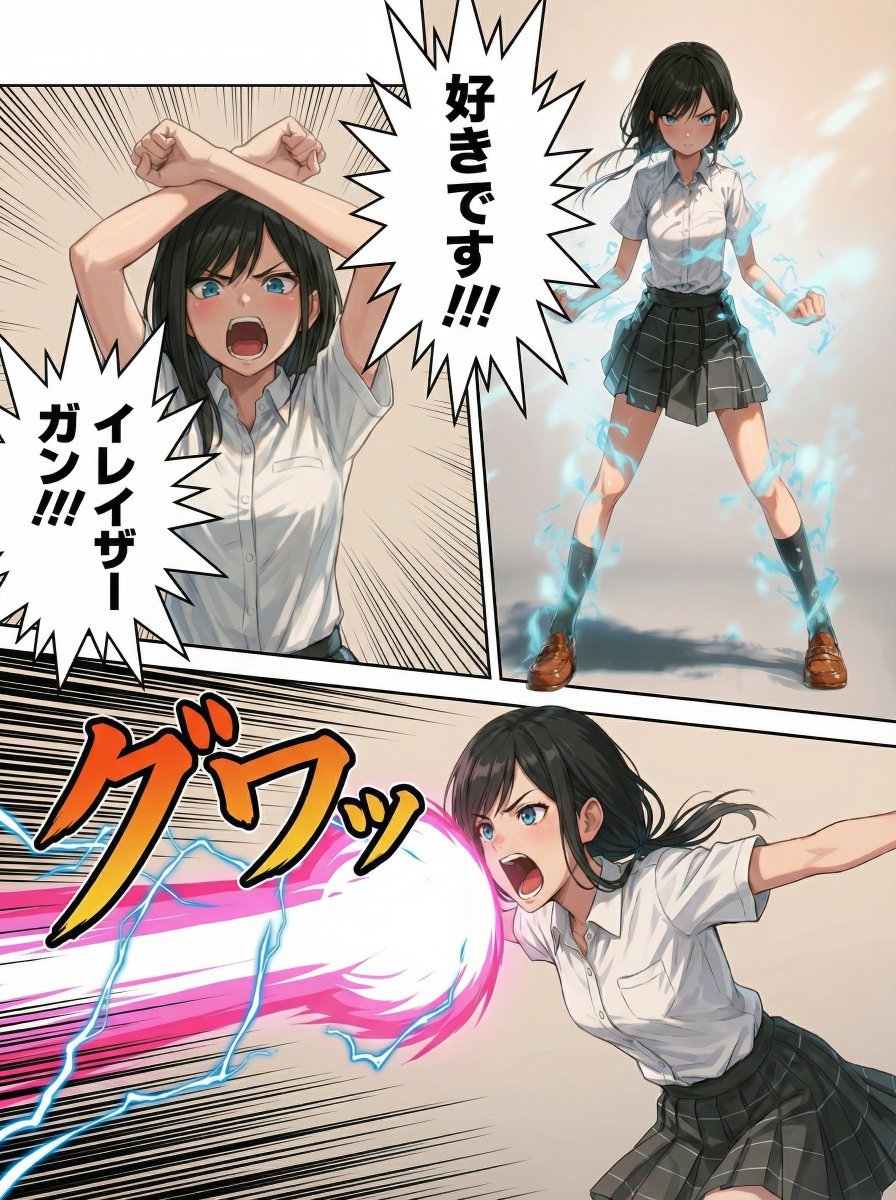
Eraser Gun Style Prompt for Nano Banana Pro (Fighting Pose Stage)
Browse template categories
Beverage Campaign Key Visual questions
How do I use the Beverage Campaign Key Visual template?
Add your photo if the template asks for one, edit the prompt if you like — the template's model and format are already selected — and press Generate. Your version opens in PicX Studio.
Can I customize the Beverage Campaign Key Visual template?
Yes. You can change the subject, setting, lighting, mood, format, and available model controls before creating your image.
Is the Beverage Campaign Key Visual template free?
Opening and editing this template is free. Generating uses credits, shown on the Generate button when you are signed in.
Which AI model should I use?
Start with GPT Image 2, which is the model associated with this template. You can compare another compatible model for a different finish.
Looking for something else? Browse all templates.

Your photo, any look
Thousands of ready templates for every top image and video model, from one credit balance.