
Tamagoyaki Cooking Storyboard
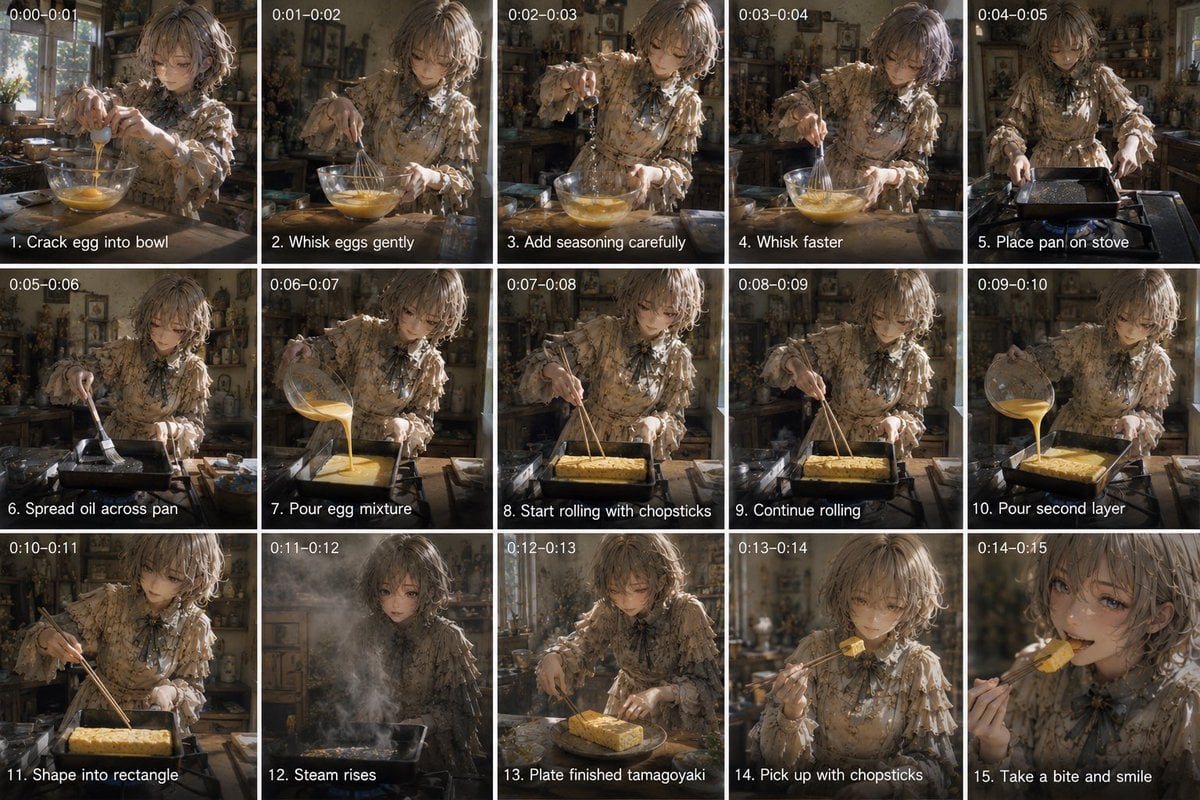
A structured prompt for generating a 15-panel cinematic storyboard of a young woman preparing Japanese tamagoyaki in a rustic kitchen.
- Prompt included
- Model and format preset
- Free template
The prompt behind this image
Copy the exact prompt behind Tamagoyaki Cooking Storyboard, or open it in the studio and make it yours.
Goal: Create a 15-panel cinematic cooking storyboard showing a young woman making tamagoyaki in a rustic kitchen, with each panel labeled by timestamp and step caption. Canvas: Wide 16:9 contact-sheet layout, exactly 5 columns by 3 rows, thin white dividers between panels. Each panel has small white timestamp text at the top-left and a white step caption with a black shadow at the bottom-left. Subject details: A delicate anime-inspired young woman with {argument name="hair color" default="soft ash-blonde wavy bob hair"}, wearing a {argument name="outfit" default="frilly vintage beige floral blouse with lace ruffles and a dark ribbon bow at the collar"}. She cooks at a wooden counter in an old cozy kitchen filled with shelves, jars, utensils, plants, warm sunlight, and atmospheric dust. Her face should be softly obscured or blurred in all panels for privacy, while hands, food, cookware, and clothing remain detailed. Visual style: Photorealistic cinematic anime realism, warm golden-brown color grade, shallow depth of field, moody natural window light, textured rustic kitchen background, realistic steam, oil shine, egg texture, and handheld film-still feeling. Panel sequence: Include exactly 15 discrete panels with these visible labels and actions: 1. timestamp “0:00-0:01”, caption “1. Crack egg into bowl”, she cracks an egg into a glass bowl on the counter. 2. timestamp “0:01-0:02”, caption “2. Whisk eggs gently”, she gently whisks yellow eggs in the glass bowl. 3. timestamp “0:02-0:03”, caption “3. Add seasoning carefully”, she sprinkles seasoning into the bowl while holding the whisk. 4. timestamp “0:03-0:04”, caption “4. Whisk faster”, she vigorously whisks the egg mixture. 5. timestamp “0:04-0:05”, caption “5. Place pan on stove”, she sets a rectangular tamagoyaki pan on a stovetop. 6. timestamp “0:05-0:06”, caption “6. Spread oil across pan”, she brushes oil across the rectangular pan. 7. timestamp “0:06-0:07”, caption “7. Pour egg mixture”, she pours egg mixture from the glass bowl into the pan. 8. timestamp “0:07-0:08”, caption “8. Start rolling with chopsticks”, she begins rolling the egg sheet with chopsticks. 9. timestamp “0:08-0:09”, caption “9. Continue rolling”, she continues shaping the rolled omelette with chopsticks. 10. timestamp “0:09-0:10”, caption “10. Pour second layer”, she pours another layer of egg mixture into the pan around the roll. 11. timestamp “0:10-0:11”, caption “11. Shape into rectangle”, she shapes the tamagoyaki into a neat rectangle with chopsticks. 12. timestamp “0:11-0:12”, caption “12. Steam rises”, the pan releases a dramatic cloud of steam in front of her. 13. timestamp “0:12-0:13”, caption “13. Plate finished tamagoyaki”, the finished rectangular golden tamagoyaki sits on a plate on the counter. 14. timestamp “0:13-0:14”, caption “14. Pick up with chopsticks”, she lifts a bite-sized piece with chopsticks. 15. timestamp “0:14-0:15”, caption “15. Take a bite and smile”, close-up of her bringing the tamagoyaki to her mouth with chopsticks, face still obscured. Constraints: Preserve the exact 15-panel count, exact timestamps, and exact English captions. Do not add extra panels, logos, watermarks, or unrelated text. The food should be {argument name="dish" default="golden Japanese tamagoyaki"}, and the kitchen mood should feel {argument name="mood" default="warm, nostalgic, and cinematic"}.
How to use Tamagoyaki Cooking Storyboard in 3 steps
- 1Upload ImagePNG, JPG or paste
Add your photo
Upload the photo the template builds on. The prompt, model and format are already set.
- 2…a portrait of your subject in softgolden-hour light, 85mm…
Personalize
Edit the subject and creative details for your destination.
- 3Generate
Generate
Press Generate — your image is created in PicX Studio, so you can compare it with the original and refine one variable at a time.
More like this
Templates with the same subject, style or setup. Open one to see its prompt.

Headphones Lifestyle Nine Panel Grid
Seedance - Storyboard to Movie
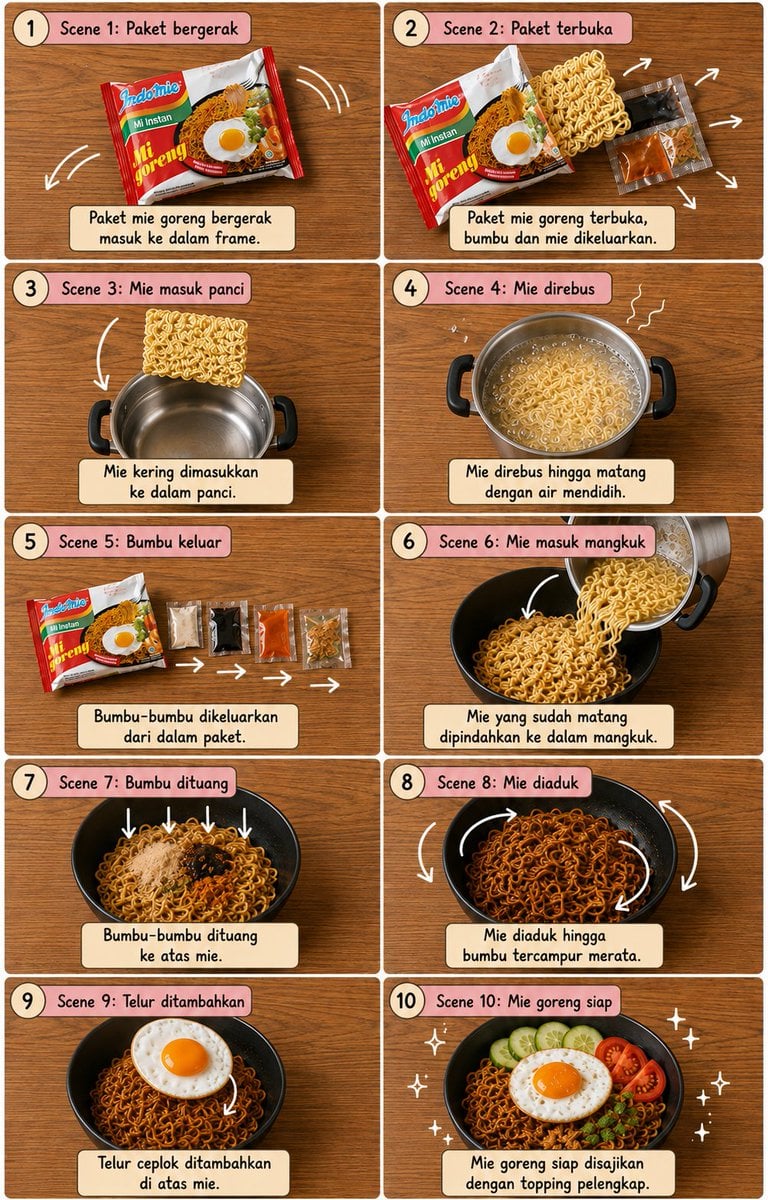
Editorial Cooking Storyboard Layout
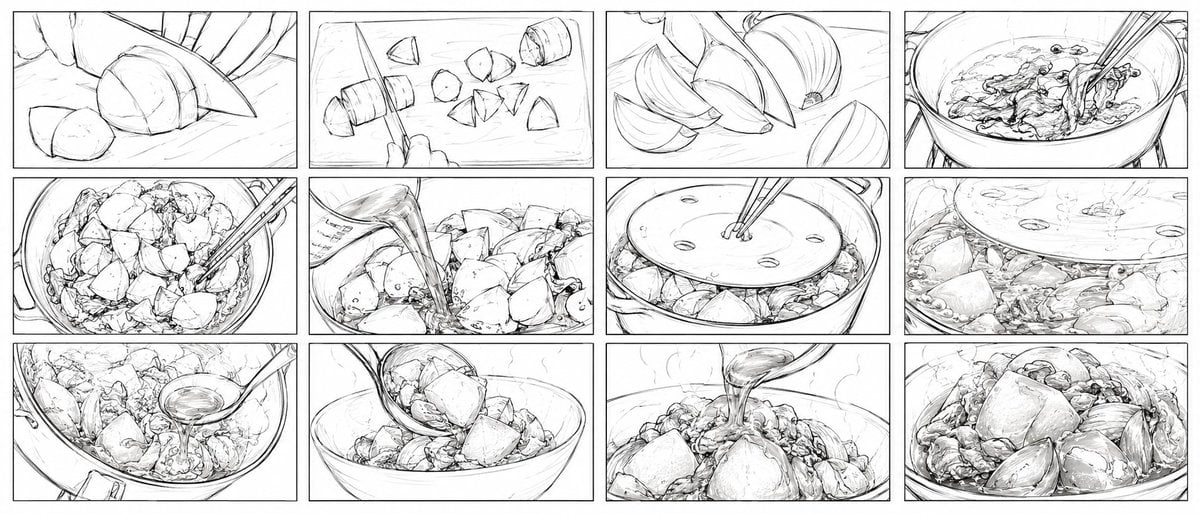
Nikujaga Anime Cooking Storyboard
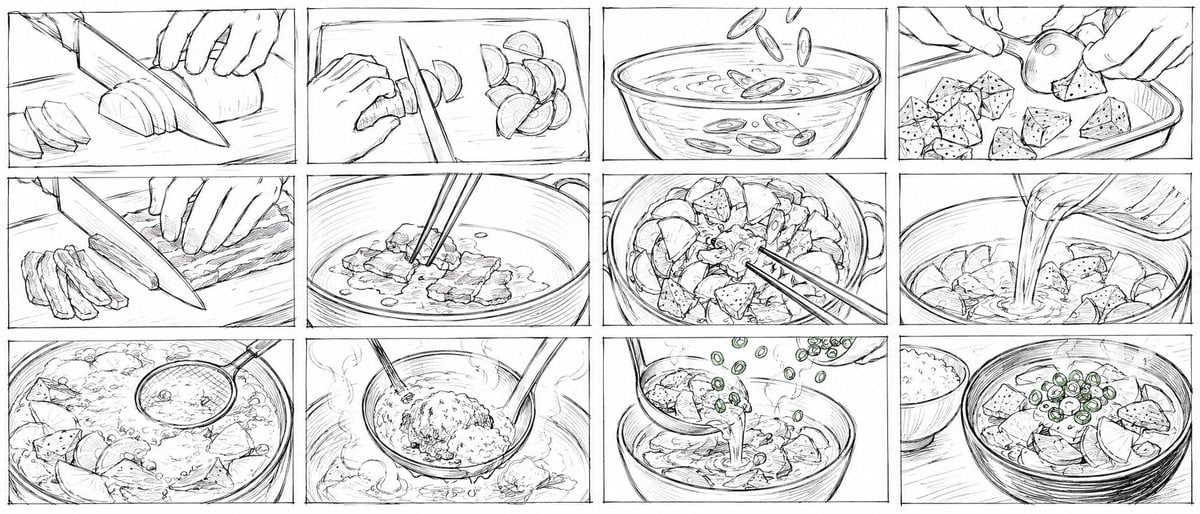
Rough Tonjiru Cooking Storyboard
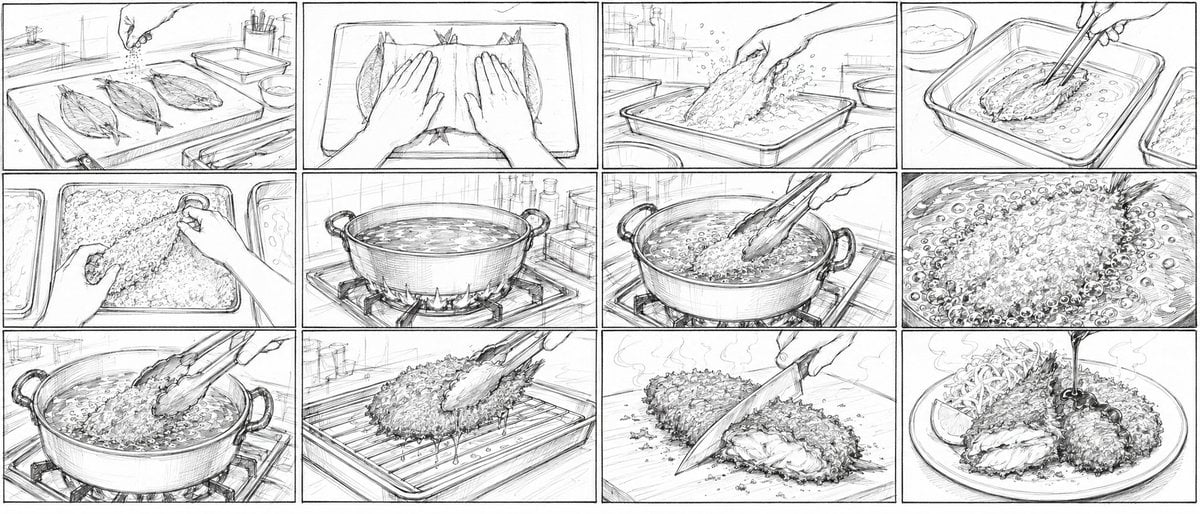
Aji Fry Anime Cooking Storyboard
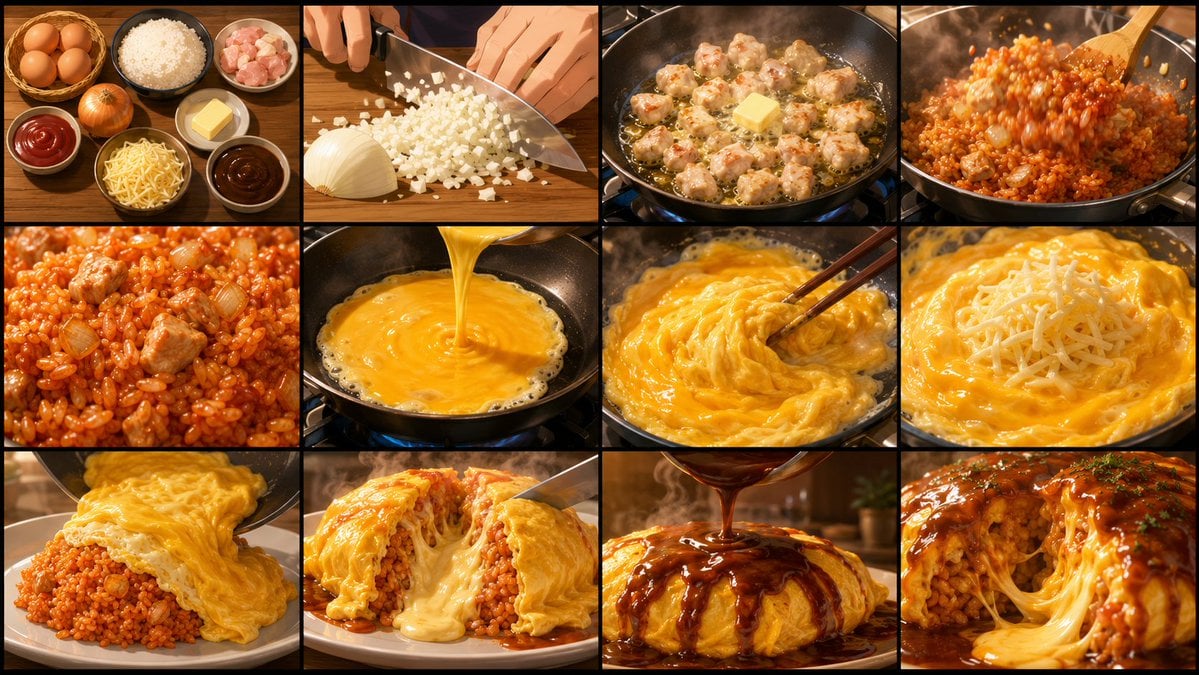
Anime Cooking Storyboard Grid Generator
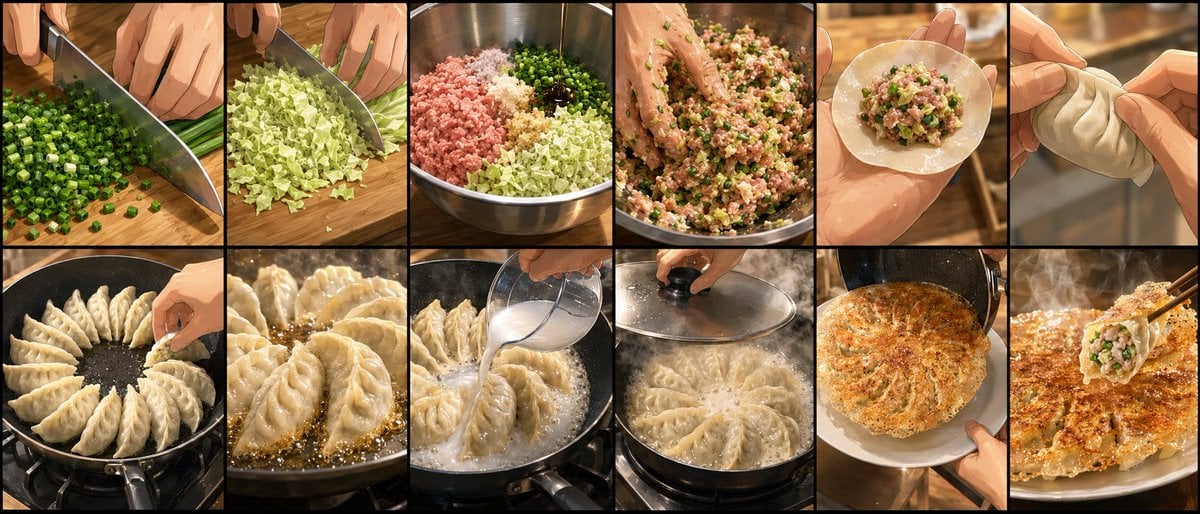
Gyoza Cooking Storyboard
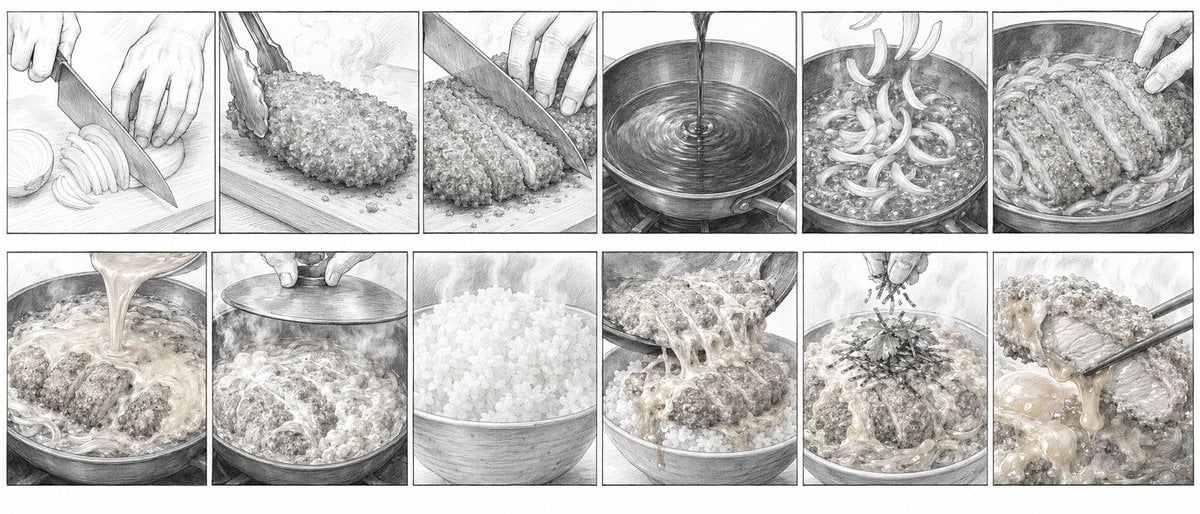
Katsudon Cooking Storyboard
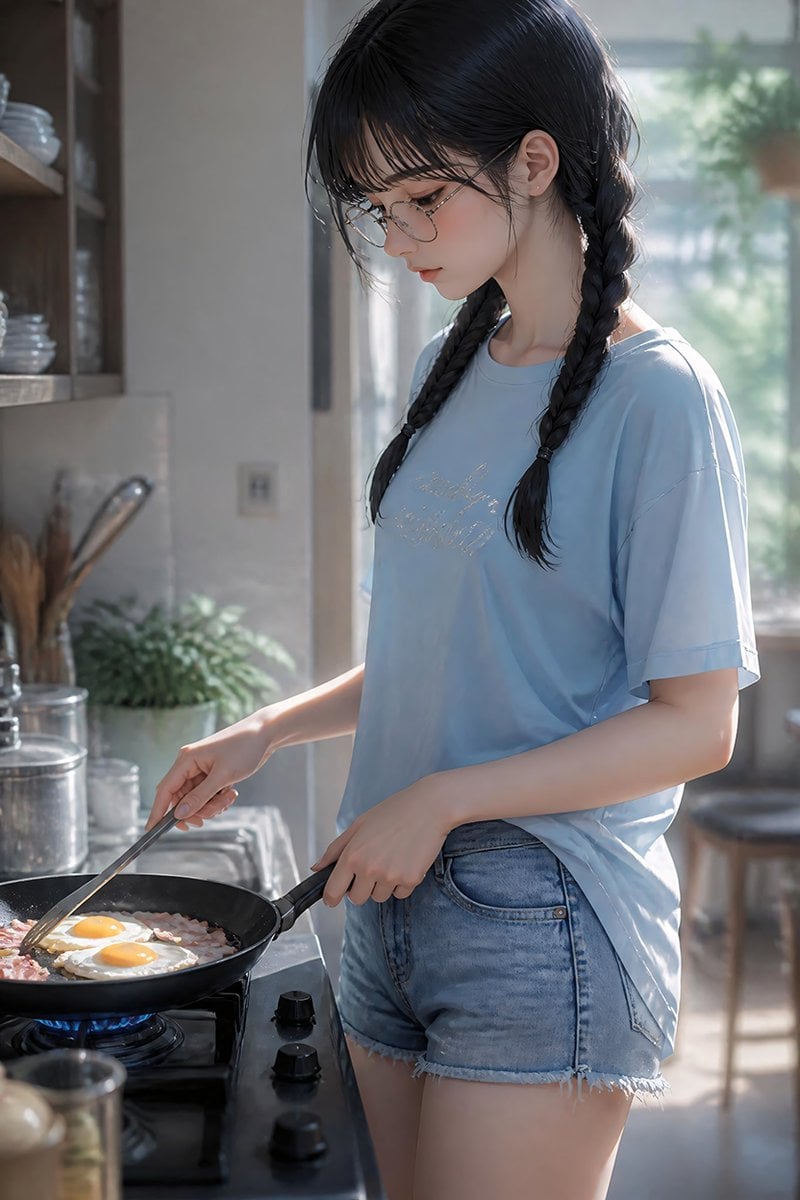
Anime Girl Cooking Bacon and Eggs
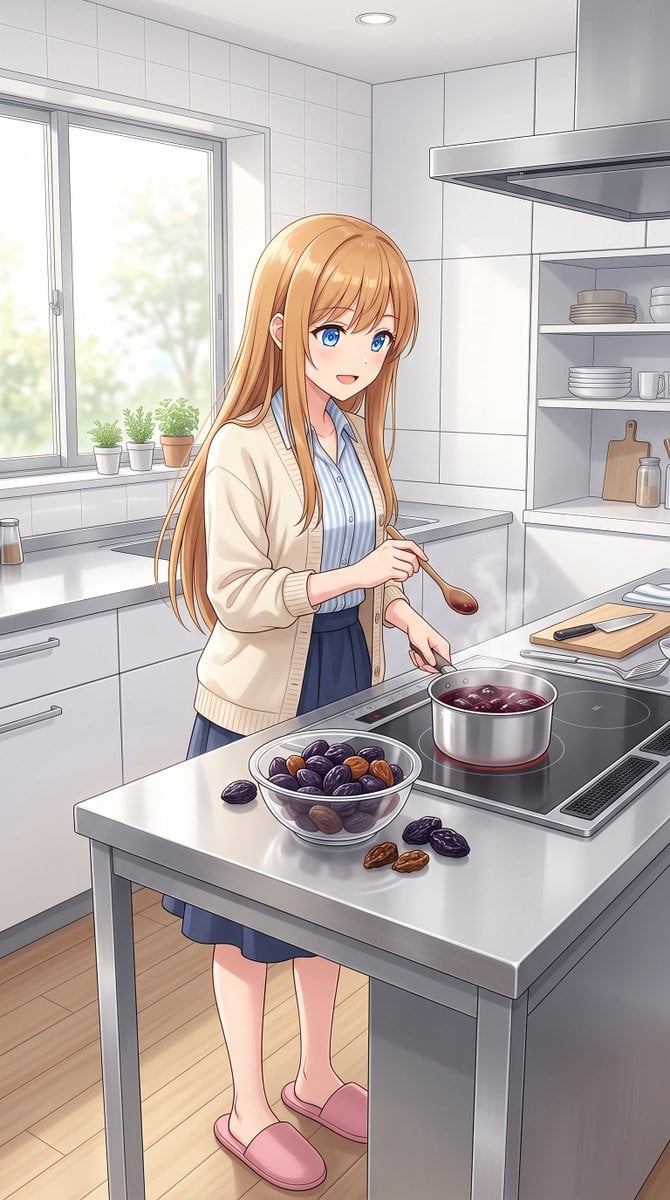
Anime Girl Cooking Prunes
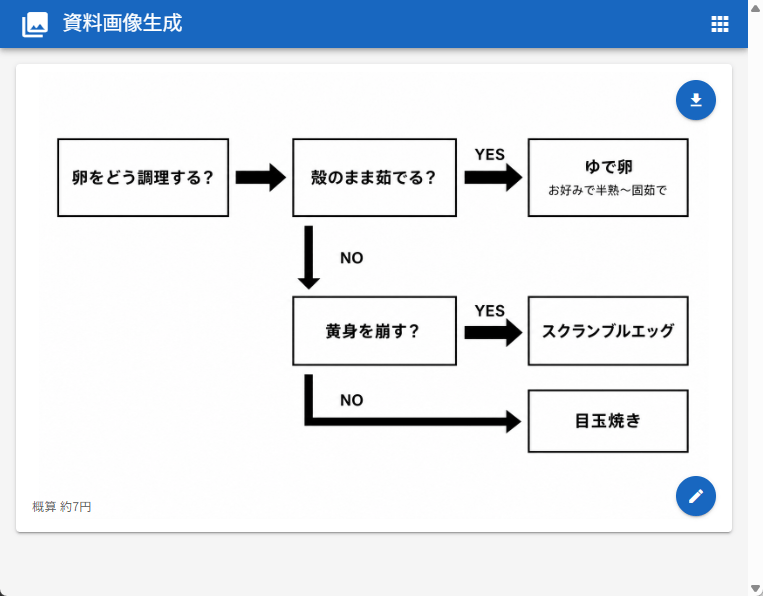
Japanese Egg Cooking Flowchart UI
Make it yours
Tamagoyaki Cooking Storyboard works as-is. These are the safest ways to change it without losing the look.
Change one field
Copy a single group, rewrite it, and generate again so you can see what that field is doing.
Keep the frame, change the subject
Hold the composition and light of Tamagoyaki Cooking Storyboard, then swap wardrobe, props or the person for a new take.
| If the result… | Why | Fix |
|---|---|---|
| The result drifts from the preview | Too many fields changed at once. | Reuse Tamagoyaki Cooking Storyboard as-is first, then change one group — subject, light, or setting. |
| The model over-stylizes the scene | The prose prompt leaves finish and camera underspecified. | Add one camera or lighting sentence and stay on GPT Image 2. |
More GPT Image 2 templates
Other prompts made for GPT Image 2.

Six VTuber Japanese Logo Sheet

Realistic Portrait of Woman and Deer

The Vista Modular Condo Poster

AI Model Routing Comparison Infographic

2.5D Anime Art Board

Isometric Productivity Desk Scene

New York Double Exposure Poster

Four-Panel AI Landscape Comparison

Japanese Tatami Lifestyle Magazine Cover

NESCAFÉ Coffee Map Poster
More image prompts
Fresh picks from across the catalog.
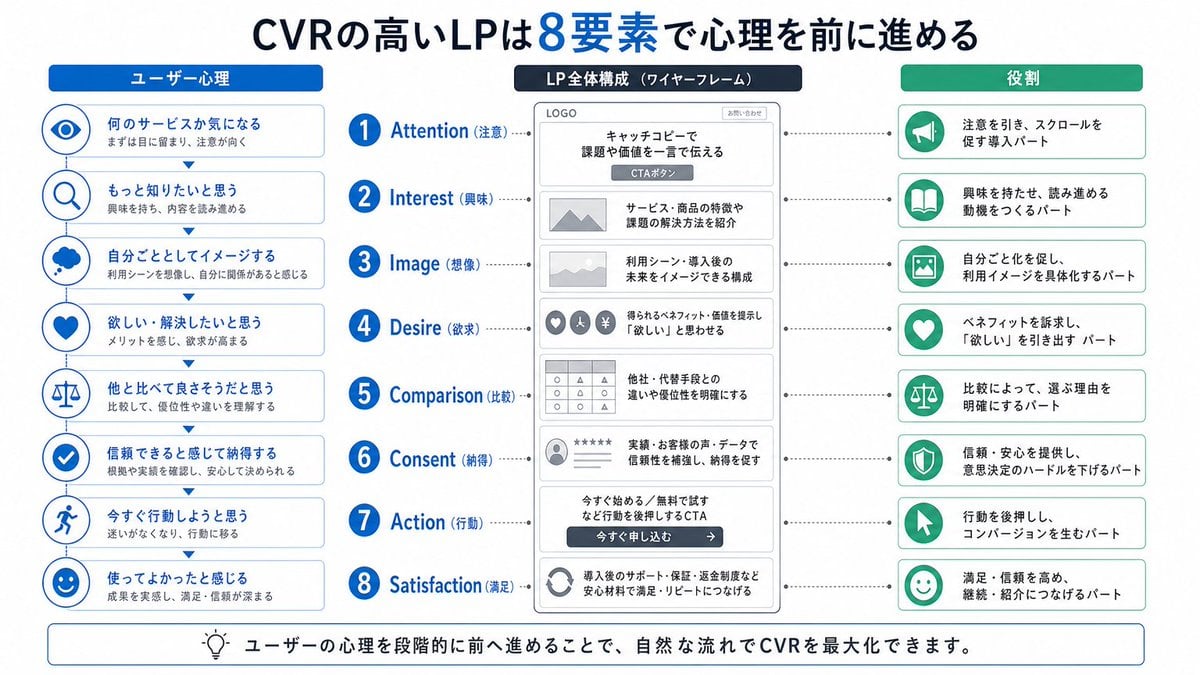
Japanese LP Psychology 8-Step Infographic
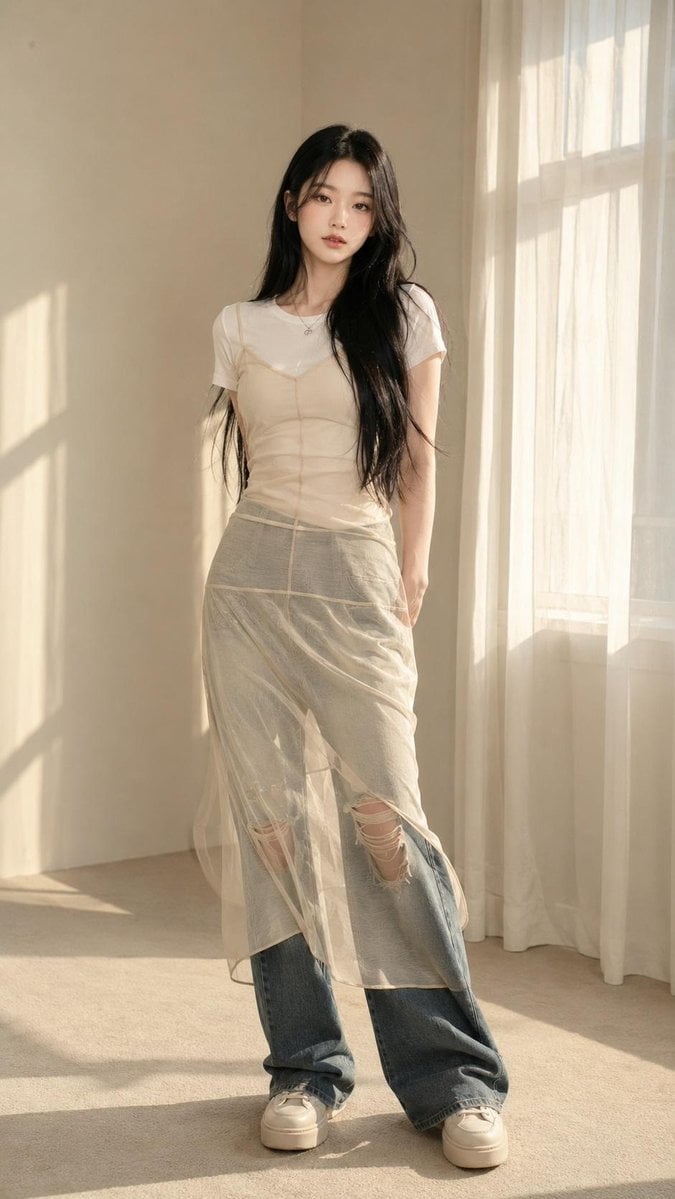
Korean Editorial Fashion Portrait
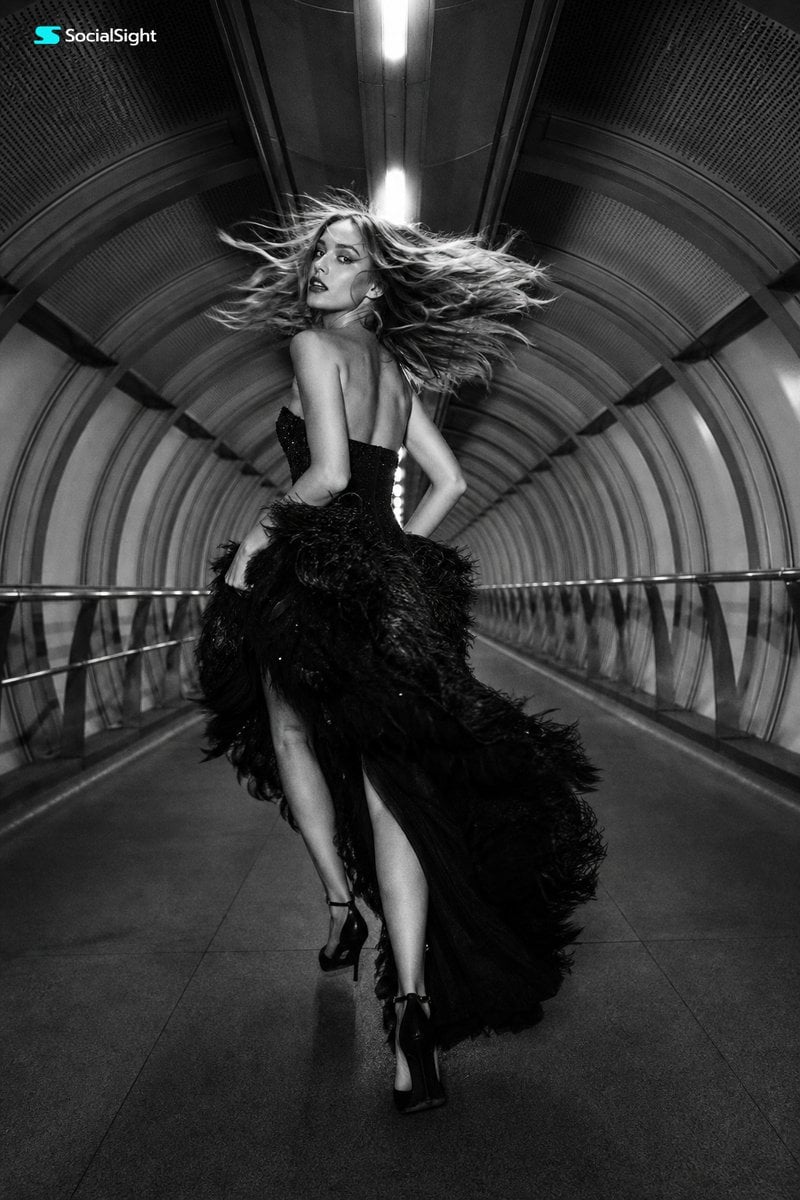
Futuristic Tunnel Fashion Editorial
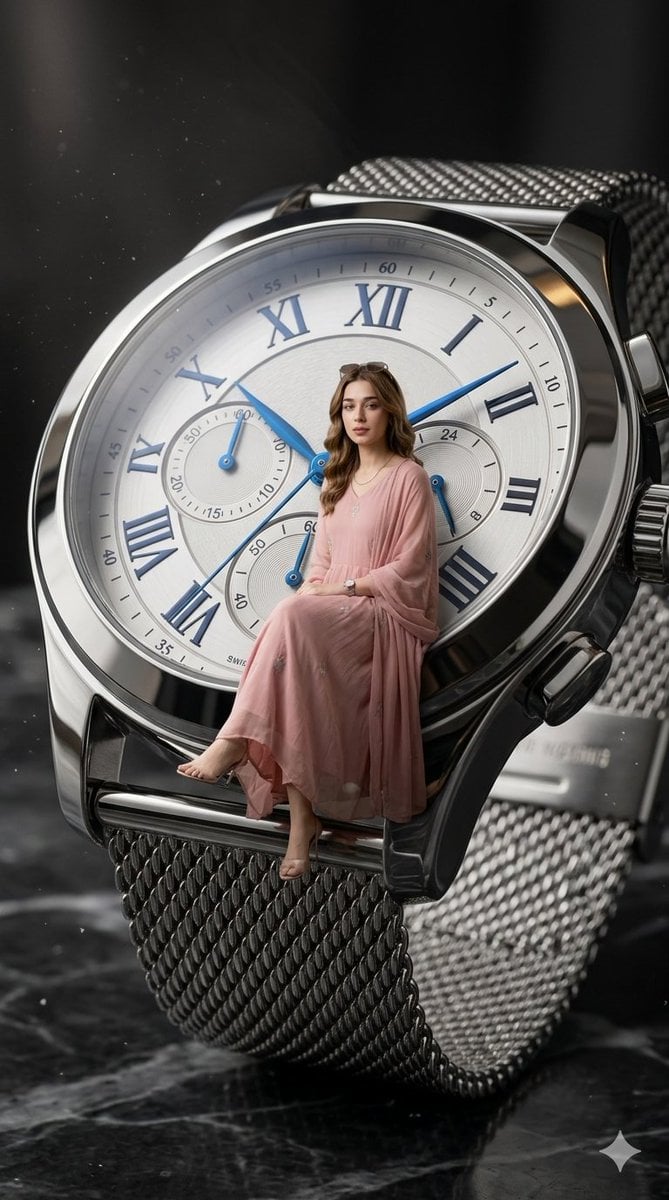
X Aiwithlariab Image on Nano Banana 2
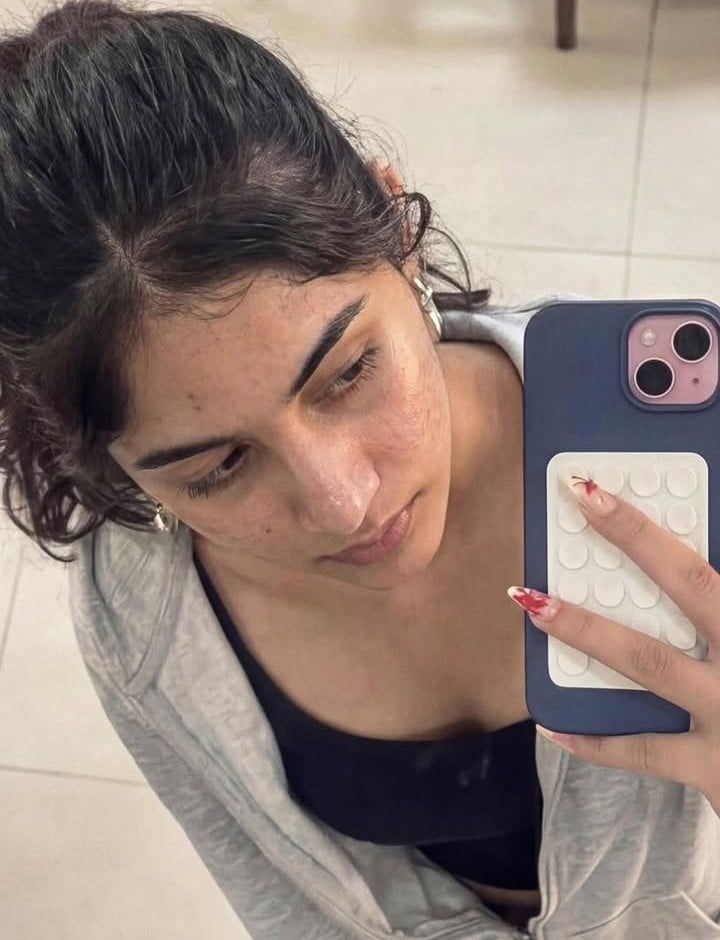
Image-to-Image Editing Example
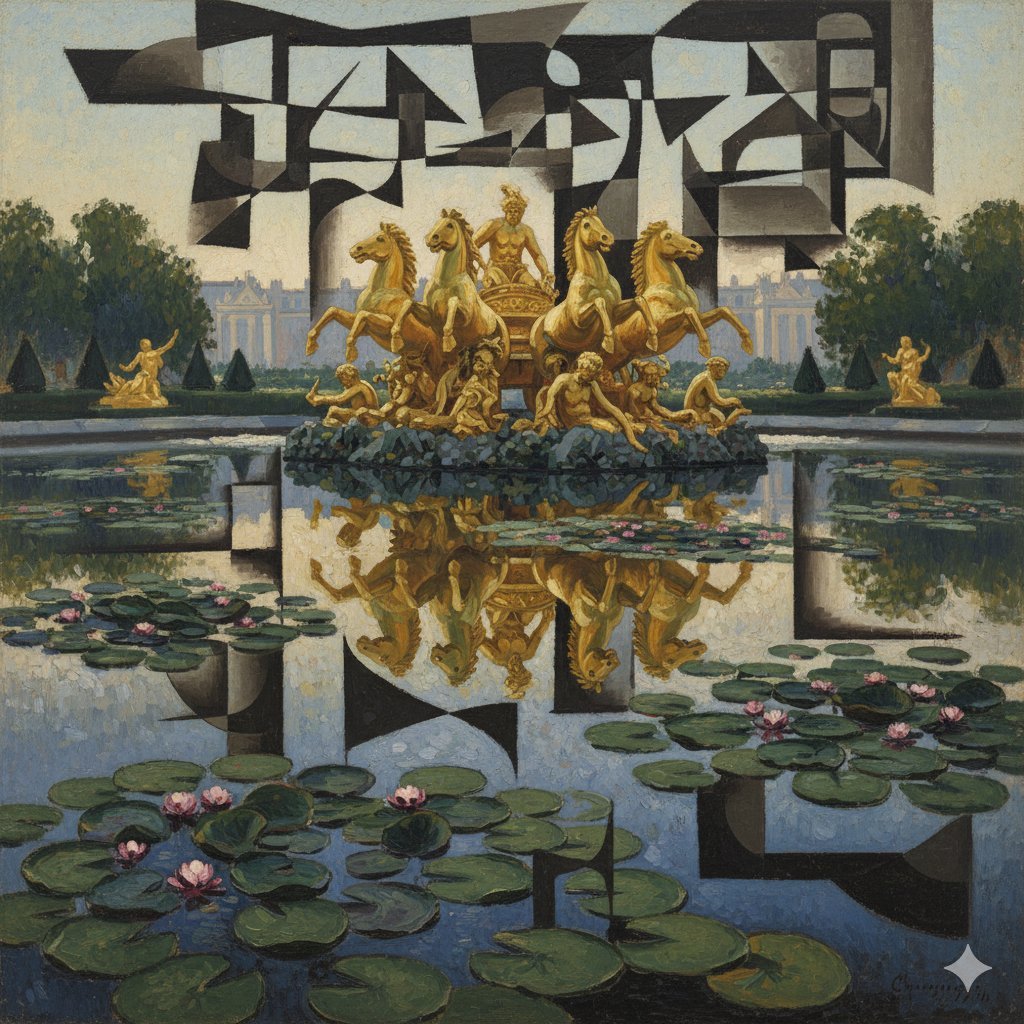
Image Style Transfer: Converting Photo to Picasso's Cubism
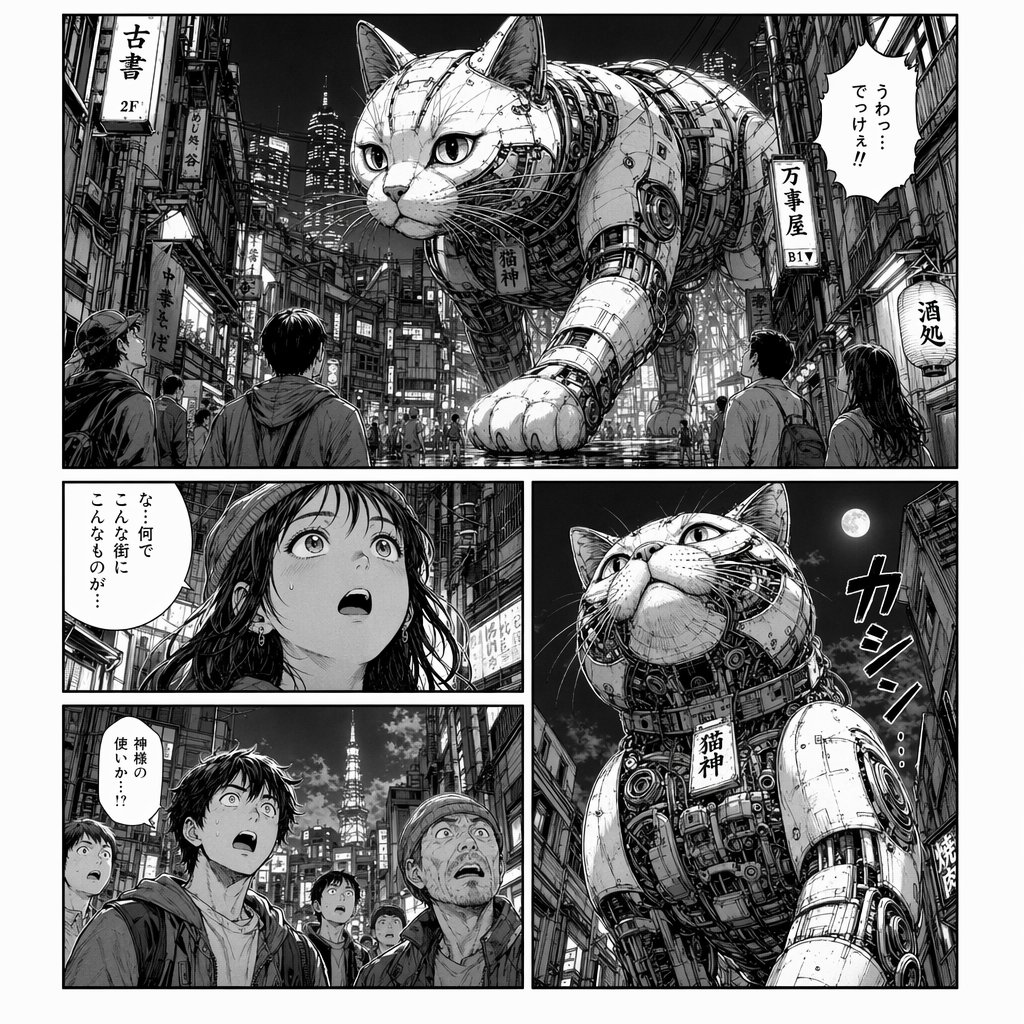
Cyberpunk Manga Page of a Giant Robot Cat
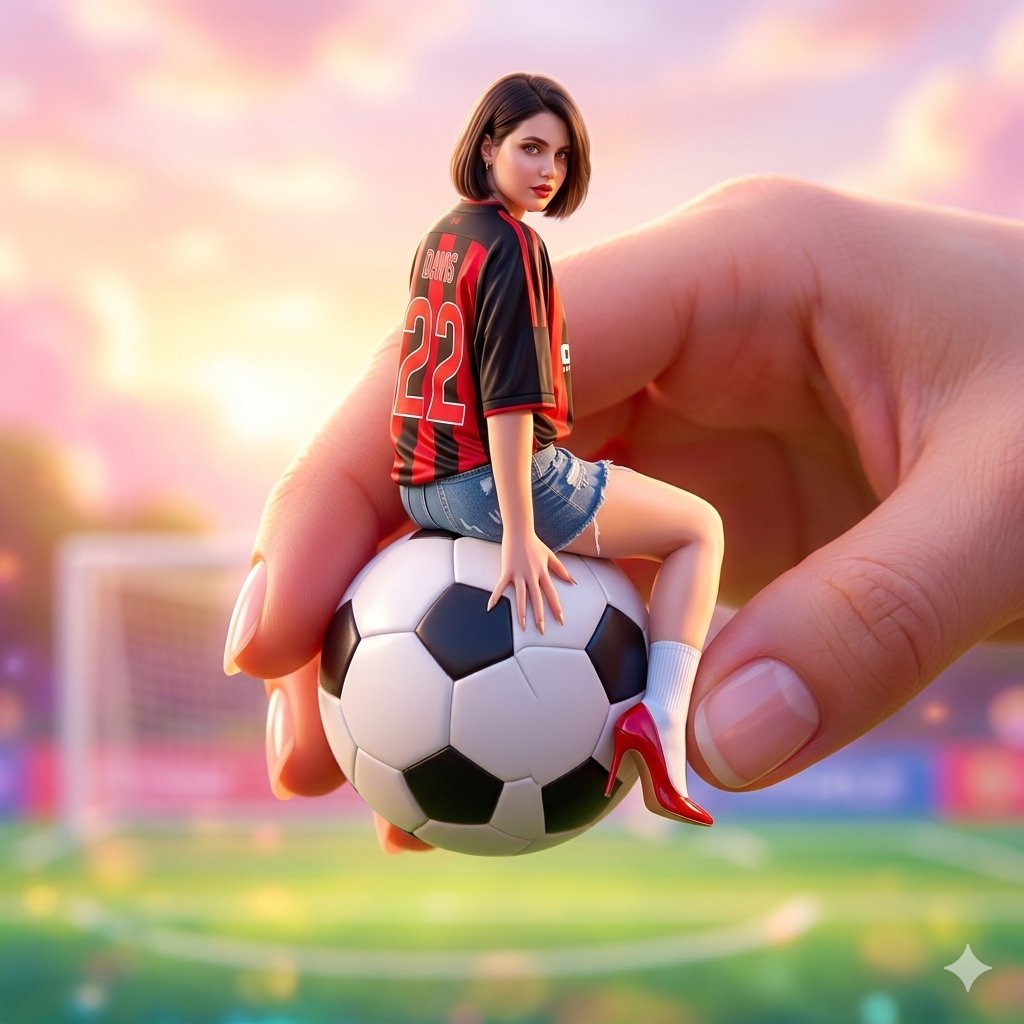
Miniature Fashionable Girl on Soccer Ball
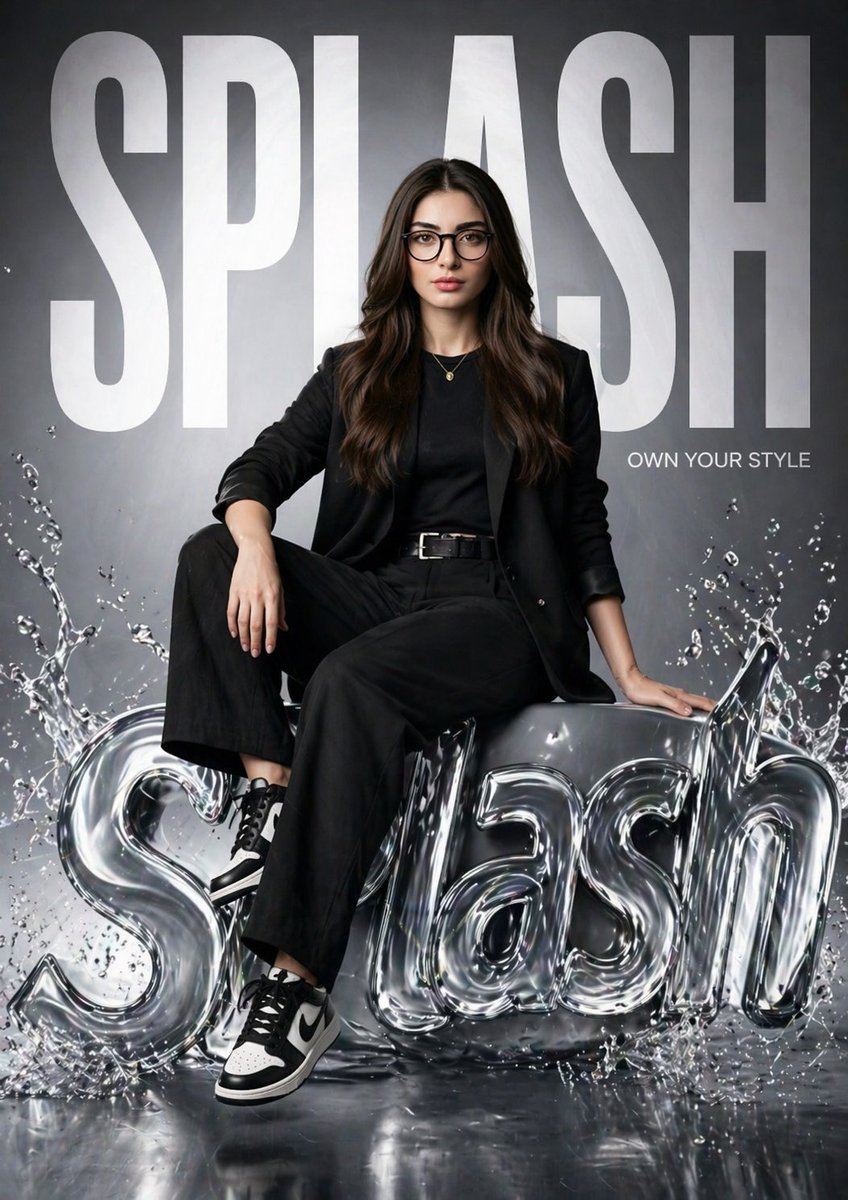
Hyper-realistic Fashion Poster
Vintage Photo Restoration Prompt
Browse template categories
Tamagoyaki Cooking Storyboard questions
How do I use the Tamagoyaki Cooking Storyboard template?
Add your photo if the template asks for one, edit the prompt if you like — the template's model and format are already selected — and press Generate. Your version opens in PicX Studio.
Can I customize the Tamagoyaki Cooking Storyboard template?
Yes. You can change the subject, setting, lighting, mood, format, and available model controls before creating your image.
Is the Tamagoyaki Cooking Storyboard template free?
Opening and editing this template is free. Generating uses credits, shown on the Generate button when you are signed in.
Which AI model should I use?
Start with GPT Image 2, which is the model associated with this template. You can compare another compatible model for a different finish.
Looking for something else? Browse all templates.

Your photo, any look
Thousands of ready templates for every top image and video model, from one credit balance.