
Aji Fry Anime Cooking Storyboard
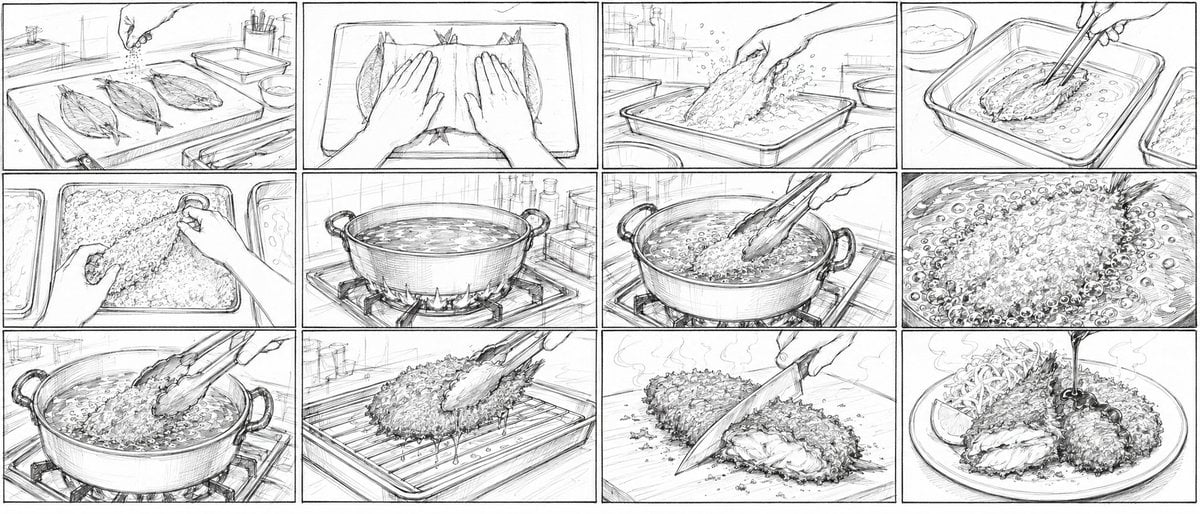
Creates a 12-panel rough pencil storyboard for a Japanese 2D anime cooking short showing golden aji fry preparation from raw fish to plated dish.
- Prompt included
- Model and format preset
- Premium template
The prompt behind this image
Copy the exact prompt behind Aji Fry Anime Cooking Storyboard, or open it in the studio and make it yours.
Goal: Create a very rough pencil storyboard sheet for a 15-second Japanese 2D anime cooking short about {argument name="dish name" default="golden aji fry"}, showing the full cooking process from raw fish to plated fried cutlet. Canvas: Ultra-wide 21:9 horizontal aspect ratio, black-and-white pencil sketch on white paper, divided into exactly 12 rectangular panels in a 3-row by 4-column grid. Use thin black panel borders, hand-drawn construction lines, loose animation-layout perspective, energetic hatching, and no color. Visual style: Japanese anime storyboard / rough keyframe layout, realistic kitchen props, cinematic close-ups, dynamic hands-in-frame action, visible sketch strokes, light shading, steam, bubbles, splashes, crumbs, and motion lines. Keep everything monochrome graphite, like a production storyboard before cleanup. Panel count and contents: Include exactly 12 discrete storyboard panels, read left to right, top to bottom. Panel 1: kitchen prep counter in perspective with three opened horse mackerel fillets on a cutting board, a hand sprinkling seasoning from above, sink and small bottles in the background. Panel 2: top-down close-up of both hands pressing or flattening the opened fish fillets on a tray, emphasizing preparation before breading. Panel 3: hand dropping or coating a fish fillet in a shallow tray of flour or breadcrumbs, powder and crumbs flying upward. Panel 4: chopsticks lifting a breaded fish fillet in a shallow egg or wet batter tray, another tray nearby, liquid ripples around it. Panel 5: close-up of hands burying and pressing the fish into a mound of coarse panko breadcrumbs in a rectangular tray. Panel 6: large pot of hot oil on a gas stove, flames visible underneath, oil surface shimmering, kitchen shelves and bottles behind. Panel 7: long cooking chopsticks lowering a breaded fish fillet into the bubbling oil, the pot handles visible, intense frying action beginning. Panel 8: extreme close-up of the frying surface packed with bubbles and crispy crumb texture around the fish. Panel 9: chopsticks lifting the fully fried crispy fish from the pot, oil dripping back down, strong steam and bubbling oil. Panel 10: the fried fish resting on a wire rack over a tray, chopsticks releasing it, oil drips beneath the rack. Panel 11: a knife cutting through the fried aji fry on a cutting board, revealing the soft white fish interior under the crunchy crust, steam rising. Panel 12: final plated dish with two crispy aji fry pieces on a round plate, shredded cabbage, a lemon wedge, steam, and a stream of dark sauce pouring from above onto the cutlet. Text content: Do not add captions, speech bubbles, numbers, logos, or watermarks; the storyboard should be purely visual. Constraints: Maintain a consistent kitchen setting and continuous cooking sequence. Make the panels feel like rough pre-production art for {argument name="video length" default="15-second"} Japanese 2D animation. Use {argument name="line style" default="loose graphite pencil storyboard lines"} with {argument name="detail level" default="high food texture detail"}. Emphasize the appetizing transformation into {argument name="final dish presentation" default="a crispy golden aji fry plate with cabbage, lemon, and sauce"}, even though the image remains black and white.
How to use Aji Fry Anime Cooking Storyboard in 3 steps
- 1Upload ImagePNG, JPG or paste
Add your photo
Upload the photo the template builds on. The prompt, model and format are already set.
- 2…a portrait of your subject in softgolden-hour light, 85mm…
Personalize
Edit the subject and creative details for your destination.
- 3Generate
Generate
Press Generate — your image is created in PicX Studio, so you can compare it with the original and refine one variable at a time.
More like this
Templates with the same subject, style or setup. Open one to see its prompt.
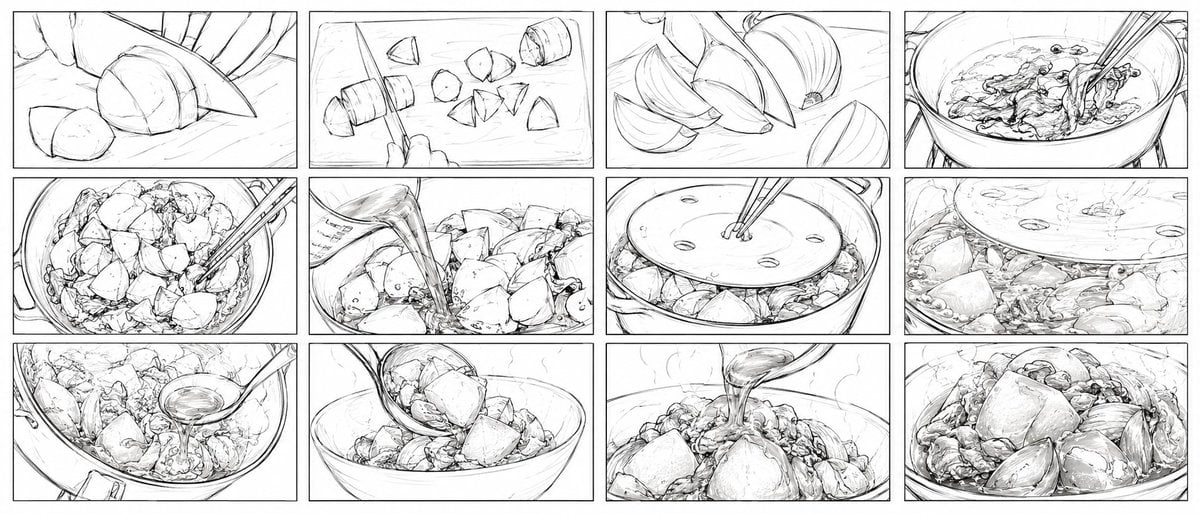
Nikujaga Anime Cooking Storyboard
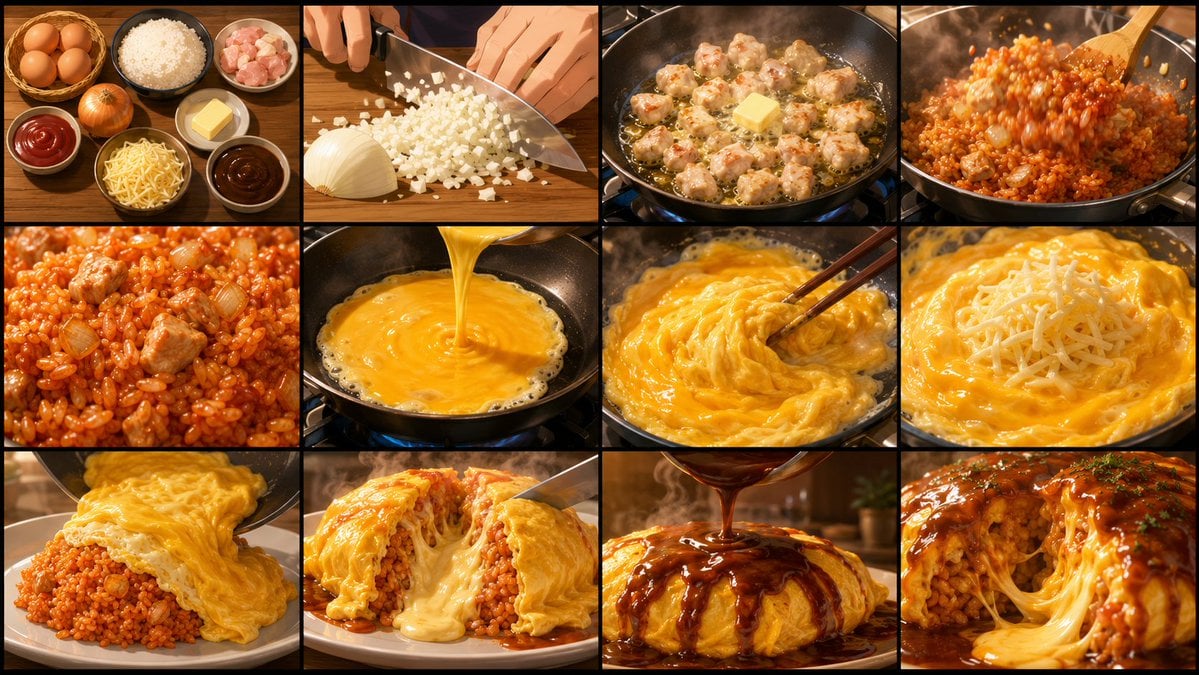
Anime Cooking Storyboard Grid Generator
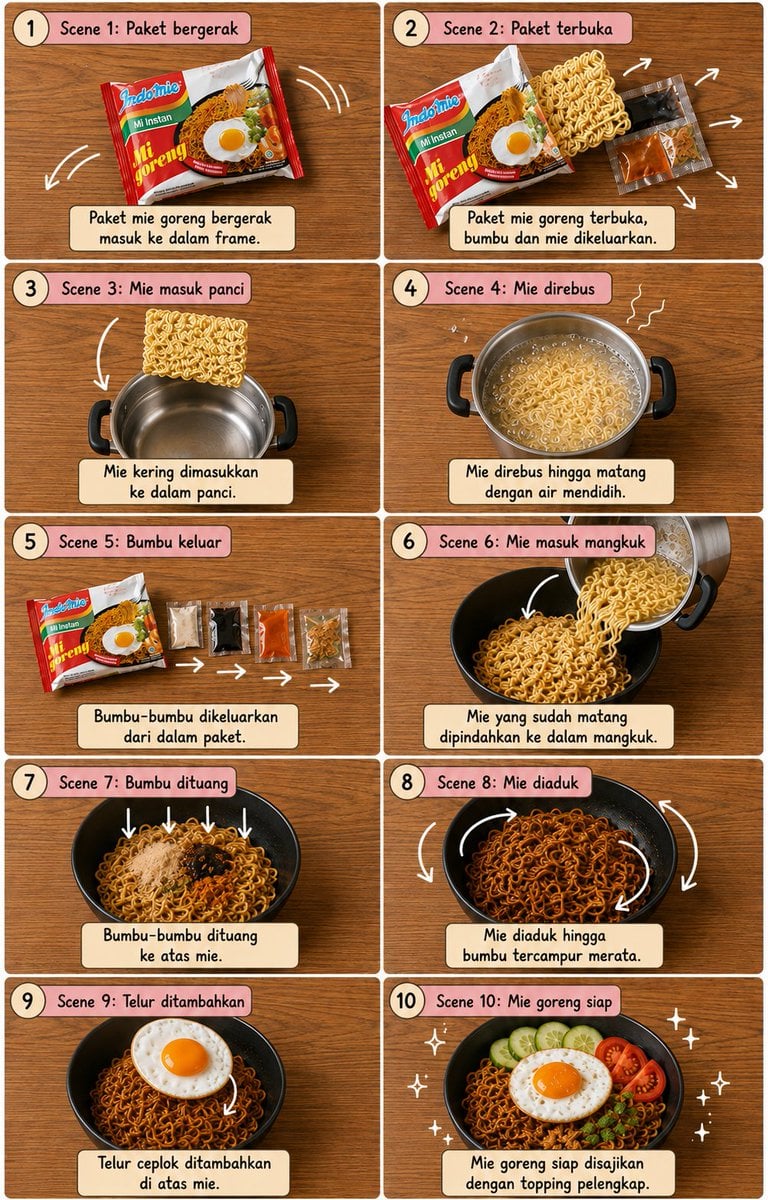
Editorial Cooking Storyboard Layout
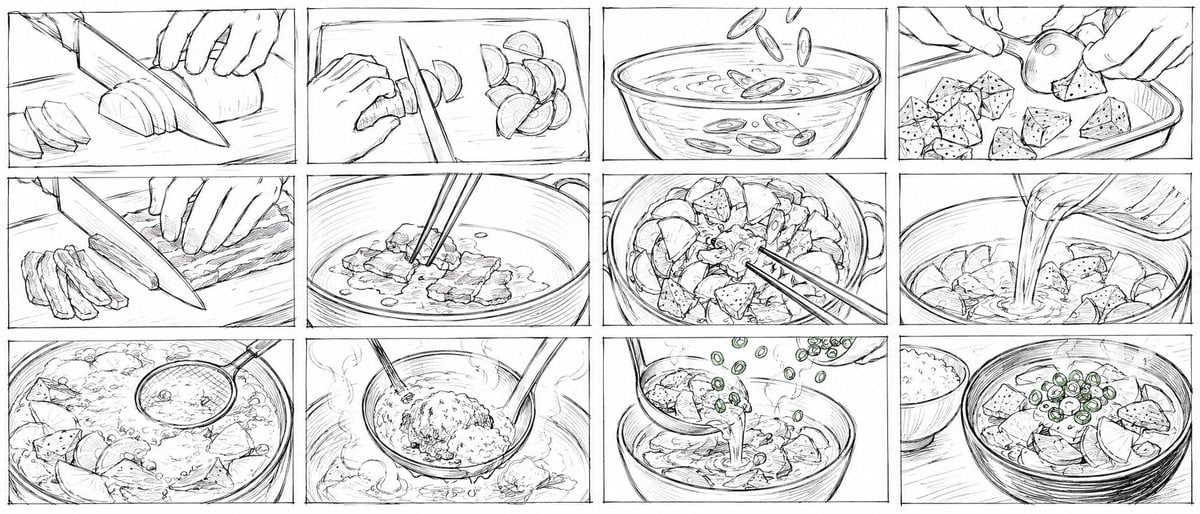
Rough Tonjiru Cooking Storyboard

Cel 2D Finale Fireworks

Cel 2D Garden Maze

Cel 2D Rooftop Concert

Cel 2D Bicycle Coast

Cel 2D Castle Gate

Cel 2D Kitchen Chaos

Cel 2D Carnival Ride

Cel 2D Rainy Bus Stop
Make it yours
Aji Fry Anime Cooking Storyboard works as-is. These are the safest ways to change it without losing the look.
Change one field
Copy a single group, rewrite it, and generate again so you can see what that field is doing.
Keep the frame, change the subject
Hold the composition and light of Aji Fry Anime Cooking Storyboard, then swap wardrobe, props or the person for a new take.
| If the result… | Why | Fix |
|---|---|---|
| The result drifts from the preview | Too many fields changed at once. | Reuse Aji Fry Anime Cooking Storyboard as-is first, then change one group — subject, light, or setting. |
| The model over-stylizes the scene | The prose prompt leaves finish and camera underspecified. | Add one camera or lighting sentence and stay on GPT Image 2. |
More GPT Image 2 templates
Other prompts made for GPT Image 2.

Six VTuber Japanese Logo Sheet

Realistic Portrait of Woman and Deer

The Vista Modular Condo Poster

AI Model Routing Comparison Infographic

2.5D Anime Art Board

Isometric Productivity Desk Scene

New York Double Exposure Poster

Four-Panel AI Landscape Comparison

Japanese Tatami Lifestyle Magazine Cover

NESCAFÉ Coffee Map Poster
More image prompts
Fresh picks from across the catalog.
Nightlife Mirror Selfie JSON Prompt for Nano Banana Pro
Editorial Photograph Composition Prompt for Nano Banana Pro
Retro Xi'an Roujiamo Food Poster
Moody Censored Film Still
Corporate Chic Portrait in an Executive Office

Beauty Product Landing Page Mockup
Popmart Style 3D Character Toy
Cyberpunk Neon Night Street Portrait
Traditional Chinese Calligraphy and Ink Painting
Cinematic Street Portrait with Motion Contrast
Browse template categories
Aji Fry Anime Cooking Storyboard questions
How do I use the Aji Fry Anime Cooking Storyboard template?
Add your photo if the template asks for one, edit the prompt if you like — the template's model and format are already selected — and press Generate. Your version opens in PicX Studio.
Can I customize the Aji Fry Anime Cooking Storyboard template?
Yes. You can change the subject, setting, lighting, mood, format, and available model controls before creating your image.
Is the Aji Fry Anime Cooking Storyboard template free?
Opening and editing this template is free. Generating uses credits, shown on the Generate button when you are signed in.
Which AI model should I use?
Start with GPT Image 2, which is the model associated with this template. You can compare another compatible model for a different finish.
Looking for something else? Browse all templates.

Your photo, any look
Thousands of ready templates for every top image and video model, from one credit balance.