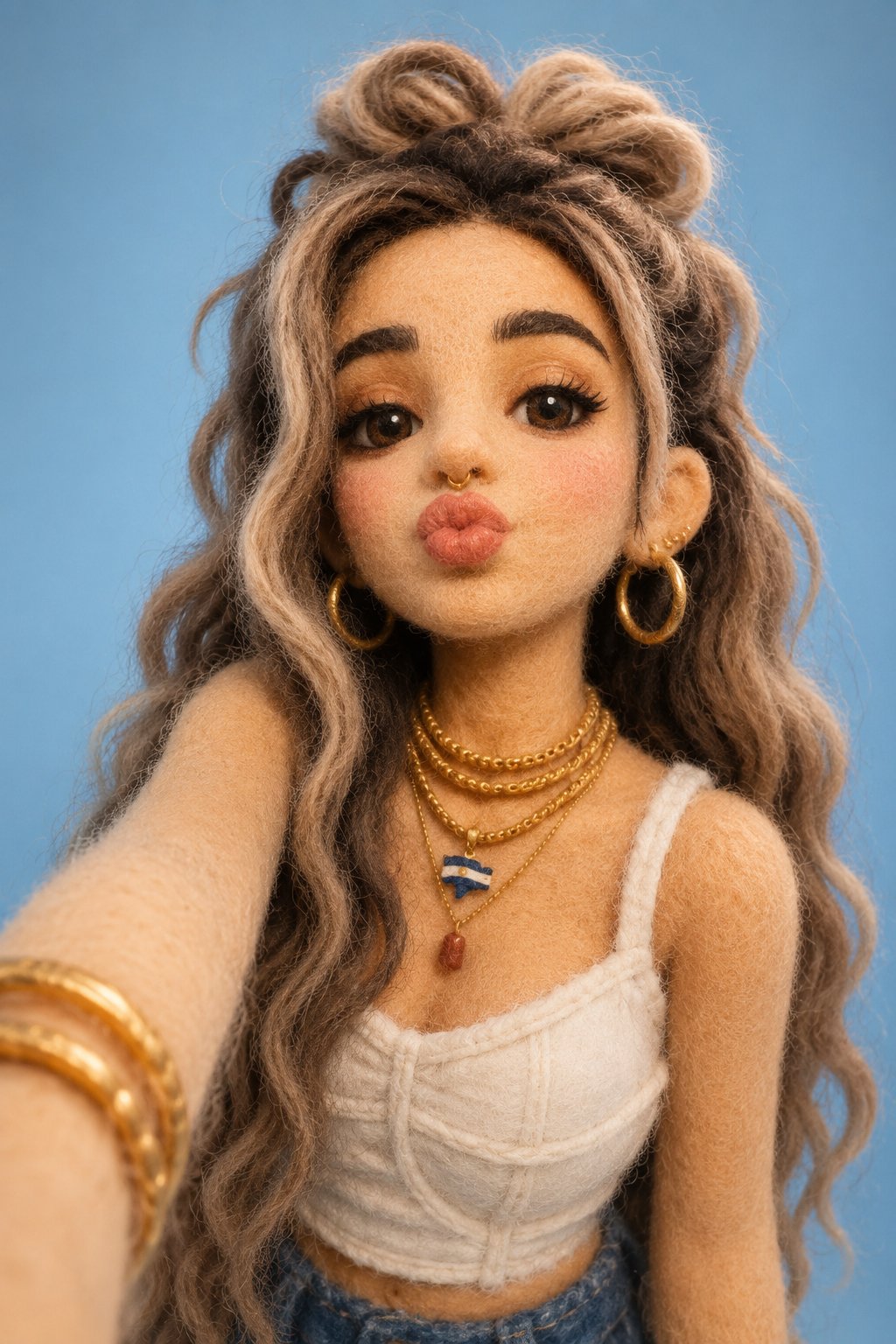
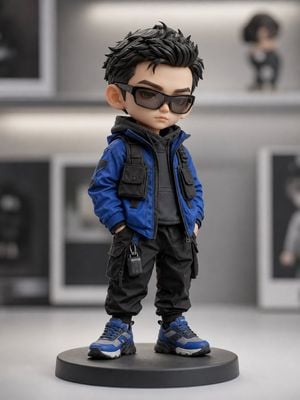
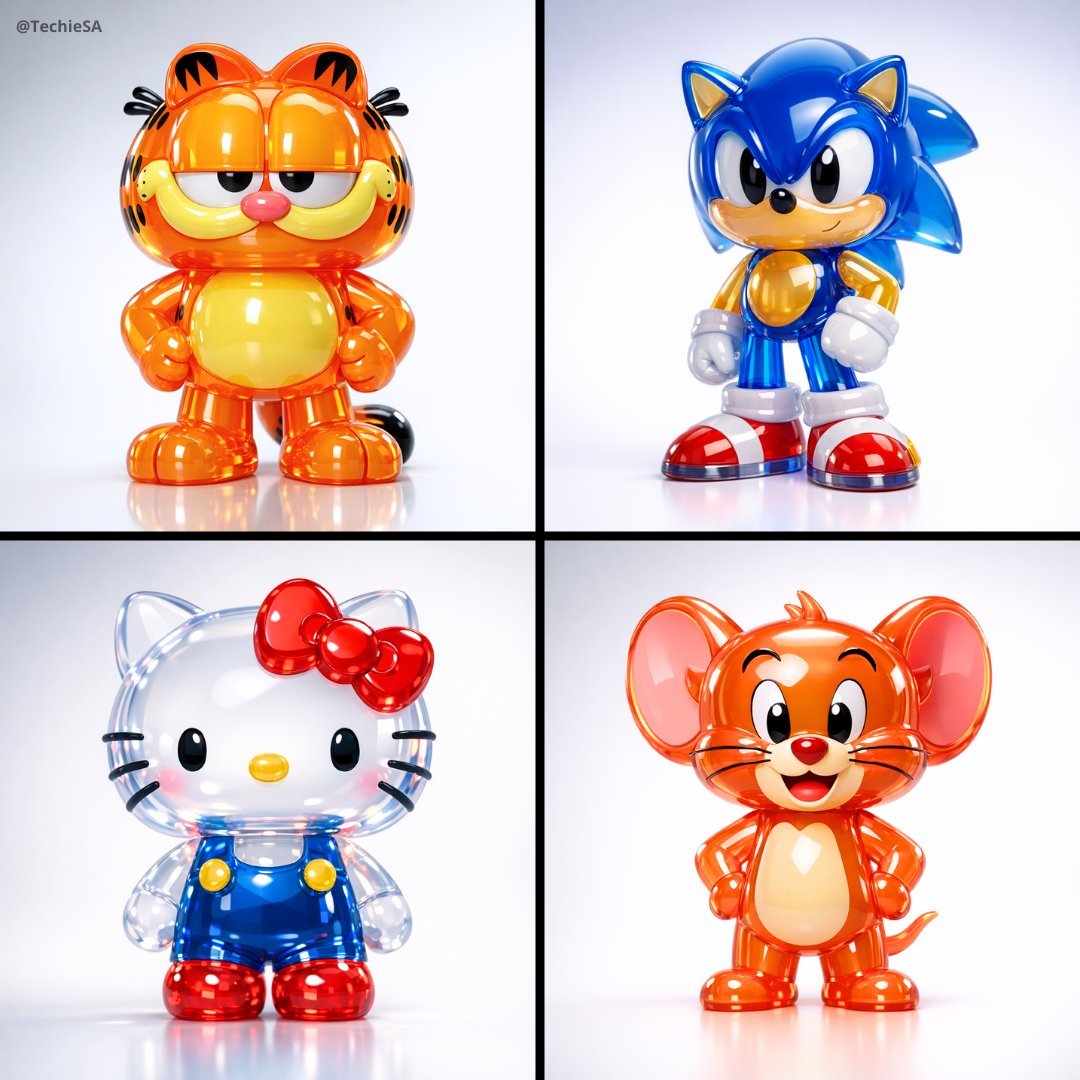
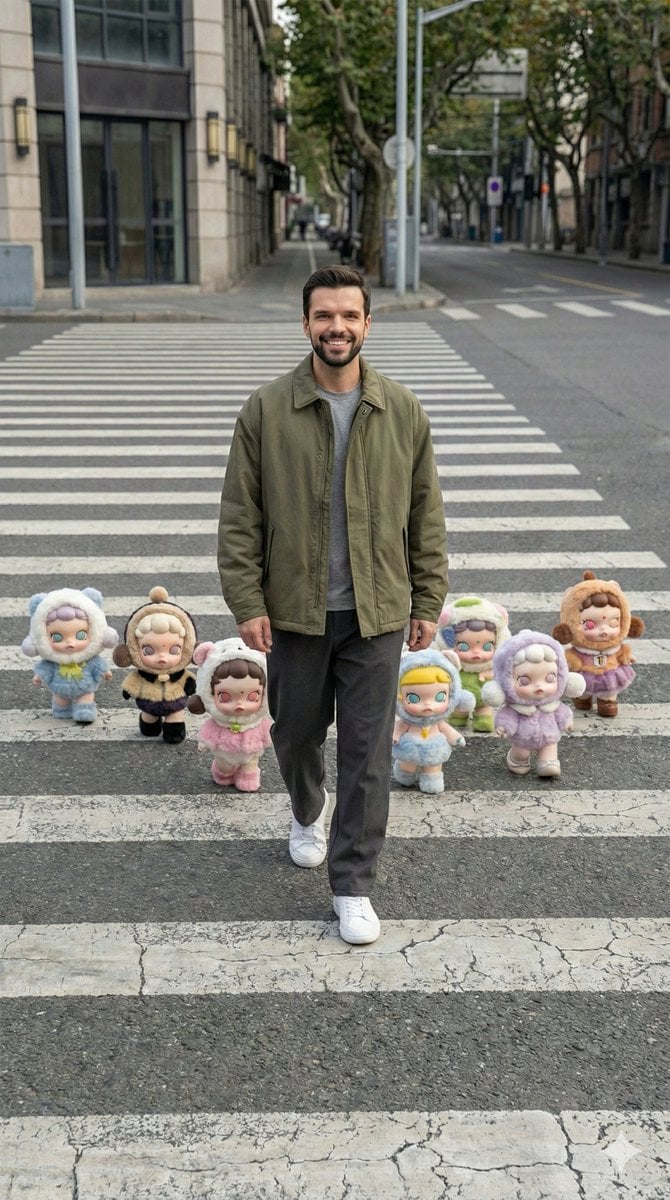
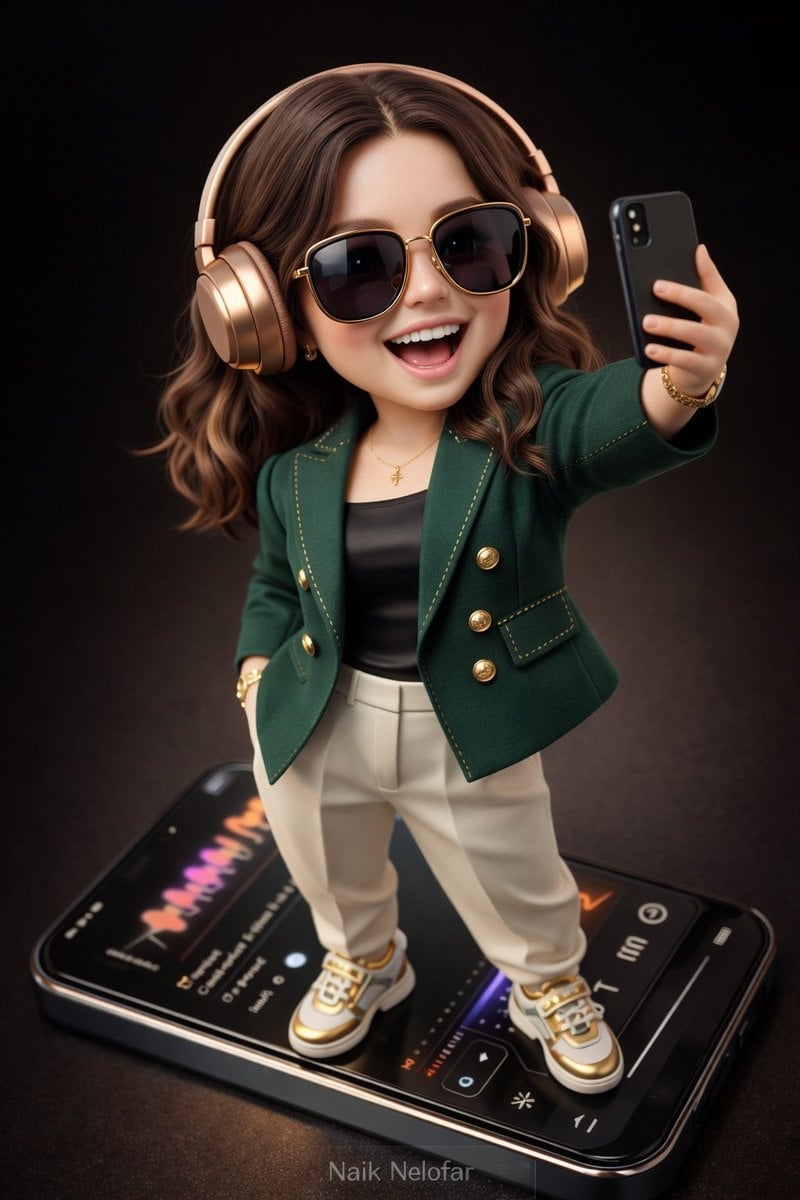
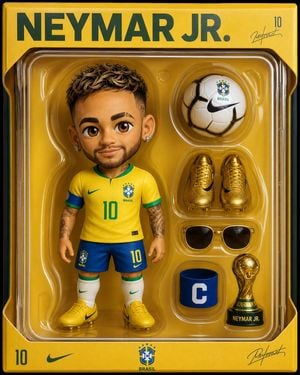
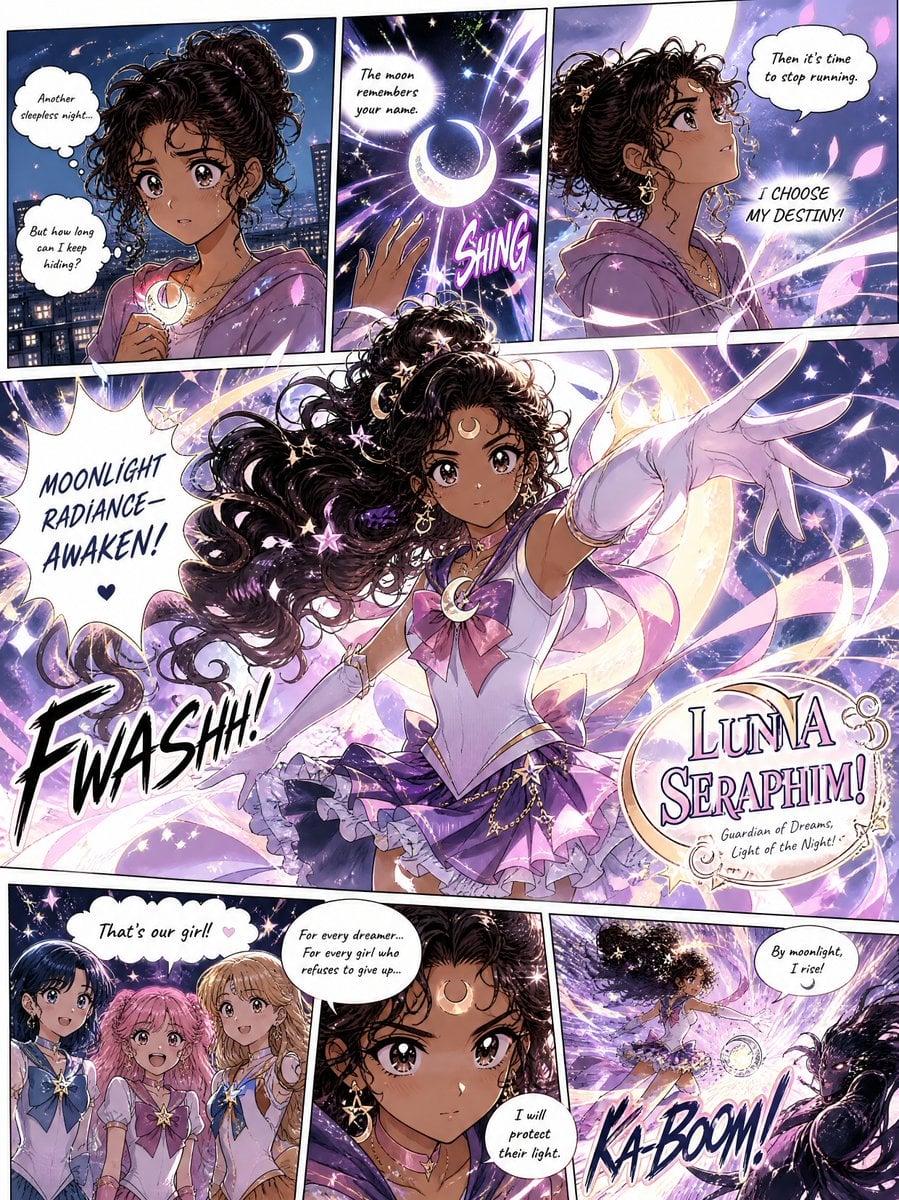
How do I use the Popmart Style 3D Character Toy template?
Edit the prompt in the box under the preview — the template's model and format are already selected — and press Generate. Your version appears right on this page.
A professional toy figure poster prompt in Popmart style, featuring a 3D character with matte clay textures and bold typography.

A premium collectible toy figure product poster on a bold solid bright {argument name="background color" default="orange"} background, a chubby adorable 3D character with an oversized round head, tiny misaligned cartoon eyes, a flat wide mouth showing a single buck tooth, wearing a tiny {argument name="hat type" default="purple knit beanie hat"} slightly tilted and a small yellow fanny pack across its body, a band-aid sticker on one cheek, the figure rendered in soft matte clay texture with subtle ambient occlusion shadows, photographed from a slightly low angle, large bold condensed black typography at the top left reading "{argument name="title text" default="JUST BE YOU"}" in massive letters, small italic descriptor text below reading "Not fast. Not smart. Just yourself.", white bottom strip showing front side back and 45-degree angle views of the character, clean premium Popmart blind box collectible aesthetic, 9:16 vertical ratio
A premium collectible toy figure product poster on a bold solid bright {argument name="background color" default="orange"} background, a chubby adorable 3D character with an oversized round head, tiny misaligned cartoon eyes, a flat wide mouth showing a single buck tooth, wearing a tiny {argument name="hat type" default="purple knit beanie hat"} slightly tilted and a small yellow fanny pack across its body, a band-aid sticker on one cheek, the figure rendered in soft matte clay texture with subtle ambient occlusion shadows, photographed from a slightly low angle, large bold condensed black typography at the top left reading "{argument name="title text" default="JUST BE YOU"}" in massive letters, small italic descriptor text below reading "Not fast. Not smart. Just yourself.", white bottom strip showing front side back and 45-degree angle views of the character, clean premium Popmart blind box collectible aesthetic, 9:16 vertical ratio
Edit the prompt in the box under the preview — the template's model and format are already selected — and press Generate. Your version appears right on this page.
Yes. You can change the subject, setting, lighting, mood, format, and available model controls before creating your image.
Opening and editing this template is free. Generating uses credits, shown on the Generate button when you are signed in.
Start with GPT Image 2, which is the model associated with this template. You can compare another compatible model for a different finish.
Follow a topic to a crawlable collection of related PicX Studio templates.