
Xuanwu Gate Incident Moments Post
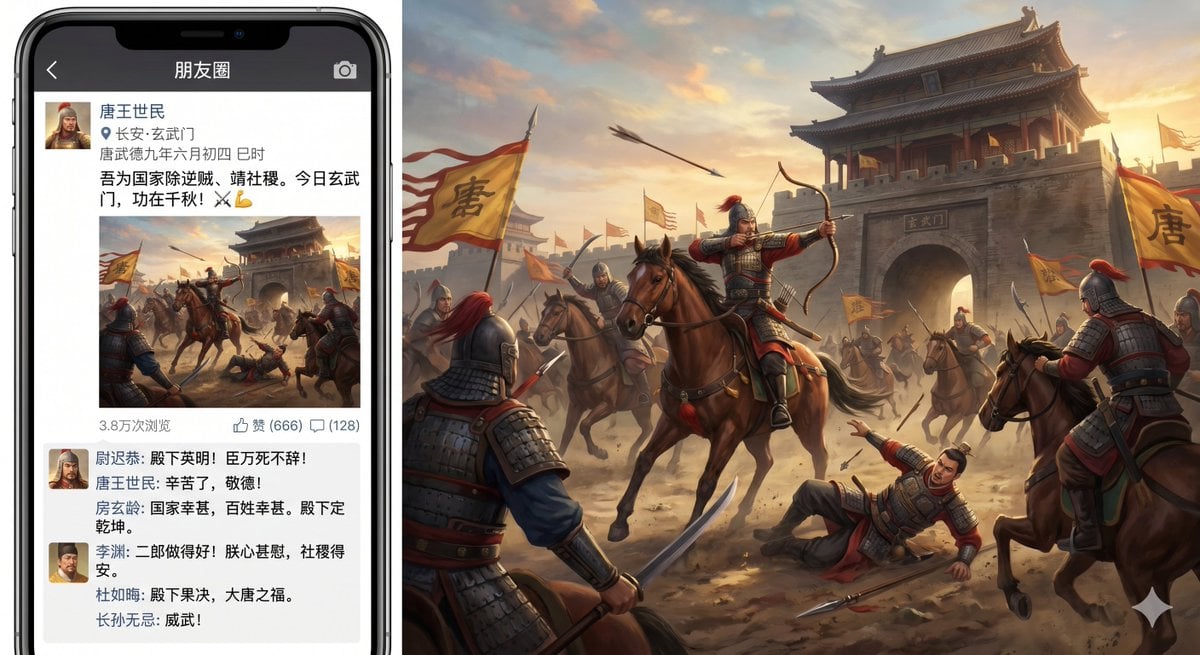
This prompt generates a satirical image of the Xuanwu Gate Incident presented as a Chinese social-media Moments post alongside a cinematic Tang-dynasty battle scene.
- Prompt included
- Model and format preset
- Free template
The prompt behind this image
Copy the exact prompt behind Xuanwu Gate Incident Moments Post, or open it in the studio and make it yours.
A humorous, highly detailed composite image showing a modern smartphone displaying a Chinese social-media Moments post about the Xuanwu Gate Incident, placed on the left side of the frame, with the posted battle image expanded into a large cinematic historical scene filling the right side. The phone should look like a black iPhone with thin bezels and a top notch, shown front-facing. On the phone screen, the app header bar is dark gray-black and reads “朋友圈” in white, with a back arrow on the left and a camera icon on the right. Below it is a social post from {argument name="poster name" default="唐王世民"}, with a small square profile avatar of an ancient Chinese warrior in armor and helmet. Under the name is a location pin and the text “长安·玄武门”, and a timestamp line “唐武德九年六月初四 巳时”. The main post text in Chinese says: “吾为国家除逆贼,请社稷。今日玄武门,功在千秋!⚔️💪”. Beneath the text is a square battle image preview matching the large scene on the right. Below the image is a metadata row showing exactly three items: “3.8万次浏览”, “赞 (666)”, and “(128)” beside a comment icon. Under that is a comments box with exactly 5 visible commenters, each with a tiny avatar and Chinese text styled like supportive social-media replies from historical figures. The comments should include these names in Chinese: “尉迟恭”, “房玄龄”, “李渊”, “杜如晦”, and “长孙无忌”, with the tone praising the success of the action; one comment line should suggest the emperor is shocked and the state is secured. The right side is a dramatic Tang-dynasty battle painting at sunset outside {argument name="gate name" default="玄武门"}, with a massive gray stone gate tower and the gate plaque reading “玄武门”. In the center foreground, a mounted armored archer in red-plumed helmet draws a bow while riding a brown horse; around him are exactly 7 clearly visible mounted or standing soldiers in Tang armor, plus 1 fallen armored figure on the ground pointing upward. Multiple yellow battle flags with the large black character “唐” wave through the dust; show at least 4 visible flags. Arrows fly through the sky, horses rear and turn, and the air is filled with dust, warm sunset light, and battlefield motion. The visual style is realistic historical epic key art with painterly detail, but the overall concept is comedic and anachronistic because it presents an ancient coup as a social-media朋友圈 post. Keep all visible interface text in Chinese, maintain believable mobile UI spacing, and blend the phone mockup with the expanded battle artwork in one widescreen composition.
How to use Xuanwu Gate Incident Moments Post in 3 steps
- 1Upload ImagePNG, JPG or paste
Add your photo
Upload the photo the template builds on. The prompt, model and format are already set.
- 2…a portrait of your subject in softgolden-hour light, 85mm…
Personalize
Edit the subject and creative details for your destination.
- 3Generate
Generate
Press Generate — your image is created in PicX Studio, so you can compare it with the original and refine one variable at a time.
More like this
Templates with the same subject, style or setup. Open one to see its prompt.
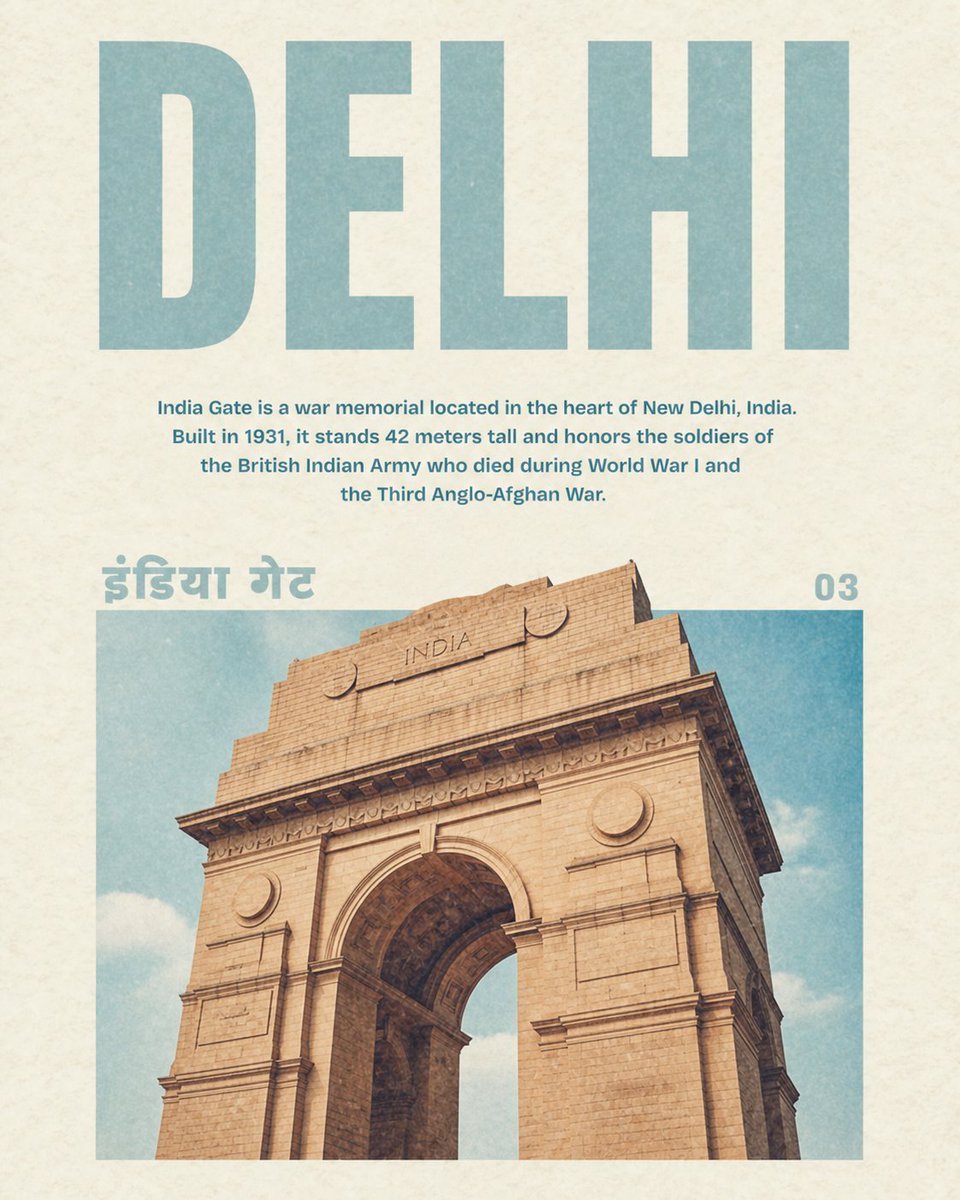
Vintage Delhi India Gate Poster

80s College Gate
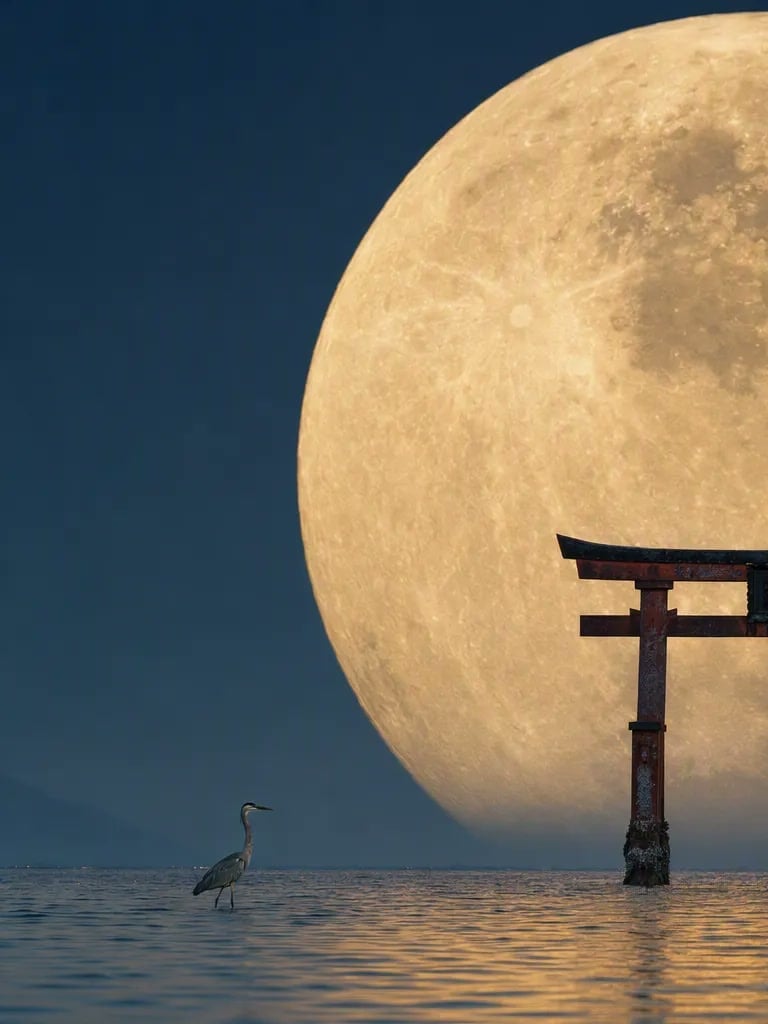
Telephoto Full Moon Torii Gate
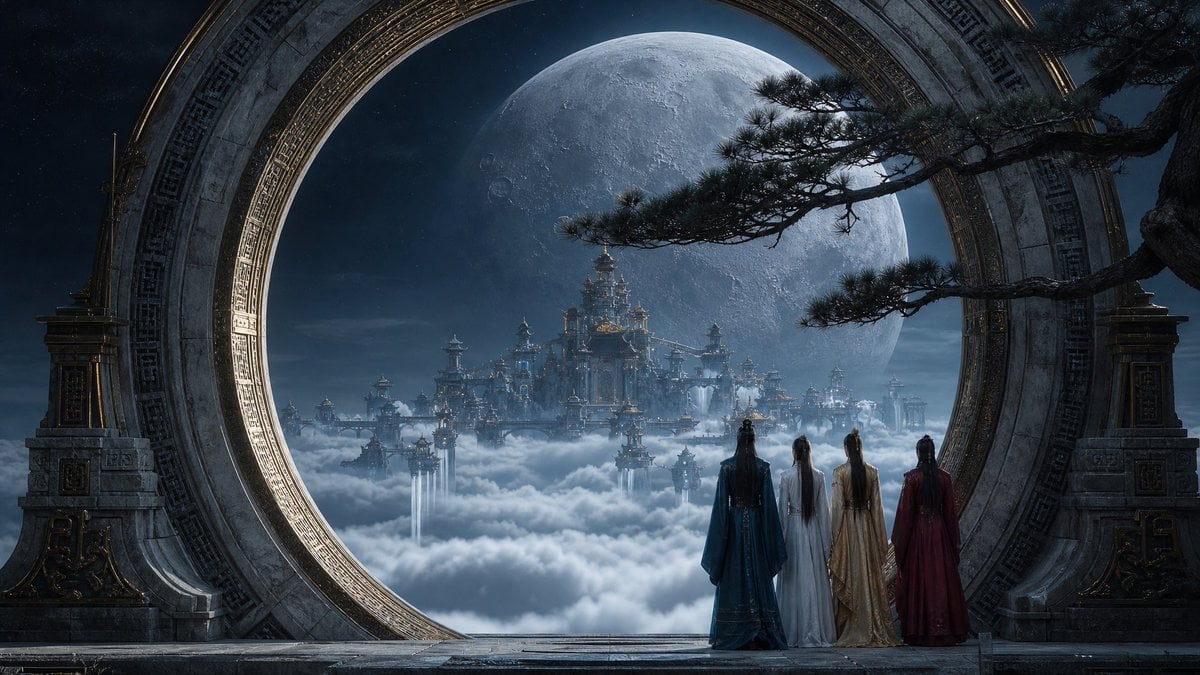
Moonlit Celestial Palace Gate
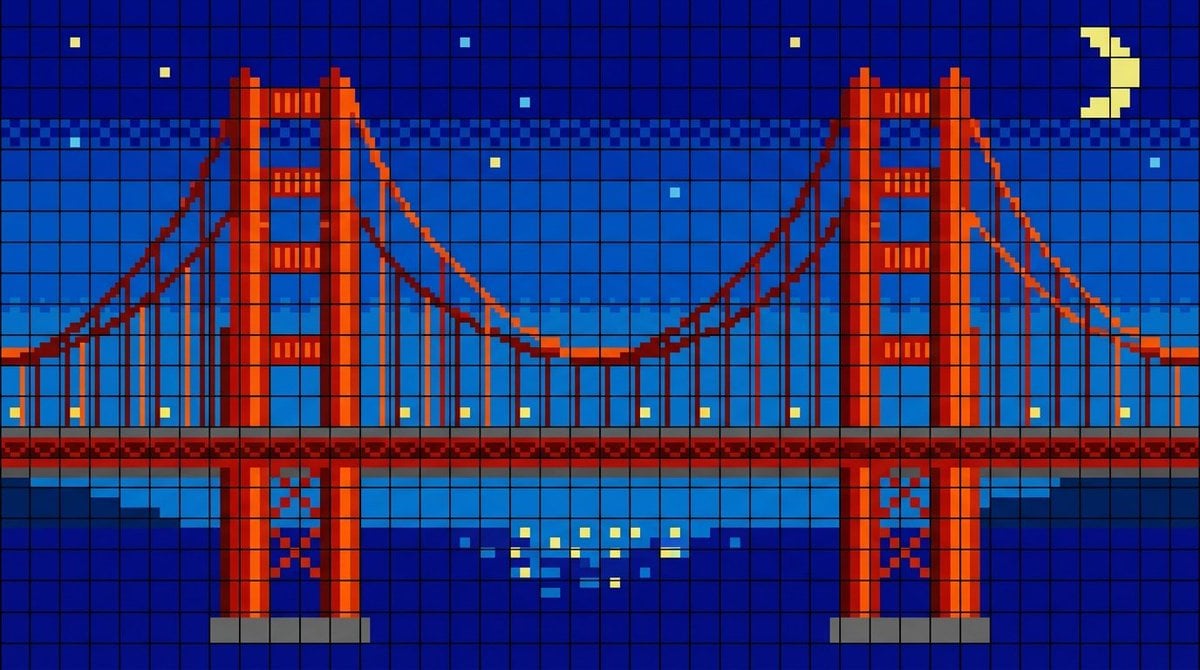
Golden Gate Bridge LED Screen
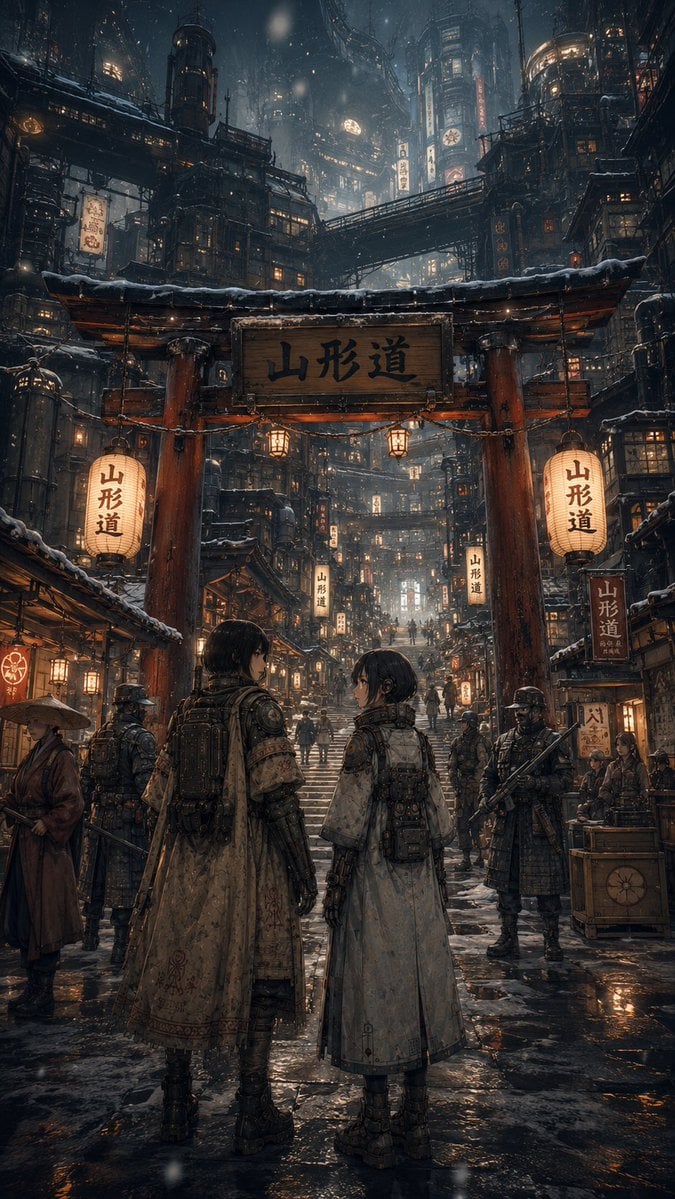
Snowy Cyberpunk Yamagata Gate
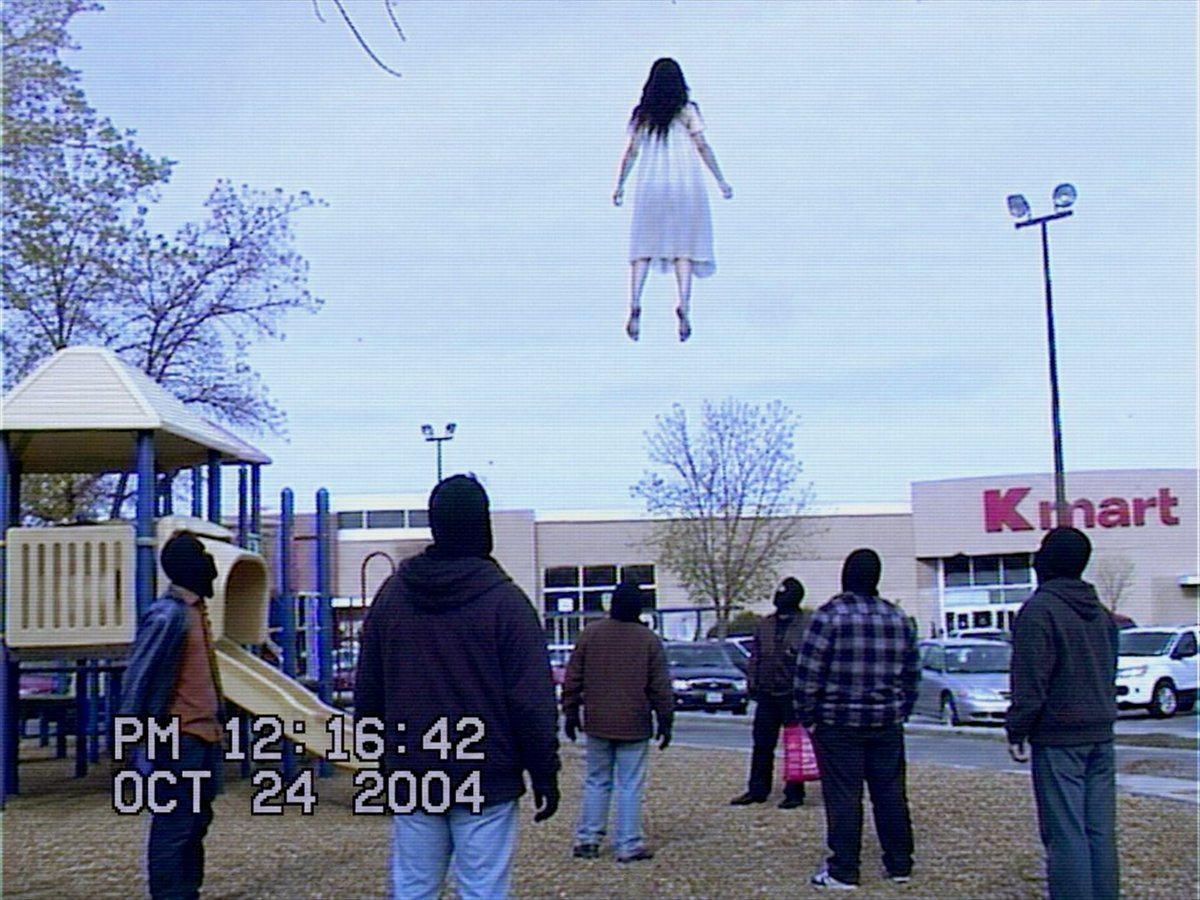
VHS Kmart Levitation Incident

Paper Cut Castle Gate

Pixel Limited Castle Gate

Watercolor Anim Castle Gate

Motion Graphics Castle Gate
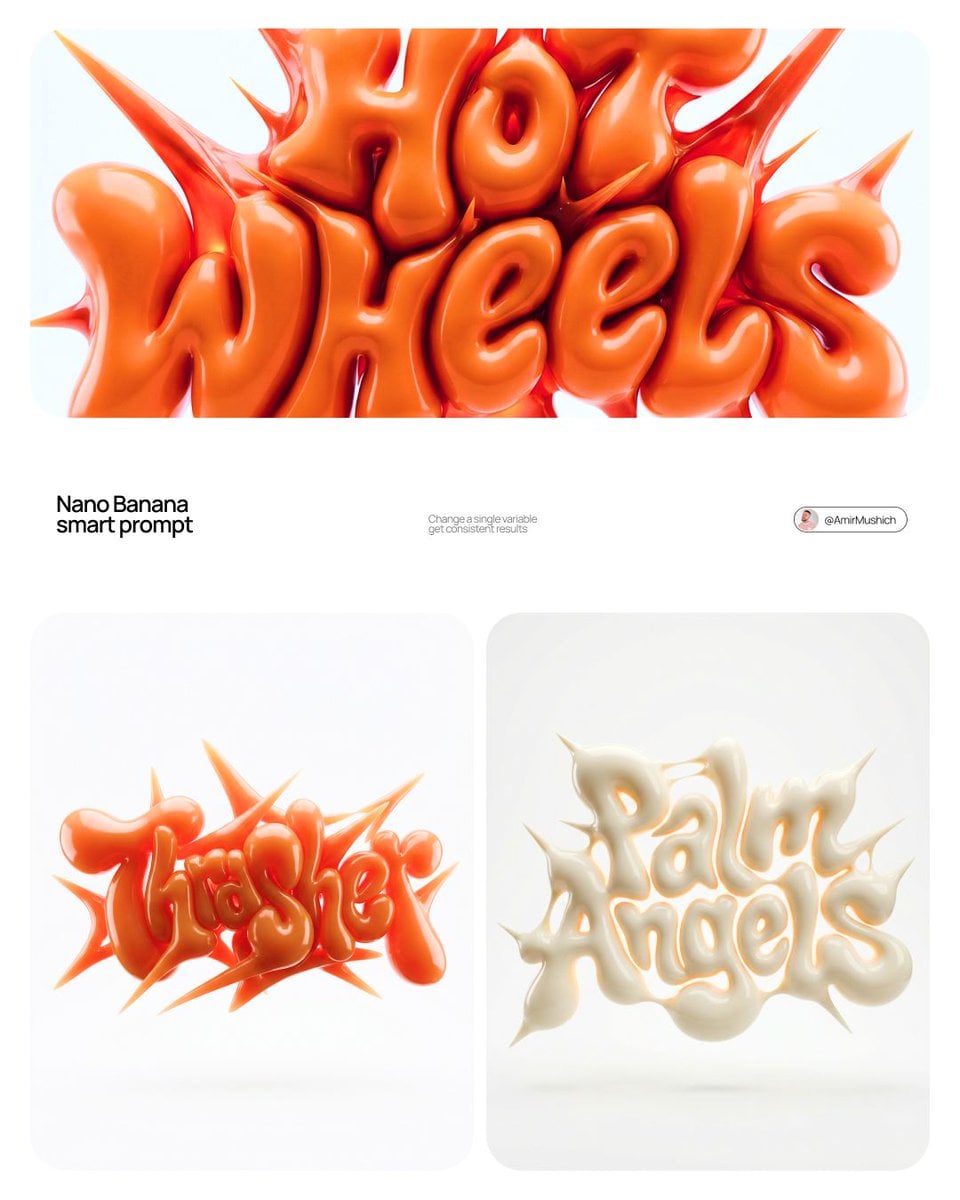
Stop Motion Castle Gate
Make it yours
Xuanwu Gate Incident Moments Post works as-is. These are the safest ways to change it without losing the look.
Change one field
Copy a single group, rewrite it, and generate again so you can see what that field is doing.
Keep the frame, change the subject
Hold the composition and light of Xuanwu Gate Incident Moments Post, then swap wardrobe, props or the person for a new take.
| If the result… | Why | Fix |
|---|---|---|
| The result drifts from the preview | Too many fields changed at once. | Reuse Xuanwu Gate Incident Moments Post as-is first, then change one group — subject, light, or setting. |
| The model over-stylizes the scene | The prose prompt leaves finish and camera underspecified. | Add one camera or lighting sentence and stay on GPT Image 2. |
More GPT Image 2 templates
Other prompts made for GPT Image 2.

Six VTuber Japanese Logo Sheet

Realistic Portrait of Woman and Deer

The Vista Modular Condo Poster

AI Model Routing Comparison Infographic

2.5D Anime Art Board

Isometric Productivity Desk Scene

New York Double Exposure Poster

Four-Panel AI Landscape Comparison

Japanese Tatami Lifestyle Magazine Cover

NESCAFÉ Coffee Map Poster
More image prompts
Fresh picks from across the catalog.
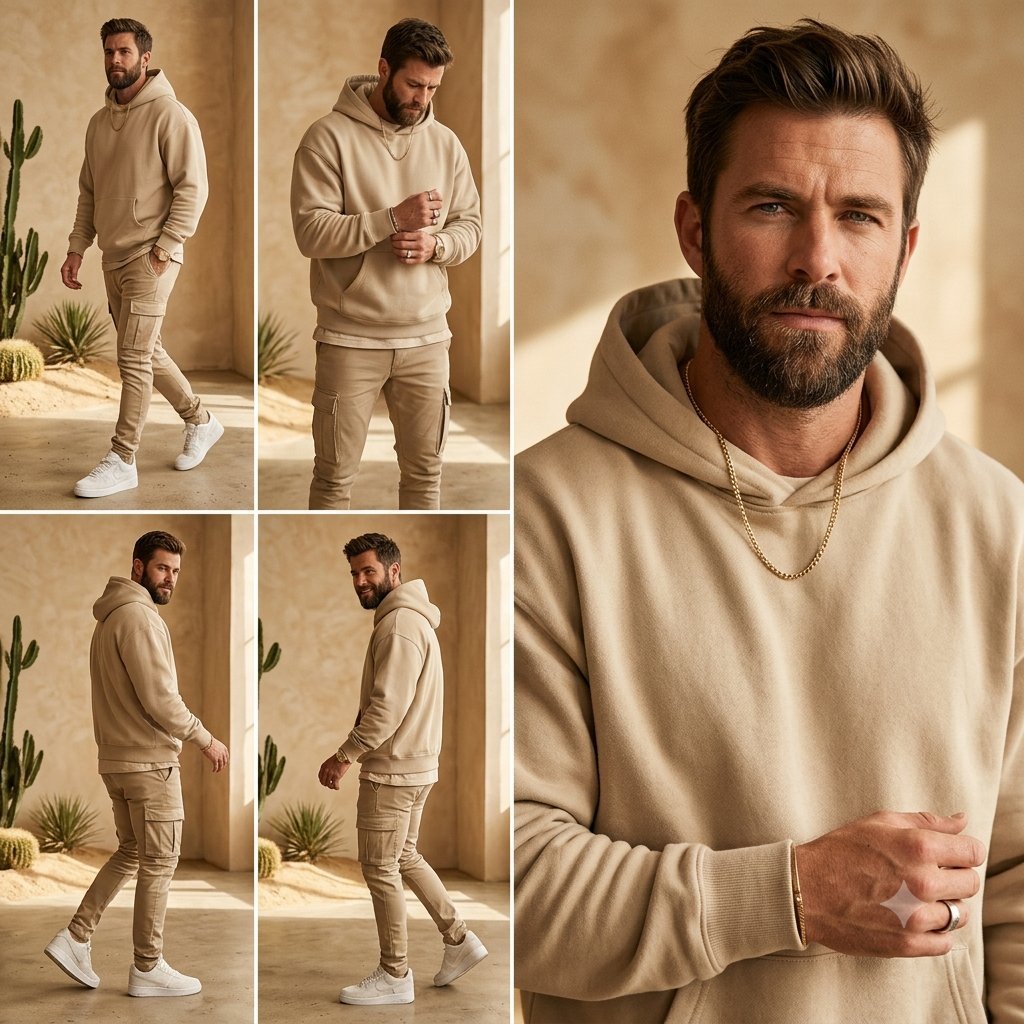
Beige Menswear Lookbook Collage
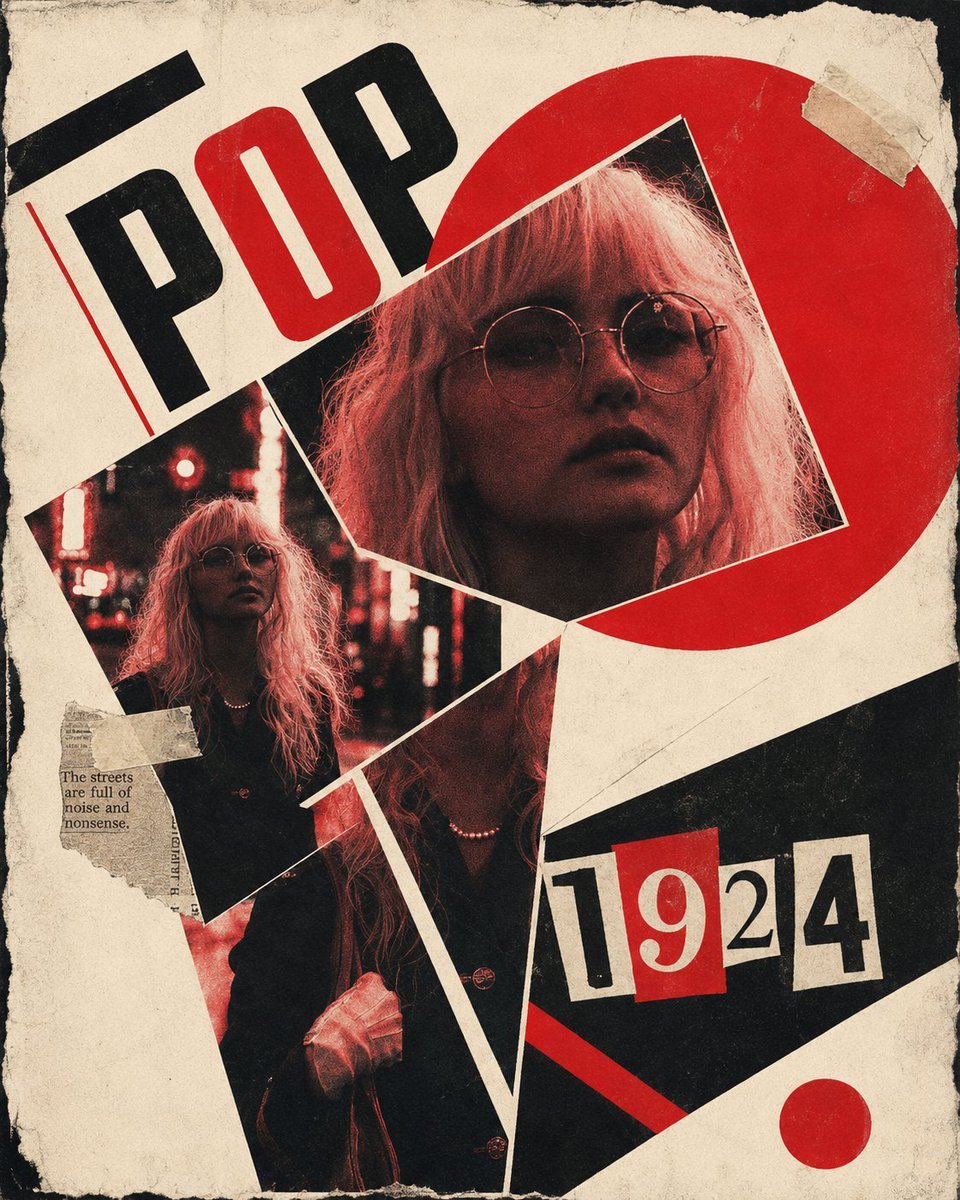
Constructivist Punk Collage Poster
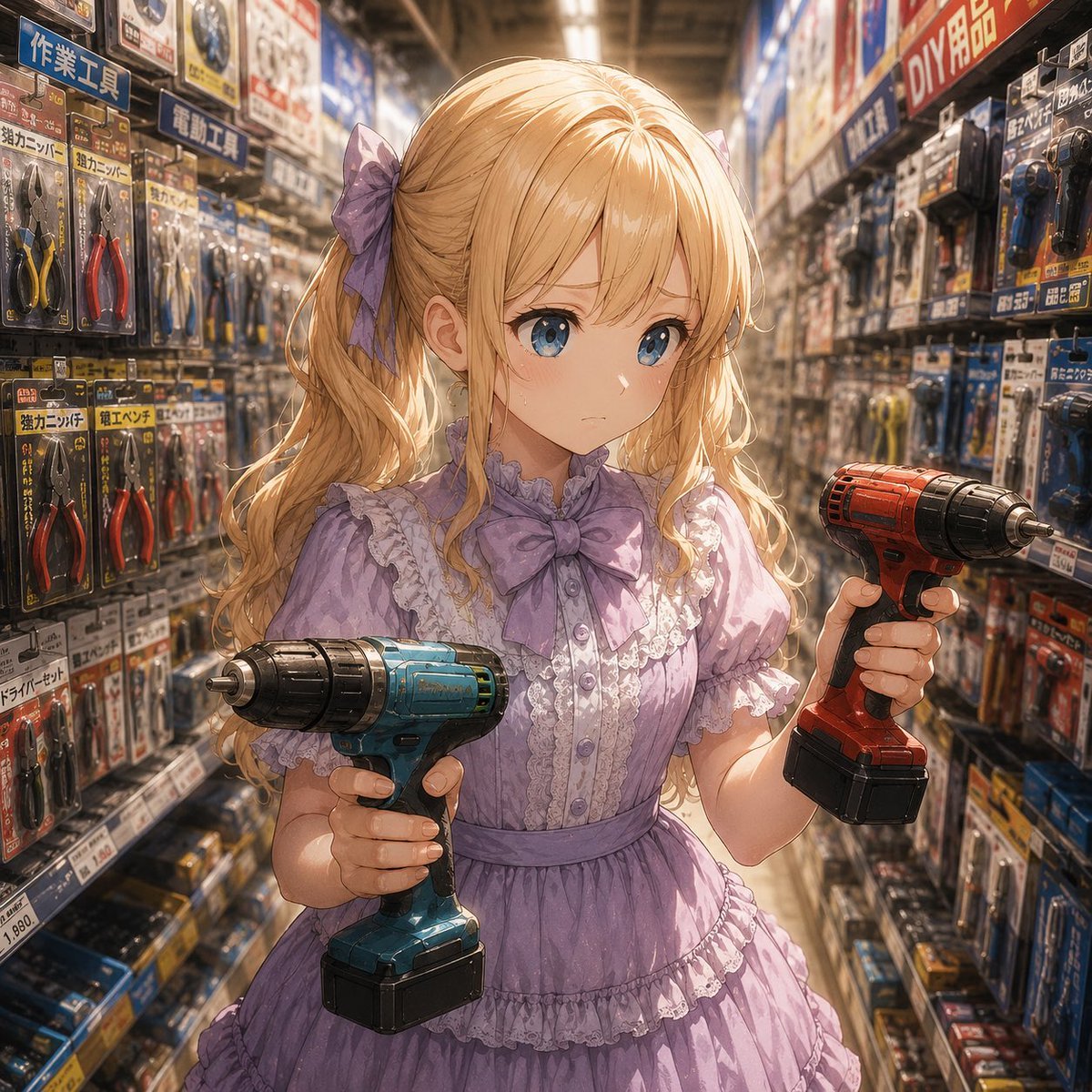
Anime Hardware Store Worker
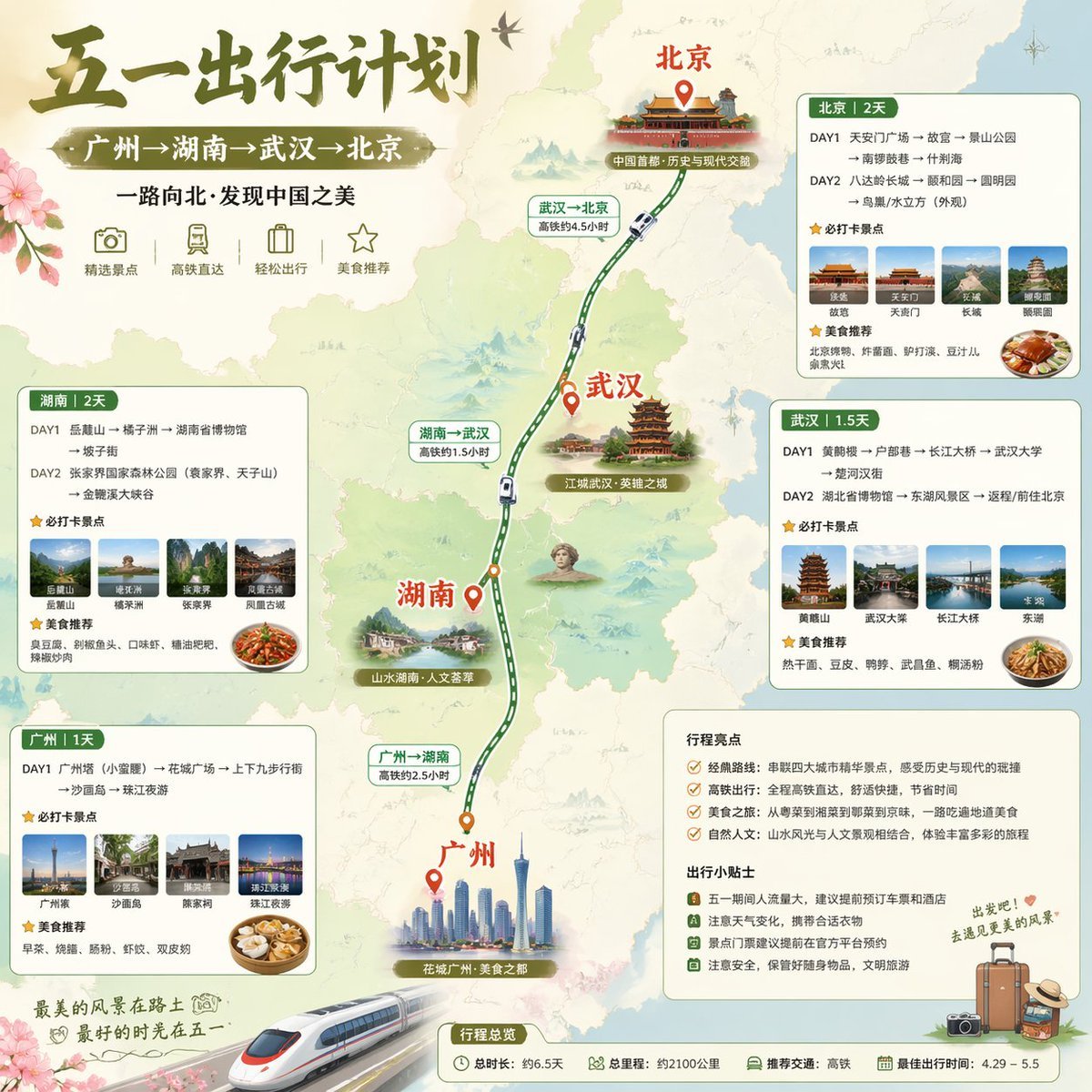
China May Day Rail Travel Infographic
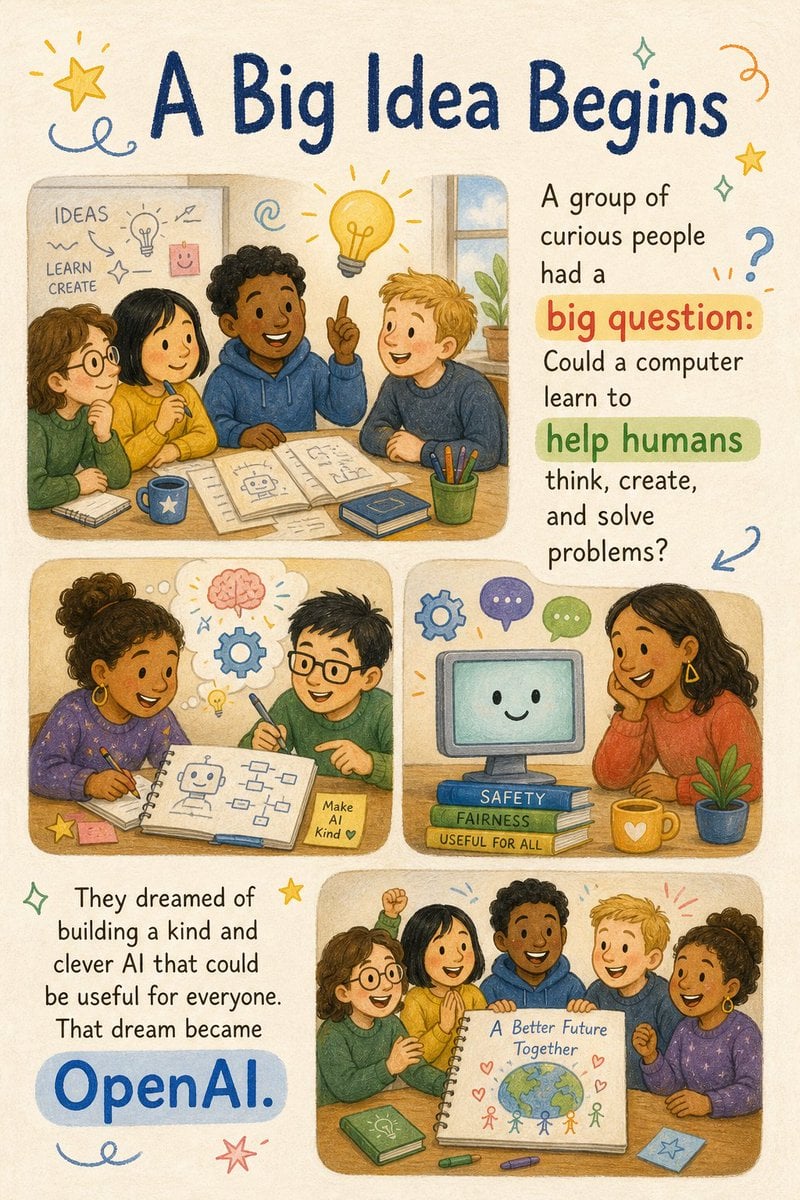
Children's Picture Book Layout
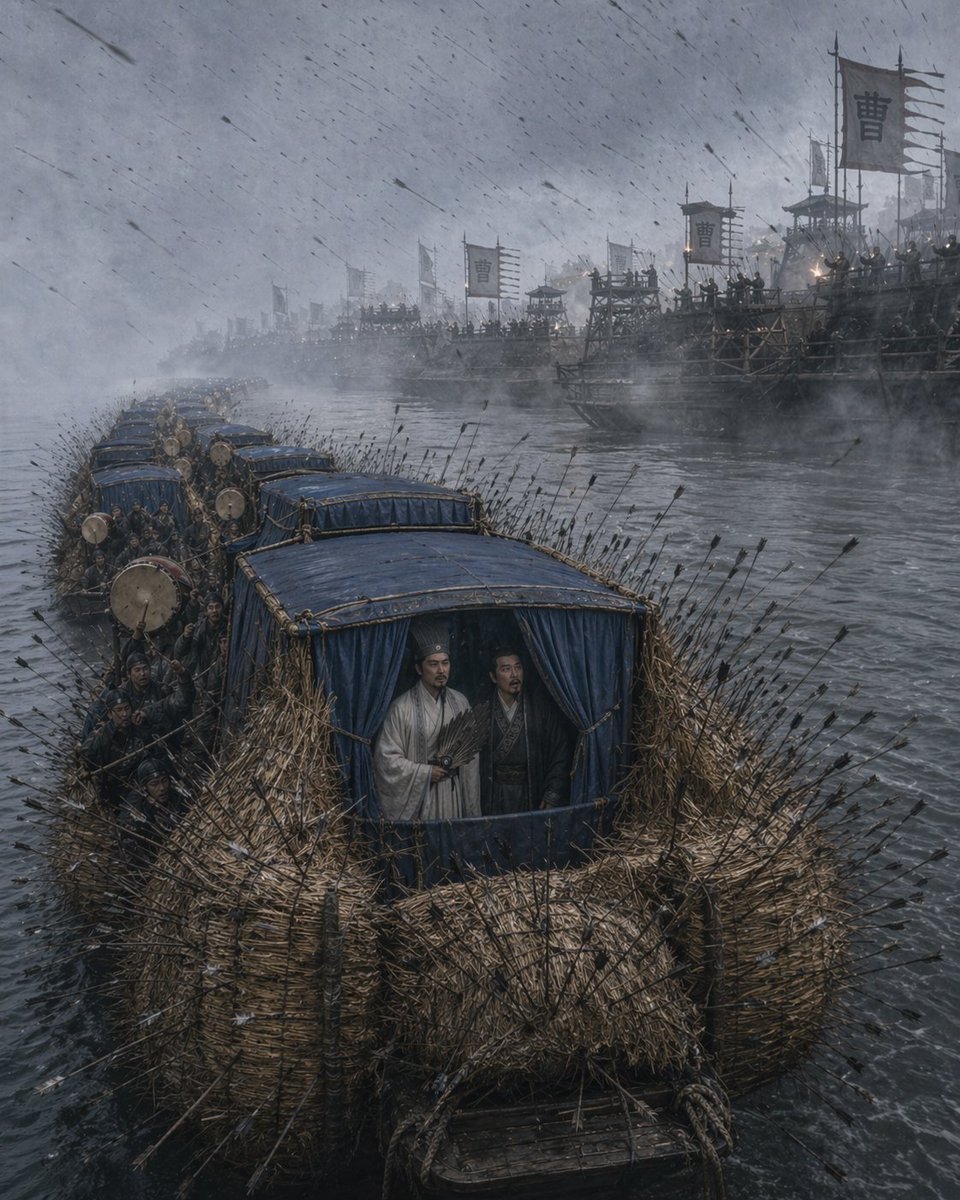
Borrowing Arrows with Straw Boats
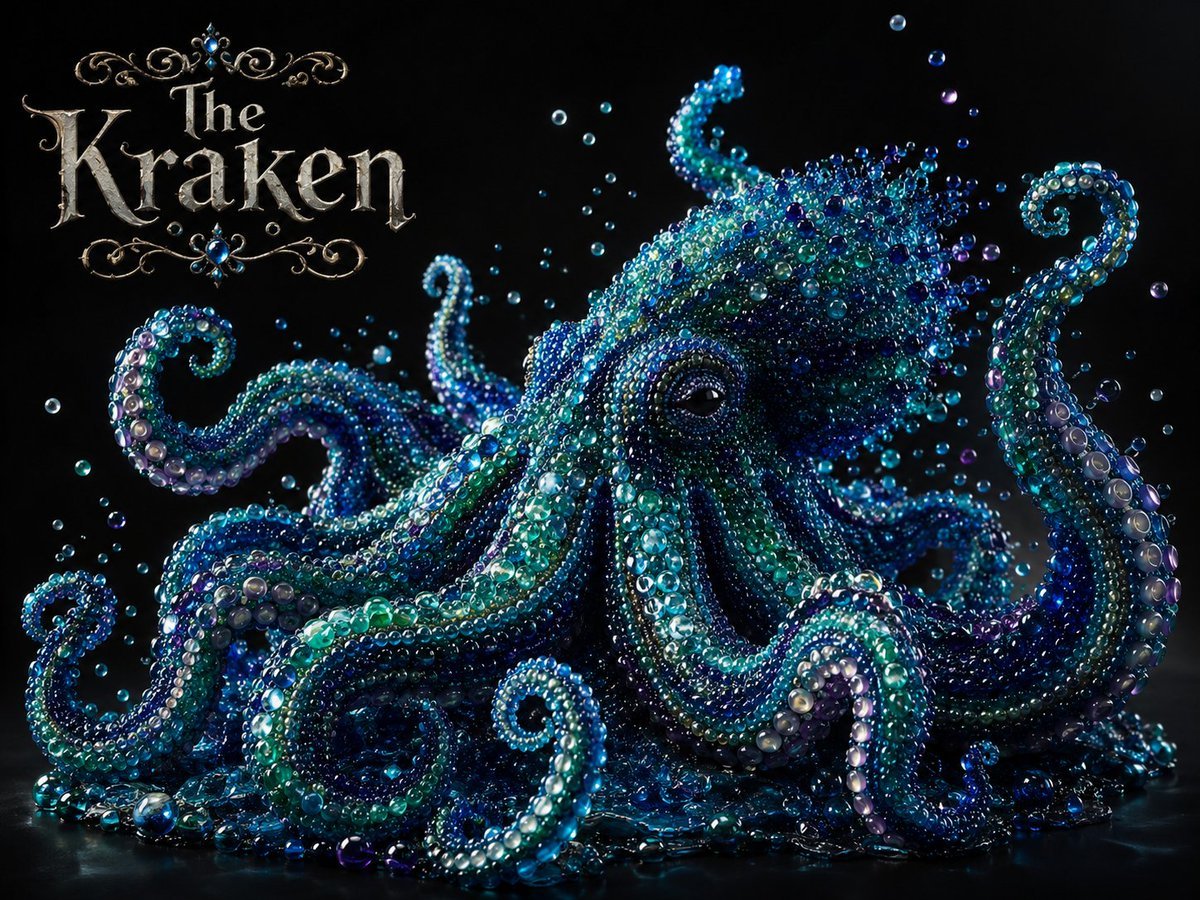
Pearlescent Glass Sculpture
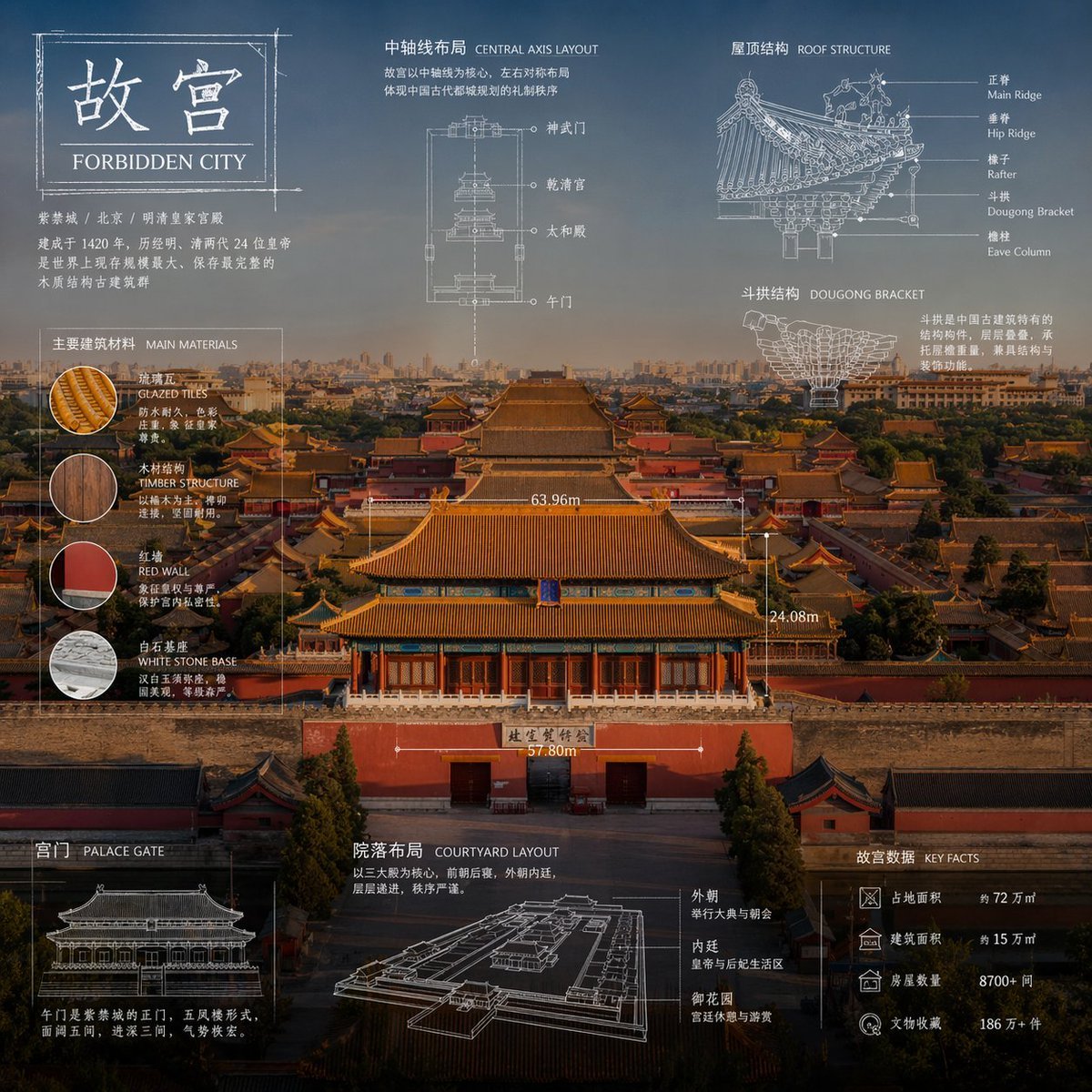
Technical Blueprint Infographic Style
Flirty Studio Portrait Prompt with Wink and Tongue Out
Candid Autumnal Park Portrait with Bouquet
Browse template categories
Xuanwu Gate Incident Moments Post questions
How do I use the Xuanwu Gate Incident Moments Post template?
Add your photo if the template asks for one, edit the prompt if you like — the template's model and format are already selected — and press Generate. Your version opens in PicX Studio.
Can I customize the Xuanwu Gate Incident Moments Post template?
Yes. You can change the subject, setting, lighting, mood, format, and available model controls before creating your image.
Is the Xuanwu Gate Incident Moments Post template free?
Opening and editing this template is free. Generating uses credits, shown on the Generate button when you are signed in.
Which AI model should I use?
Start with GPT Image 2, which is the model associated with this template. You can compare another compatible model for a different finish.
Looking for something else? Browse all templates.

Your photo, any look
Thousands of ready templates for every top image and video model, from one credit balance.