
Constructivist Punk Collage Poster
Transforms a reference portrait into a distressed red-black constructivist punk-zine photomontage poster with bold typography and cut-paper collage elements.
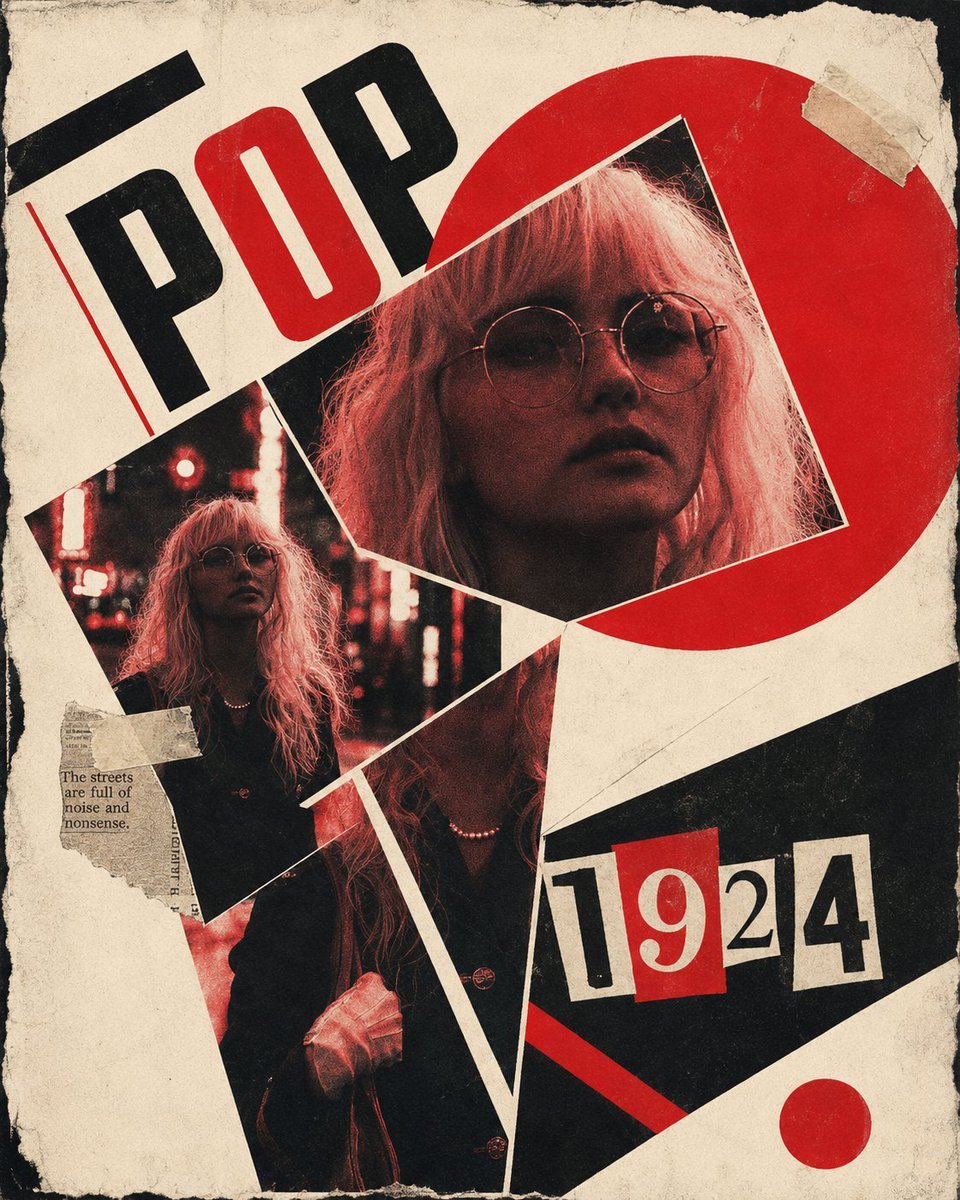
- Prompt included
- Model and format preset
- Free template
The prompt behind this image
Copy the exact prompt behind Constructivist Punk Collage Poster, or open it in the studio and make it yours.
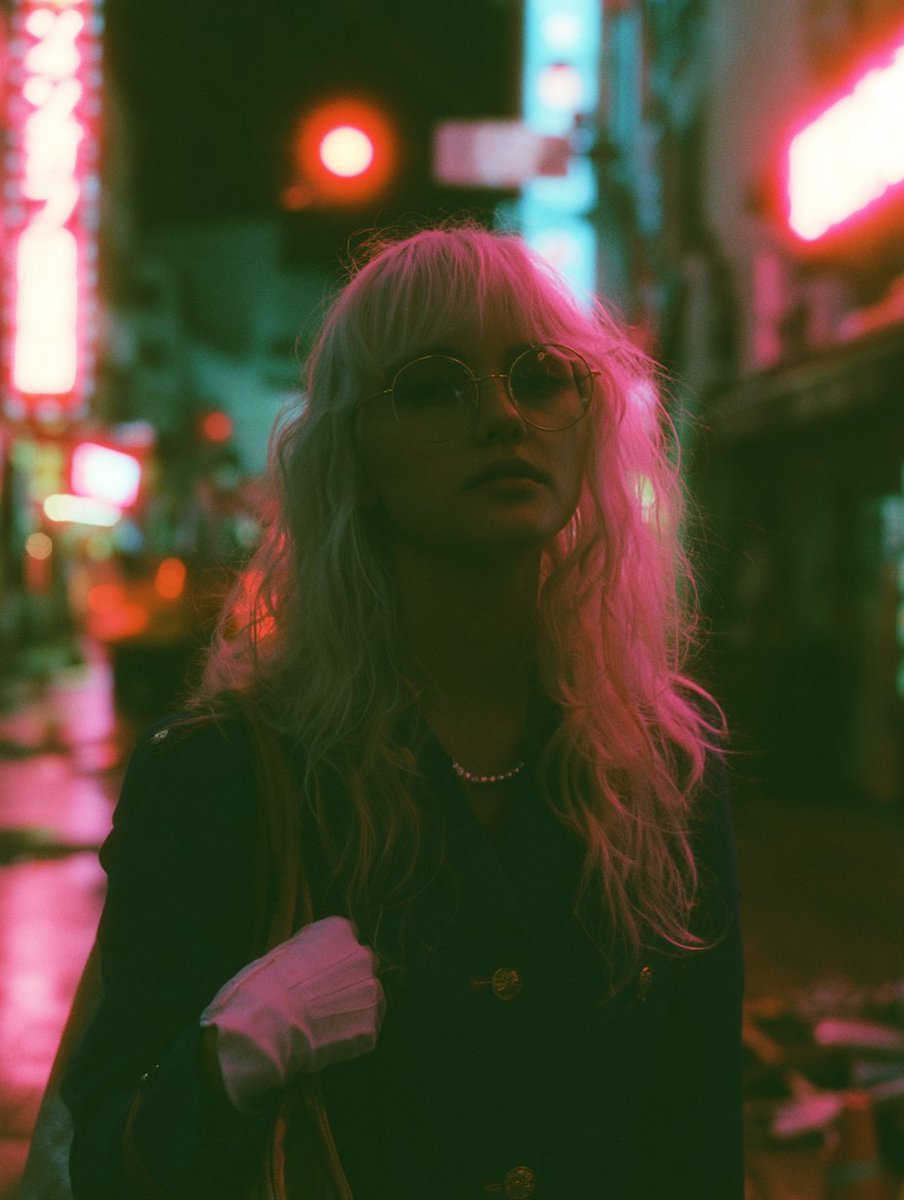
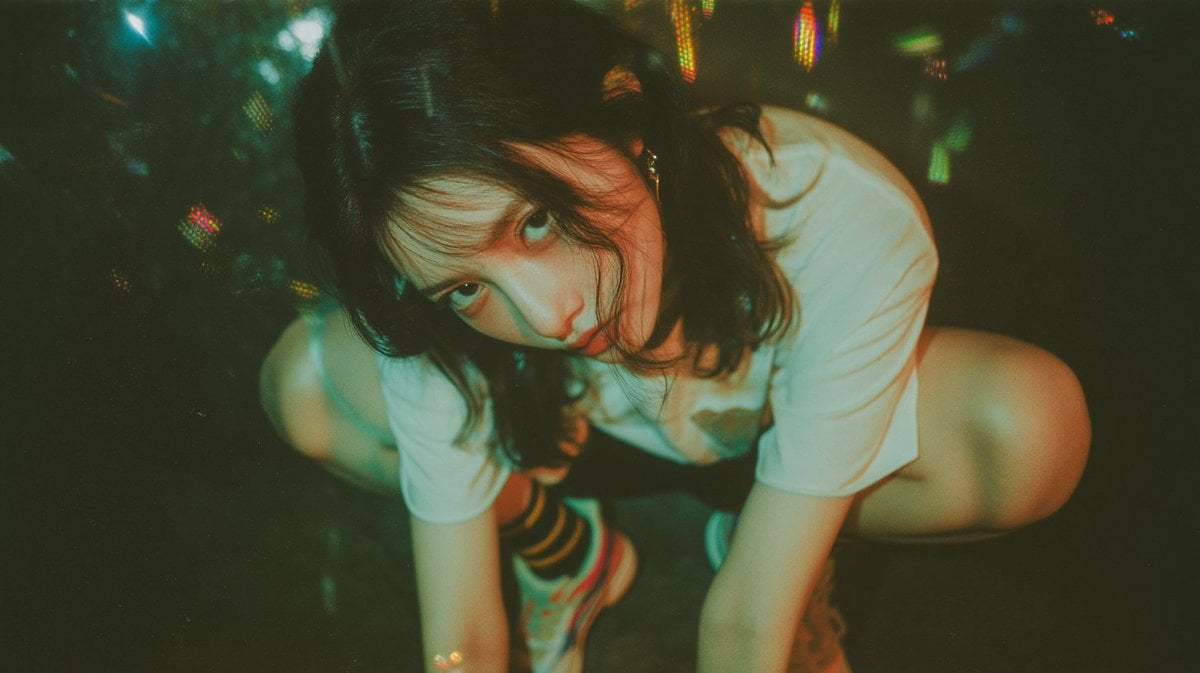
Create a single avant-garde photomontage poster using REFERENCE_0 as the main subject and raw photo material, with REFERENCE_1 only as additional nightlife/flash-photography texture inspiration if needed. Transform the reference into a fusion of 1920s constructivist design and 1970s punk-zine collage: the tension between a clean geometric grid and rough cut-and-paste paper should be the main visual idea. Canvas and composition: Make a vertical poster with aged off-white paper, rough torn blackened edges, visible grain, scuffs, folds, and xerox texture. Reuse the woman from REFERENCE_0 as cropped photo fragments rather than a normal portrait. Arrange exactly 3 photographic cutouts: 1 small tilted street-photo cutout on the left, 1 large tilted close-up cutout in the upper right, and 1 tall narrow shard-like cutout through the lower center. Keep the original neon-night mood inside the photos but recolor it into a limited red, black, cream, and muted flesh-toned palette. Graphic additions: Add bold constructivist geometry around the collage: exactly 1 large red circle behind the upper-right portrait, exactly 1 small red dot near the bottom right, black diagonal bands/blocks, sharp cream triangular separations, and angular white borders between the photo shards. Add pieces of beige masking tape and torn newsprint scraps to make the collage feel physically pasted together. Typography: Add large slanted block text reading {argument name="headline text" default="POP"} in the upper left, with mixed black and red letters. Add a ransom-note style date reading {argument name="date text" default="1924"} in the lower right, each character on separate paper tiles with one red tile. Include one tiny torn-newspaper caption scrap on the left with the text {argument name="scrap quote" default="The streets are full of noise and nonsense."} Style constraints: High-contrast poster design, screenprint ink, photocopied punk flyer texture, imperfect alignment, cut-paper shadows, distressed paper fibers, no glossy modern polish, no extra people, no additional readable text beyond the specified 3 text elements.
Reference images included
Constructivist Punk Collage Poster needs input media to work. They load alongside the prompt when you open it in the studio.
How to use Constructivist Punk Collage Poster in 3 steps
- 1Upload ImagePNG, JPG or paste
Add your photo
Upload the photo the template builds on. The prompt, model and format are already set.
- 2…a portrait of your subject in softgolden-hour light, 85mm…
Personalize
Edit the subject and creative details for your destination.
- 3Generate
Generate
Press Generate — your image is created in PicX Studio, so you can compare it with the original and refine one variable at a time.
More like this
Templates with the same subject, style or setup. Open one to see its prompt.

Urban Fashion Editorial Collage Streetwear Poster

Urban Fashion Editorial Collage Poster

Usa Cinematic Hyperreal Collage Poster
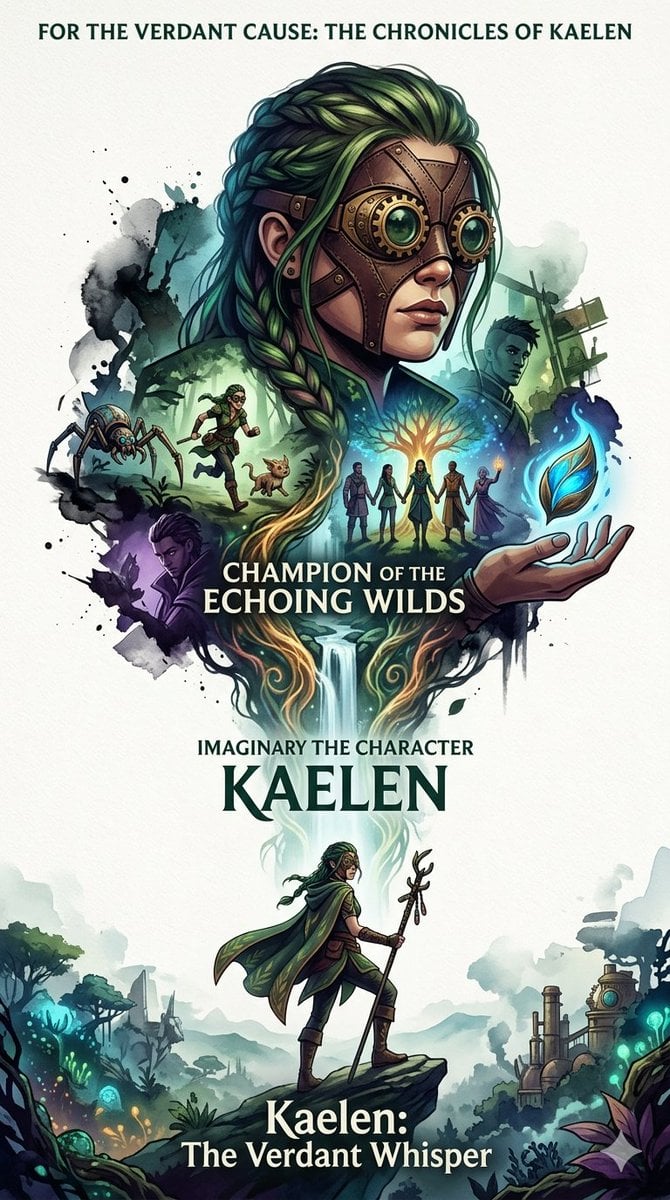
Heroic Nature-Punk Collage Poster

Japan Travel Brochure Poster

Paper Cut Finale Fireworks

Paper Cut Garden Maze

Paper Cut Rooftop Concert

Paper Cut Bicycle Coast

Paper Cut Castle Gate

Paper Cut Kitchen Chaos

Paper Cut Carnival Ride
Make it yours
Constructivist Punk Collage Poster works as-is. These are the safest ways to change it without losing the look.
Change one field
Copy a single group, rewrite it, and generate again so you can see what that field is doing.
Keep the frame, change the subject
Hold the composition and light of Constructivist Punk Collage Poster, then swap wardrobe, props or the person for a new take.
| If the result… | Why | Fix |
|---|---|---|
| The result drifts from the preview | Too many fields changed at once. | Reuse Constructivist Punk Collage Poster as-is first, then change one group — subject, light, or setting. |
| The model over-stylizes the scene | The prose prompt leaves finish and camera underspecified. | Add one camera or lighting sentence and stay on GPT Image 2. |
More GPT Image 2 templates
Other prompts made for GPT Image 2.

Six VTuber Japanese Logo Sheet

Realistic Portrait of Woman and Deer

The Vista Modular Condo Poster

AI Model Routing Comparison Infographic

2.5D Anime Art Board

Isometric Productivity Desk Scene

New York Double Exposure Poster

Four-Panel AI Landscape Comparison

Japanese Tatami Lifestyle Magazine Cover

NESCAFÉ Coffee Map Poster
More image prompts
Fresh picks from across the catalog.
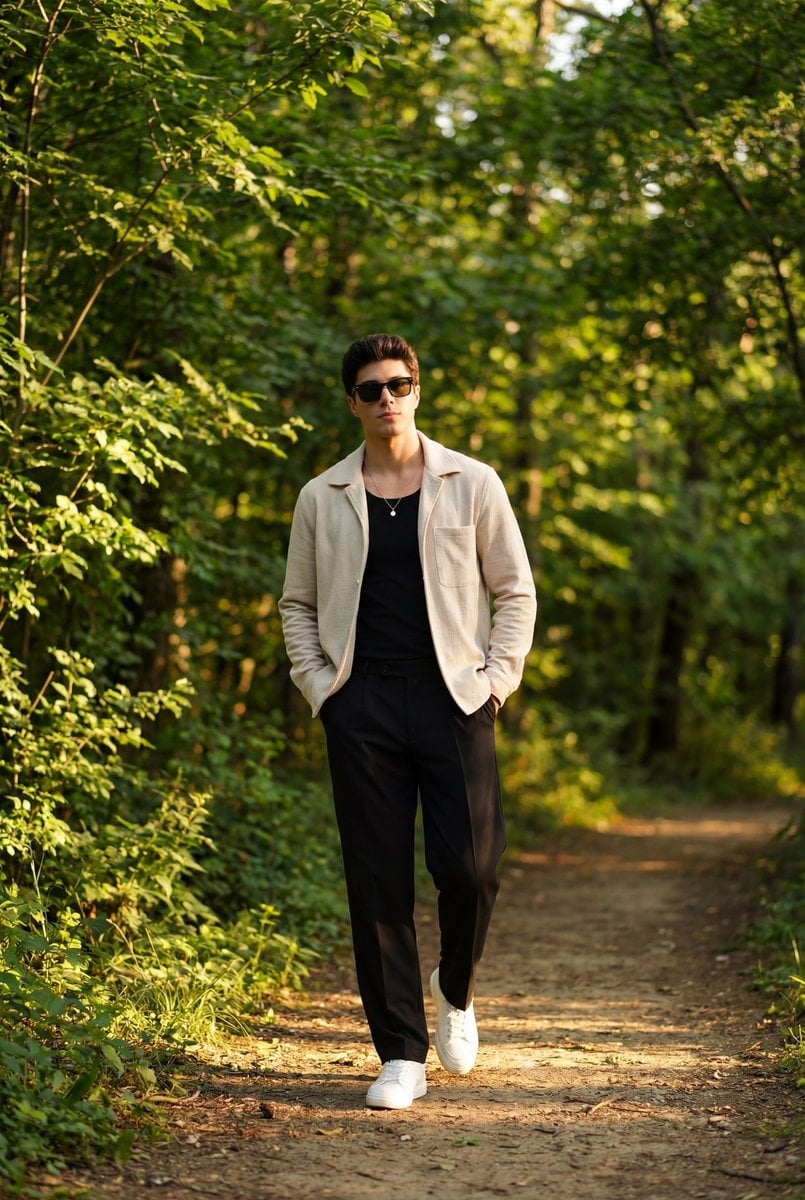
Golden Hour Outdoor Portrait of a Stylish Man
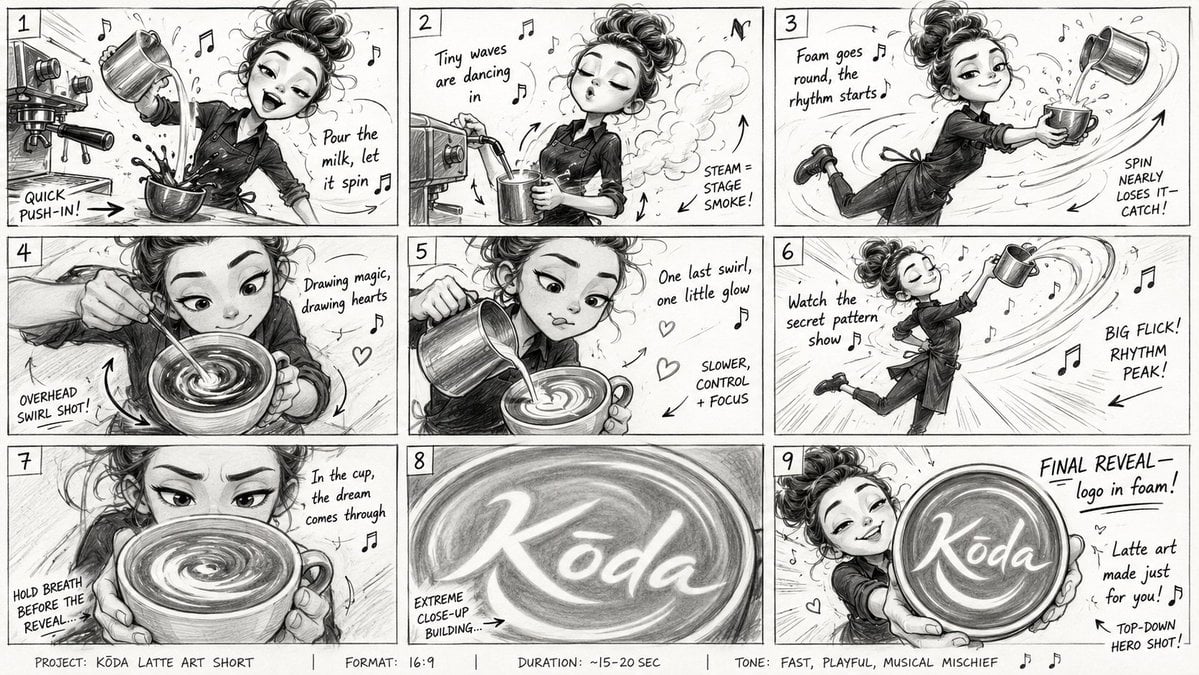
Latte Art Musical Storyboard

Resize banner image to 1:1

Barbarian Fantasy City Gate Procession
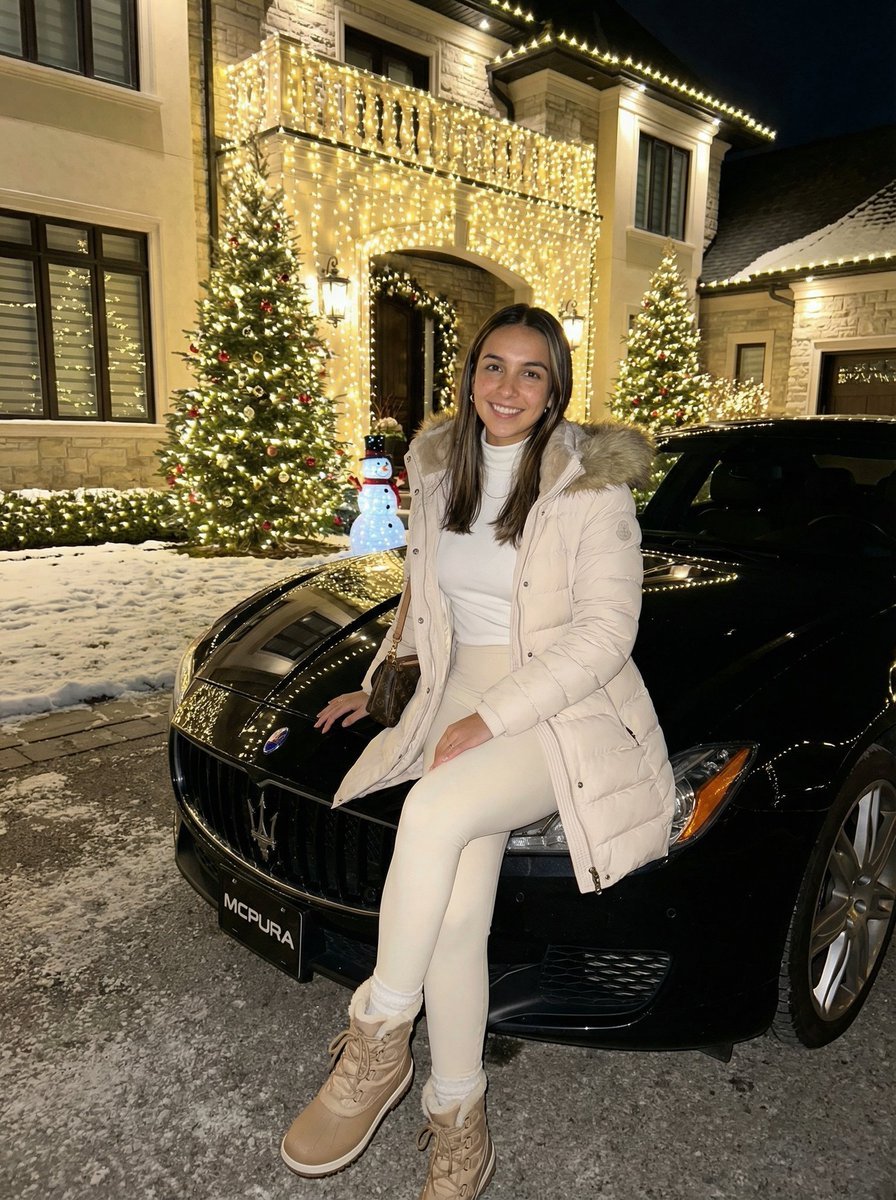
Ultra-Realistic Nighttime Winter Portrait in JSON Format
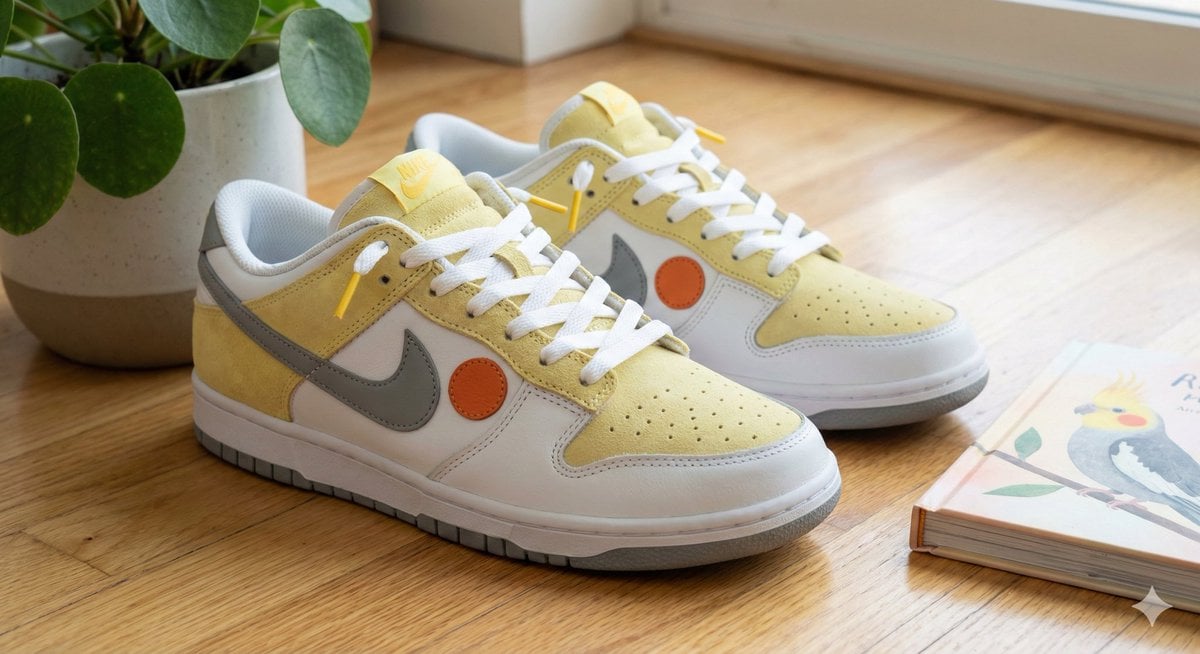
Cockatiel Model Sneakers Generated by Nano Banana Pro
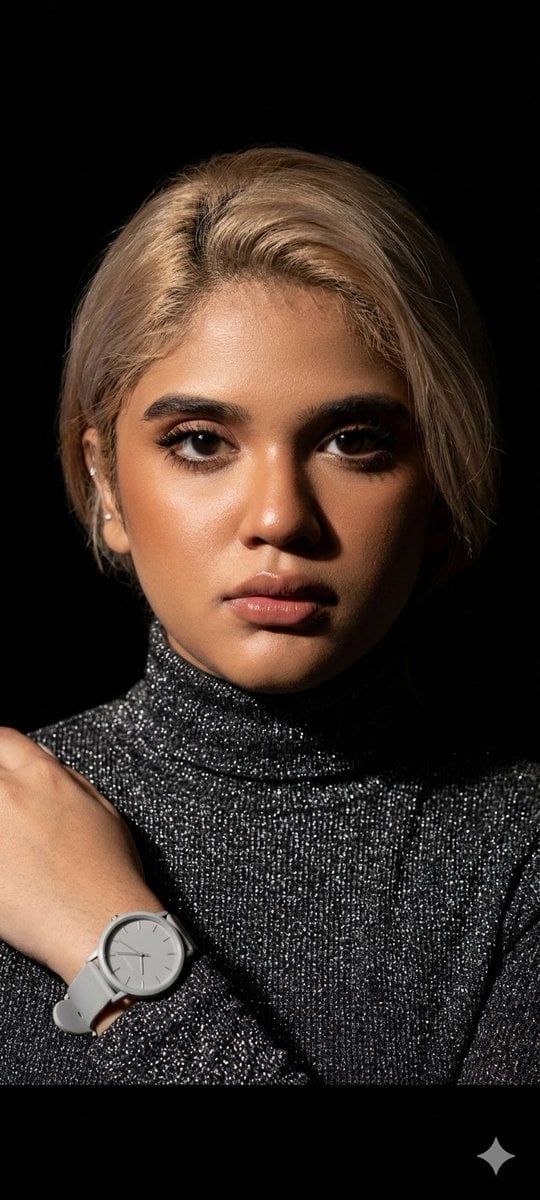
Elegant Studio Portrait with Sparkling Top
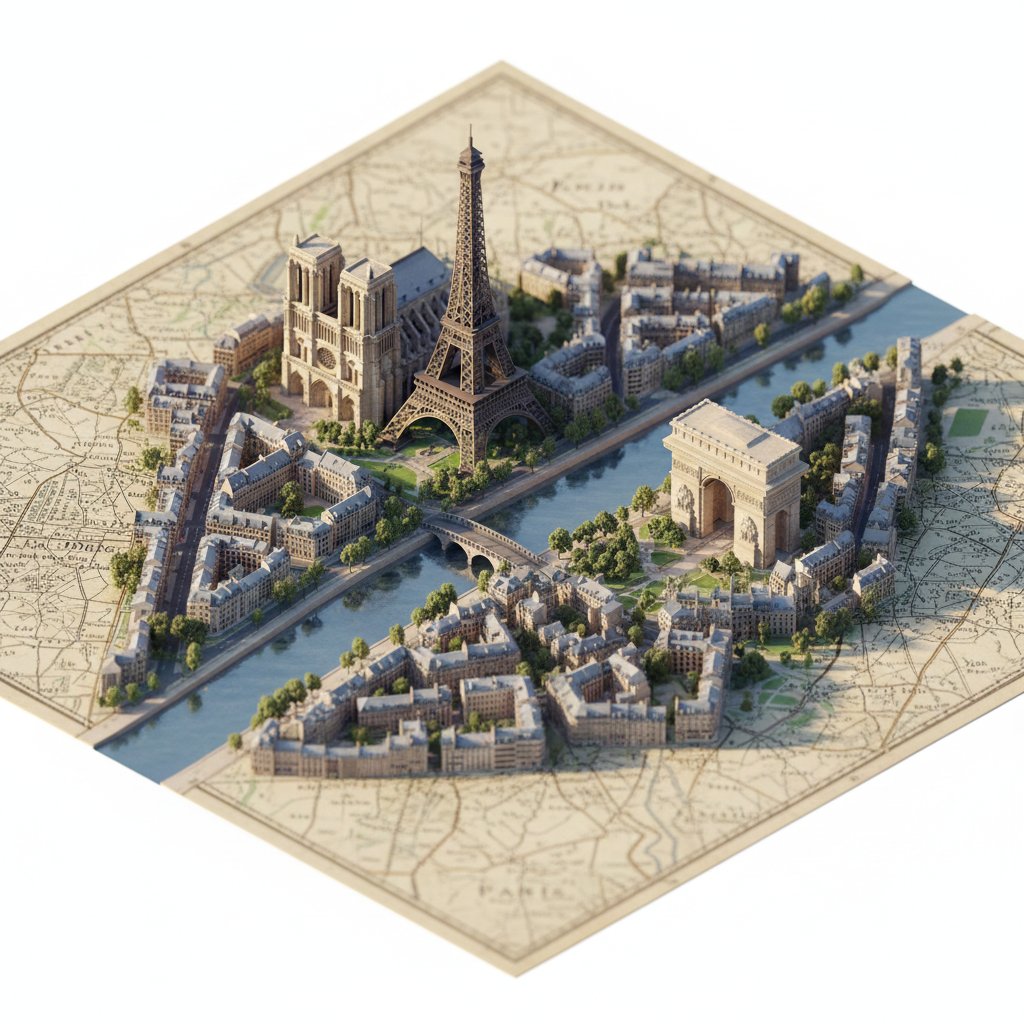
Photorealistic Diorama Isometric Map Prompt

Couple Portrait Prompts (Indian Wedding, Tropical Beach)
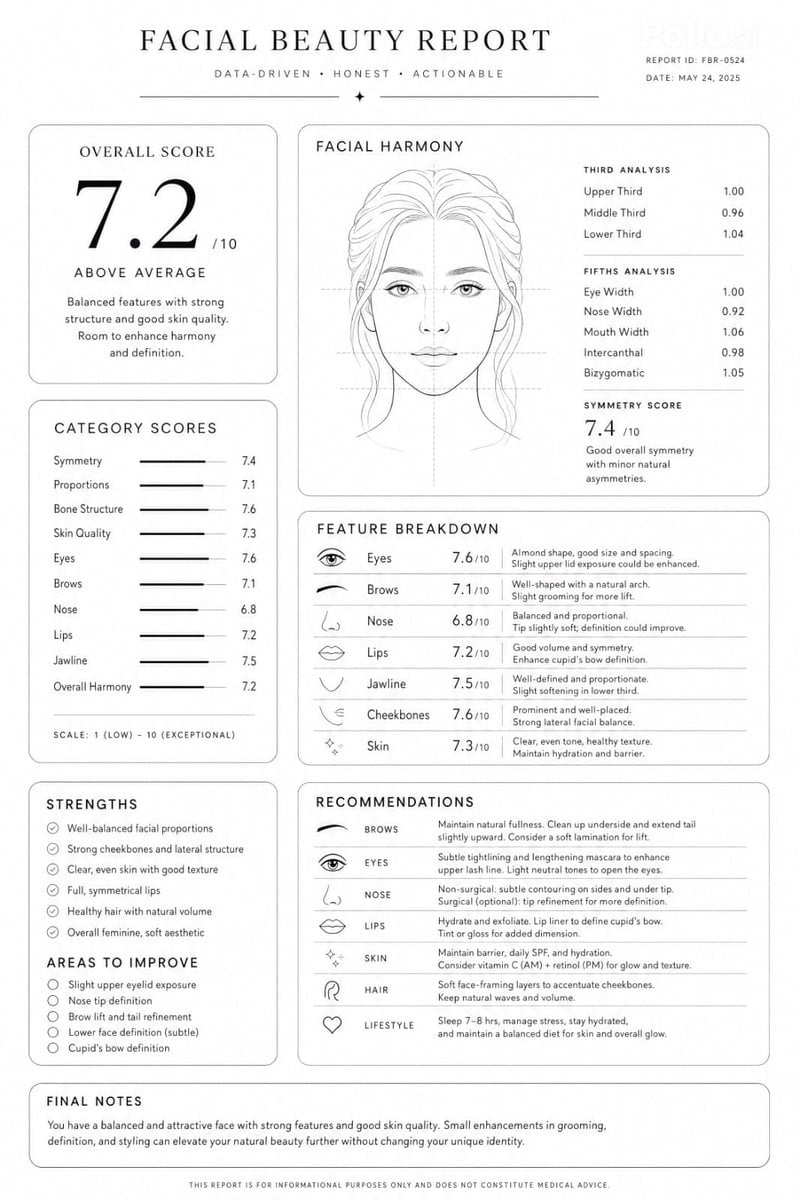
Facial Beauty Analysis Report Layout
Browse template categories
Constructivist Punk Collage Poster questions
How do I use the Constructivist Punk Collage Poster template?
Add your photo if the template asks for one, edit the prompt if you like — the template's model and format are already selected — and press Generate. Your version opens in PicX Studio.
Can I customize the Constructivist Punk Collage Poster template?
Yes. You can change the subject, setting, lighting, mood, format, and available model controls before creating your image.
Is the Constructivist Punk Collage Poster template free?
Opening and editing this template is free. Generating uses credits, shown on the Generate button when you are signed in.
Which AI model should I use?
Start with GPT Image 2, which is the model associated with this template. You can compare another compatible model for a different finish.
Looking for something else? Browse all templates.

Your photo, any look
Thousands of ready templates for every top image and video model, from one credit balance.