
Moonlit Celestial Palace Gate
A cinematic fantasy prompt for generating a Chinese immortal realm viewed through a giant circular stone portal under an enormous full moon.
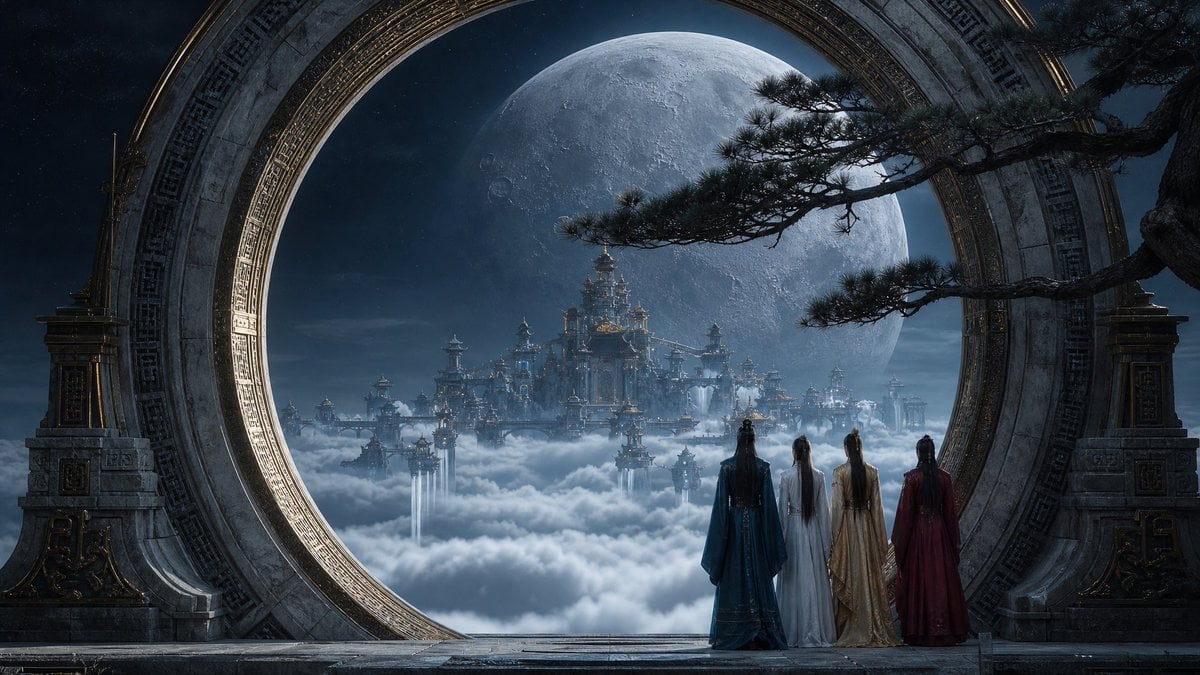
- Prompt included
- Model and format preset
- Free template
The prompt behind this image
Copy the exact prompt behind Moonlit Celestial Palace Gate, or open it in the studio and make it yours.
Create a cinematic widescreen fantasy scene of a celestial Chinese immortal realm at night. The viewer stands on a stone terrace looking through an enormous circular moon-gate portal made of ancient carved gray stone with ornate bronze-gold inlays and geometric Chinese patterns. Beyond the ring, a vast heavenly palace city floats above thick white clouds, with many tiered pagodas, bridges, towers, glowing windows, and waterfalls or light streams dropping into the mist. A gigantic detailed full moon fills the sky behind the palace, blue-gray and cratered, creating dramatic backlighting. In the foreground, place exactly 4 robed immortal figures seen from behind, standing side by side at the threshold and gazing toward the palace: one in deep teal, one in white, one in pale gold, and one in dark crimson. Add a twisted pine tree branch entering from the upper right across the moon, silhouetted with sparse needles. Use {argument name="setting theme" default="Chinese celestial palace above clouds"}, {argument name="time of day" default="moonlit night"}, {argument name="moon size" default="enormous full moon"}, {argument name="number of figures" default="4"}, and {argument name="cinematic mood" default="mystical, majestic, solemn"}. Ultra-detailed fantasy concept art, epic scale, cool blue moonlight with subtle warm gold highlights, volumetric clouds and mist, symmetrical composition framed by the circular gate, realistic stone texture, high contrast, sharp architectural detail, 16:9 aspect ratio, no text, no watermark.
How to use Moonlit Celestial Palace Gate in 3 steps
- 1Upload ImagePNG, JPG or paste
Add your photo
Upload the photo the template builds on. The prompt, model and format are already set.
- 2…a portrait of your subject in softgolden-hour light, 85mm…
Personalize
Edit the subject and creative details for your destination.
- 3Generate
Generate
Press Generate — your image is created in PicX Studio, so you can compare it with the original and refine one variable at a time.
More like this
Templates with the same subject, style or setup. Open one to see its prompt.
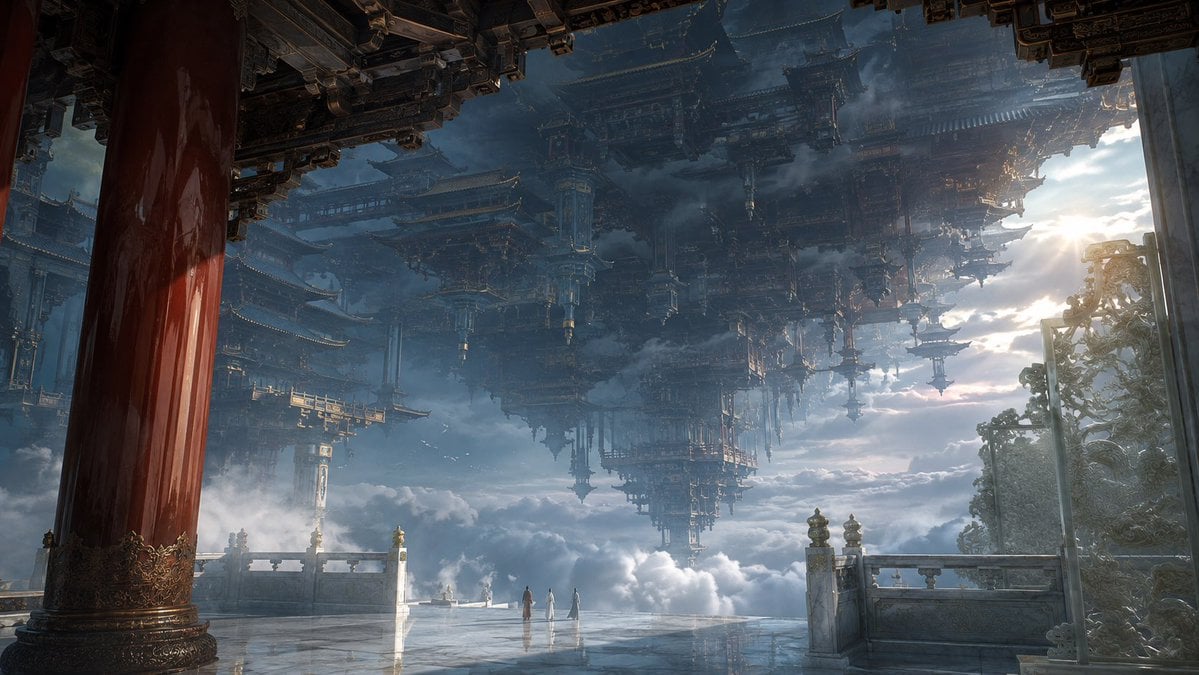
Celestial Inverted Oriental Palace
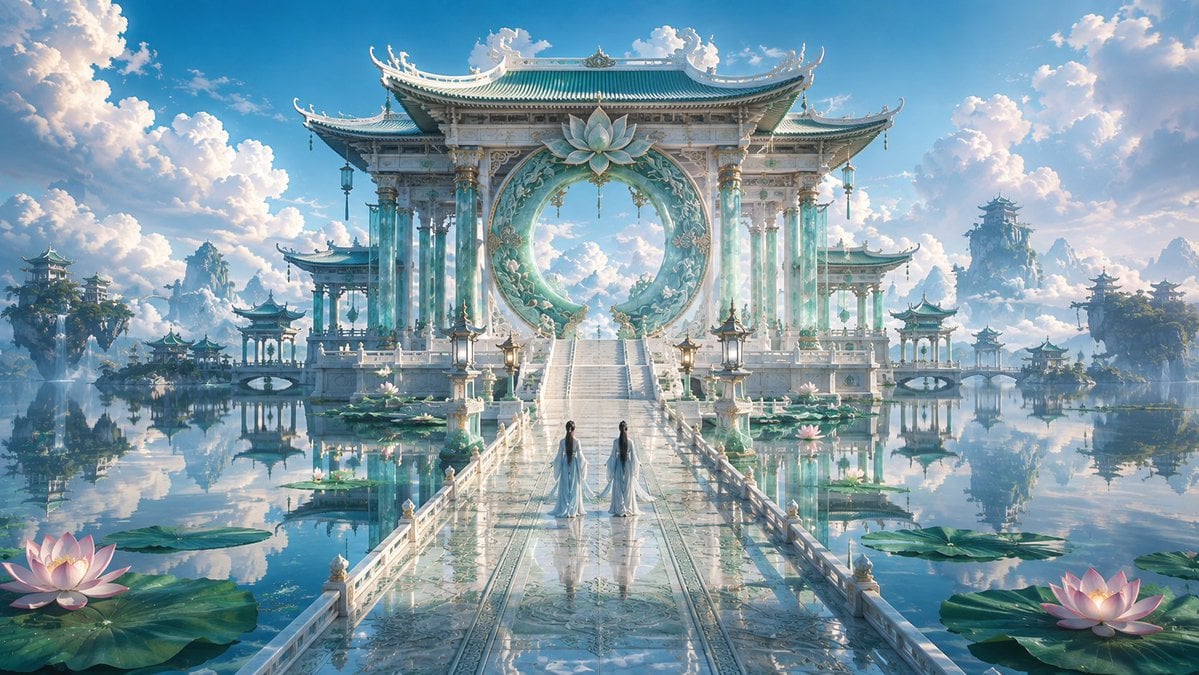
Celestial Jade Palace Lake

Anime Fantasy Celestial Movie Poster
Anime Fantasy Celestial Movie Poster
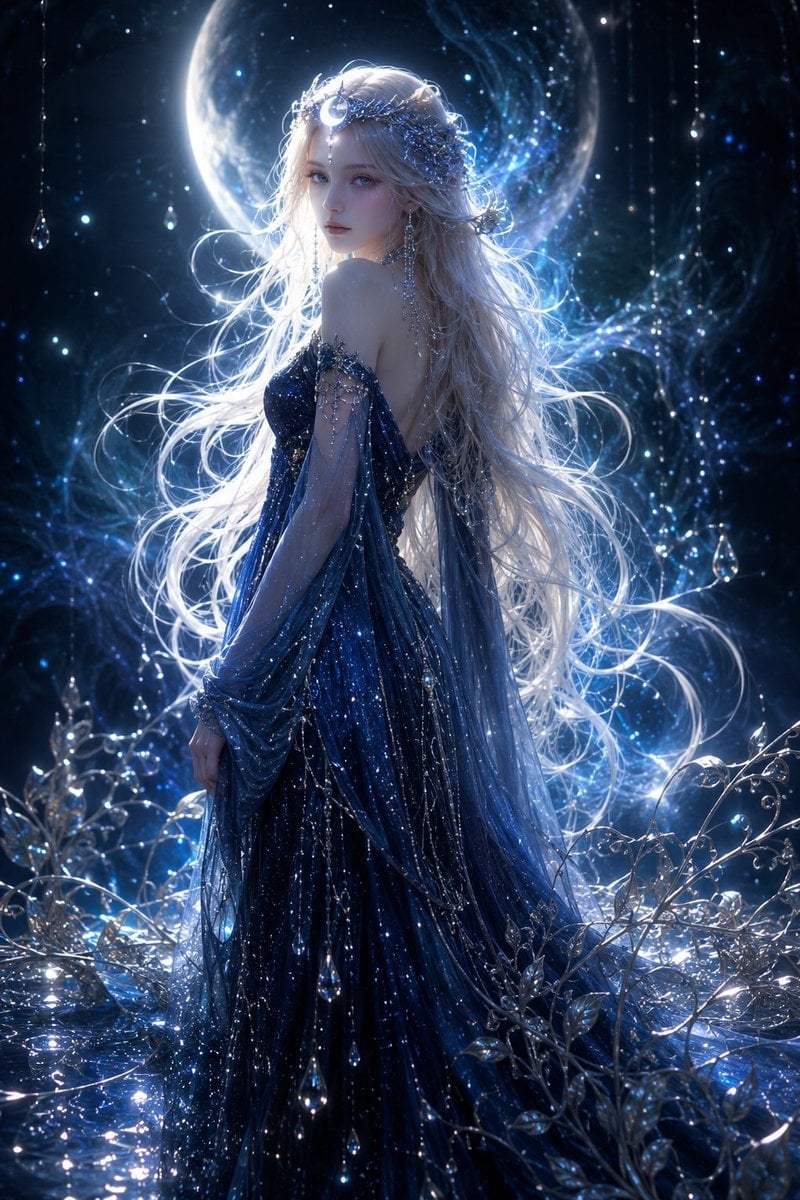
Moonlit Celestial Goddess Portrait
Celestial Yuri Wedding in Moonlit Cathedral
Celestial Xianxia Fairy Palace

80s College Gate

Moonlit Fox Mask Night Market

Lone Mountaineer in Moonlit Snow

Moonlit Ghost Lotus Anime Portrait
Telephoto Full Moon Torii Gate
Make it yours
Moonlit Celestial Palace Gate works as-is. These are the safest ways to change it without losing the look.
Change one field
Copy a single group, rewrite it, and generate again so you can see what that field is doing.
Keep the frame, change the subject
Hold the composition and light of Moonlit Celestial Palace Gate, then swap wardrobe, props or the person for a new take.
| If the result… | Why | Fix |
|---|---|---|
| The result drifts from the preview | Too many fields changed at once. | Reuse Moonlit Celestial Palace Gate as-is first, then change one group — subject, light, or setting. |
| The model over-stylizes the scene | The prose prompt leaves finish and camera underspecified. | Add one camera or lighting sentence and stay on GPT Image 2. |
More GPT Image 2 templates
Other prompts made for GPT Image 2.

Six VTuber Japanese Logo Sheet

Realistic Portrait of Woman and Deer

The Vista Modular Condo Poster

AI Model Routing Comparison Infographic

2.5D Anime Art Board

Isometric Productivity Desk Scene

New York Double Exposure Poster

Four-Panel AI Landscape Comparison

Japanese Tatami Lifestyle Magazine Cover

NESCAFÉ Coffee Map Poster
More image prompts
Fresh picks from across the catalog.
Seoul Night Street Photography

Inpainting/Adding a Person to an Image
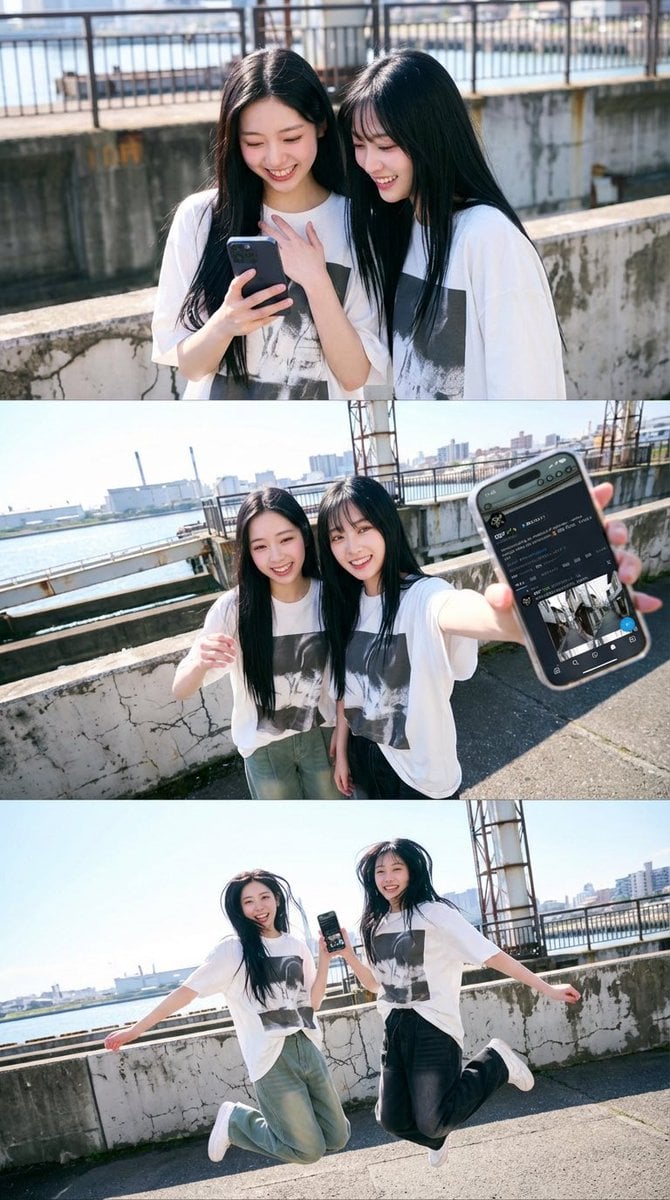
1x3 Grid Phone Motion Edit JSON Prompt
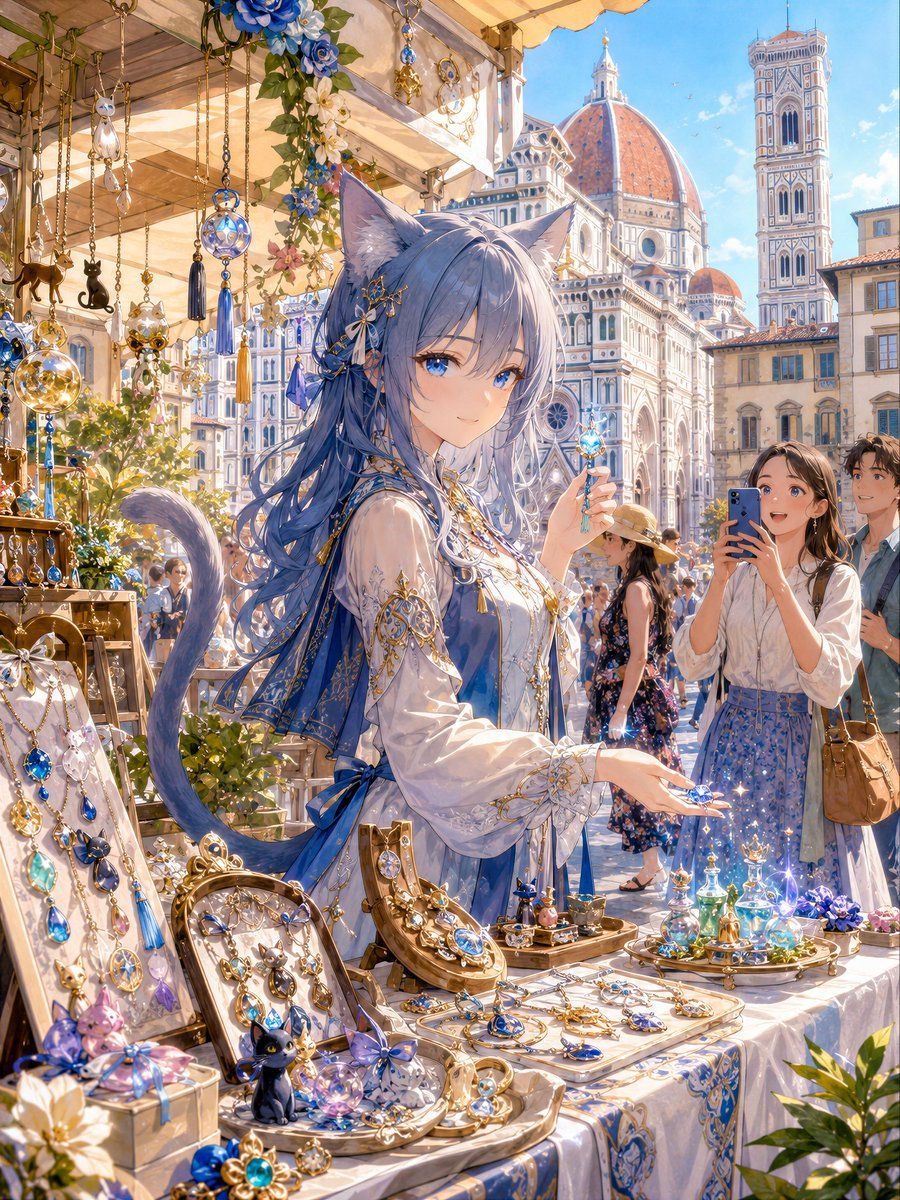
Blue Cat-Ear Shopkeeper Portrait
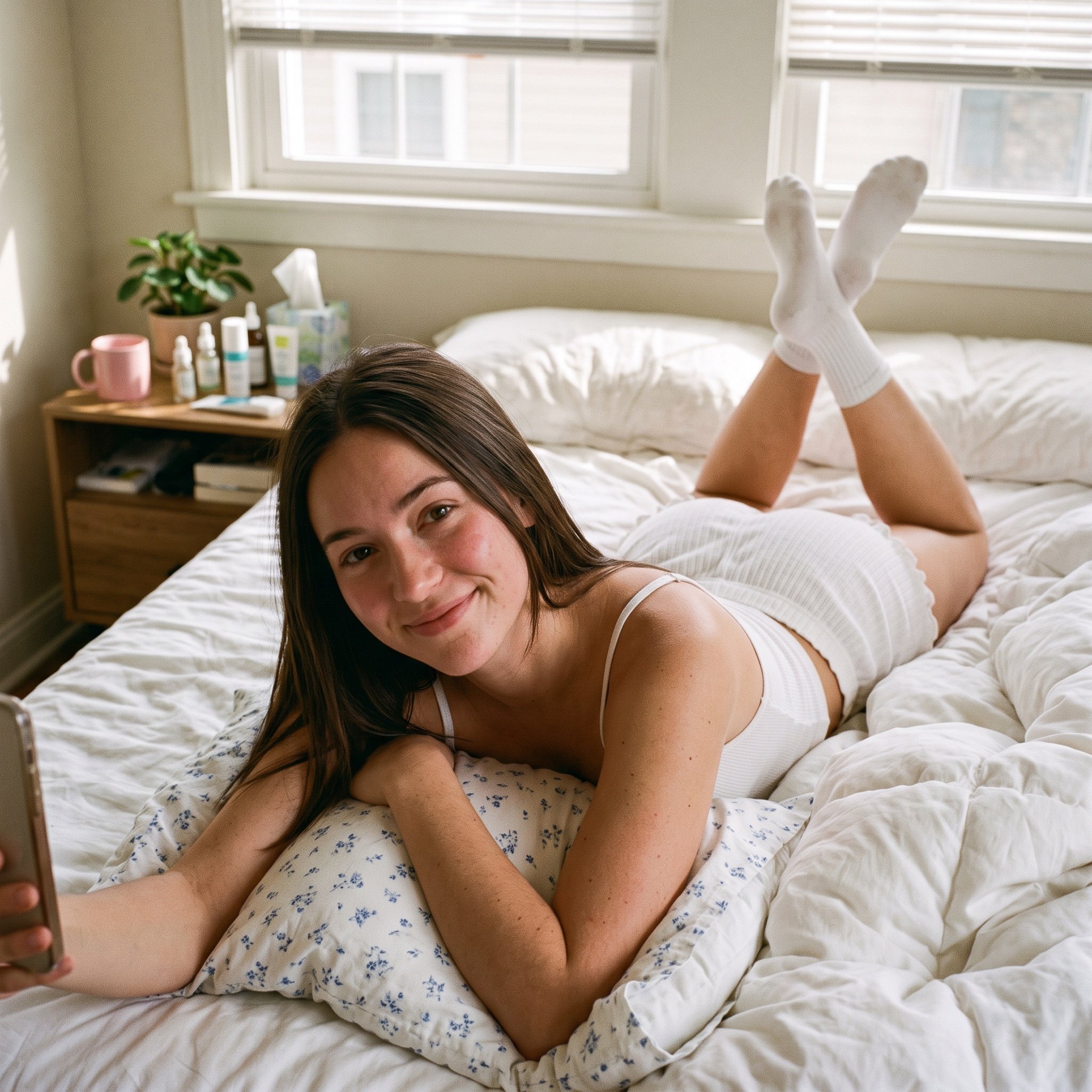
Structured Bedroom Selfie Prompt
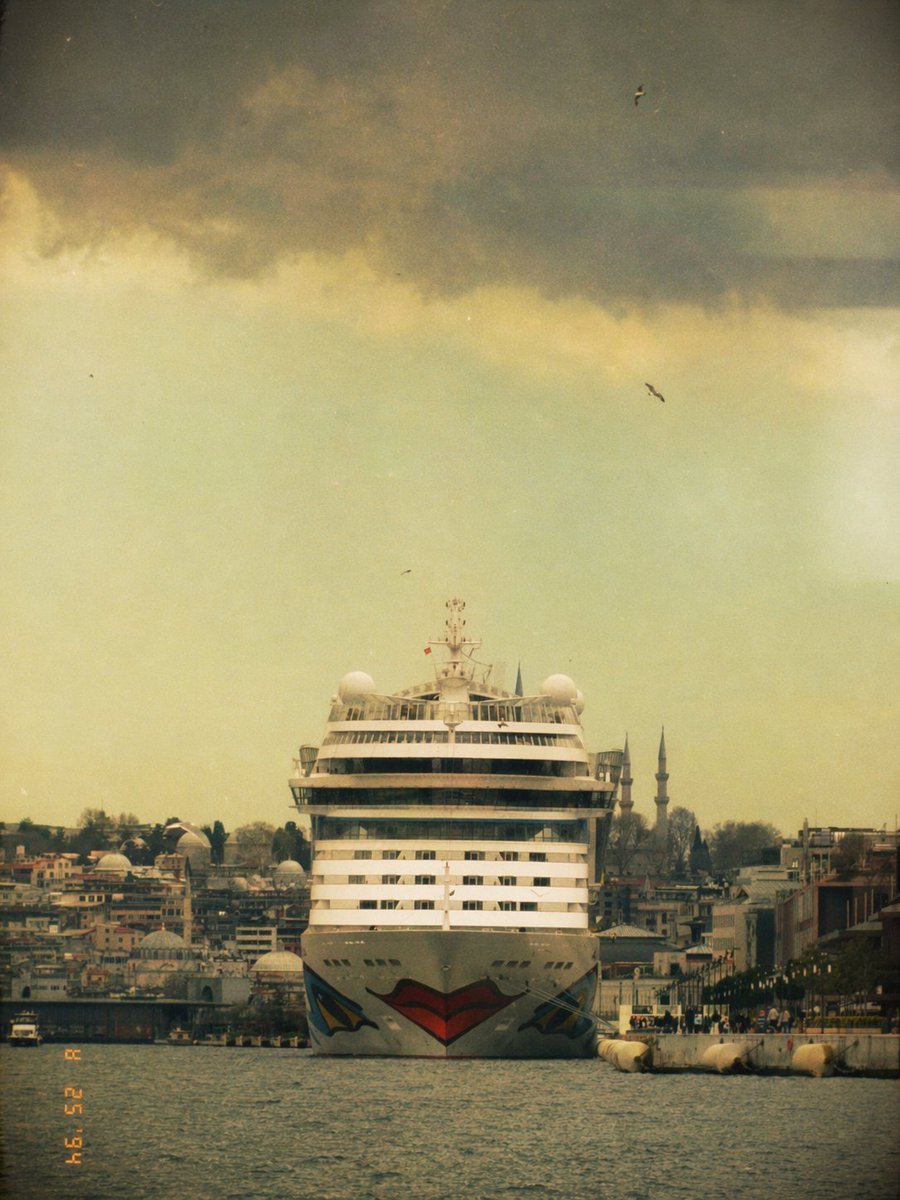
Vintage Cruise Ship in Istanbul
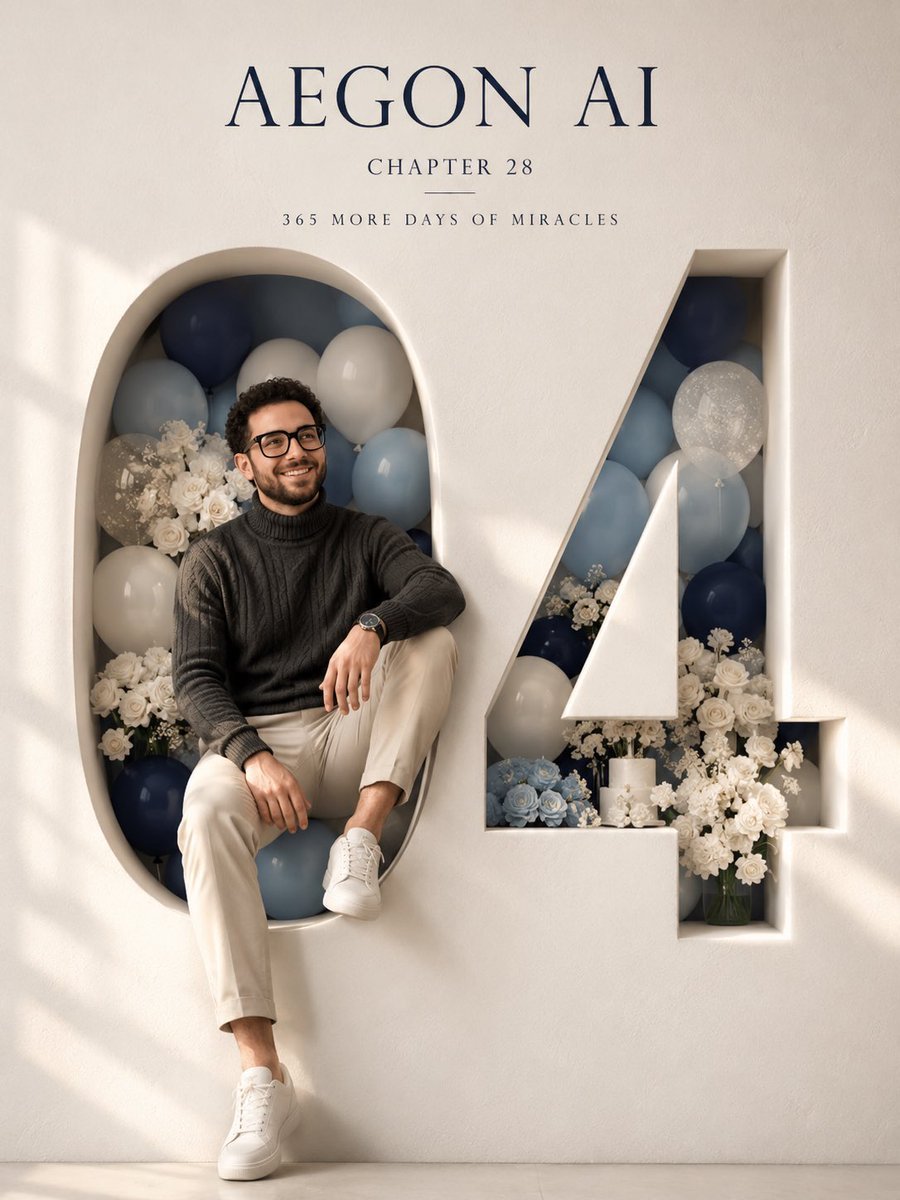
Architectural 3D Carved Birthday Poster
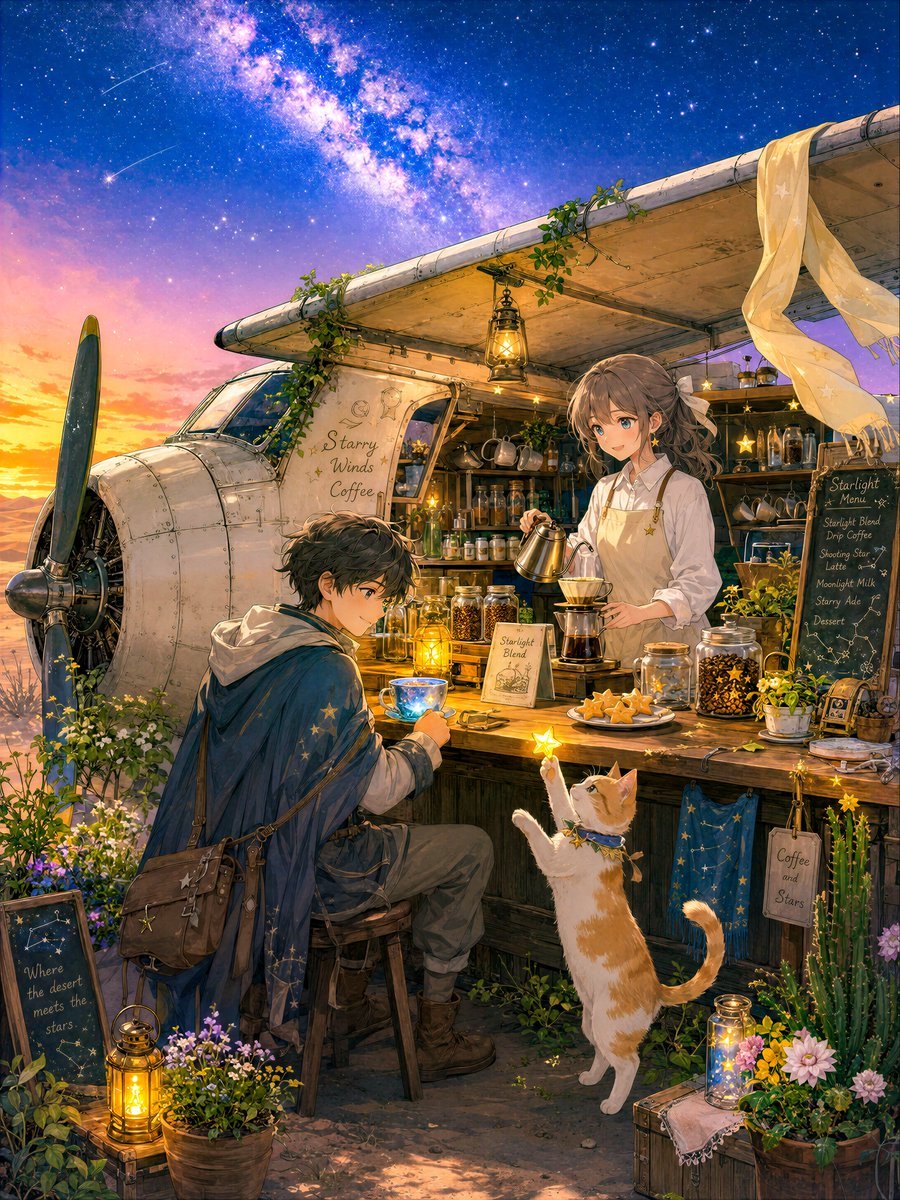
Desert Night Airplane Cafe Story
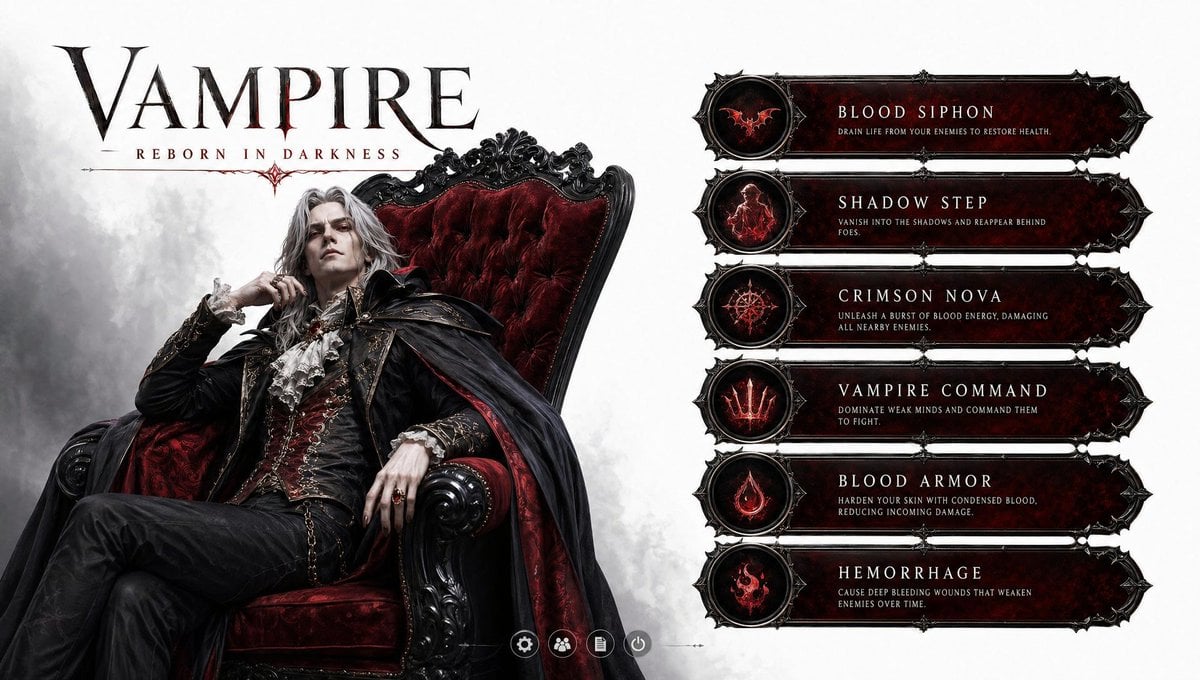
3D Vampire Gaming Character
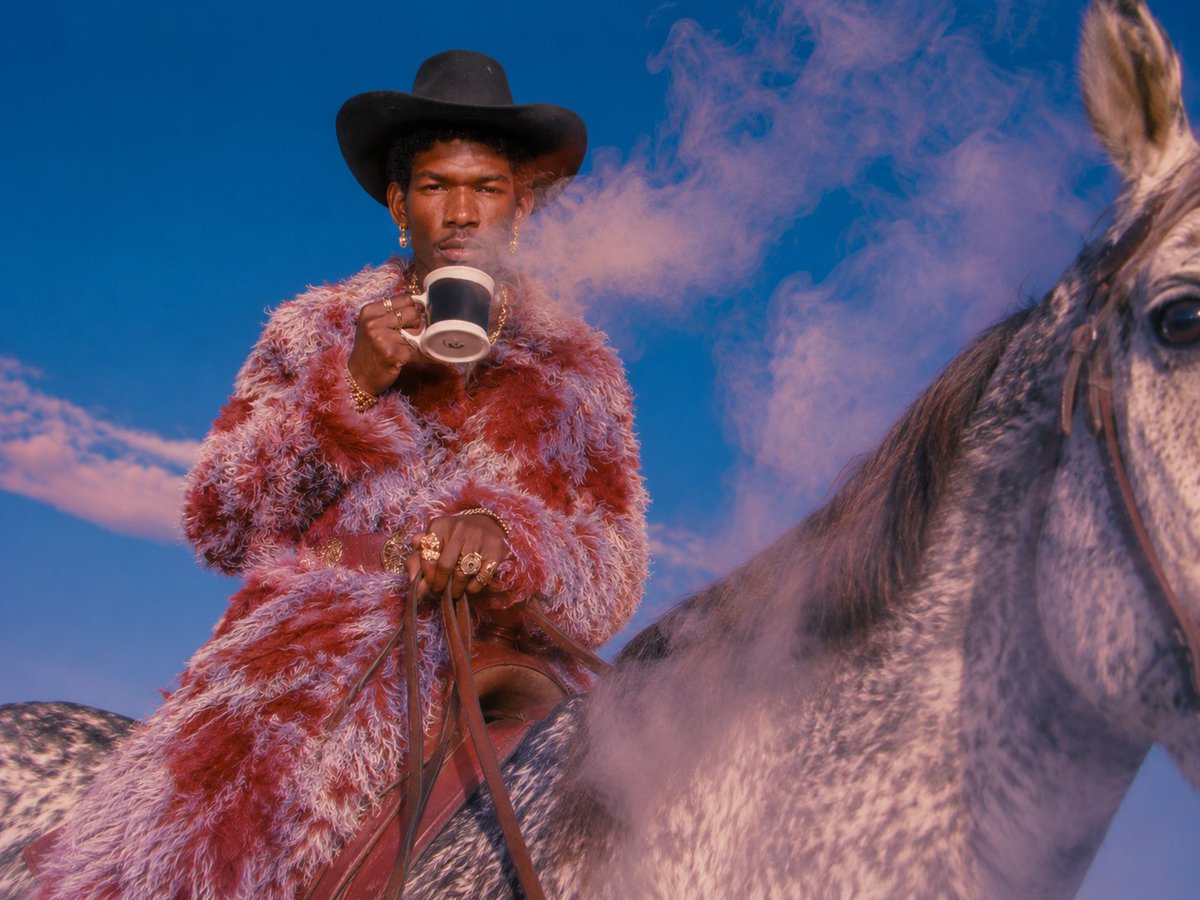
Surreal Cowboy Fashion Editorial
Browse template categories
Moonlit Celestial Palace Gate questions
How do I use the Moonlit Celestial Palace Gate template?
Add your photo if the template asks for one, edit the prompt if you like — the template's model and format are already selected — and press Generate. Your version opens in PicX Studio.
Can I customize the Moonlit Celestial Palace Gate template?
Yes. You can change the subject, setting, lighting, mood, format, and available model controls before creating your image.
Is the Moonlit Celestial Palace Gate template free?
Opening and editing this template is free. Generating uses credits, shown on the Generate button when you are signed in.
Which AI model should I use?
Start with GPT Image 2, which is the model associated with this template. You can compare another compatible model for a different finish.
Looking for something else? Browse all templates.

Your photo, any look
Thousands of ready templates for every top image and video model, from one credit balance.