
Celestial Jade Palace Lake
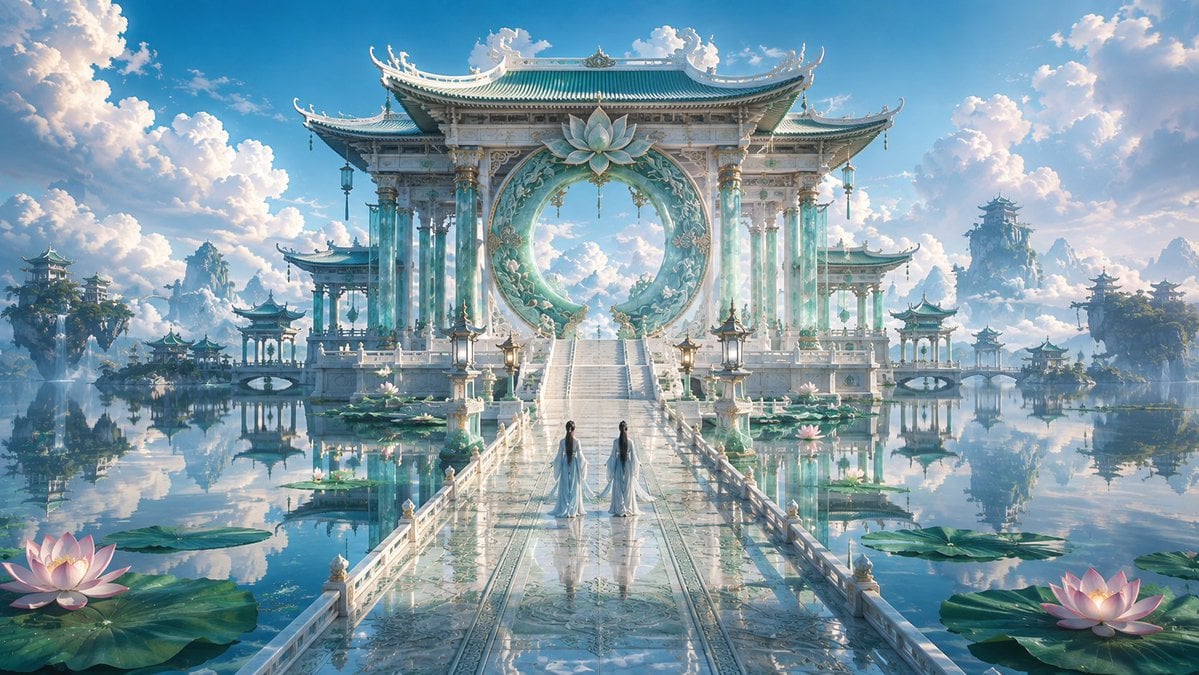
A cinematic fantasy prompt for creating a serene Chinese immortal-realm palace with a moon gate, reflective lake, lotus flowers, and two robed figures.
- Prompt included
- Model and format preset
- Free template
The prompt behind this image
Copy the exact prompt behind Celestial Jade Palace Lake, or open it in the studio and make it yours.
Create a wide cinematic fantasy landscape of an ethereal Chinese celestial palace floating over a perfectly still turquoise lake, with low-to-moderate color saturation and a dreamy refined atmosphere. Center the composition on an enormous white jade and pale aqua ceremonial gateway with ornate East Asian tiled roofs, upturned eaves, carved pillars, hanging lanterns, and a huge circular moon-gate ring decorated with floral reliefs and a large lotus ornament at the top. A long glossy marble bridge leads from the foreground to the gateway in strong one-point perspective, reflecting the sky and architecture like wet glass. Place exactly 2 slender robed figures on the bridge, seen from behind, wearing flowing {argument name="robe color" default="pale blue-white hanfu"} with long dark hair, walking toward the palace. Surround the bridge with calm water, large lily pads, and lotus flowers; include exactly 2 prominent glowing pink lotus blossoms in the foreground, one at bottom left and one at bottom right, plus smaller lotus details near the bridge. In the distance, add multiple floating islands and pagoda pavilions mirrored in the water, with misty mountains and cloud banks. Use a bright blue sky filled with towering soft cumulus clouds, warm sunlight, delicate haze, high-detail fantasy concept art rendering, symmetrical composition, ultra-wide 16:9 aspect ratio, serene immortal-realm mood, no text, no watermark, no modern objects.
How to use Celestial Jade Palace Lake in 3 steps
- 1Upload ImagePNG, JPG or paste
Add your photo
Upload the photo the template builds on. The prompt, model and format are already set.
- 2…a portrait of your subject in softgolden-hour light, 85mm…
Personalize
Edit the subject and creative details for your destination.
- 3Generate
Generate
Press Generate — your image is created in PicX Studio, so you can compare it with the original and refine one variable at a time.
More like this
Templates with the same subject, style or setup. Open one to see its prompt.
Celestial Inverted Oriental Palace

Teen Girl Alpine Lake Mountain View

Mountain Lake Sunset Landscape

Anime Fantasy Celestial Movie Poster
Anime Fantasy Celestial Movie Poster
Celestial Xianxia Fairy Palace
Warm Lakeside Travel Selfie
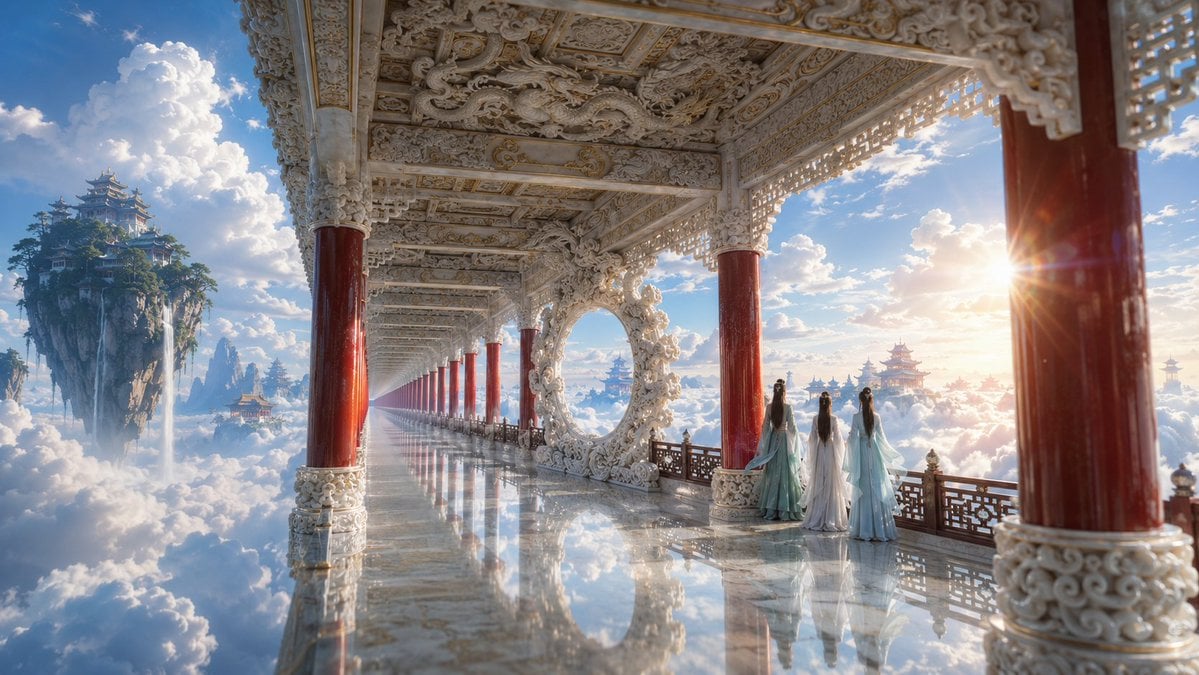
Ethereal White Jade Sky Corridor

Celestial Sakura Kimono Maiden
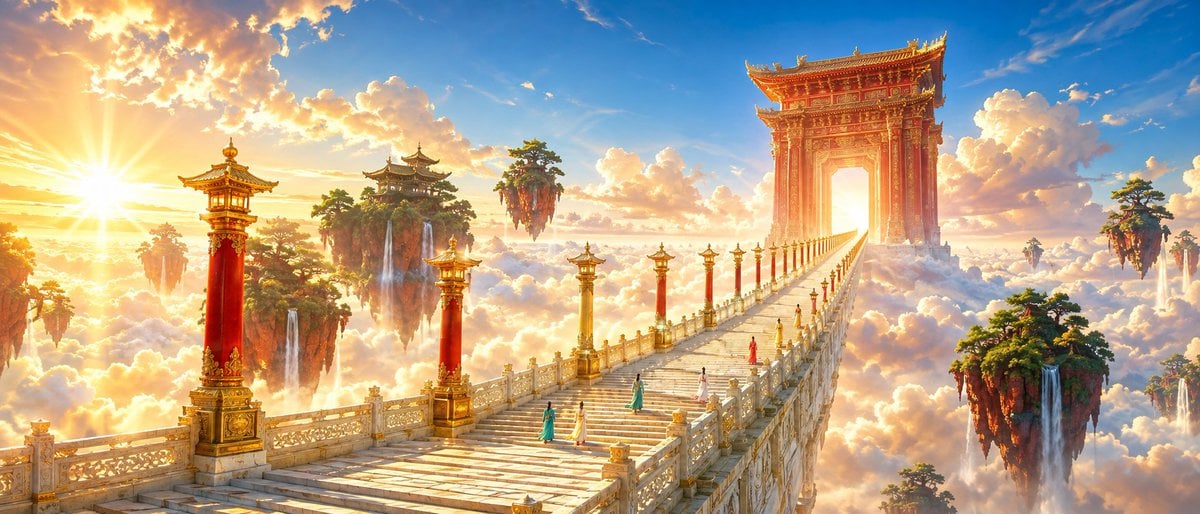
Oriental Fantasy Celestial Realm
Alpine Lake Candid — Mountain Air Moment

Classic Animated Cleopatra Palace Still
Make it yours
Celestial Jade Palace Lake works as-is. These are the safest ways to change it without losing the look.
Change one field
Copy a single group, rewrite it, and generate again so you can see what that field is doing.
Keep the frame, change the subject
Hold the composition and light of Celestial Jade Palace Lake, then swap wardrobe, props or the person for a new take.
| If the result… | Why | Fix |
|---|---|---|
| The result drifts from the preview | Too many fields changed at once. | Reuse Celestial Jade Palace Lake as-is first, then change one group — subject, light, or setting. |
| The model over-stylizes the scene | The prose prompt leaves finish and camera underspecified. | Add one camera or lighting sentence and stay on GPT Image 2. |
More GPT Image 2 templates
Other prompts made for GPT Image 2.

Six VTuber Japanese Logo Sheet

Realistic Portrait of Woman and Deer

The Vista Modular Condo Poster

AI Model Routing Comparison Infographic

2.5D Anime Art Board

Isometric Productivity Desk Scene

New York Double Exposure Poster

Four-Panel AI Landscape Comparison

Japanese Tatami Lifestyle Magazine Cover

NESCAFÉ Coffee Map Poster
More image prompts
Fresh picks from across the catalog.

AI Ad and Infographic Capability Collage
Dramatic Black-and-White Studio Portrait of a Stylish Man
Avant-Garde Mixed Media Risograph Collage
Dark Cyber Elf With Crimson Blade
Gothic Anime Girl with Black Roses
Hyper-Chaotic Japanese Digicam Snapshot
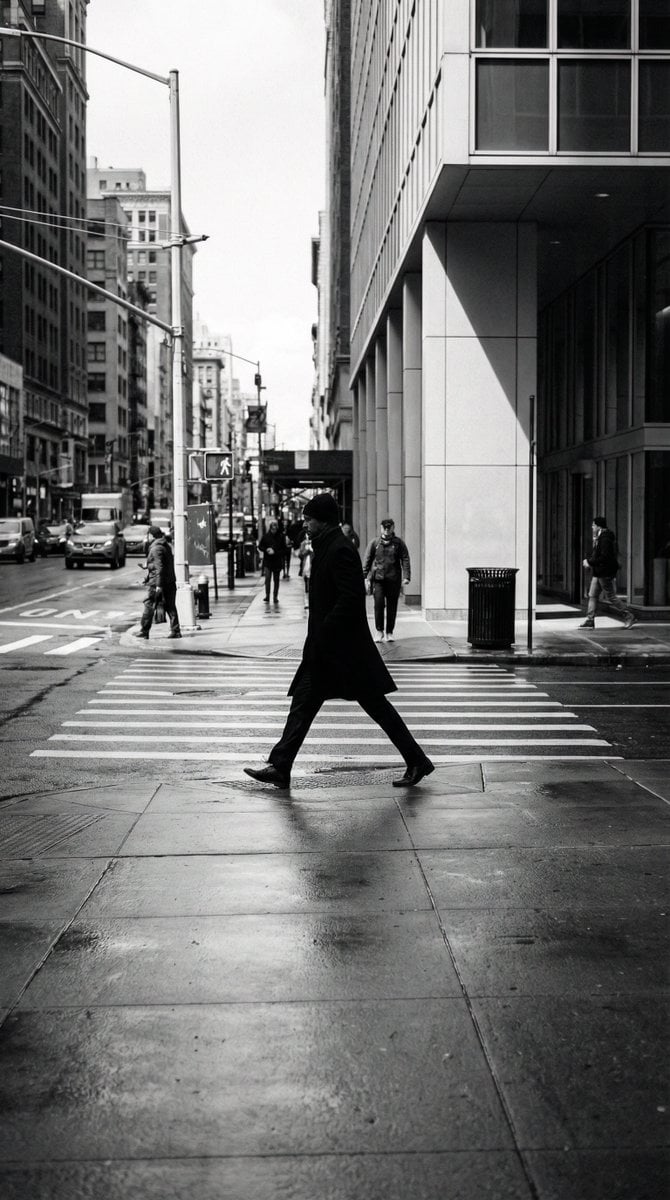
Black and White Street Photography Decisive Moment
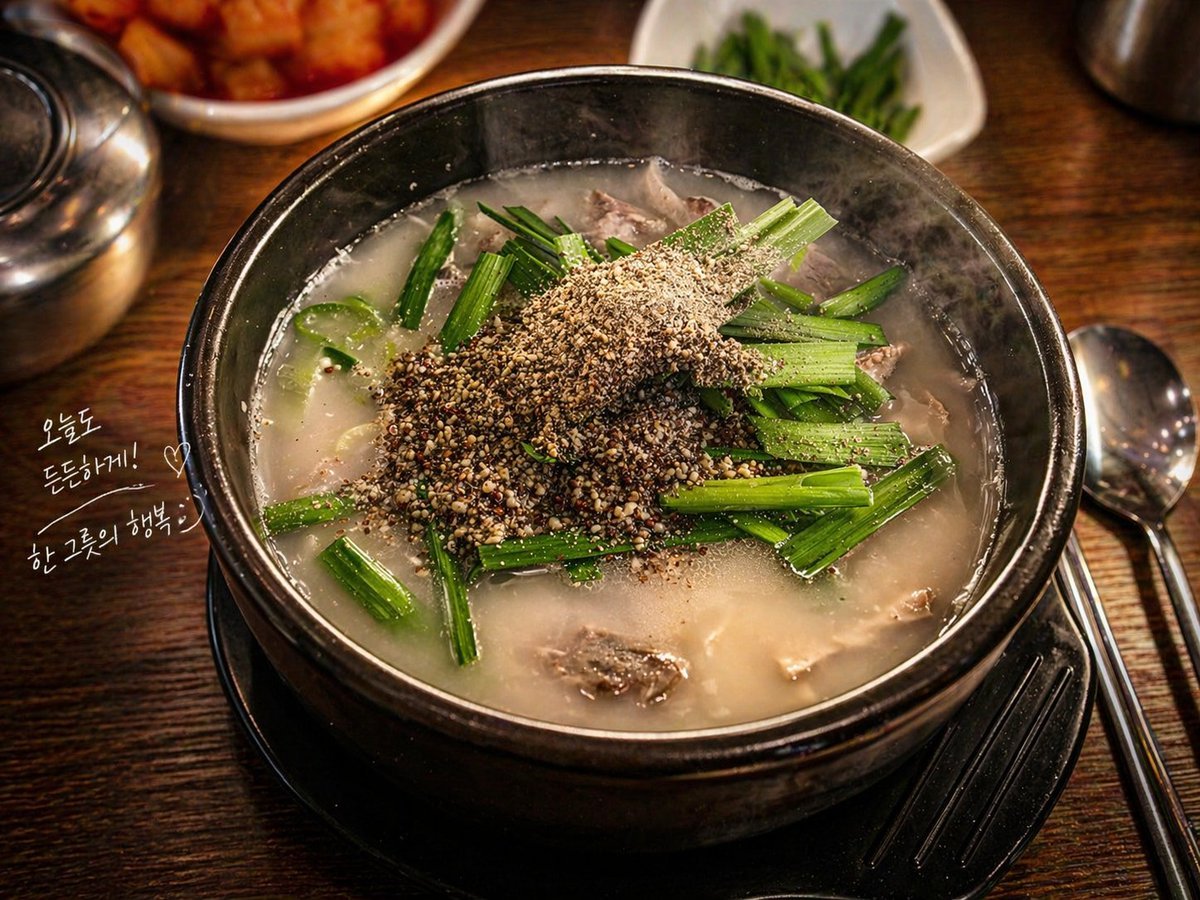
Professional Food Photography Enhancement

prompt 👇 Exact Prompt: Create a premium cinemat
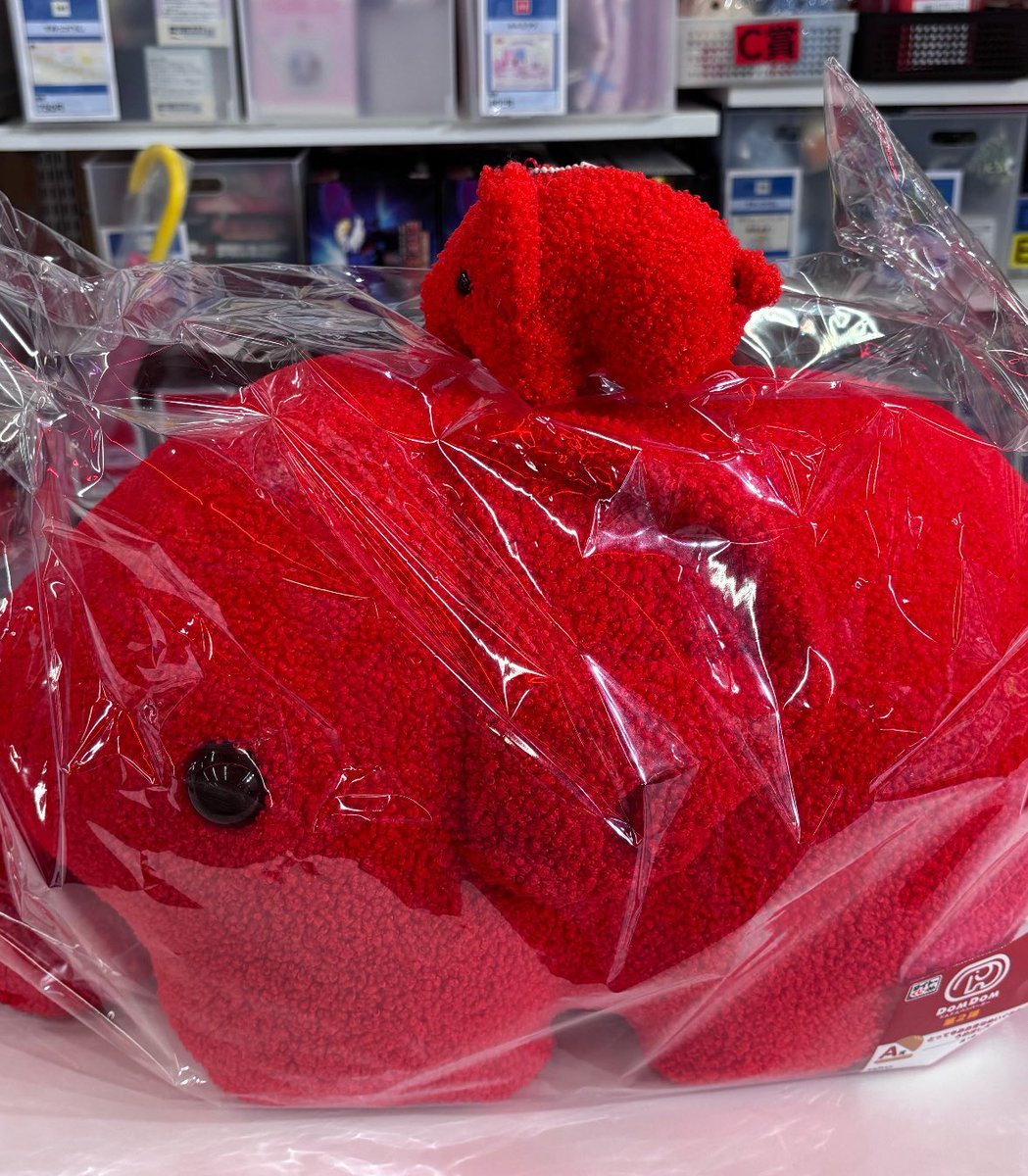
Image Generation of Umeboshi
Browse template categories
Celestial Jade Palace Lake questions
How do I use the Celestial Jade Palace Lake template?
Add your photo if the template asks for one, edit the prompt if you like — the template's model and format are already selected — and press Generate. Your version opens in PicX Studio.
Can I customize the Celestial Jade Palace Lake template?
Yes. You can change the subject, setting, lighting, mood, format, and available model controls before creating your image.
Is the Celestial Jade Palace Lake template free?
Opening and editing this template is free. Generating uses credits, shown on the Generate button when you are signed in.
Which AI model should I use?
Start with GPT Image 2, which is the model associated with this template. You can compare another compatible model for a different finish.
Looking for something else? Browse all templates.

Your photo, any look
Thousands of ready templates for every top image and video model, from one credit balance.