
Ethereal White Jade Sky Corridor
A comprehensive cinematic prompt for GPT Image 2 creating a suspended jade corridor above a sea of clouds with complex reflections and lighting.
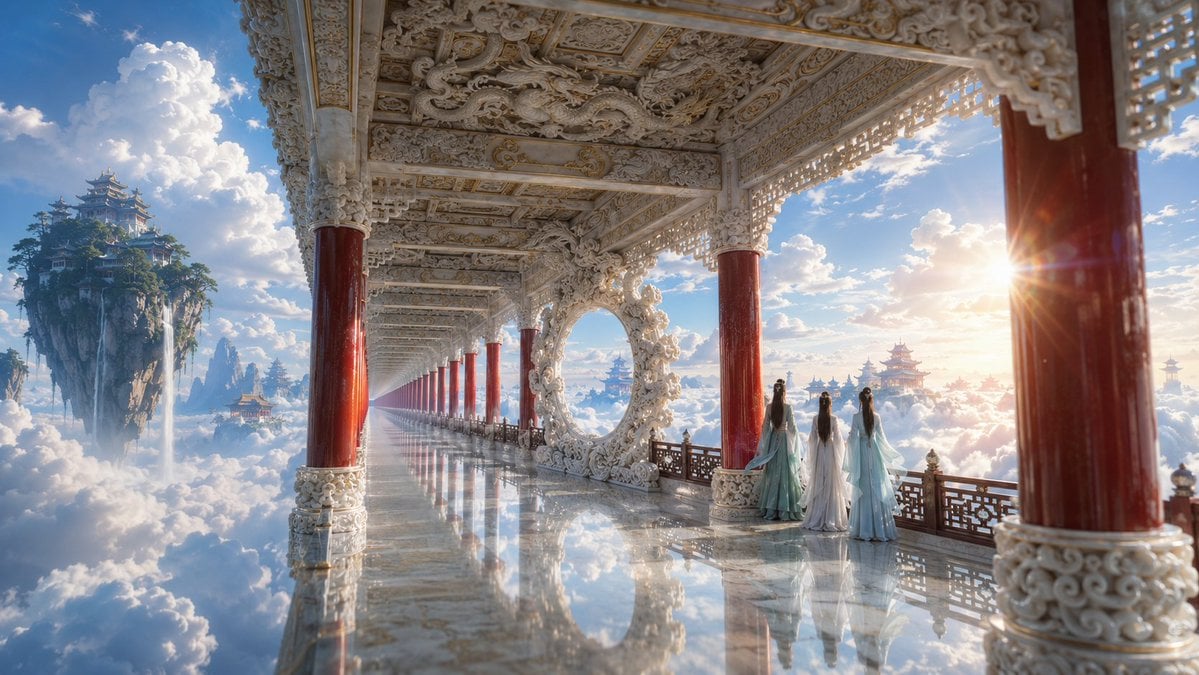
- Prompt included
- Model and format preset
- Free template
The prompt behind this image
Copy the exact prompt behind Ethereal White Jade Sky Corridor, or open it in the studio and make it yours.
{argument name="场景类型" default="一张电影感的东方仙侠场景图"},cinematic wide shot,严格的 one-point perspective 单点透视。 主体是一条{argument name="核心建筑" default="悬浮在云海之上的白玉长廊"},从画面右下角向左上方深处急剧收缩,消失点落在画面 左侧三分之一处。长廊上方是白玉梁枋与藻井,雕满缠枝卷云与螭龙纹,边缘描极细的金线; 一整排立柱沿廊排开,柱身为深朱红色漆木,柱头与柱础是白玉透雕,越向深处柱距越密、 尺寸越小。长廊中段矗立一座巨大的白玉圆环月洞装饰,环身盘绕浮雕云龙,环内透出远处的 蓝天与云。 长廊地面是抛光如镜的白玉,完整倒映上方的天空与积云——画面下半部几乎全是倒影中的云, 虚实交错。廊外侧是深色木质镂空花格栏杆。 {argument name="人物描述" default="三位年轻女子立于栏杆边向外眺望"},全部背影,身量极小,仅占画面高度的十分之一:一位穿 青绿色广袖襦裙,两位穿月白与淡青色褙子,长发垂落,衣袖被风轻轻带起。 画面左侧是一座悬浮的山岛,覆满深绿松柏与垂落的藤萝,岛下垂着一道细长的白色瀑布散入 云中;更远的云海里隐约浮着数座层叠的中式楼阁,尺度极小,被雾气柔化。 天空是明亮通透的蔚蓝,缀满大朵蓬松的白色积云,云层有清晰的体积与层次。暖金色阳光从 画面右侧低角度斜射入廊,在朱红柱身与白玉雕花上镀出明亮高光,柱间形成 backlit 光晕与 柔和的 lens flare 星芒;廊内阴影是干净的冷蓝灰。 色彩为暖金、朱红、白玉与蔚蓝白云的高对比组合,明亮通透,饱和饱满但不艳俗。质感: cinematic film still,shallow depth of field 使前景柱子轻微虚化,强烈的 aerial perspective 让远景层层变淡;建筑雕饰细节极其繁复精密。整体空灵、辽阔、梦幻。
How to use Ethereal White Jade Sky Corridor in 3 steps
- 1
Open
The prompt is already in the box next to the preview, with the template's model and format selected.
- 2…a portrait of your subject in softgolden-hour light, 85mm…
Personalize
Edit the subject and creative details for your destination.
- 3Generate
Generate
Press Generate — your image is created in PicX Studio, so you can compare it with the original and refine one variable at a time.
More like this
Templates with the same subject, style or setup. Open one to see its prompt.
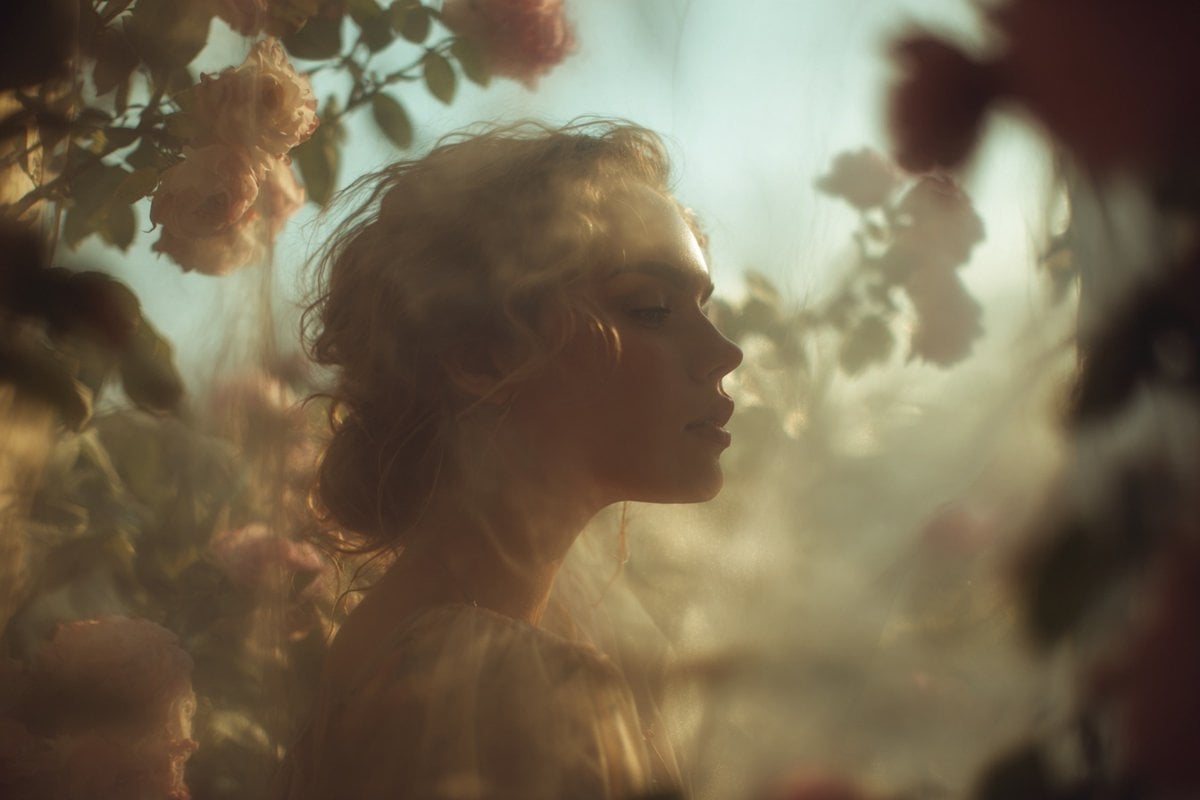
Ethereal Dream Editorial Through Fabric Portrait

Woman in Mall with Chanel Bag - Heart Gesture
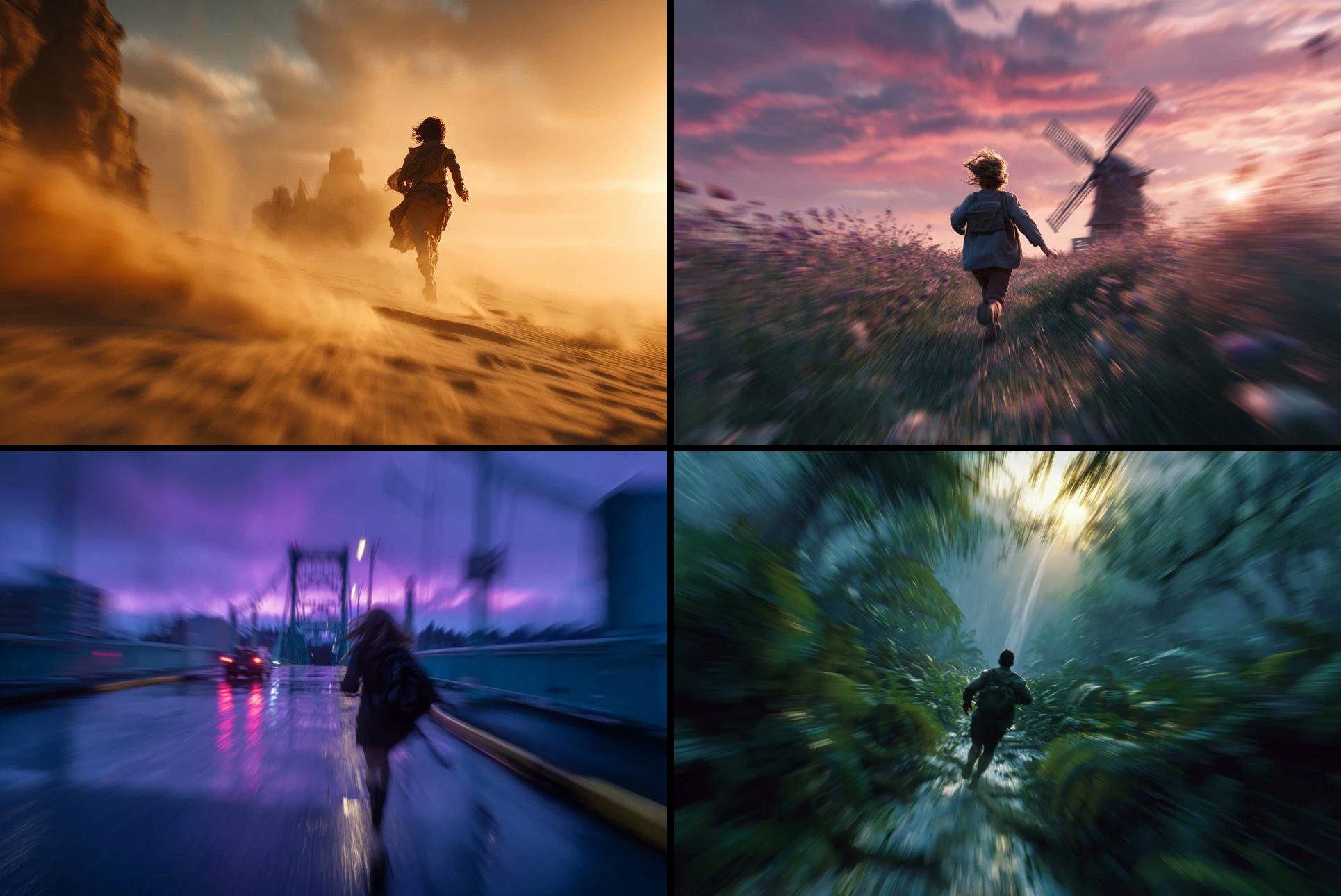
Freedom in Motion — Cinematic Sprint

Outdoor Cafe Portrait — White Ruched Top Nano Banana

SD Spawn Sci-Fi Corridor Action Scene
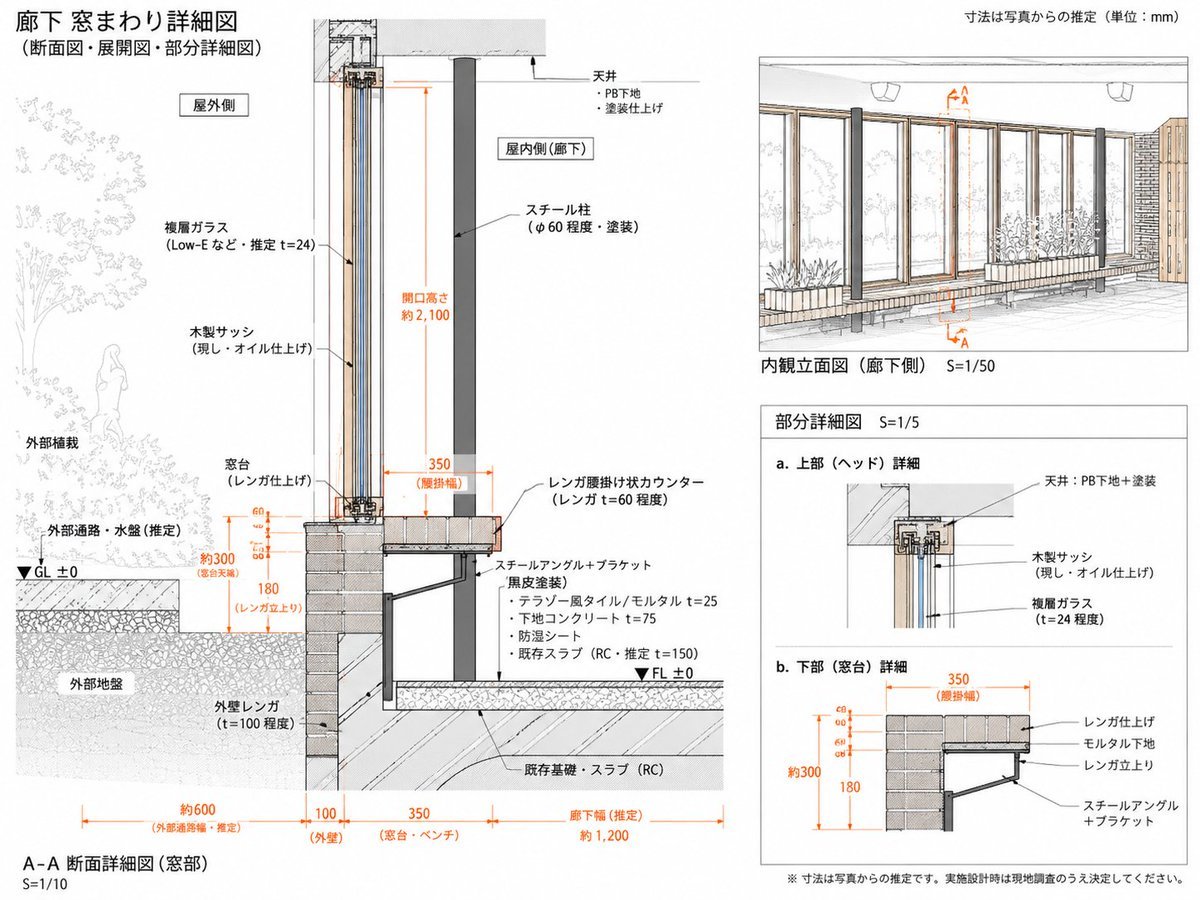
Japanese Corridor Window Detail Sheet

White Wing Nurse Break Room Portrait
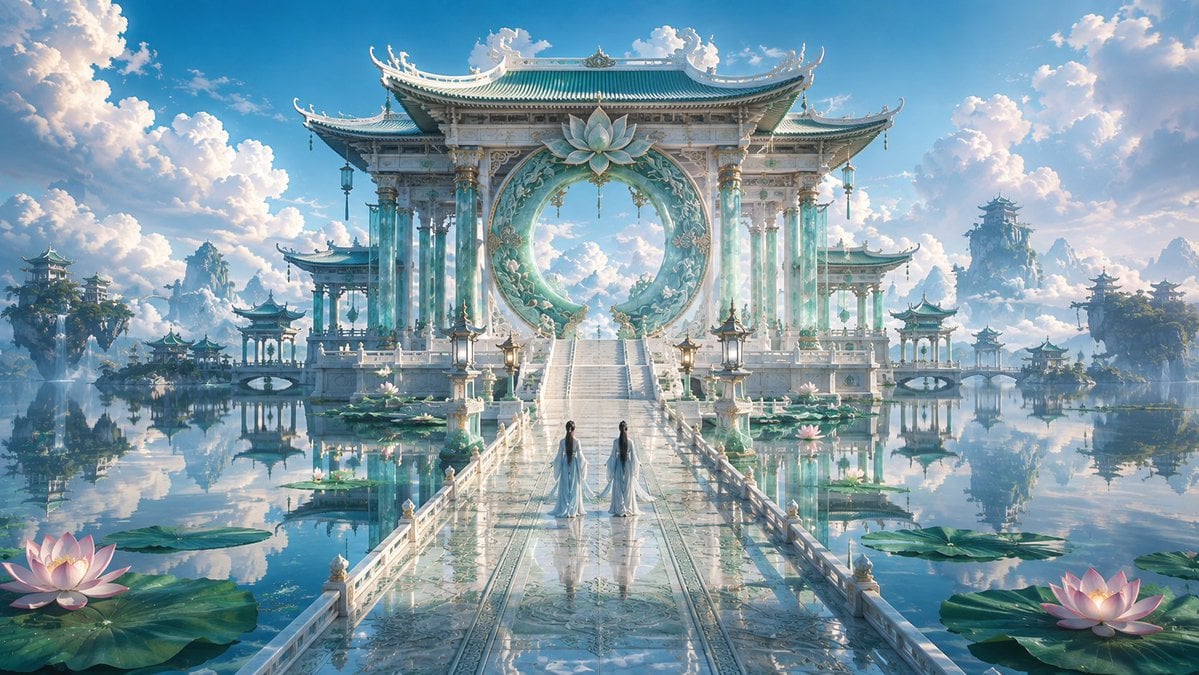
Celestial Jade Palace Lake
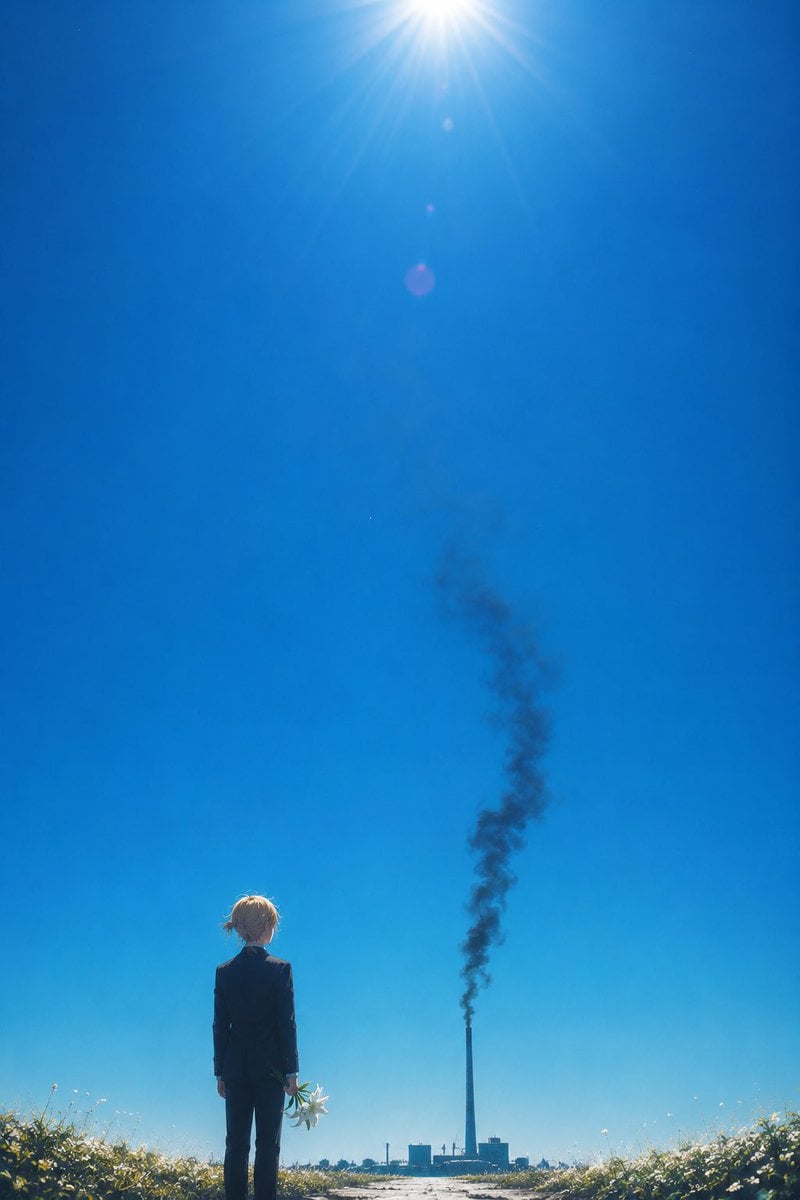
Melancholic Summer Sky Art
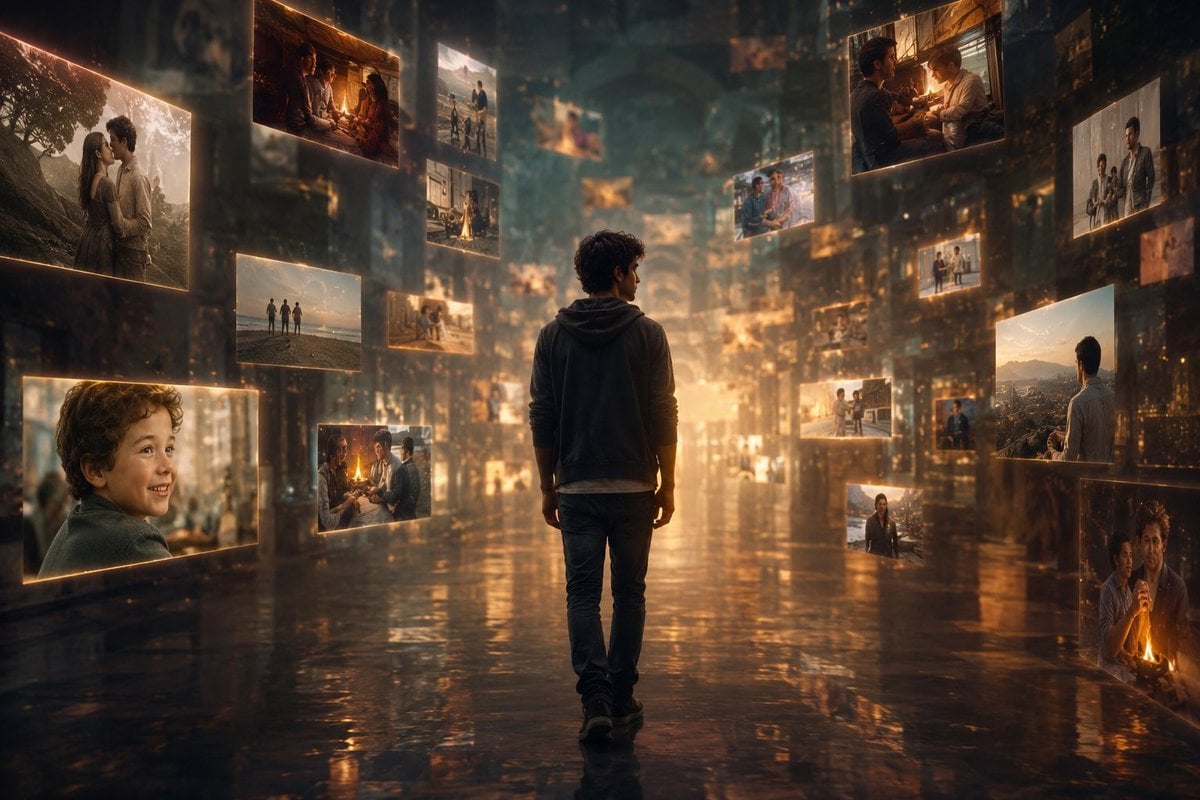
Corridor of Floating Memories
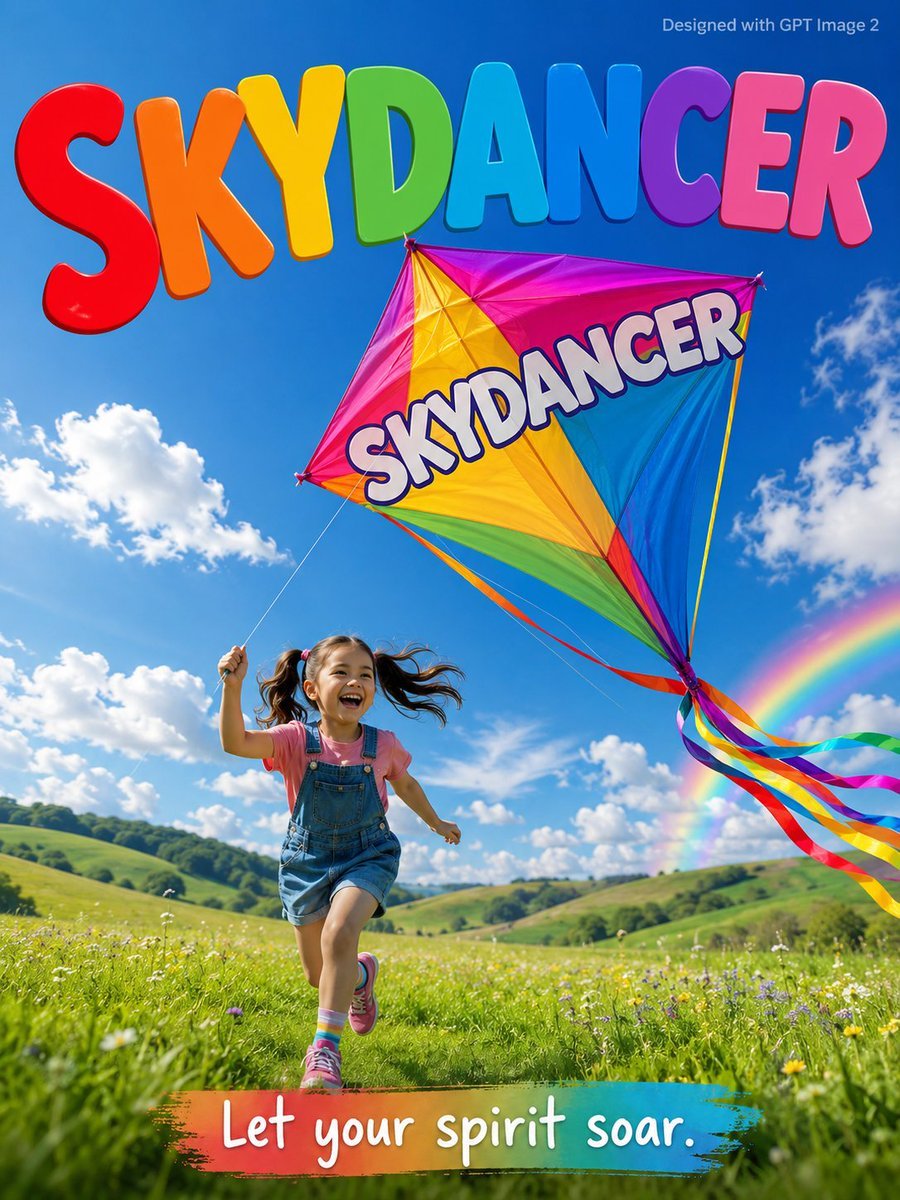
Skydancer Kite Advertisement Poster
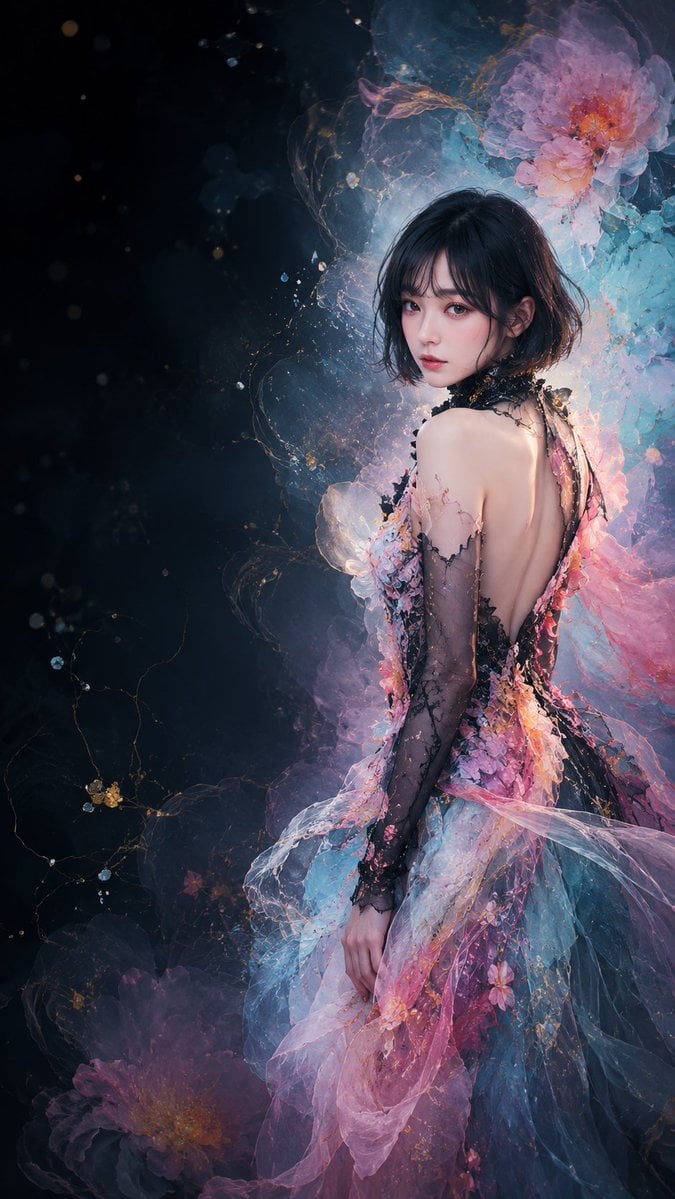
Ethereal Floral Couture Portrait
Make it yours
Ethereal White Jade Sky Corridor works as-is. These are the safest ways to change it without losing the look.
Change one field
Copy a single group, rewrite it, and generate again so you can see what that field is doing.
Keep the frame, change the subject
Hold the composition and light of Ethereal White Jade Sky Corridor, then swap wardrobe, props or the person for a new take.
| If the result… | Why | Fix |
|---|---|---|
| The result drifts from the preview | Too many fields changed at once. | Reuse Ethereal White Jade Sky Corridor as-is first, then change one group — subject, light, or setting. |
| The model over-stylizes the scene | The prose prompt leaves finish and camera underspecified. | Add one camera or lighting sentence and stay on GPT Image 2. |
More GPT Image 2 templates
Other prompts made for GPT Image 2.

Six VTuber Japanese Logo Sheet

Realistic Portrait of Woman and Deer

The Vista Modular Condo Poster

AI Model Routing Comparison Infographic

2.5D Anime Art Board

Isometric Productivity Desk Scene

New York Double Exposure Poster

Four-Panel AI Landscape Comparison

Japanese Tatami Lifestyle Magazine Cover

NESCAFÉ Coffee Map Poster
More image prompts
Fresh picks from across the catalog.
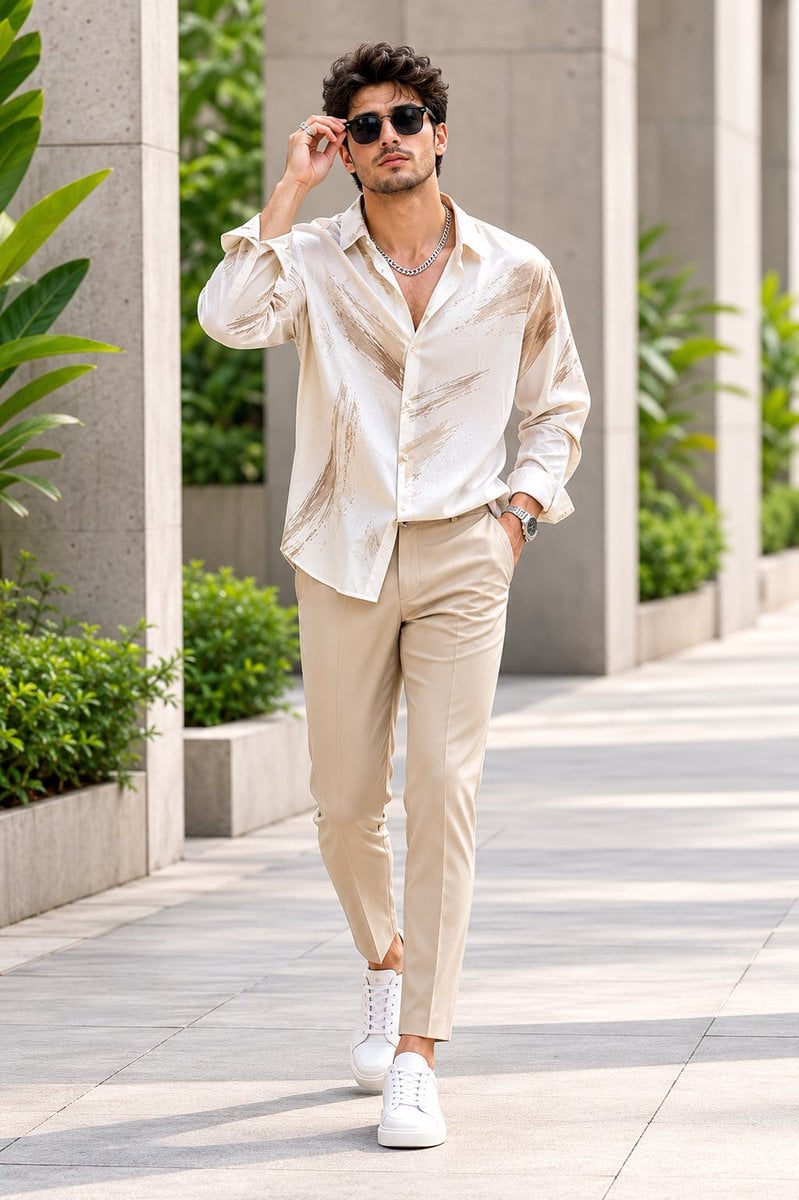
Handsome Man Luxury Menswear Walk

Nano Banana Chronology Request (Non-Executable)
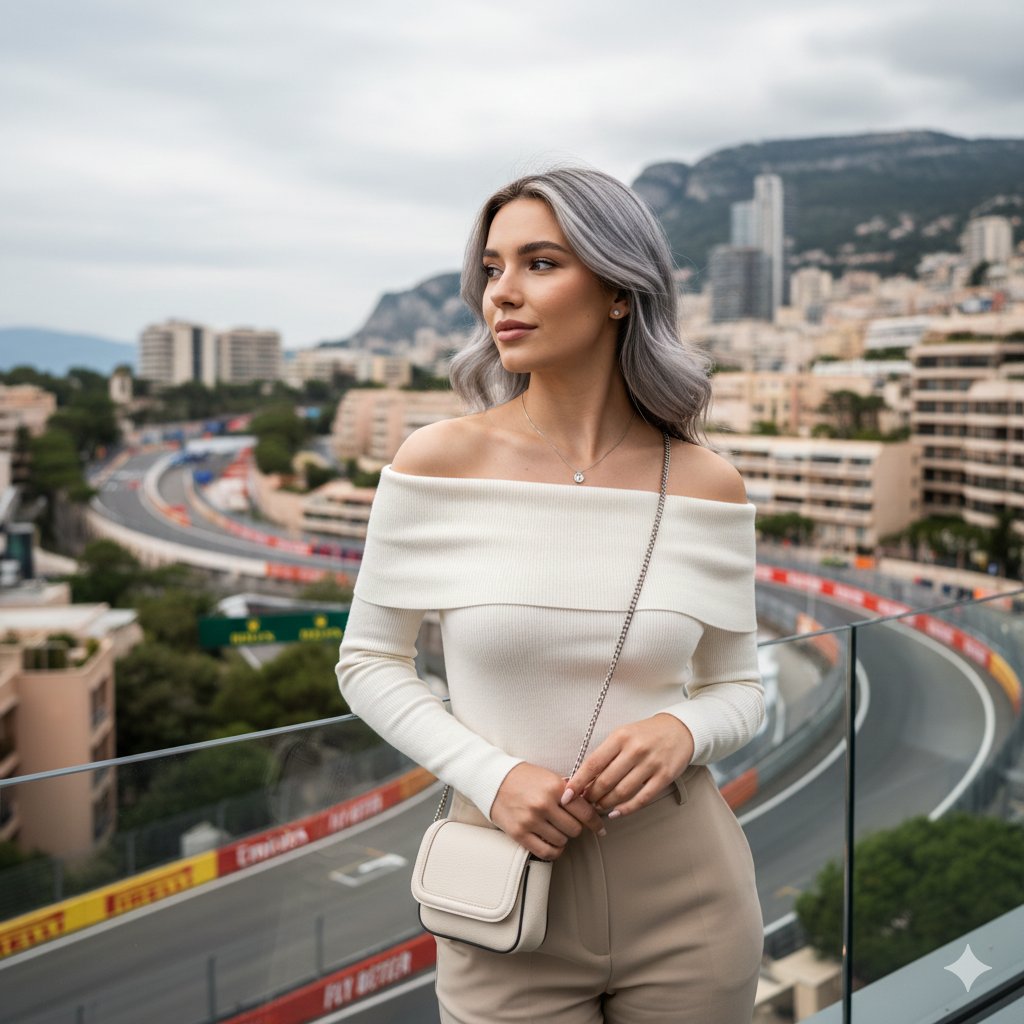
Elegant Portrait Generation Prompt
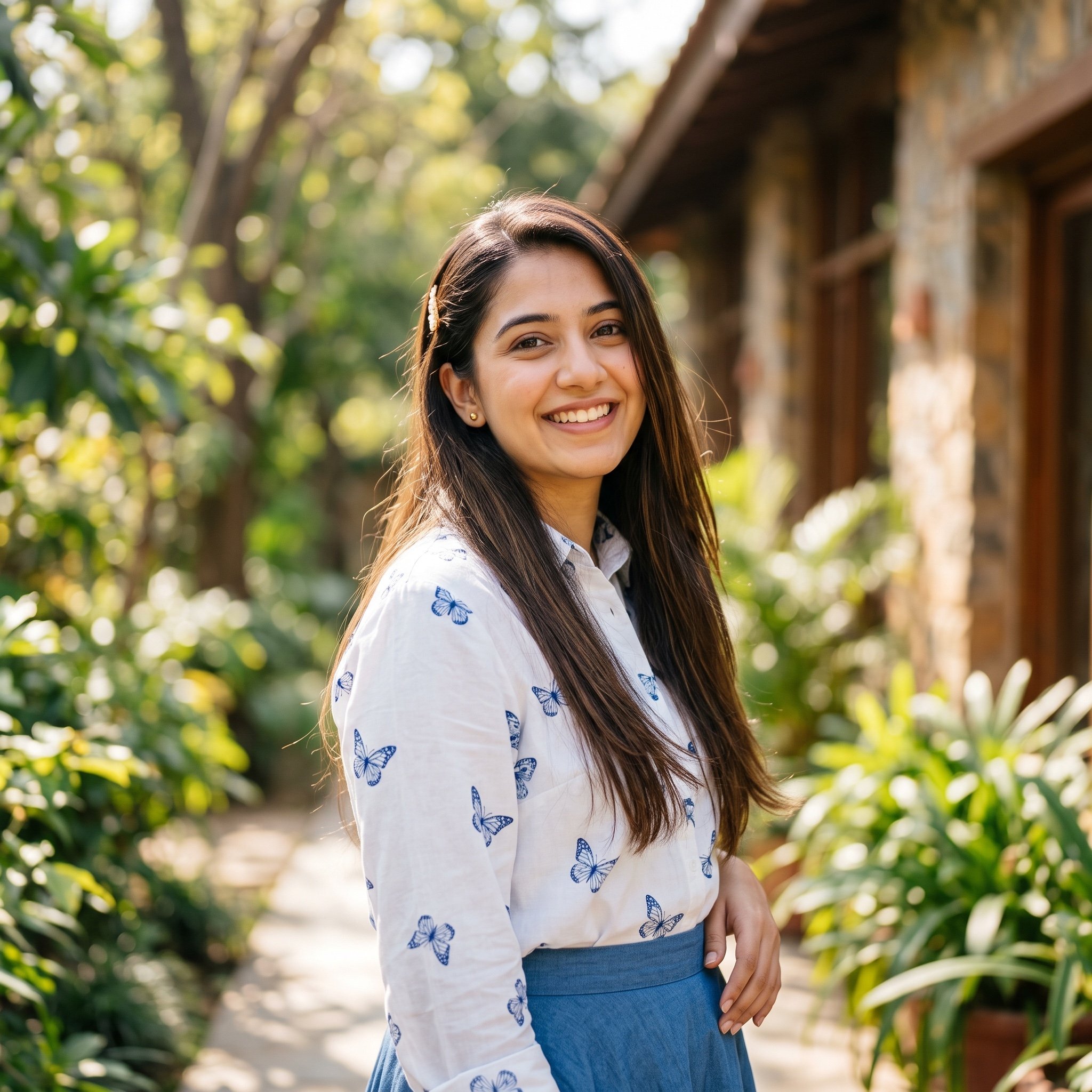
Ayesha Outdoor Portrait Prompt
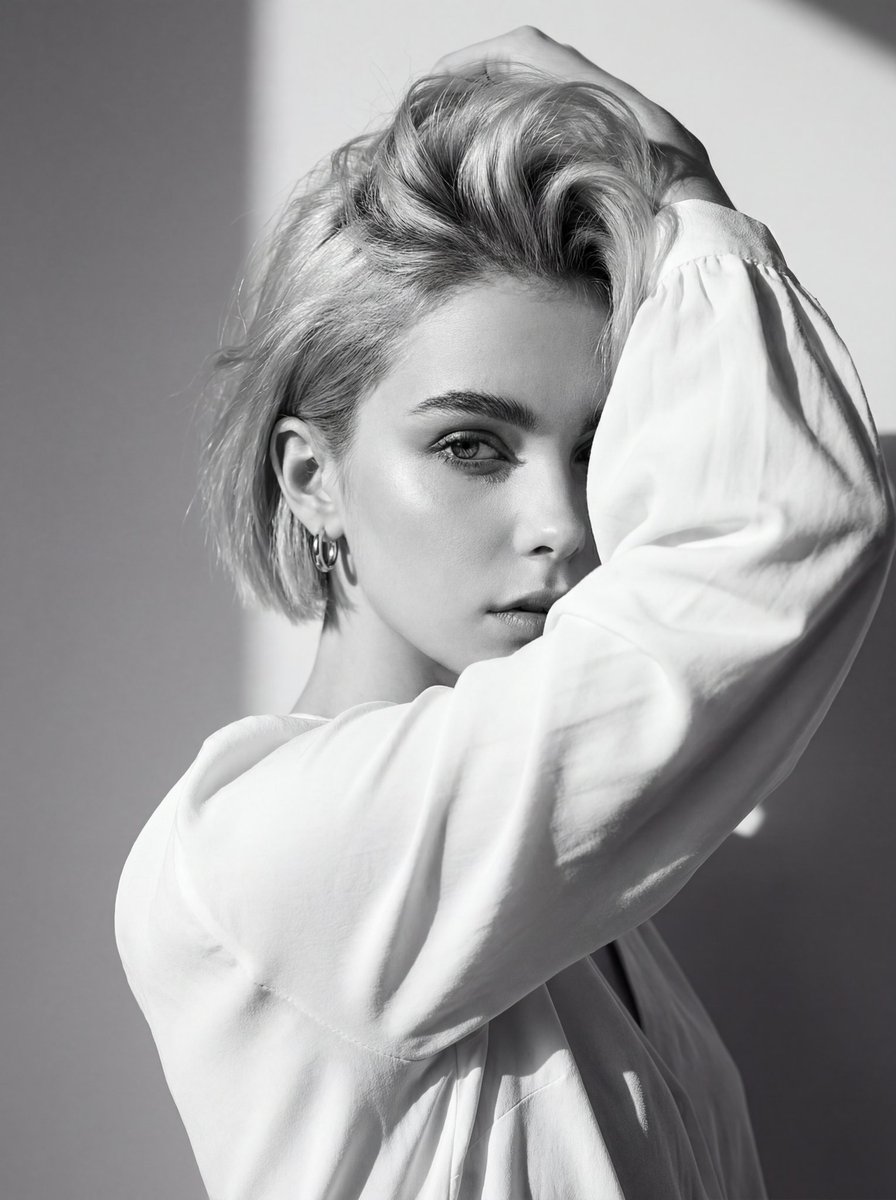
High-Contrast Black and White Editorial Portrait with Face Reference
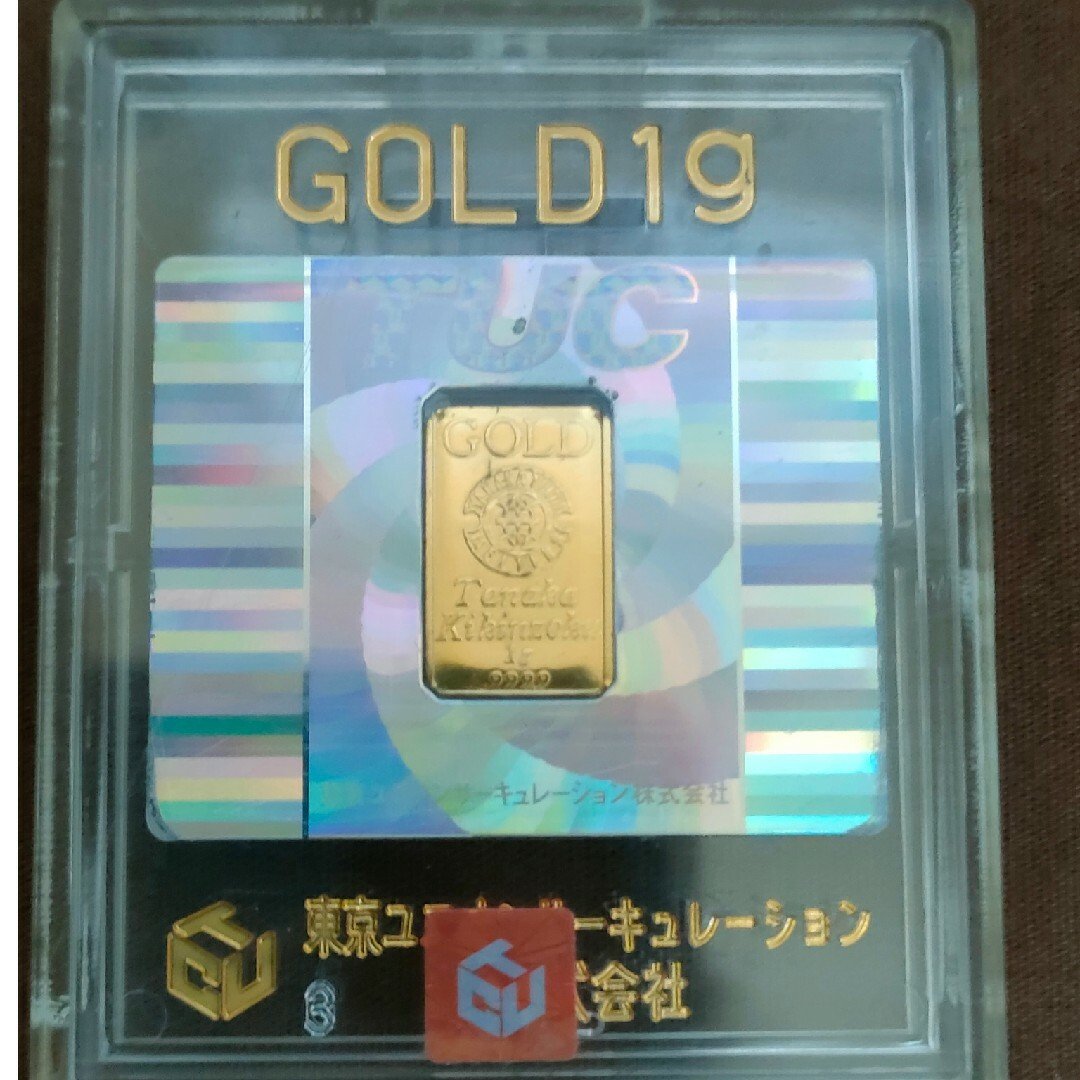
Image generation prompt for Nano Banana Pro
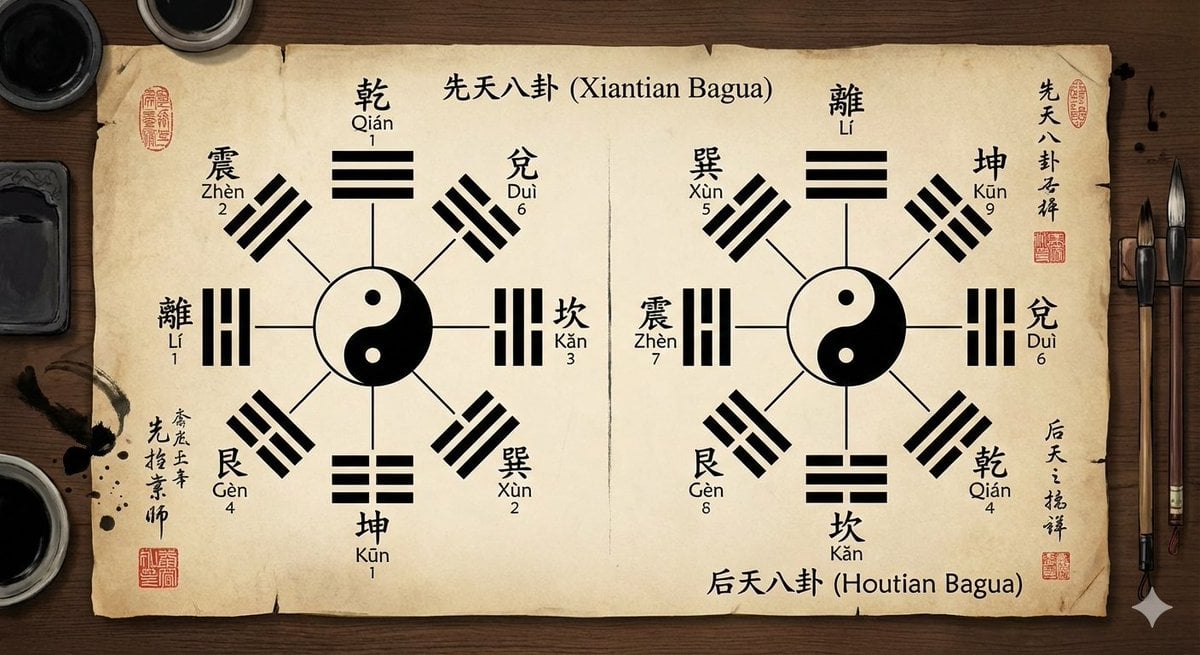
Eight trigrams diagram with reference image

Daily Nano-kun Comic Strip Generation

Modern Beverage Commercial Poster
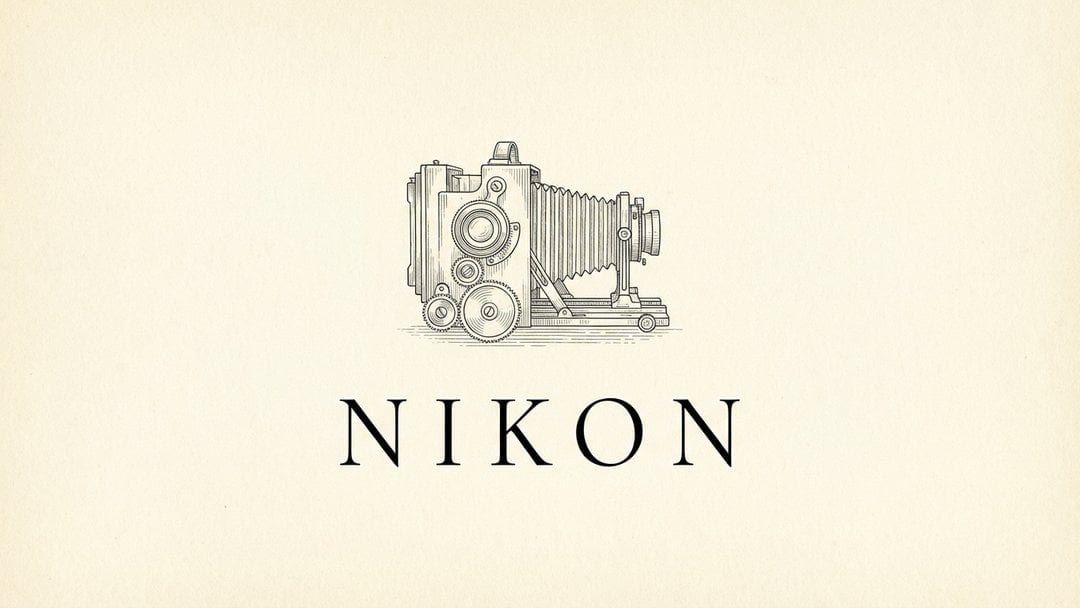
Brands in 19th Century Prompt
Browse template categories
Ethereal White Jade Sky Corridor questions
How do I use the Ethereal White Jade Sky Corridor template?
Add your photo if the template asks for one, edit the prompt if you like — the template's model and format are already selected — and press Generate. Your version opens in PicX Studio.
Can I customize the Ethereal White Jade Sky Corridor template?
Yes. You can change the subject, setting, lighting, mood, format, and available model controls before creating your image.
Is the Ethereal White Jade Sky Corridor template free?
Opening and editing this template is free. Generating uses credits, shown on the Generate button when you are signed in.
Which AI model should I use?
Start with GPT Image 2, which is the model associated with this template. You can compare another compatible model for a different finish.
Looking for something else? Browse all templates.

Your photo, any look
Thousands of ready templates for every top image and video model, from one credit balance.