
White Wing Nurse Break Room Portrait
A detailed anime nurse mascot portrait in a sunny hospital break room with branded Japanese signage and cozy care-themed props.
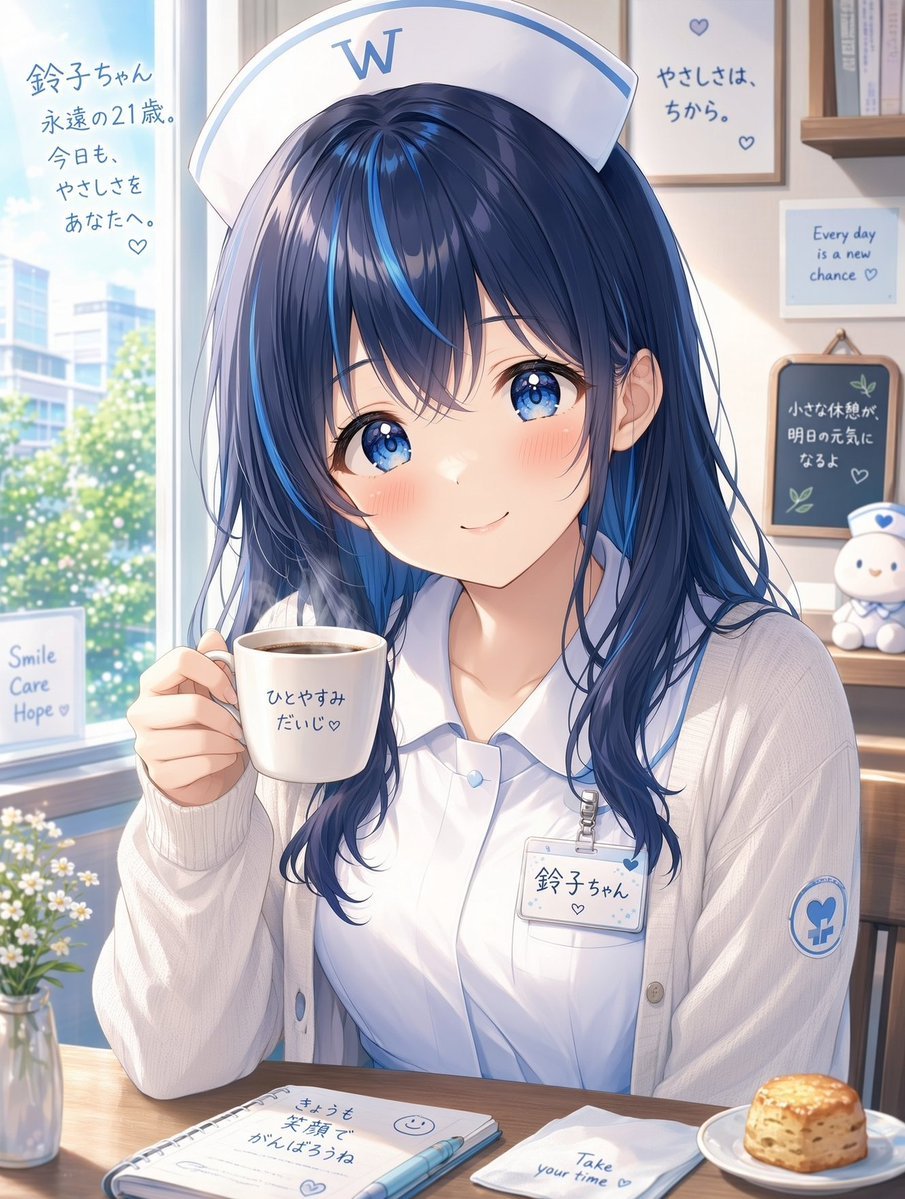
- Prompt included
- Model and format preset
- Free template
The prompt behind this image
Copy the exact prompt behind White Wing Nurse Break Room Portrait, or open it in the studio and make it yours.
Create a polished anime-style portrait illustration of {argument name="character name" default="鈴子ちゃん"}, an adult nurse mascot described as “forever 21,” sitting at a cozy hospital break-room table by a bright window. She has long navy-blue hair with vivid electric-blue streaks, soft layered bangs, large sparkling blue eyes, light blush, and a gentle reassuring smile. She wears a white nurse cap with a large blue “W” logo, a white collared nurse blouse, a loose cream cardigan, a blue hospital emblem patch on her sleeve, and a clipped name badge reading “鈴子ちゃん” with a small heart. She holds a white coffee mug near her face; the mug contains dark coffee and has the handwritten Japanese text “ひとやすみ だいじ♡”. The setting is the fictional White Wing hospital, rendered with a calm blue-and-white brand identity, warm morning sunlight, soft bokeh, and delicate commercial anime lighting. Include exactly 10 visible text-bearing elements: 1) left window text “鈴子ちゃん 永遠の21歳。今日も、やさしさをあなたへ。♡”, 2) nurse cap logo “W”, 3) back wall framed sign “やさしさは、ちから。♡”, 4) small framed sign “Every day is a new chance ♡”, 5) chalkboard sign “小さな休憩が 明日の元気に なるよ ♡”, 6) window card “Smile Care Hope ♡”, 7) mug text “ひとやすみ だいじ♡”, 8) name badge “鈴子ちゃん ♡”, 9) notebook text “きょうも 笑顔で がんばろうね” with a smiley face and heart, and 10) napkin text “Take your time ♡”. Add exactly 6 notable table and room props: a steaming coffee mug in her hand, an open spiral notebook with a blue pen, a folded white napkin, a plate with a golden scone, a small glass vase of white flowers, and a small white-and-blue nurse plush on the shelf. Through the window show a sunny hospital campus with greenery and a modern building. Use a vertical 3:4 composition, close-up waist-up framing, crisp but soft linework, luminous eyes, pastel blues, warm wood textures, and high-resolution detailed Japanese text rendering. No extra characters, no watermark, no distorted hands, no incorrect or additional text.
How to use White Wing Nurse Break Room Portrait in 3 steps
- 1Upload ImagePNG, JPG or paste
Add your photo
Upload the photo the template builds on. The prompt, model and format are already set.
- 2…a portrait of your subject in softgolden-hour light, 85mm…
Personalize
Edit the subject and creative details for your destination.
- 3Generate
Generate
Press Generate — your image is created in PicX Studio, so you can compare it with the original and refine one variable at a time.
More like this
Templates with the same subject, style or setup. Open one to see its prompt.
Nano Banana Pro Gives Wings to Your Imag

Found Photograph: Us, 1970

80s Couple Studio Portrait

80s Bollywood Star

80s Golden Hour Cinema

Me in 1985

1985 Studio Portrait

Hyper-Realistic Minecraft POV Portrait
Cinematic Nurse in Medical Storage Room
Golden Hour Rooftop Portrait with Angel Wings

Rooftop Fisheye — Cat-Ear Balaclava at Golden Hour

Black and White Cafe Portrait
Make it yours
White Wing Nurse Break Room Portrait works as-is. These are the safest ways to change it without losing the look.
Change one field
Copy a single group, rewrite it, and generate again so you can see what that field is doing.
Keep the frame, change the subject
Hold the composition and light of White Wing Nurse Break Room Portrait, then swap wardrobe, props or the person for a new take.
| If the result… | Why | Fix |
|---|---|---|
| The result drifts from the preview | Too many fields changed at once. | Reuse White Wing Nurse Break Room Portrait as-is first, then change one group — subject, light, or setting. |
| The model over-stylizes the scene | The prose prompt leaves finish and camera underspecified. | Add one camera or lighting sentence and stay on GPT Image 2. |
More GPT Image 2 templates
Other prompts made for GPT Image 2.

Six VTuber Japanese Logo Sheet

Realistic Portrait of Woman and Deer

The Vista Modular Condo Poster

AI Model Routing Comparison Infographic

2.5D Anime Art Board

Isometric Productivity Desk Scene

New York Double Exposure Poster

Four-Panel AI Landscape Comparison

Japanese Tatami Lifestyle Magazine Cover

NESCAFÉ Coffee Map Poster
More image prompts
Fresh picks from across the catalog.
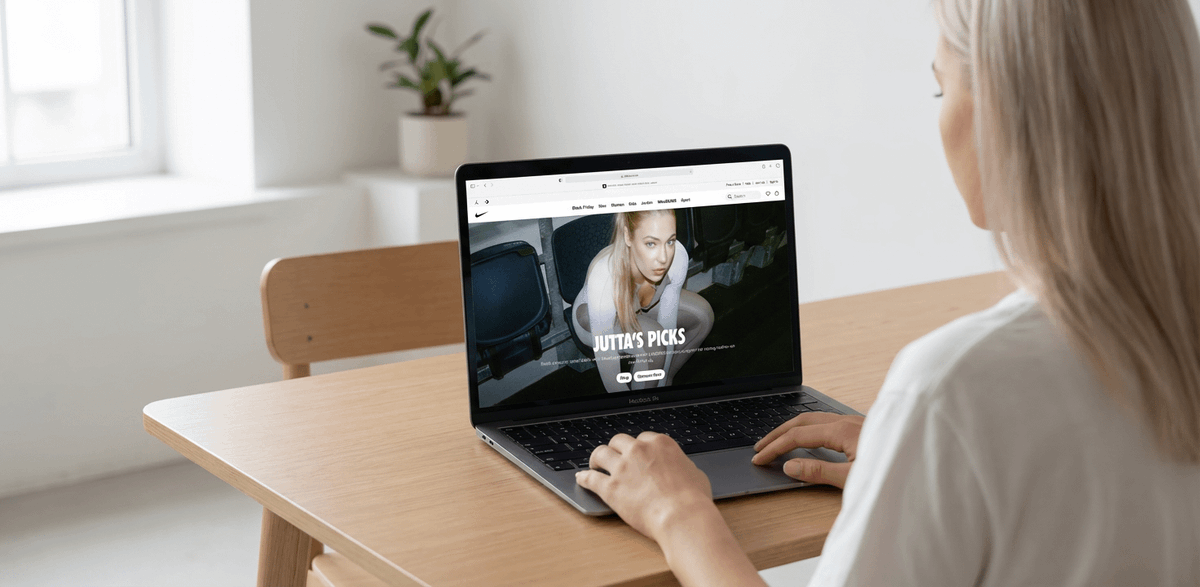
MacBook Mockup with User from Behind
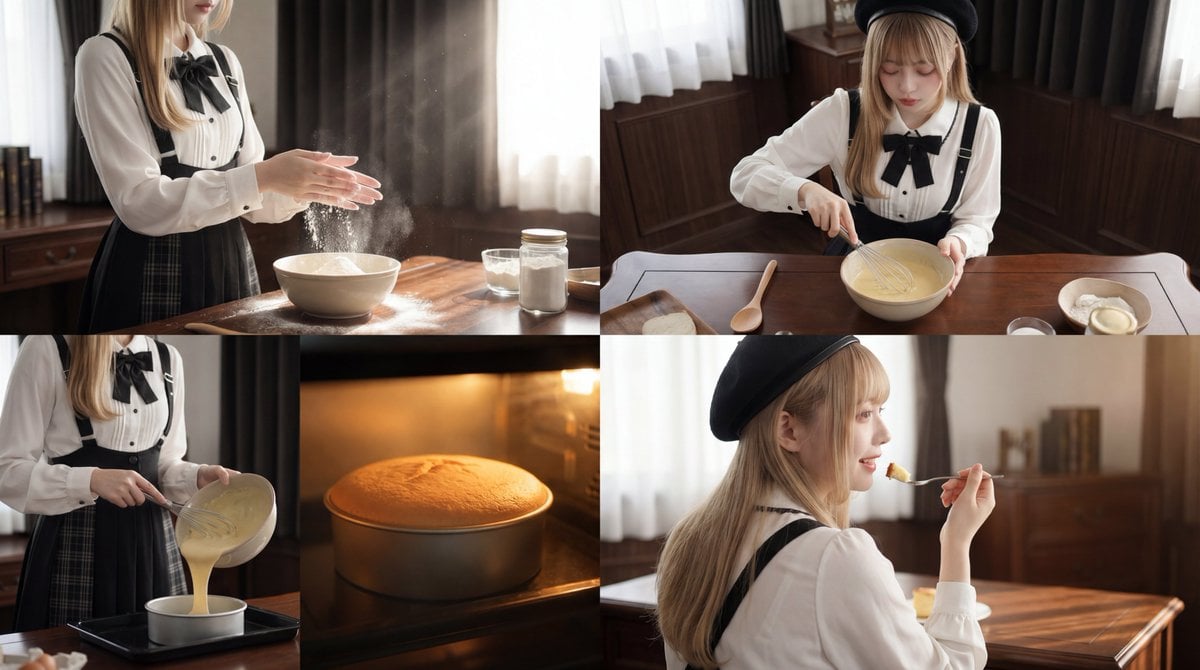
Cinematic Cake Making Process Video Prompt
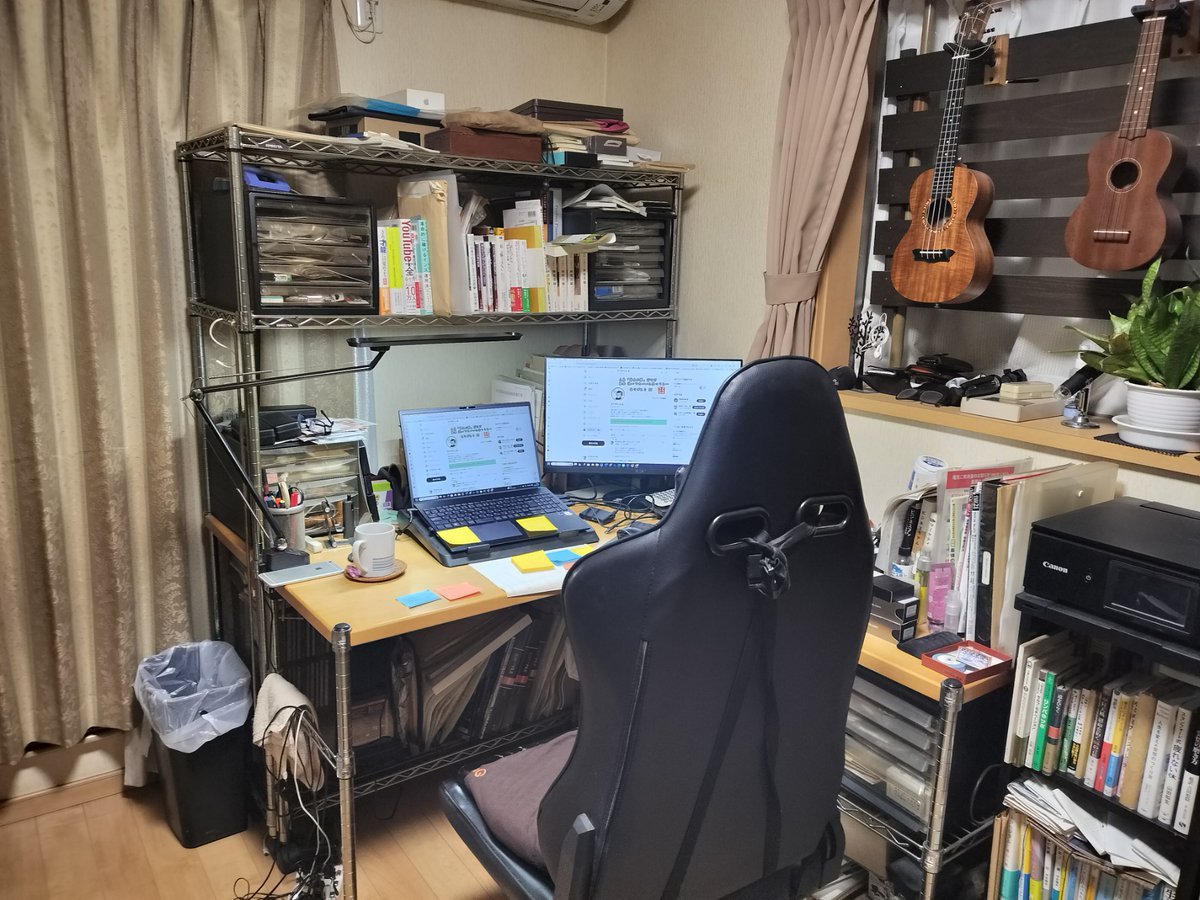
NanoBanana Pro Prompt for Cleaning and Organizing a Messy Room
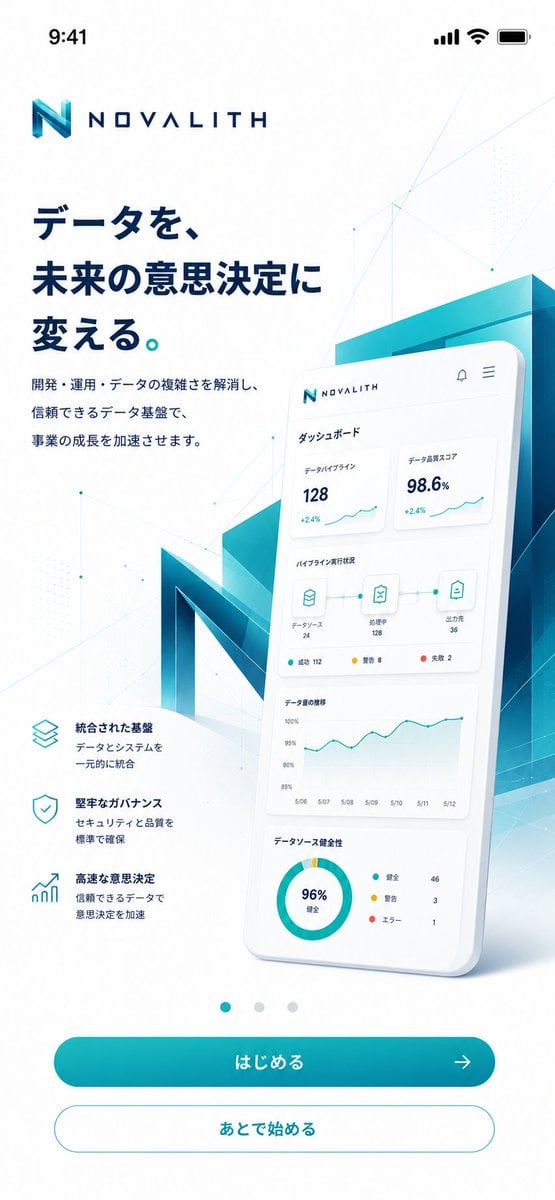
NOVALITH Mobile SaaS Onboarding Screen
Gothic Rainy Castle Cinematic Portrait
AI Video Workspace Screenshot
Inuyasha Plush Toy Generation Prompt
Luxury Travel Poster Split Layout

Fierce Elven Warrior Princess Cinematic Portrait
Poetic Bus Window Character Still
Browse template categories
White Wing Nurse Break Room Portrait questions
How do I use the White Wing Nurse Break Room Portrait template?
Add your photo if the template asks for one, edit the prompt if you like — the template's model and format are already selected — and press Generate. Your version opens in PicX Studio.
Can I customize the White Wing Nurse Break Room Portrait template?
Yes. You can change the subject, setting, lighting, mood, format, and available model controls before creating your image.
Is the White Wing Nurse Break Room Portrait template free?
Opening and editing this template is free. Generating uses credits, shown on the Generate button when you are signed in.
Which AI model should I use?
Start with GPT Image 2, which is the model associated with this template. You can compare another compatible model for a different finish.
Looking for something else? Browse all templates.

Your photo, any look
Thousands of ready templates for every top image and video model, from one credit balance.