How do I use the Luxury Travel Poster Split Layout template?
Choose the primary action to open PicX Studio with the available template settings. Review the model and format, personalize the creative direction, and generate when ready.
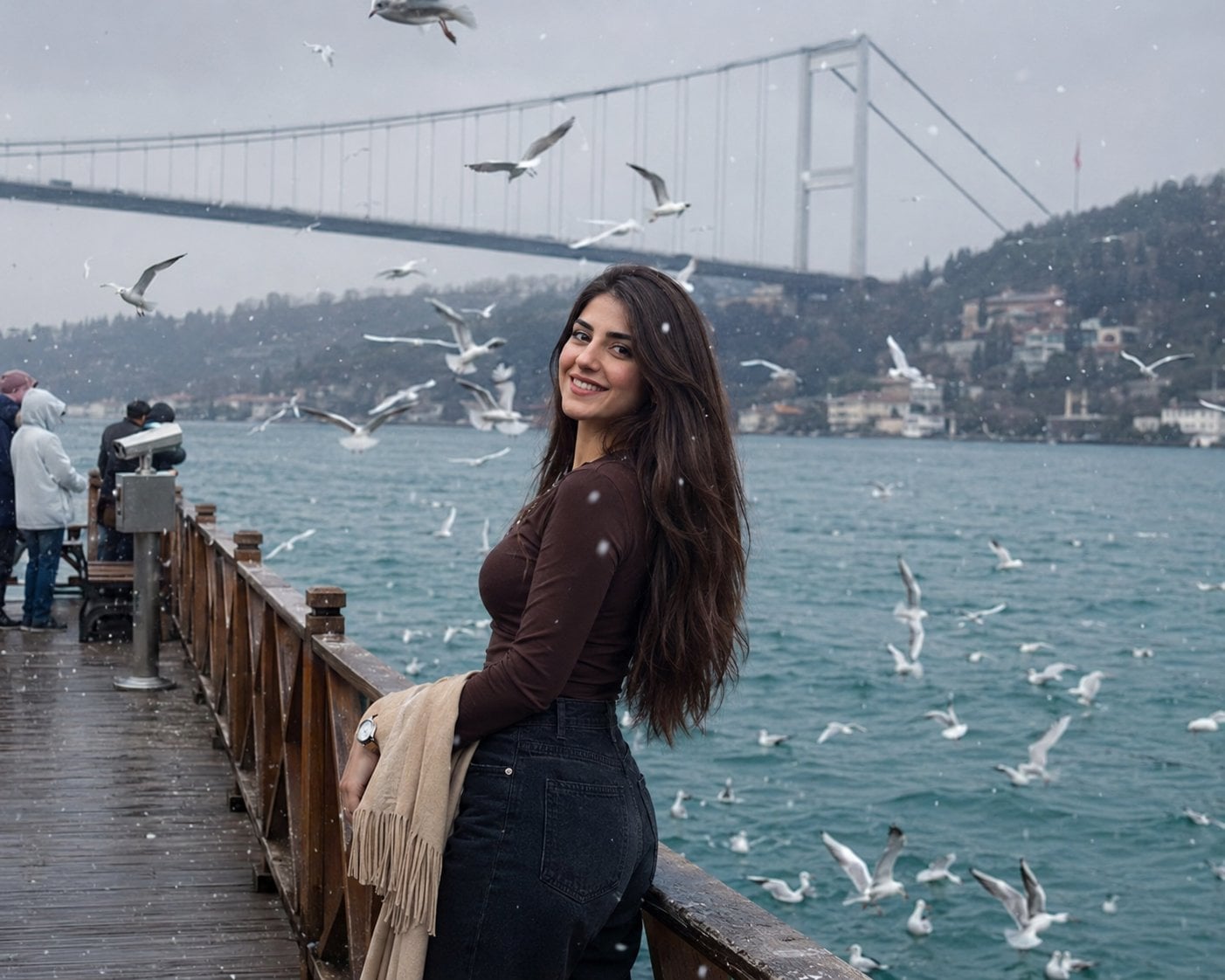
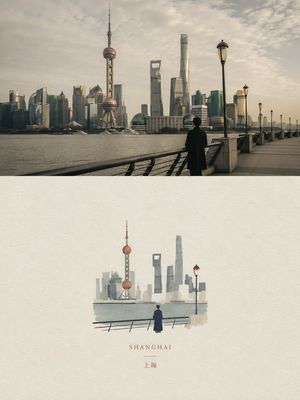
A layout-focused prompt that splits the frame between an unchanged original photo and a minimalist travel branding section with collectible pins and custom typo
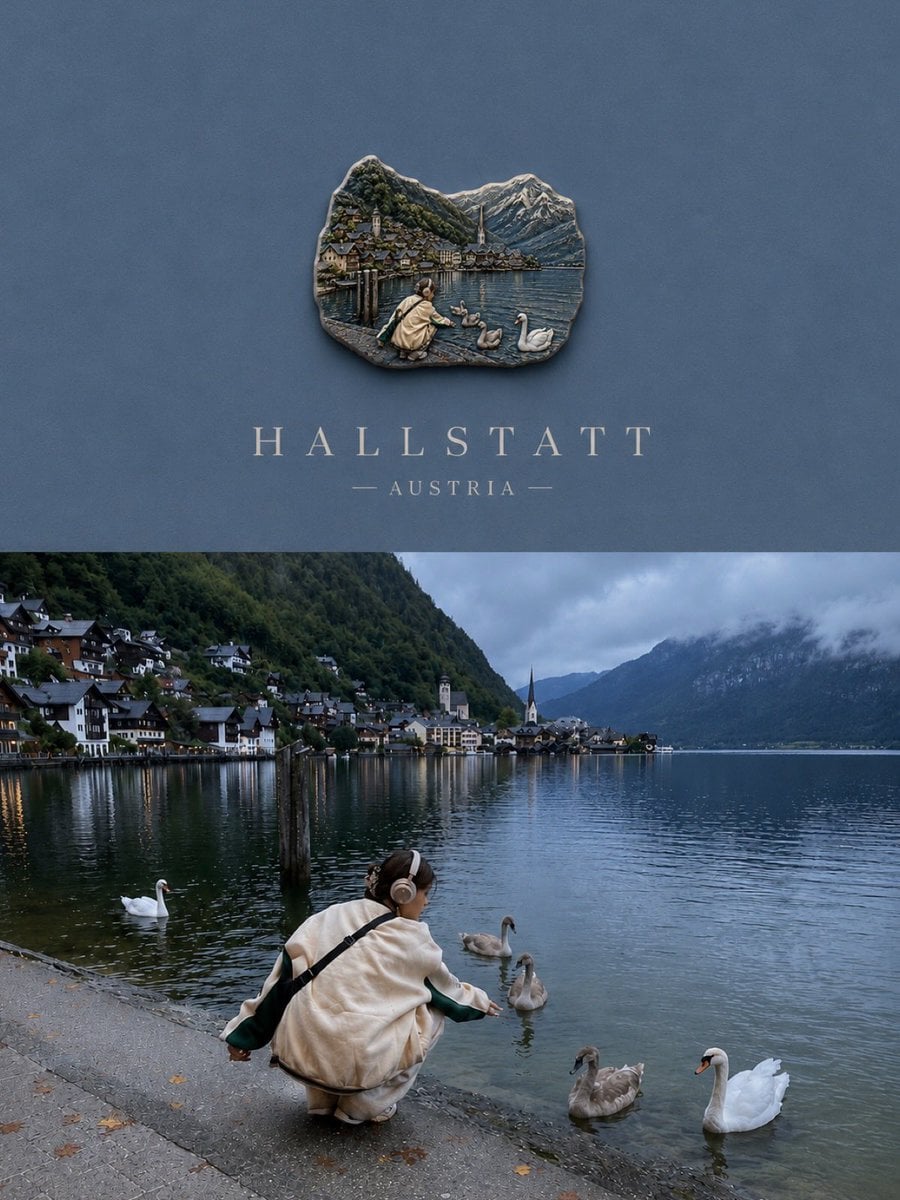
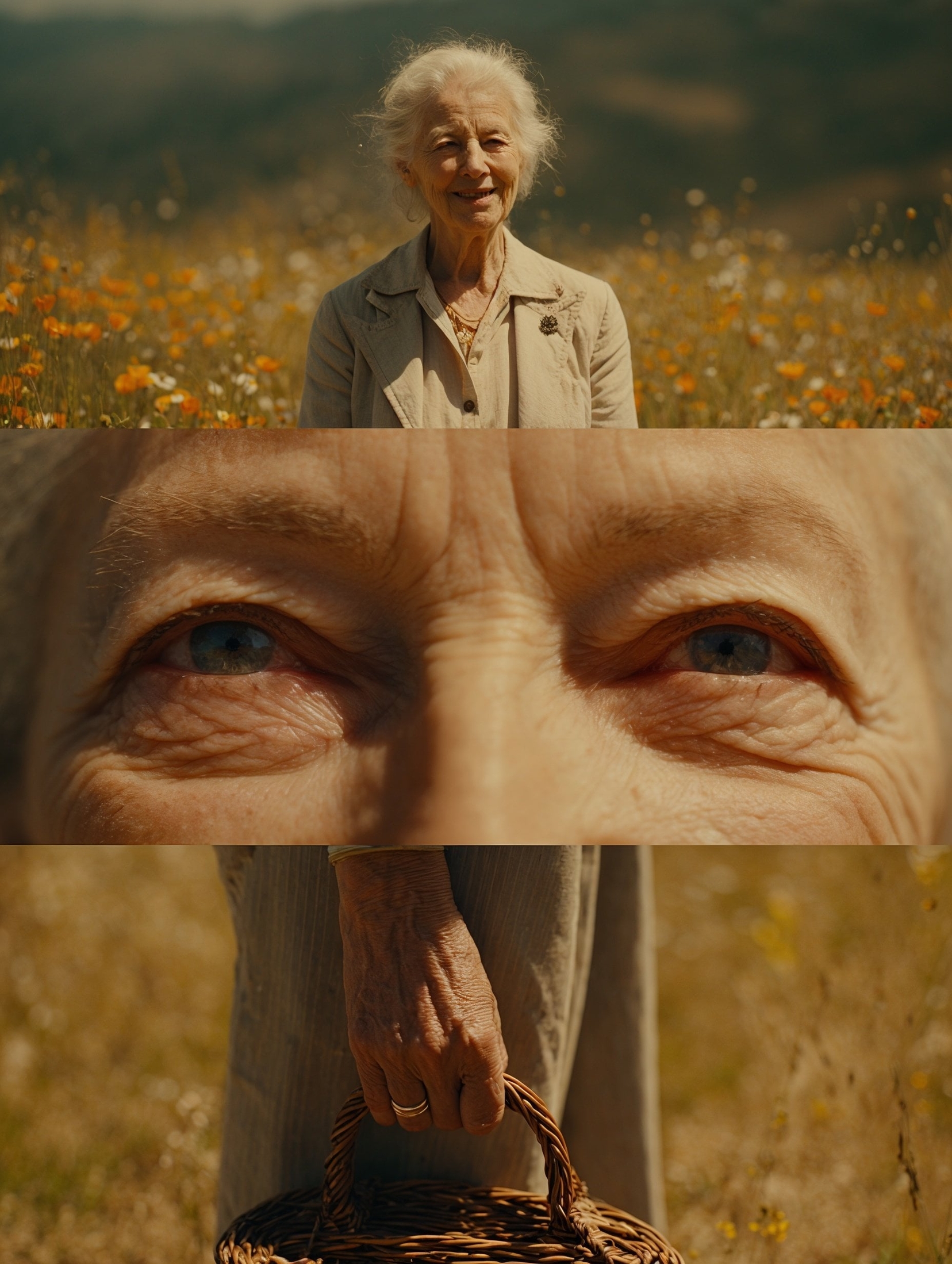
Create a luxury travel poster from my photo. Split layout: 35% top artwork, 65% bottom original photo. Keep the bottom image 100% unchanged. Top section: minimalist matte background sampled from the photo, small centered collectible souvenir magnet, realistic handcrafted enamel pin with thin gold contours, simplified scene based on the photo, luxury editorial typography. Add {argument name="location" default="location name"} and {argument name="country" default="country"} in elegant serif font. Premium travel branding, quiet luxury, Instagram carousel, vertical 3:4.
Choose the primary action to open PicX Studio with the available template settings. Review the model and format, personalize the creative direction, and generate when ready.
Yes. You can change the subject, setting, lighting, mood, format, and available model controls before creating your image.
This template is free to open and customize. Generation usage is shown in PicX Studio before you create.
Start with GPT Image 2, which is the model associated with this template. You can compare another compatible model for a different finish.
Follow a topic to a crawlable collection of related PicX Studio templates.